Create an Adpack Cover Sheet
Sparrow can automate consolidating show expenses into an ad pack cover sheet. Here's how to trigger it.
Tip: If you need a template created, chat with your account rep and they'll set it up for you.
Getsparrow
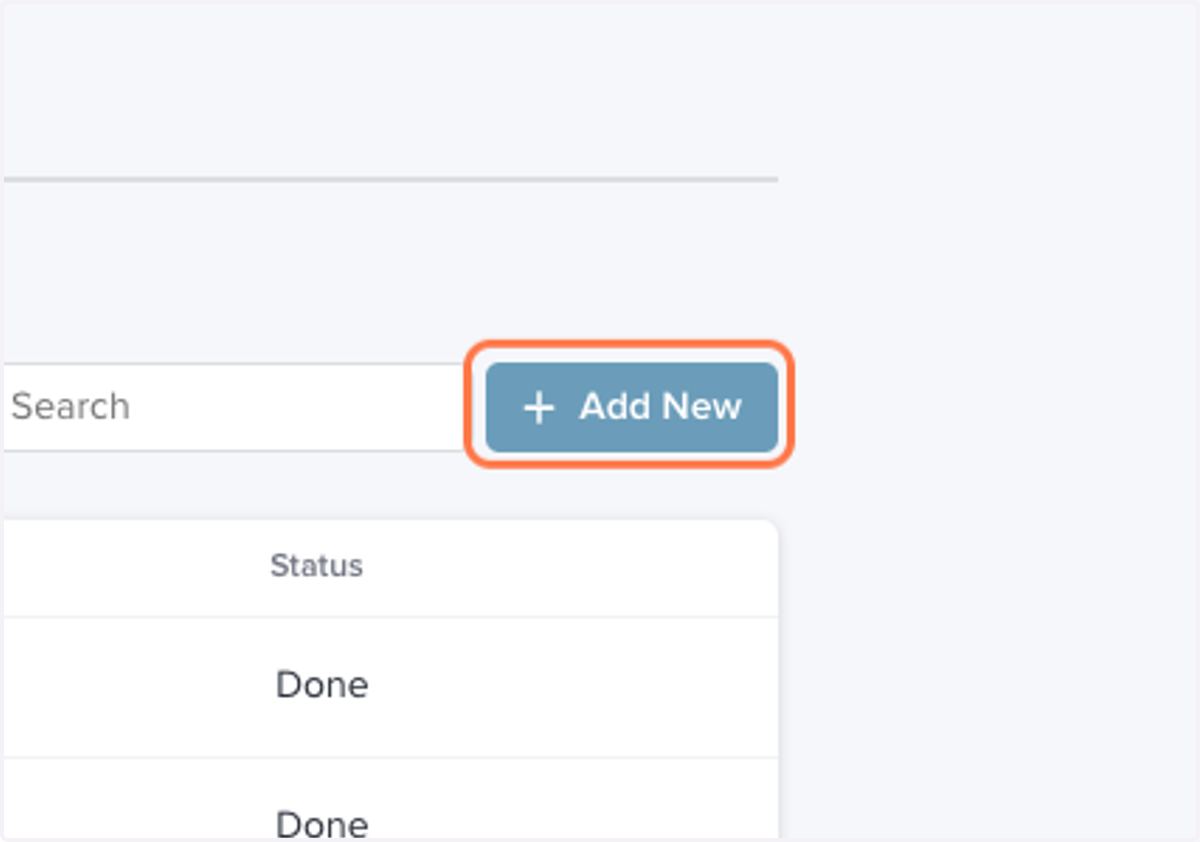
1. Within an Event, click on Automations > Add New
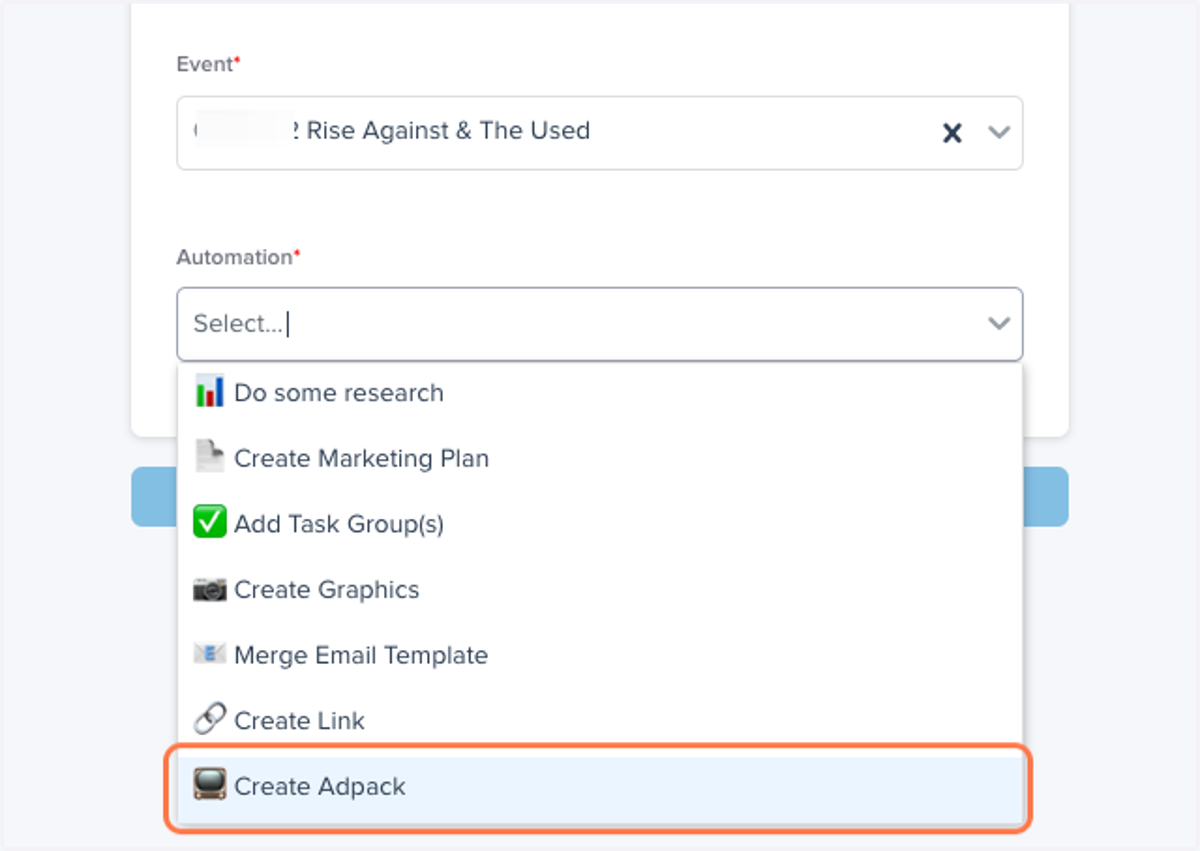
2. Under "Automation" select Click on 📺 Create Adpack
Getsparrow
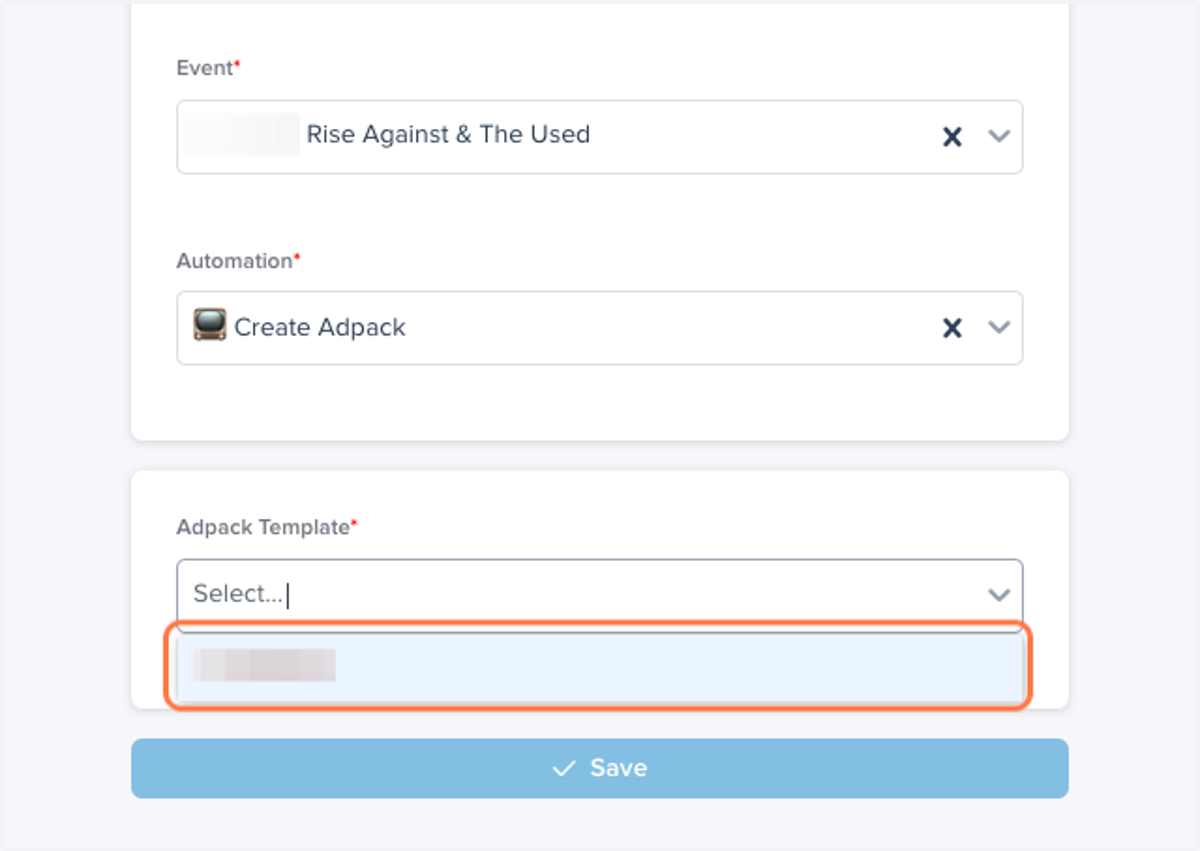
3. Select the Adpack template you'd like to use.
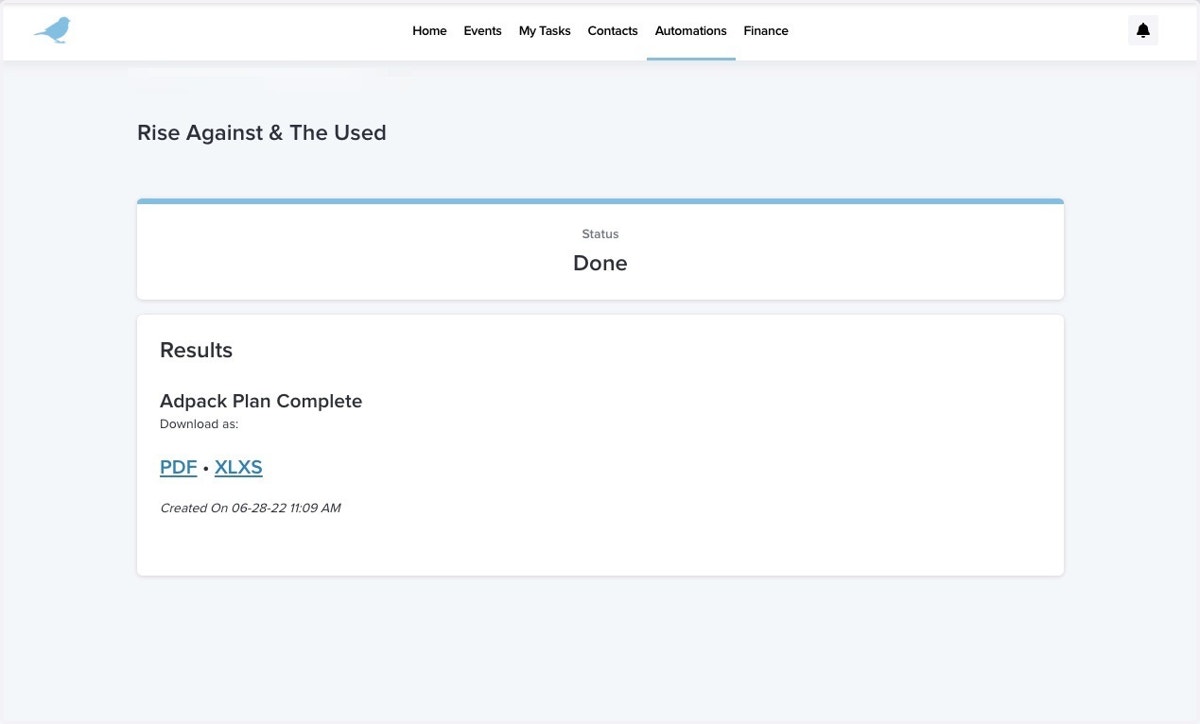
4. Once the automation is complete, click into it to see your results
Adpacks can be downloaded as a PDF or in Spreadsheet form.