How to Register for a Short Term Class
Hs-sites
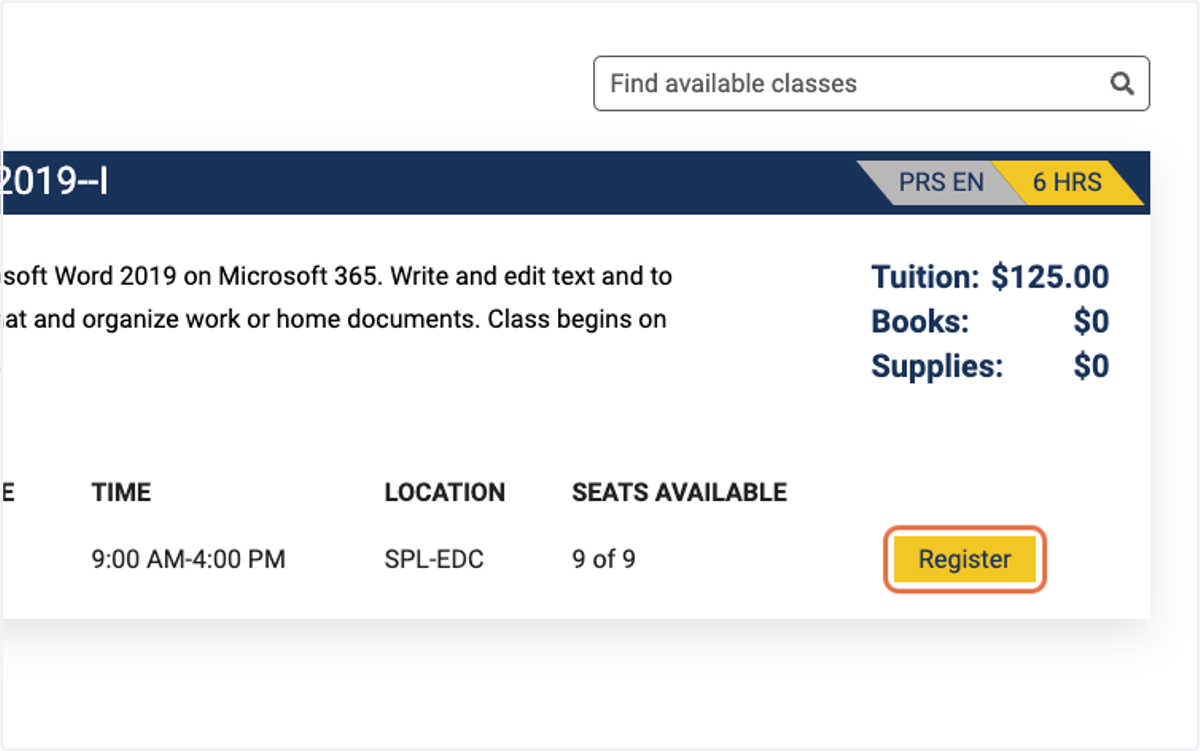
1. Search and choose the class you want to register for on the class listing page.
2. Click on Register on the section of class you want.
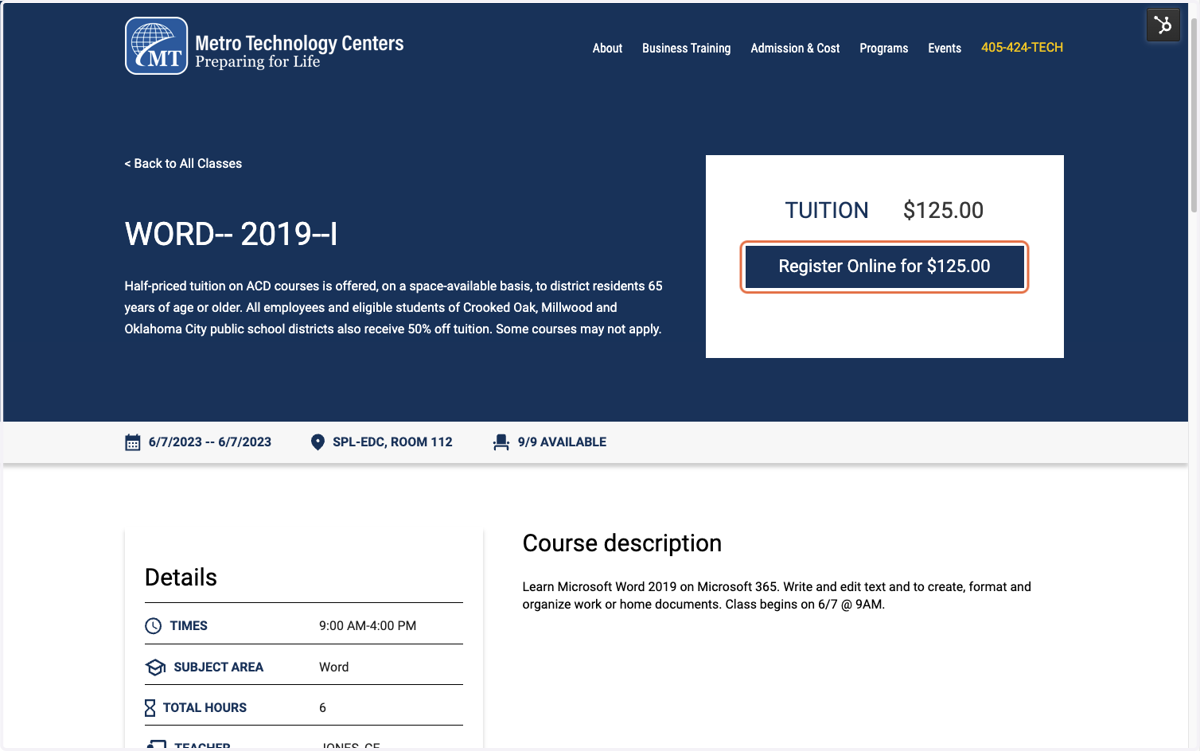
3. Click on "Register Online for $125.00"
Hubspot
4. You are then taken to a checkout page.
5. Enter in the Student information.
We cannot accept registrations without an email address.
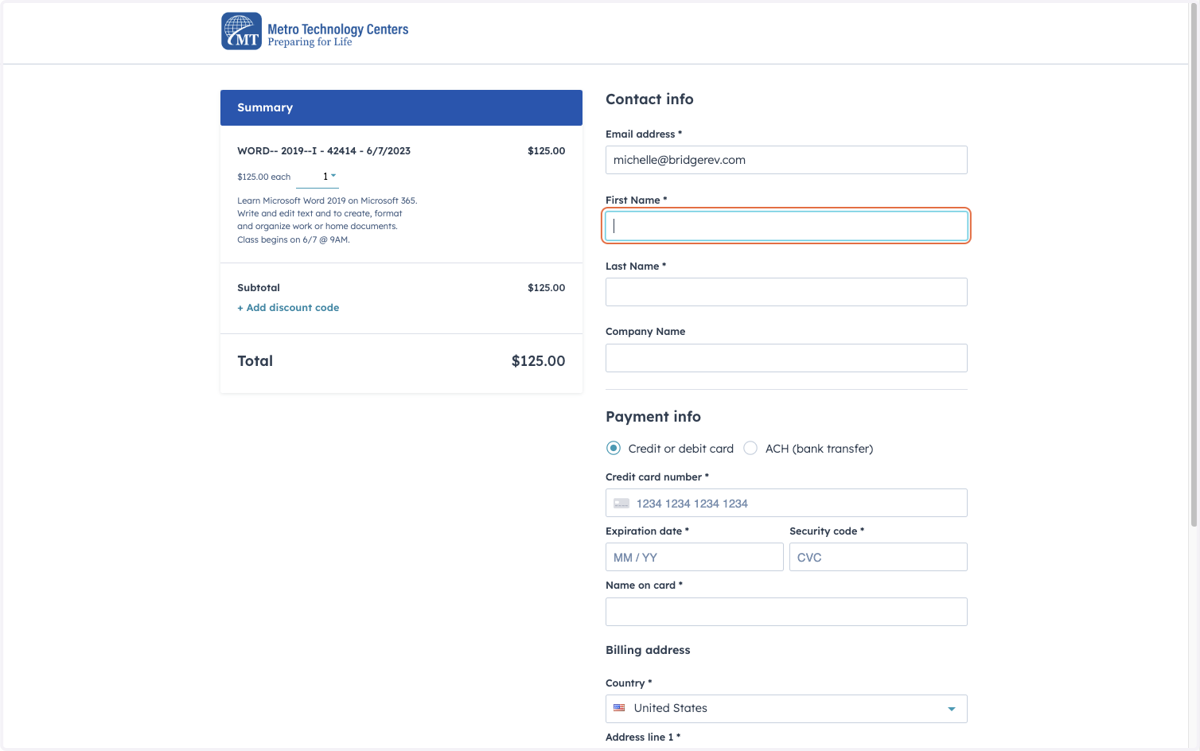
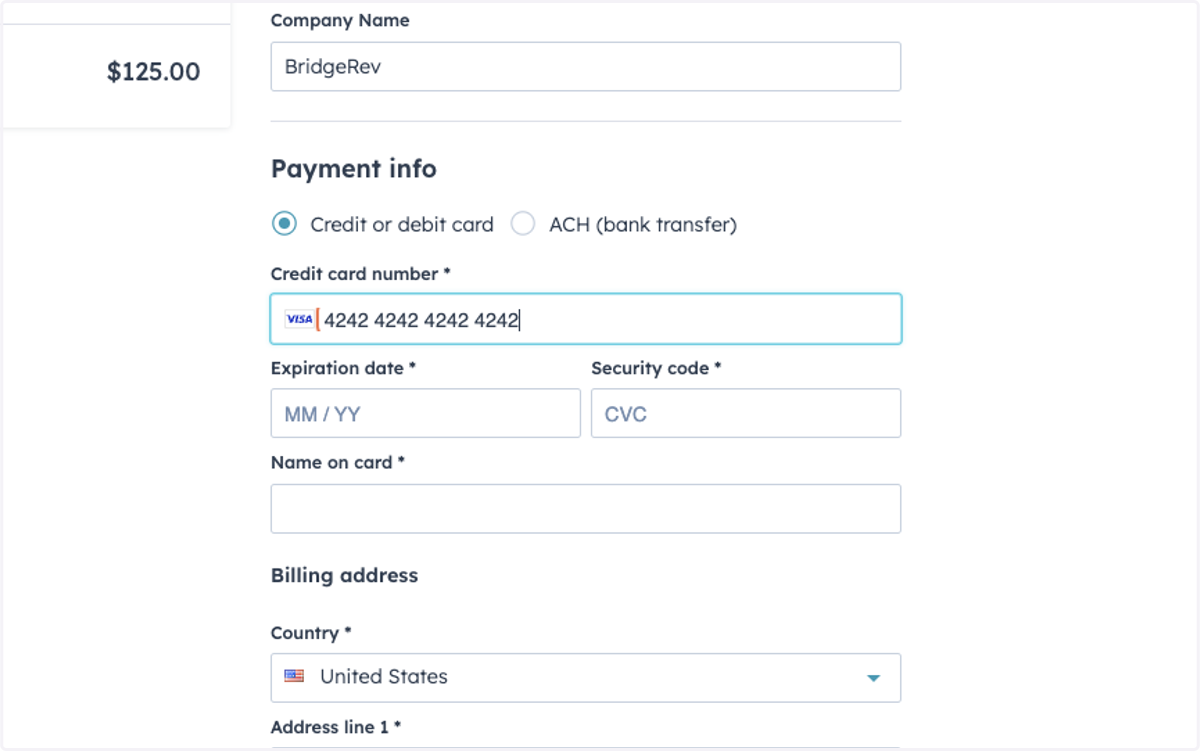
6. Enter in the Payment Information
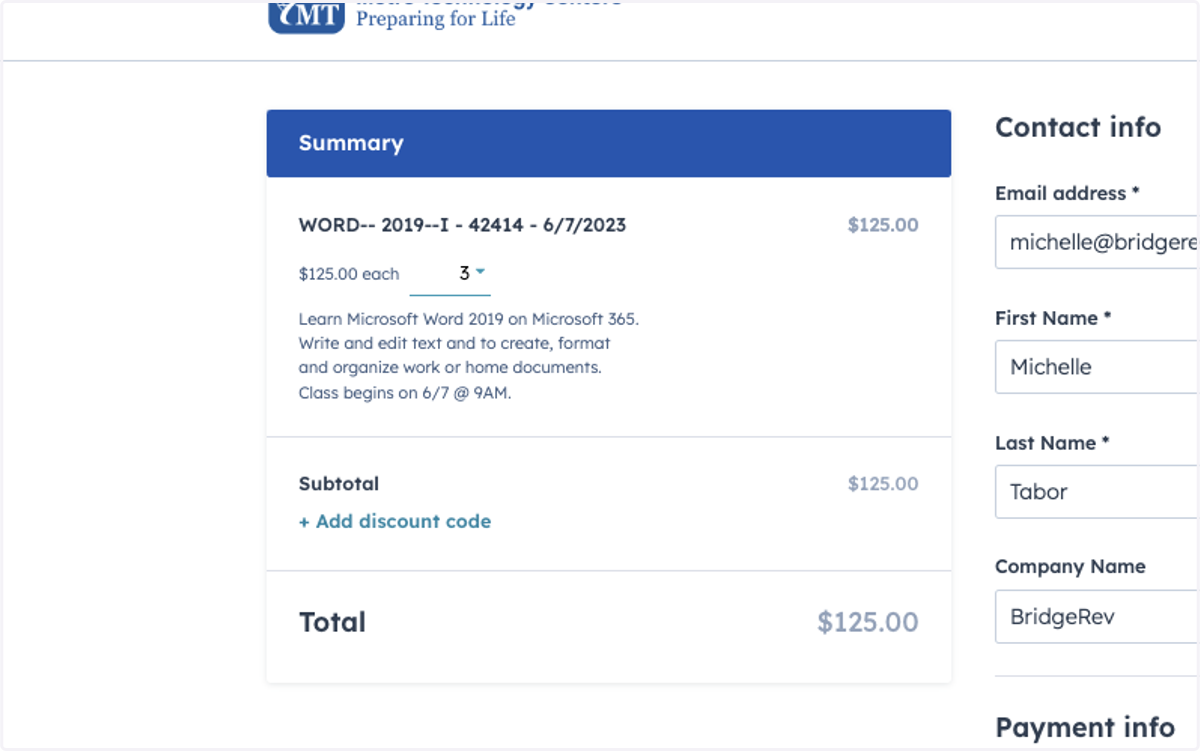
7. Verify the amount of seats is correct.
For every seat, make sure the books and supplies match the number of seats being sold.
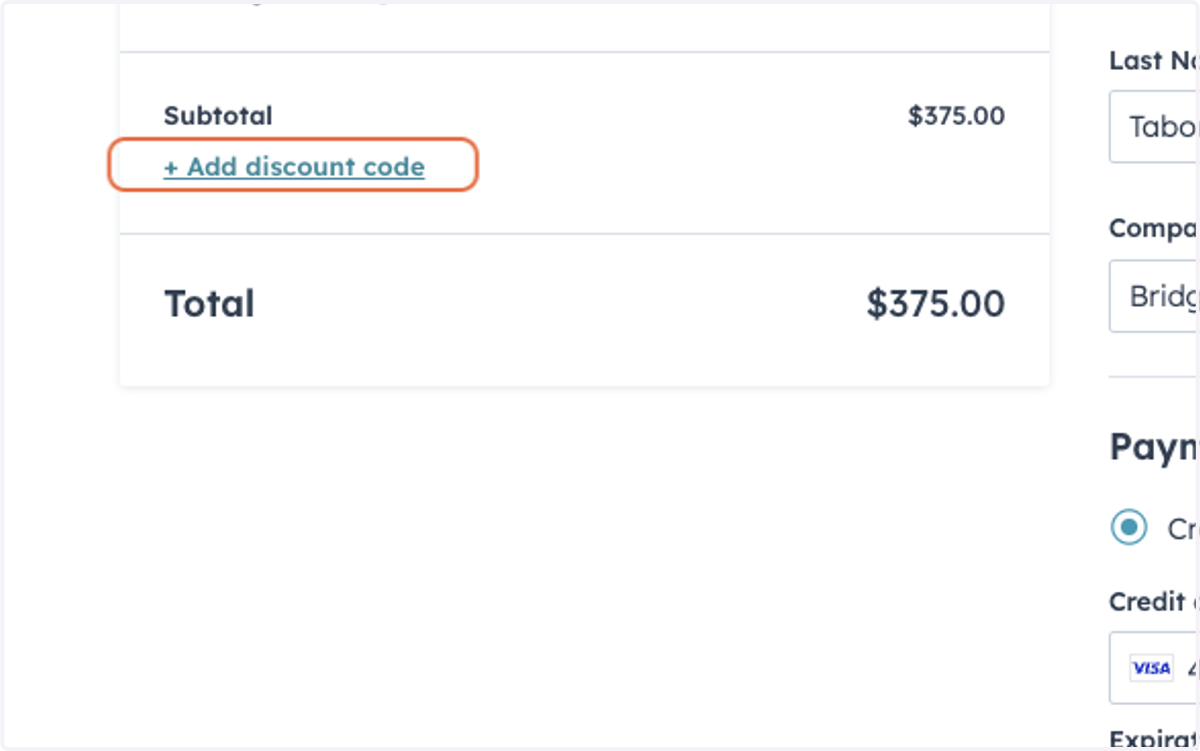
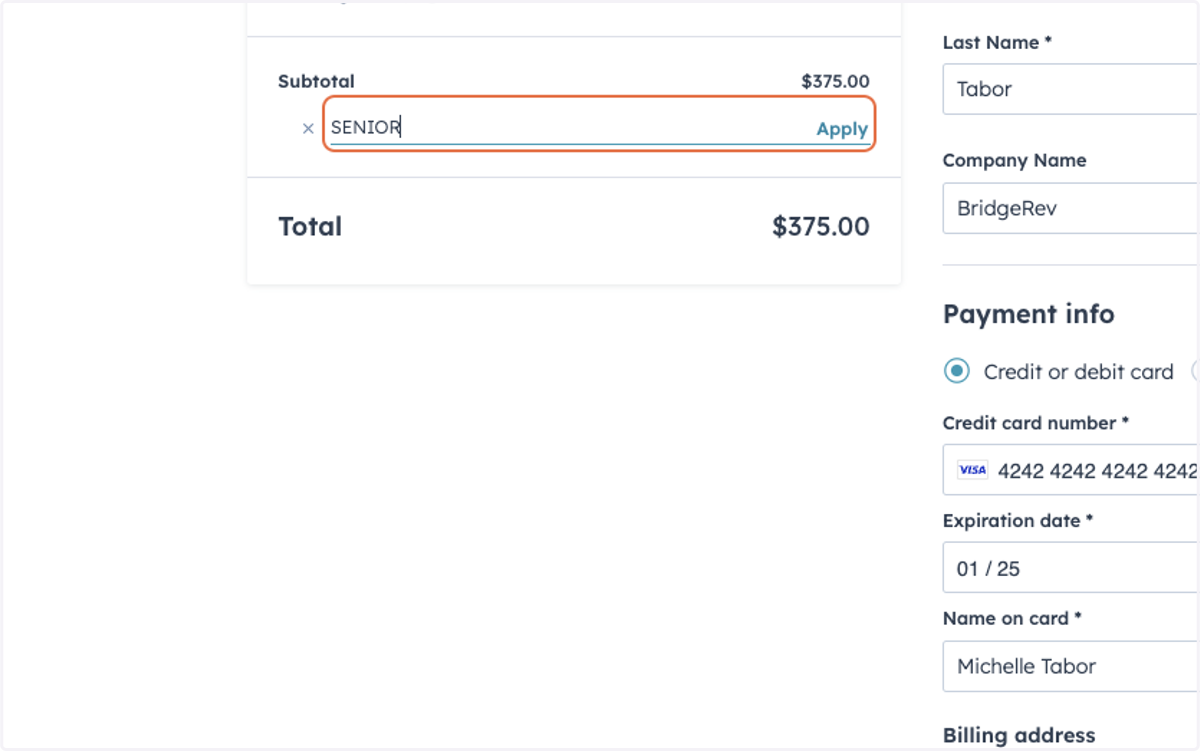
8. You can add discount codes here.
Stripe
9. Each Discount code is alphanumeric and cannot be combined.
Discount codes only discount up to 99% of the total price.
They cannot discount only certain items on the order at this time.
To discount certain items, create a custom quote and send to the registrant.
10. Once everything looks correct, Click on Pay.
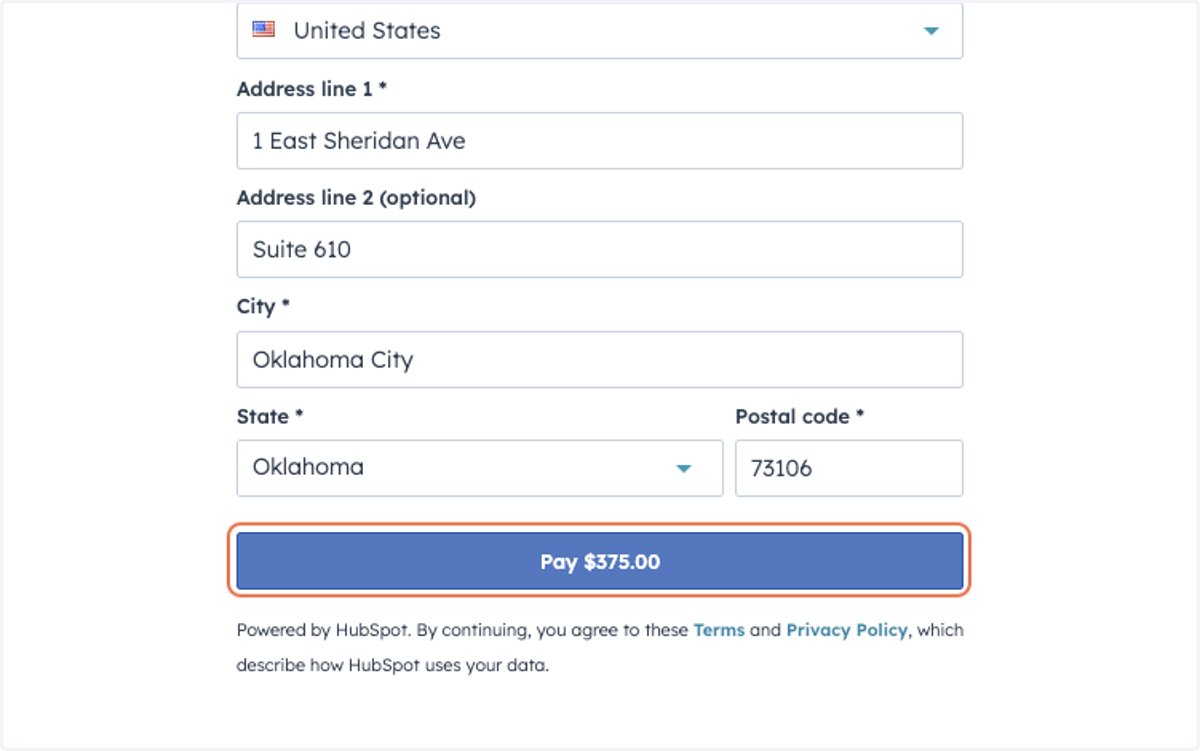
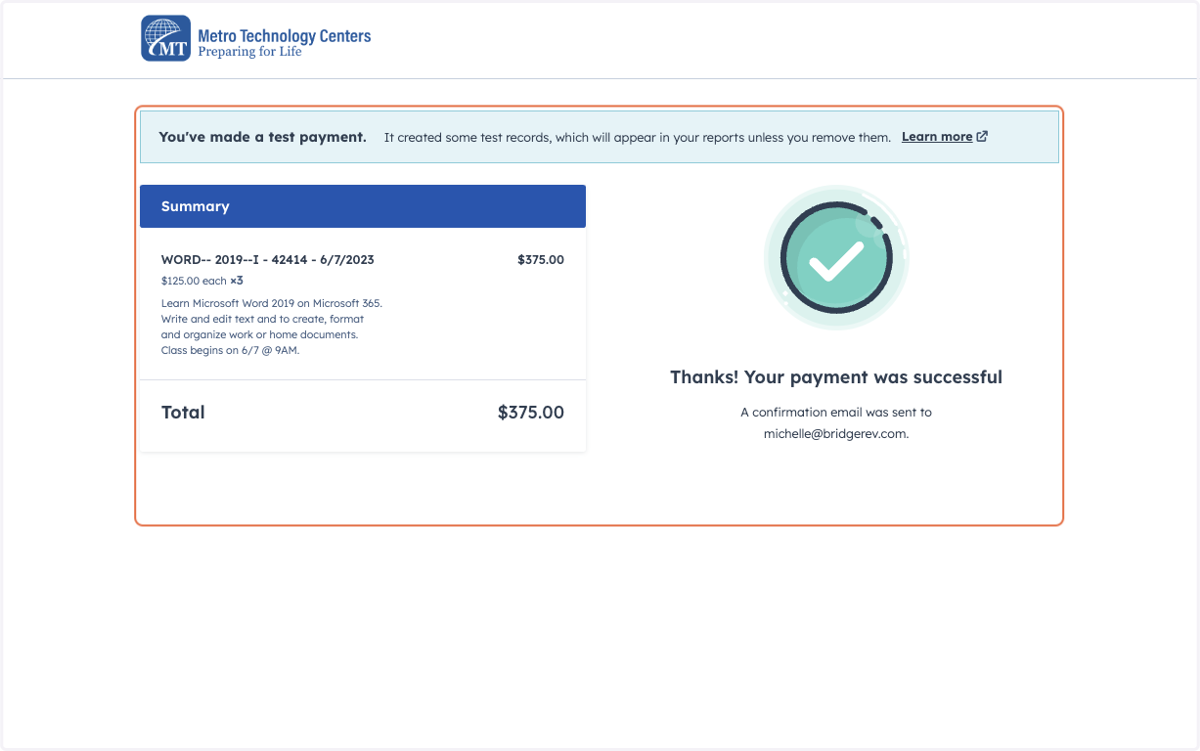
11. If the payment is successful, you will be redirected to a success screen.
The registrant will receive and email receipt.