How to Settle an Invoice (s)
This module enables you to settle an invoice once it has been approved and the payment has been done
Elitesuiteke
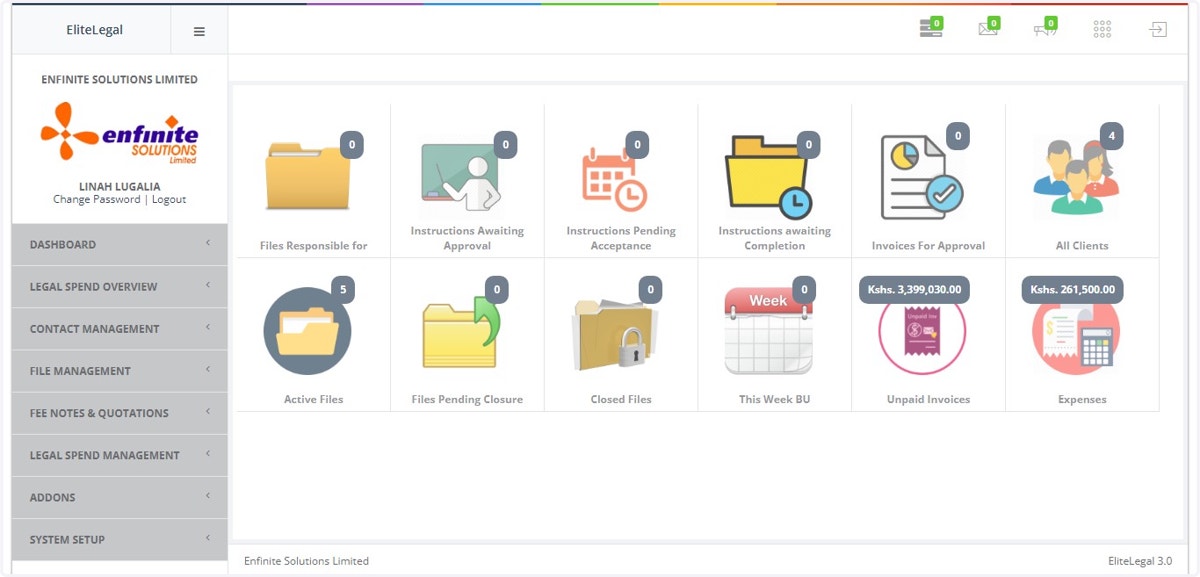
1. Log into the system
2. Go to Fee Notes & Quotations Module
3. Click on Fee Notes, Quotations sub module link
4. Click on Fee Notes / DRN / Interim Fee Notes option
5. Go to the specific Invoice you wish to settle
As shown in the example below, the first invoice is the one being settled. Click on the Action button against the invoice, select the Payment option to enable you settle the invoice
6. A fee note payment form will pop out with the payment details
Fill in the details appropriately i.e. reference number and amount paid as shown below
7. Click on Submit button once you are done to save
8. Fee note has been paid successfully as shown in the below example
9. The Invoice has been partially paid
This is because the amount paid for was Ksh 2000, if the payment was done in full then the invoice would read fully paid.