Customer Attributes | BG_057
Customer Attributes are additional pieces of information that can be assigned to customers, should that information not be available elsewhere.
For example, you may require information on a Customer's job title. If this isn't available elsewhere in the customer inputs, then a Customer Attribute could be created named "Job Title".
A unique value could then be defined for each customer related to this Customer Attribute.
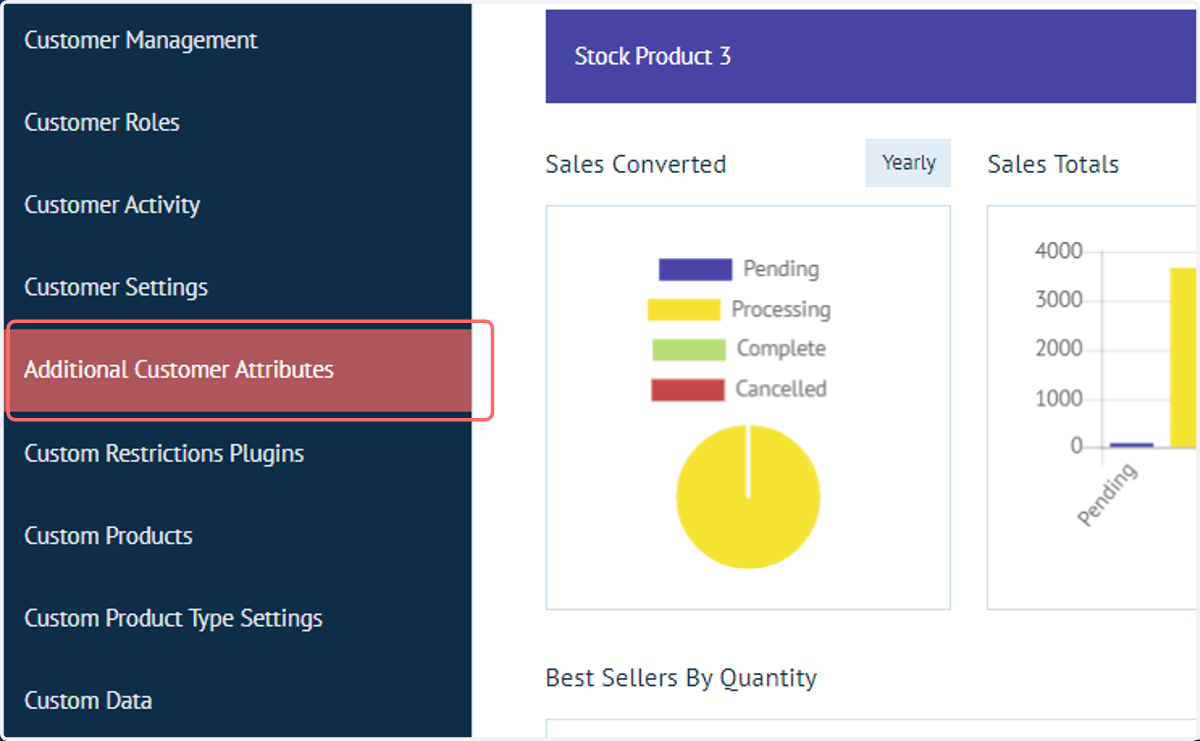
1. Navigate to Additional Customer Attributes
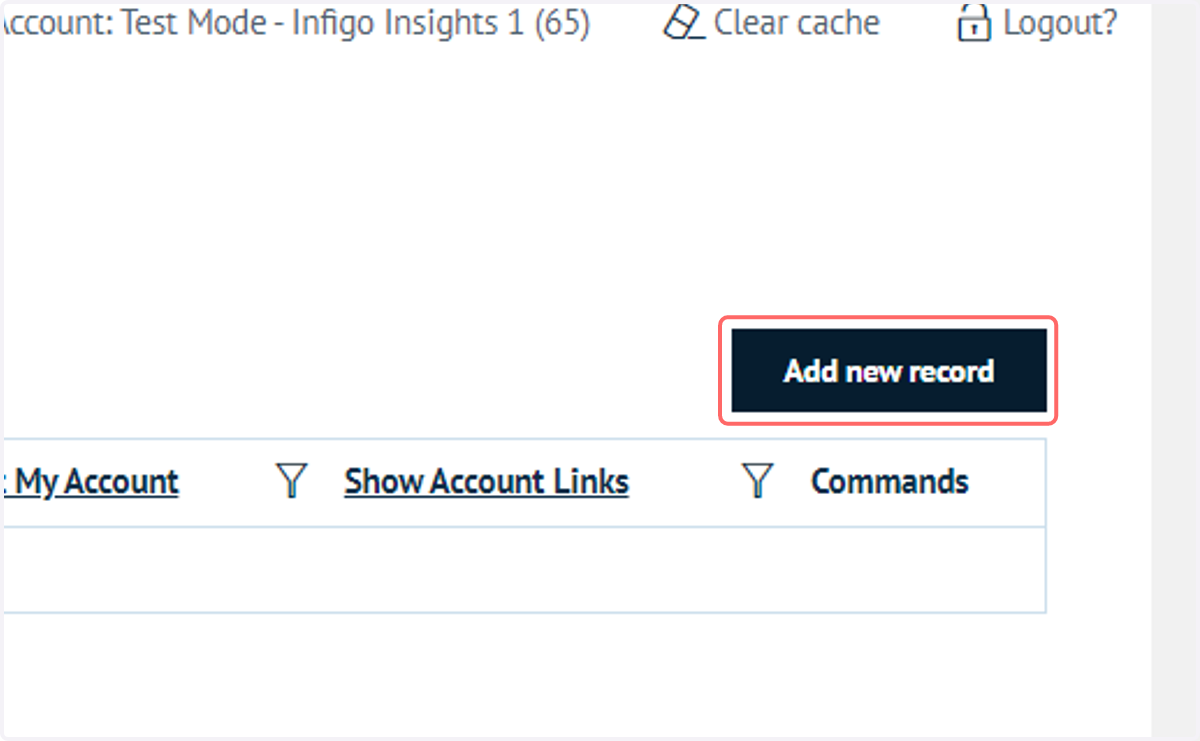
2. Click on Add new record
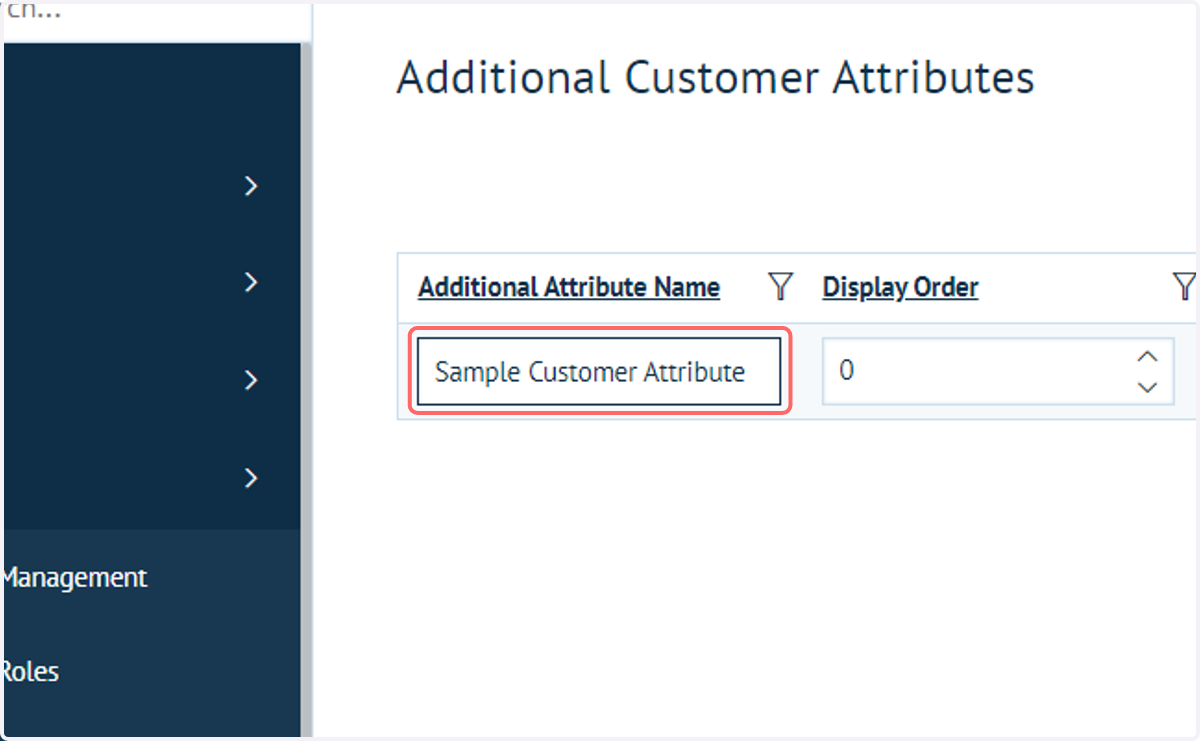
3. Enter an attribute name
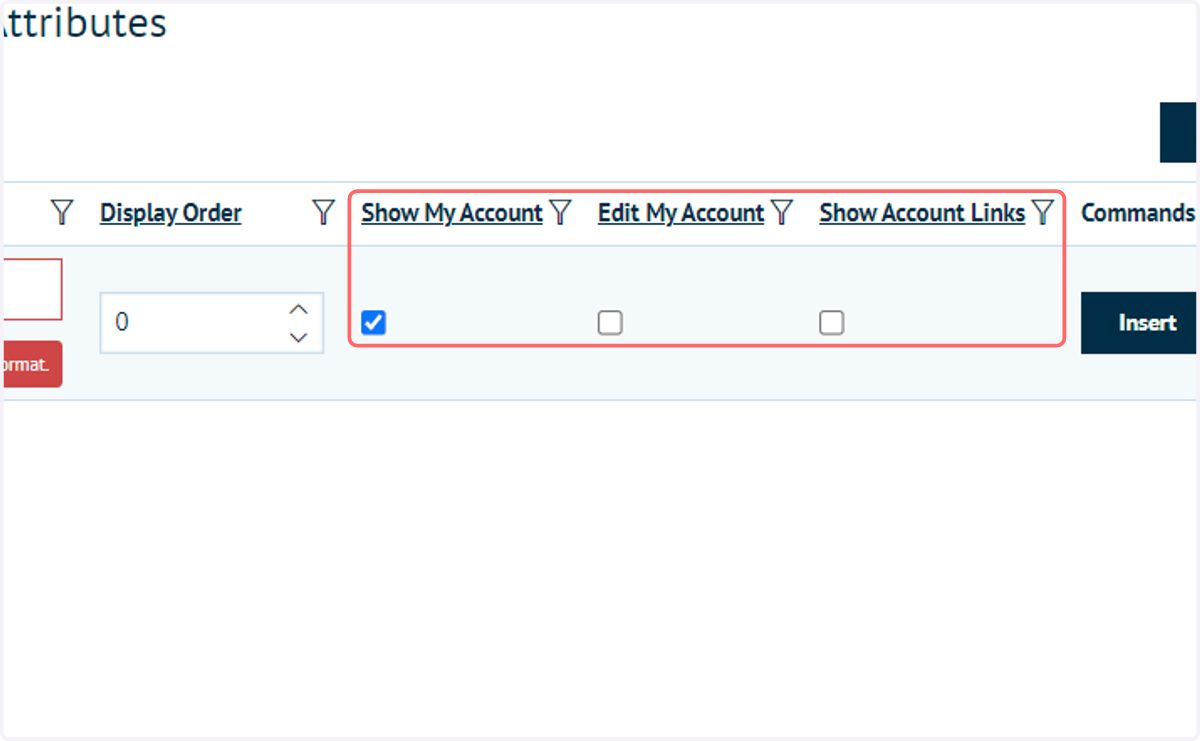
4. Additional options
Additional options are available for selection when specifying a Customer Attribute.
These give you the option to make these attributes customer facing.
Show My Account: will display the attribute in the customers "My Account" area for them to view.
Edit My Account: will allow them to modify the field from within the "My Account" area.
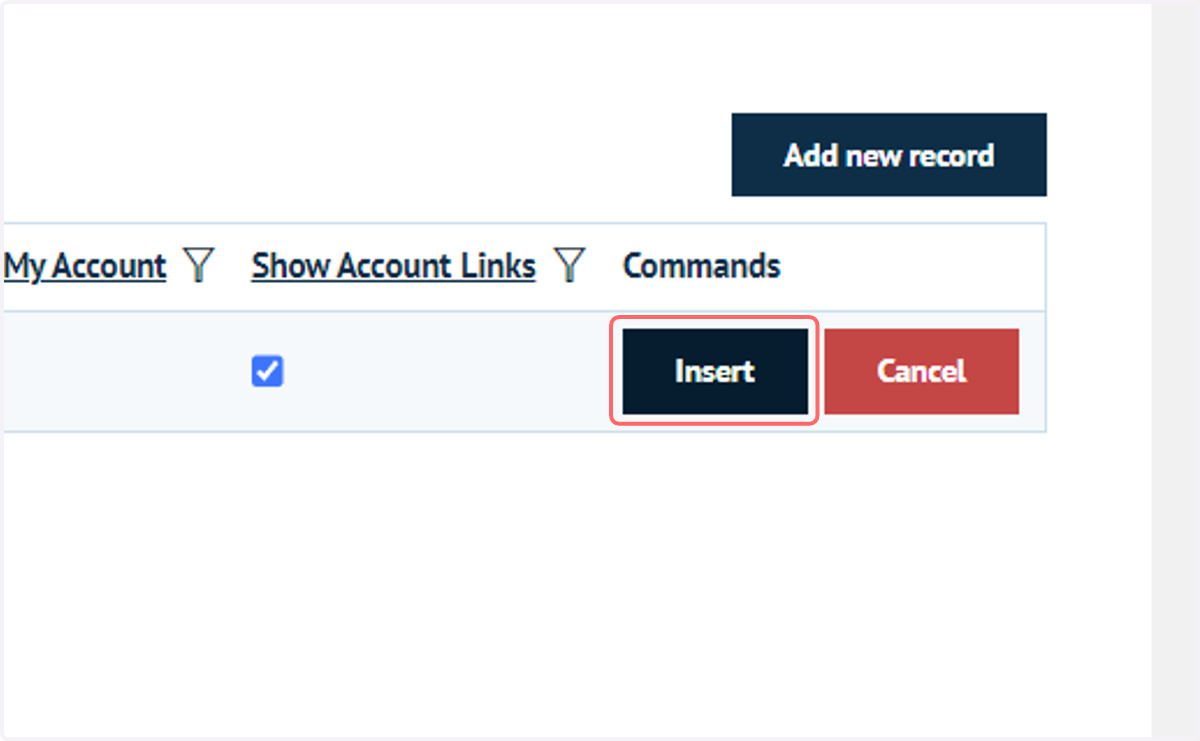
5. Click on Insert
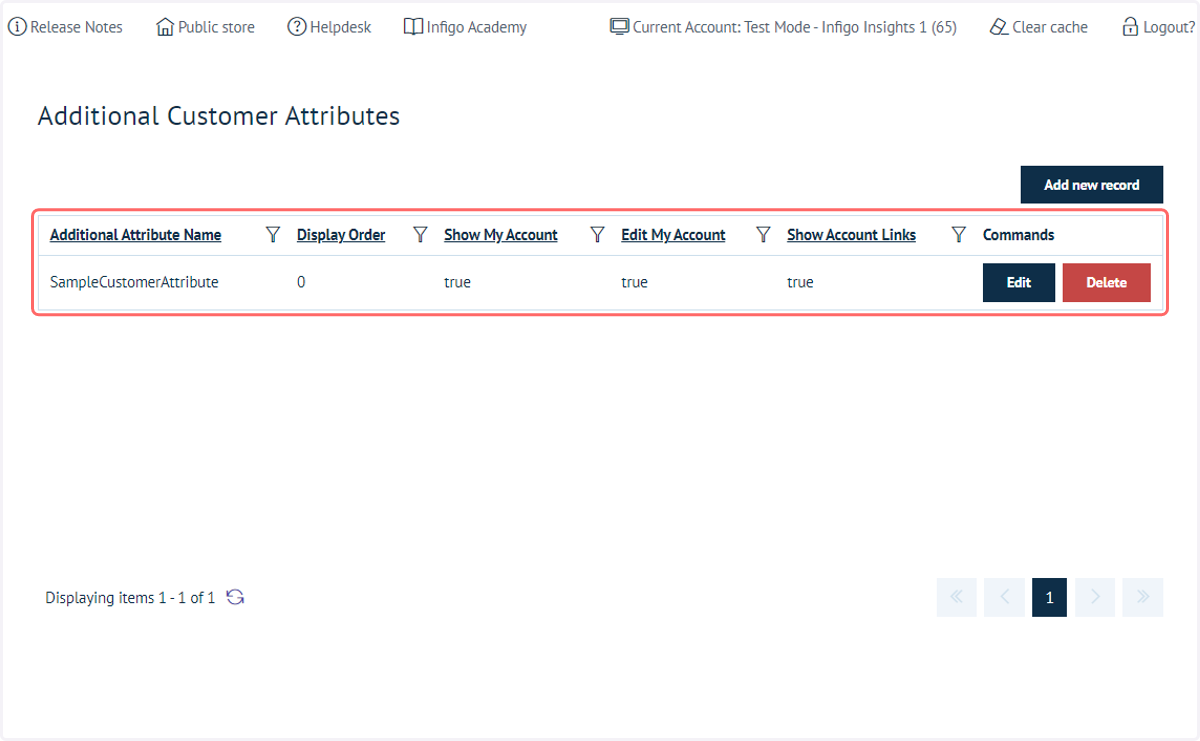
6. The attribute is now created
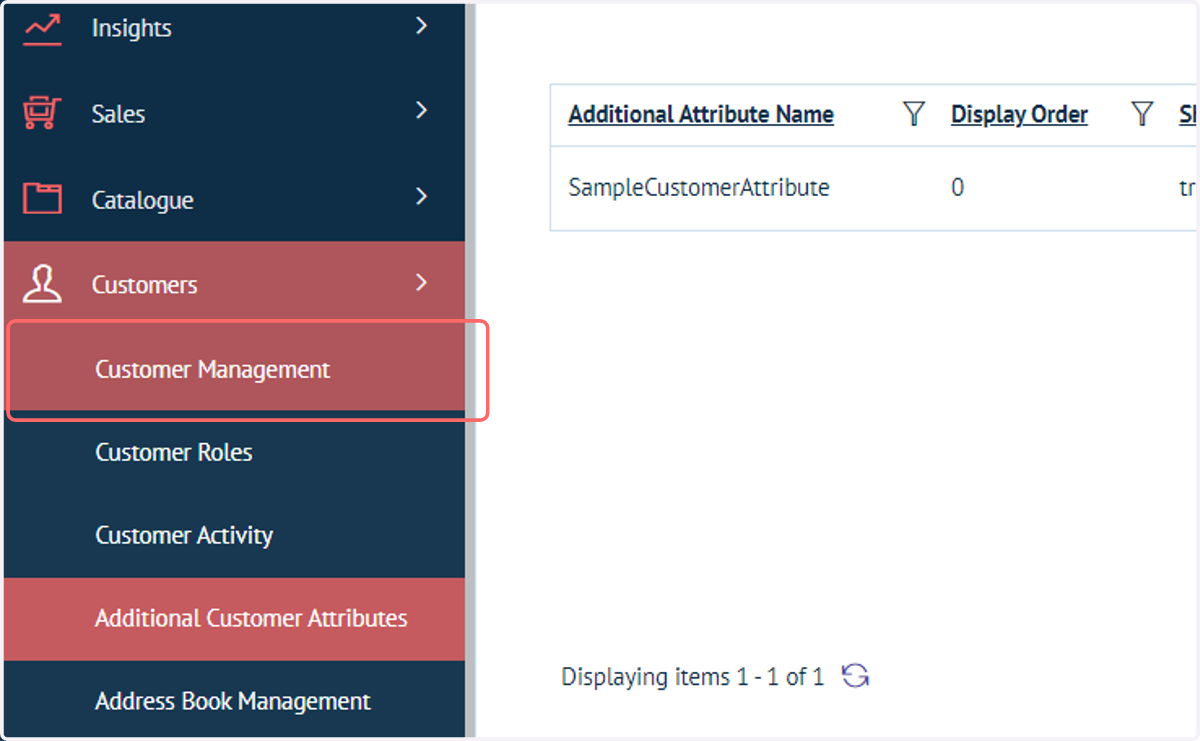
7. Click on Customer Management
Next, we'll take a look at how to manually assign a value for this Customer Attribute on a specific Customer's account.
8. Create or edit a Customer
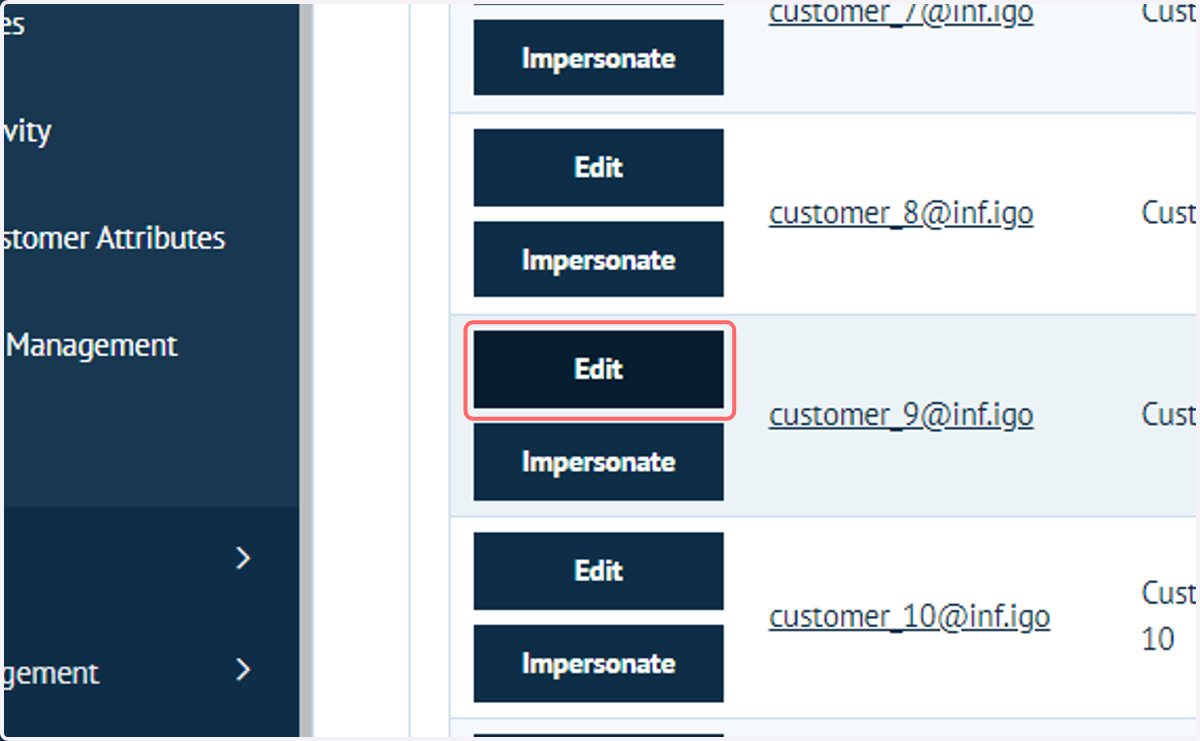
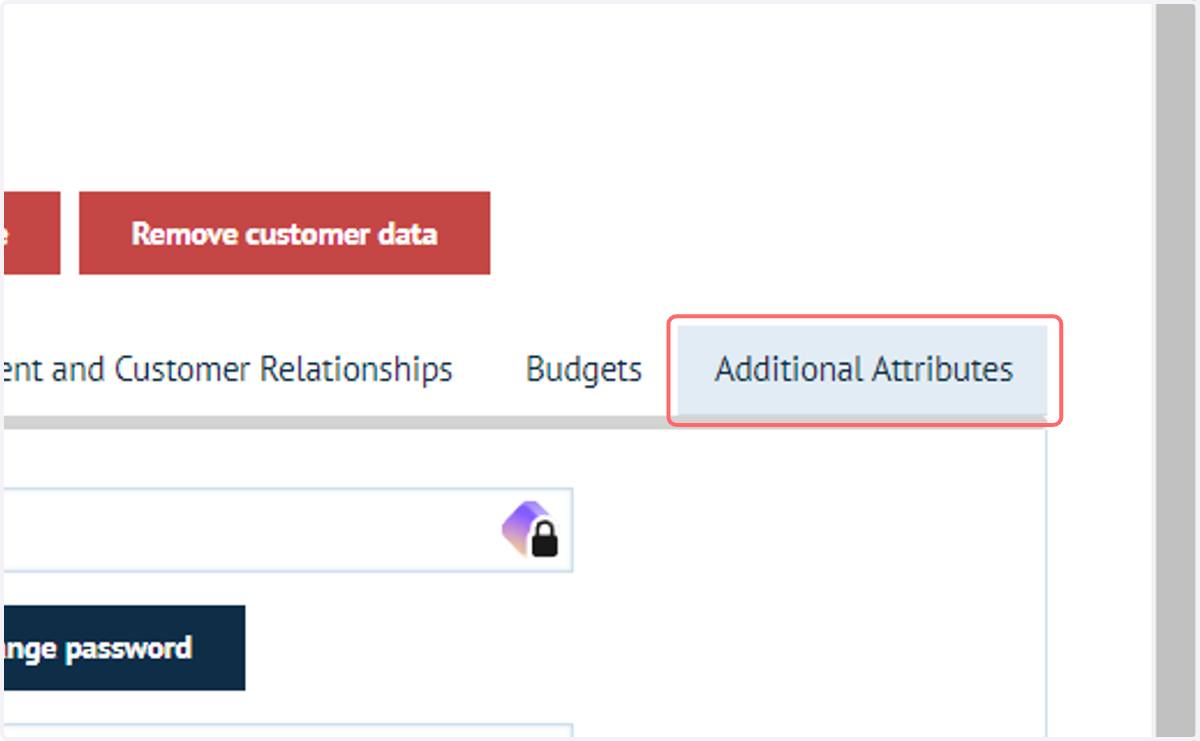
9. Click on Additional Attributes
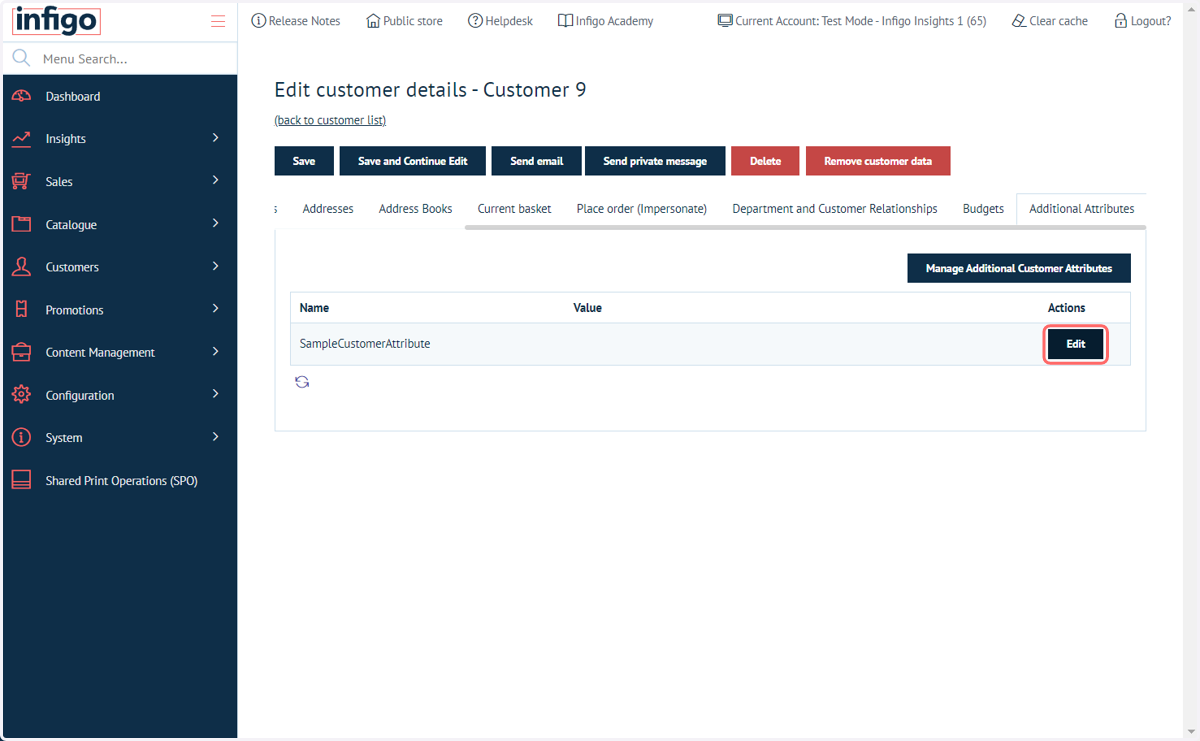
10. The Customer Attribute you created will be displayed, but will currently not have a value. Click on Edit.
11. Enter a value for the Customer Attribute
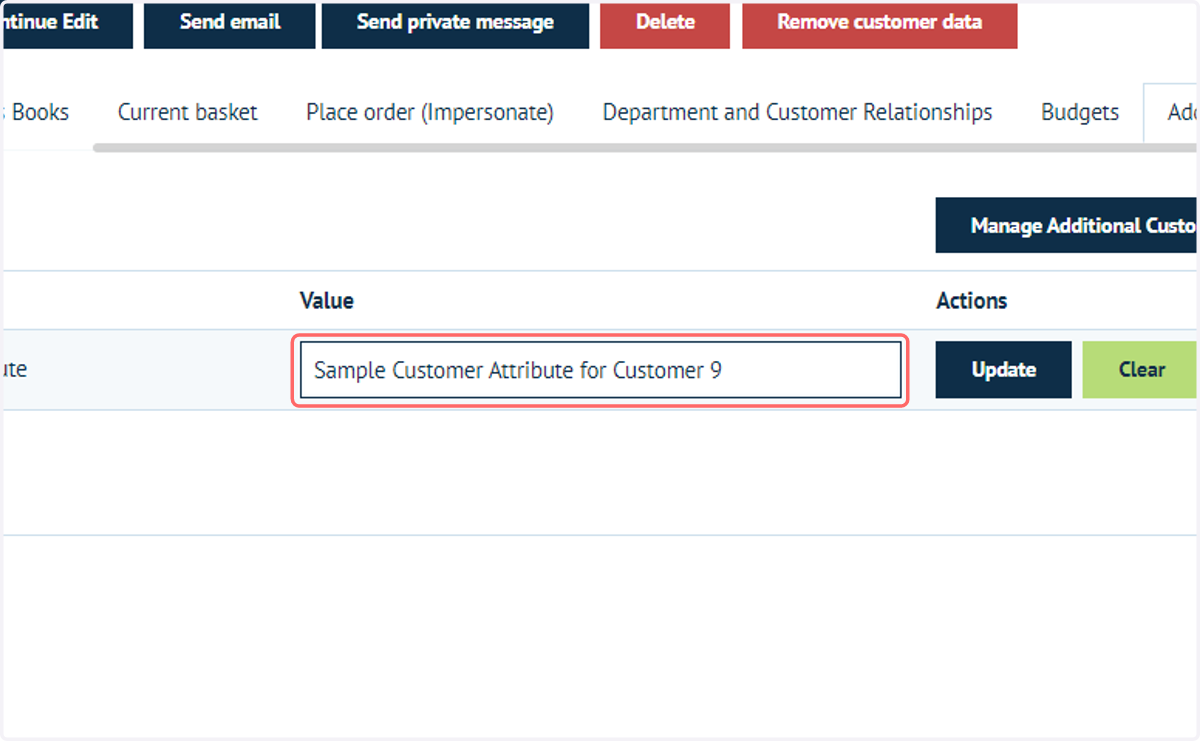
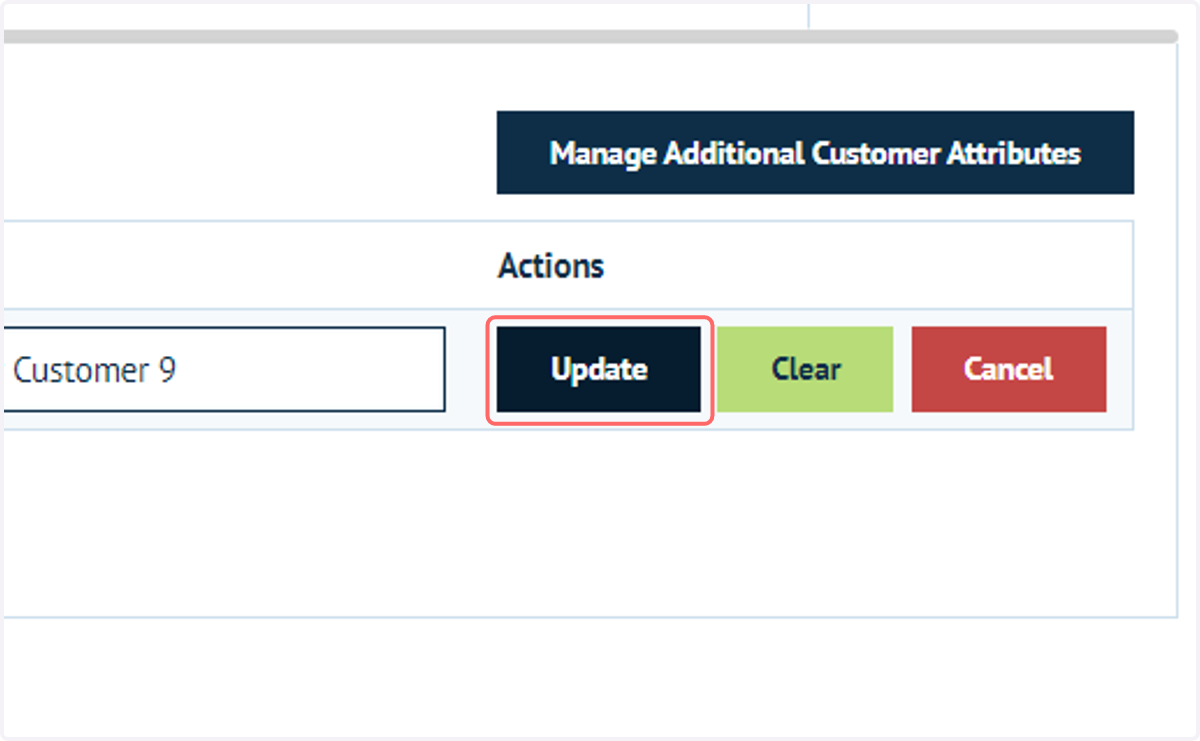
12. Click on Update
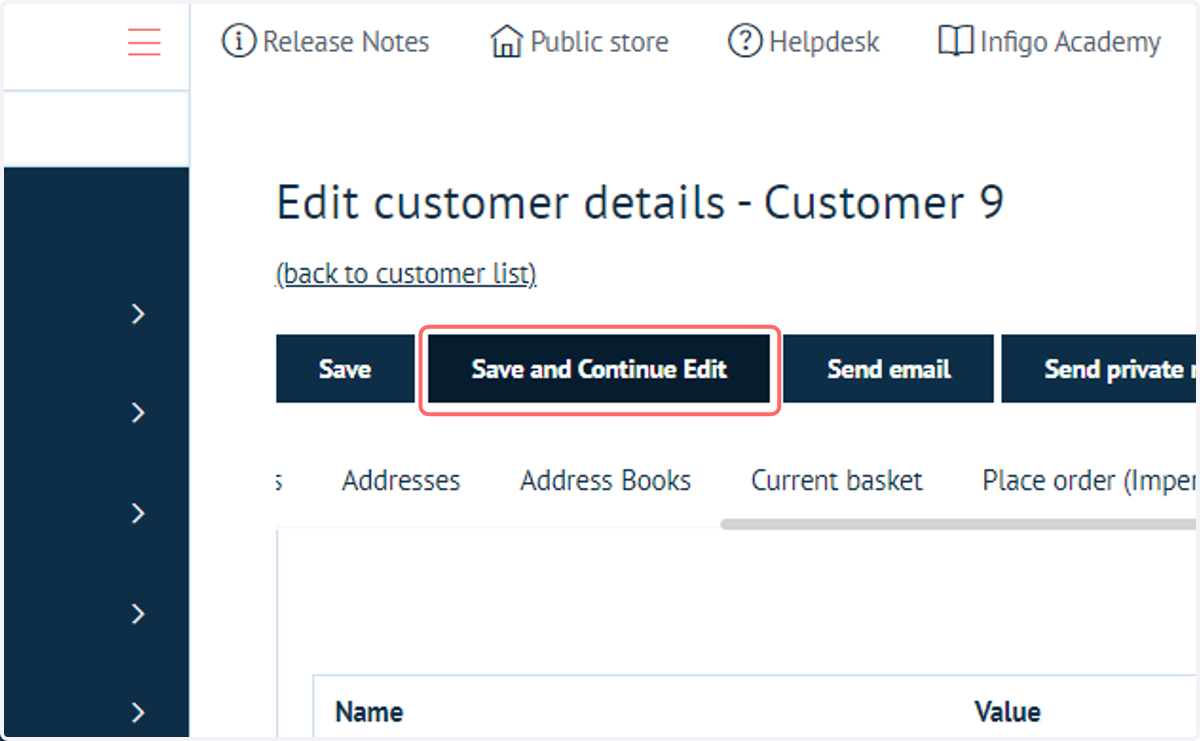
13. Click on Save and Continue Edit
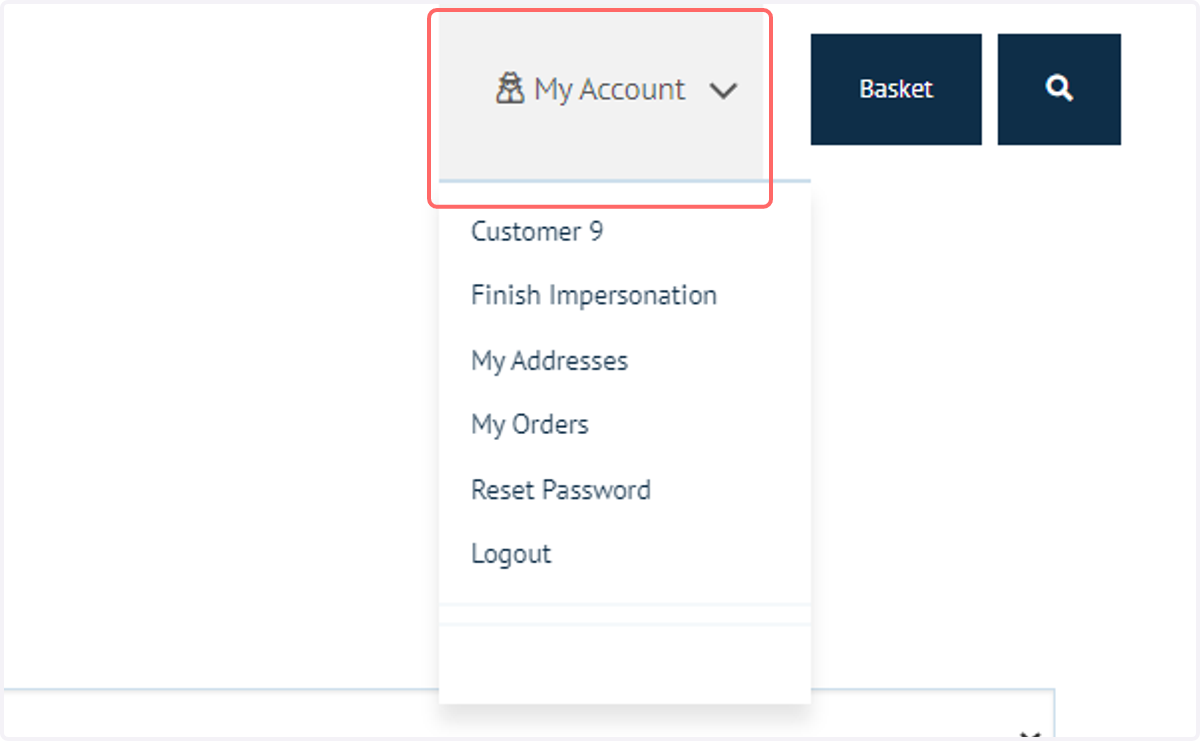
14. Click on My Account
Next, let's take a look at how the Customer would see this on the front end.
Log in as or impersonate a Customer and navigate to the My Account section
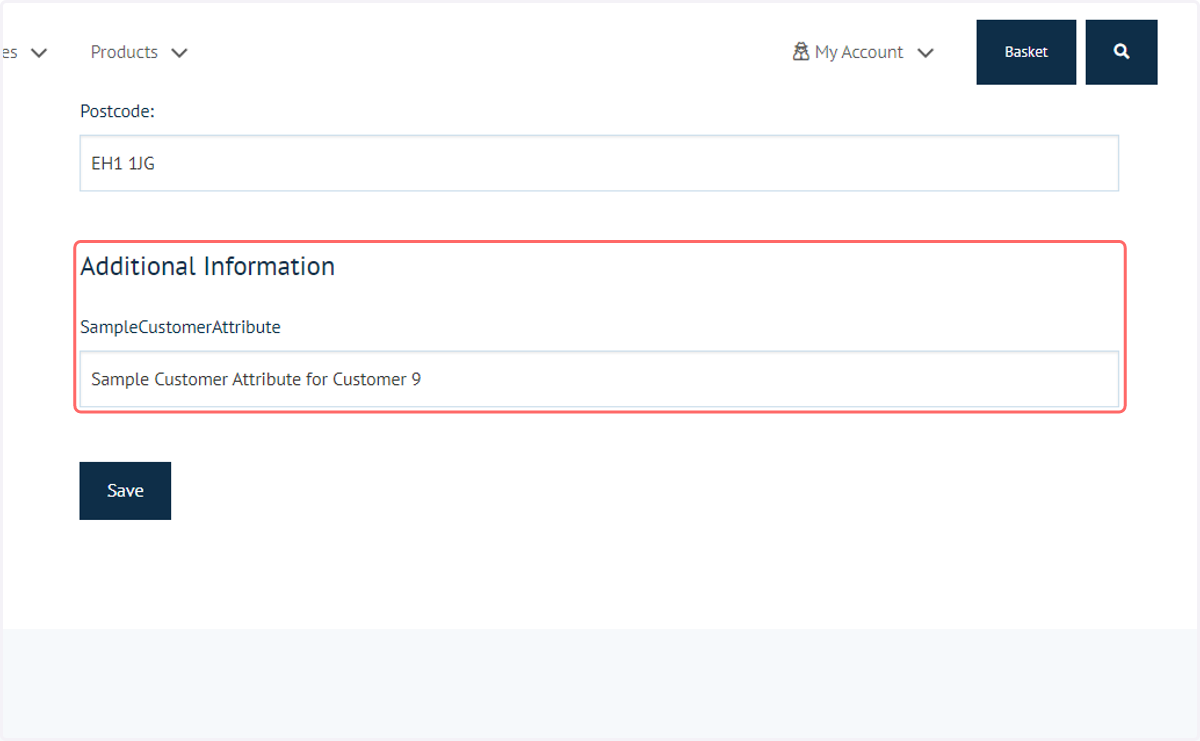
15. The Customer Attribute information will be detailed under the Additional Information section