How to use the Skypher Knowledge Base
The Skypher Knowledge Base
The knowledge base is the backbone of the app that will be used to answer every security questionnaires
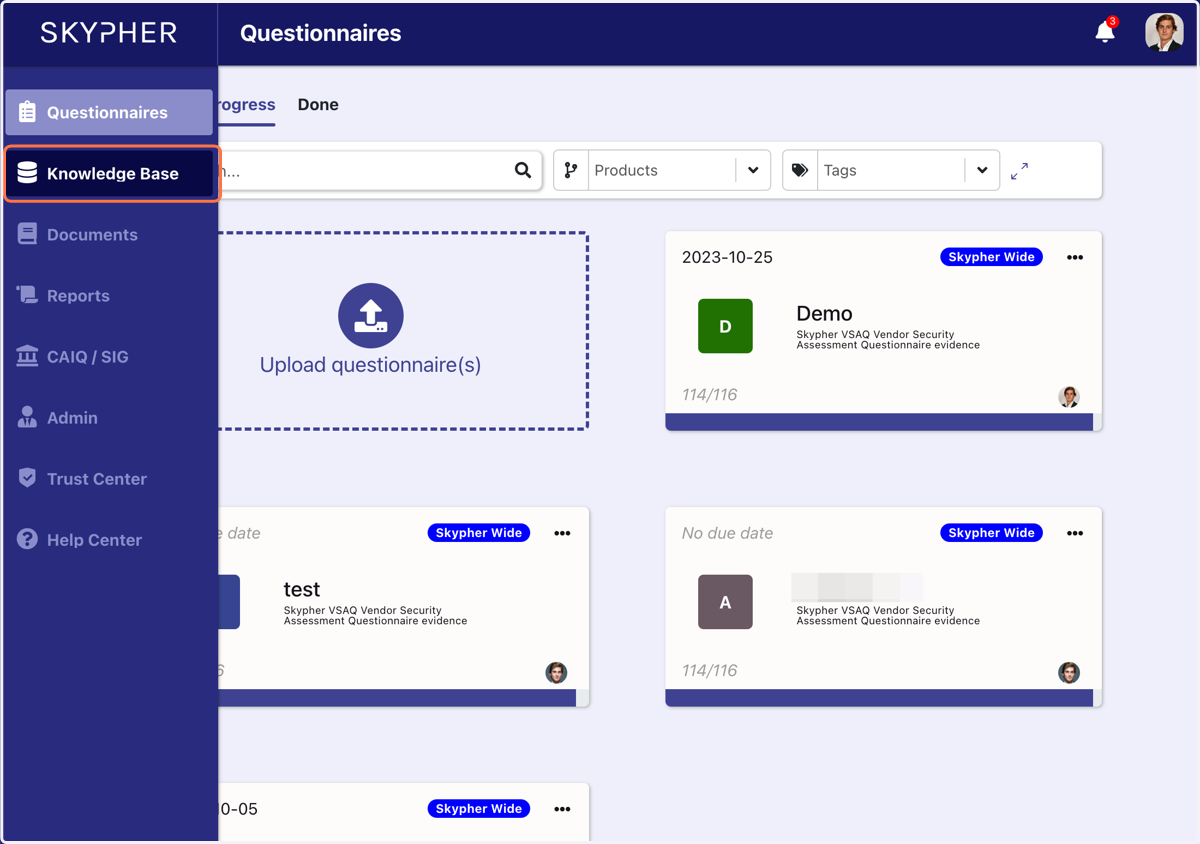
1. Click on Knowledge Base
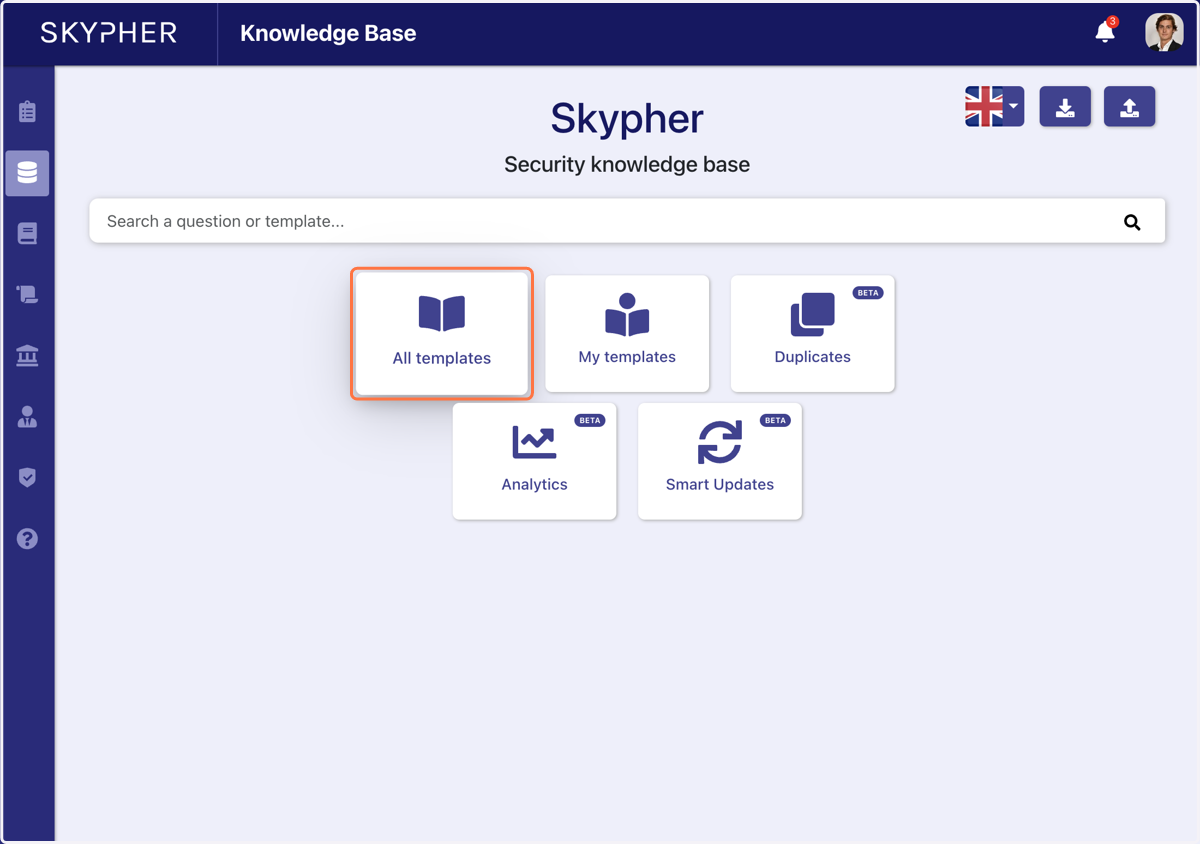
2. Click on All templates
You can also use the search bar above to look up a specific template or question and filter your search
3. The knowledge base is organised in sections
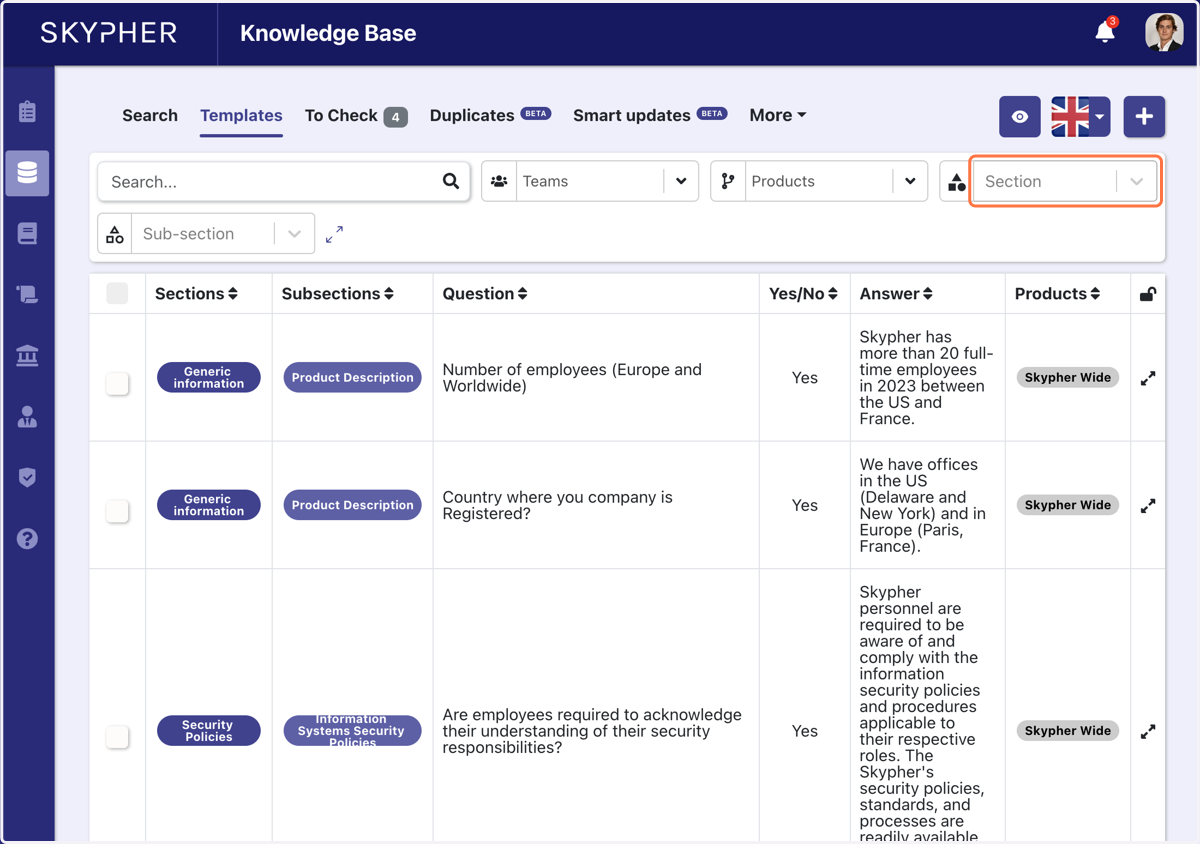
4. For example, let's choose the section Human Resources
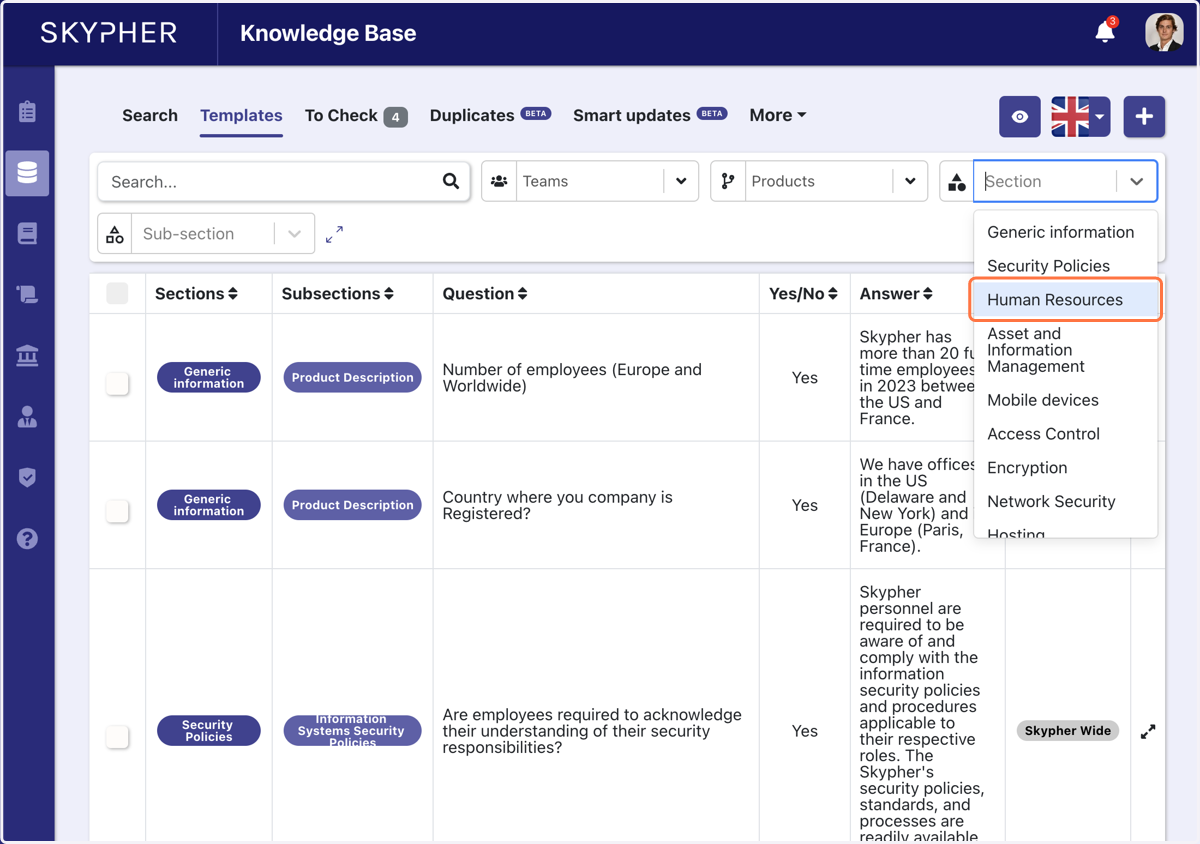
5. The knowledge base is also organised in sub-sections
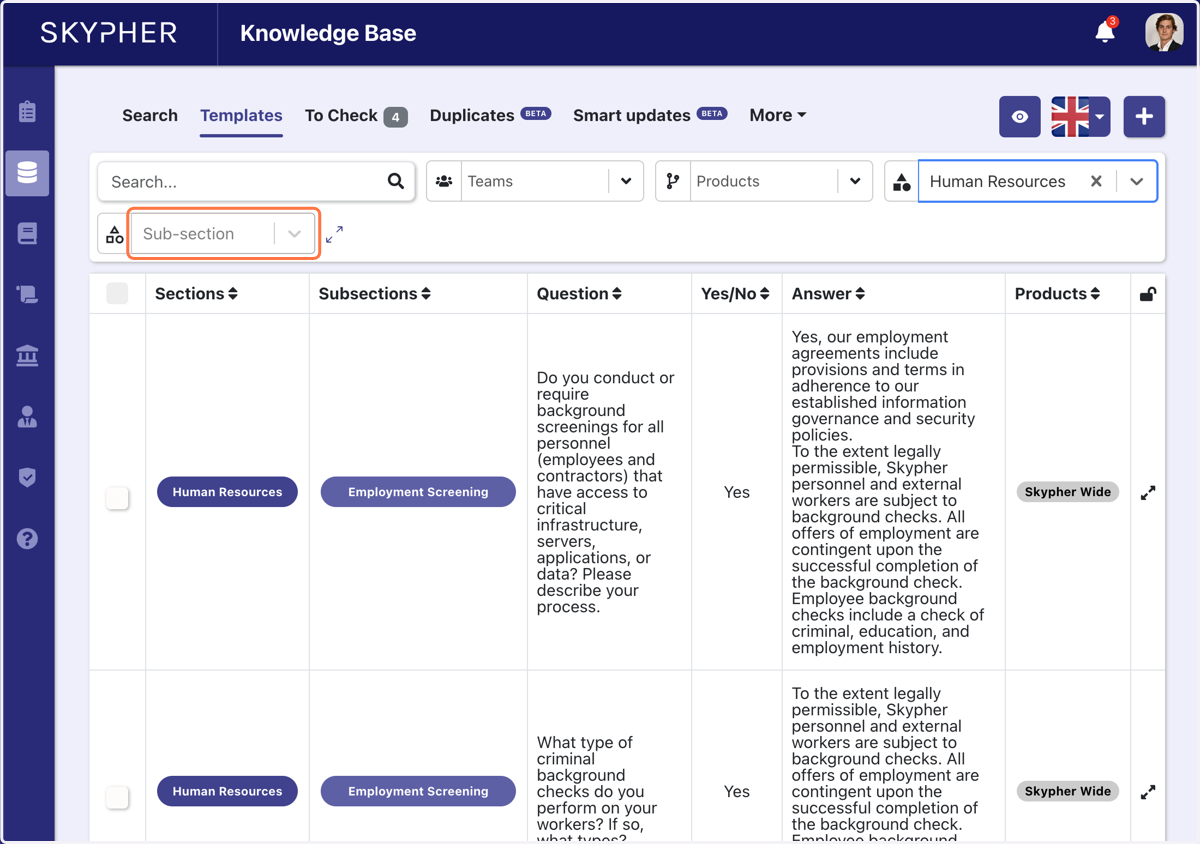
6. For example, let's choose Security Training
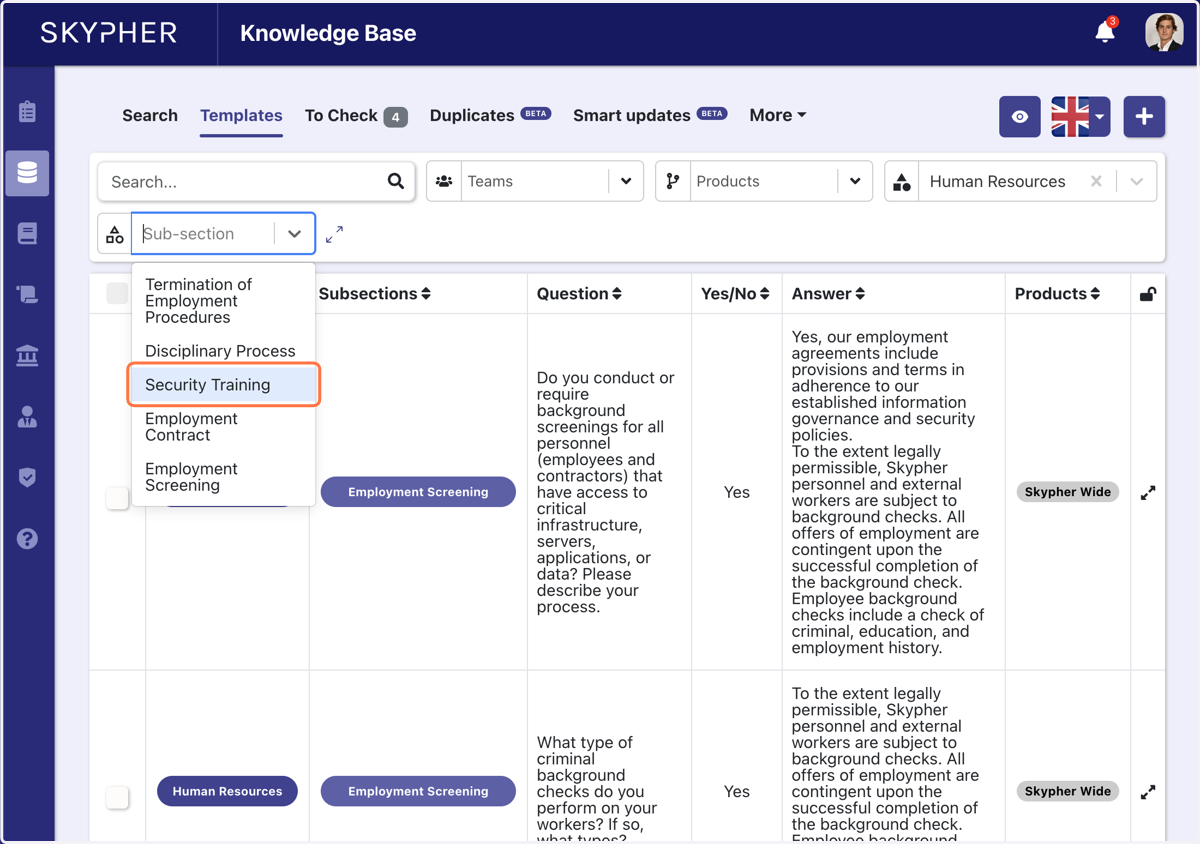
7. Click on detailed templated
You can see the template used to answer the security question
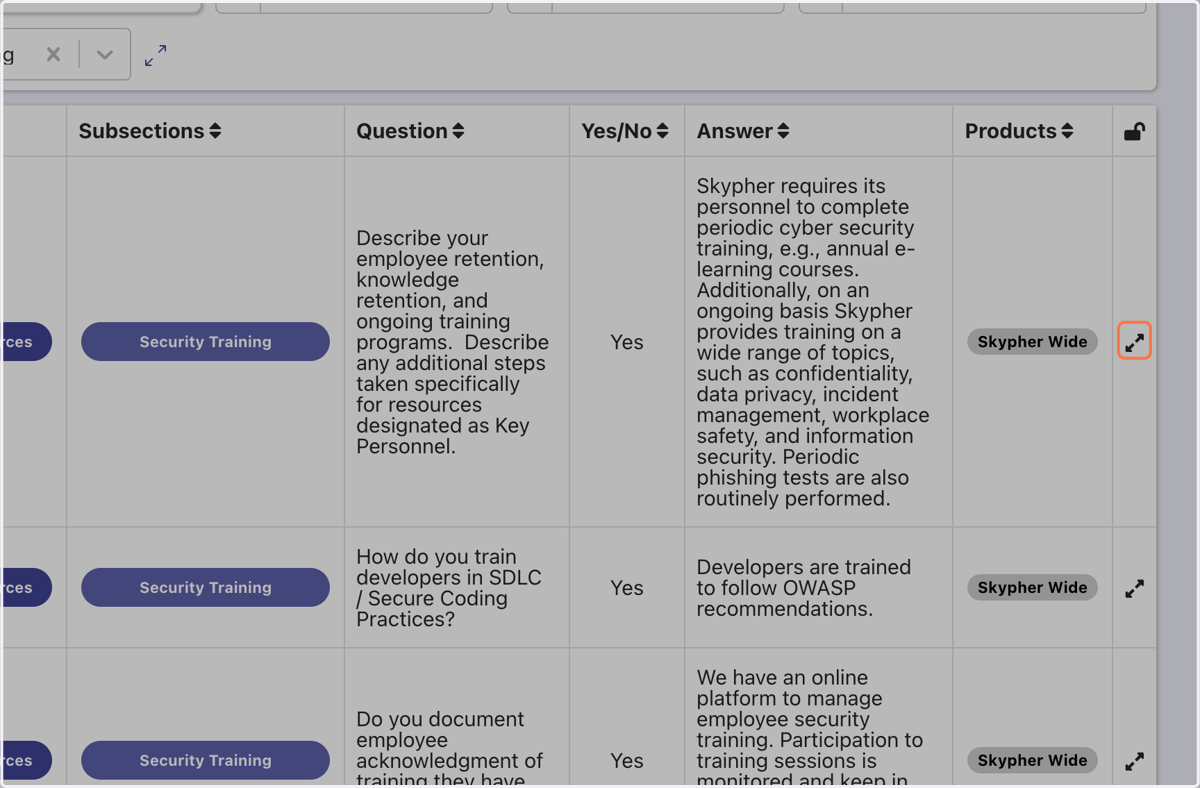
8. Click on Edit template…
Here you will find the chosen answer for the question
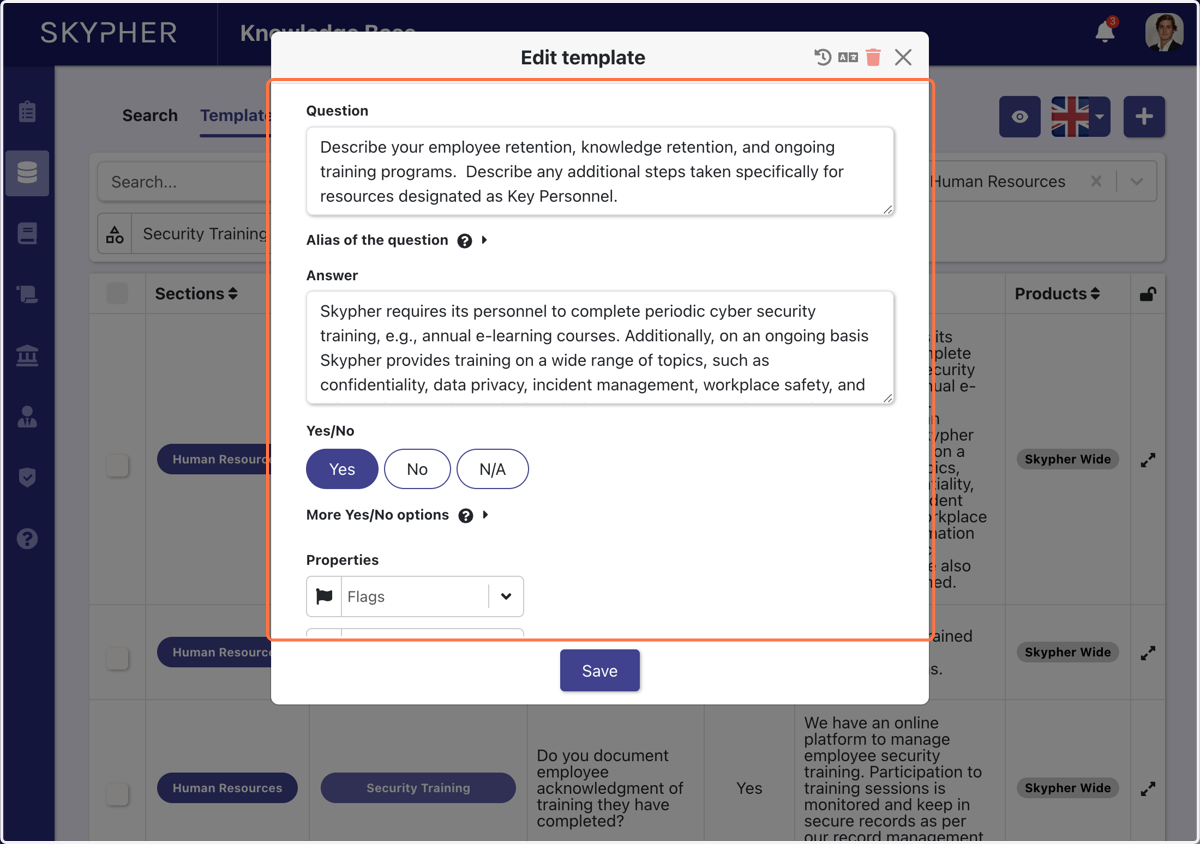
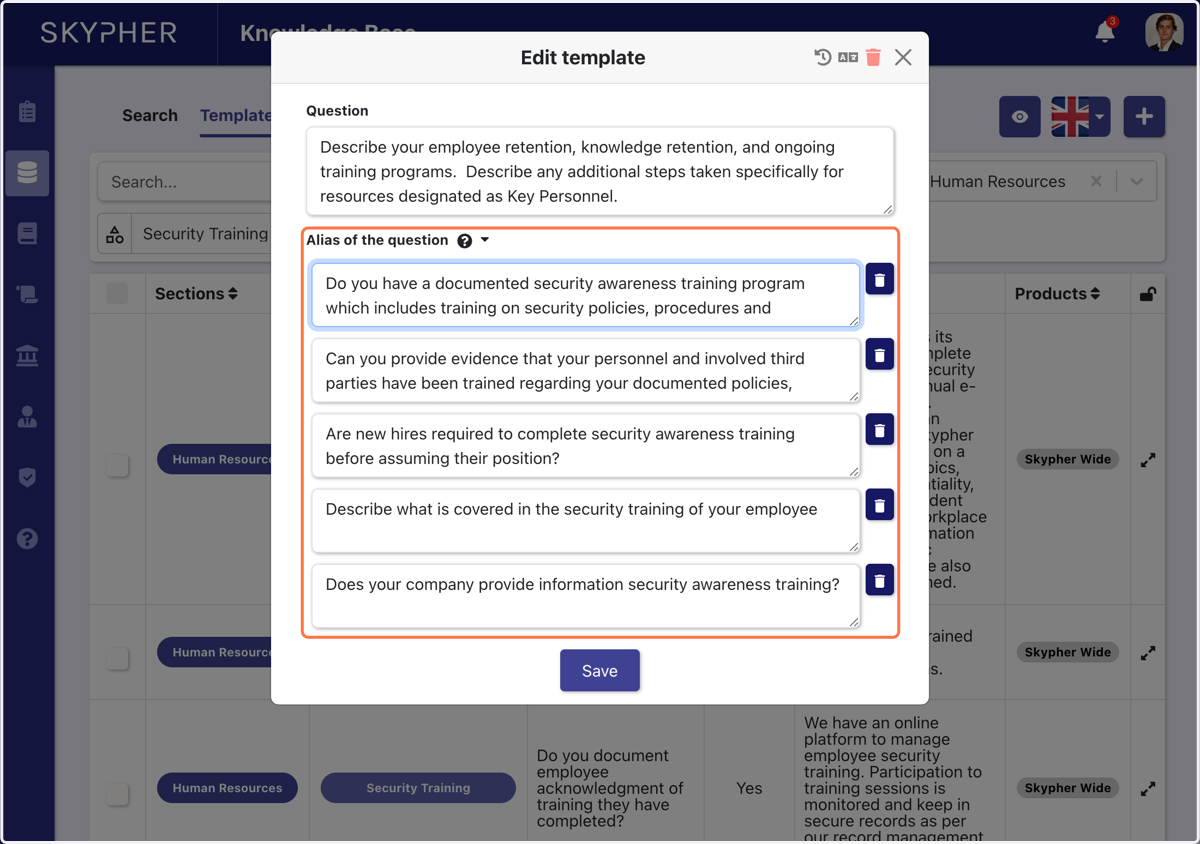
9. Click on Alias of the question
Answers are associated to a question. Instead of creating a new pair of questions & answers, you will find which questions give the same answer. This is done to keep the knowledge base small and concise.
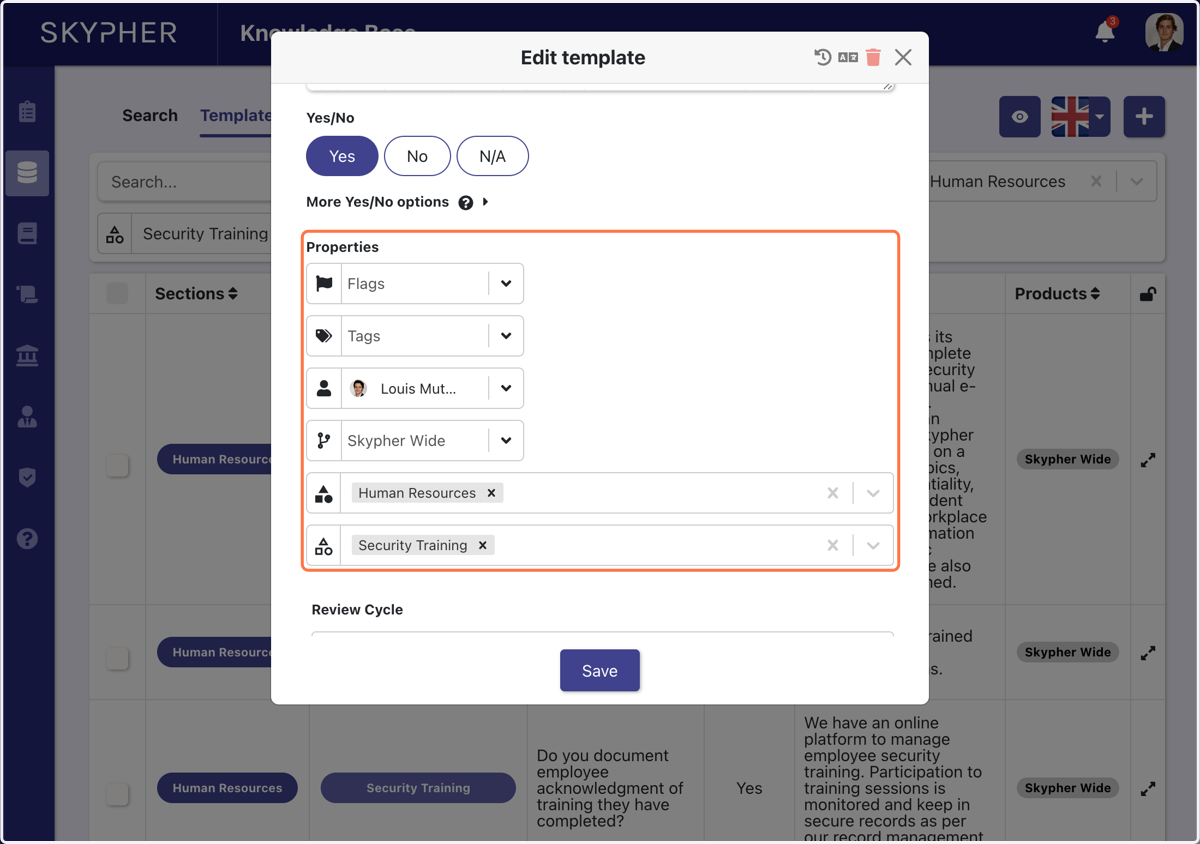
10. Modify any Template properties
For every template, you have an owner, a team etc.
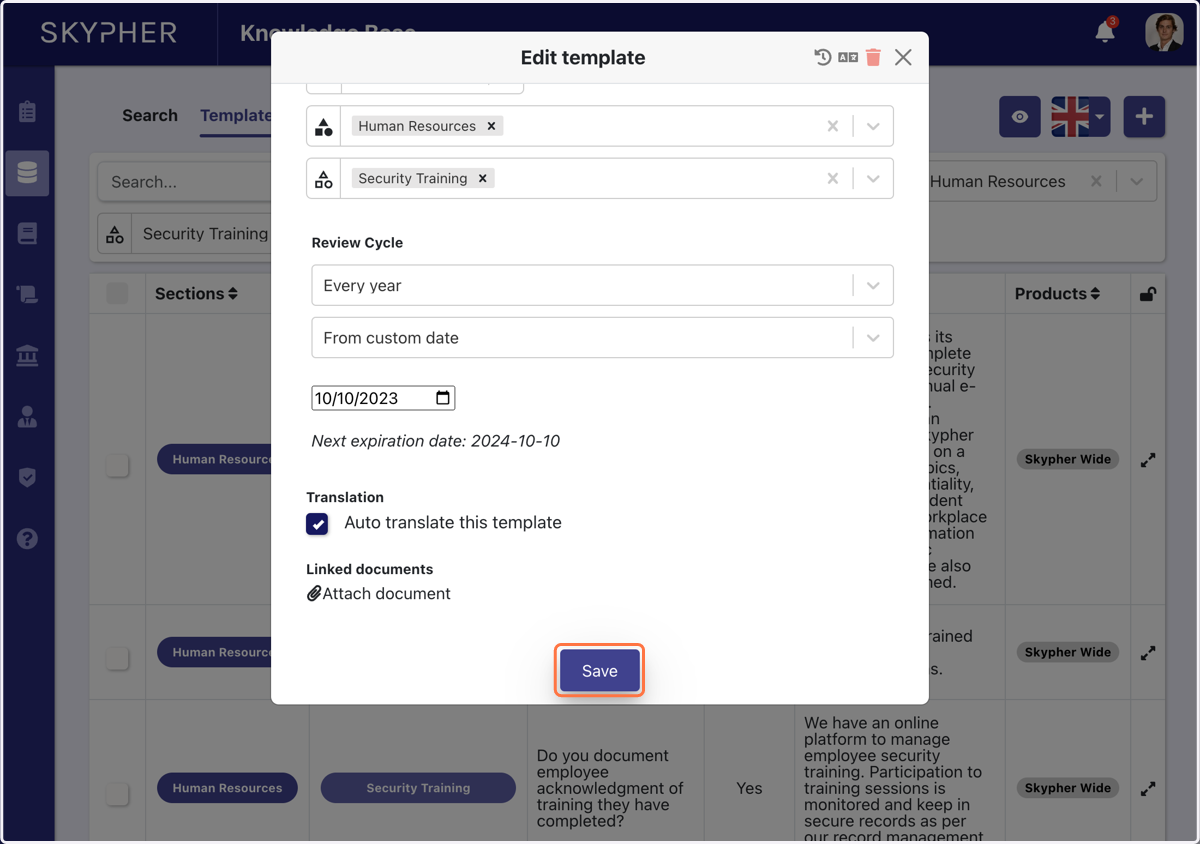
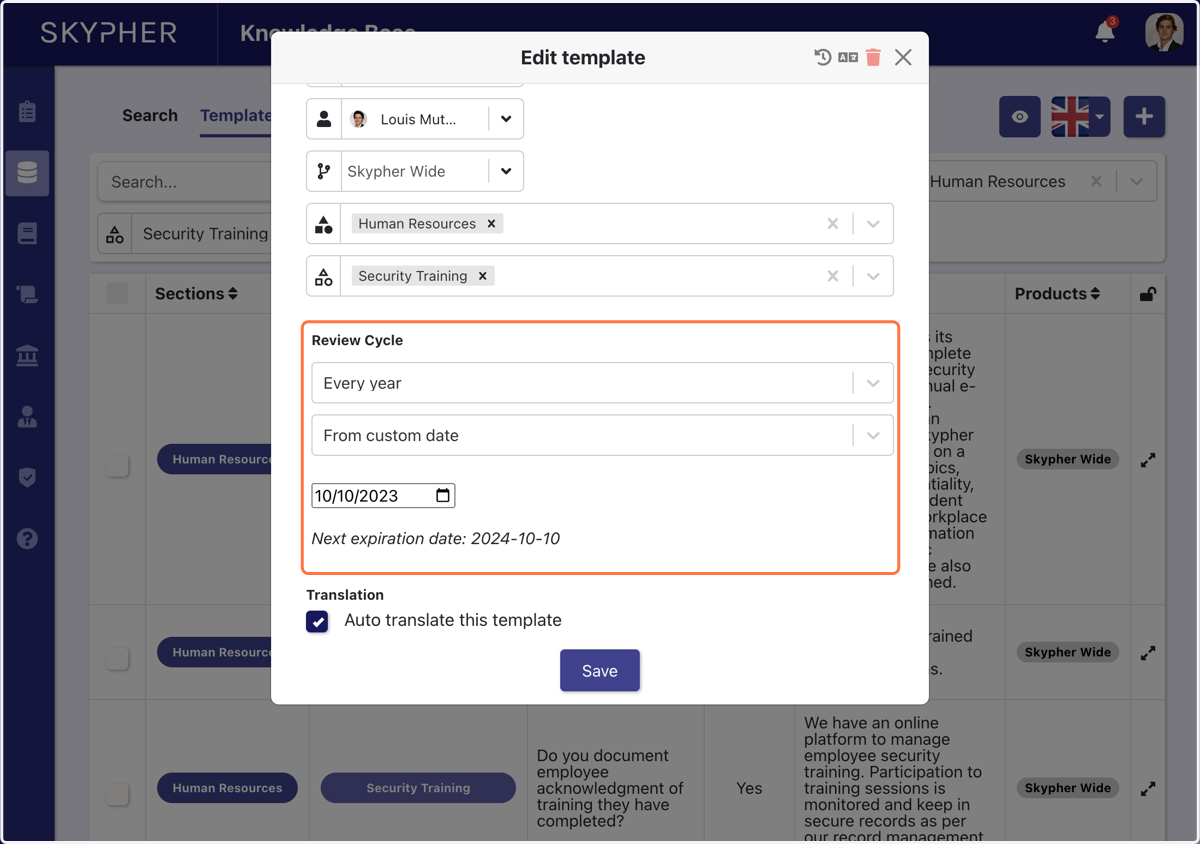
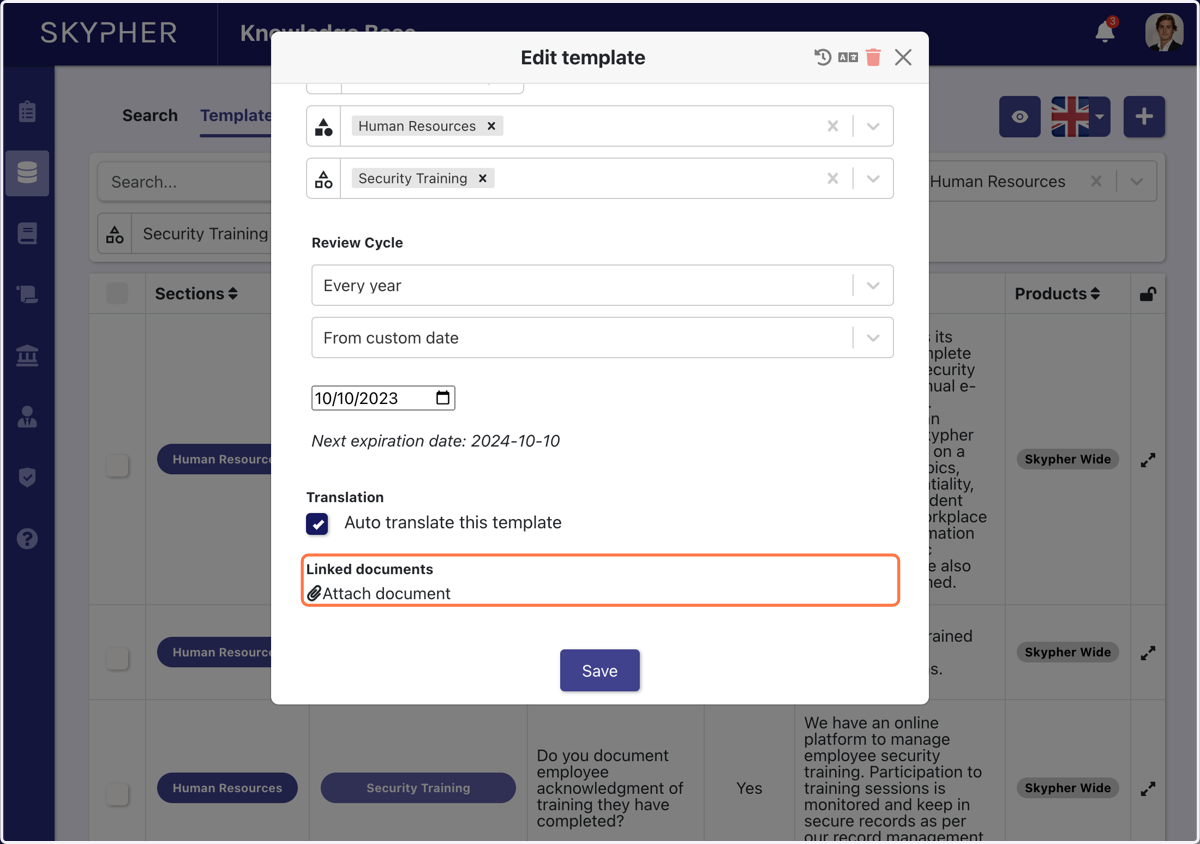
11. Add a review cycle
You can either add a fixed date for template review or a cyclic review (ex: every year)
12. Add a document
You can add a document to any answer
13. Click here to see the translation
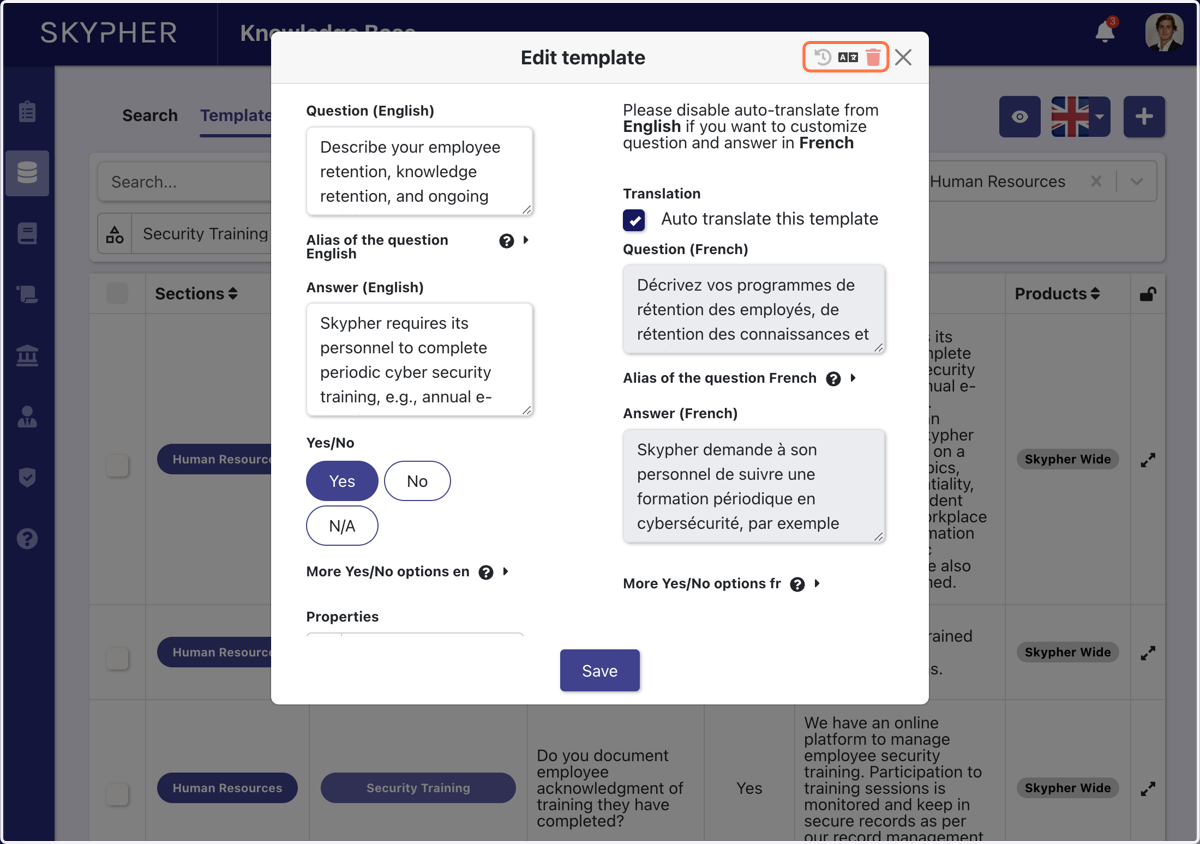
14. If you wish, you can disable the auto-translation of the template
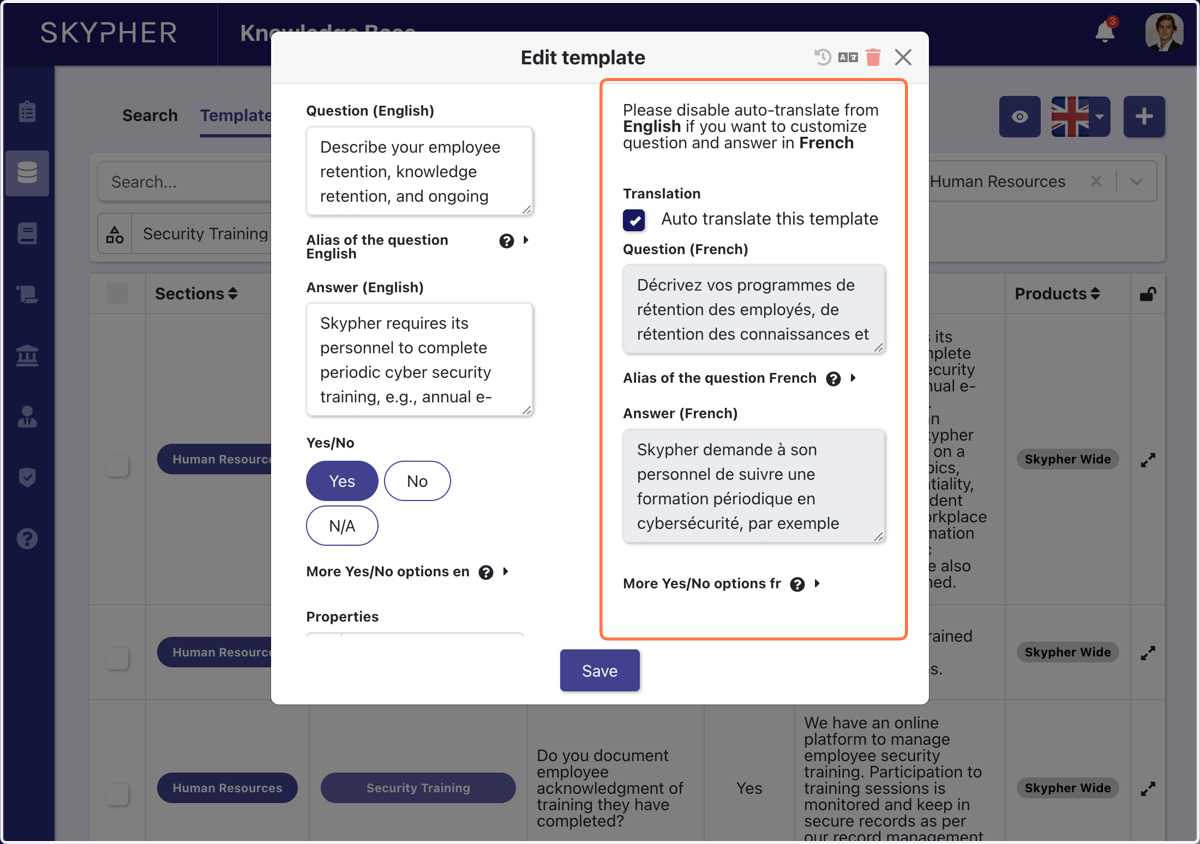
15. Click on Save