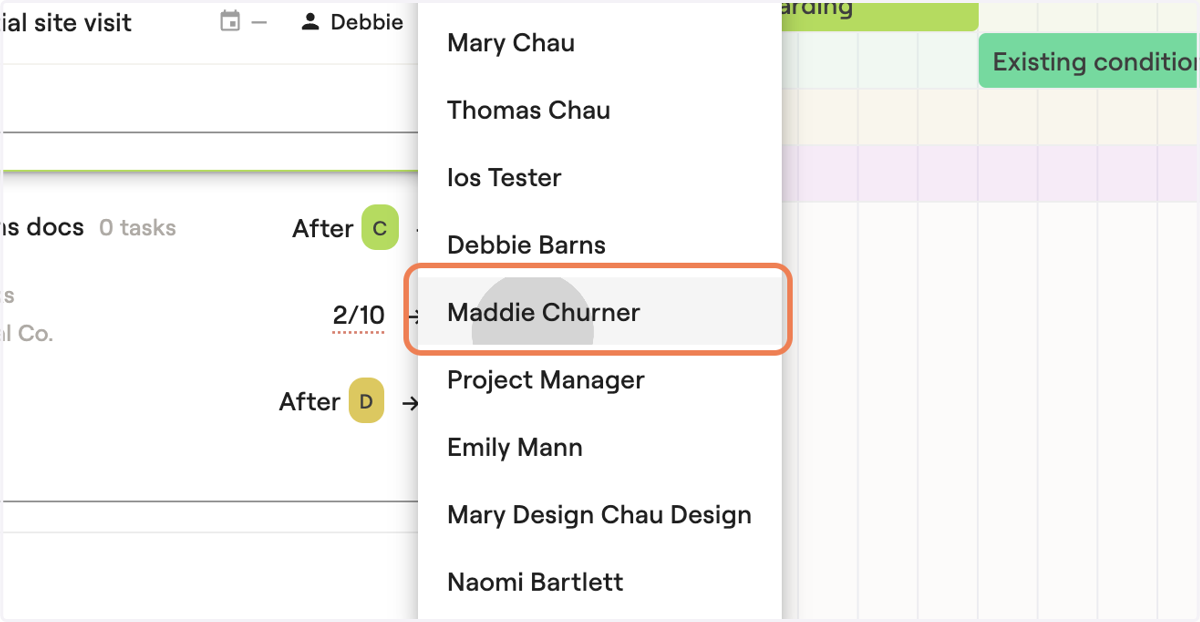
Reassigning tasks in Materio
You can reassign tasks in your todo list, in project timelines under planned tasks and in the group task board
Materio
1. Go to your dashboard Task list
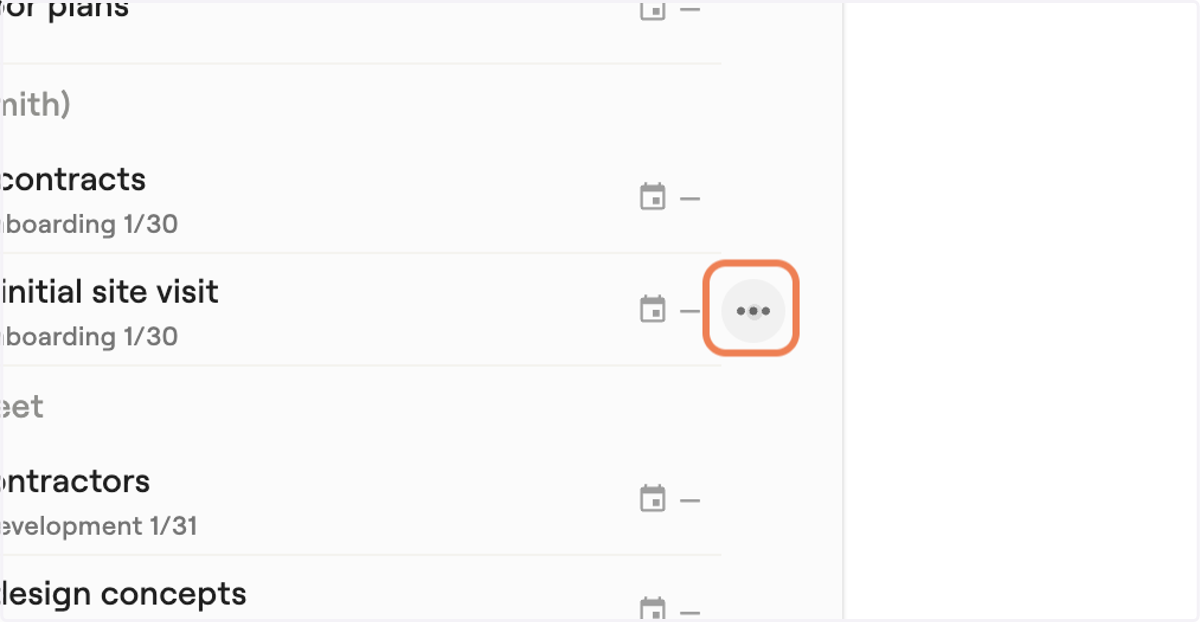
2. Hover near the calendar icon and a 3 dot menu will appear
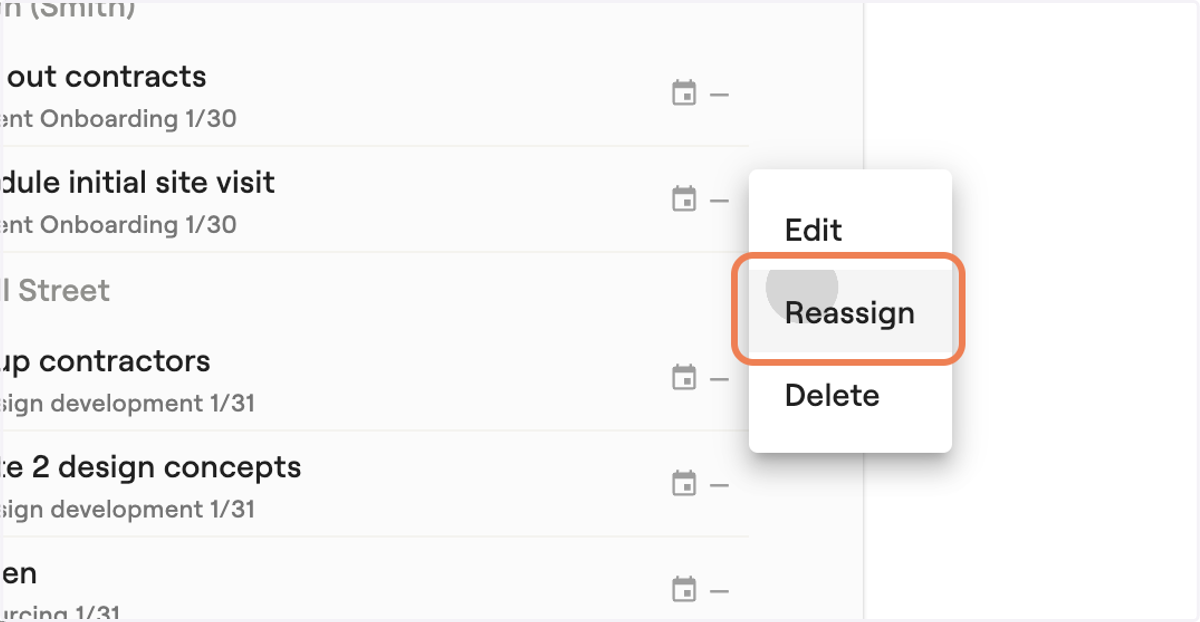
3. Click on Reassign
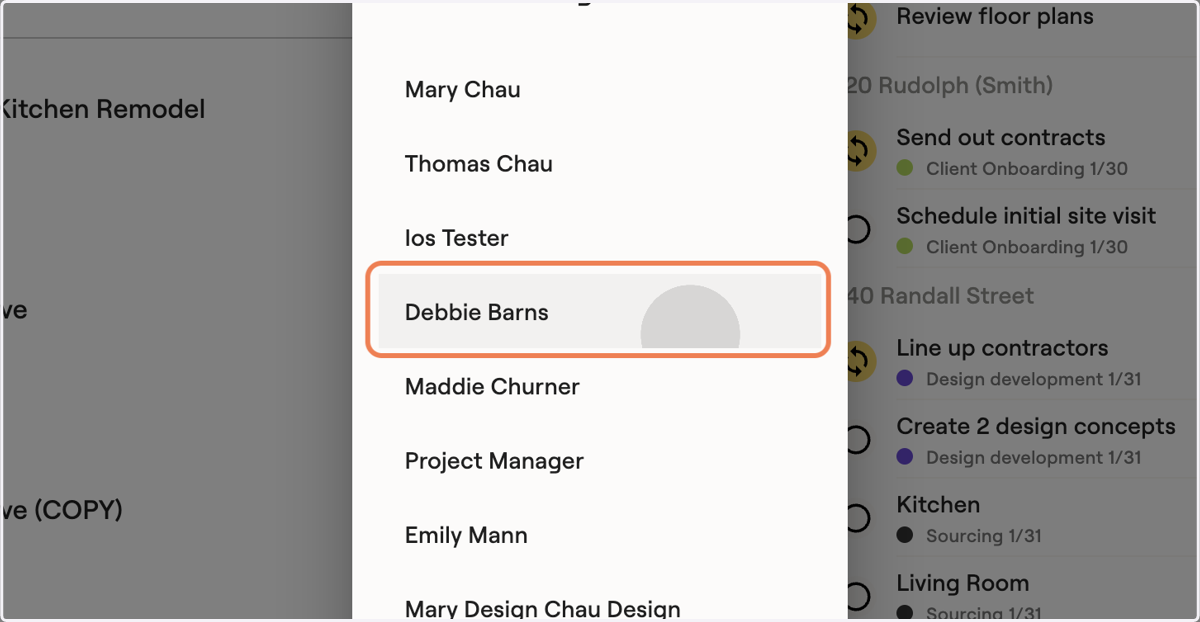
4. Select the team member you want to reassign the task to
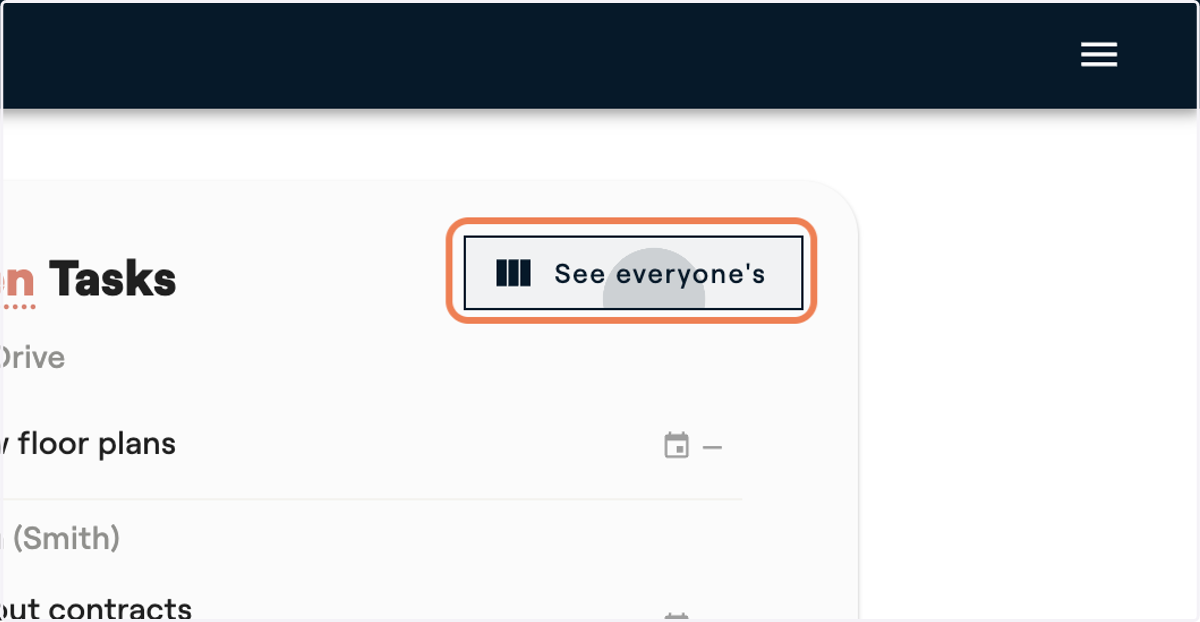
5. If you would like to explore your entire team's to-dos in one place, click on "See everyone's"
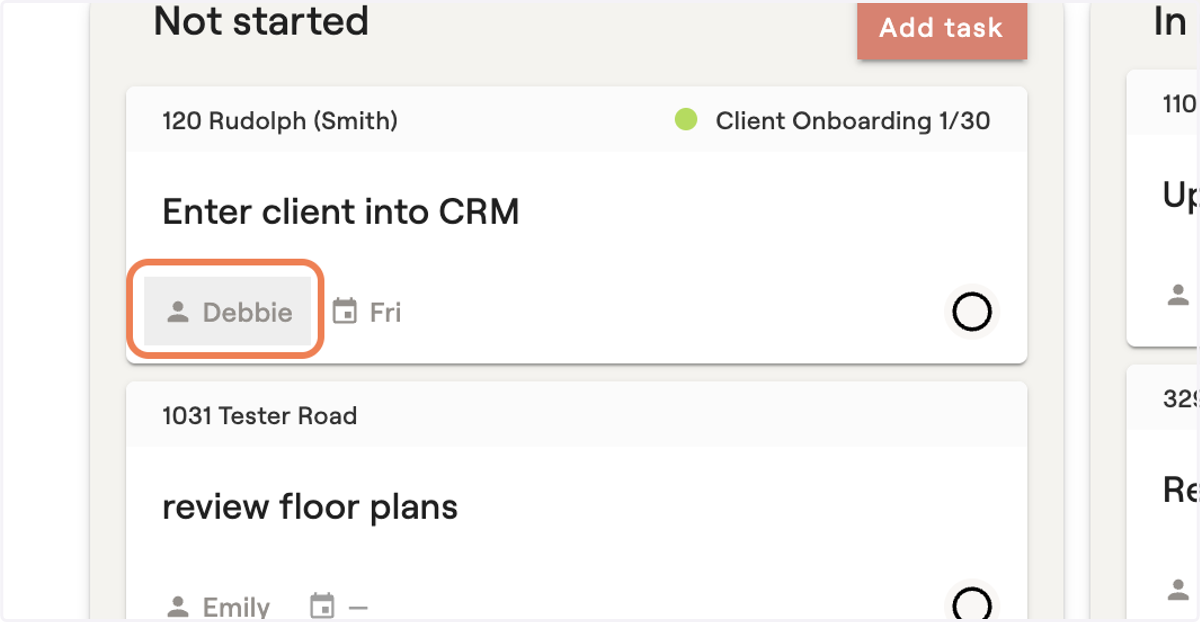
6. Click on the team members name to reassign
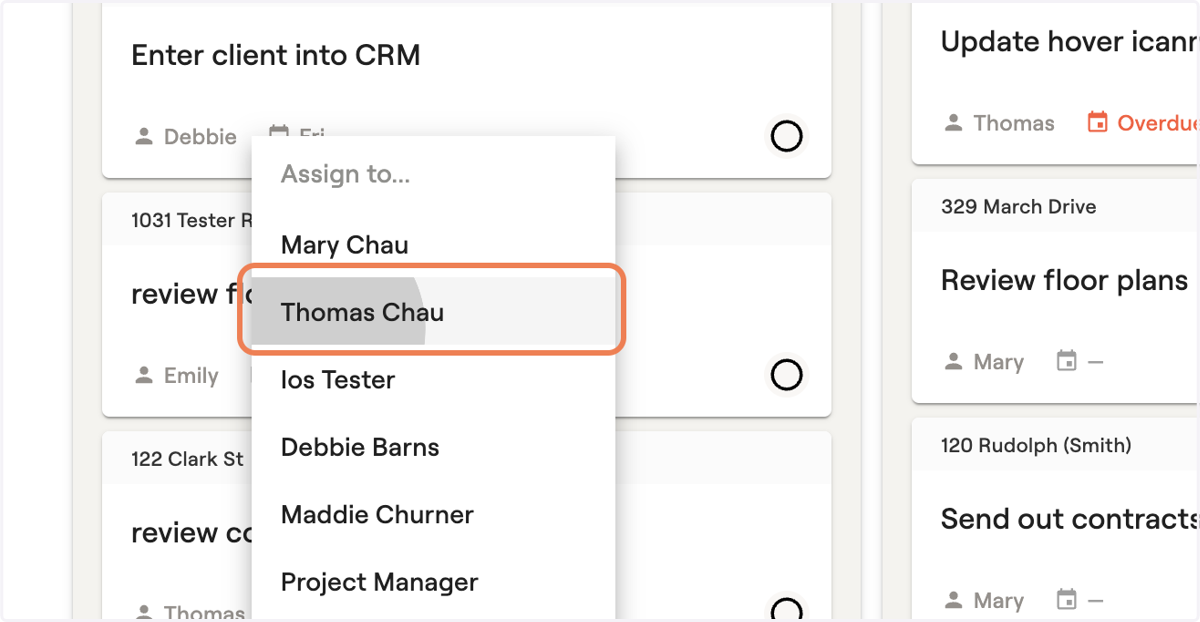
7. Select the team member you want to reassign the task to
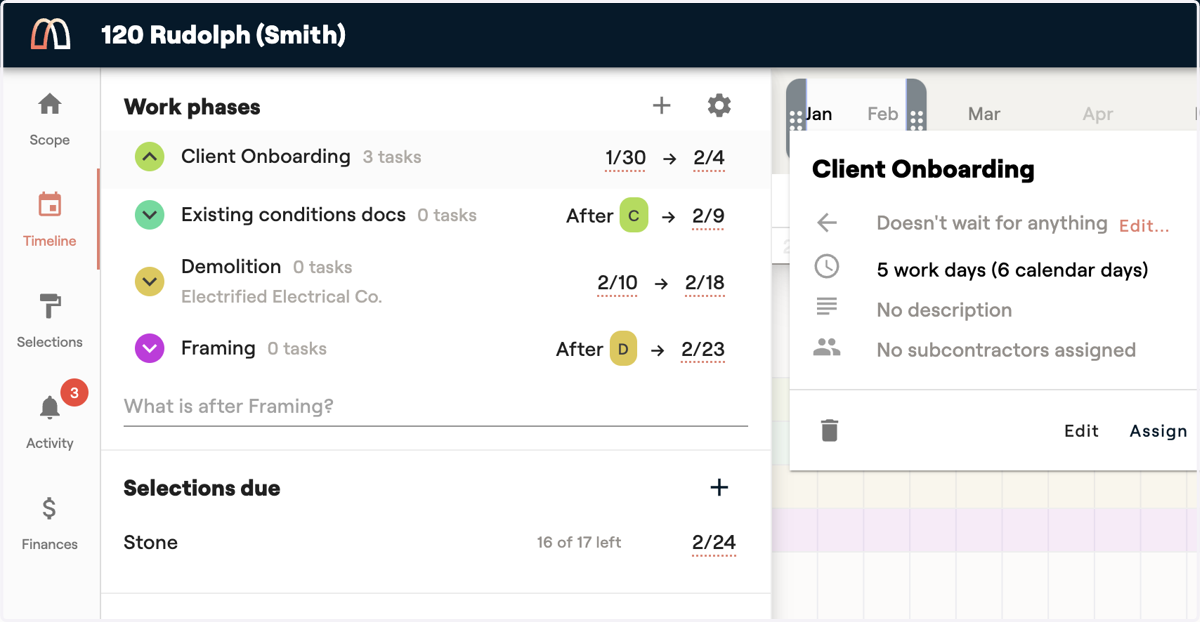
8. The third place you can reassign is within the timeline's planned tasks
9. Click on the existing assigned team member to open a menu
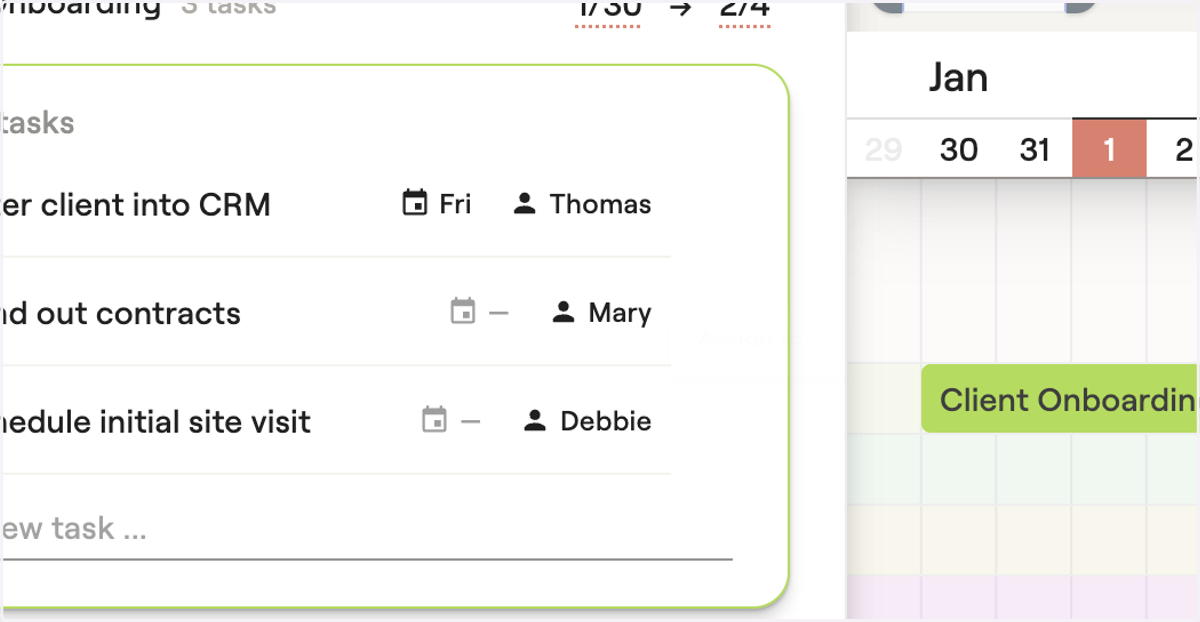
10. Select the team member you want to reassign the task to