Adding Email Domains your Tango Workspace
Follow these steps if you'd like your coworkers who join Tango to be able to automatically join your Workspace when they create an account!
Tango
1. Go to app.tango.us
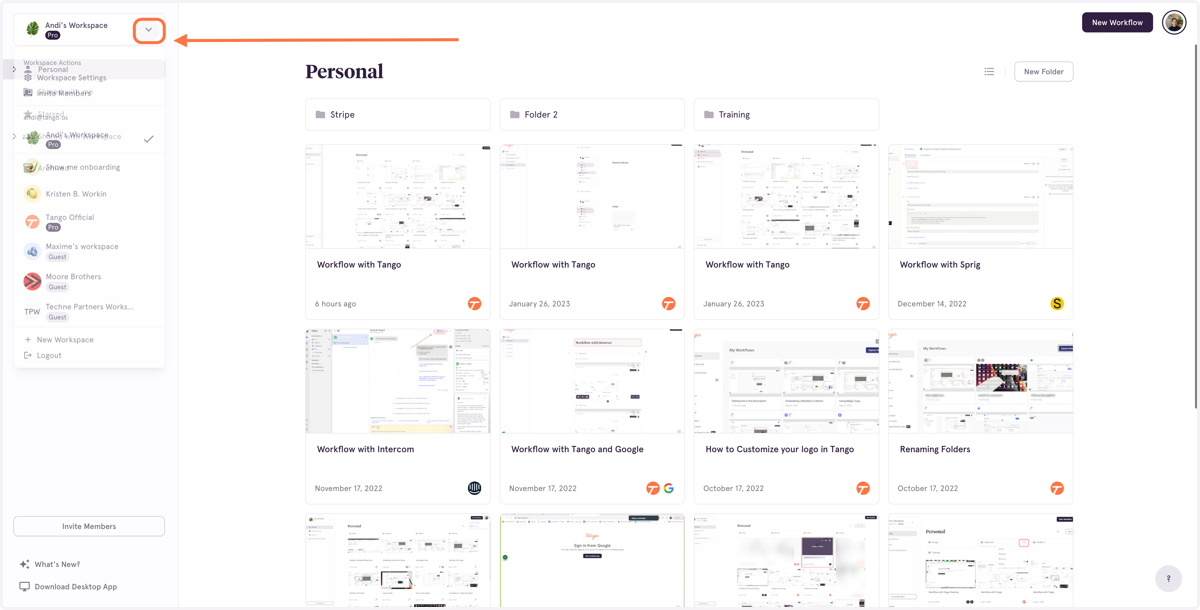
2. Click on the Dropdown menu for your Workspace…
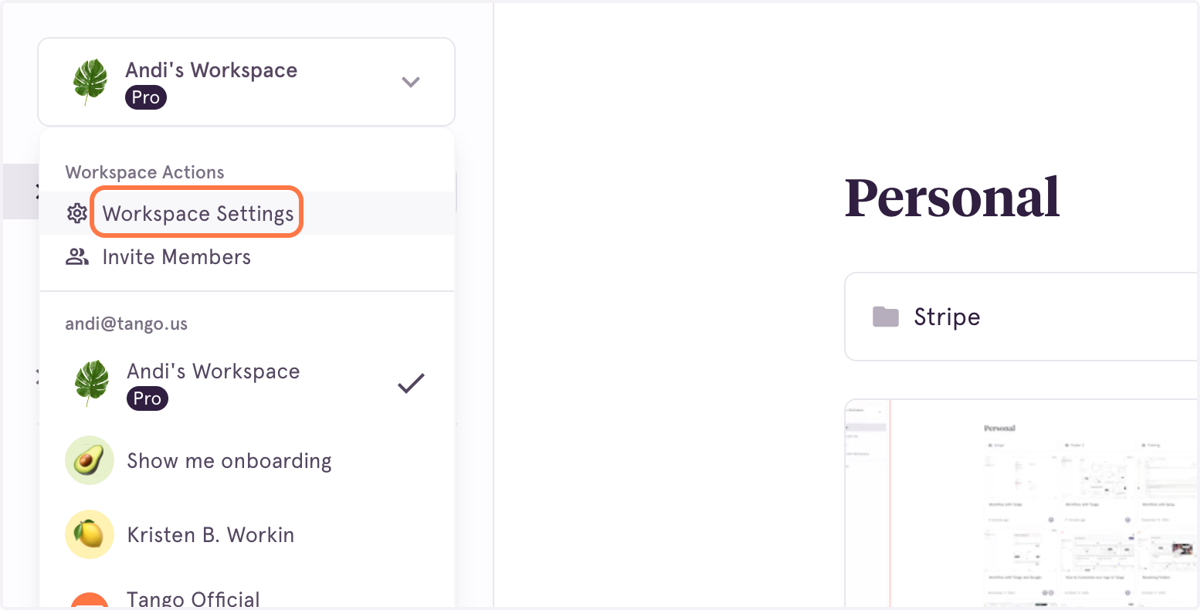
3. Click on Workspace Settings
4. In the Settings modal, type the email domain(s) for users you would like to be allowed to automatically join your Workspace
Do not add the @ before the domain
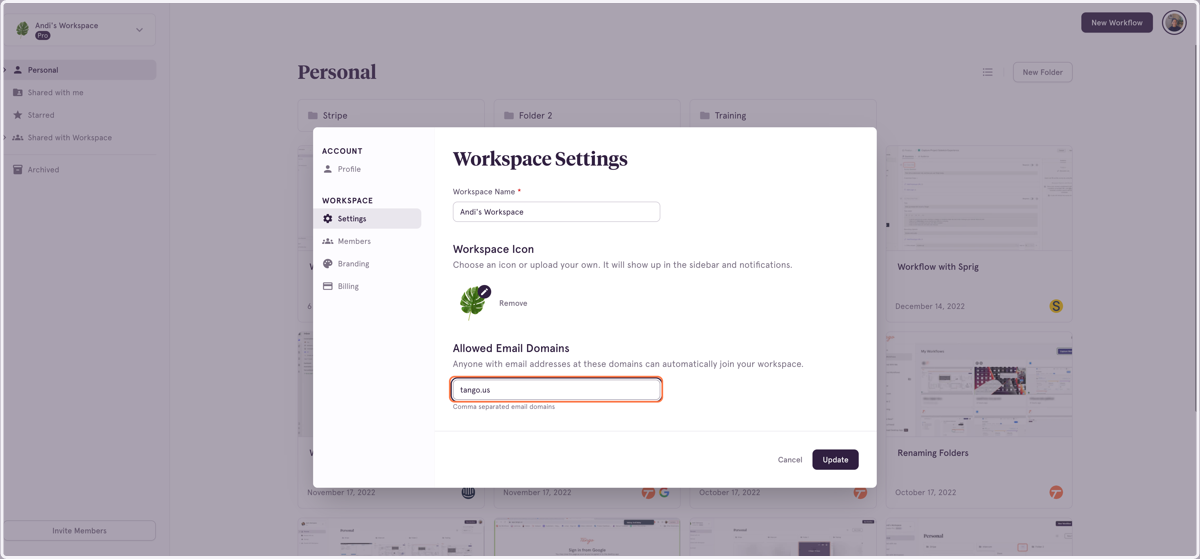
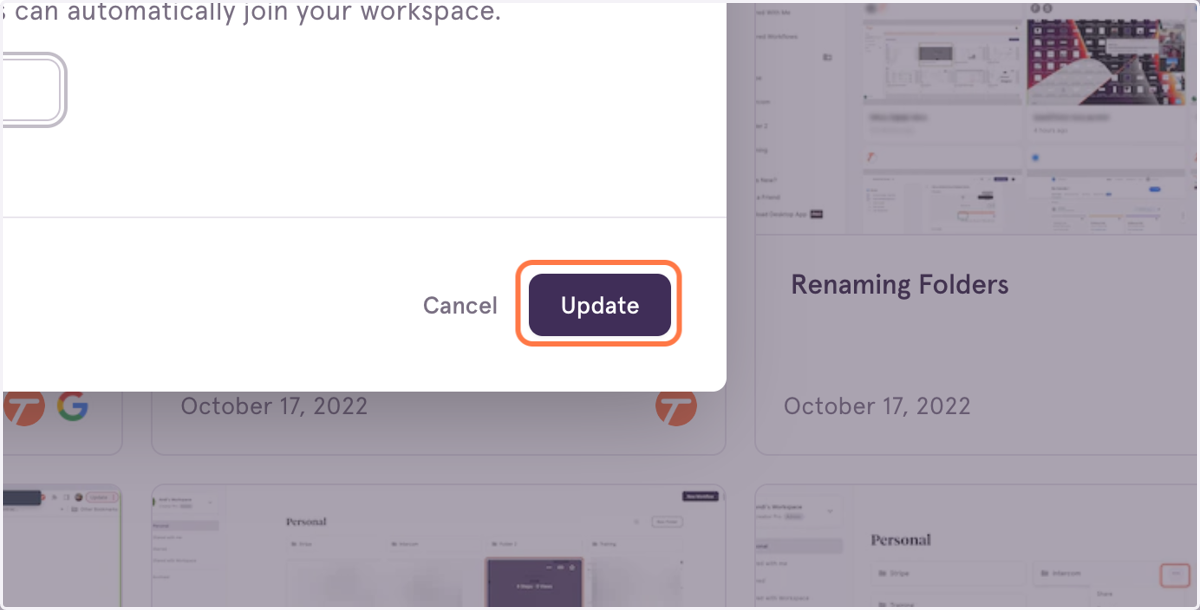
5. Click on Update
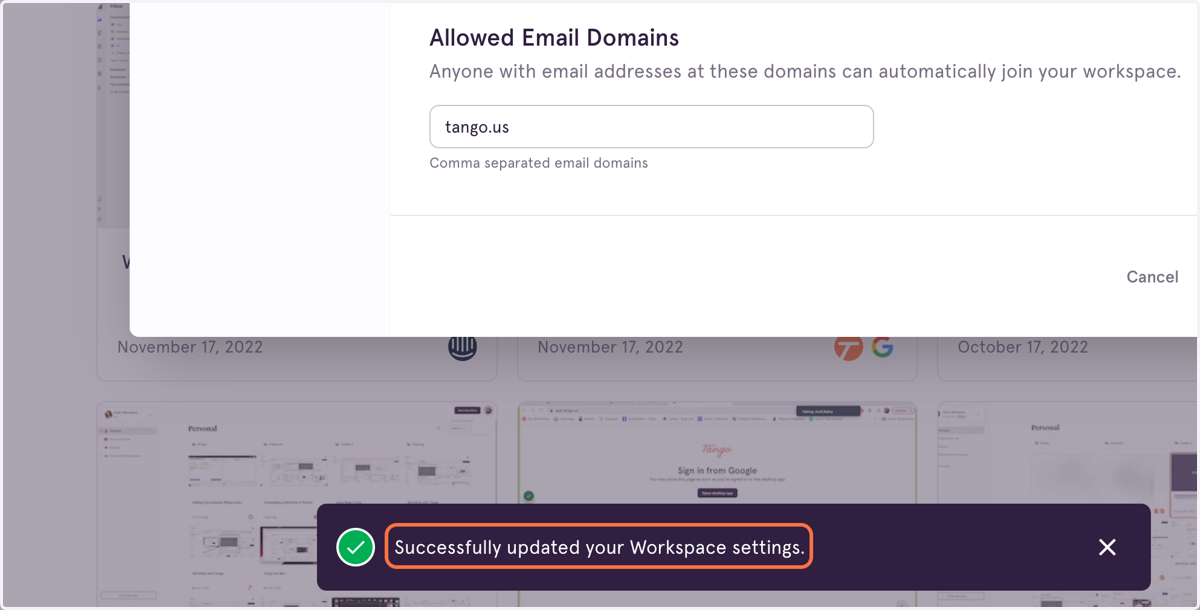
6. You will see a confirmation that your settings have been updated!
Now whenever a new user from your company creates a Tango account, they will be able to find and join your Workspace automatically!