SwagUp x SwagUp: Auto-Ship Redeem
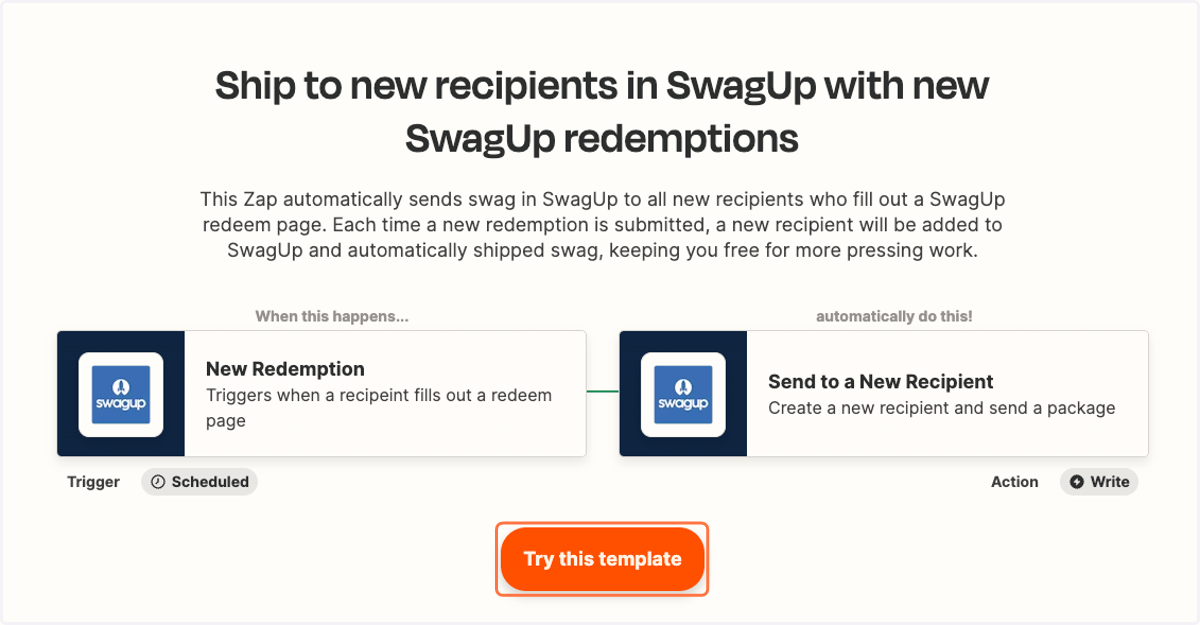
This Zap automatically sends swag in SwagUp to all new recipients who fill out a SwagUp redeem page. Each time a new redemption is submitted, a new recipient will be added to SwagUp and automatically shipped swag, keeping you free for more pressing work.
Ship to new recipients in SwagUp with new SwagUp redemptions
1. Click on Try this template
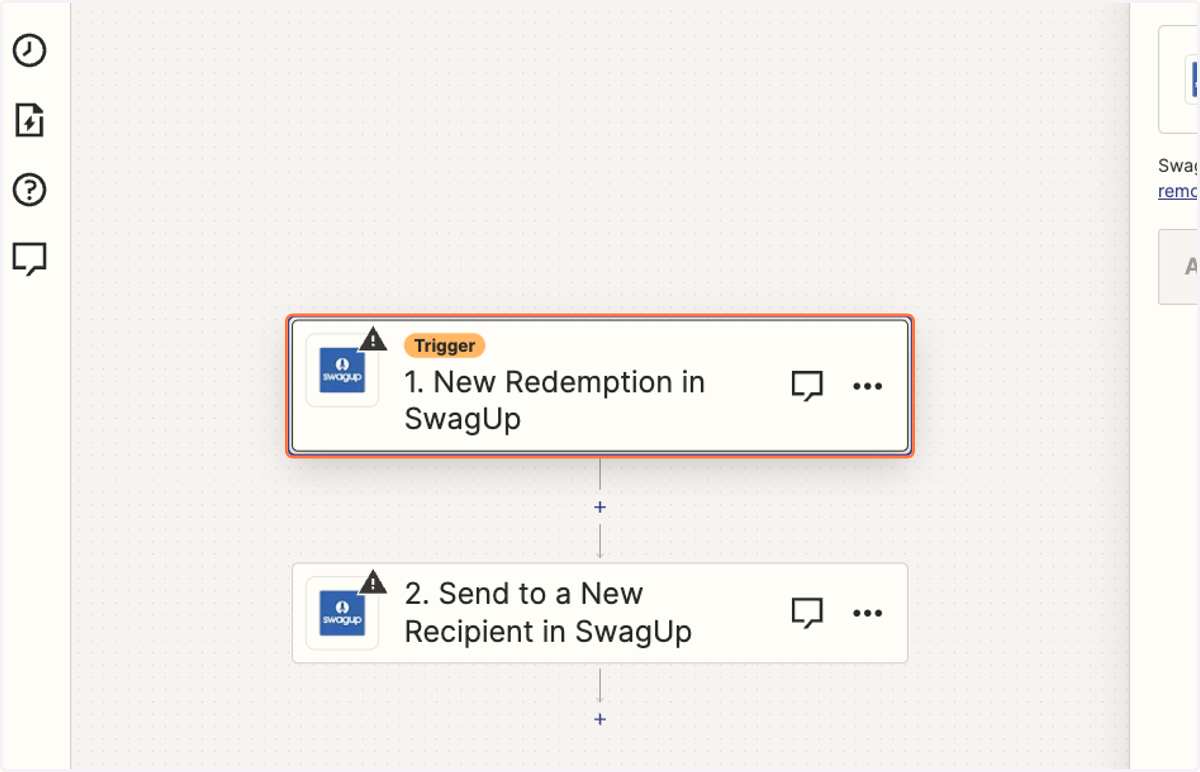
2. Click on Trigger step
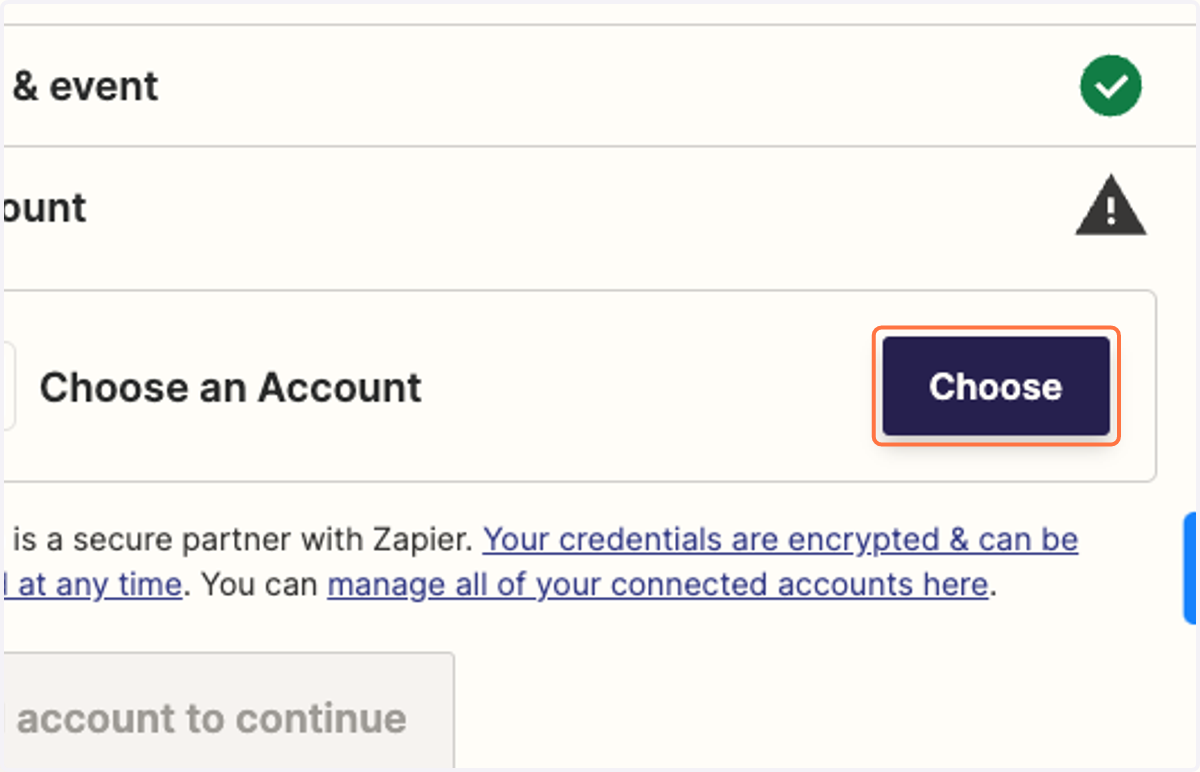
3. Choose SwagUp account to connect
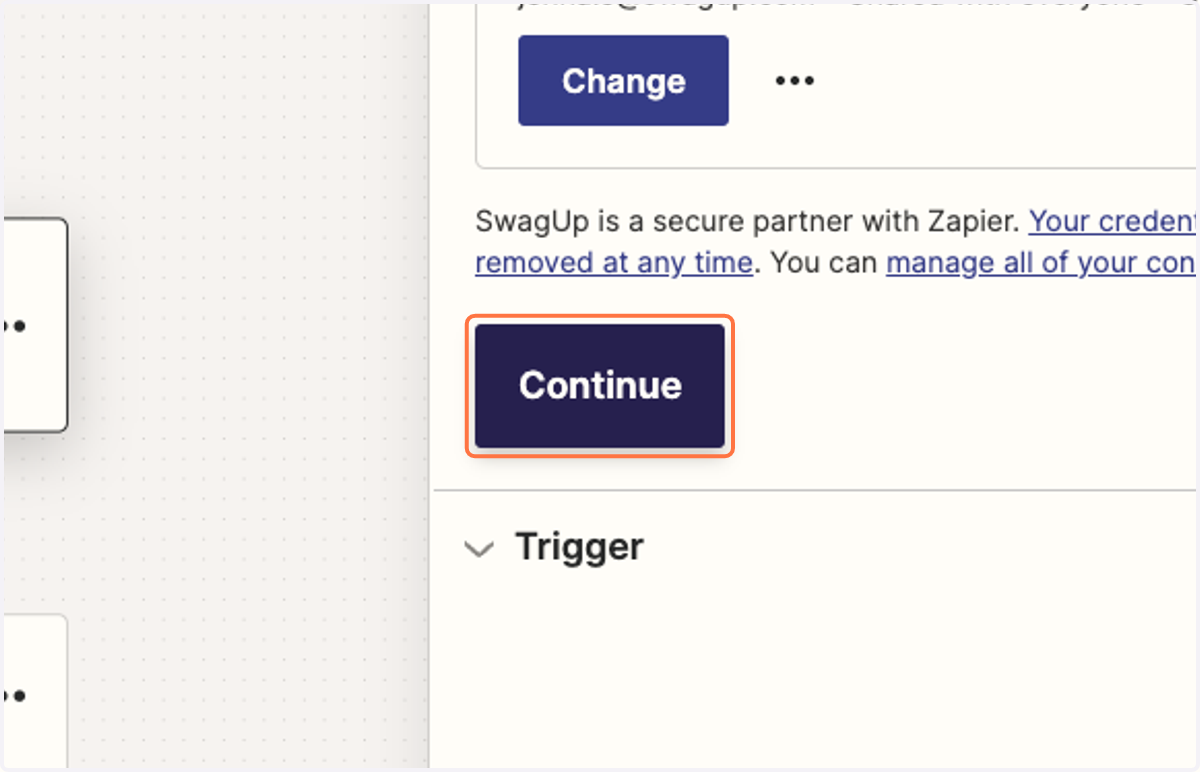
4. Click on Continue
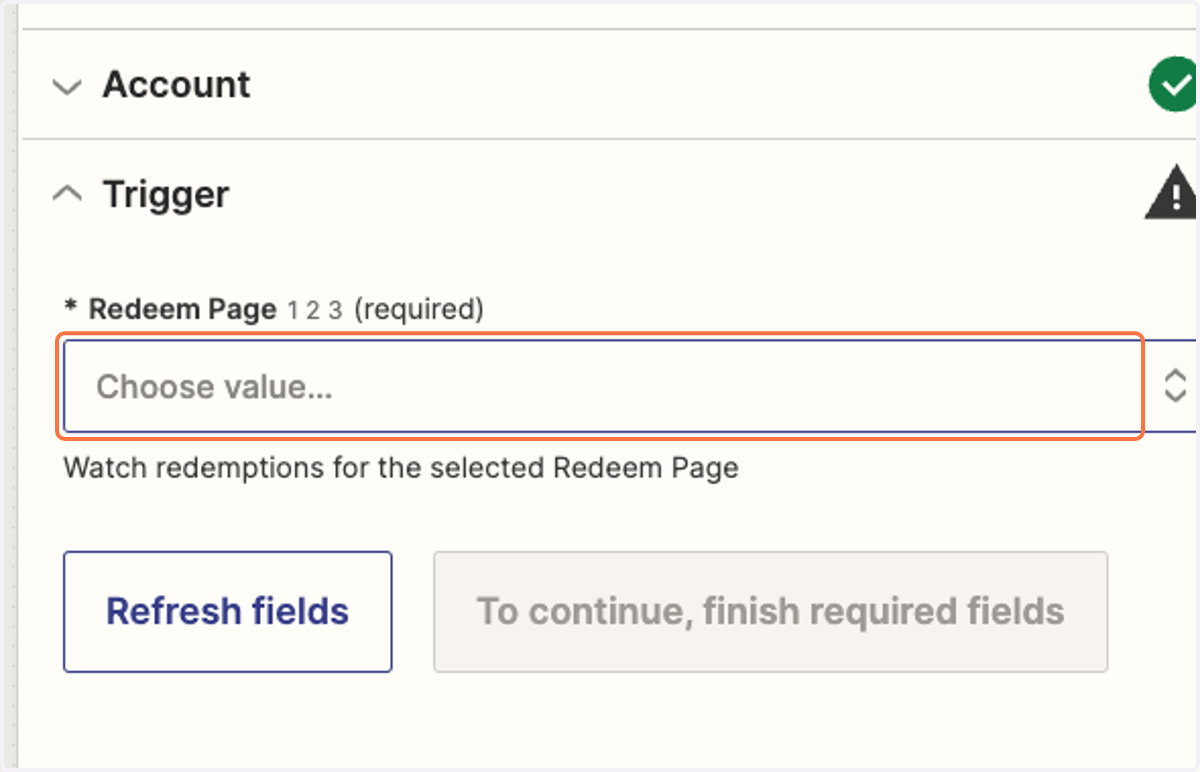
5. Choose Redeem Page you'd like to auto-ship to
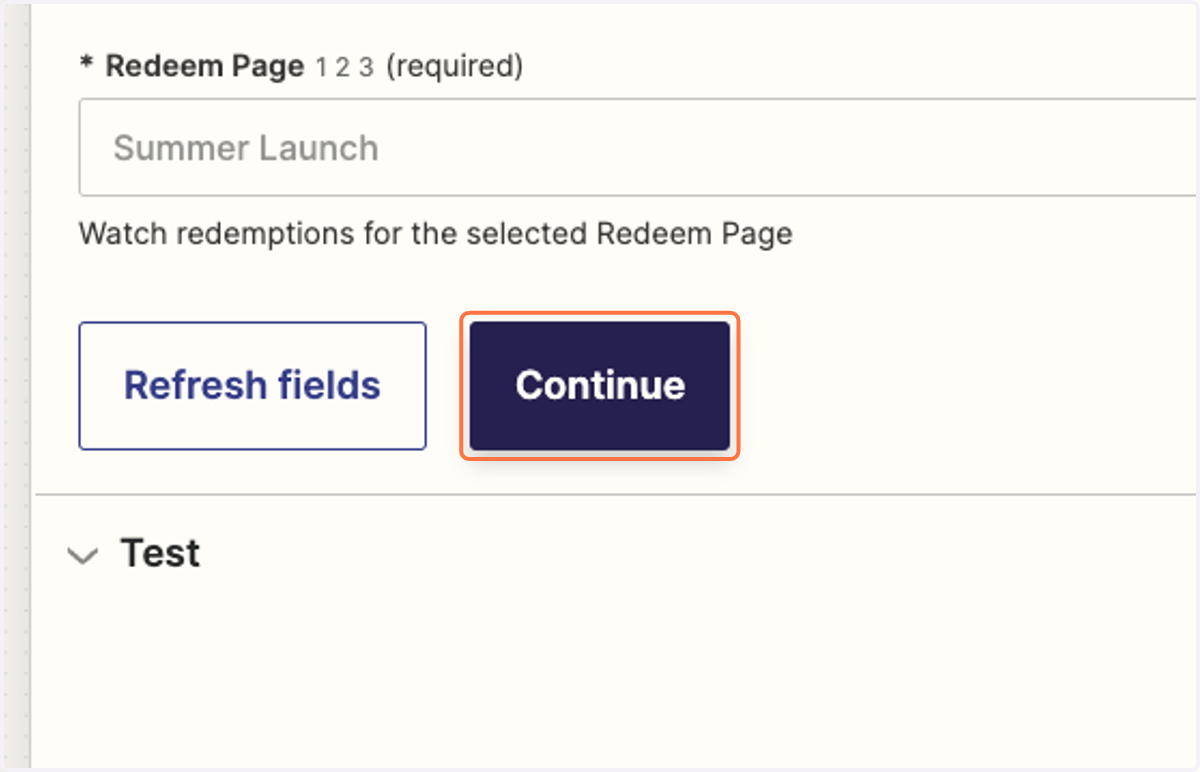
6. Click on Continue
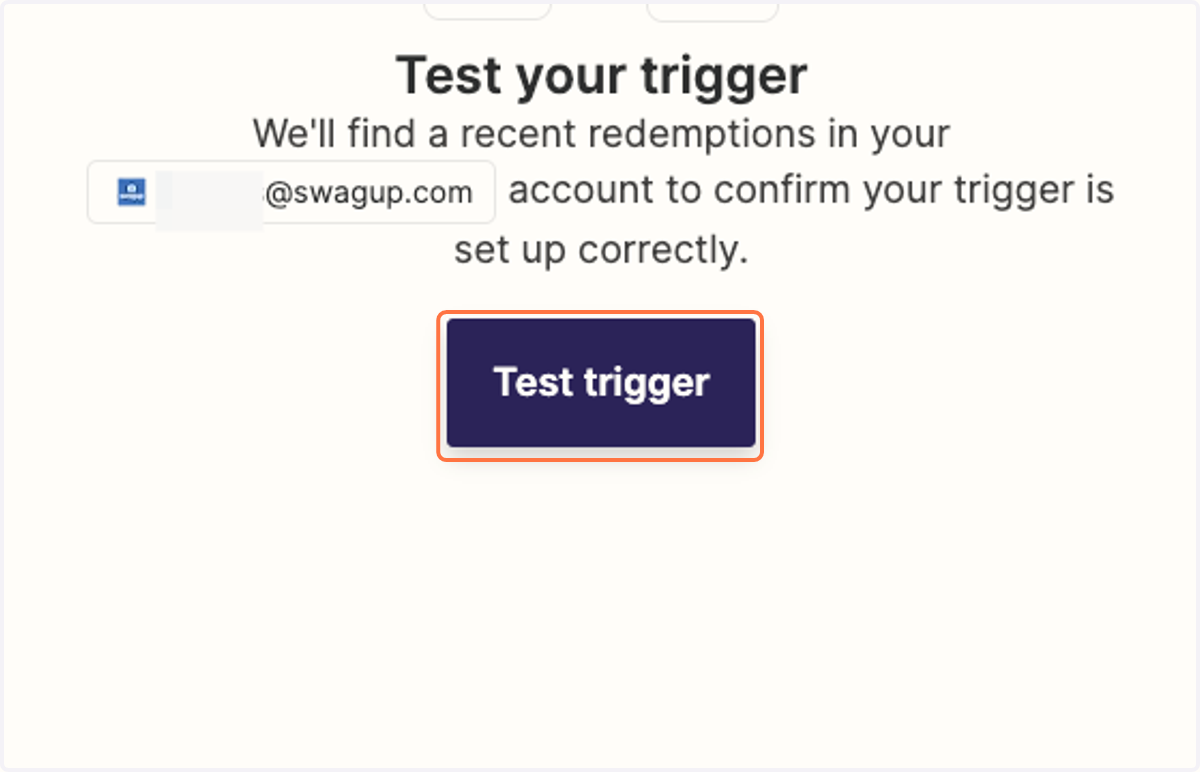
7. Click on Test trigger
8. Click on Action step
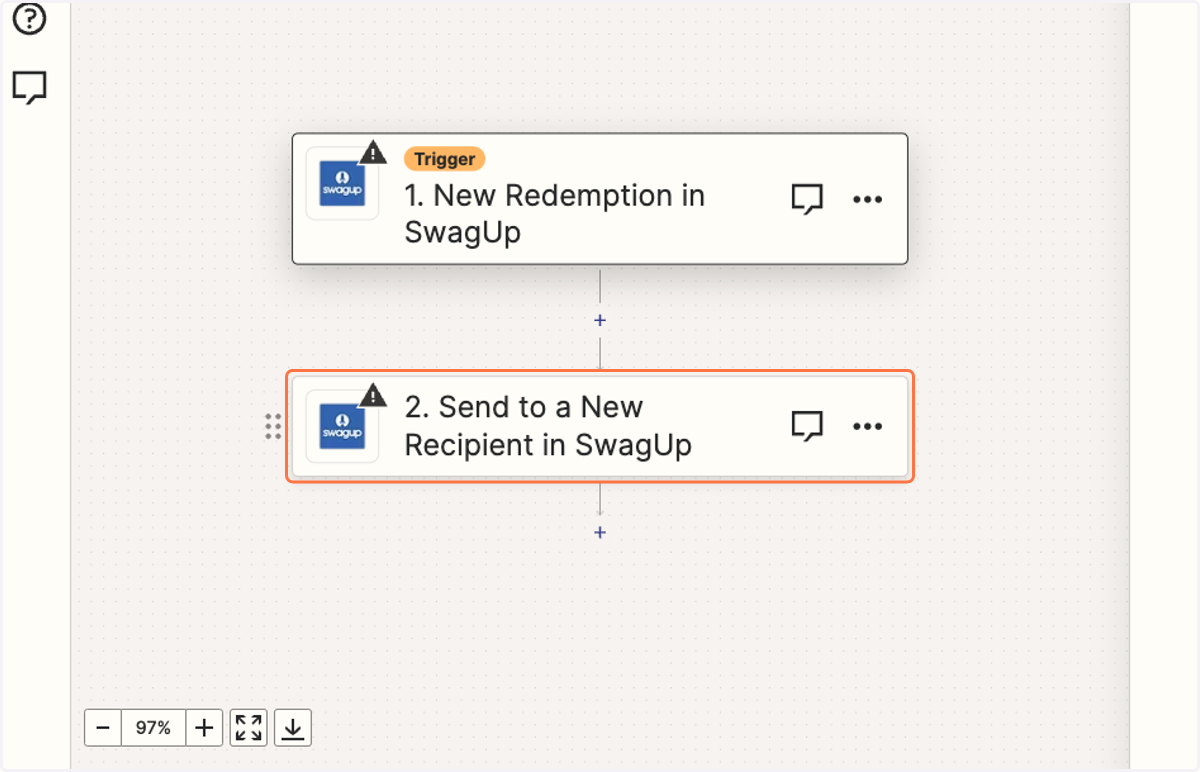
9. Fill out all required fields for shipment information
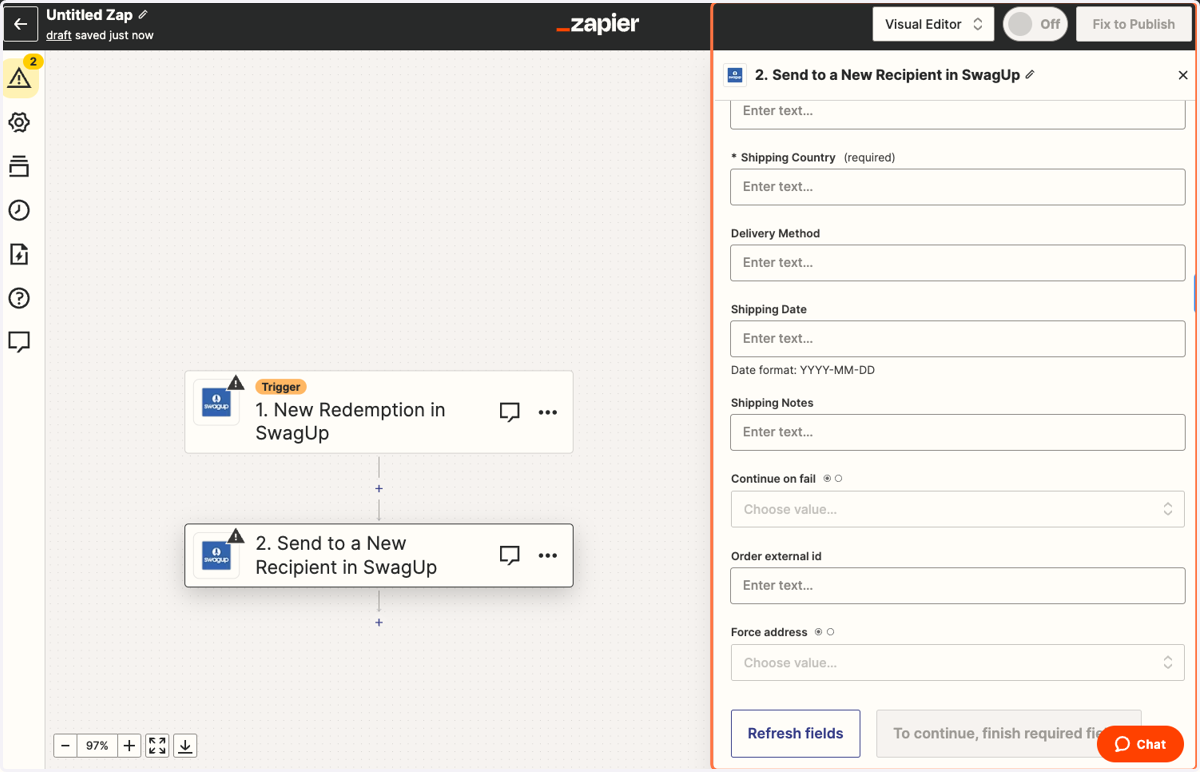
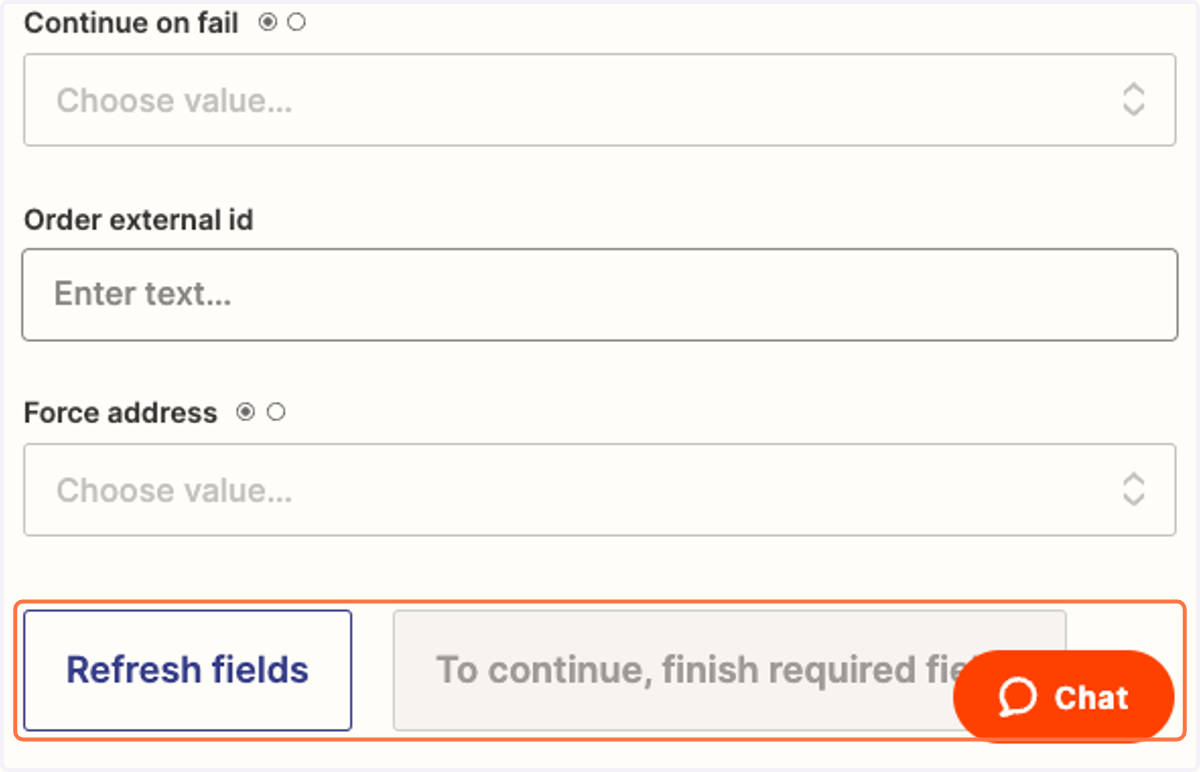
10. Click on Refresh fields and Continue to being using your Zap