Walkthrough: Explore Rytros™ Reagent Discovery App
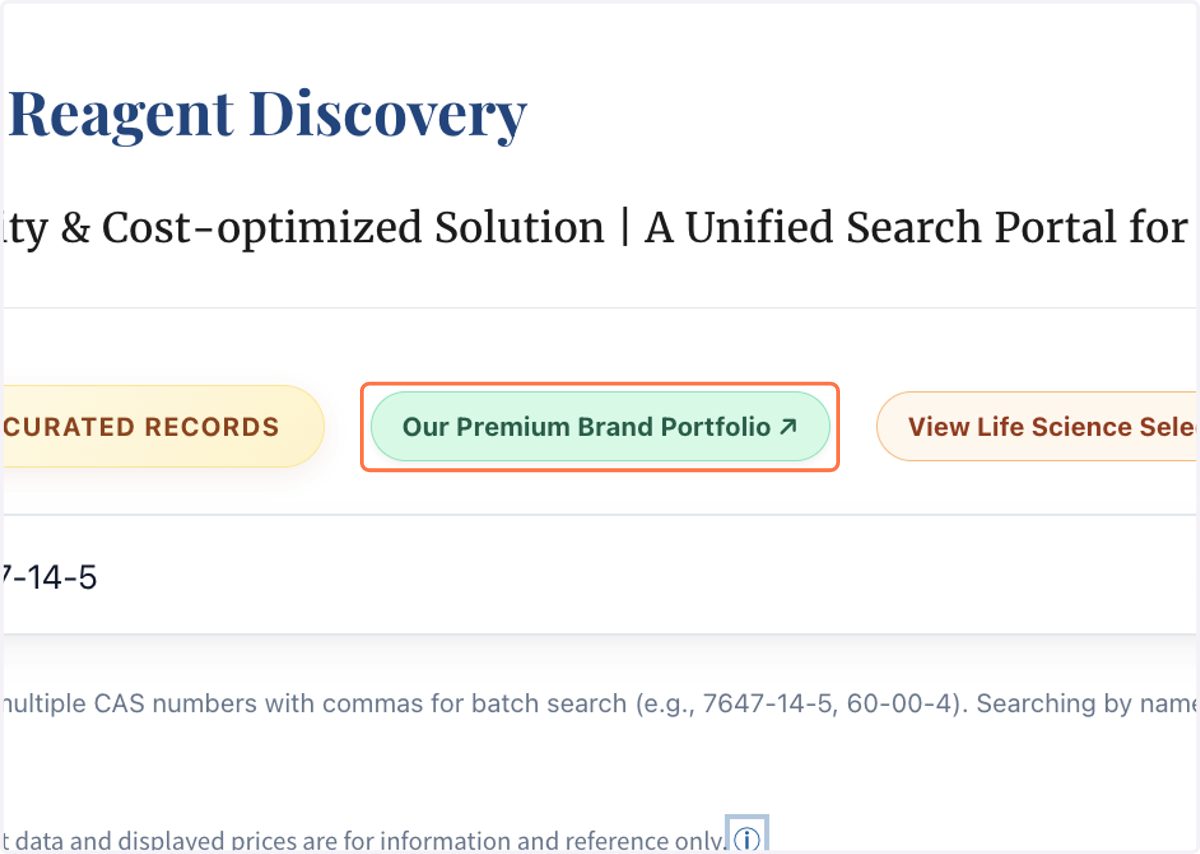
1. On home page, click on "Our Premium Brand Portfolio" to know more about our manufacturer network
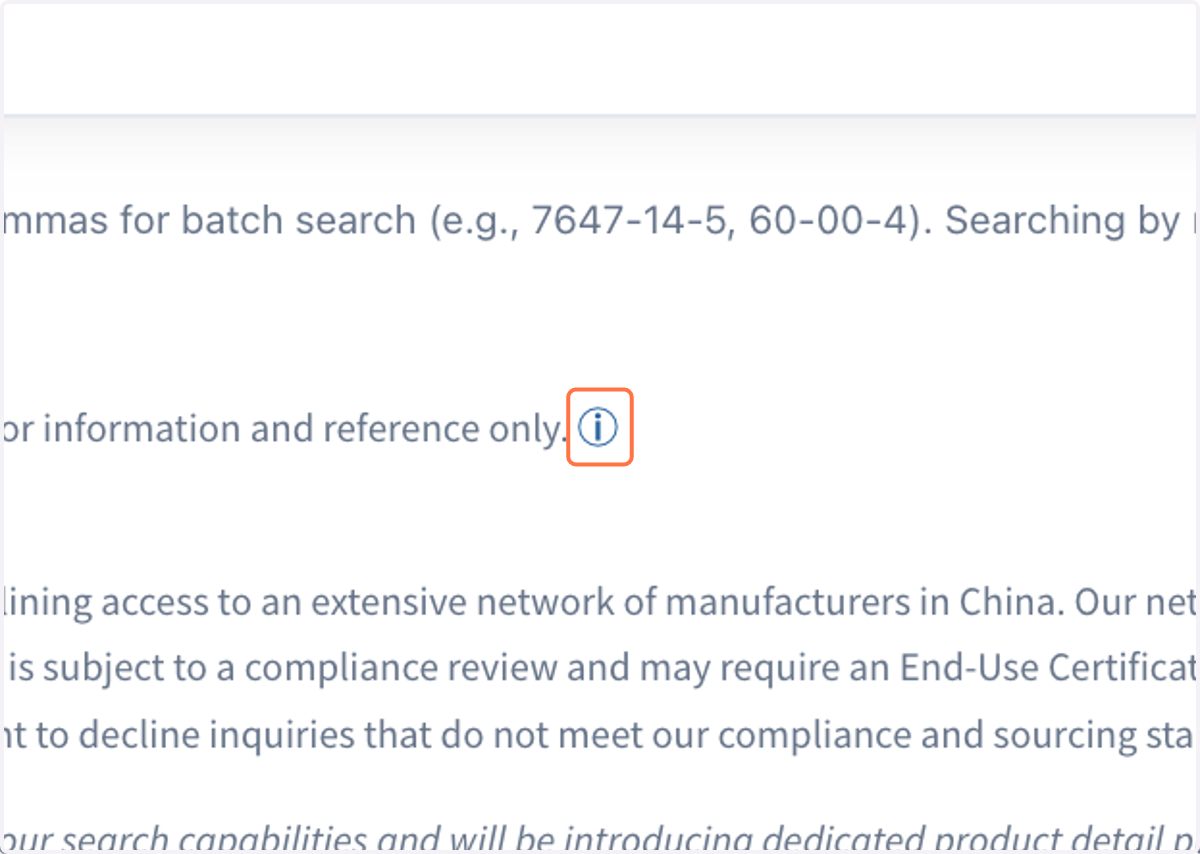
2. Click on "ⓘ" in the "Note" to learn more about Total Landed Cost Summary
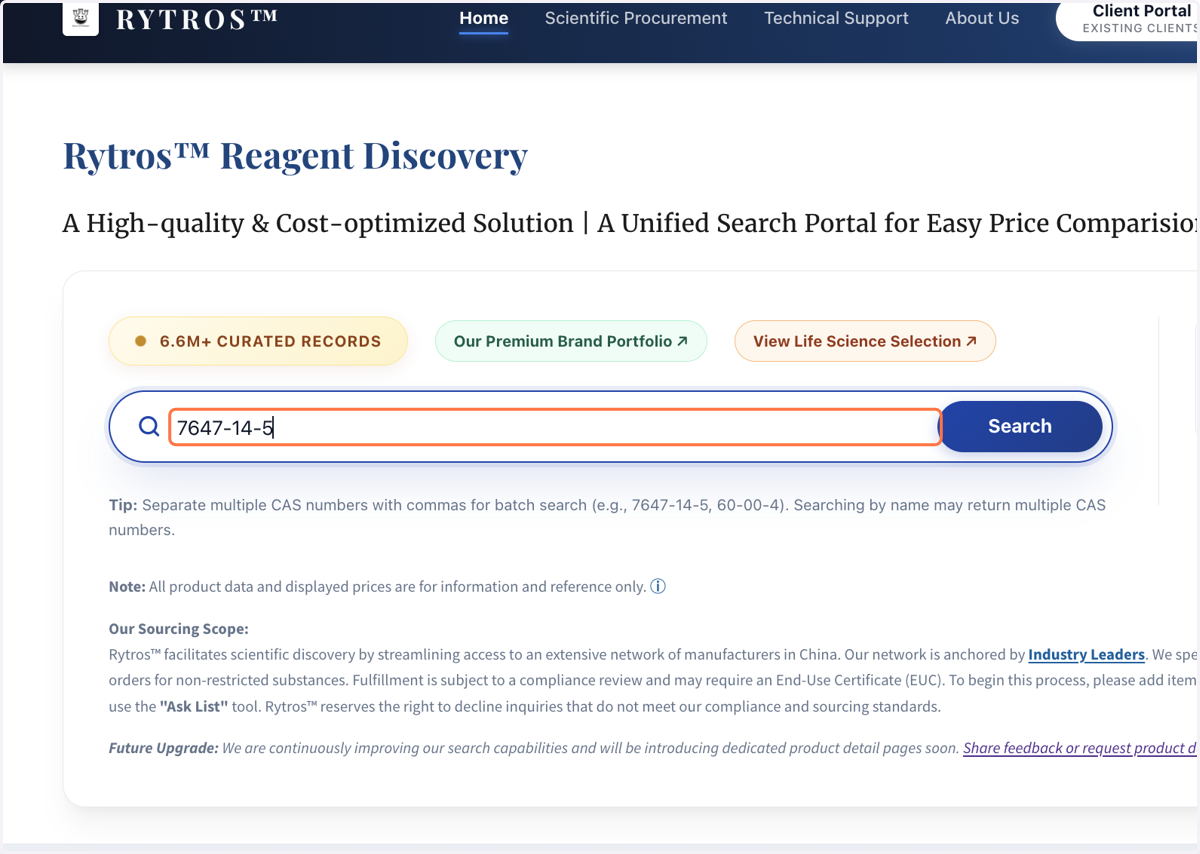
3. Search with a CAS number, a chemical name or multiple CAS numbers, i.e. paste a CAS number as input
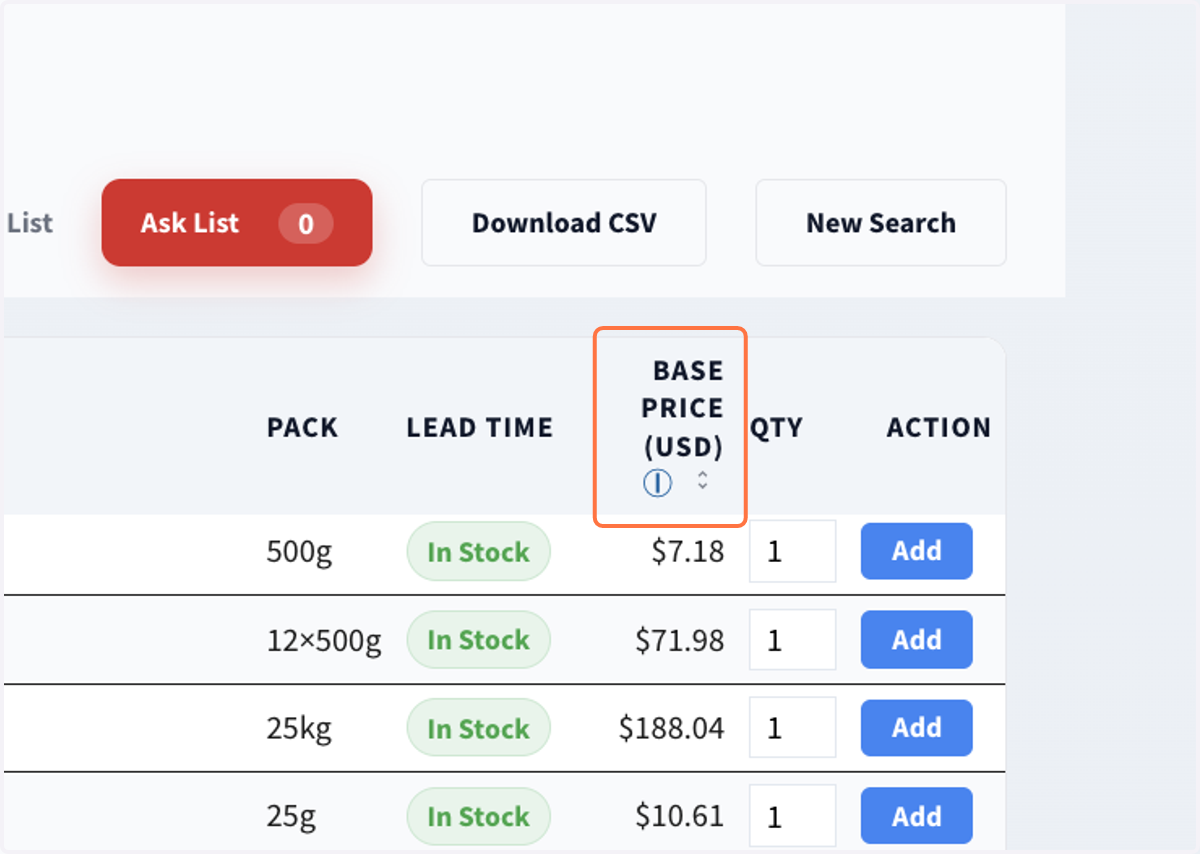
4. Click on "BASE PRICE (USD) Ⓘ" to sort on price
5. Click on "SPECIFICATION", "PACK" to sort
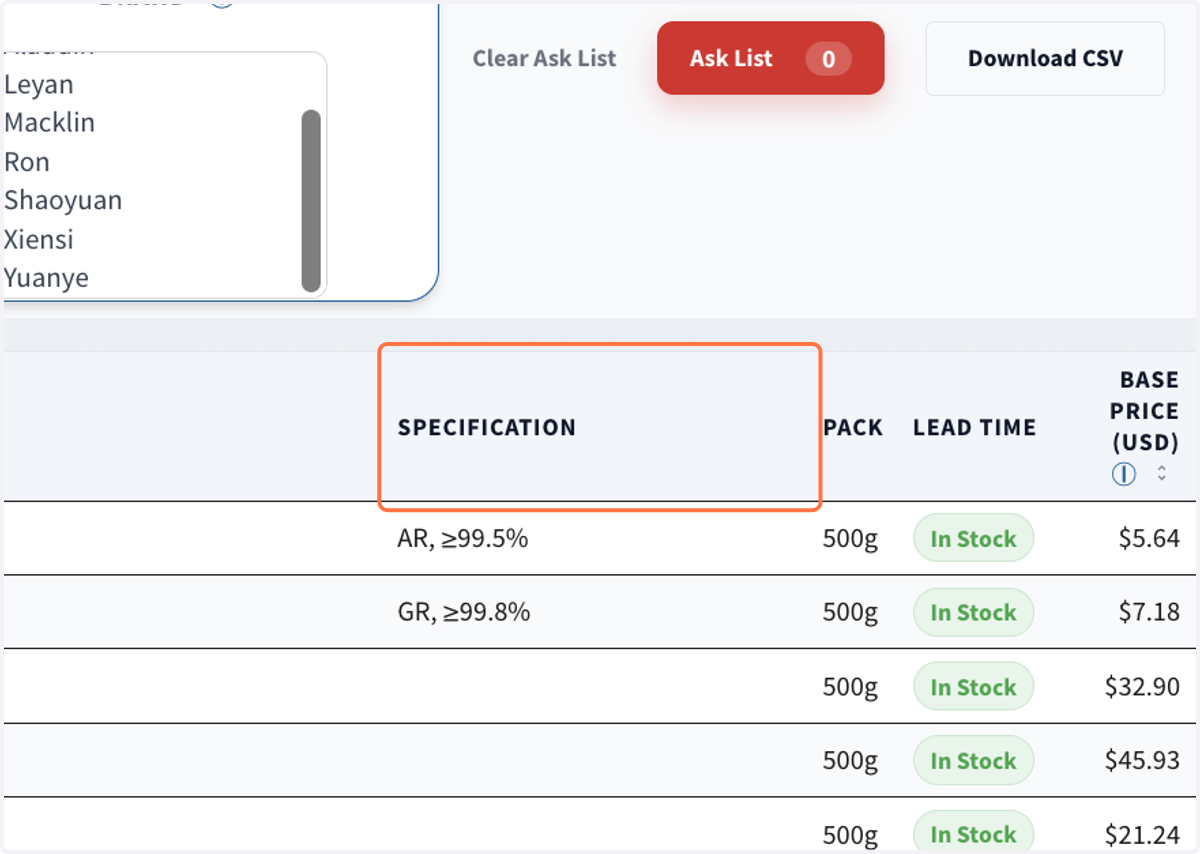
6. Click on "Filter Tools" to display all filters. Inspect all "Filters"
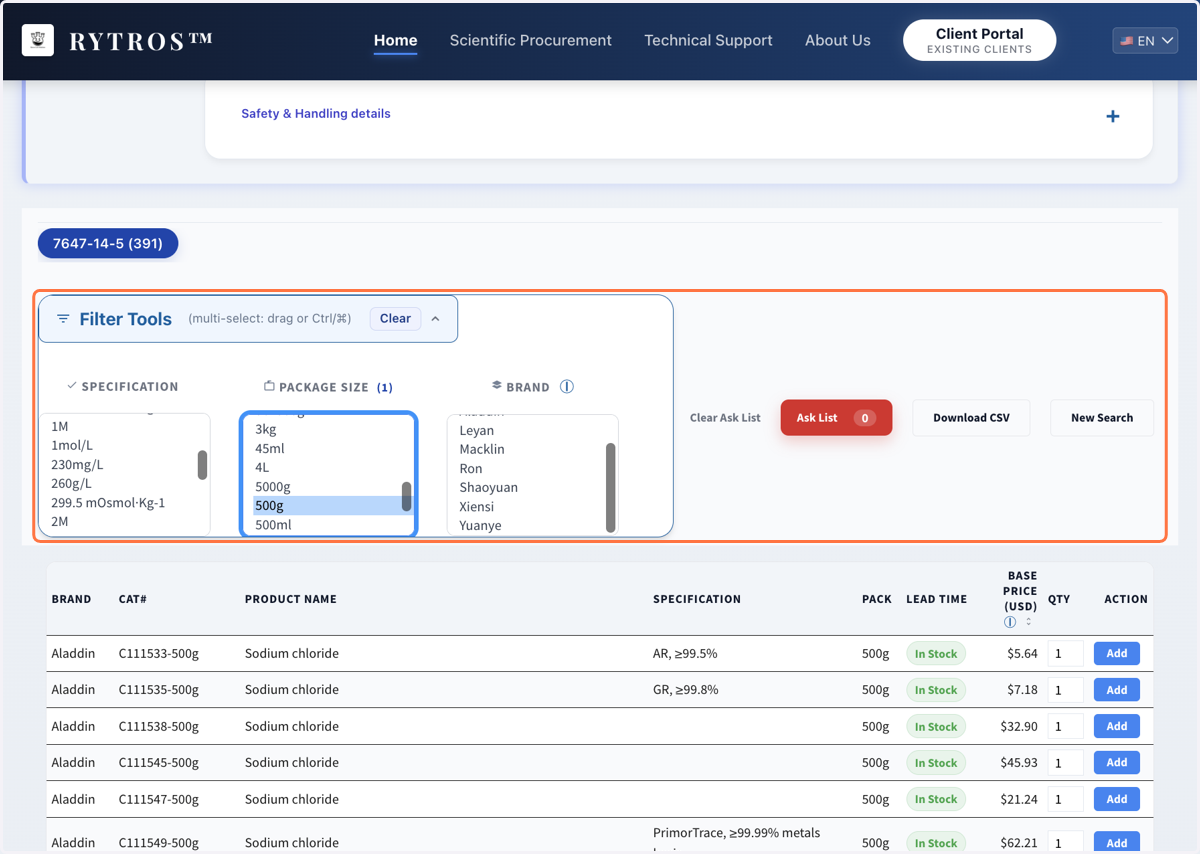
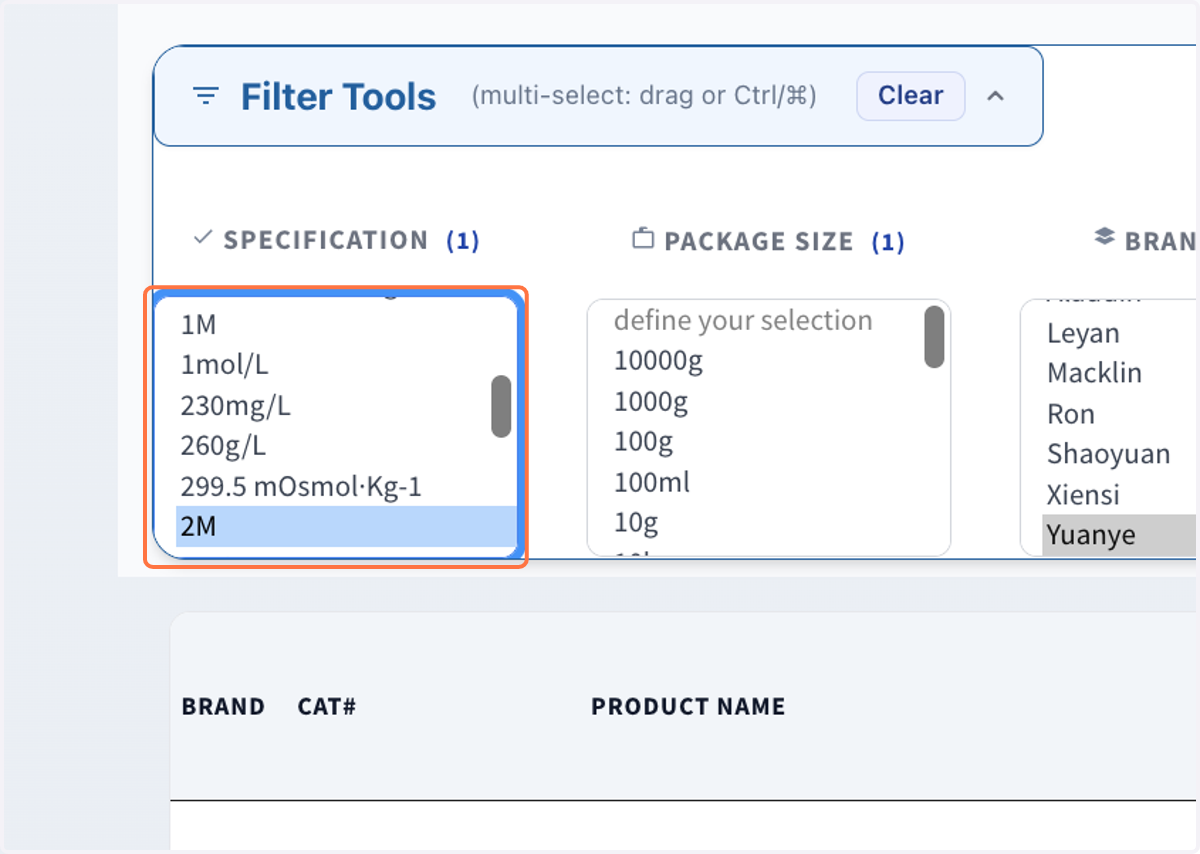
7. Choose a preferred "PACKAGE SIZE", a preferred "BRAND Ⓘ", a preferred "SPECIFICATION" to refine options
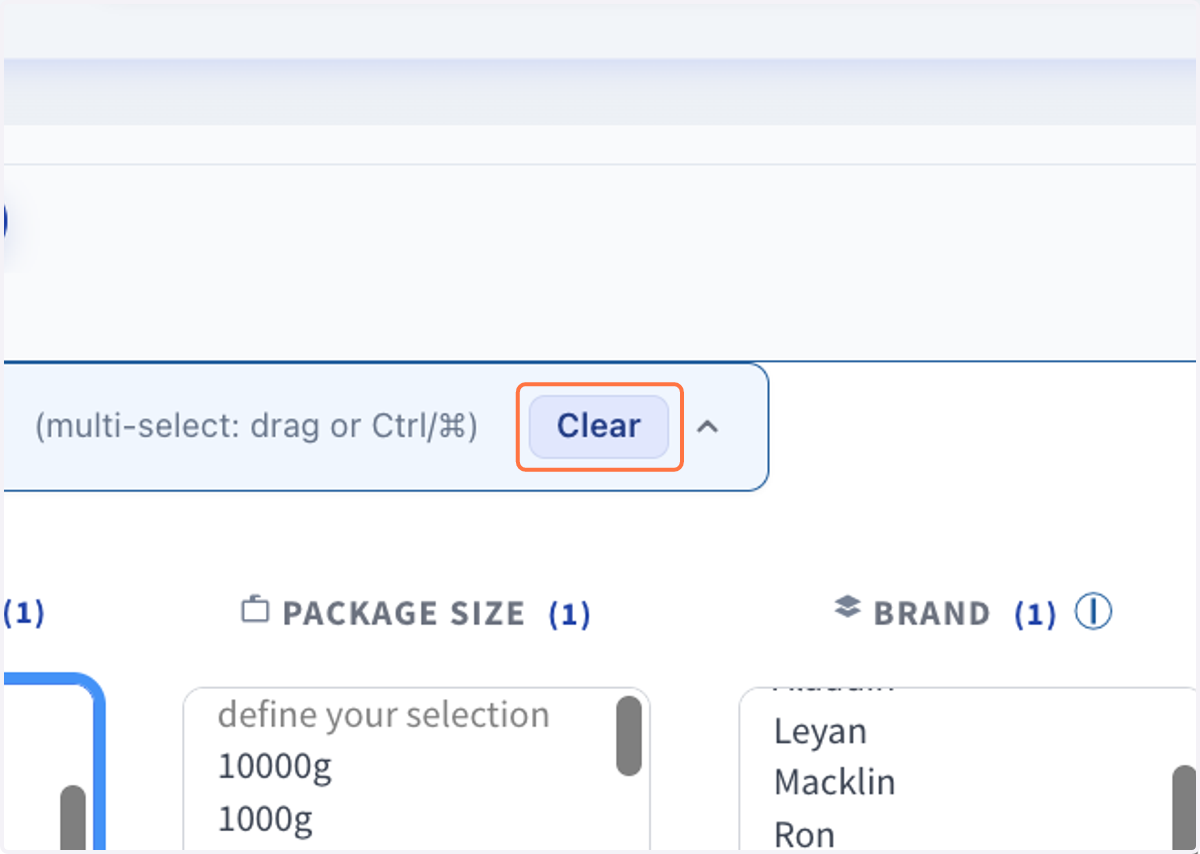
8. Click on "Clear" to reset filters
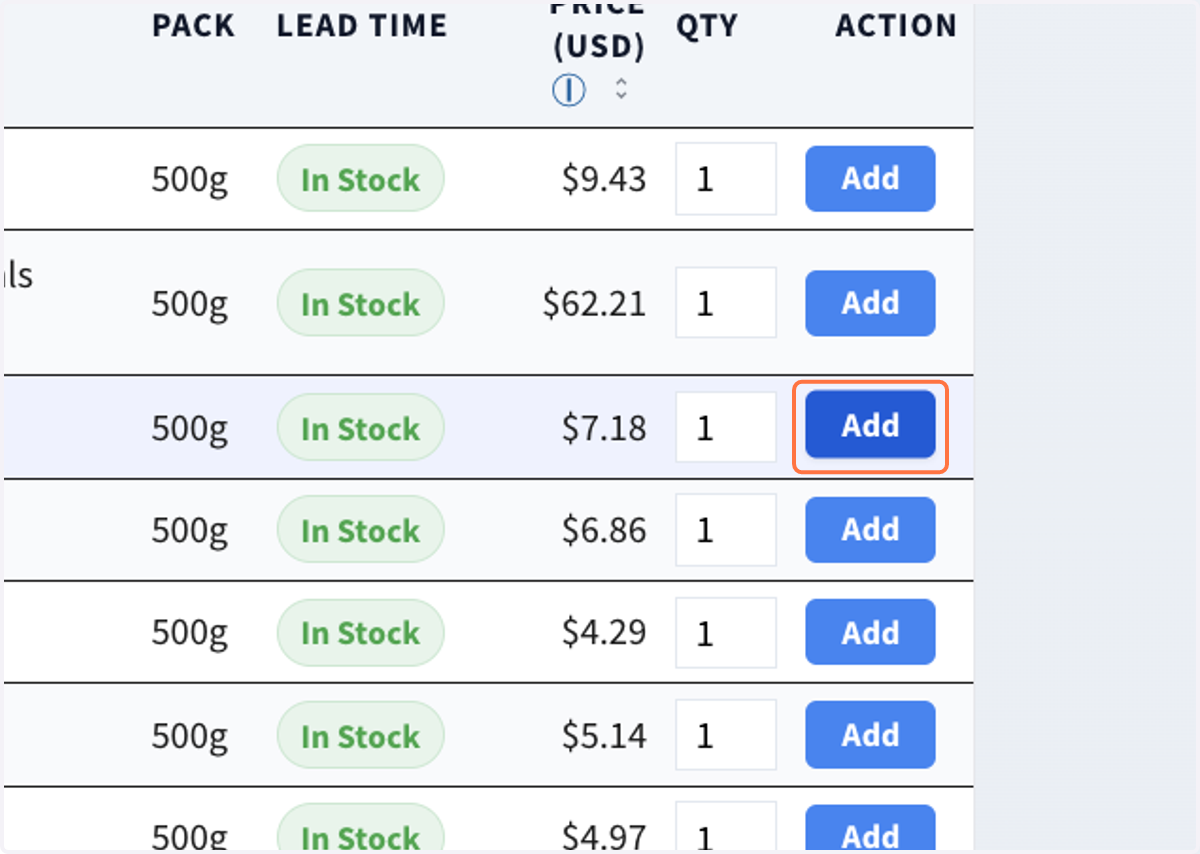
9. Click on "Add" to all your items to the "Ask List"
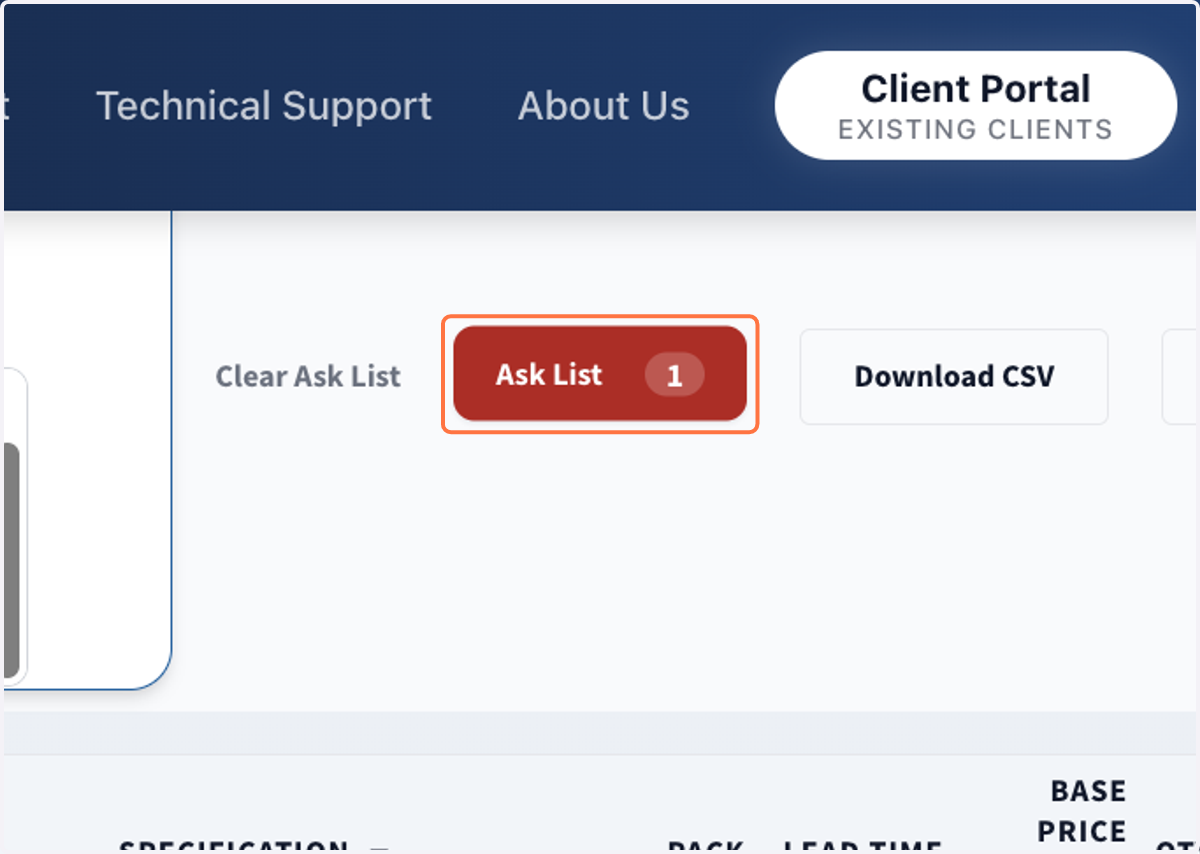
10. Click on “Ask List” to access “Inquiry / PO Draft" page
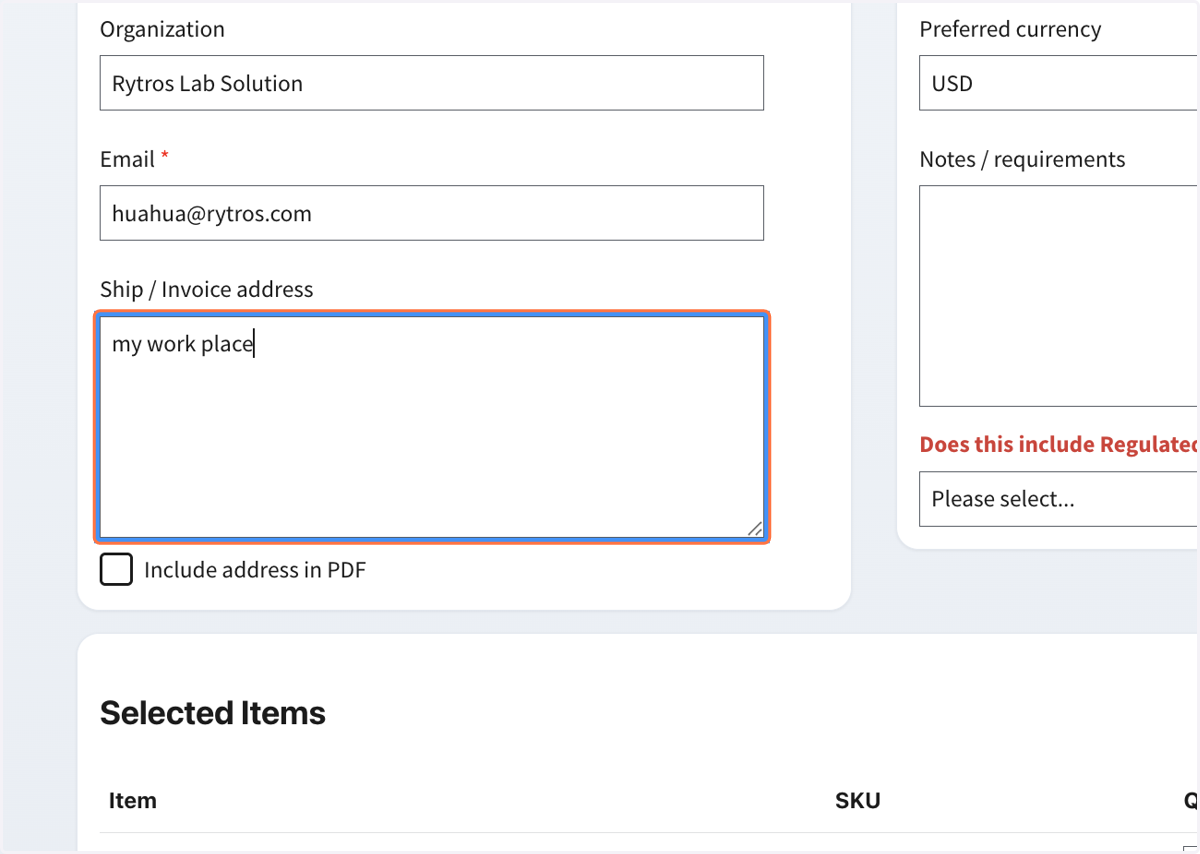
11. Fill in information
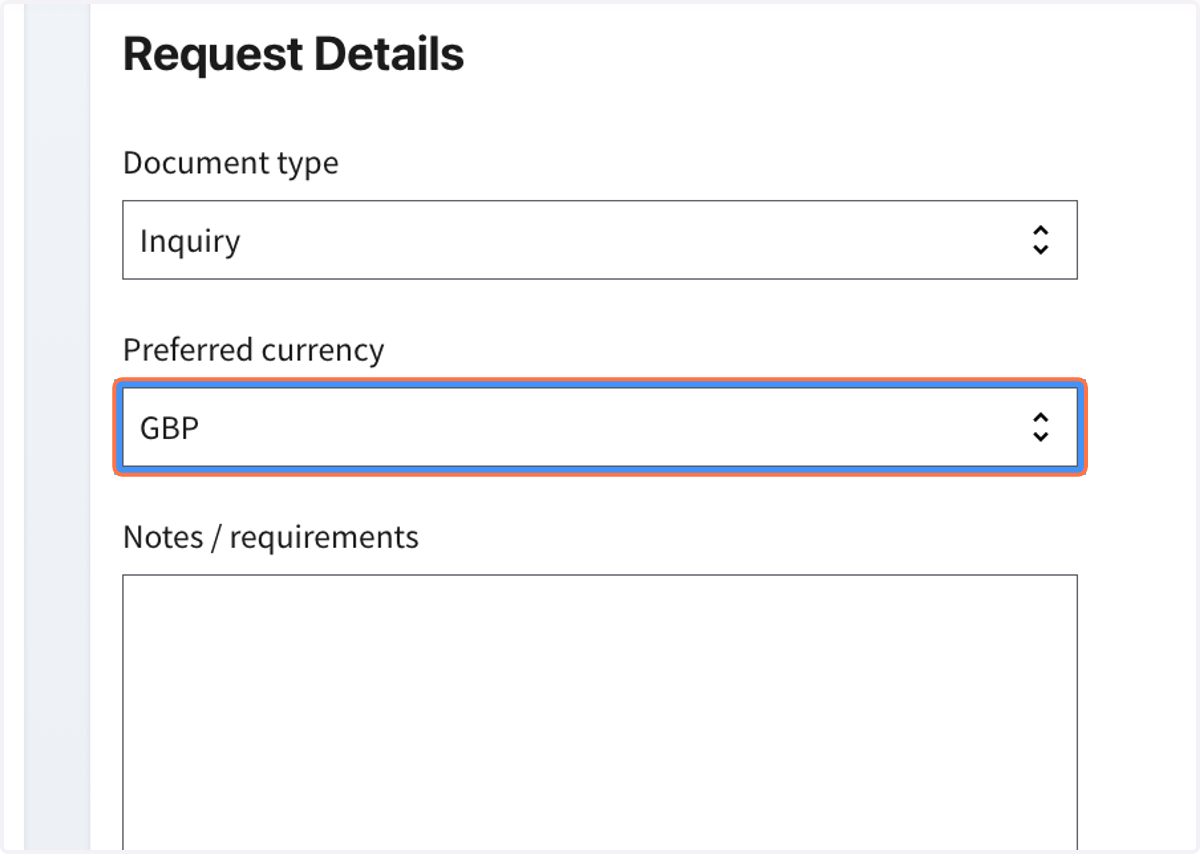
12. Select Preferred currency
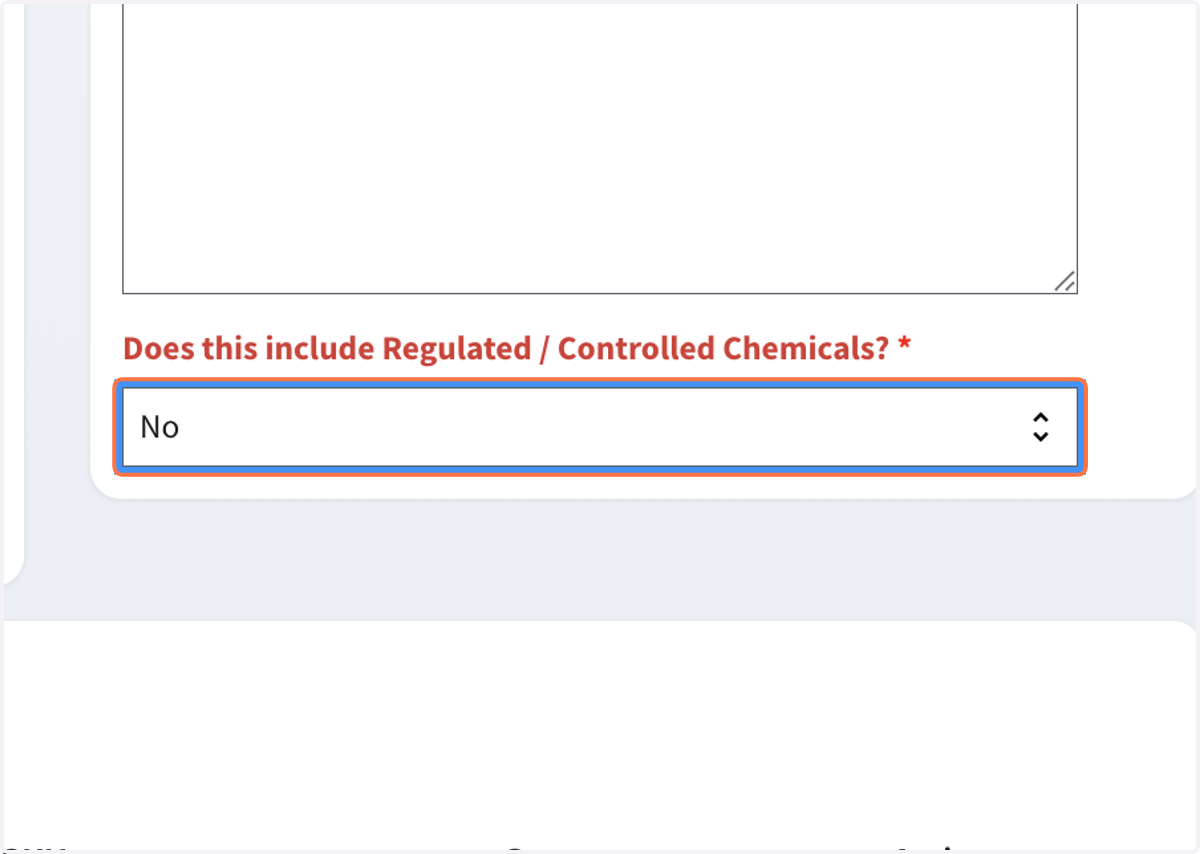
13. Answer "Does this include Regulated / Controlled Chemicals?"
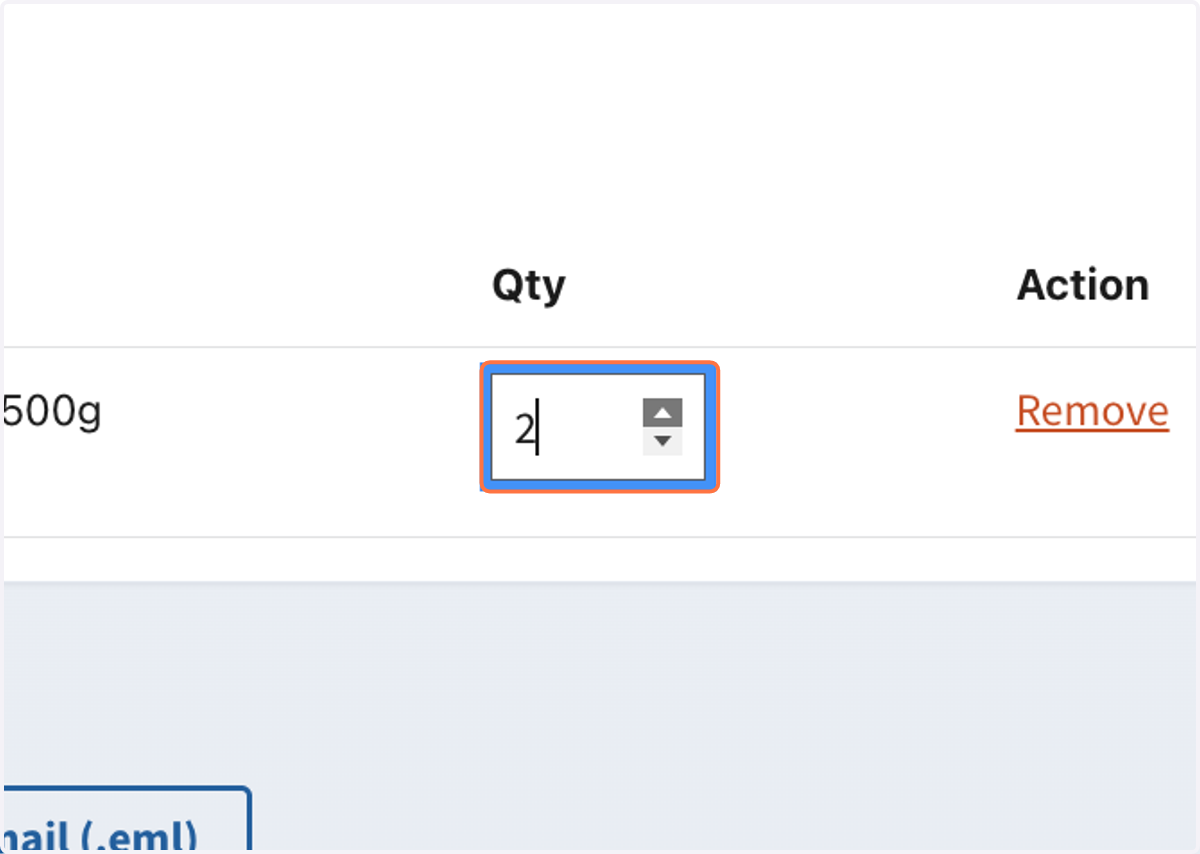
14. Adjust Qty, i.e. "2"
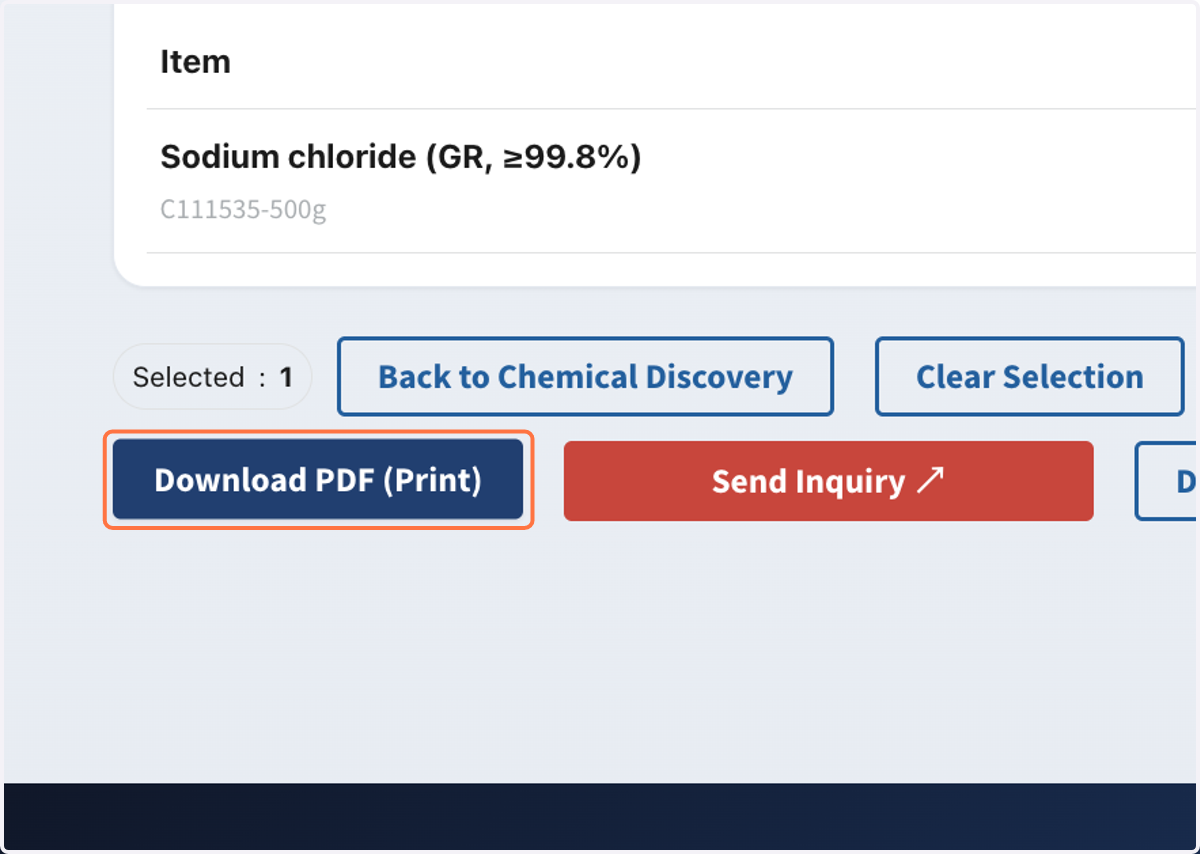
15. Click on "Download PDF (Print)"
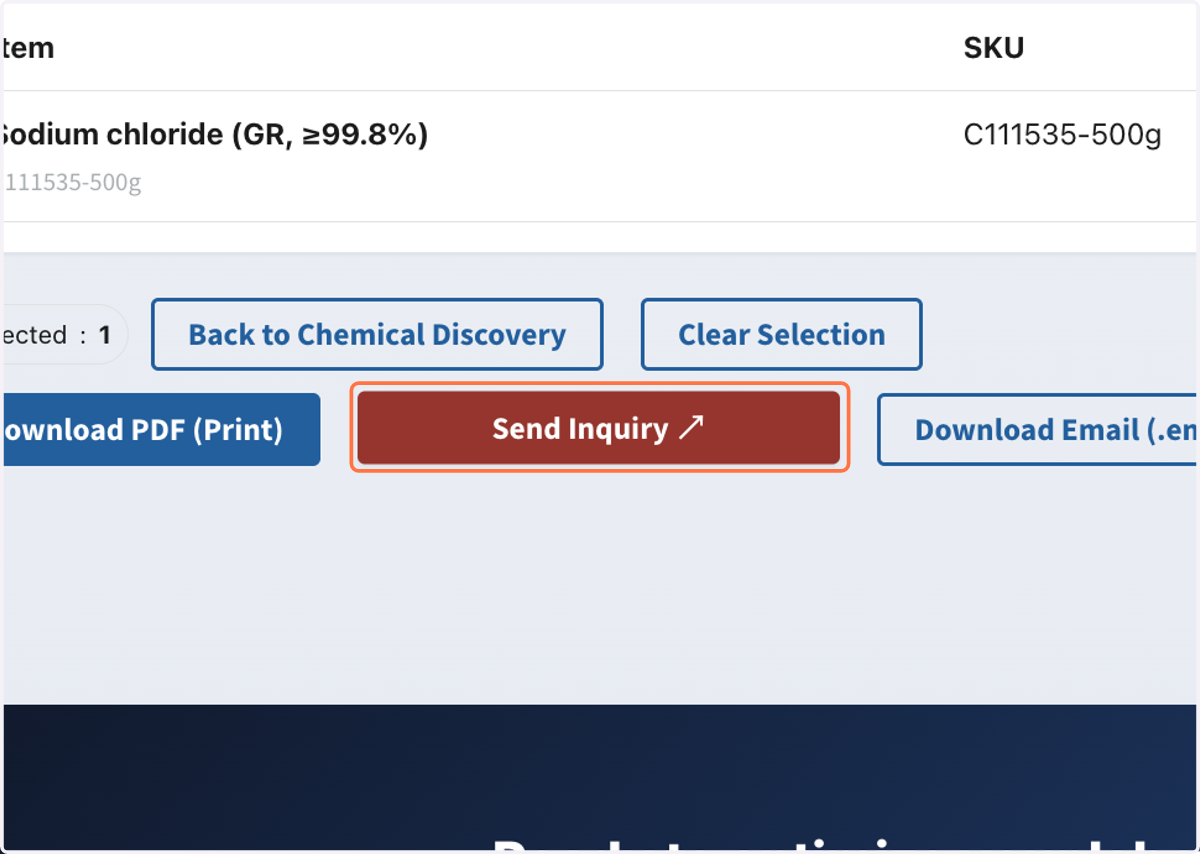
16. Double-check email address. Click on "Send Inquiry ↗"
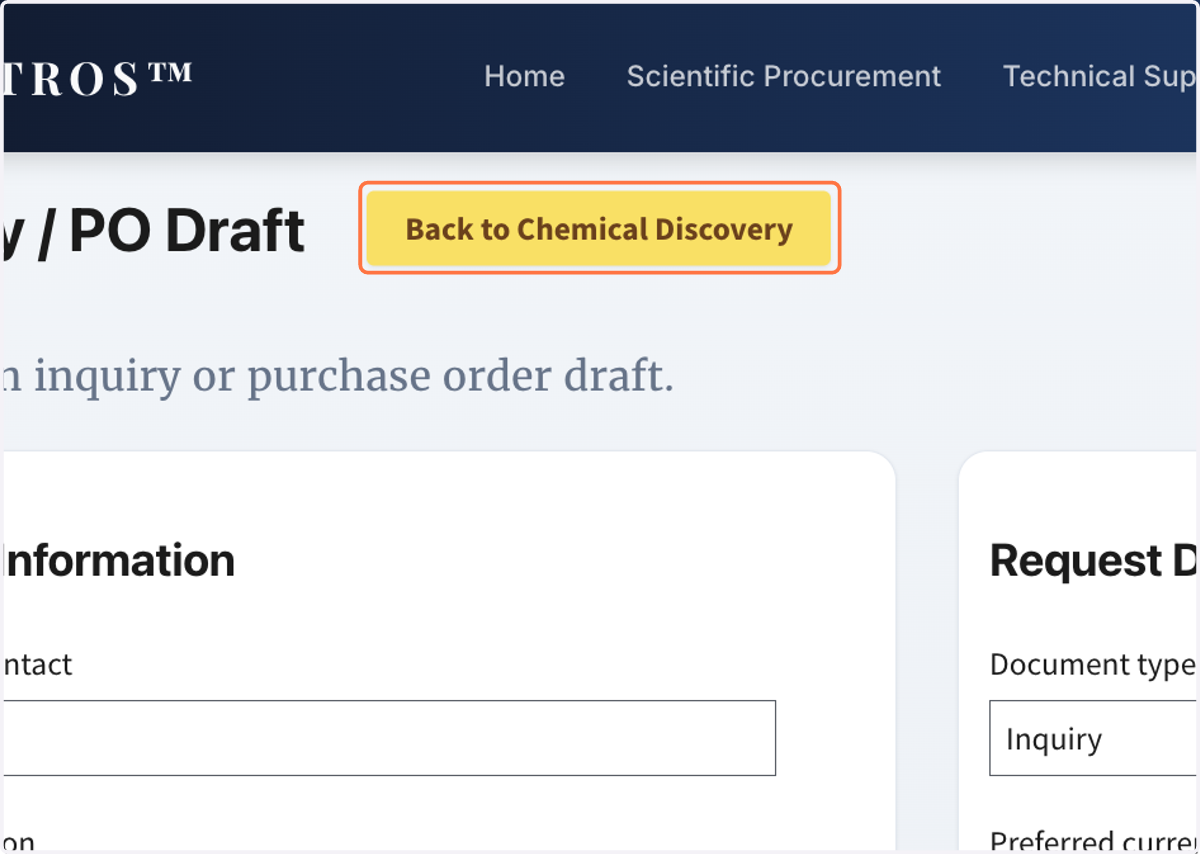
17. Click on "Back to Chemical Discovery" to return to the home page
One Home Page, Explore Rytros's Life Science Selection
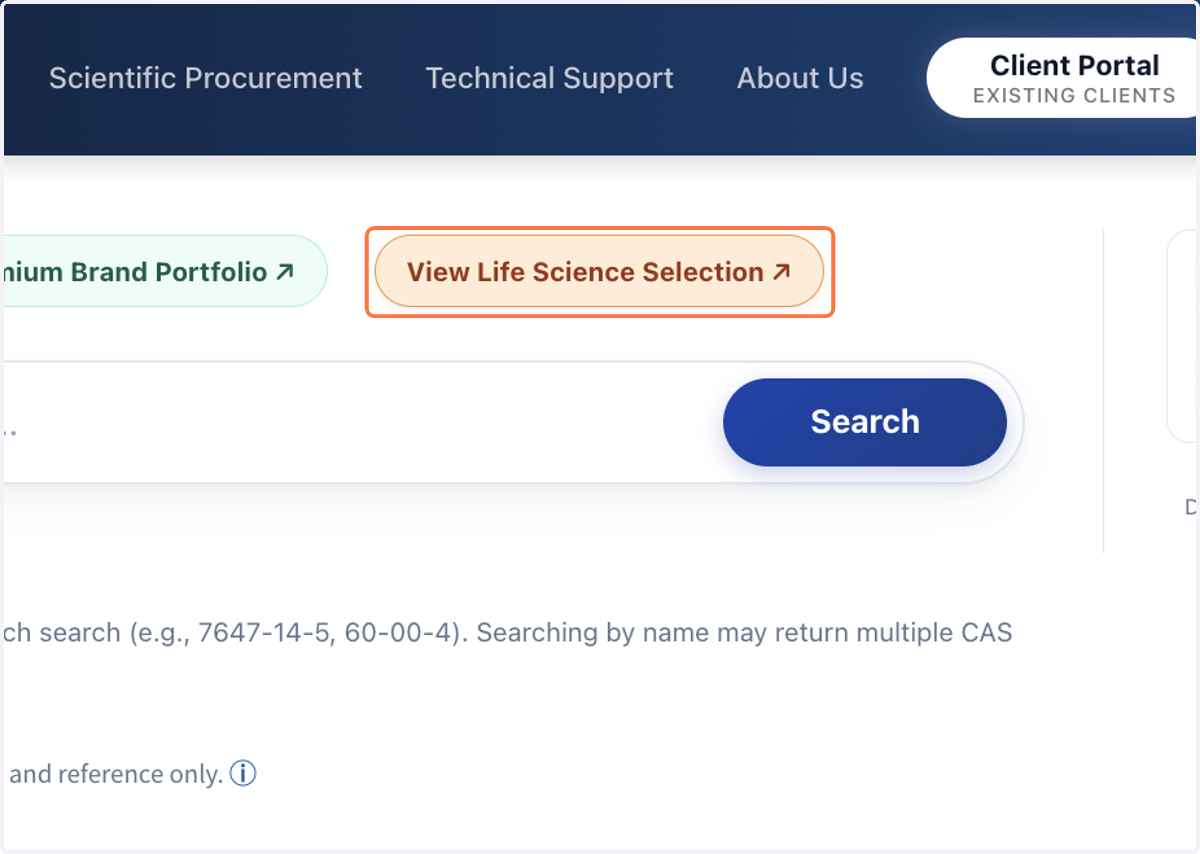
18. Click on "View Life Science Selection ↗" to browse our pre-selection
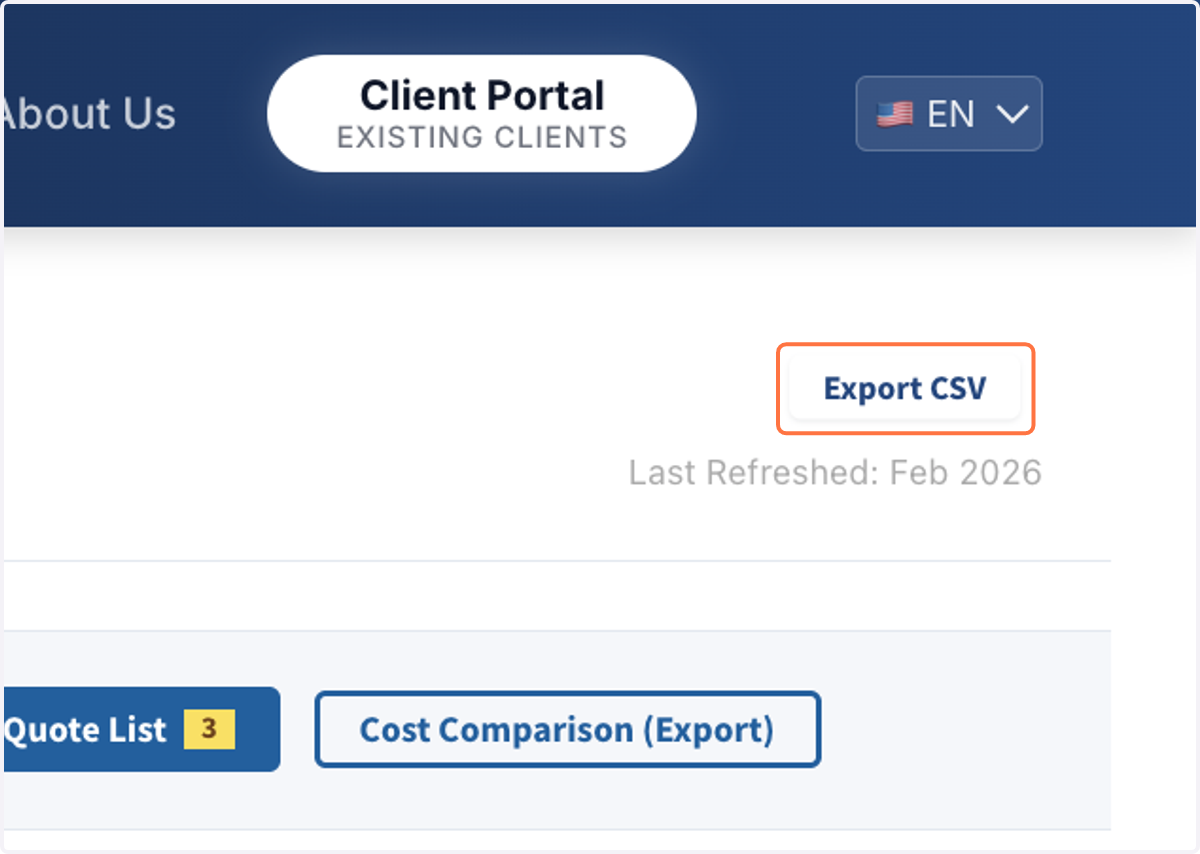
19. Click on "Export CSV" to download our selected list
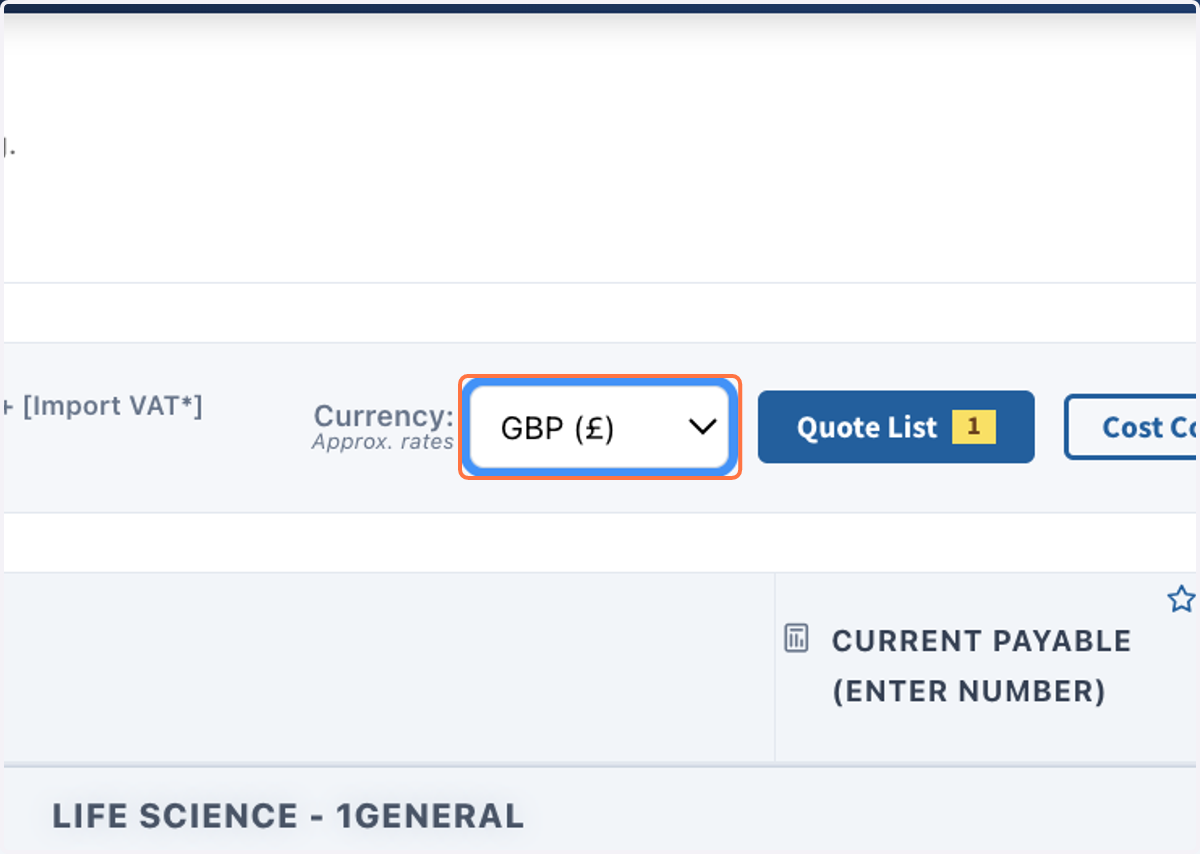
20. Select preferred currency
21. Select the check box for interested items
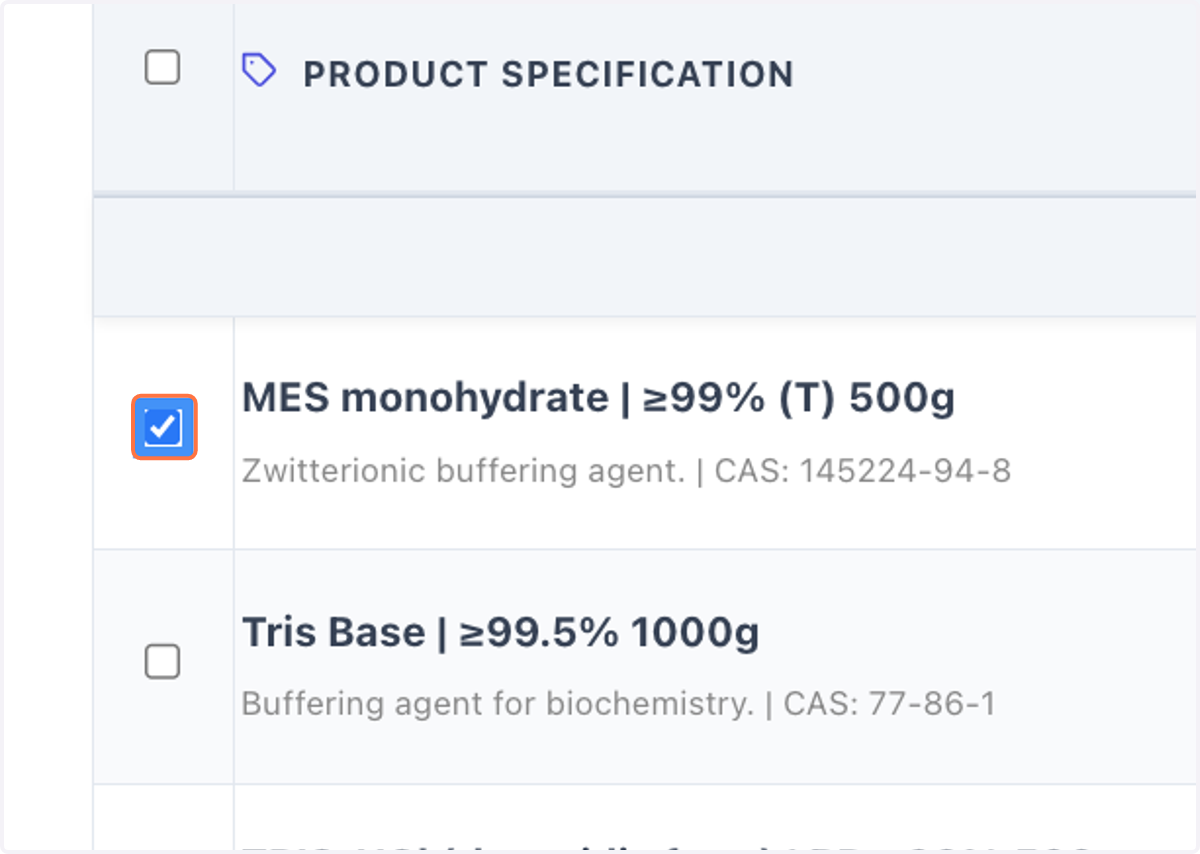
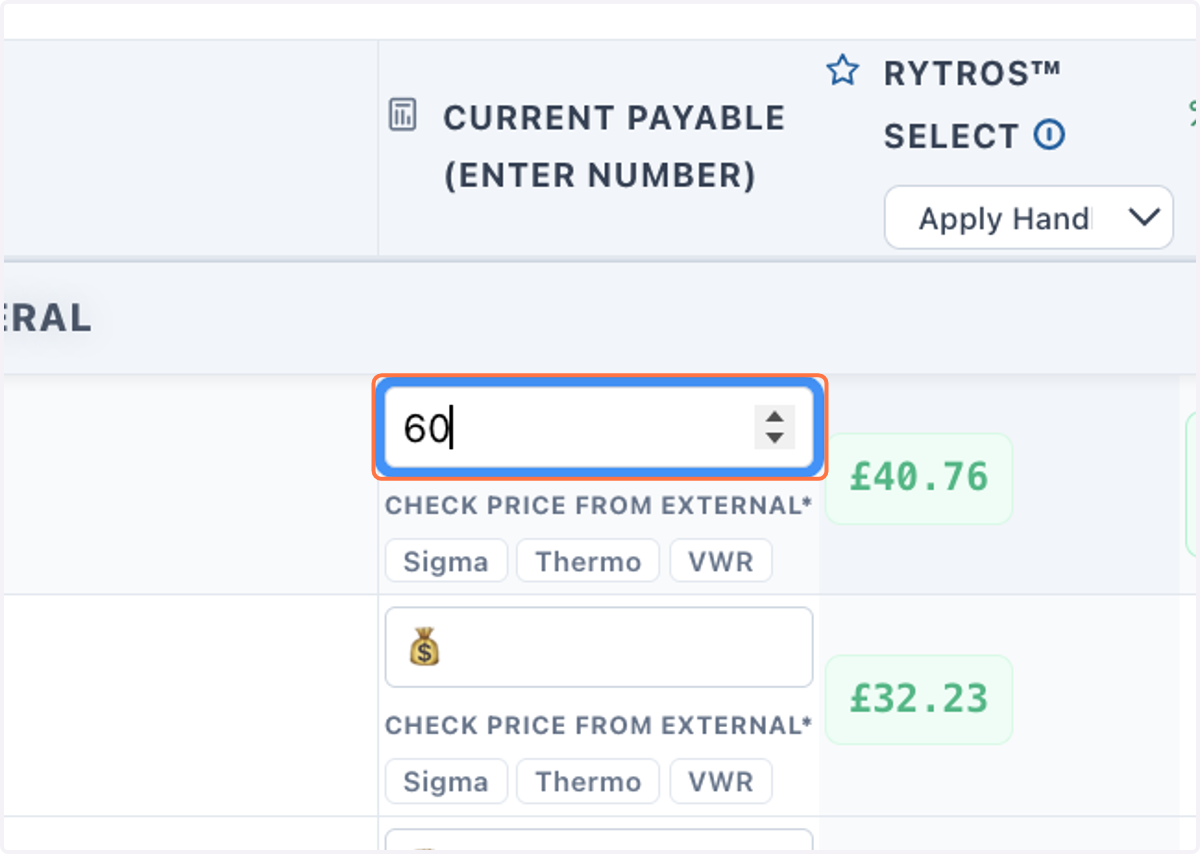
22. Enter you current cost for the specific itemsoss
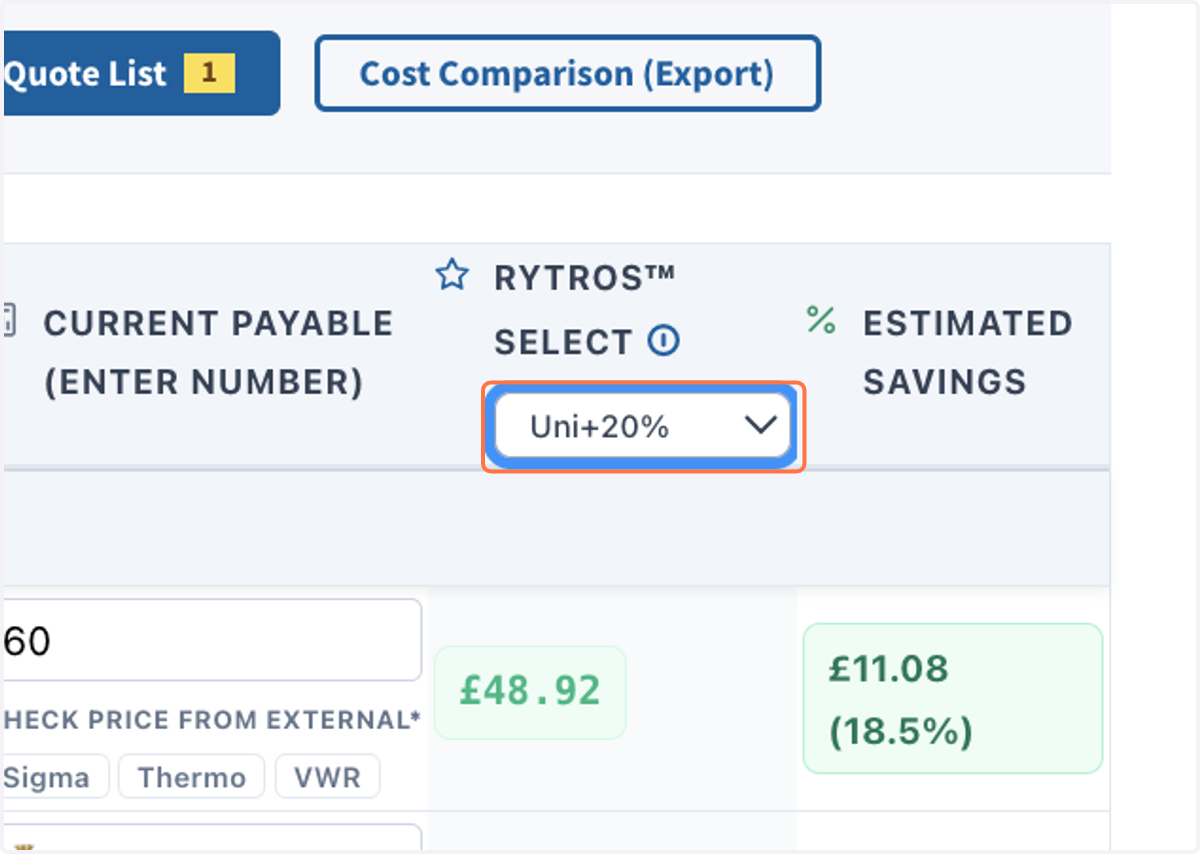
23. Select a possible handing fee, i.e. Uni+20%
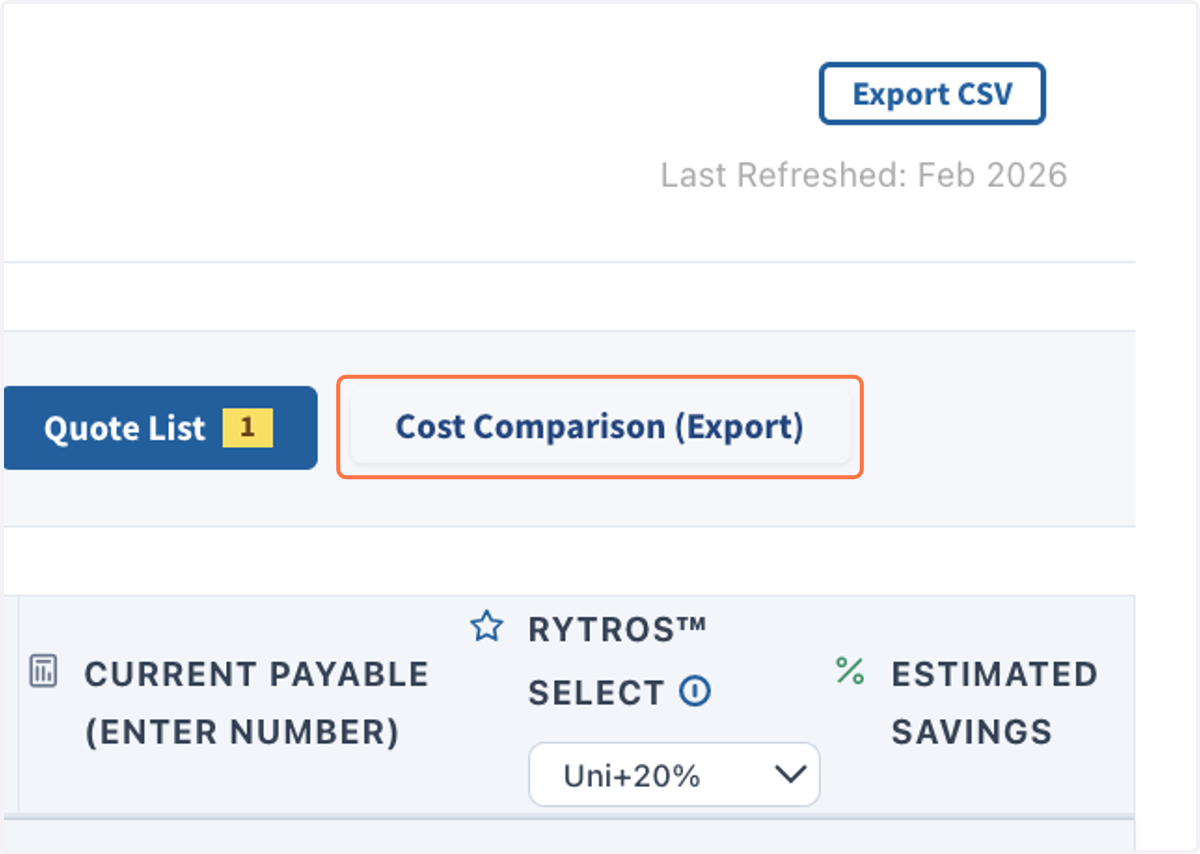
24. Click on "Cost Comparison (View & Export)" to download your cost comparison
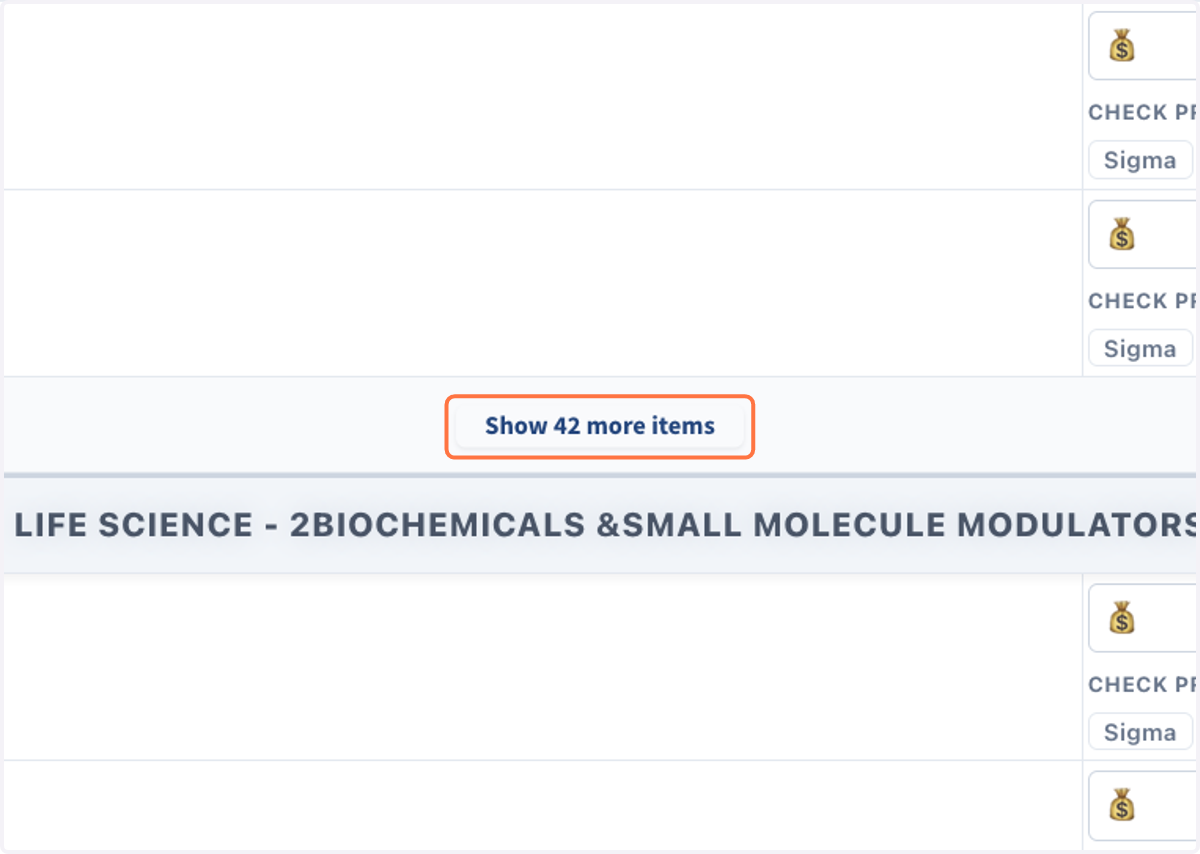
25. Click on "Show more items" to expand the full list for all sub-catagories. Add items to ask for quotation as shown before.
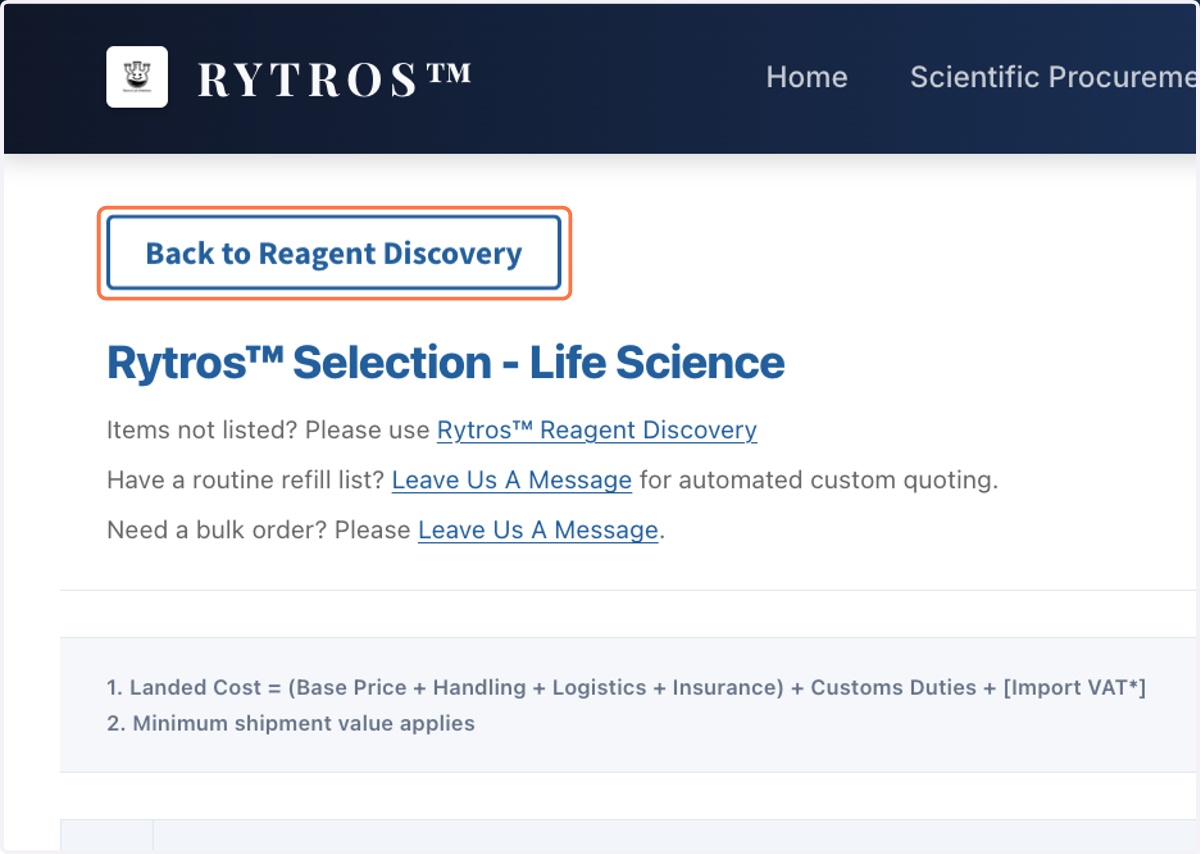
26. Click on "Back to Reagent Discovery" to return to home page
Reagent Discovery Is Just The Start, Explore More about Rytros
27. Reagent Discovery Is Just The Start, Explore More about Rytros
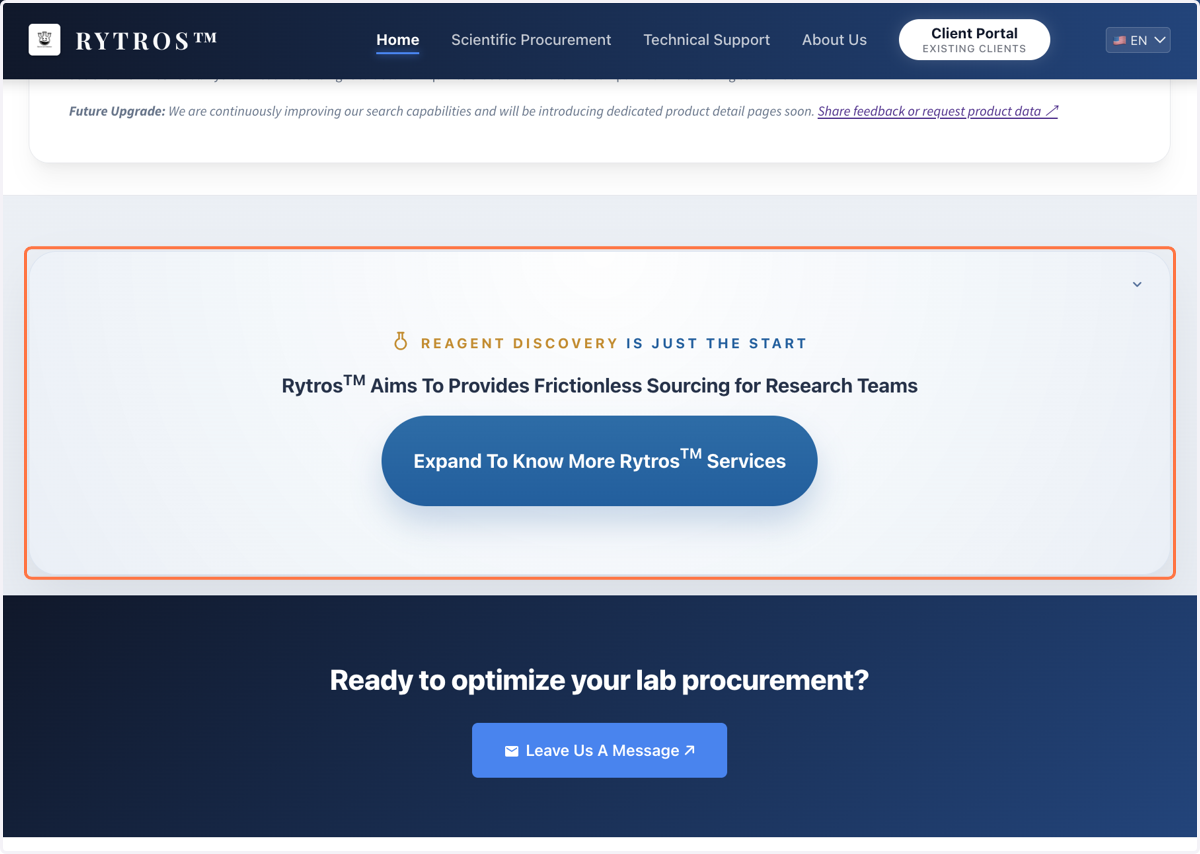
28. On home page, click on "Expand to Know More Rytros Services"
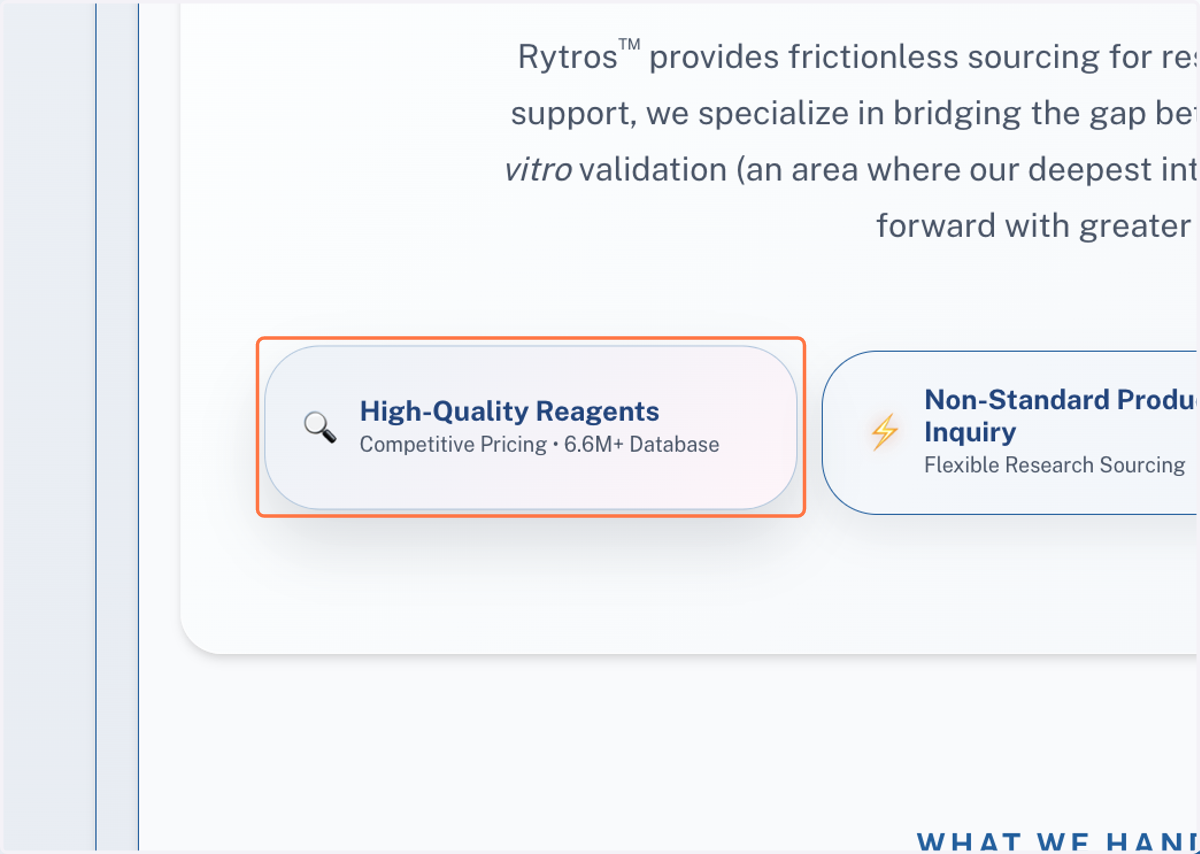
29. "Why Rytros"-Click on "High-Quality Reagents…" et al.
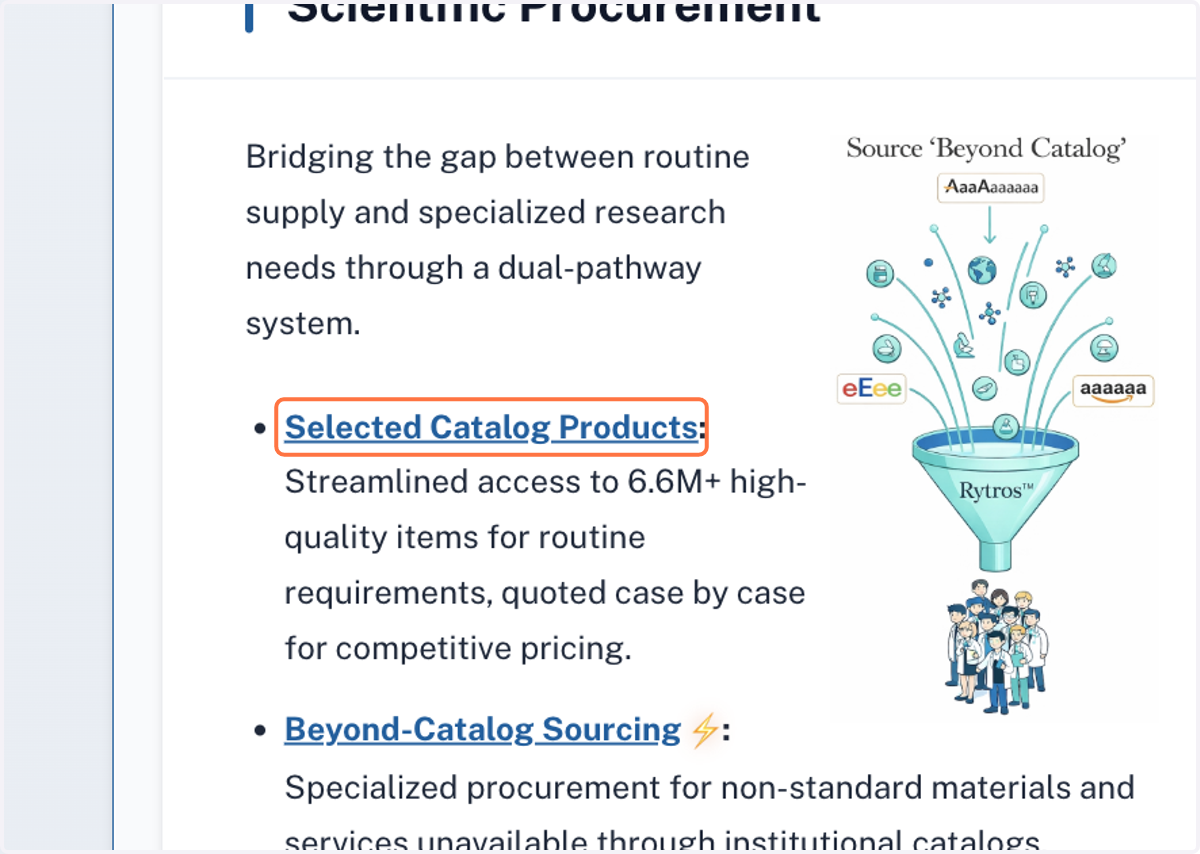
30. "What We Handle"-Click on "Selected Catalog Products...", et al.
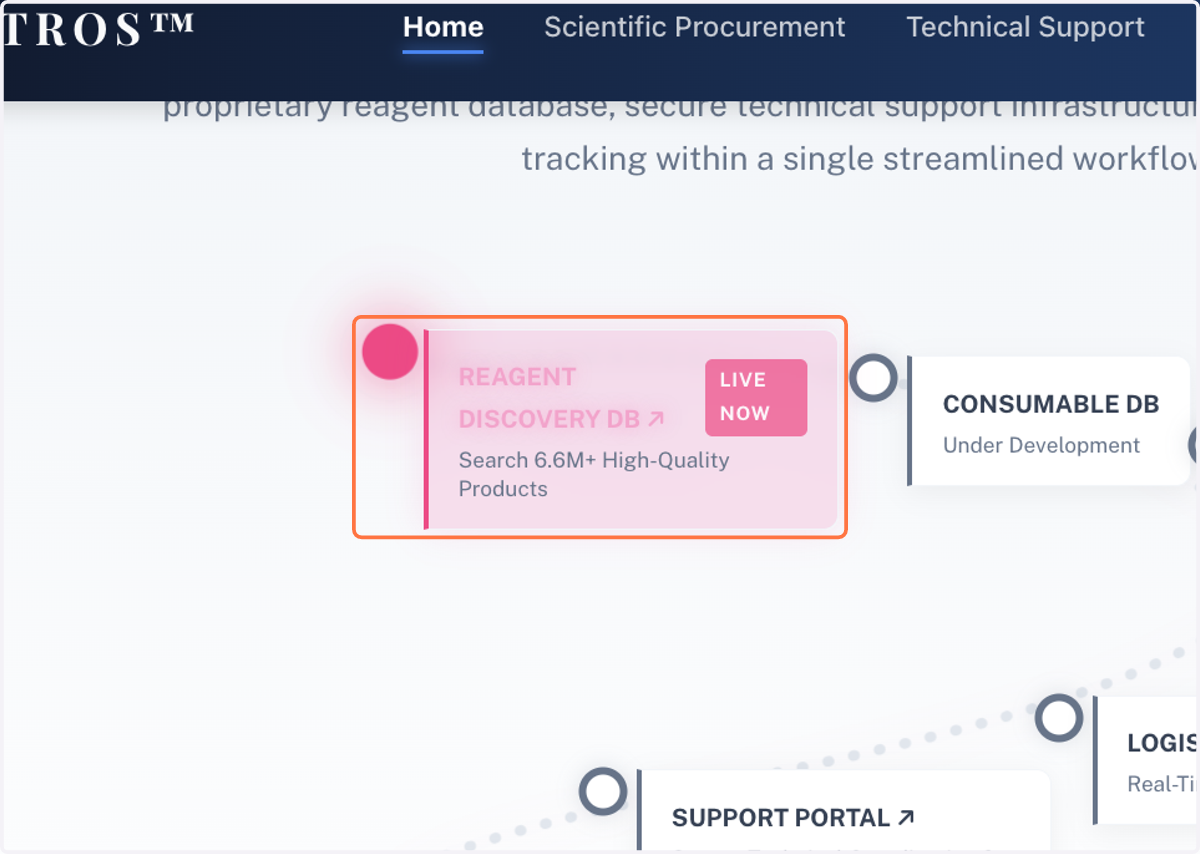
31. "How We Work"-Click on "REAGENT DISCOVERY DB ↗…"
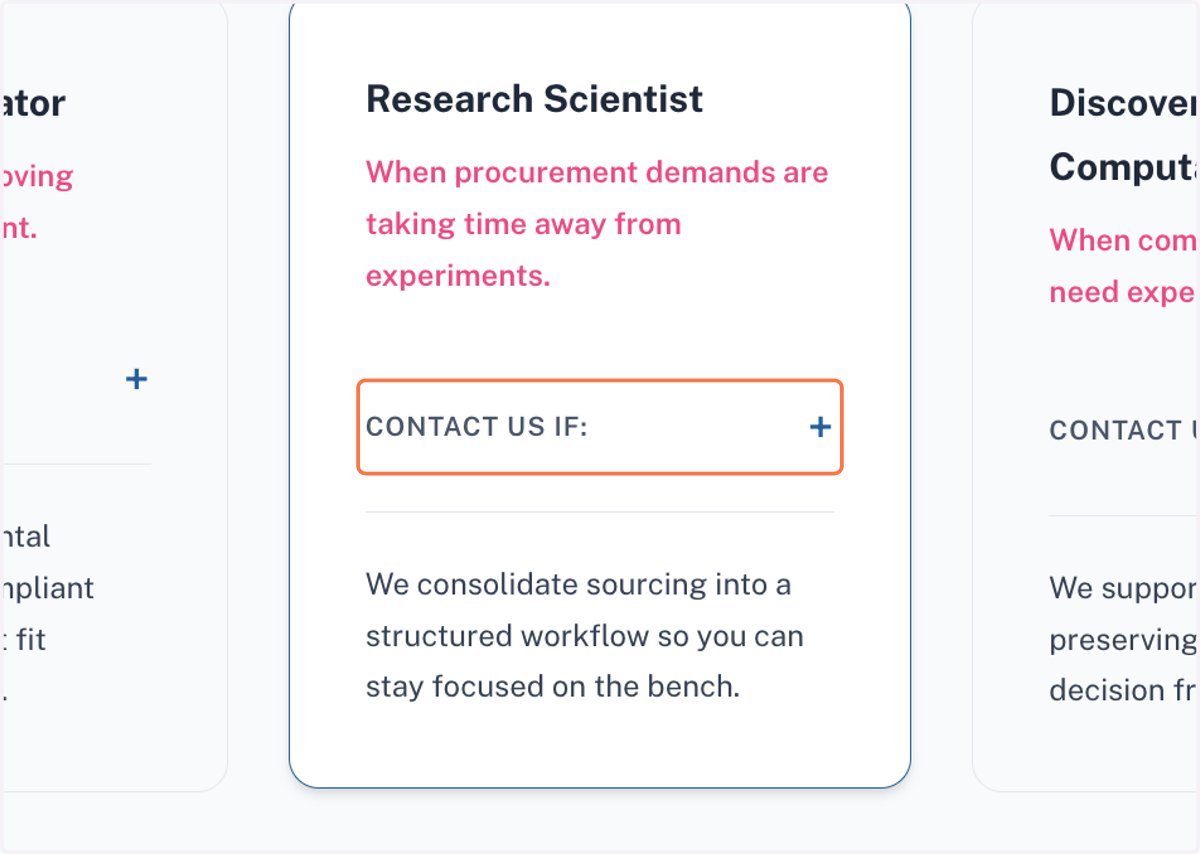
32. "When to Reach Out"-Click on "CONTACT US IF" to know more
Thank for visiting Rytros website. Rytros aims to provides frictionless sourcing for research teams.