How to assign a renter multiple units

PayRent

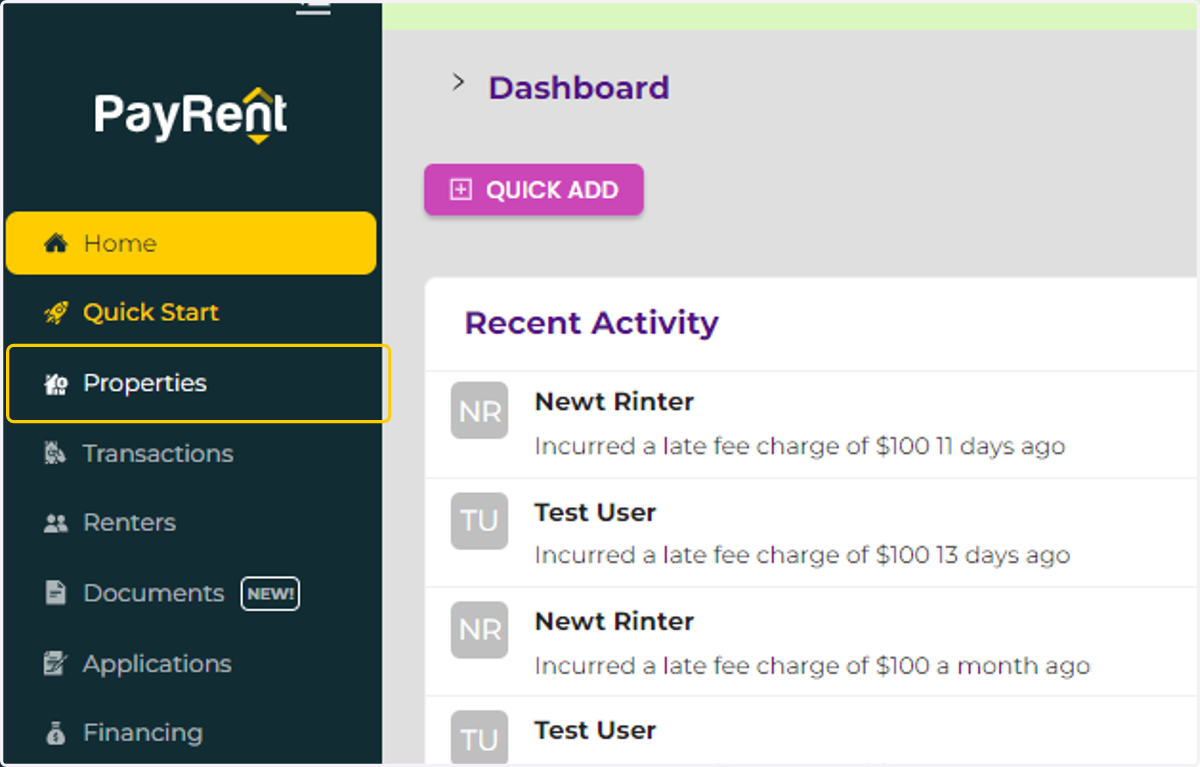
  1. 1. Click on Properties

    Click on Properties
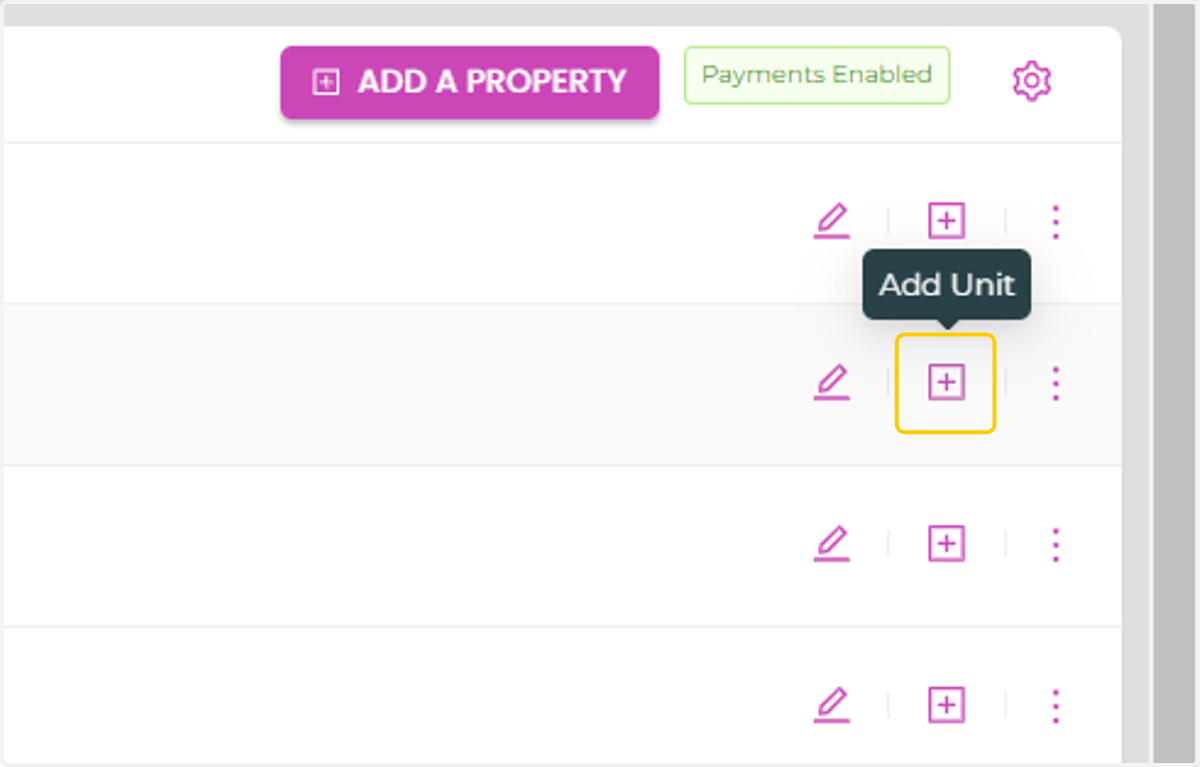
  2. 2. Click on Add unit

    Click on Add unit
  3. 3. In the unit field enter all the units.For example "Units A,B,C"
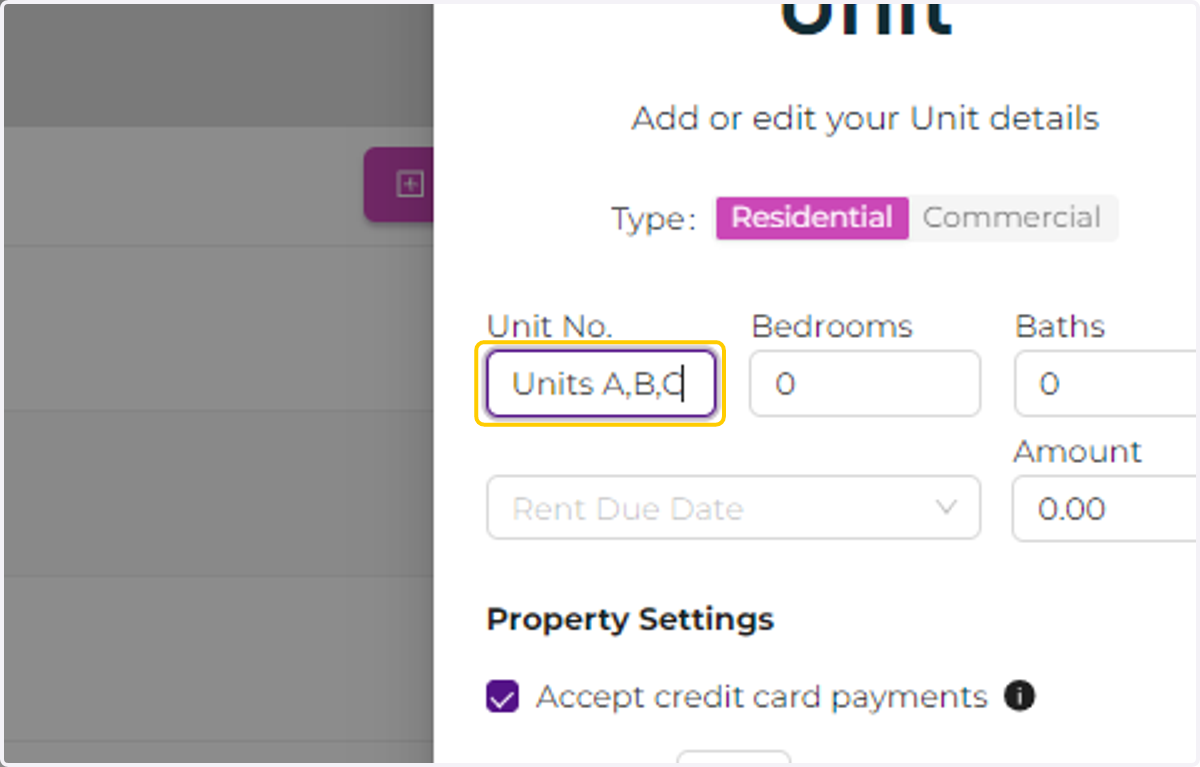
    In the unit field enter all the units.For example "Units A,B,C"
  4. 4. Enter the add-up rent amount for all the units.
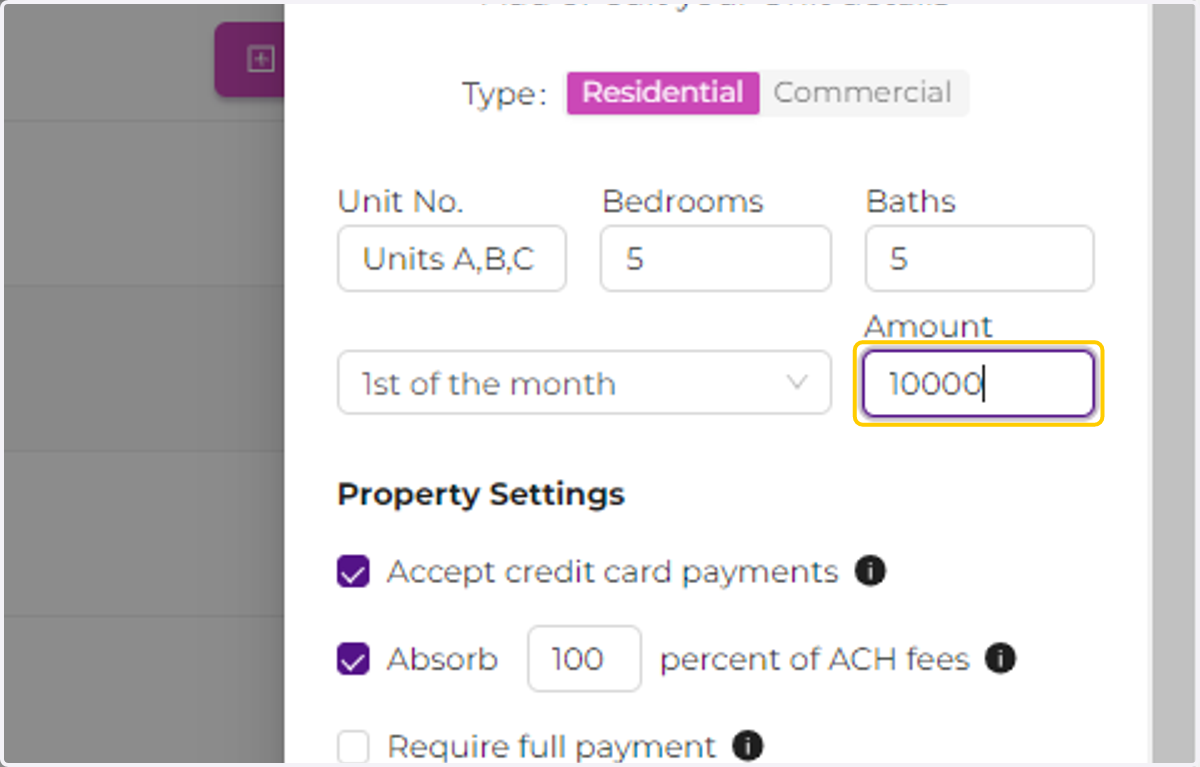
    Enter the add-up rent amount for all the units.
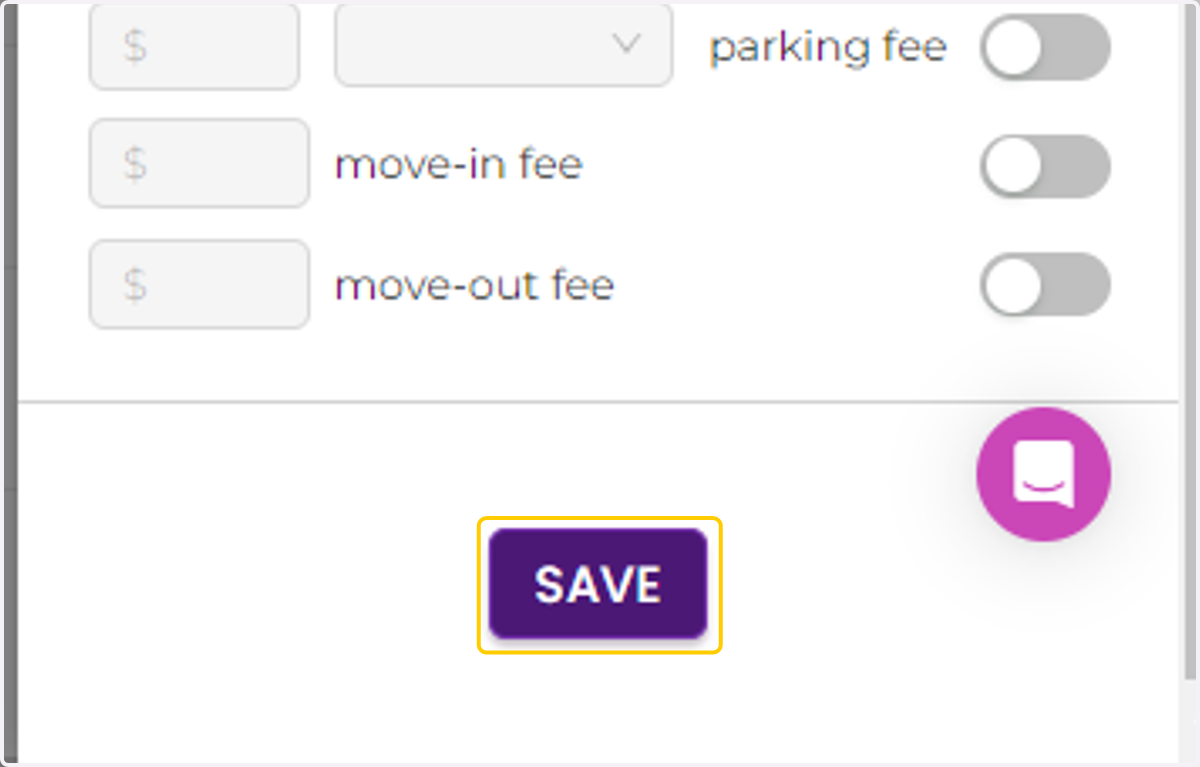
  5. 5. Click on SAVE

    Click on SAVE
  6. 6. Click "expand" to see the unit recently created.
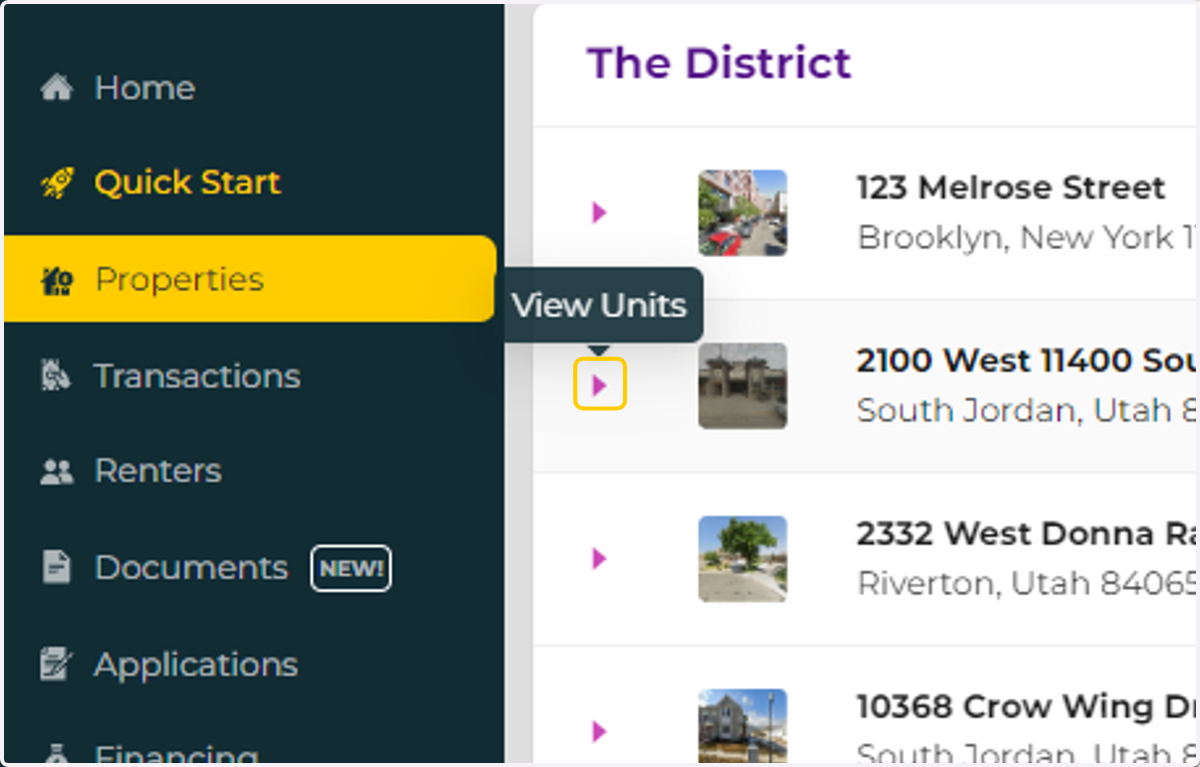
    Click "expand" to see the unit recently created.
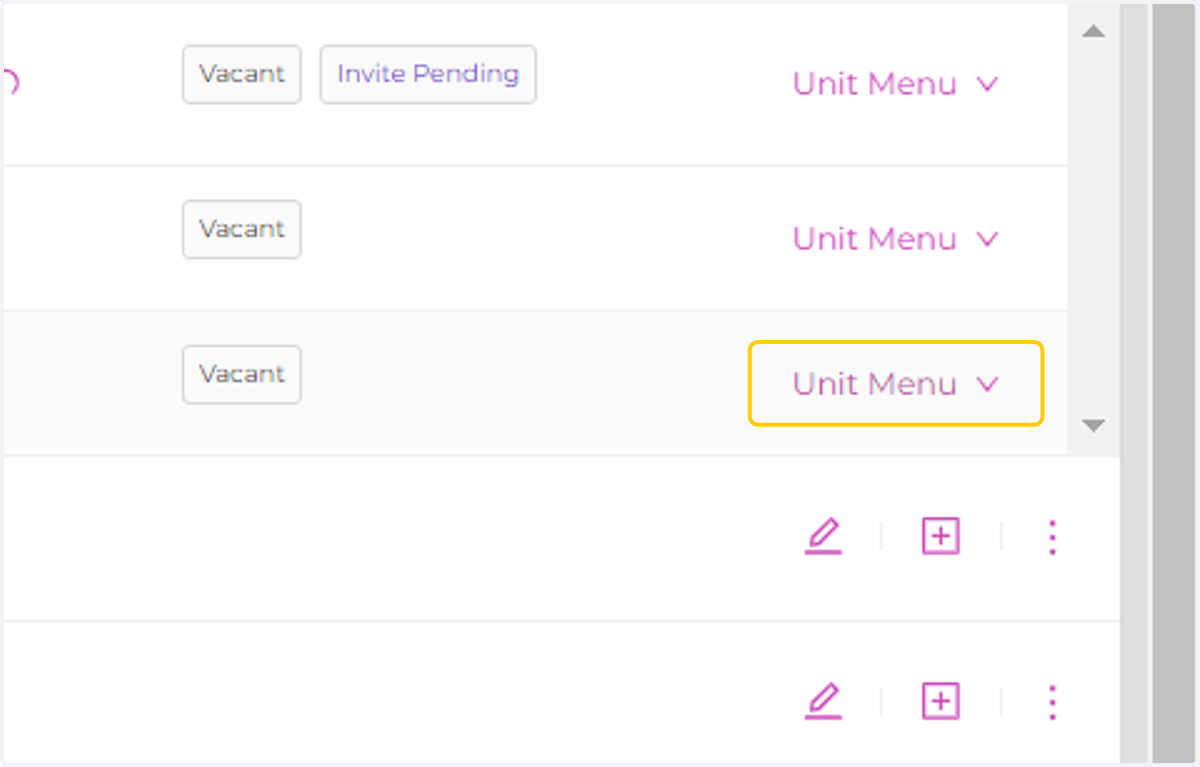
  7. 7. Click on Unit Menu

    Click on Unit Menu
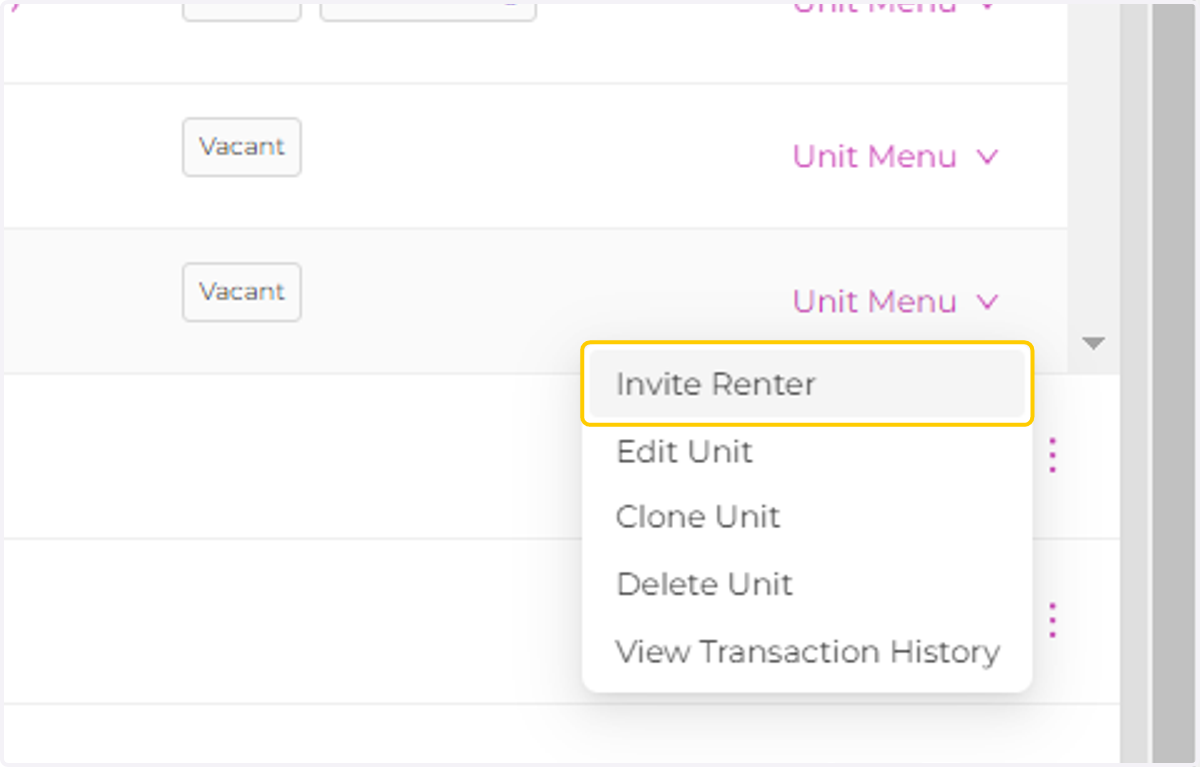
  8. 8. Click on Invite Renter

    Click on Invite Renter
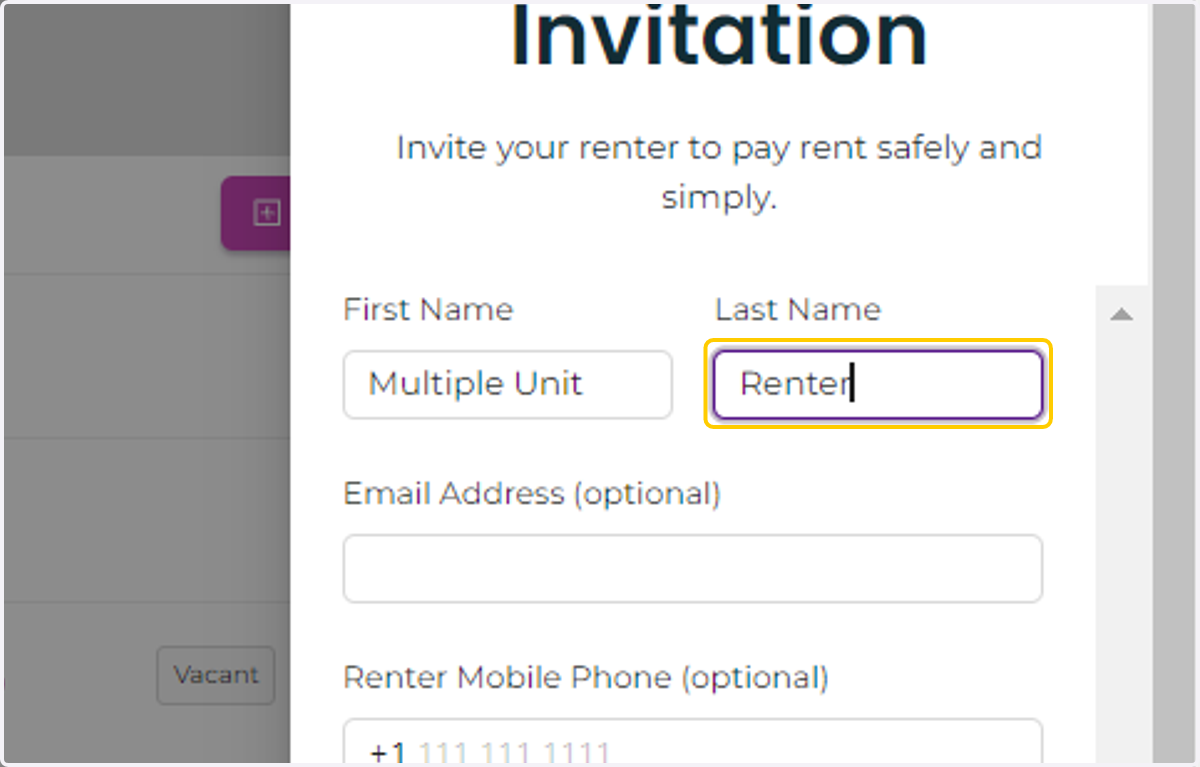
  9. 9. Enter all the renter details

    Enter all the renter details
  10. 10. Click on Save to invite the renter.
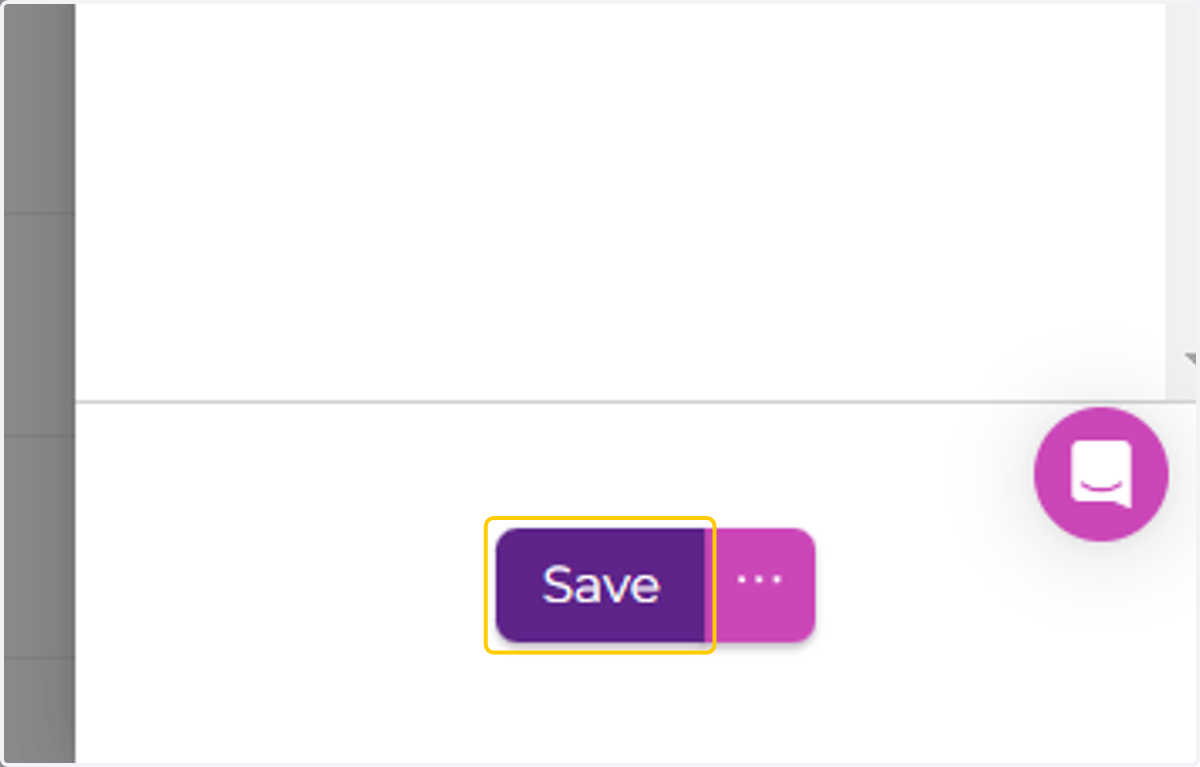
    Click on Save to invite the renter.