To view Average Hourly Rates Report
This reports helps to identify the hourly rates charged for the work done.
Elitesuiteke
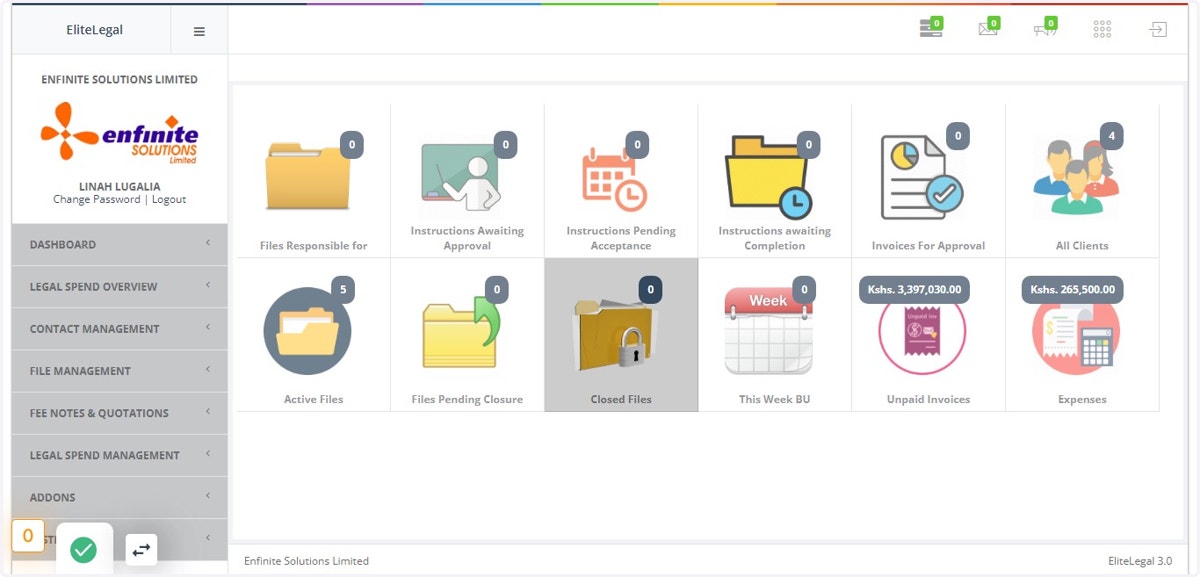
1. Log into the system
2. Go to Legal Spend Management Module
3. Click on Management Reports link
4. Click on Average Hourly Rates option
5. Fill in all the details in the pop out Law Firm Comparative Report hourly form i.e. date
once done click on the View Report button to access the report
6. This shows the comparative billing hourly report