How to do a System Refresh
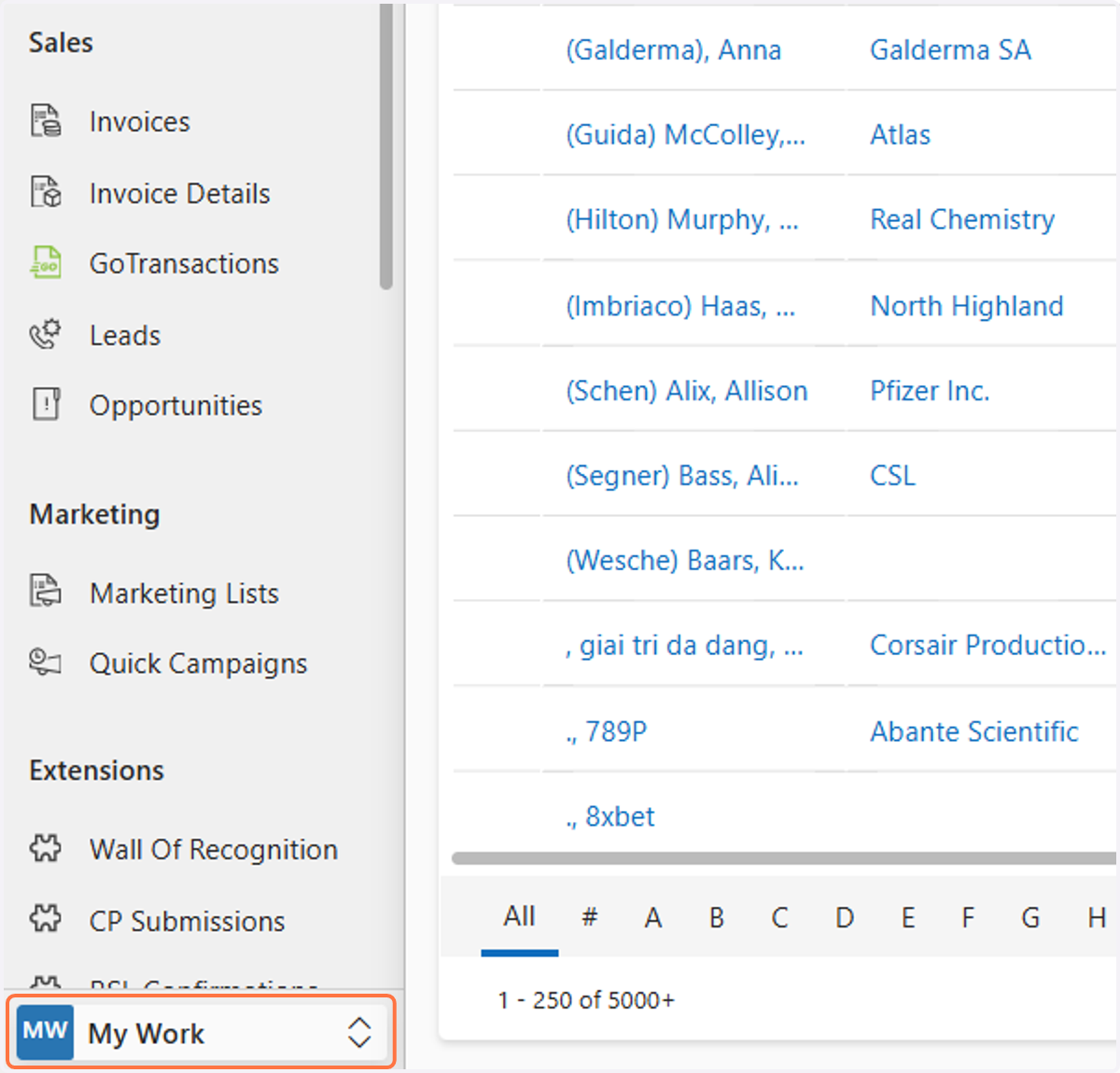
1. Click on My Work
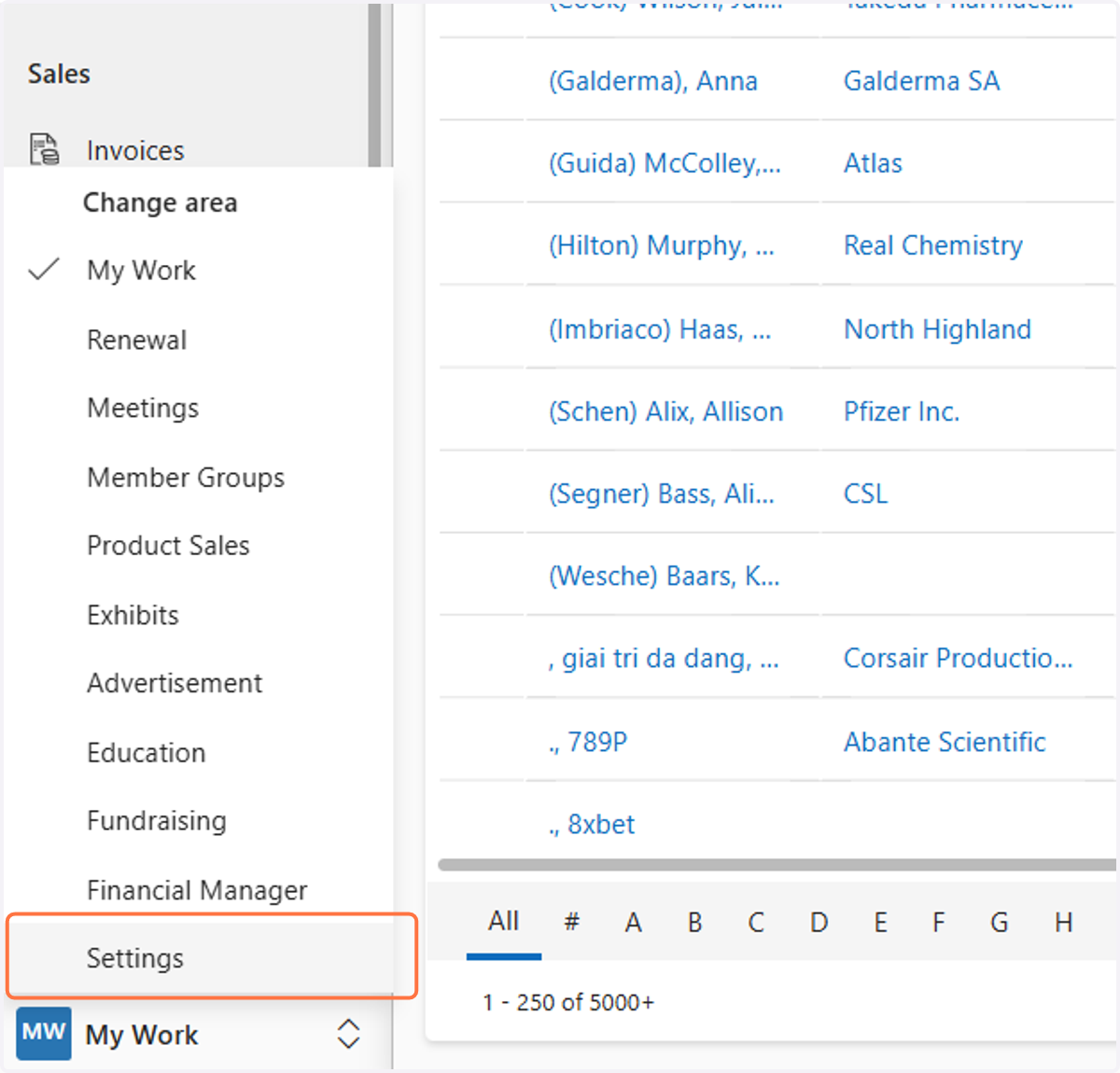
2. Select Settings
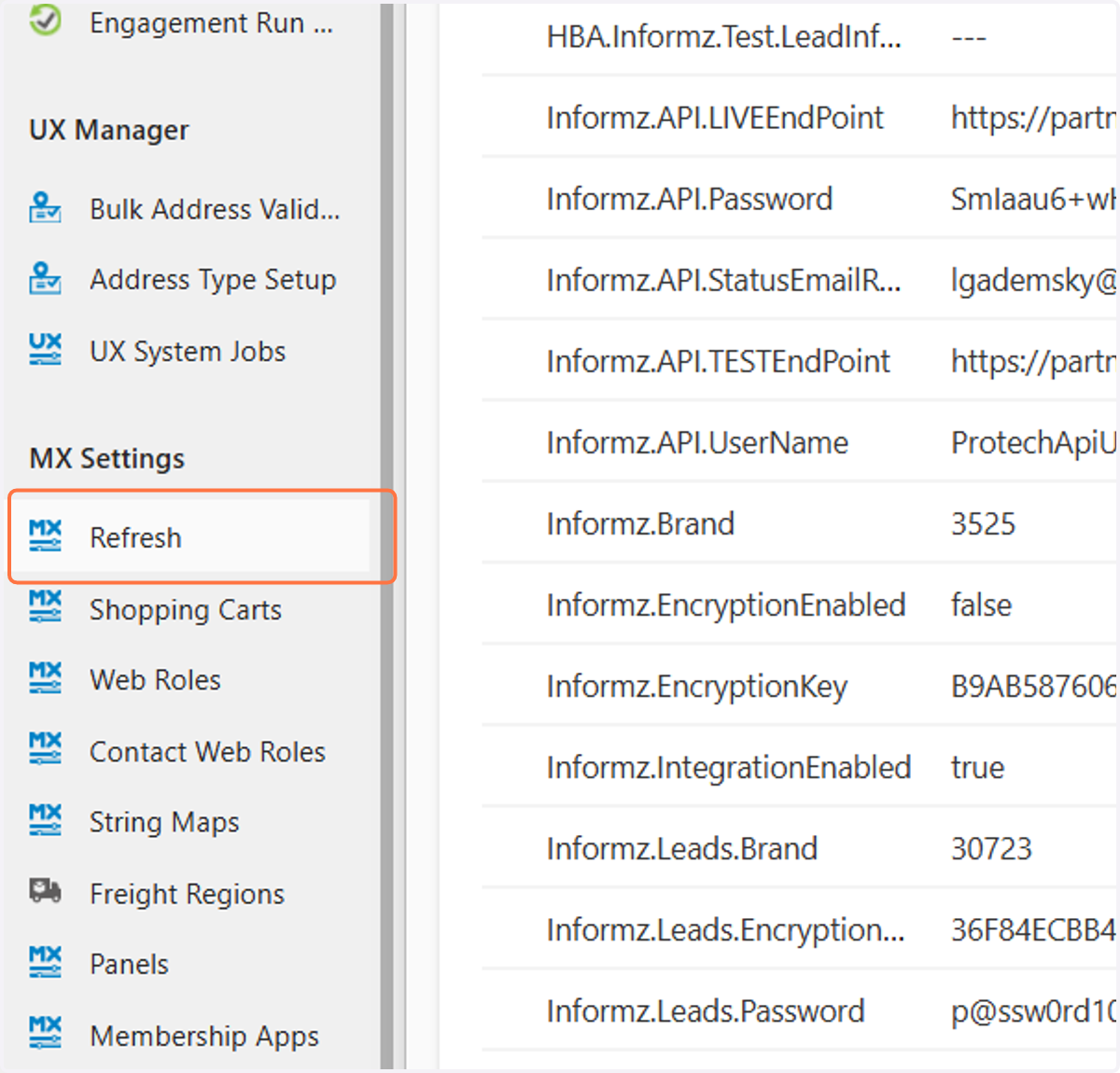
3. Click on Refresh
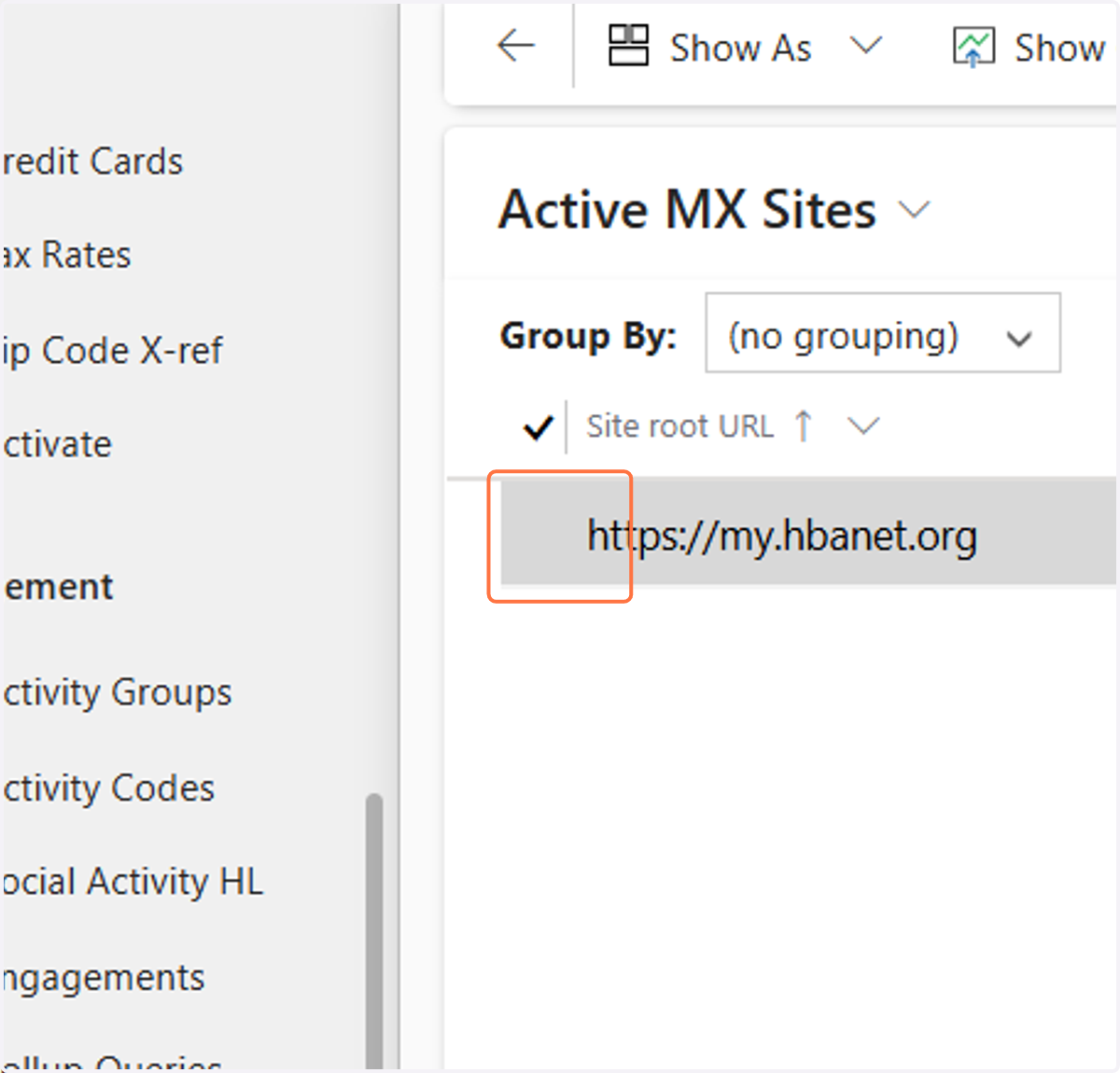
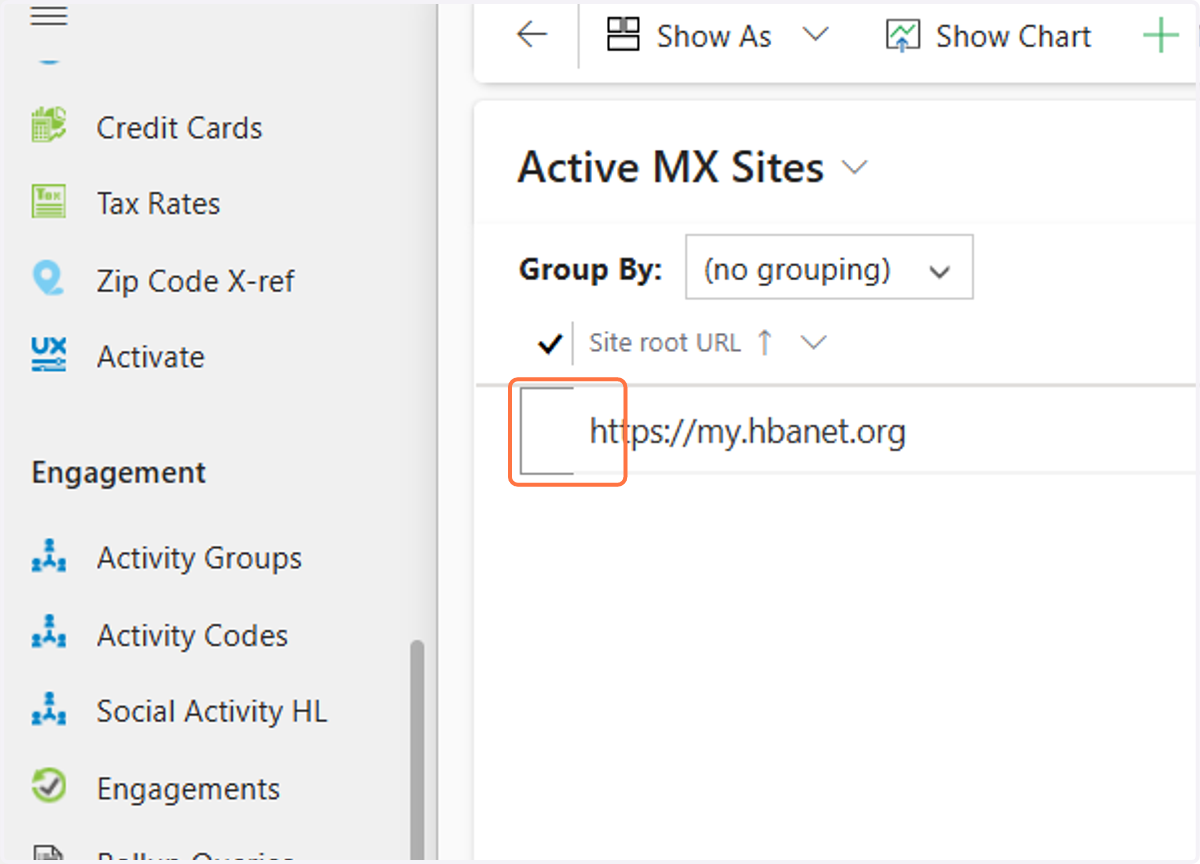
4. Select the area before "https://my.hbanet.org"
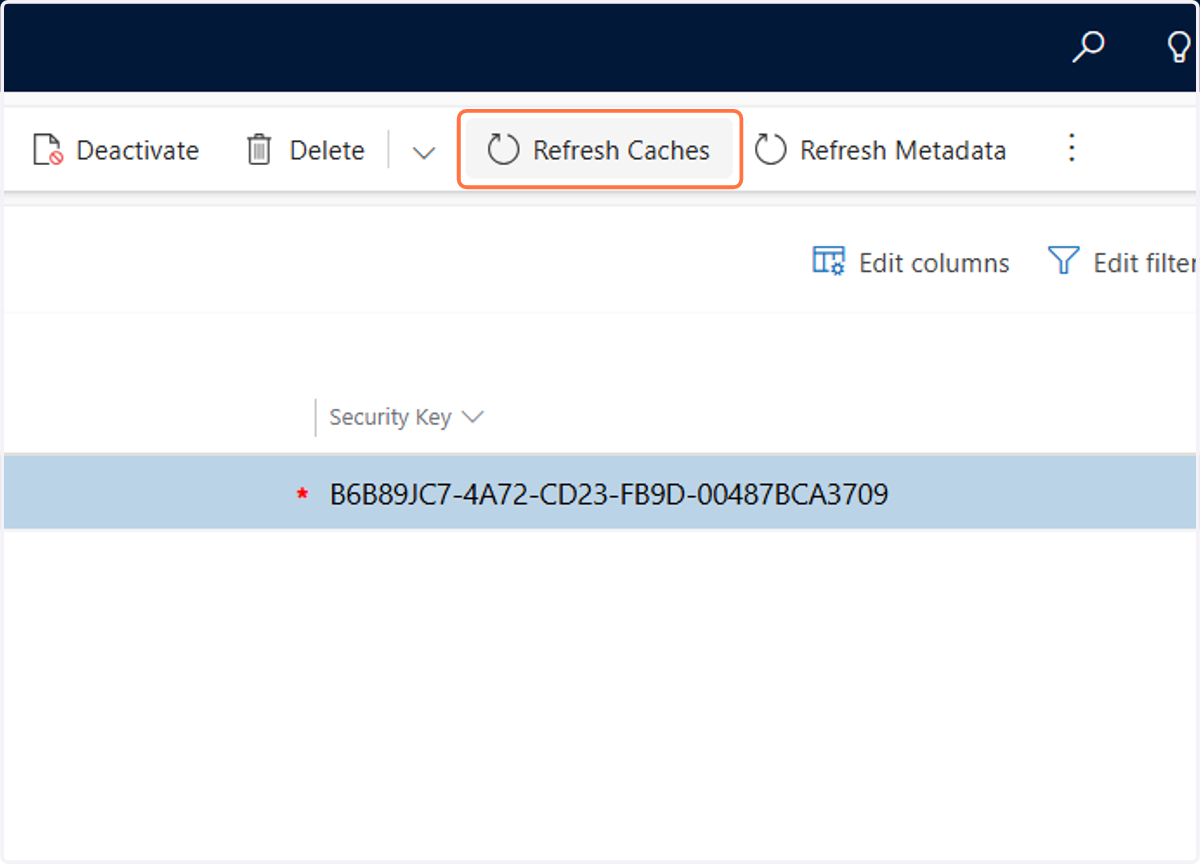
5. Click on Refresh Caches
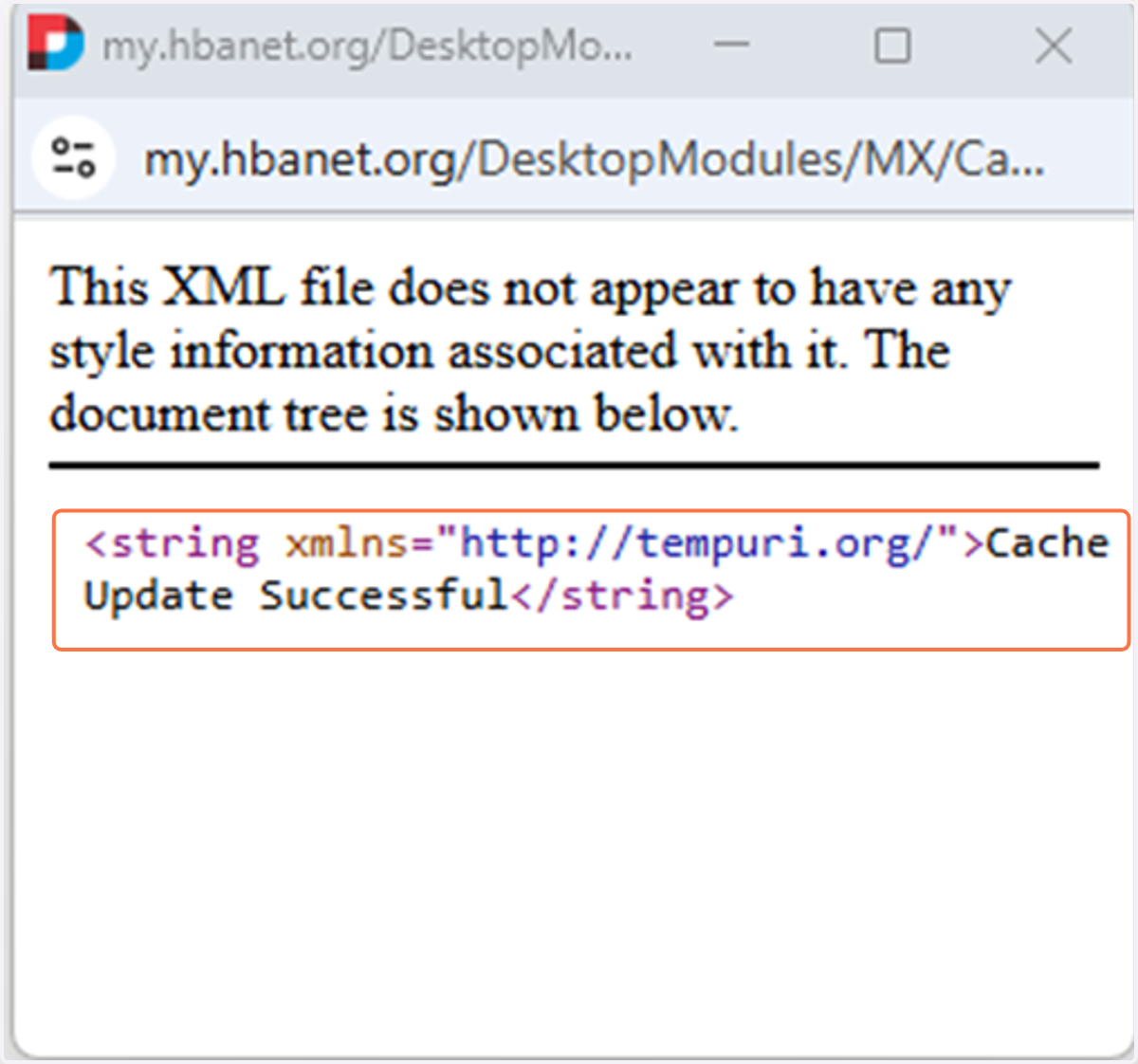
6. A new window will appear, once it says Update Successful you can exit out of that screen
7. Select the area before "https://my.hbanet.org"
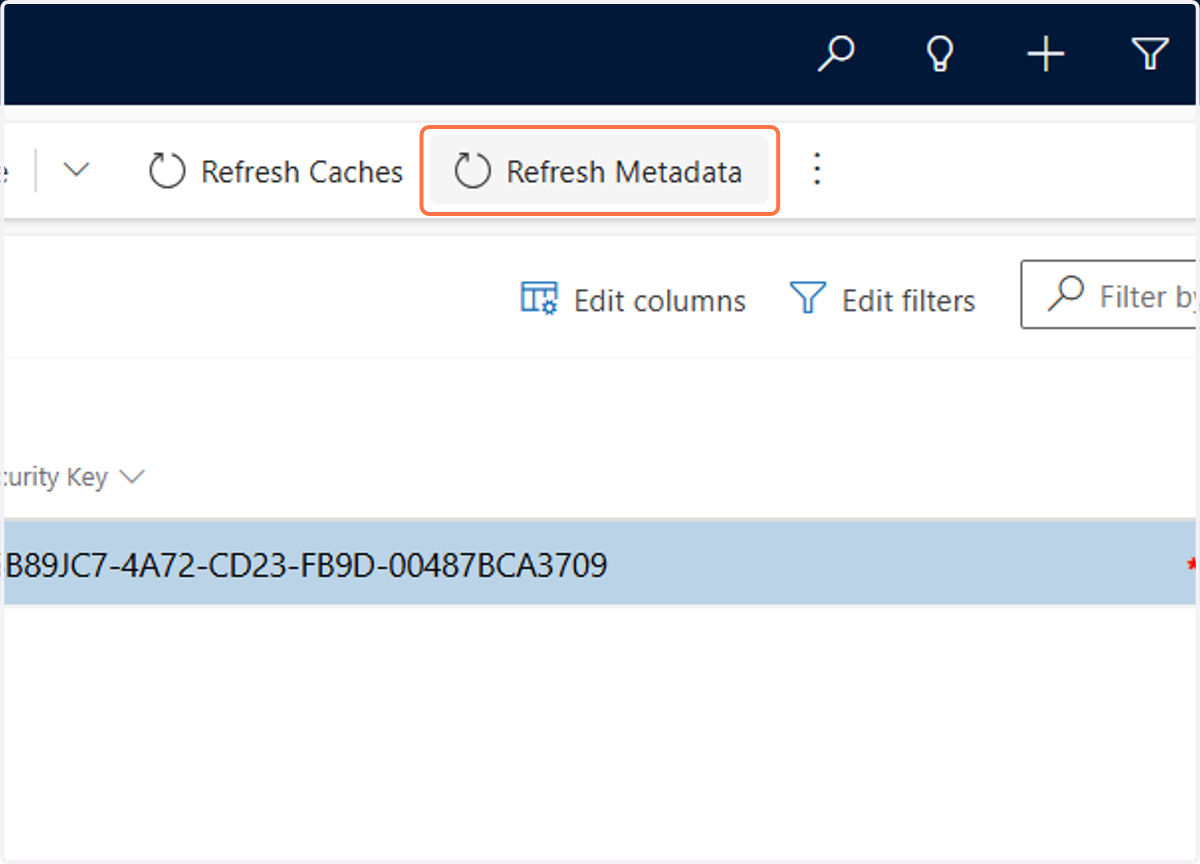
8. Click on Refresh Metadata
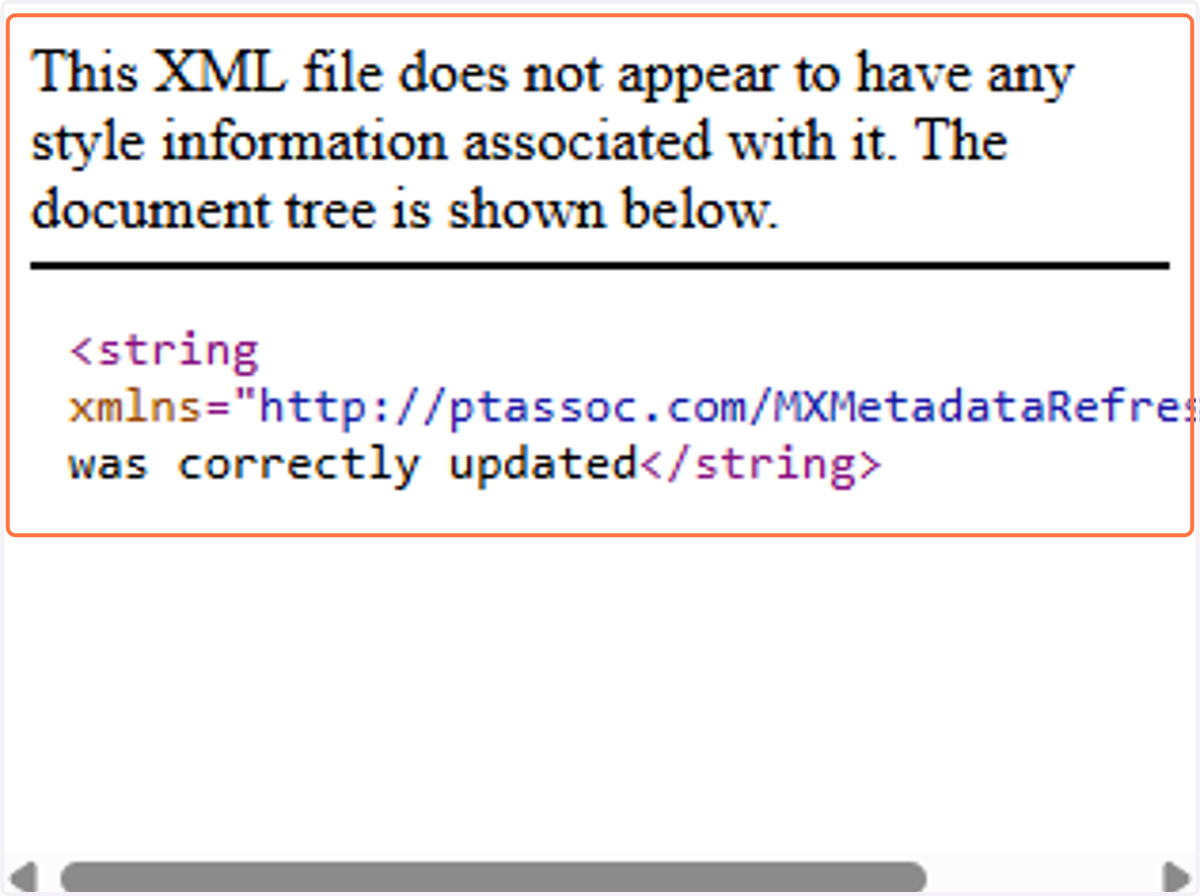
9. A new window will appear, once it says was correctly updated you can exit out of that screen
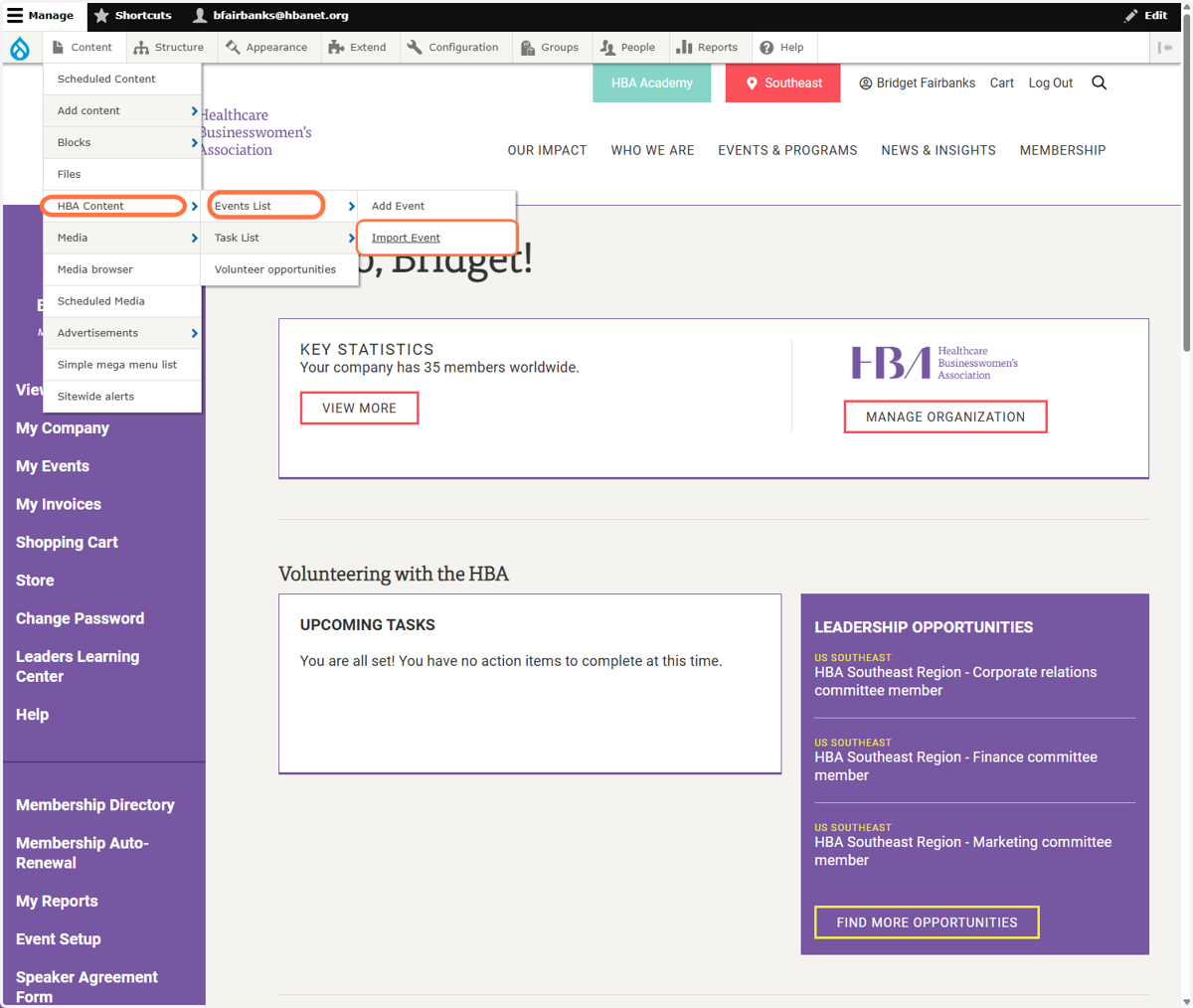
10. Click on the Drupal Menu and select HBA Content -> Events List -> Import Event
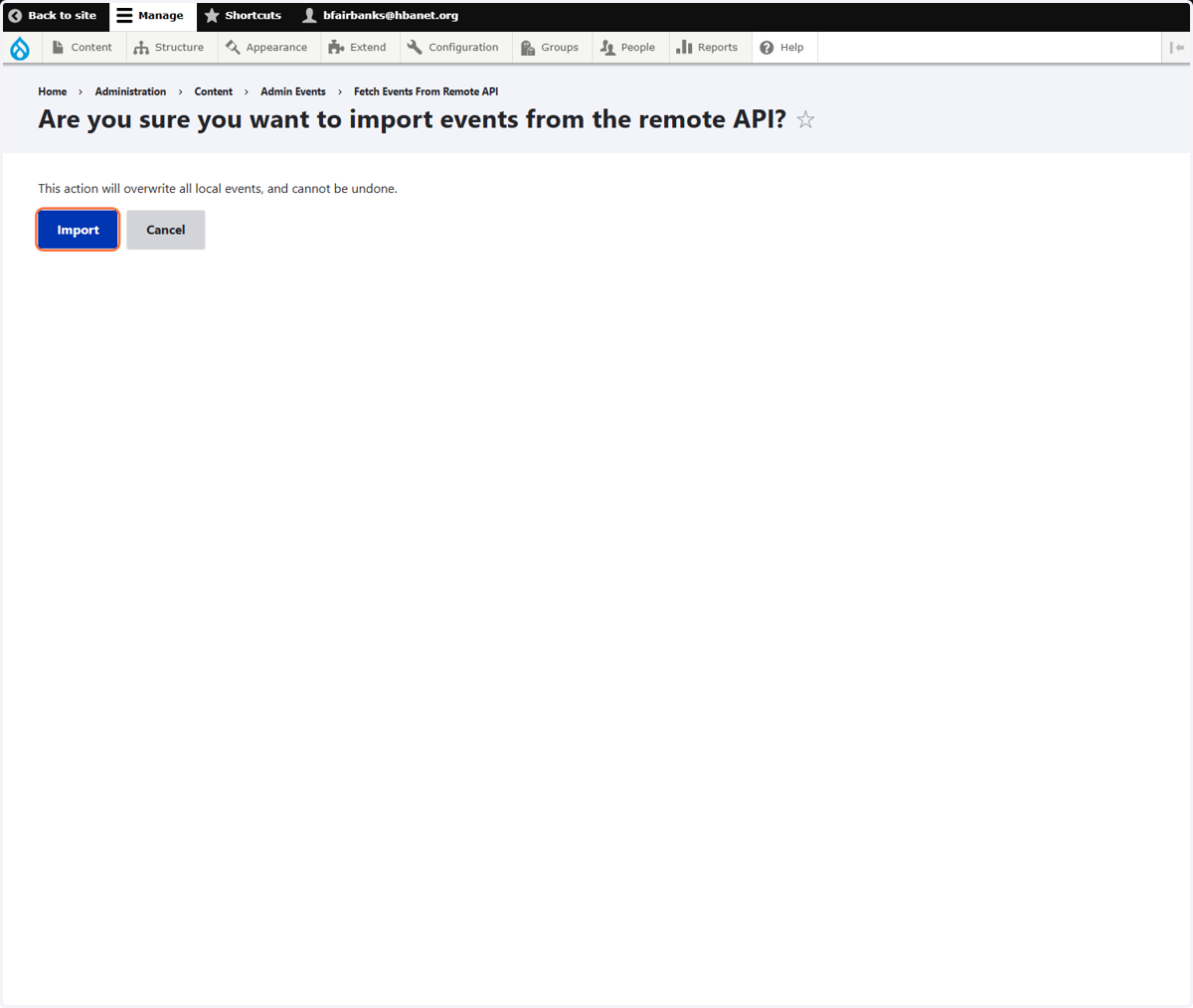
11. Click on Import
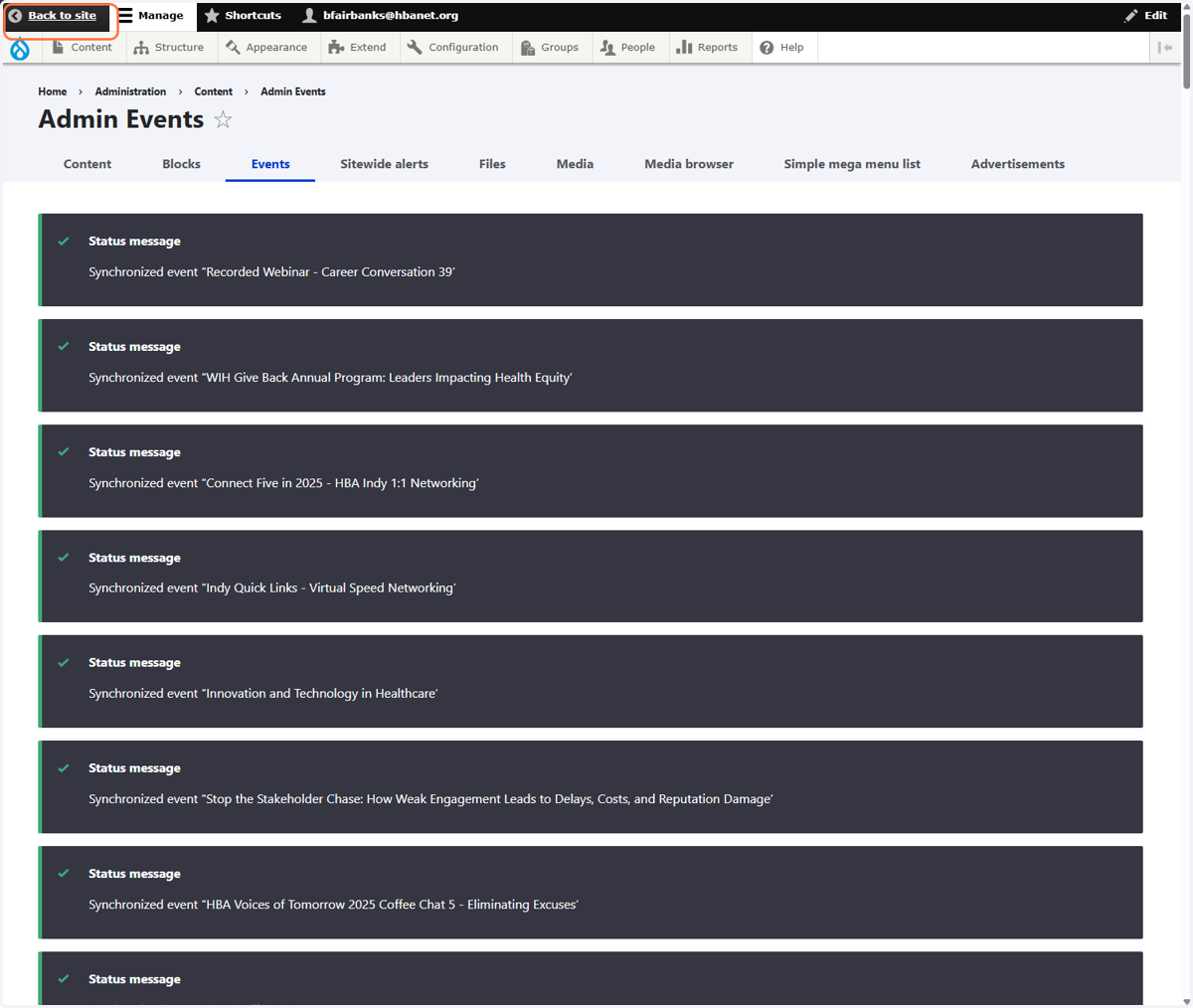
12. Click on Back to site
13. Then go the calendar and ensure you see the event