Registering multiple people for a SWACUHO event
SWACUHO - Home
1. Click on the event you wish to register for under Upcoming Events

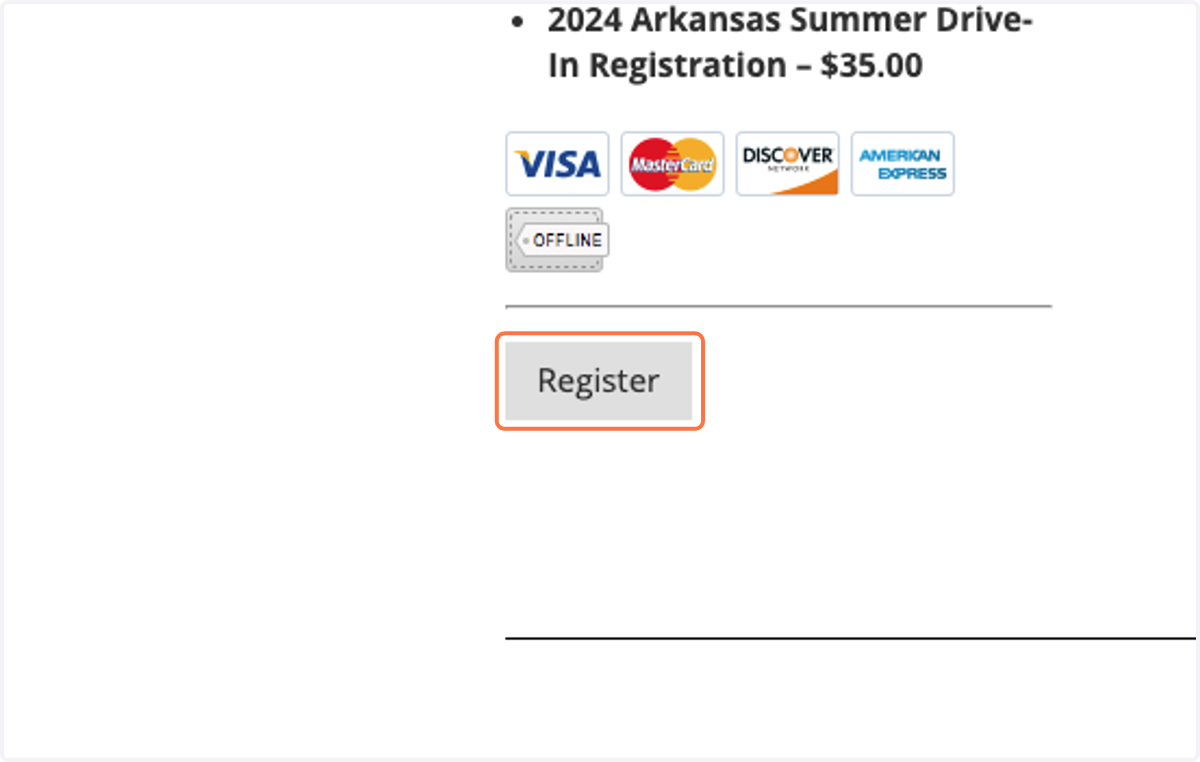
2. Click on Register
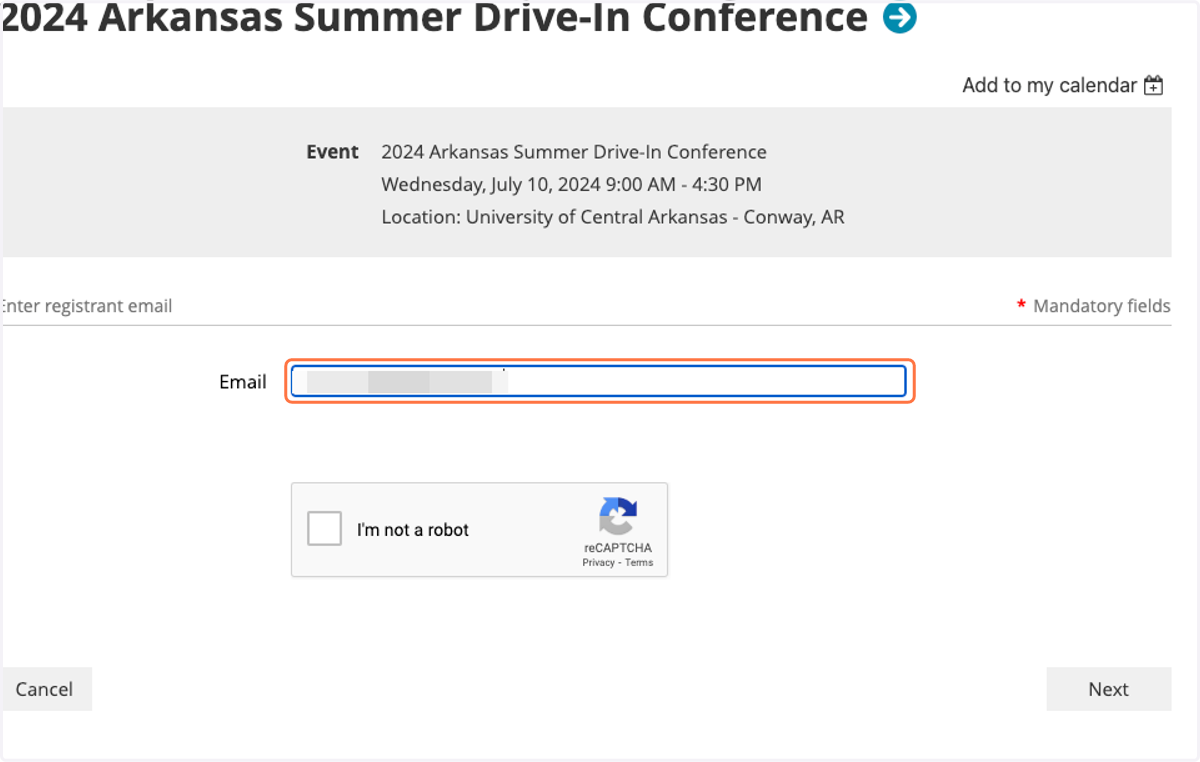
3. Enter your email
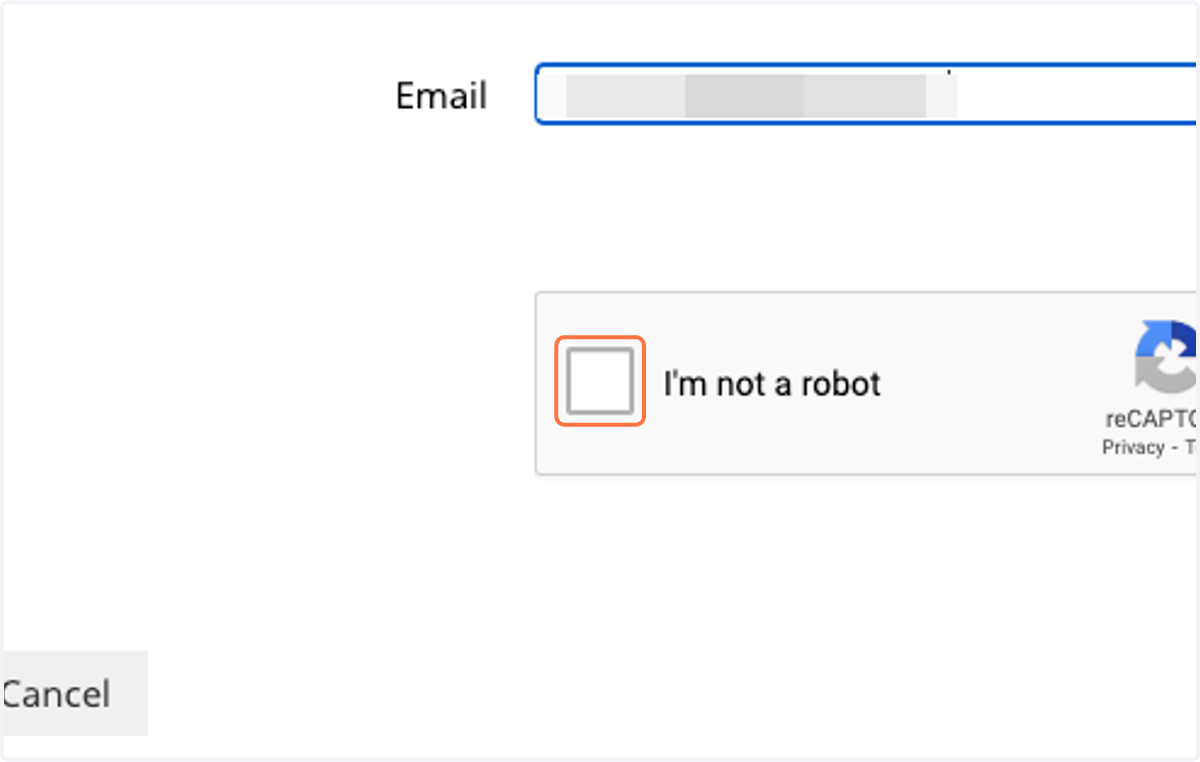
4. Click on I'm not a robot
5. Click on Next
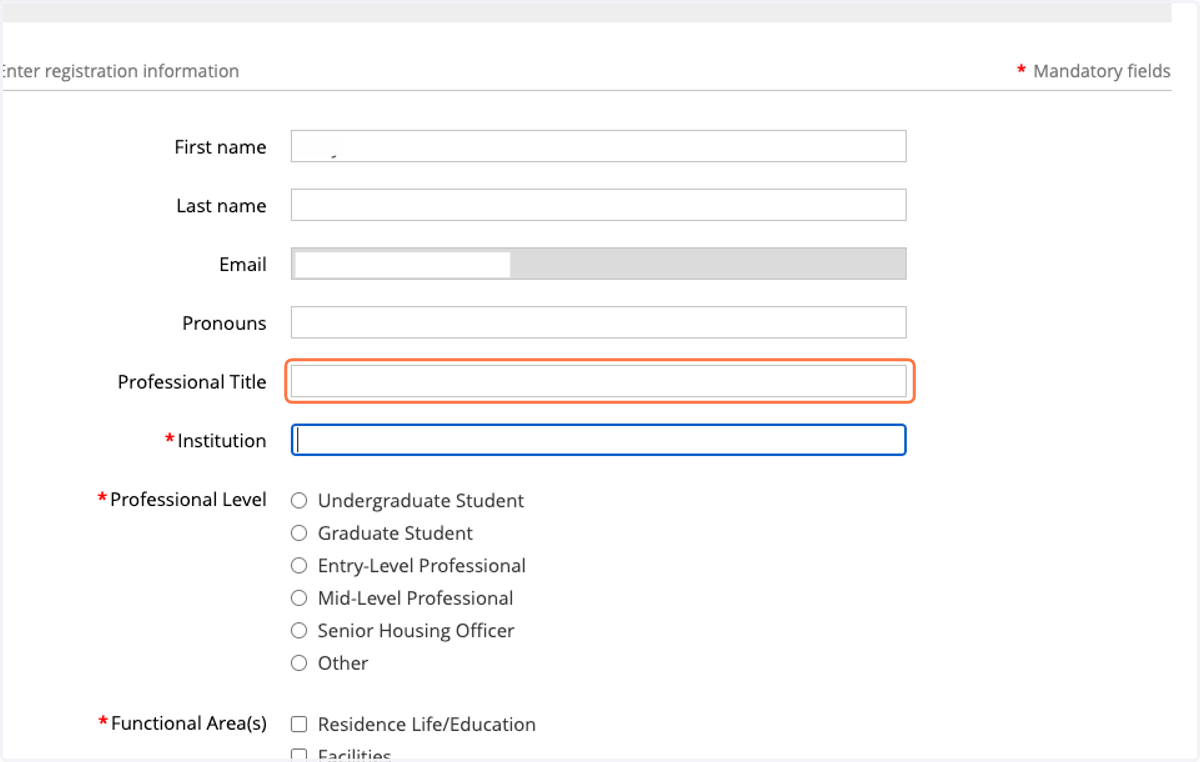
6. Complete the registration form fields for the specific event
This screen will look different depending on the event you are registering for.
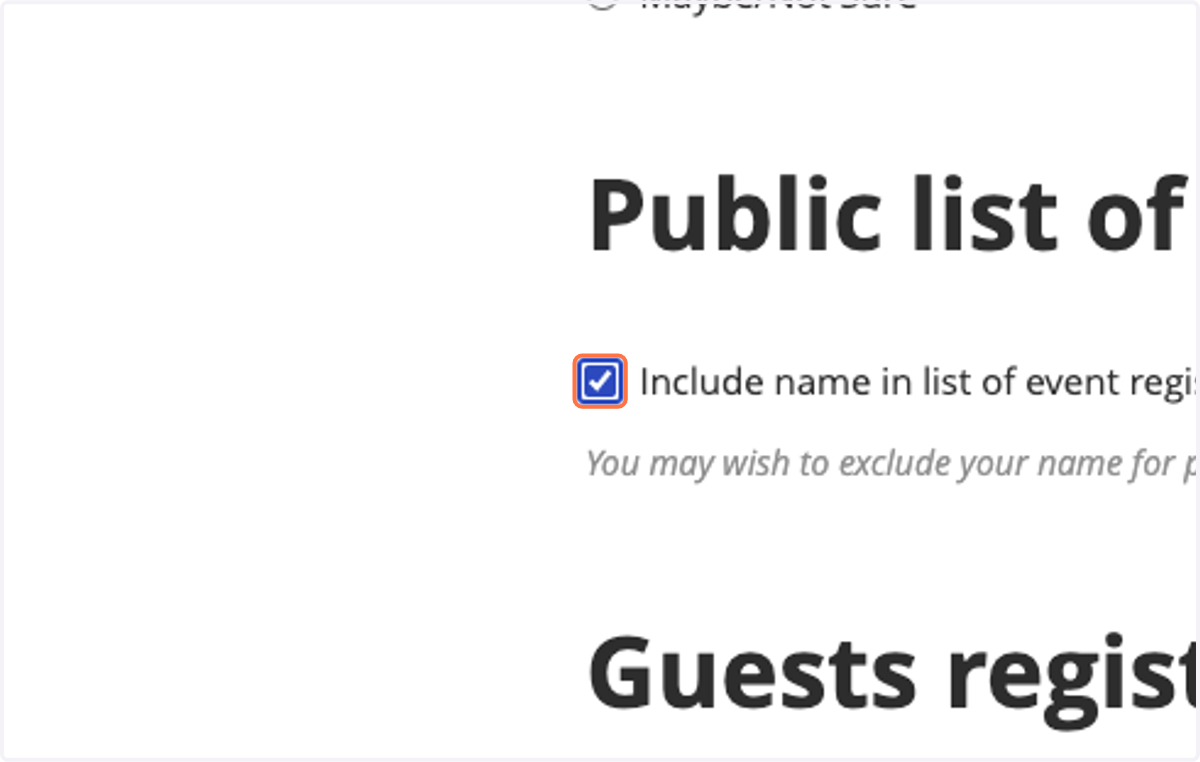
7. Choose whether or not you want your name to appear in the public list of event registrants
8. Click on Add guest
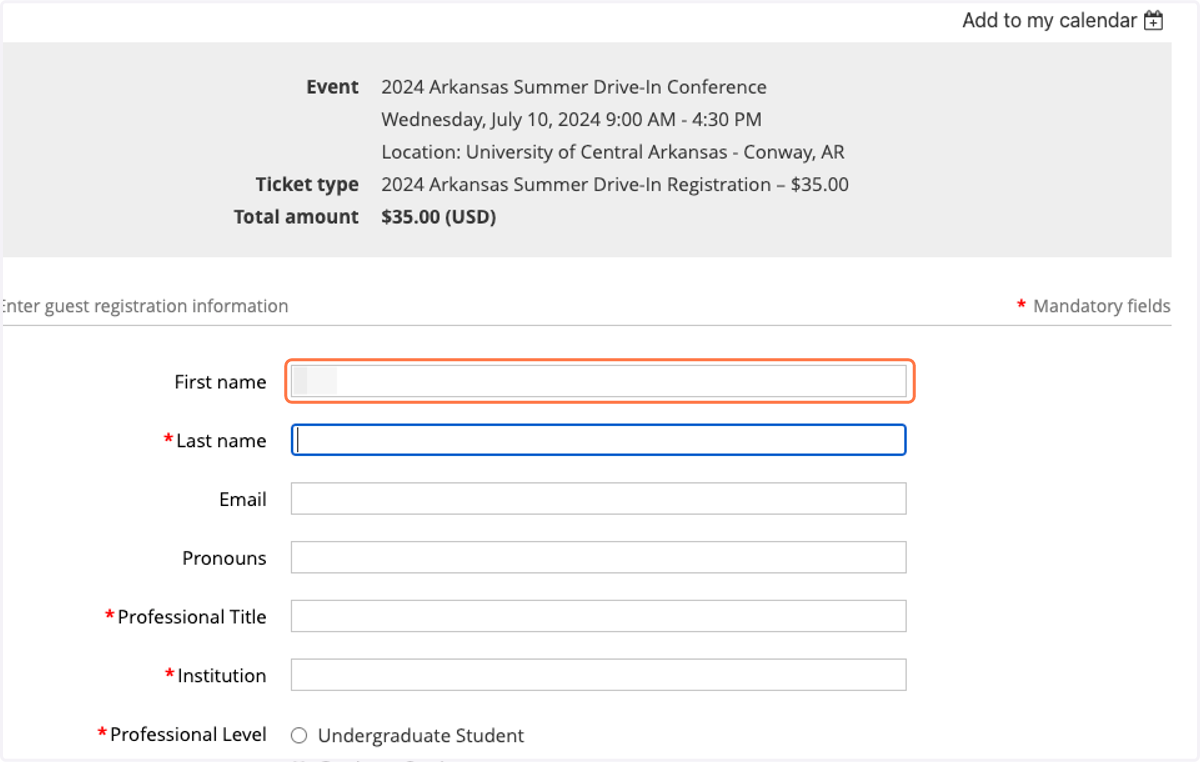
9. Complete the registration form for the next person you are adding to your event registration
10. Click on Done
11. After you have added each additional registration (guest), click Next
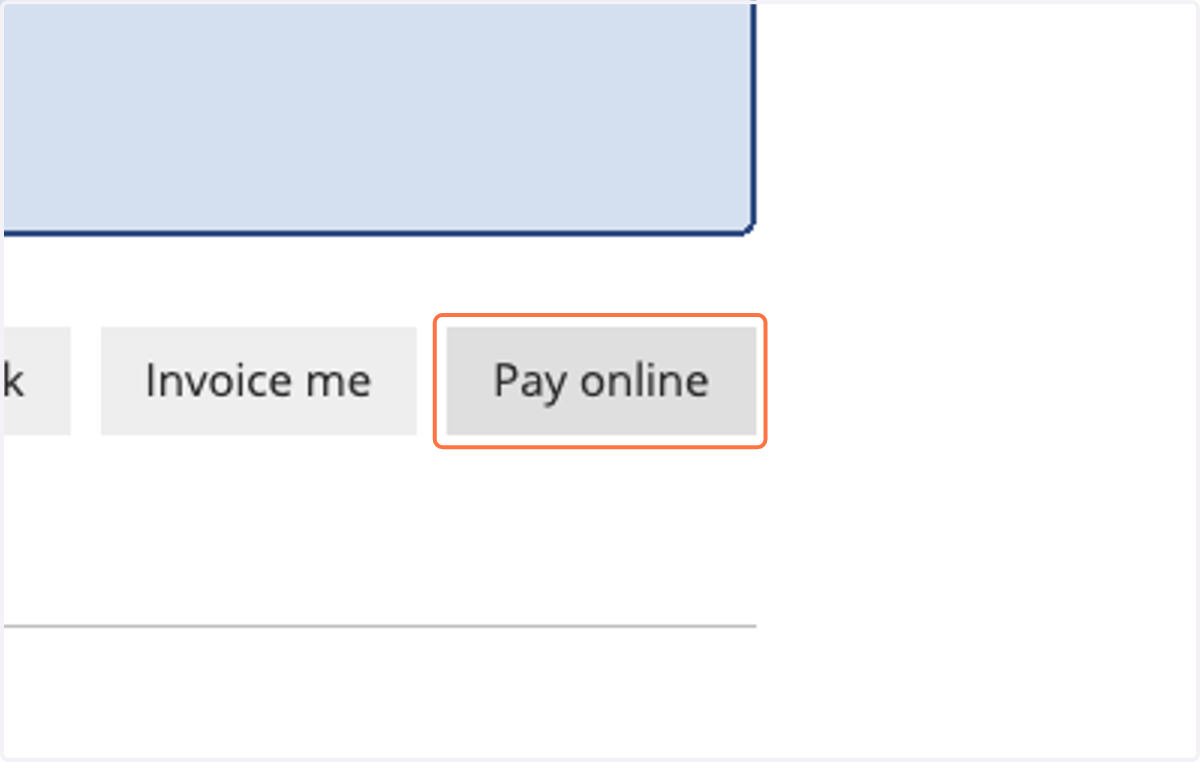
12. Click on Pay online (to pay by card) or Invoice me (to pay by check/money order)