Created related content for your business automatically using WriteNow AI Brand profiler
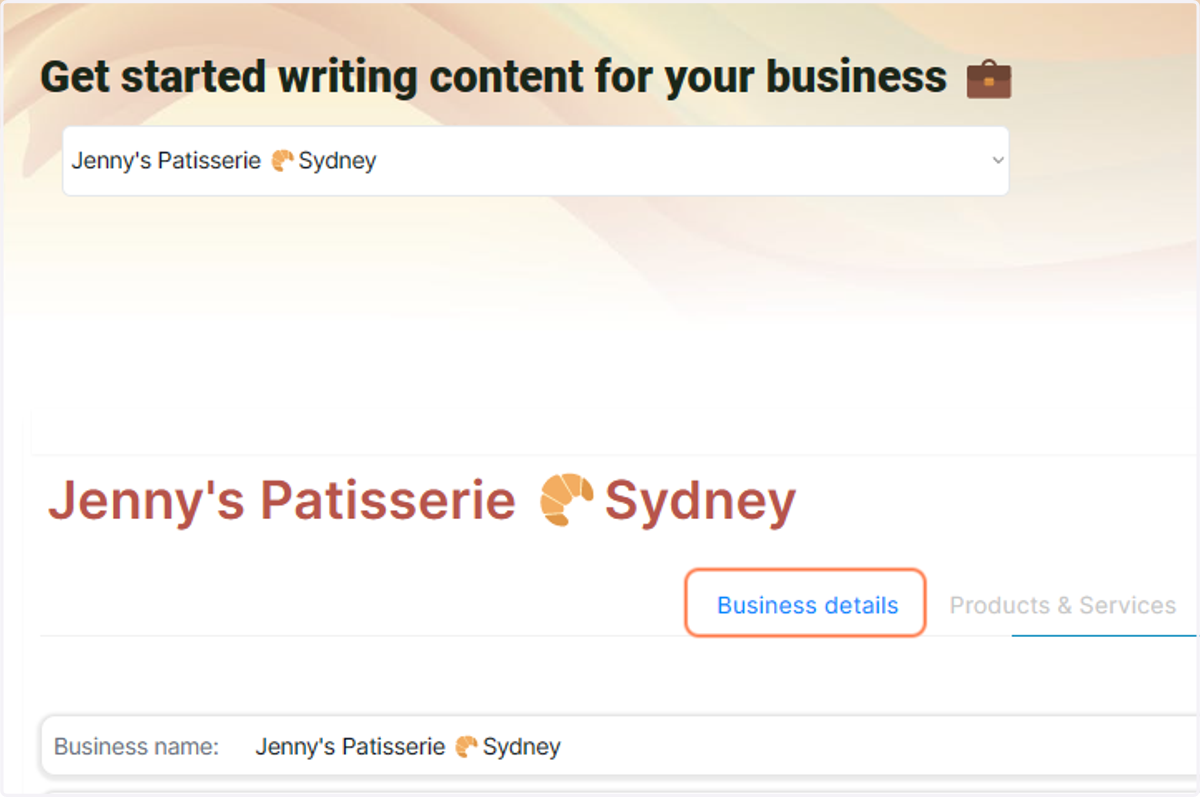
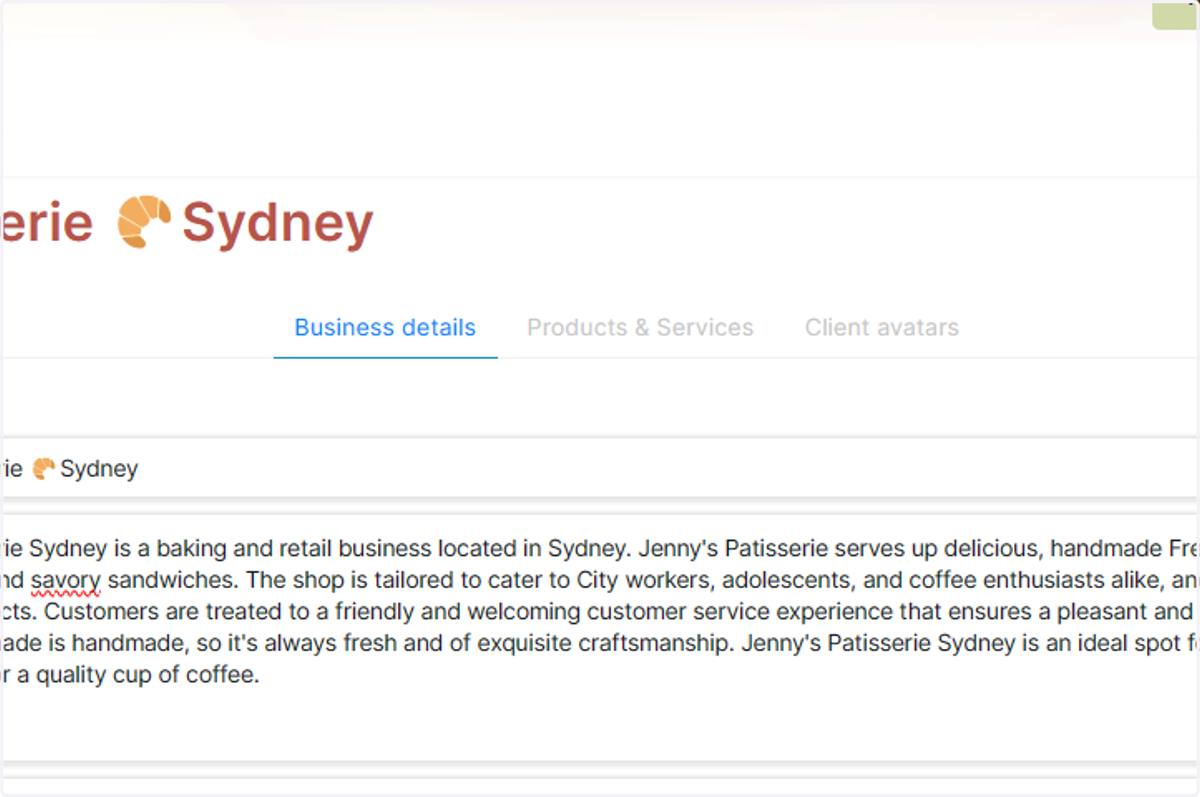
1. Open your brand in the WritwNow AI Brand profiler, and make sure you are in the 'Business Details' tab
2. Click on Generate related content
3. Ensure Use WriteNow AI Auto-Suggest 🪄is checked
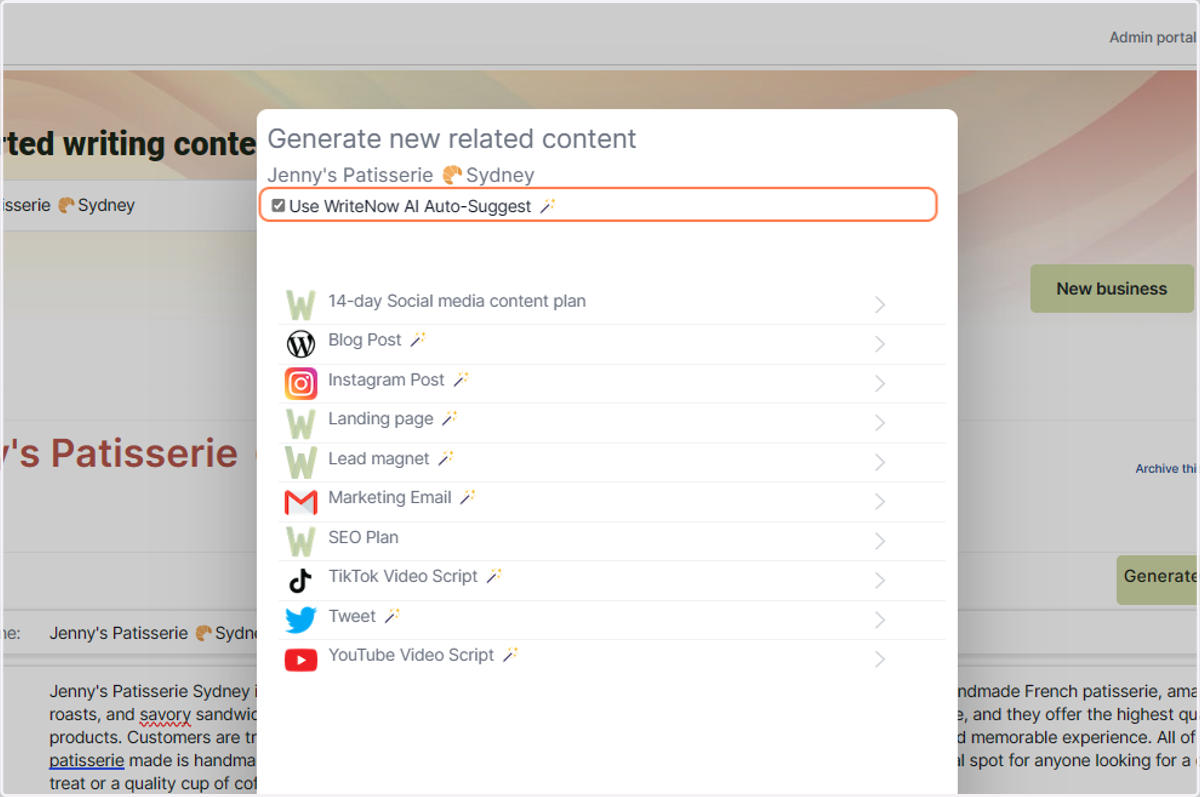
4. Click on Blog Post 🪄 or your desired content type
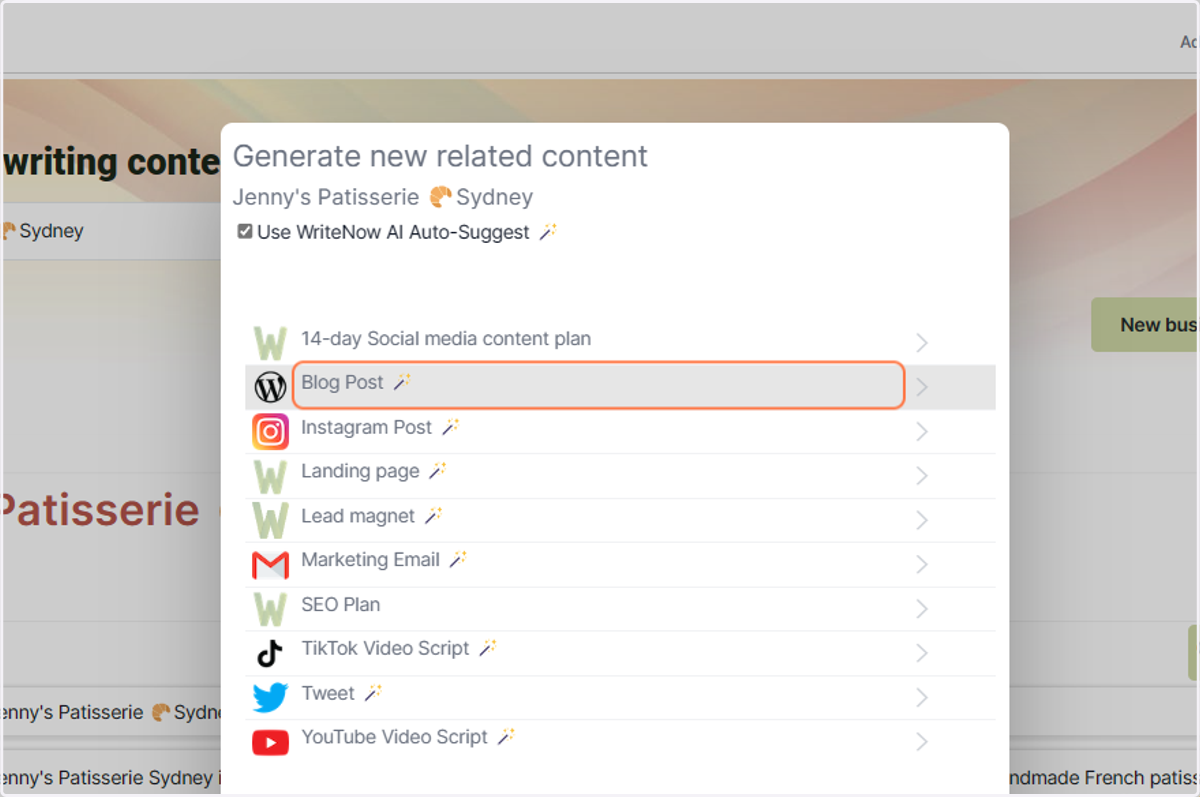
5. WriteNow AI will suggest topics for your content
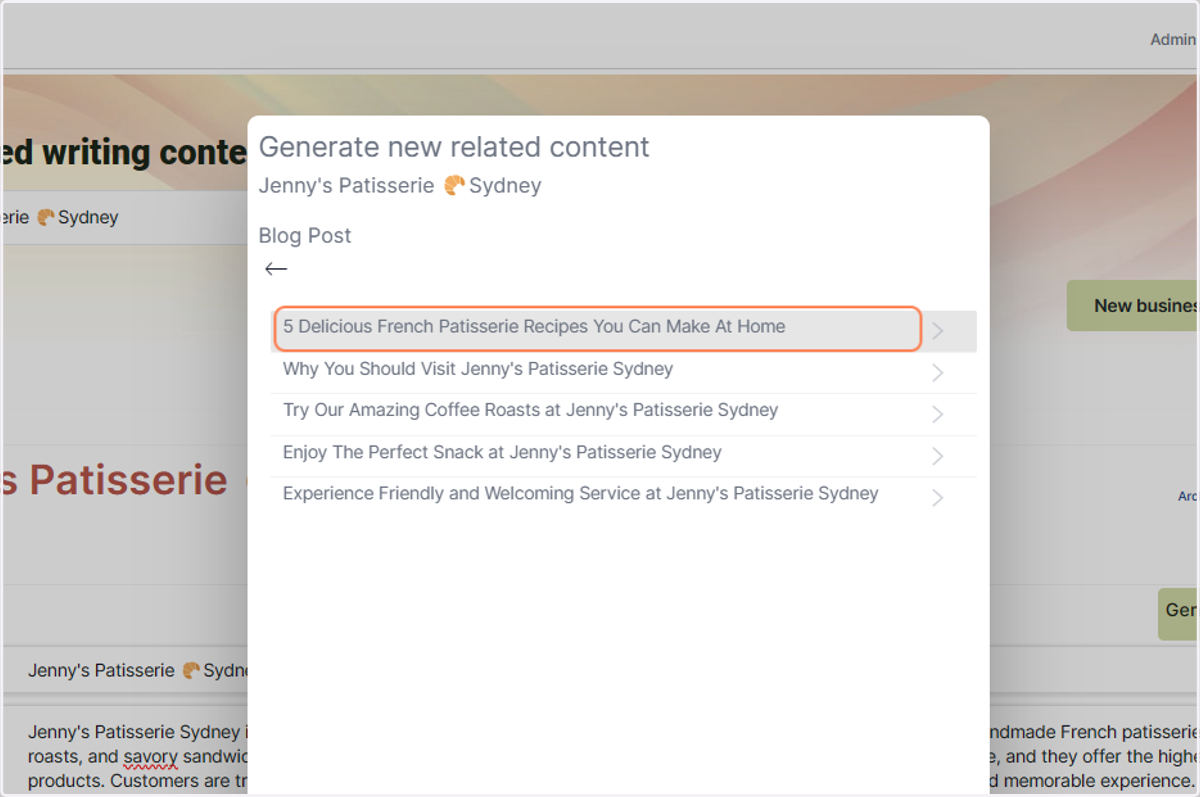
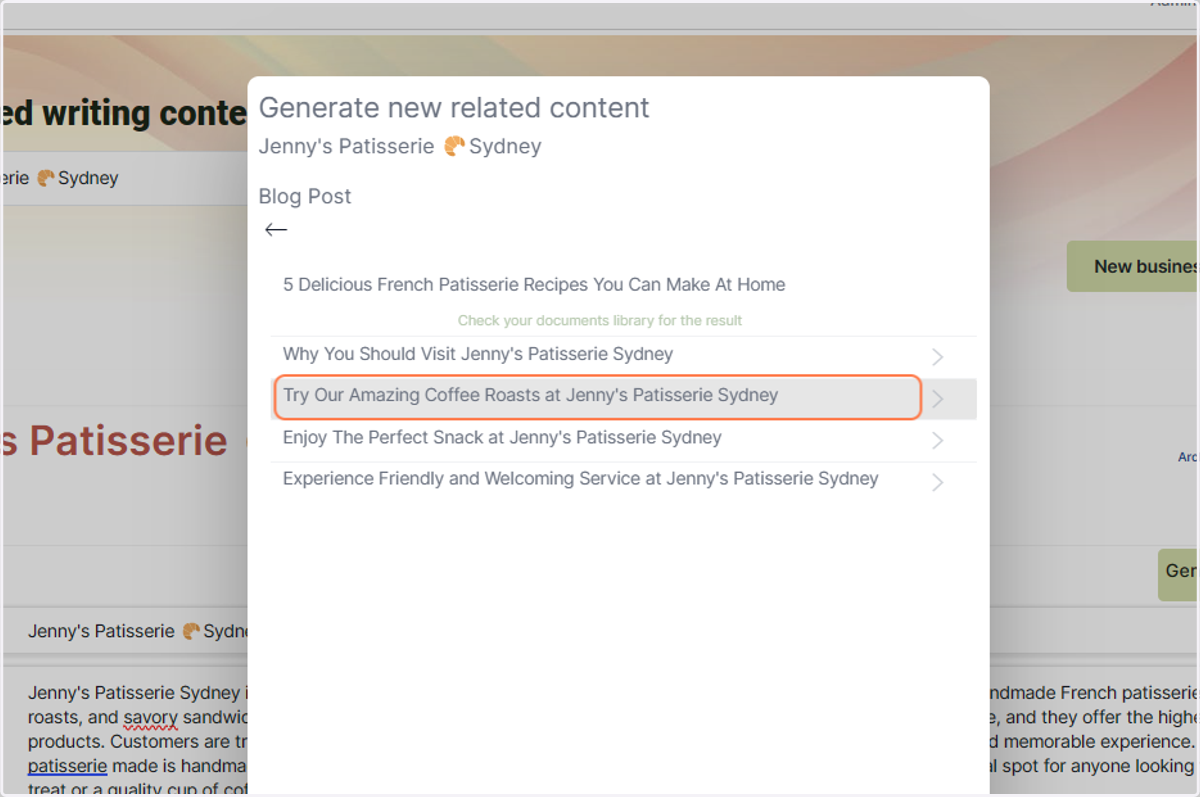
6. You can click more than once, wait until you see the green message appear 'Check your documents library for the result'
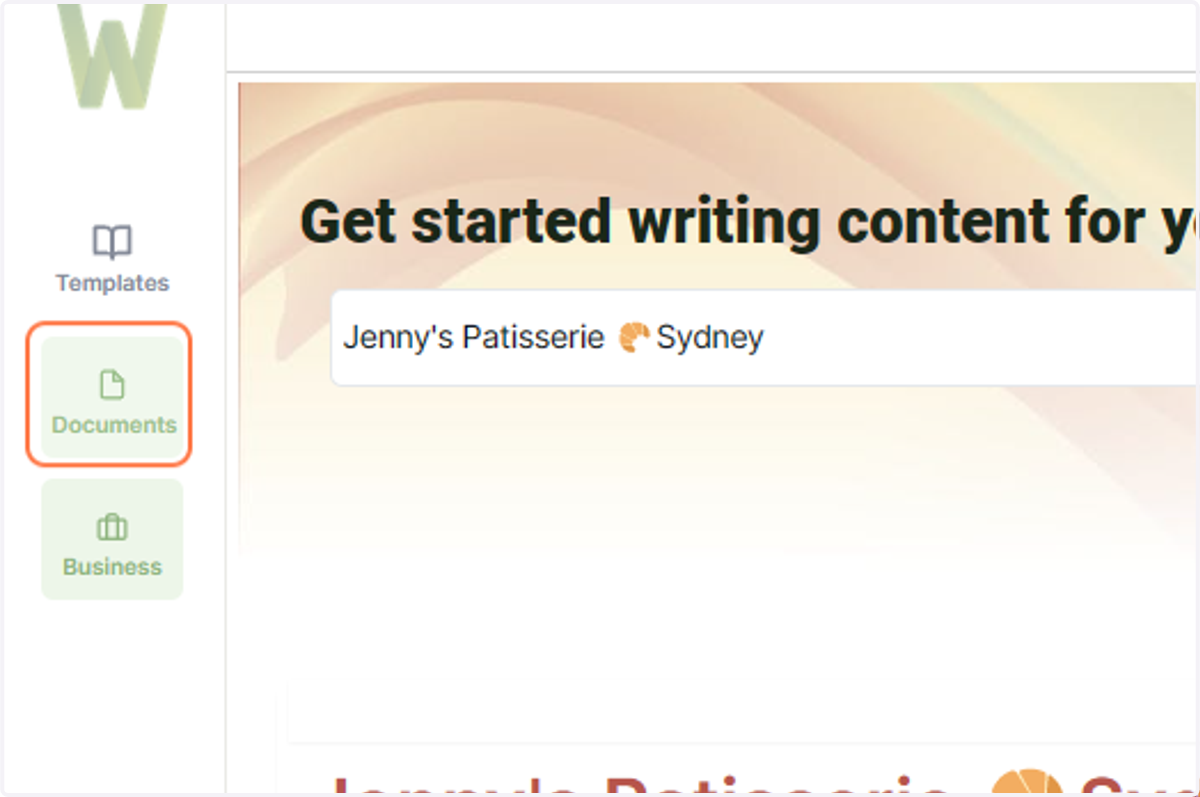
7. Return to your documents library view
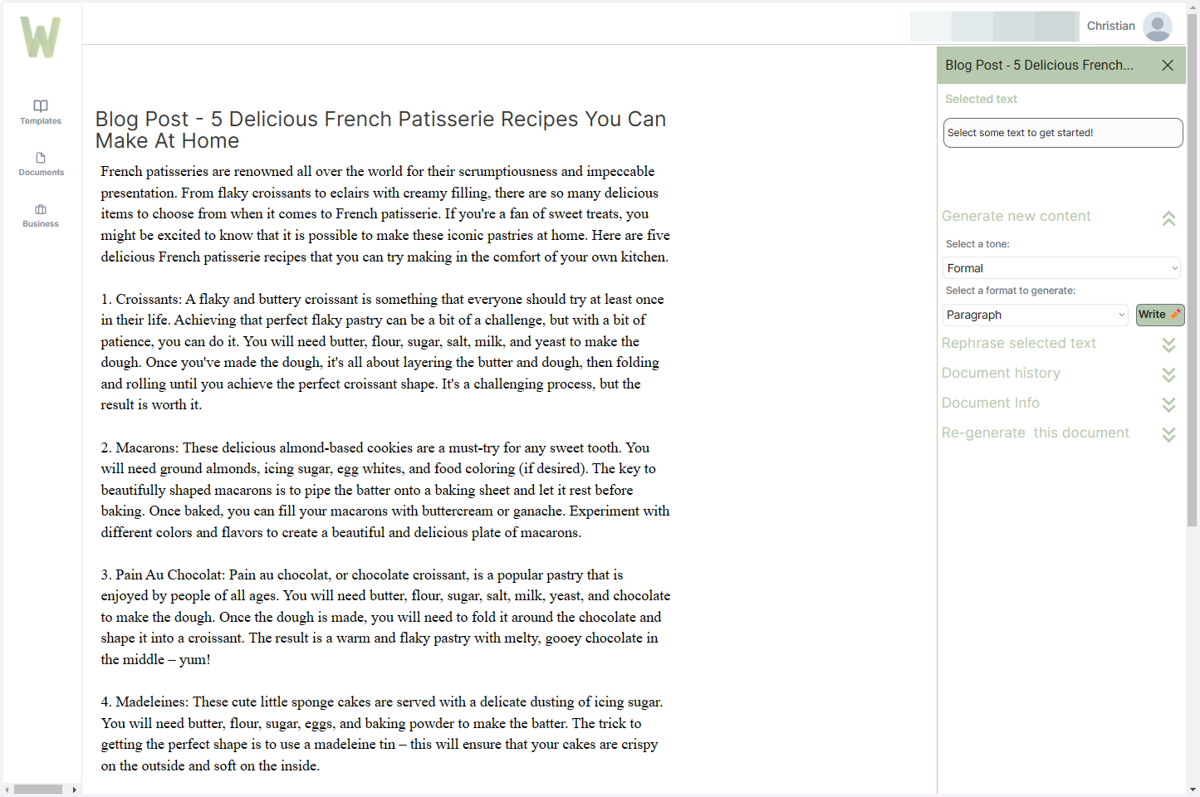
8. Click on Blog Post - 5 Delicious French Patisserie Recipes You Can Make At Home…
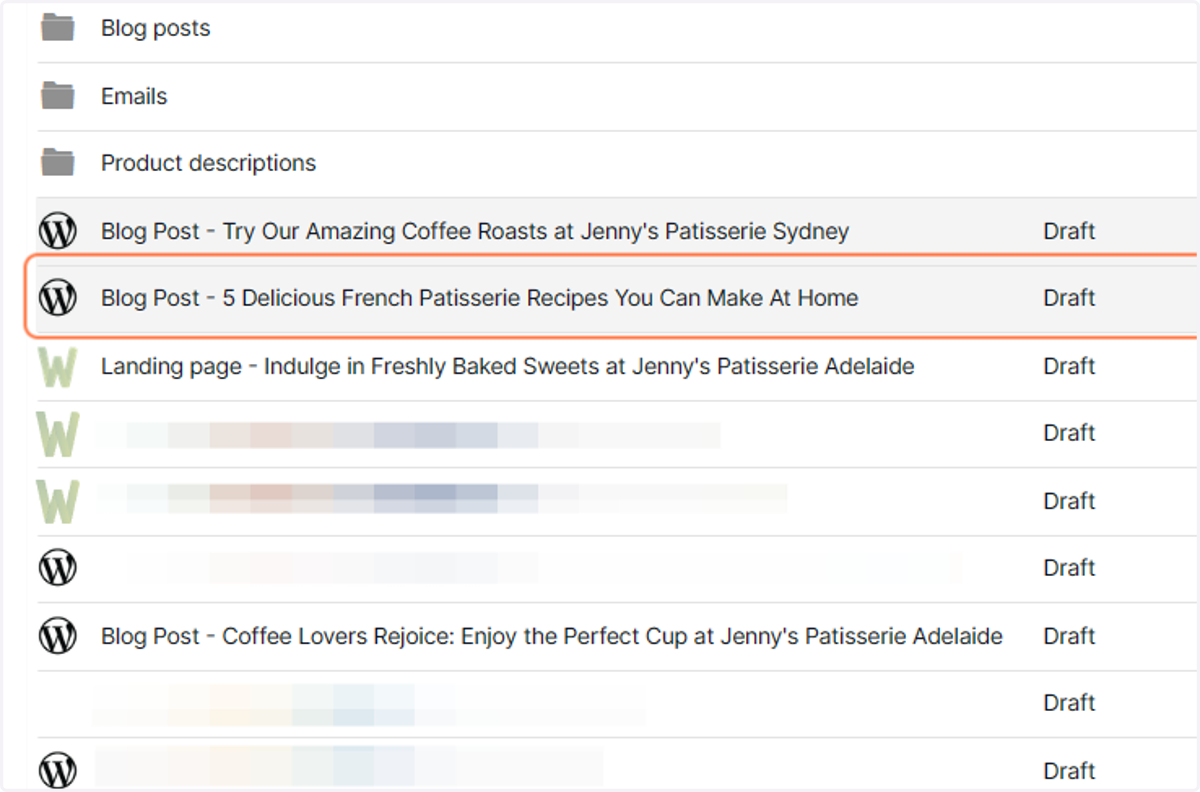
9. Your new auto generated document will open in the Document Editor