Track a quote
On a project, one common piece of documentation to keep track of is quotes from your vendors and subcontractors. Quotes can be used to help solidify your budget. In Materio you can keep track of all these quotes in a sensible place, attached to the relevant scope or products.
Materio
localhost
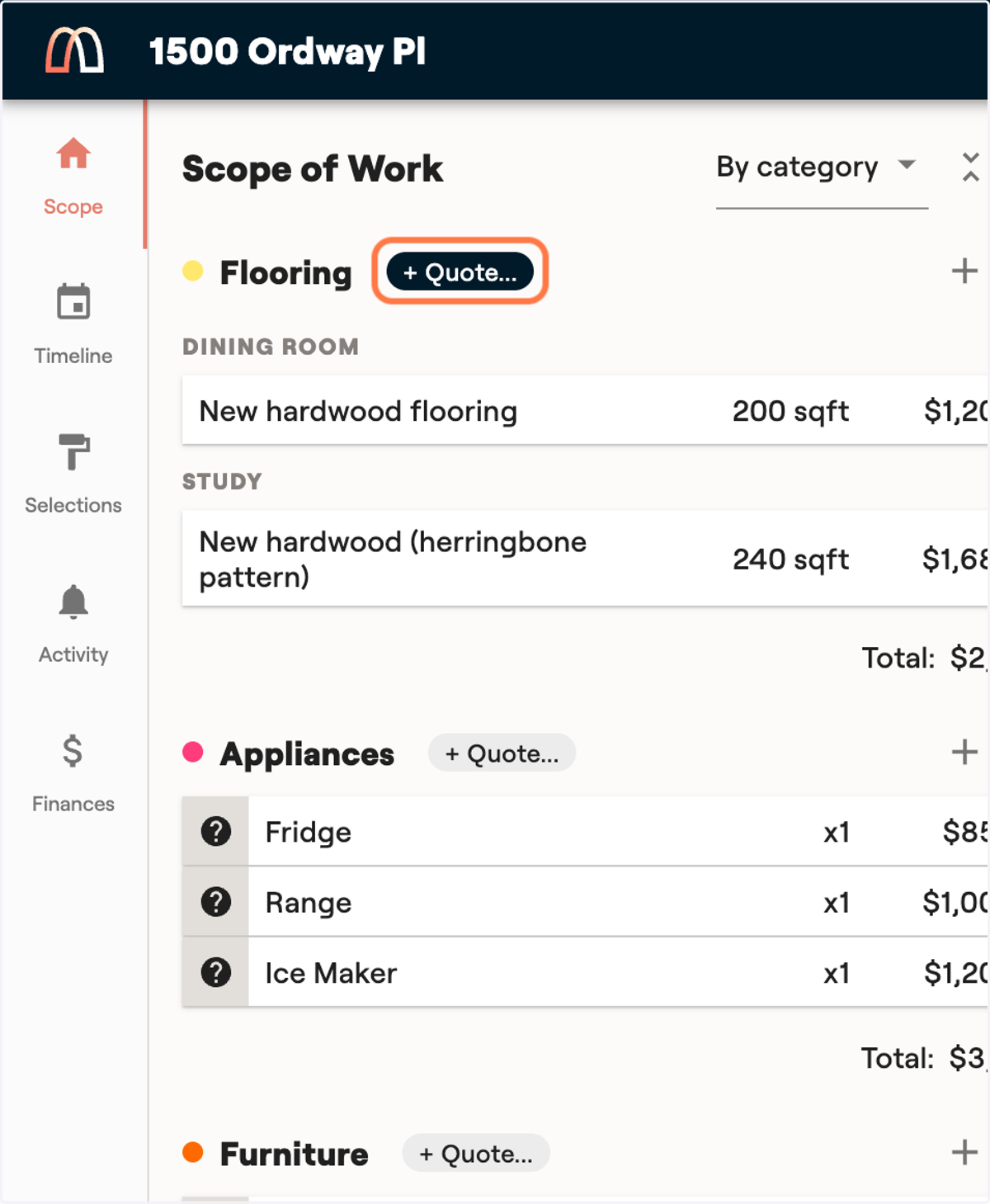
2. Next to a category in your scope, click on "+ Quote..."
3. Attach the quote you were given
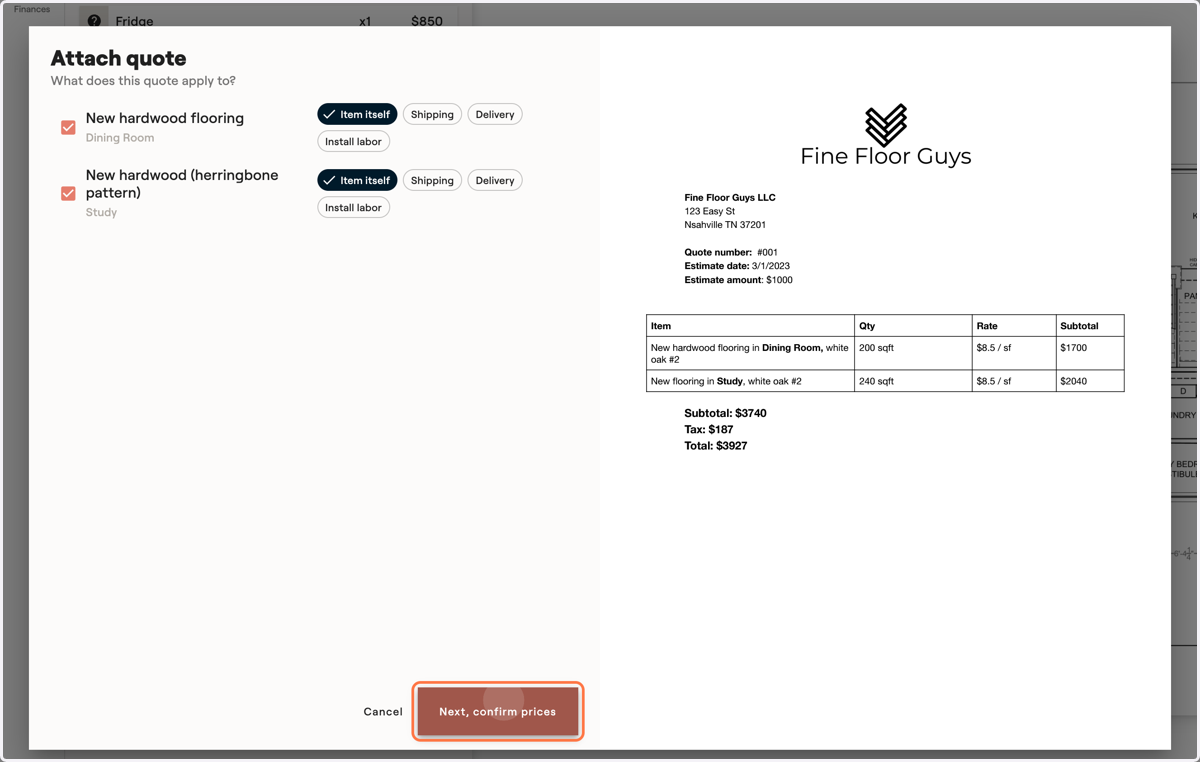
You'll see an "Attach Quote" dialog pop up. On the right, click "Upload quote PDF" to input the quote you were given by the supplier.

4. Your quote will appear on the right so you can review it.
Next, confirm what aspects of the items are being quoted: the item itself, shipping it, delivering it, or installing it. Once this looks good, click "Confirm Prices"
localhost
5. Confirm prices on your items
Review the uploaded quote on the right and copy over each quoted price to the corresponding item on the left.
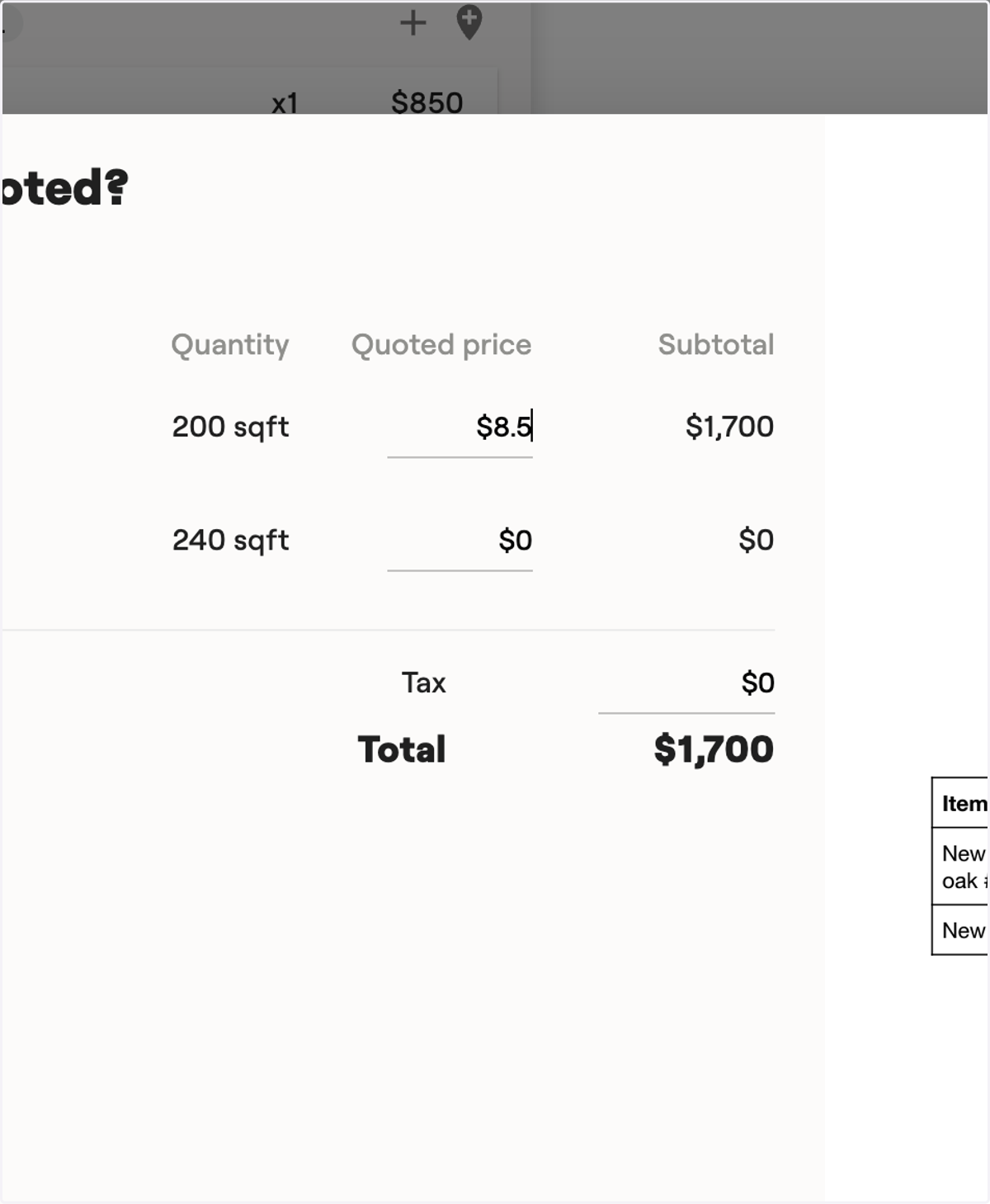
6. Enter tax, if applicable
If the quote included any sales tax the vendor is charging you, enter it here. It will later be apportioned over all the items in your quote if you choose to accept it and update the estimate.
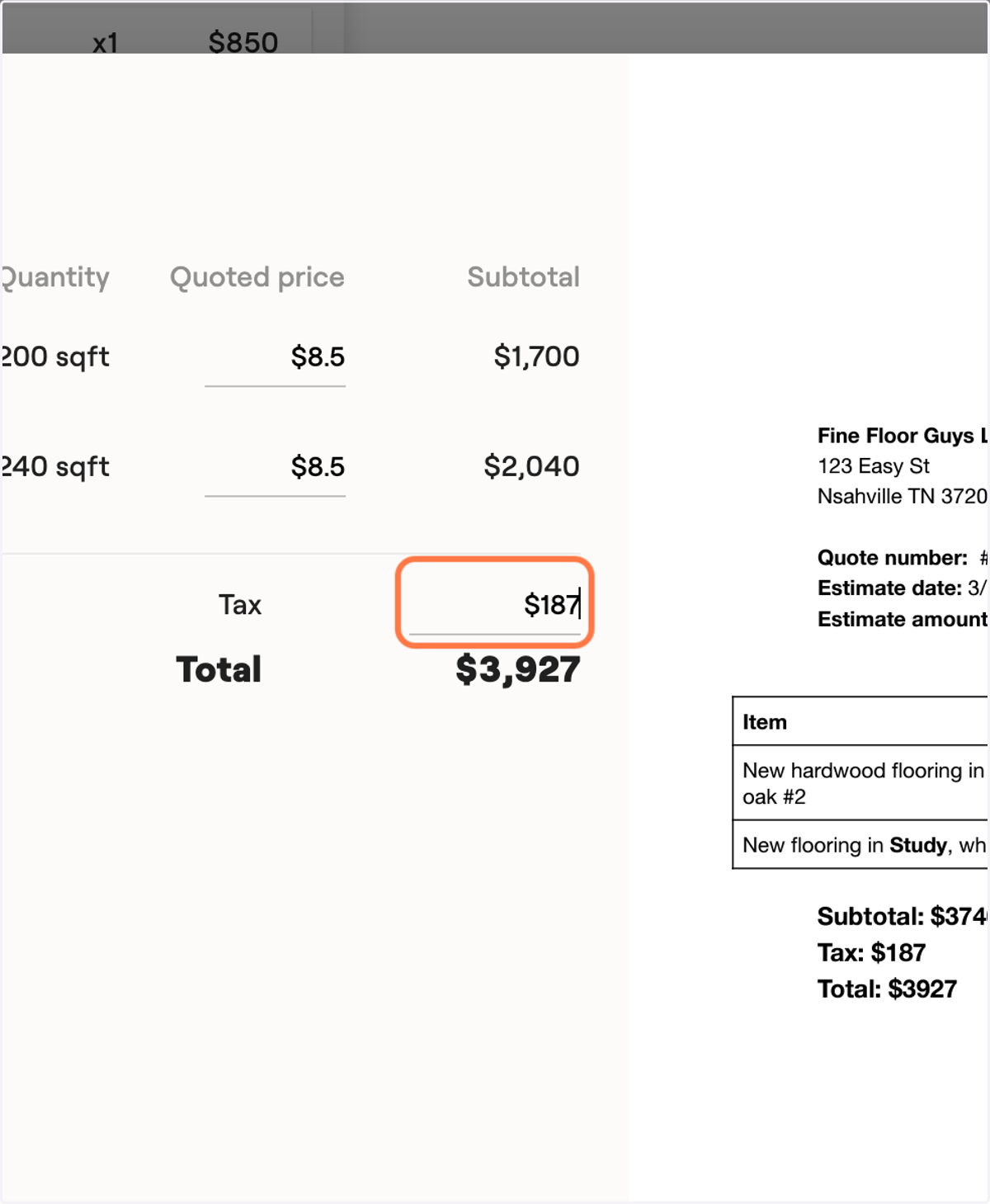
7. Click on "Next, wrap up"
localhost
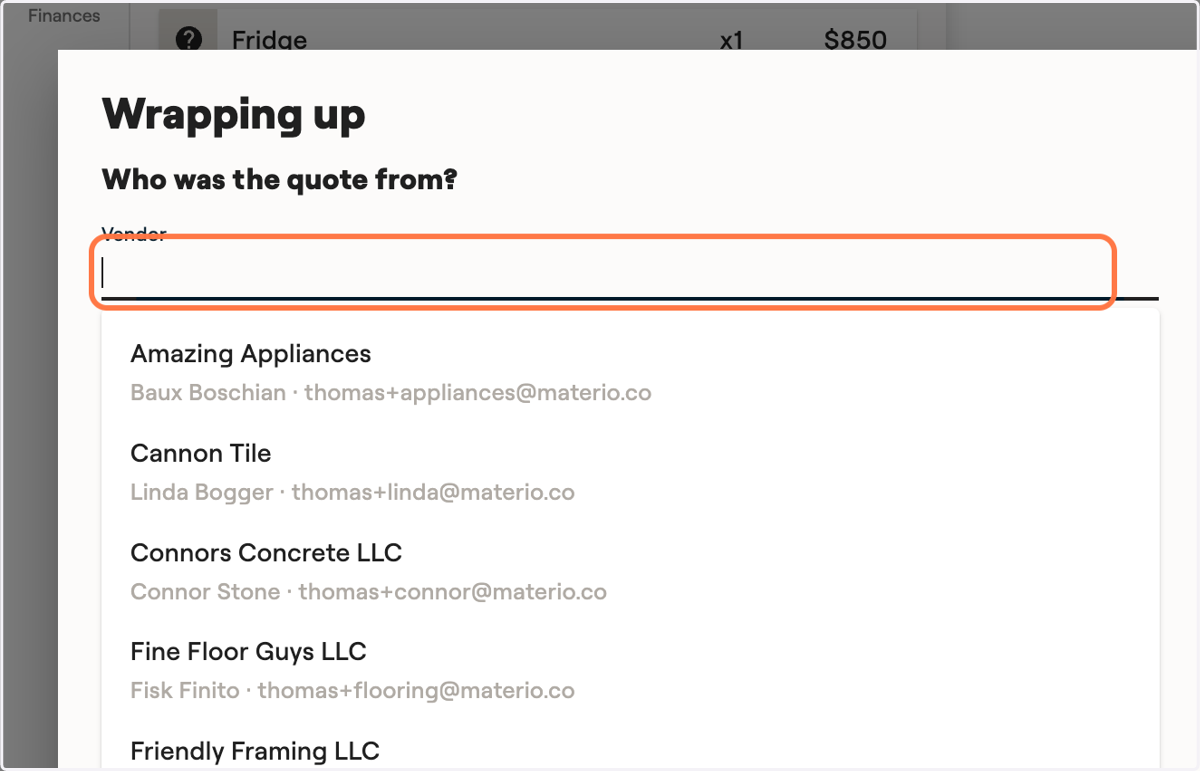
8. Select the contact who gave you the quote
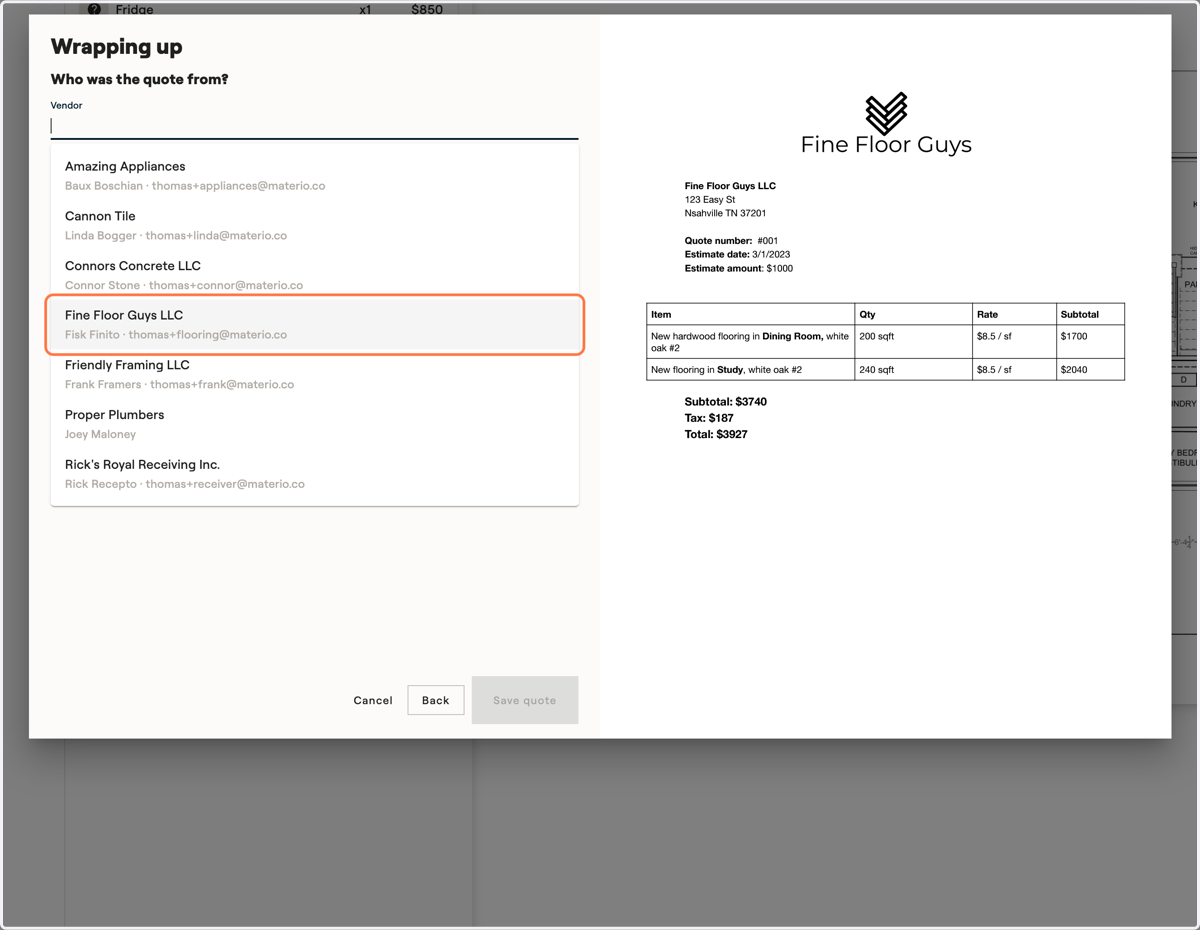
For tracking purposes, select which vendor gave you this quote.
9. Click to select them
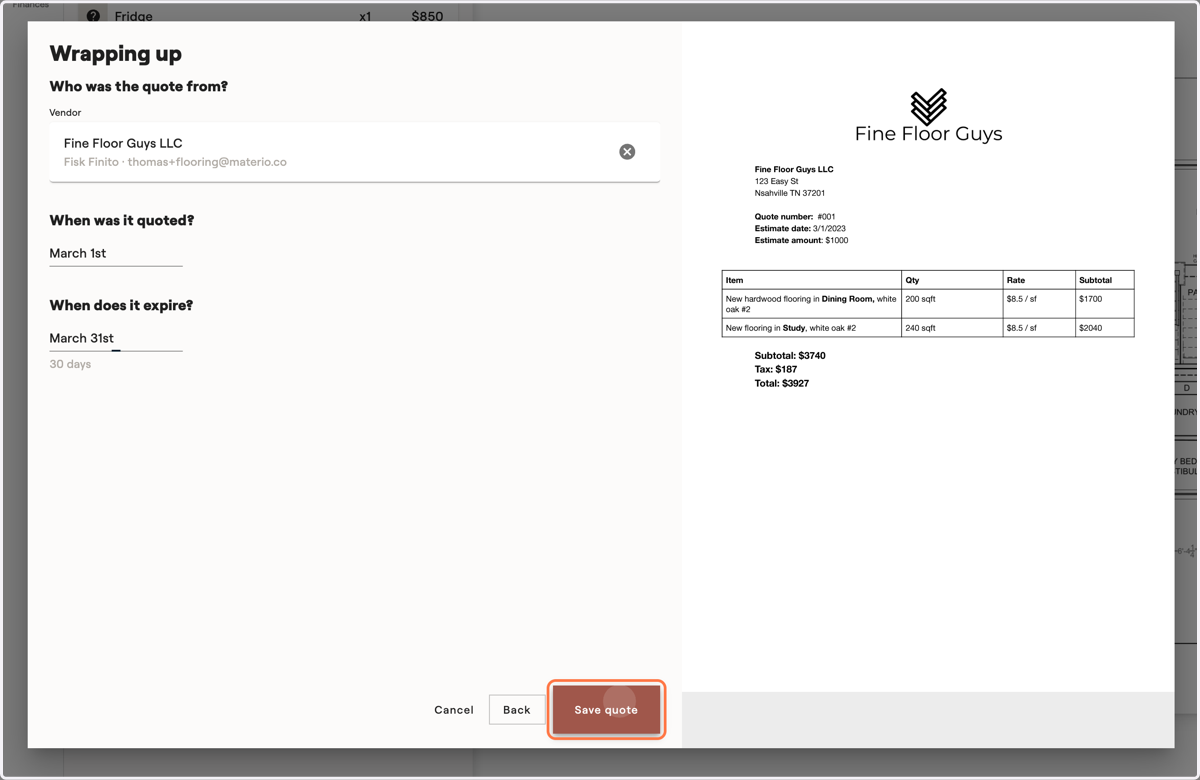
10. Track the date it was quoted
In order for Materio to track when the quoted prices will expire, set the quote date.
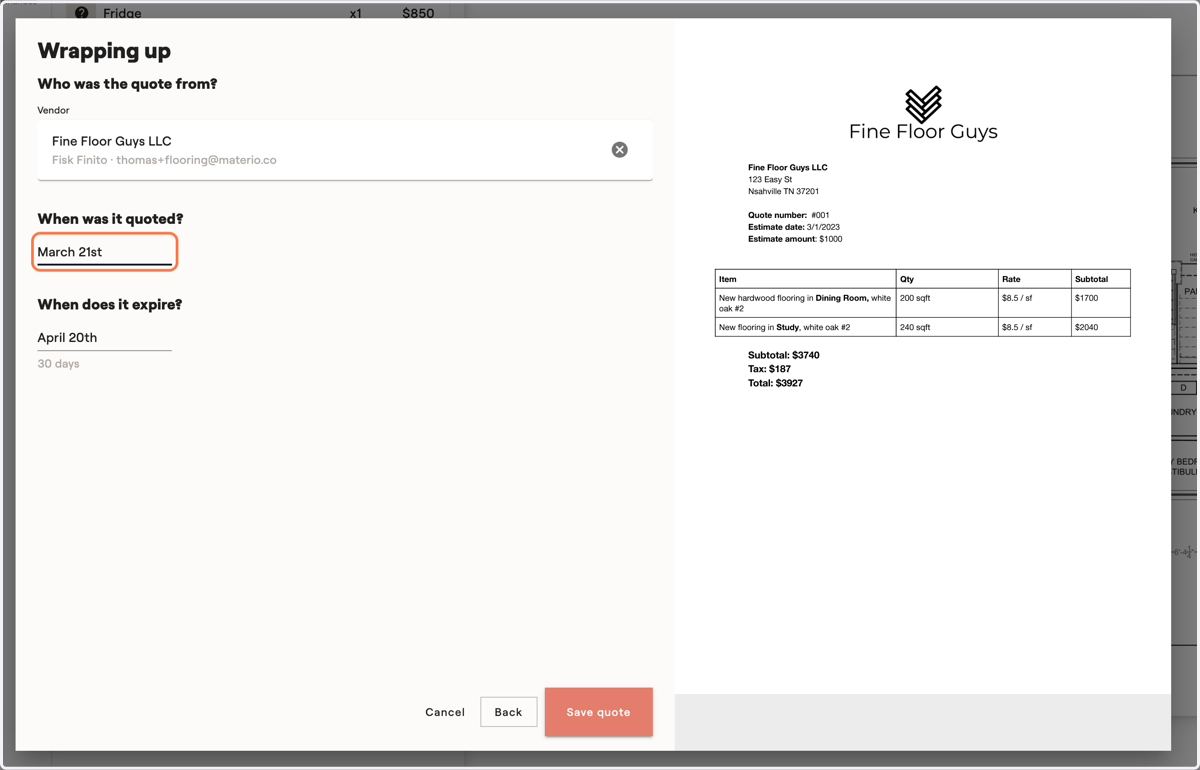
11. Then, set the quote expiration date.
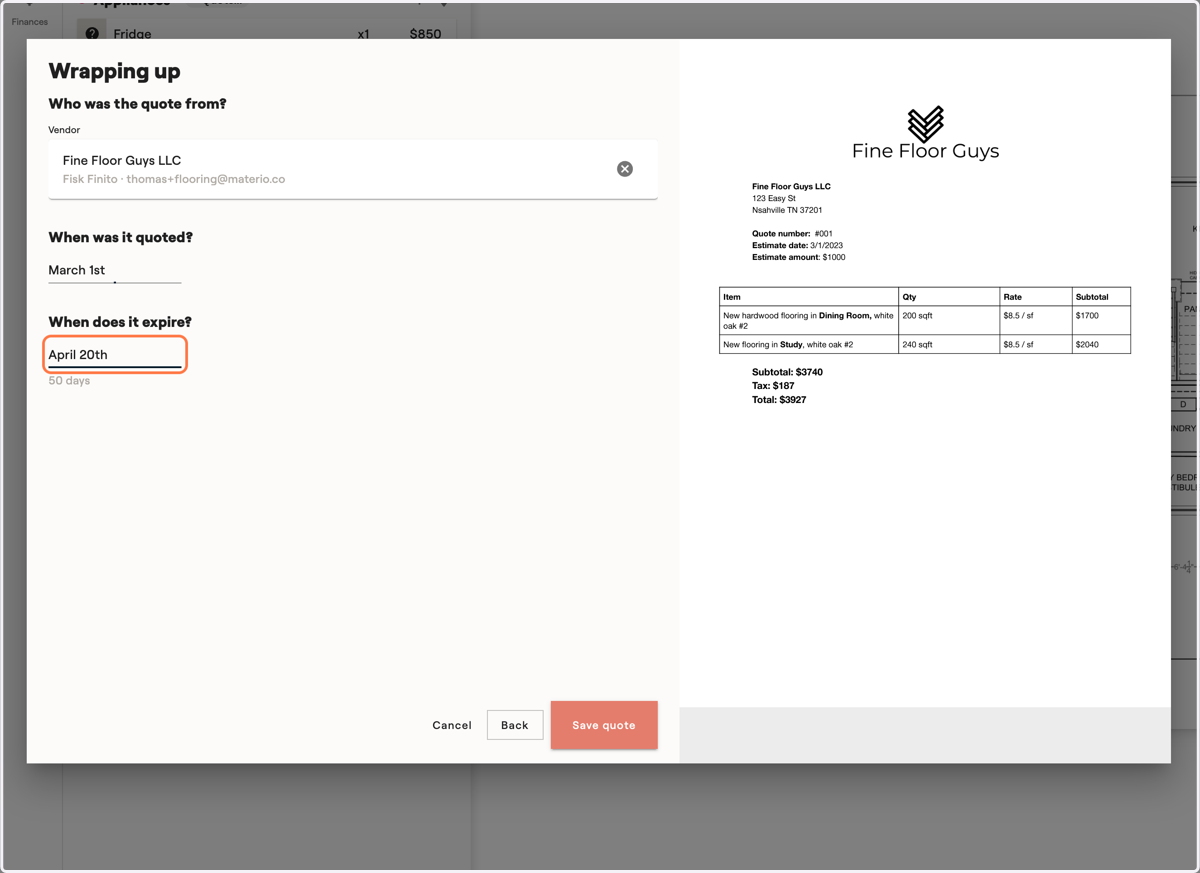
12. Finally, save the quote
Materio will keep track of the quote for you. Clients will not see your quotes. You can add multiple quotes, so you can compare prices and then decide to go with one supplier over another.