I can generate documents related to containers or trucks
Haroldwaste
1. Go to Jules AI
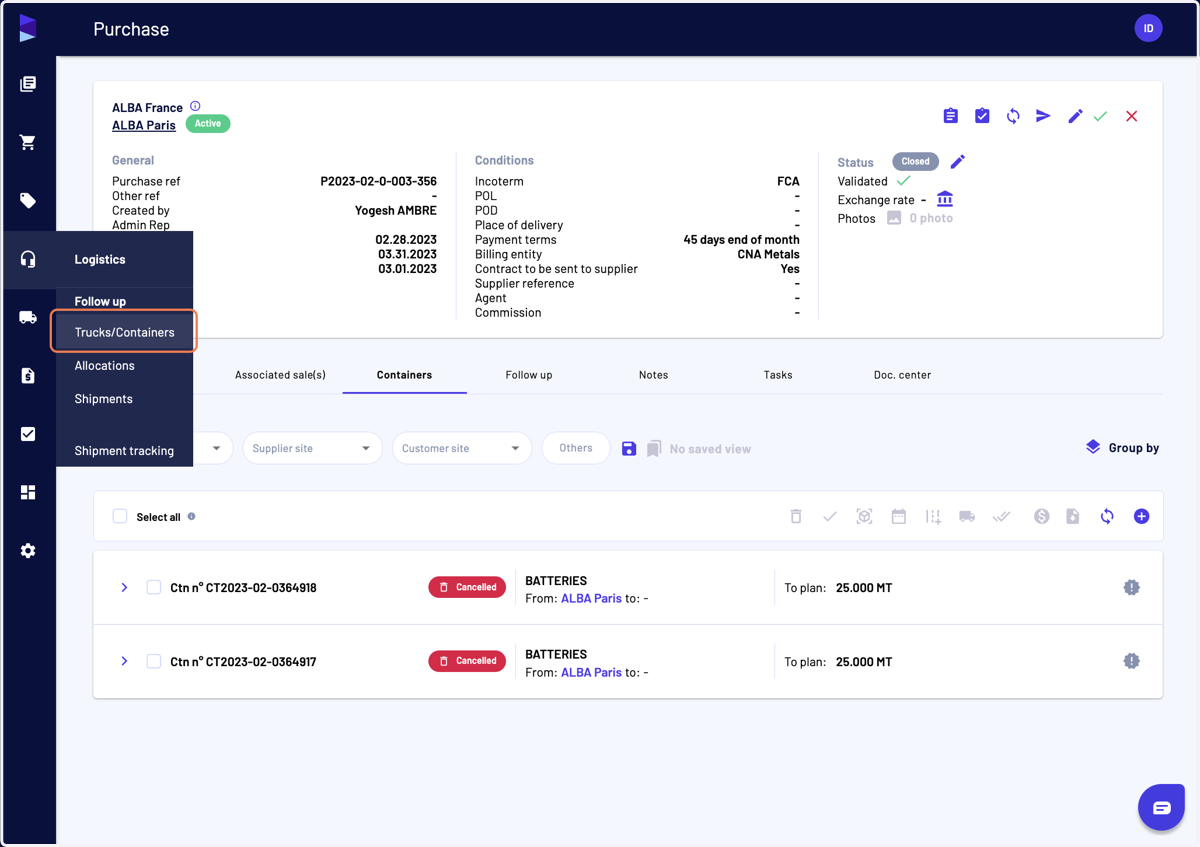
2. Click on "Trucks/Containers"
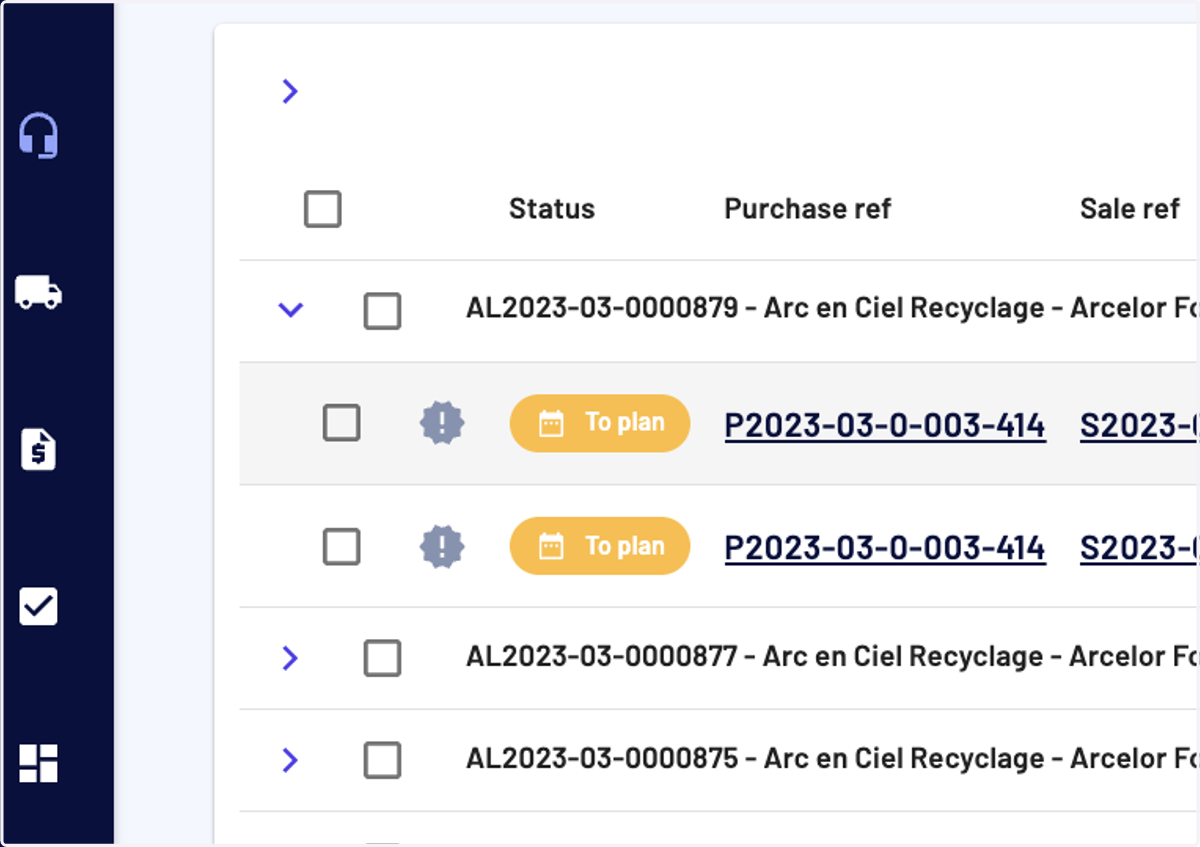
3. Click on To plan
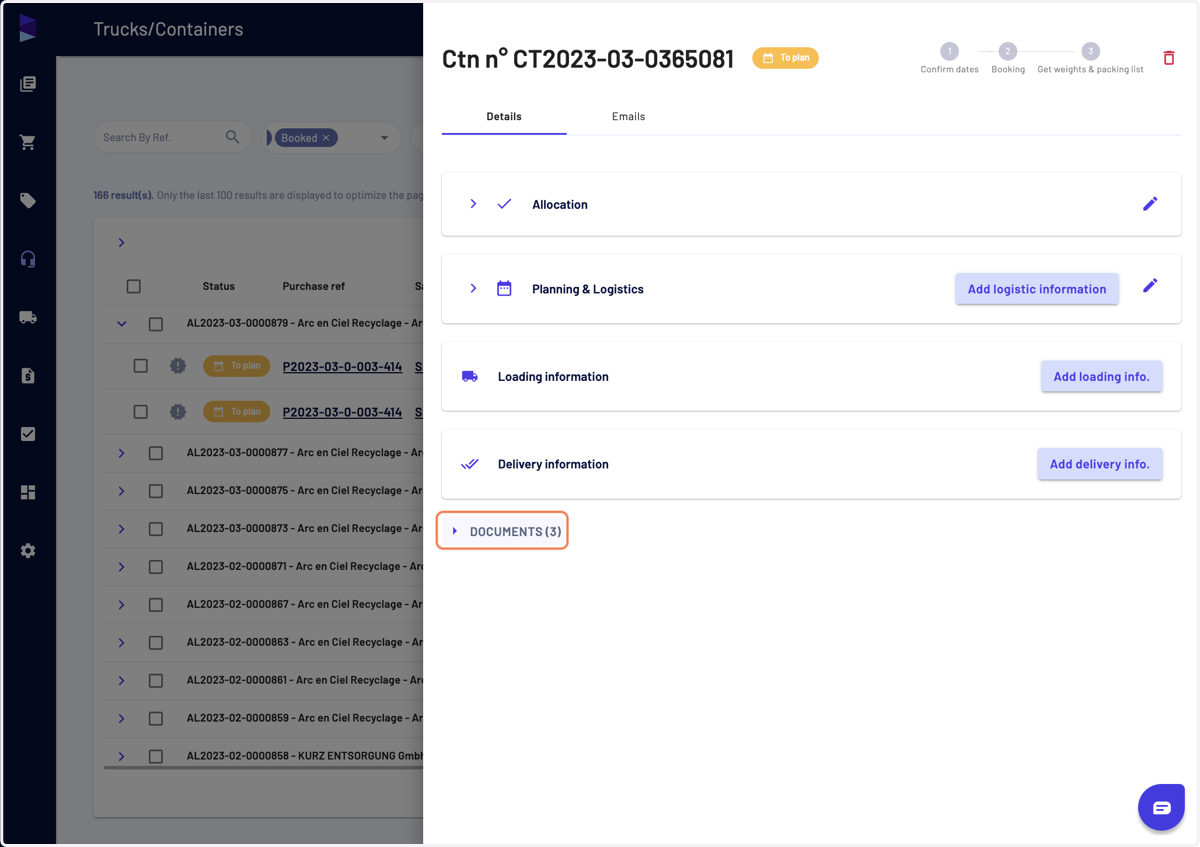
4. Then click on the document category
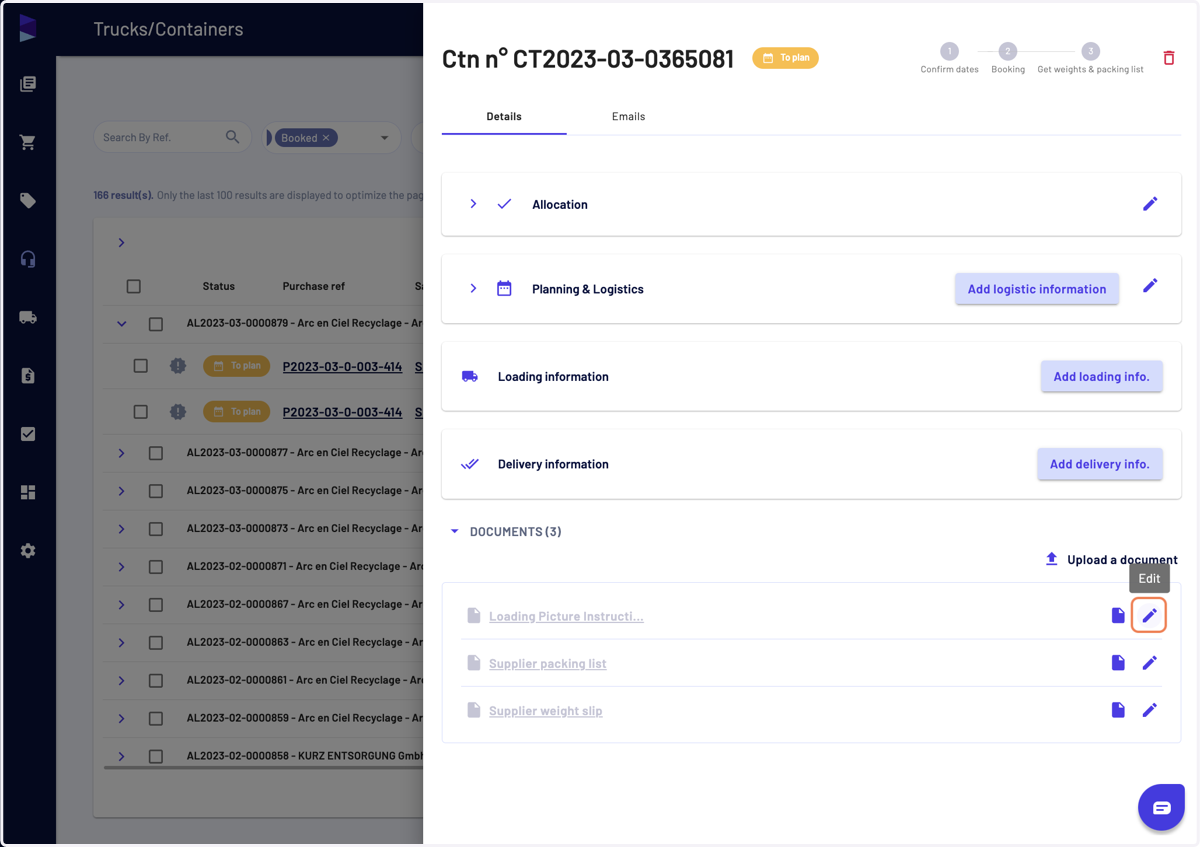
5. You can edit any document details before generating it by clicking on "Edit"
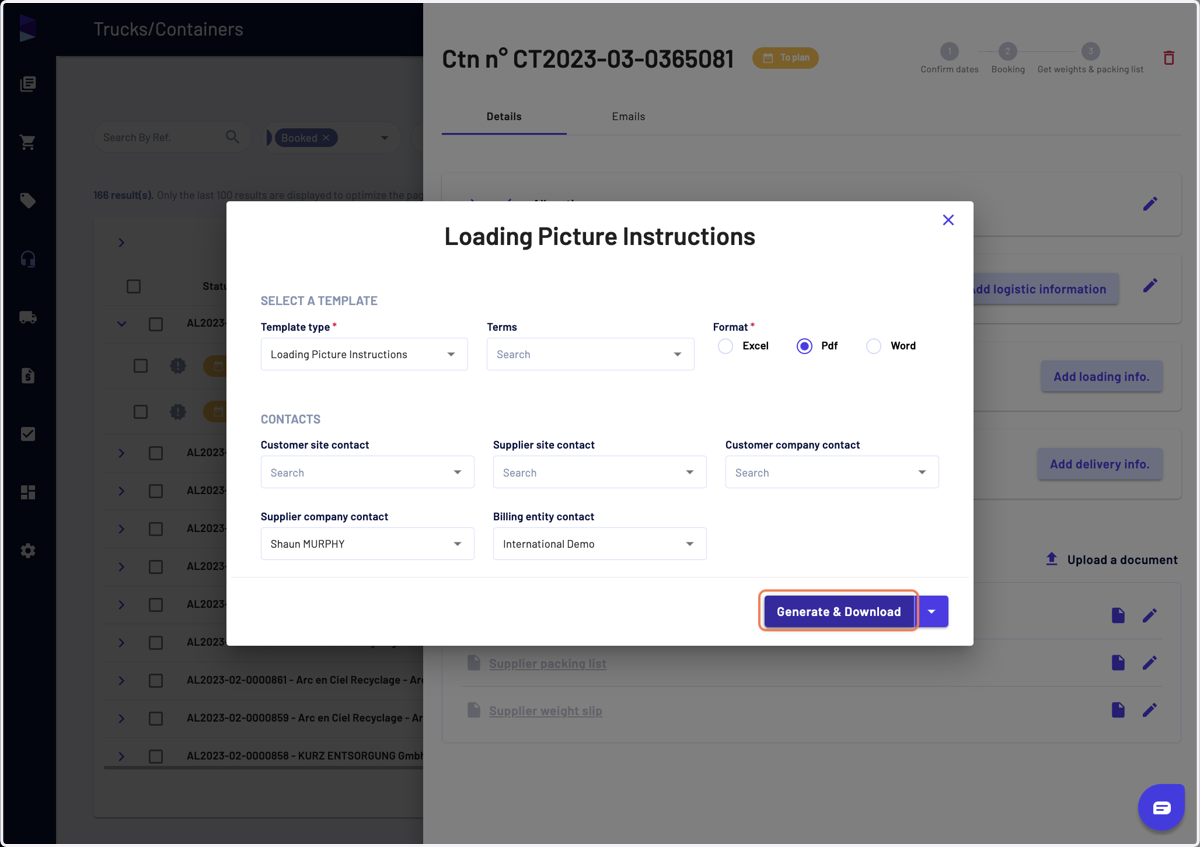
6. Once you have finished, click on "Generate & Download"
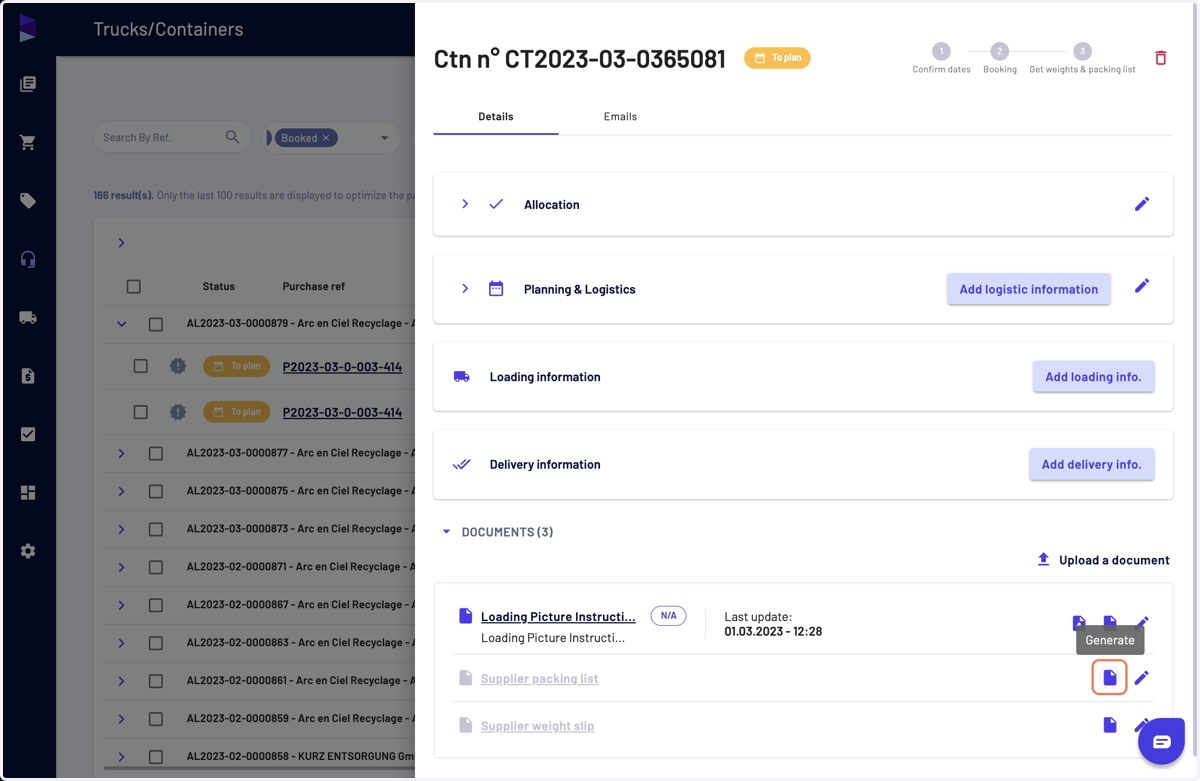
7. You can also directly click on "Generate"
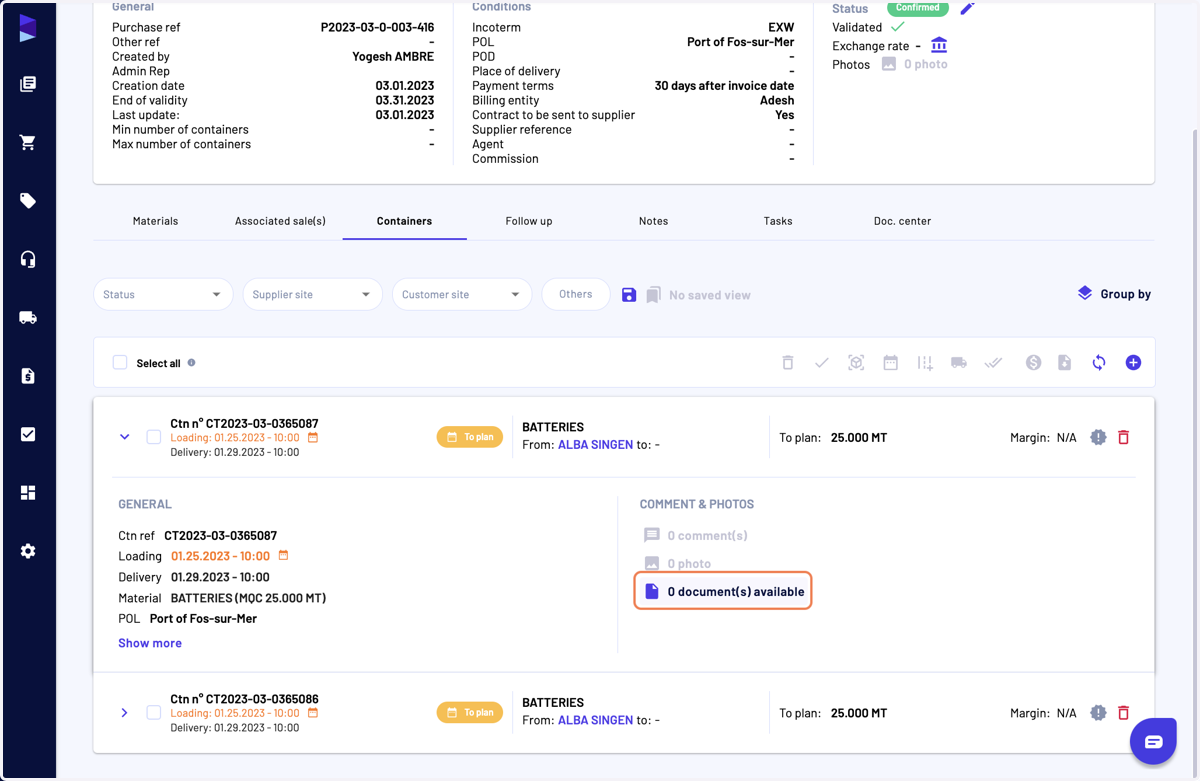
8. You can also access the documents from the "Containers" or "Trucks" tab in a purchase view
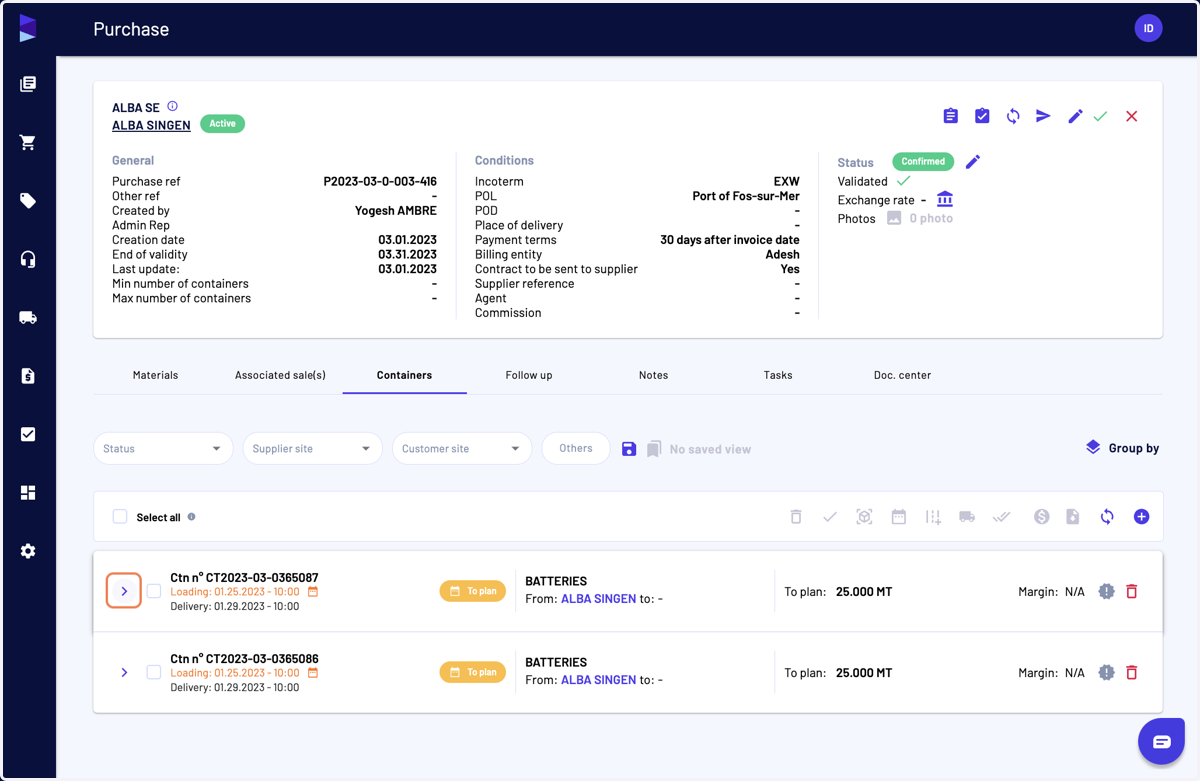
9. Click on "0 document(s) available"
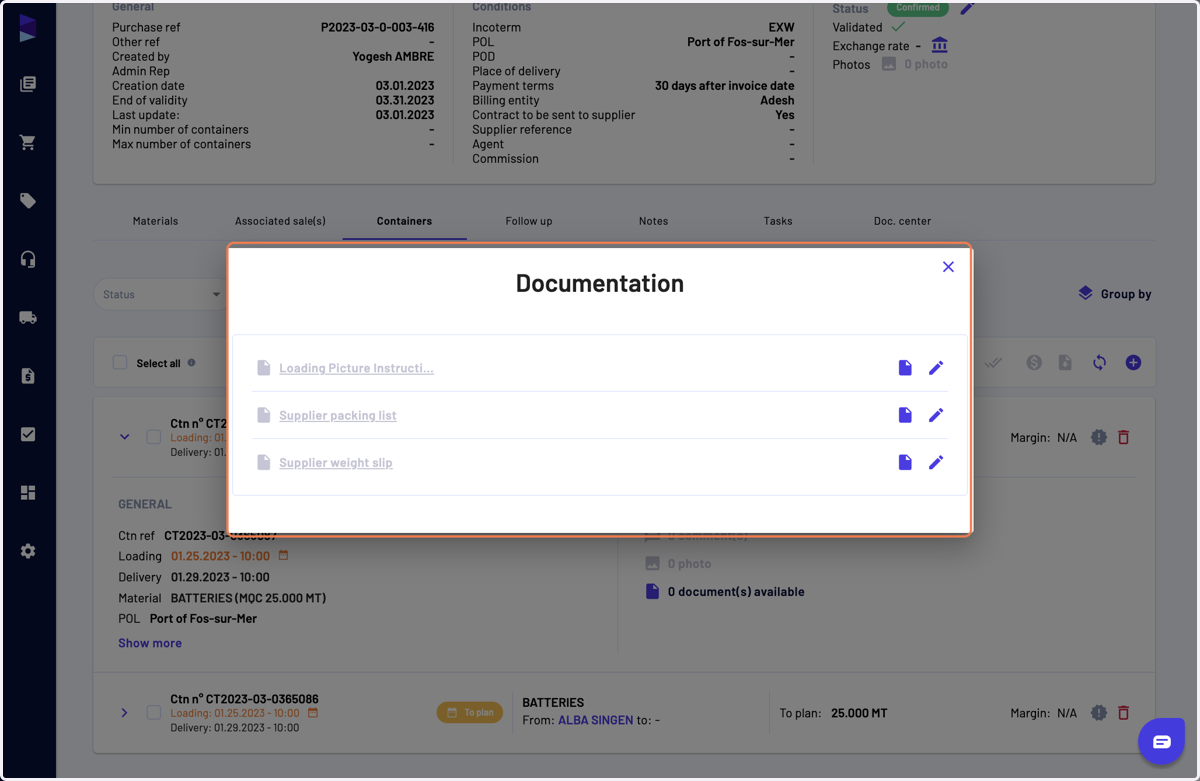
10. And here you can access them
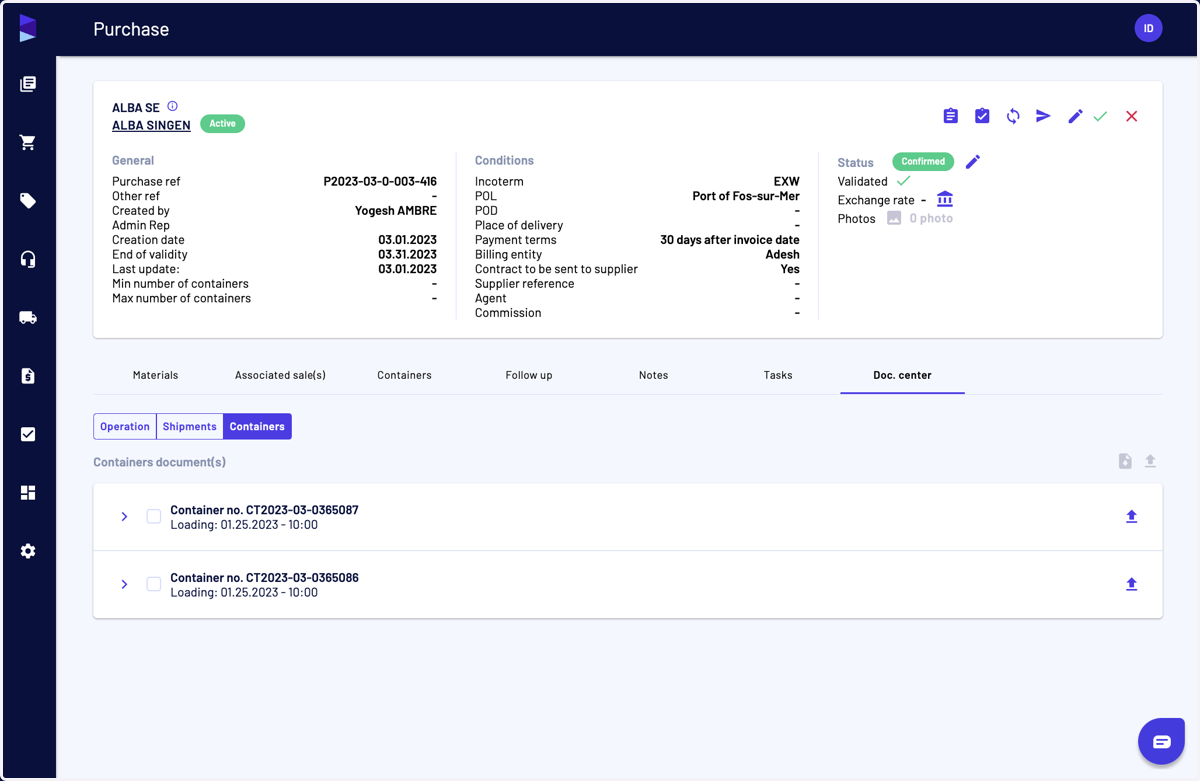
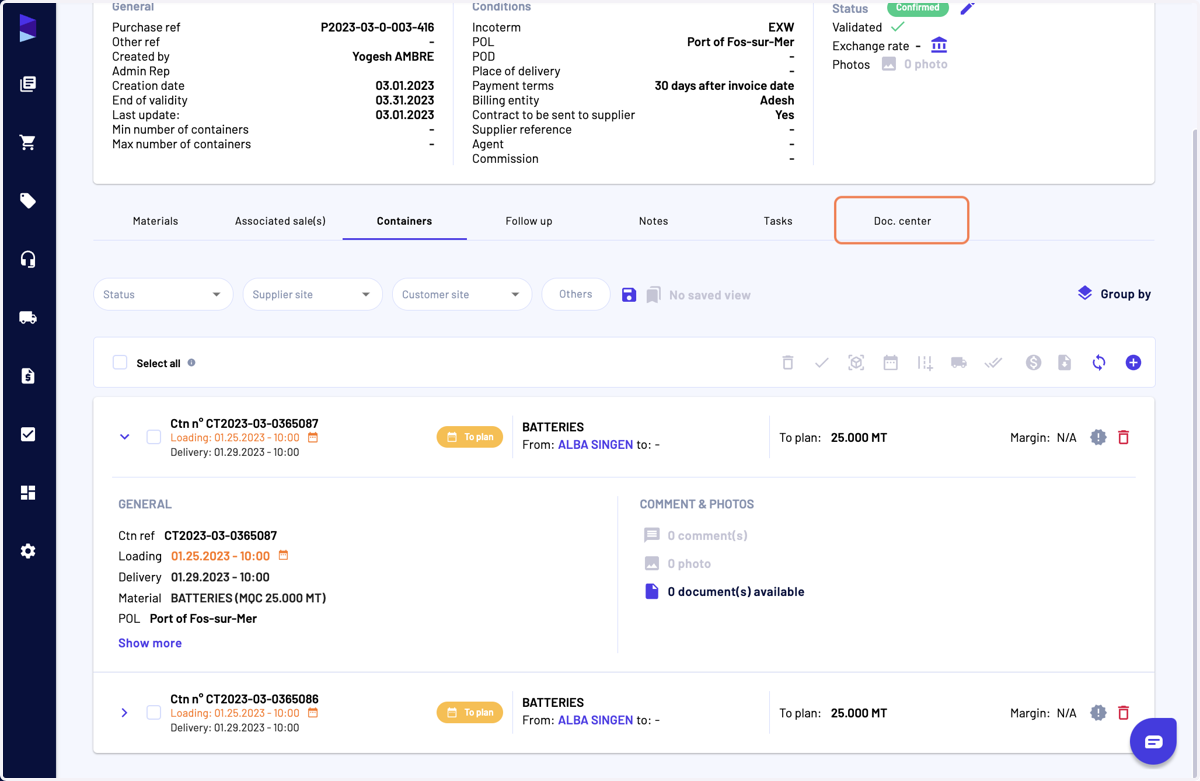
11. Last but not least, you can access them from "Doc. center"
12. Click on the "Containers" sub-tab
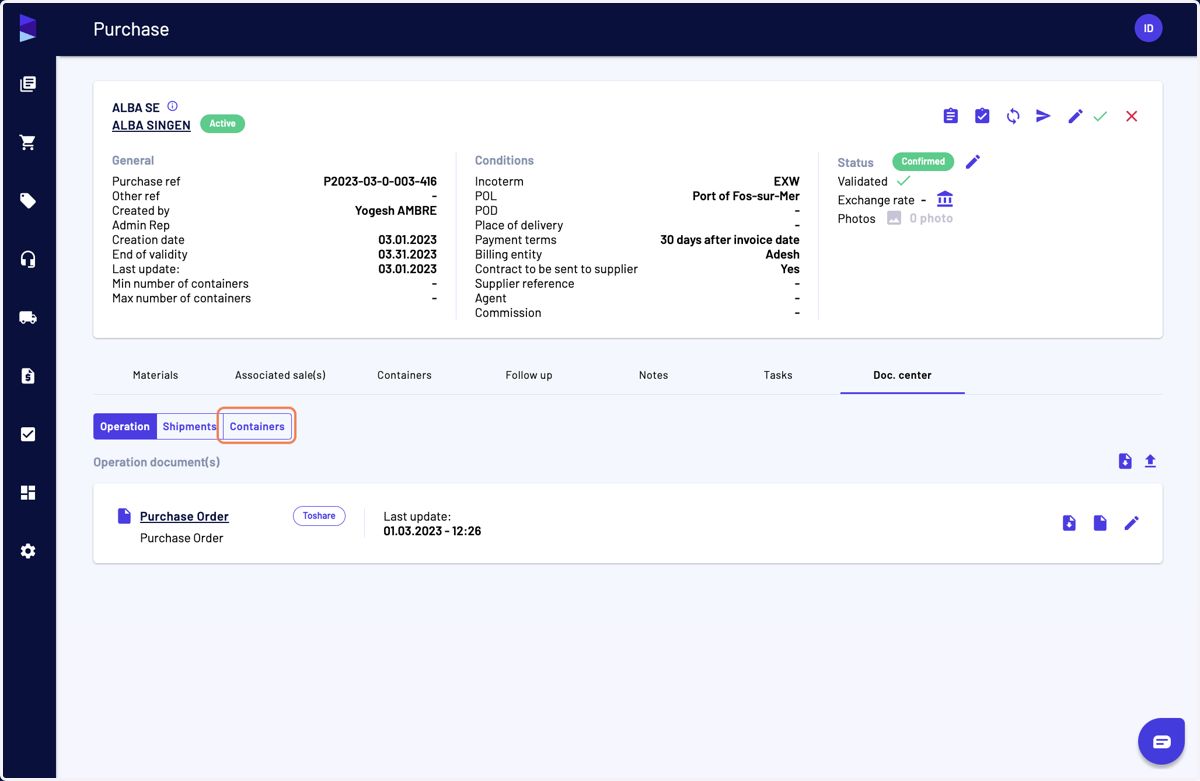
13. And you can access them