Creating a Klaviyo Subscription Pipeline

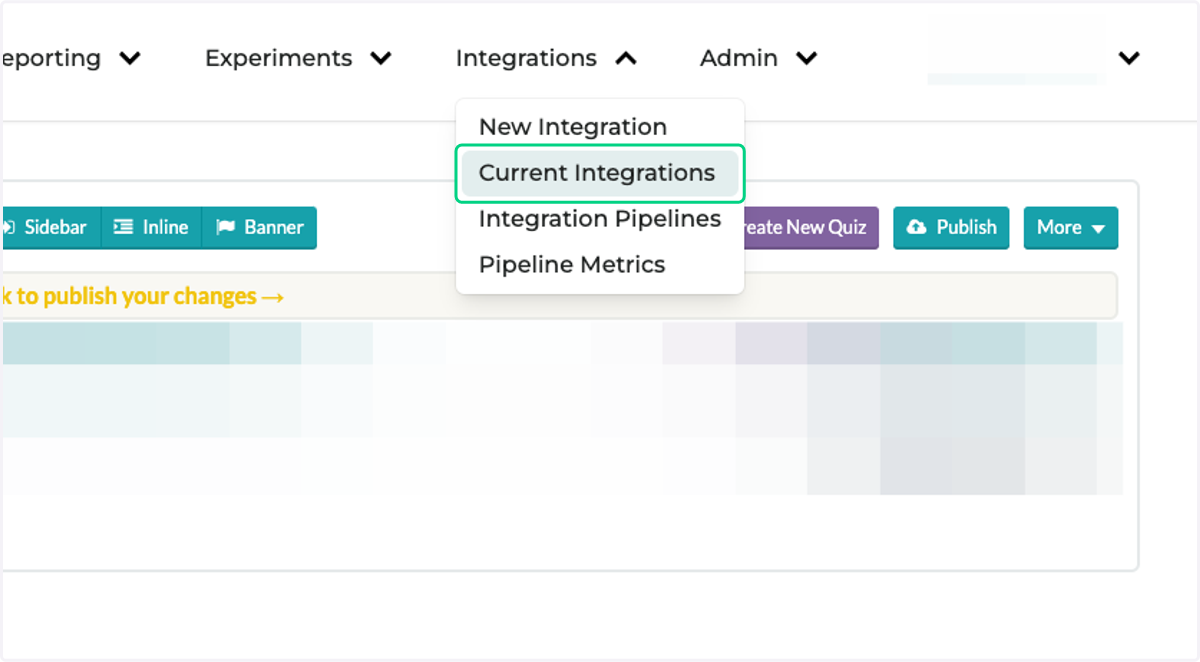
  1. 1. Click on the Integrations drop down
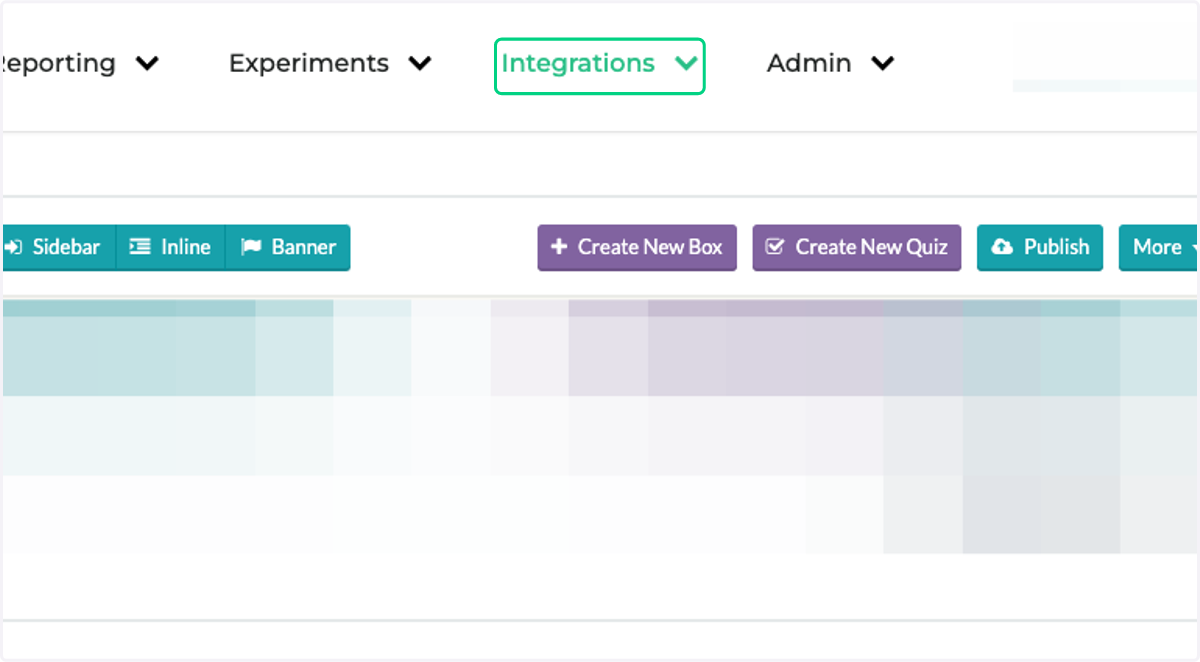
    Click on the Integrations drop down
  2. 2. Click on Current Integrations

    Click on Current Integrations
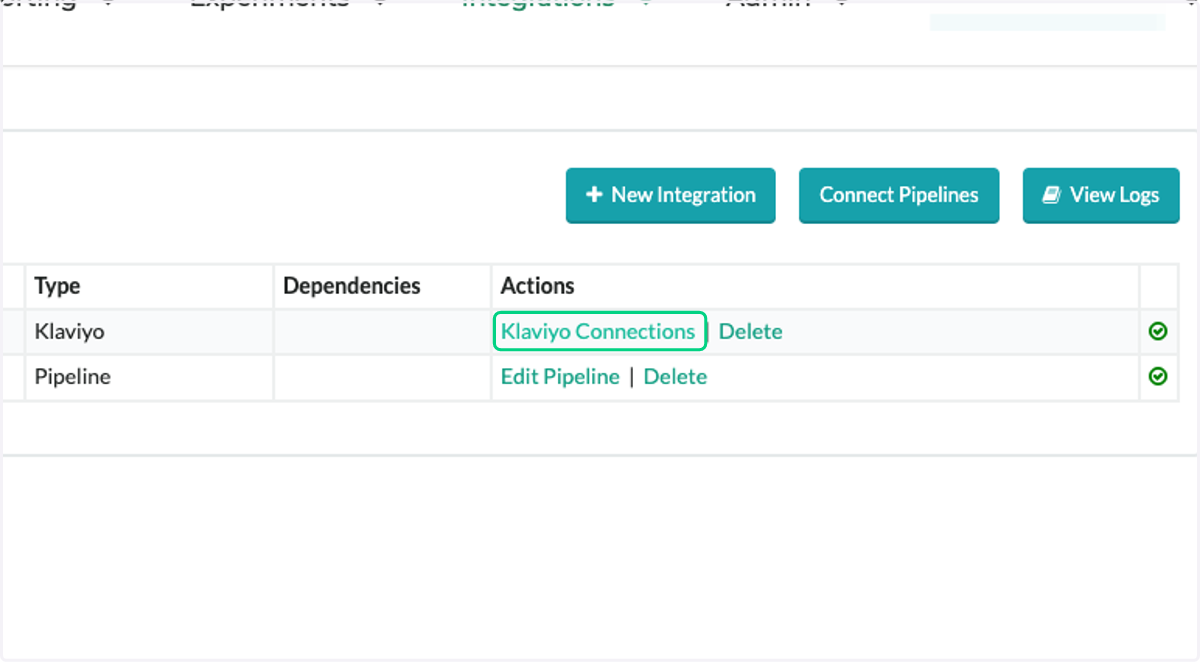
  3. 3. Click on Klaviyo Connections

    Click on Klaviyo Connections
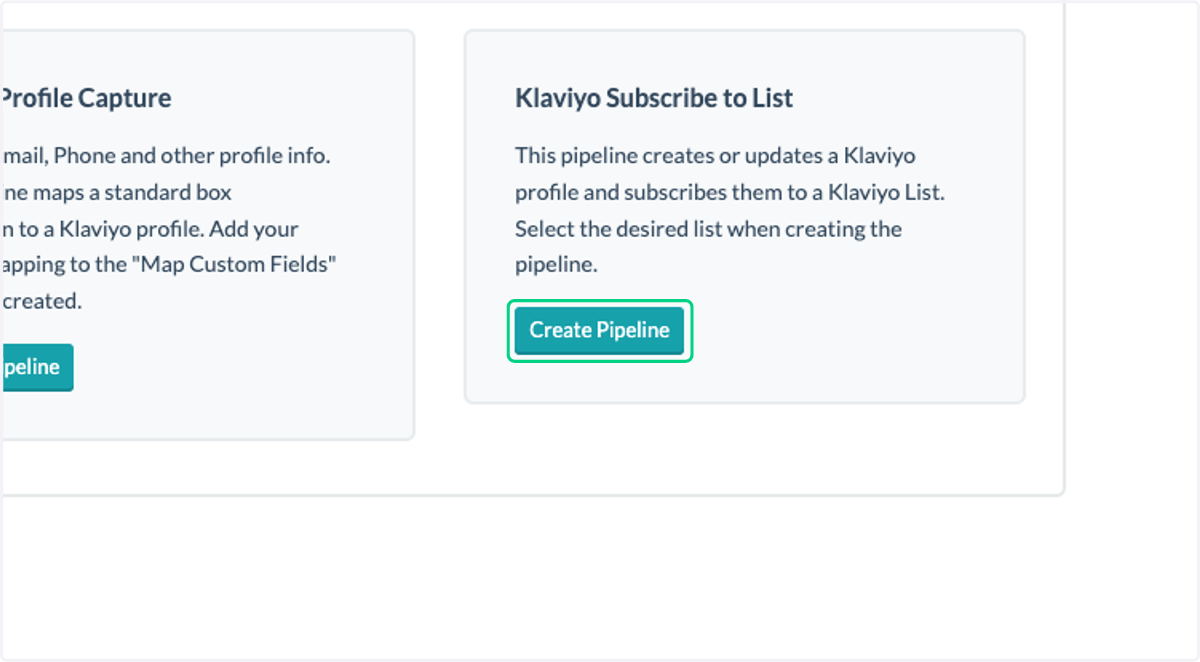
  4. 4. Find the Klaviyo Subscribe to List Option
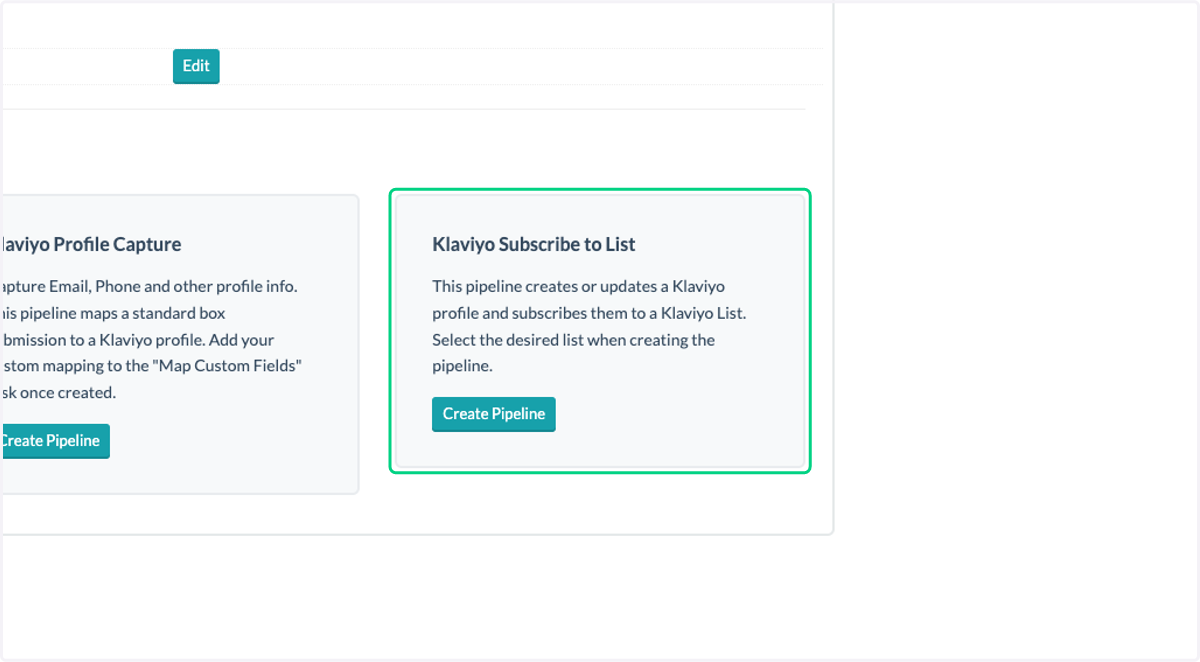
    Find the Klaviyo Subscribe to List Option
  5. 5. Click on Create Pipeline

    Click on Create Pipeline
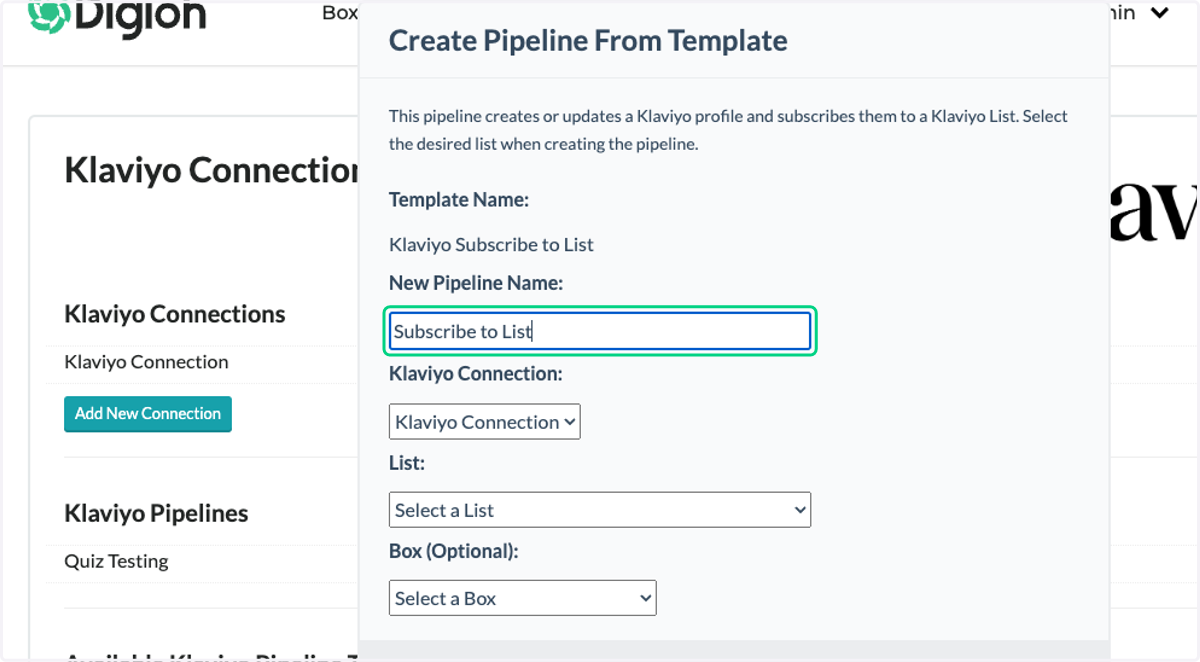
  6. 6. Give your pipeline a name

    Give your pipeline a name
  7. 7. Select the Klaviyo list you want this pipeline to subscribe to
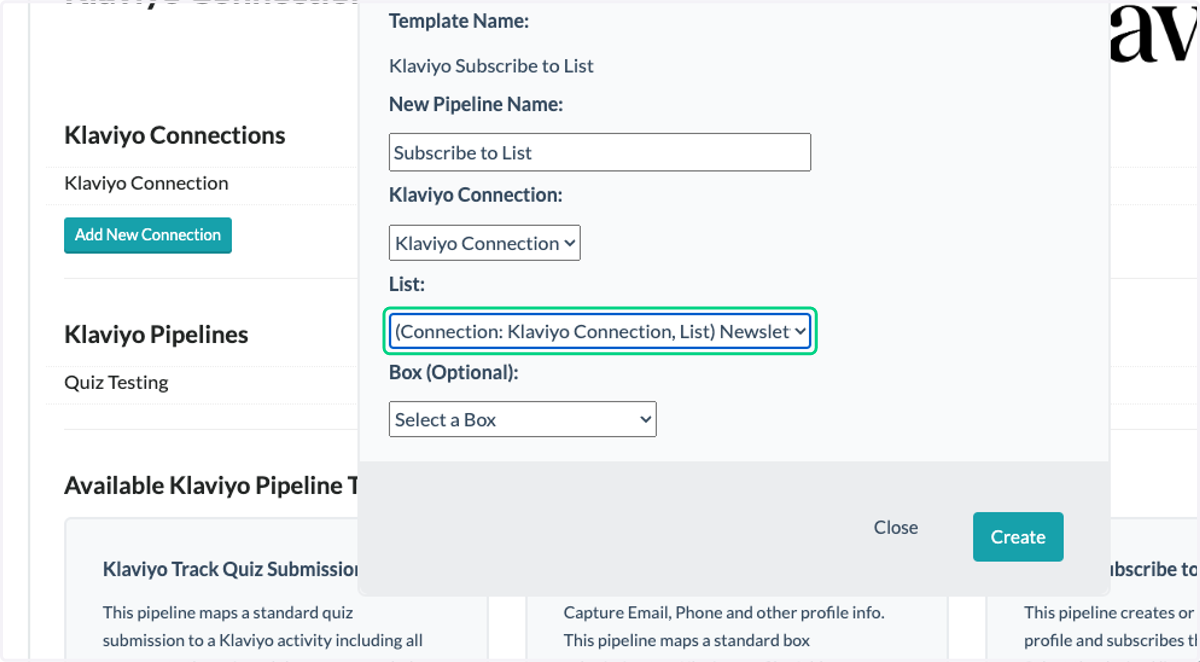
    Select the Klaviyo list you want this pipeline to subscribe to
  8. 8. Select the Digioh campaign you want to associate this pipeline to
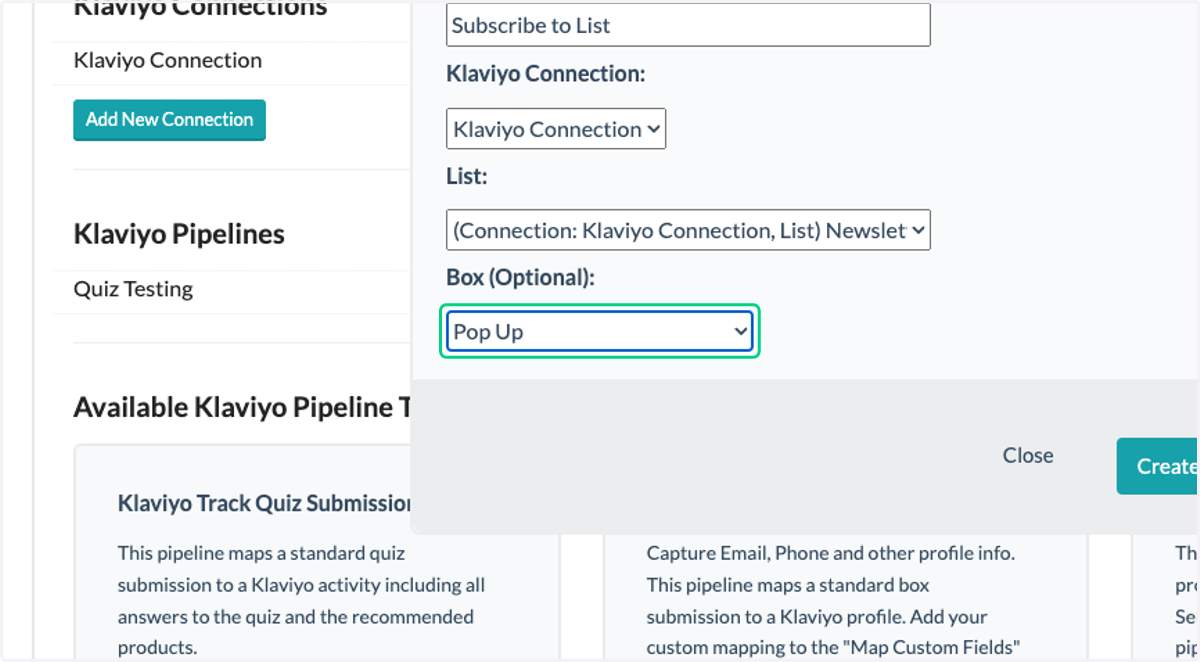
    Select the Digioh campaign you want to associate this pipeline to
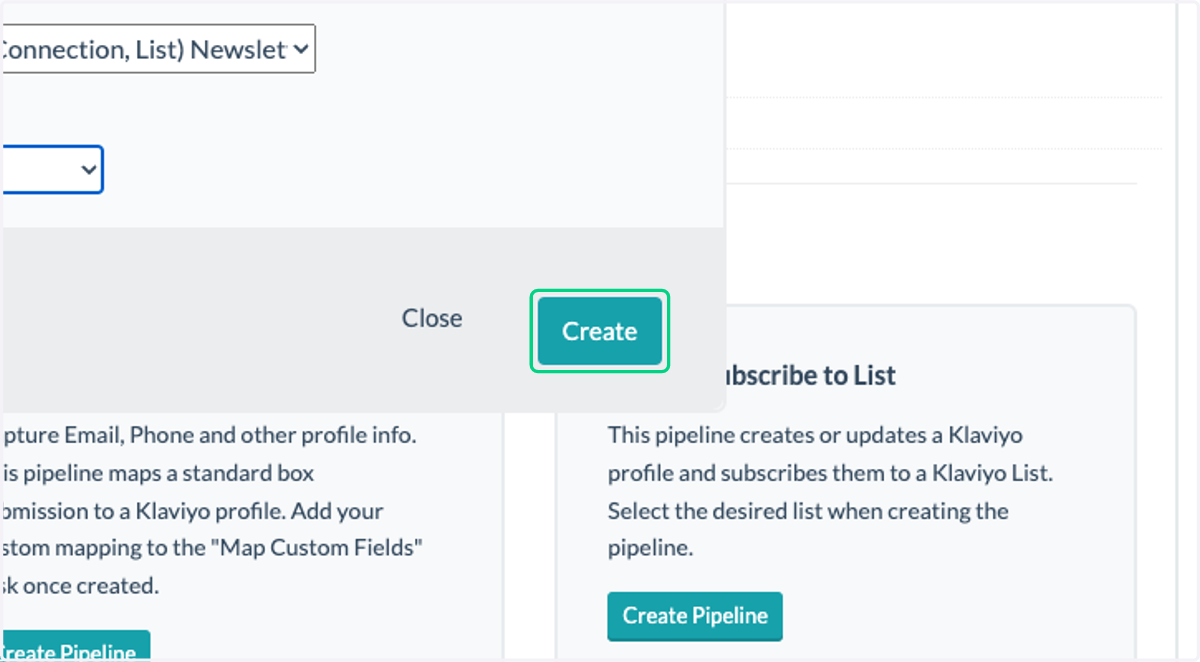
  9. 9. And click on Create!

    And click on Create!