Invite Staff
Invite Staff into One Guy Consulting's Training Portal.
One Guy Consulting
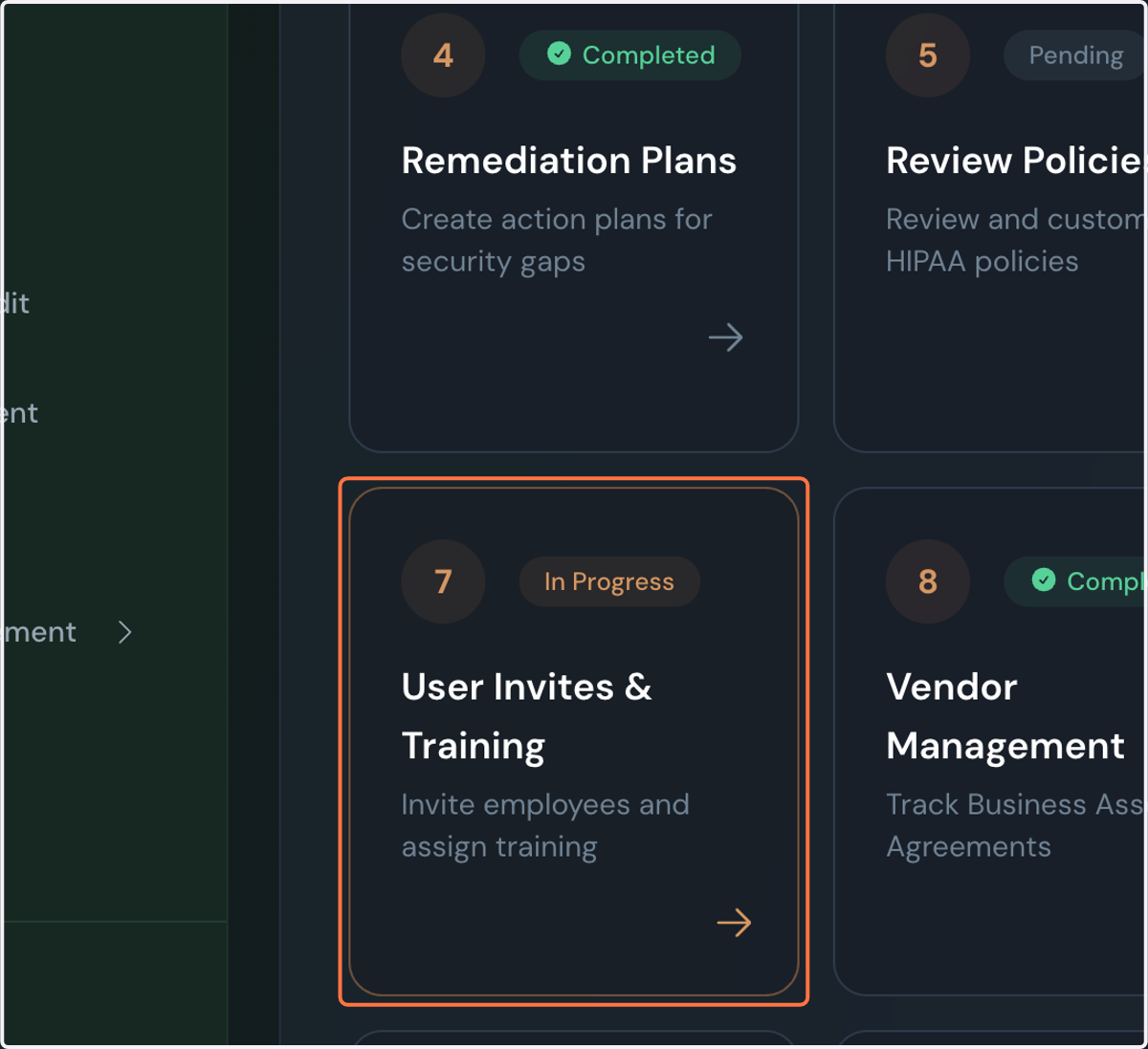
1. Click on User Invite & Training.
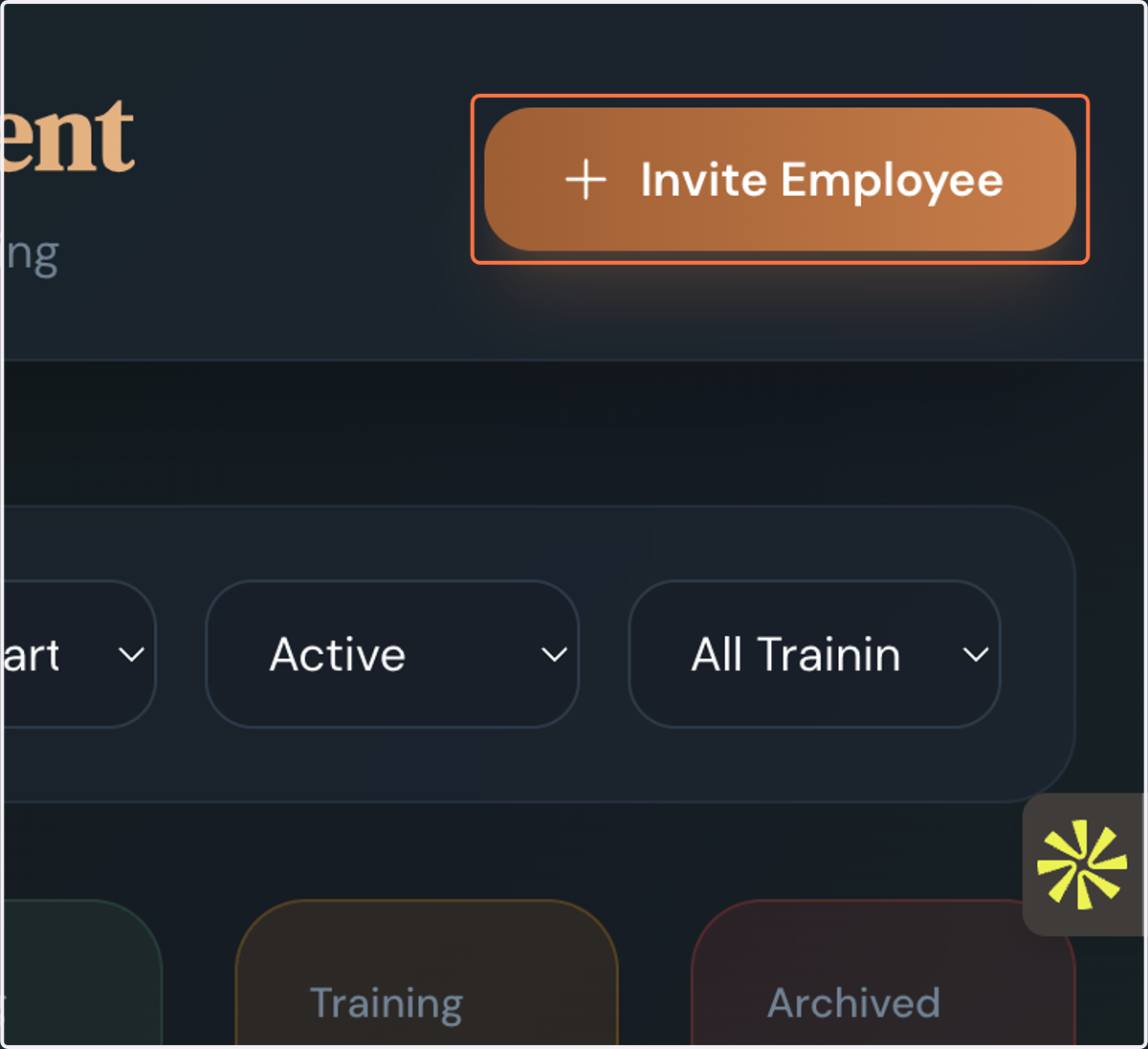
2. Click on Invite Employee
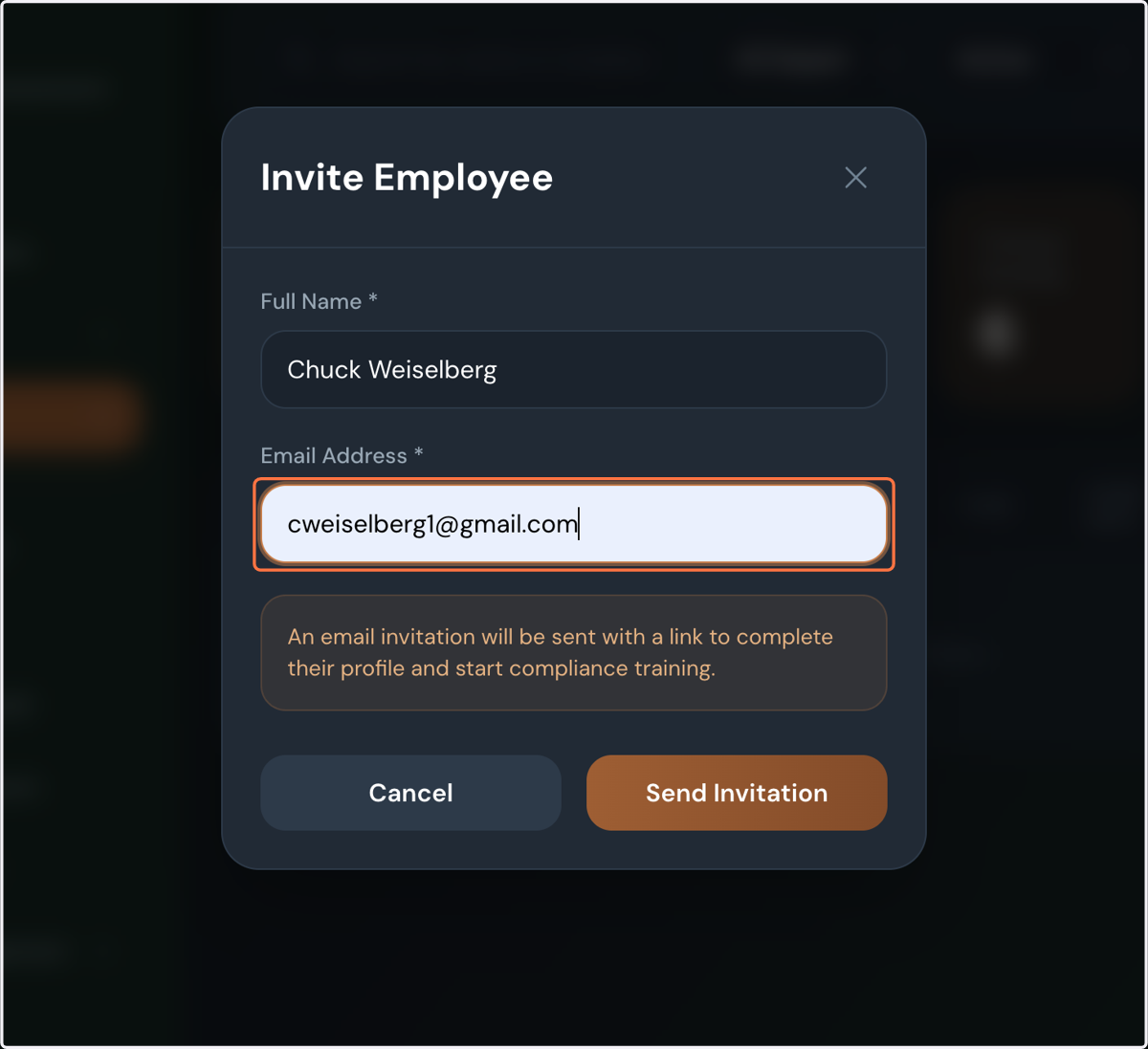
3. Type your employee's name
in the empty field, punch in your employee's full name and email address.
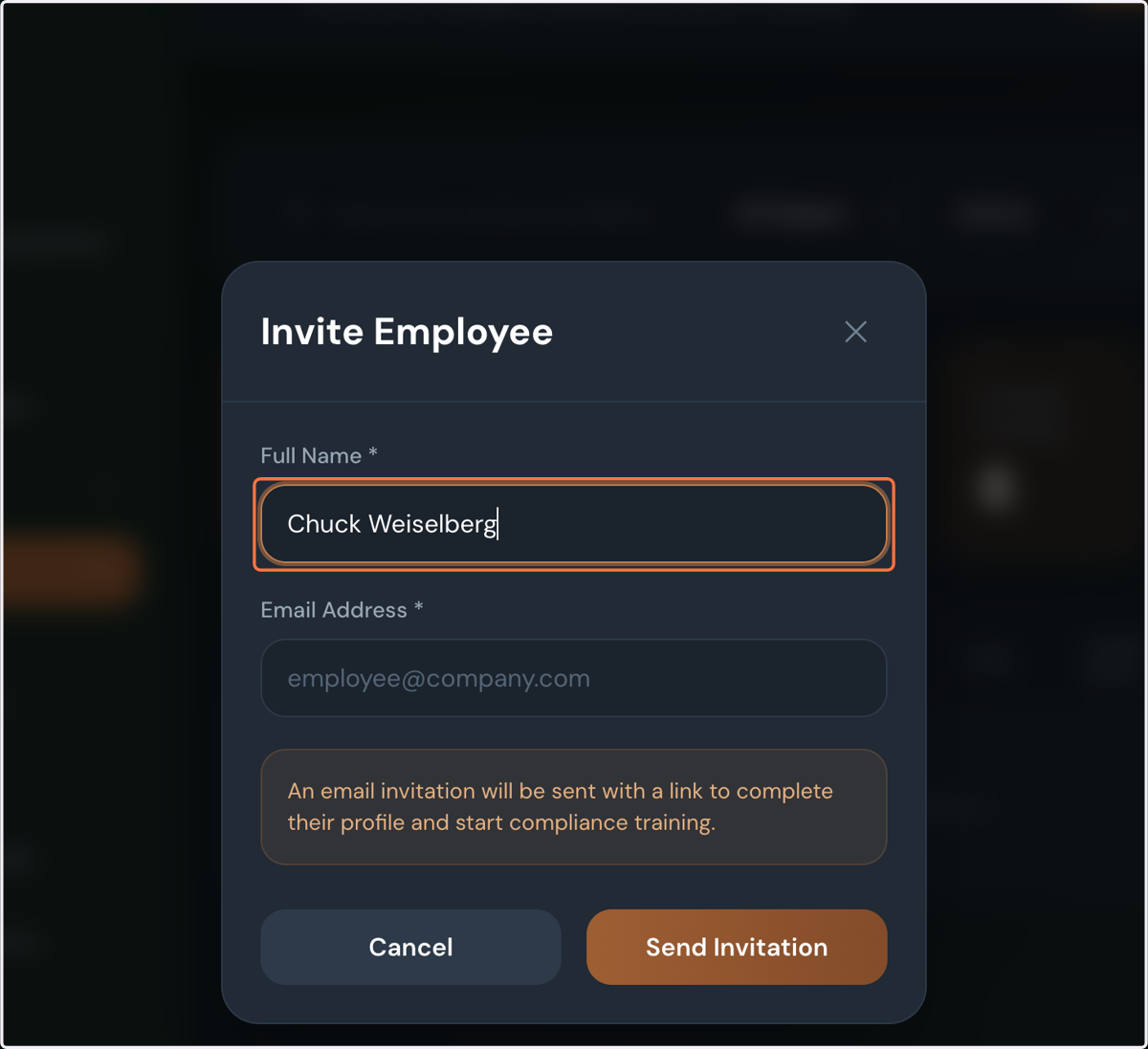
4. Type "cweiselberg1@gmail.com"
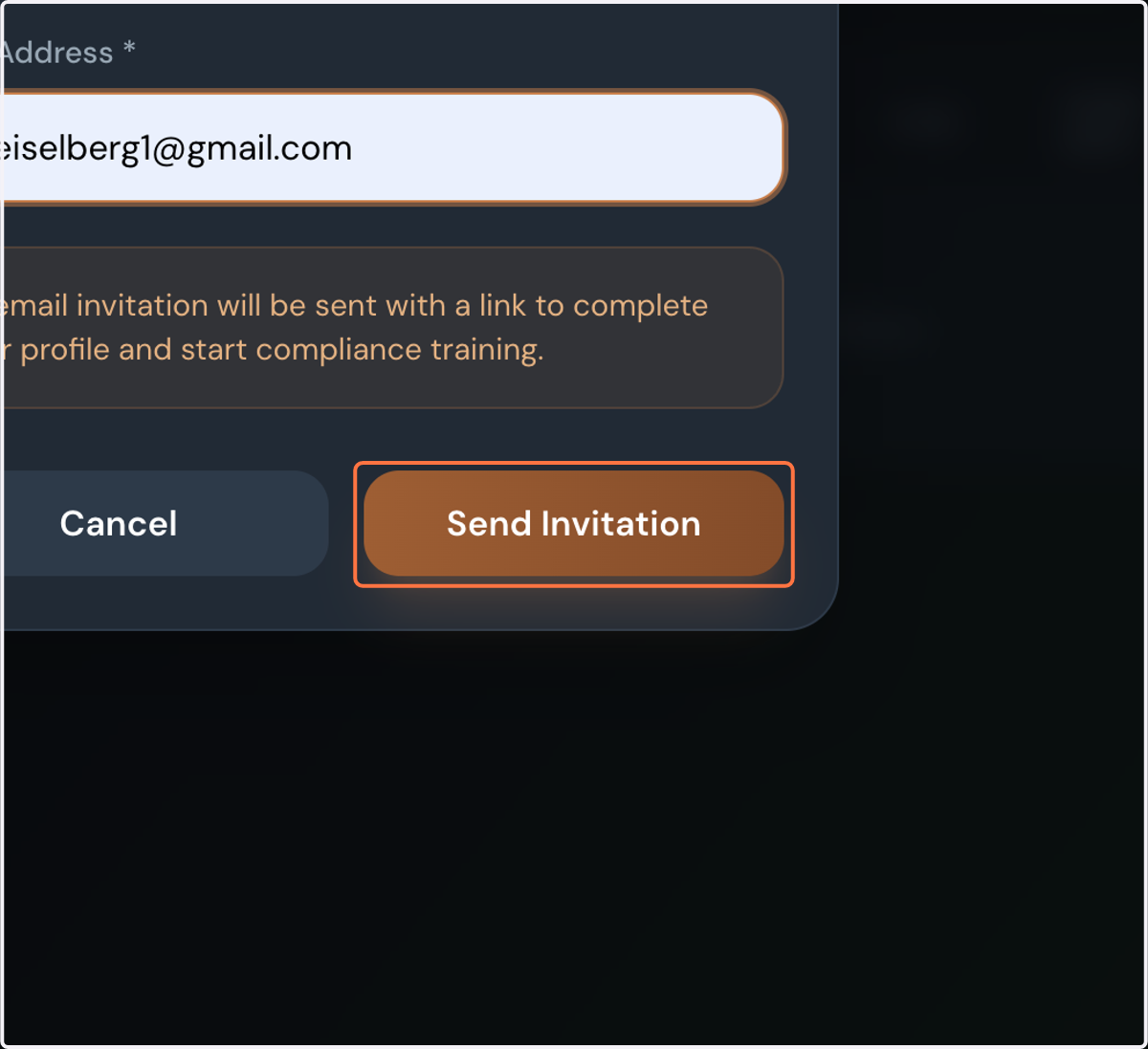
5. Click on Send Invitation
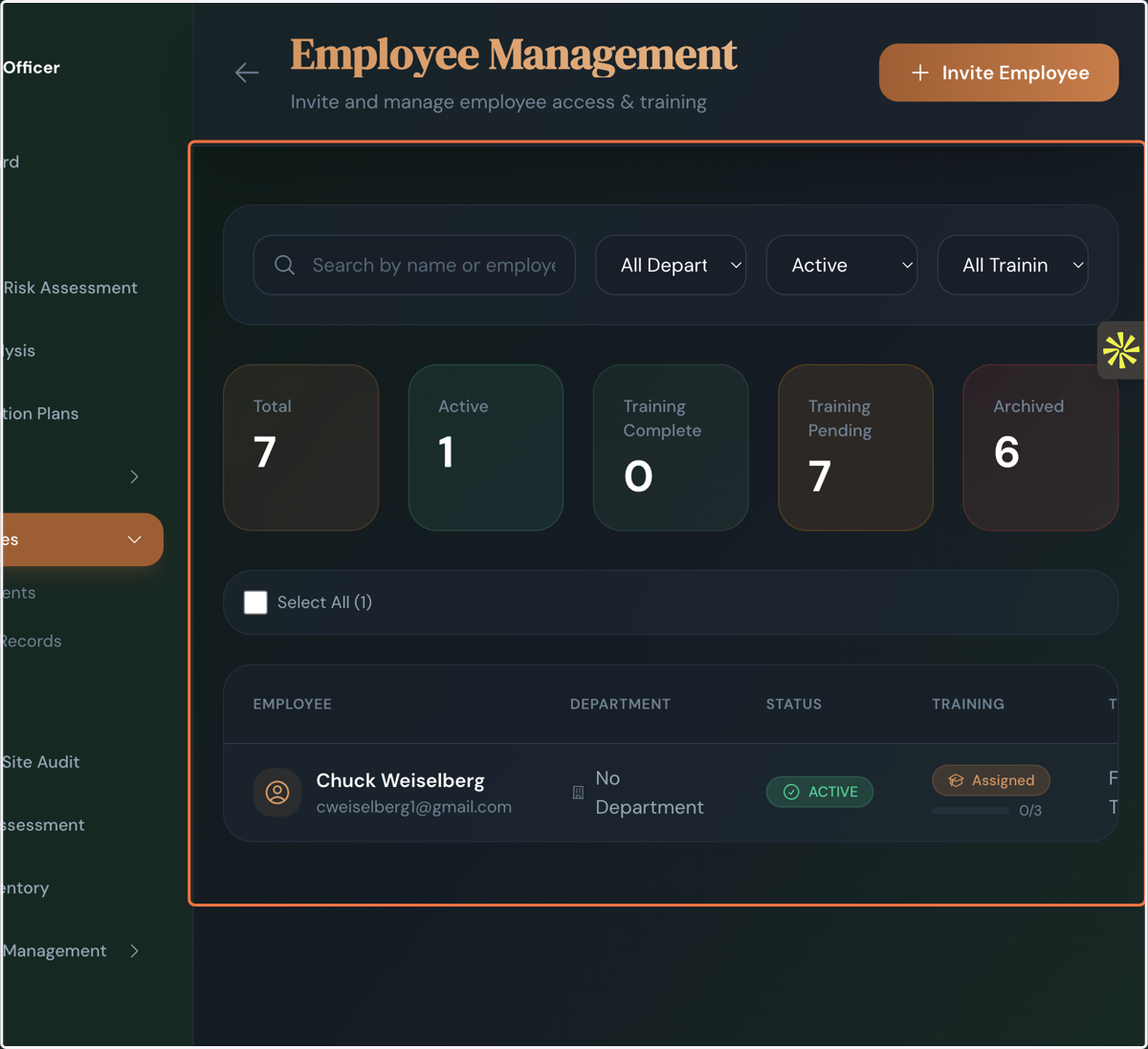
6. You will see the pending invite towards the bottom of the screen.
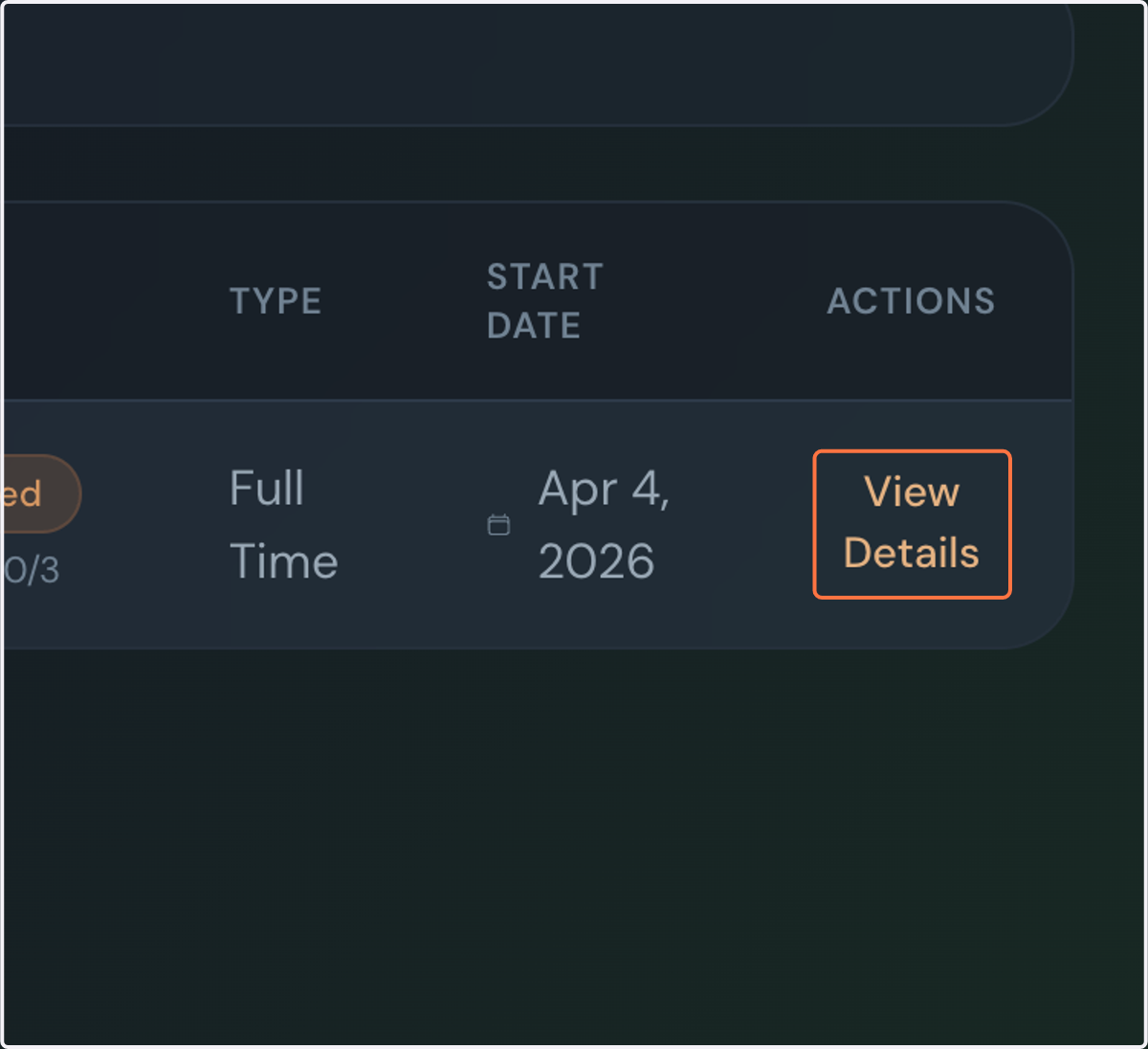
7. To Assign Specific Training to Specific Users
Click on View Details
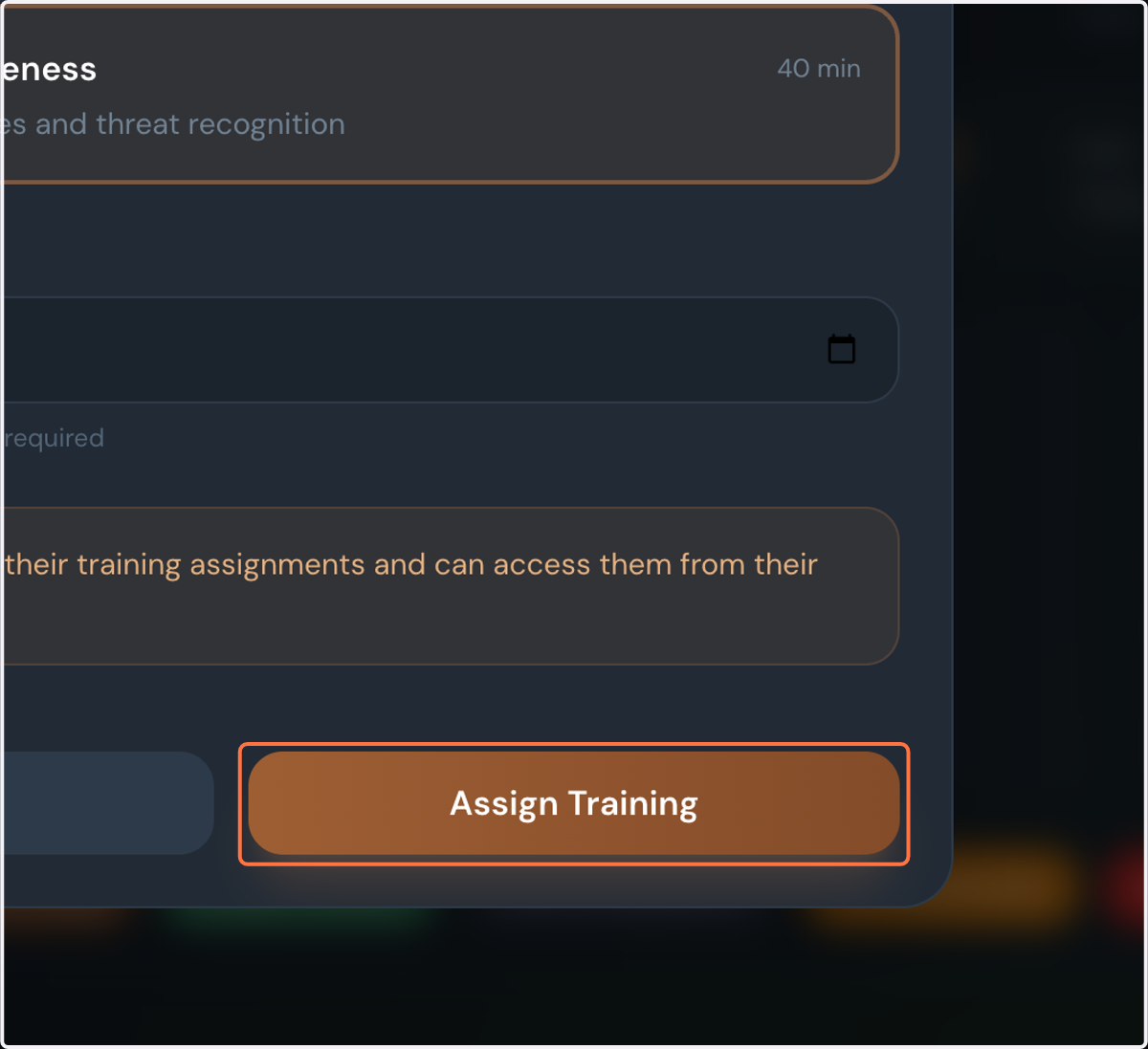
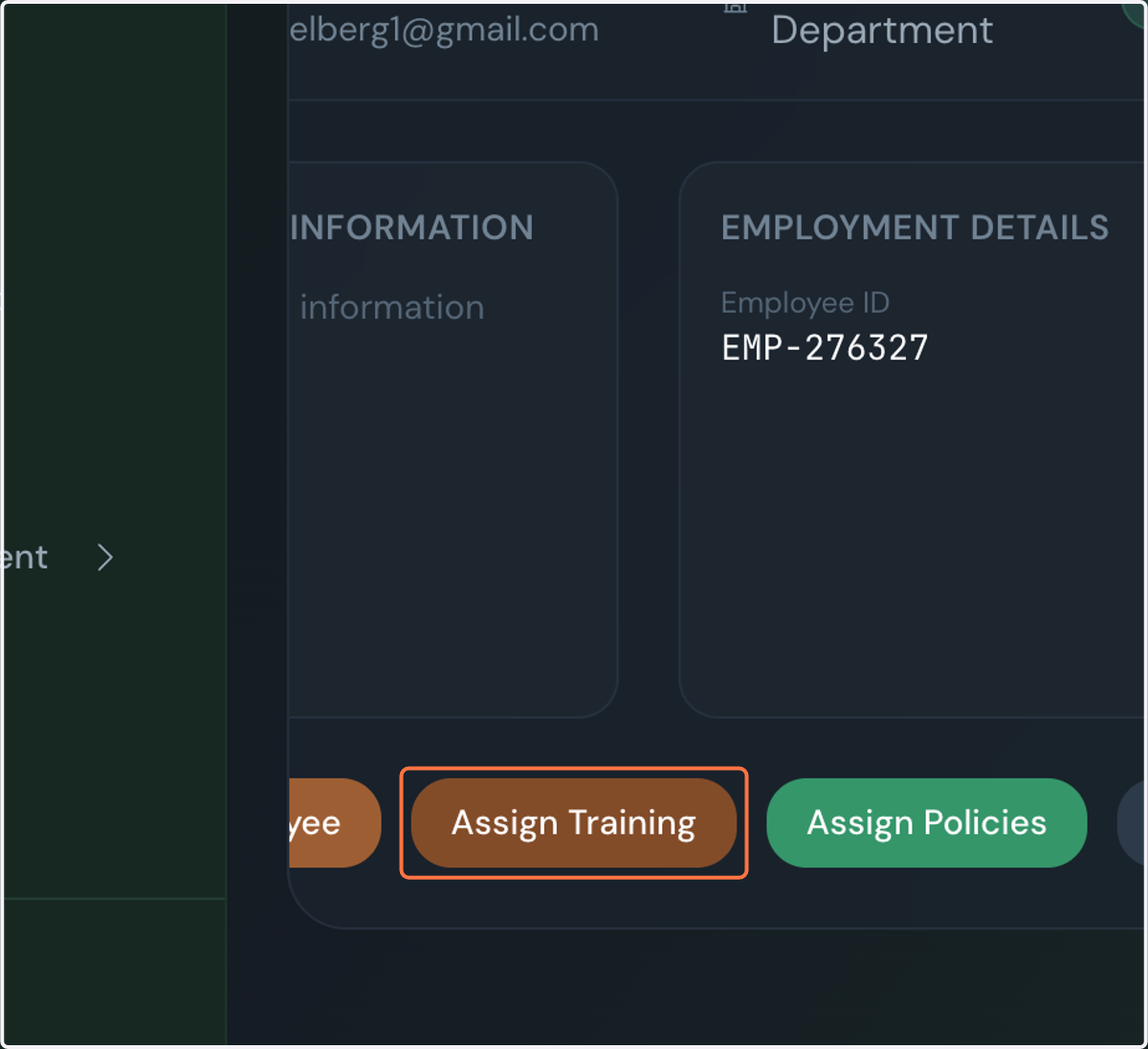
8. Click on Assign Training
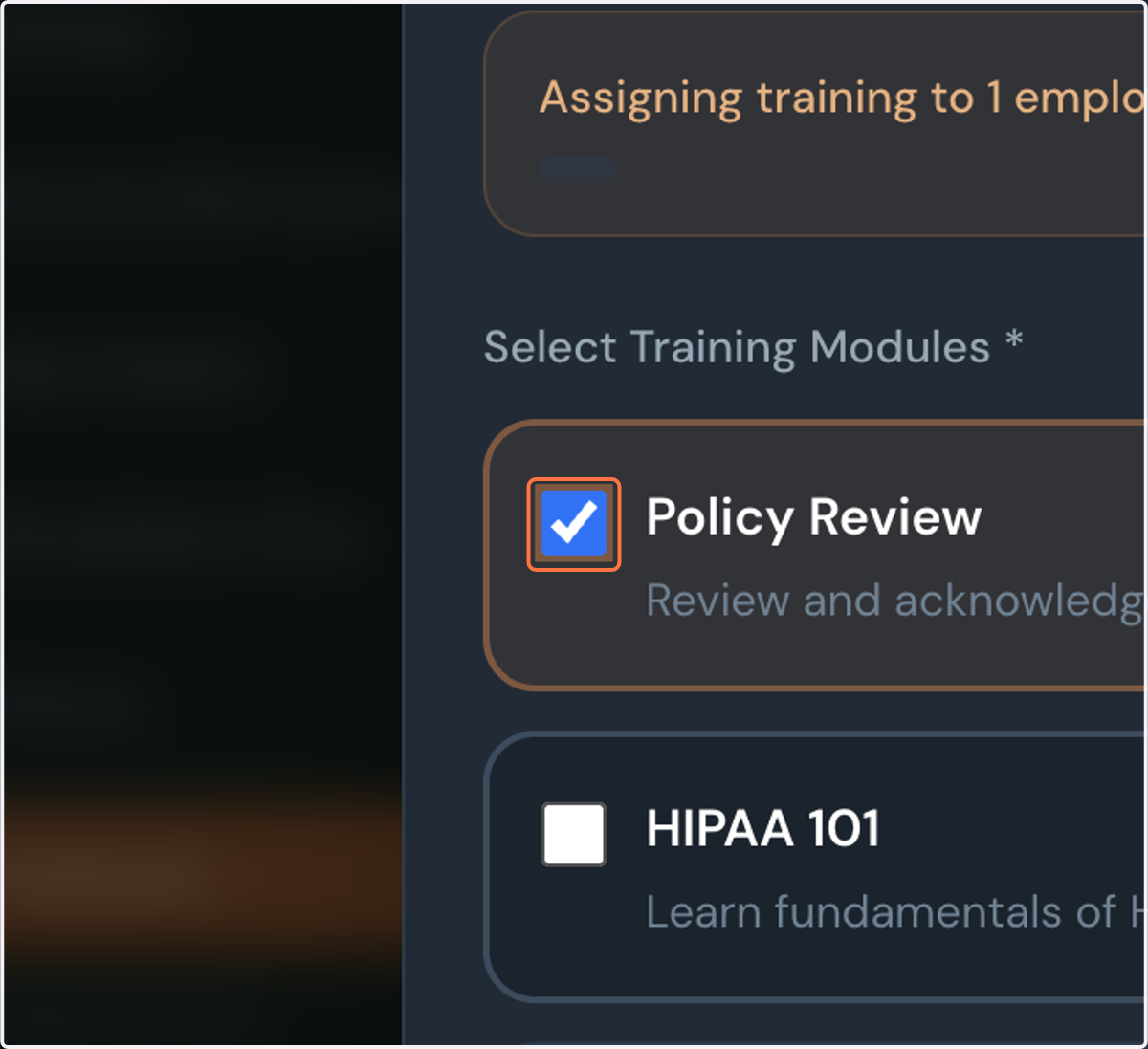
9. Check Policy Review…
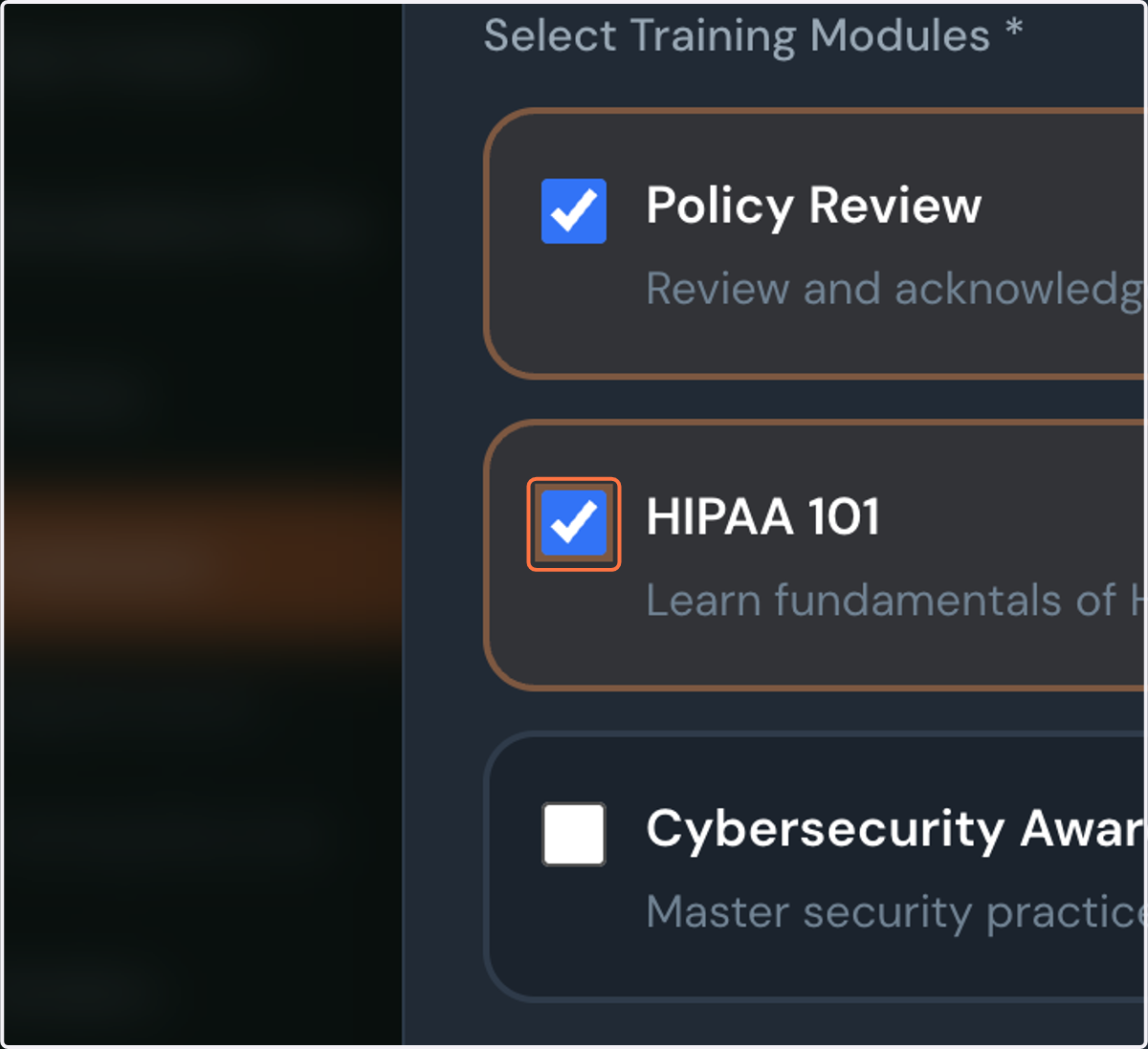
10. Check HIPAA 101…
11. Check Cybersecurity Awareness…
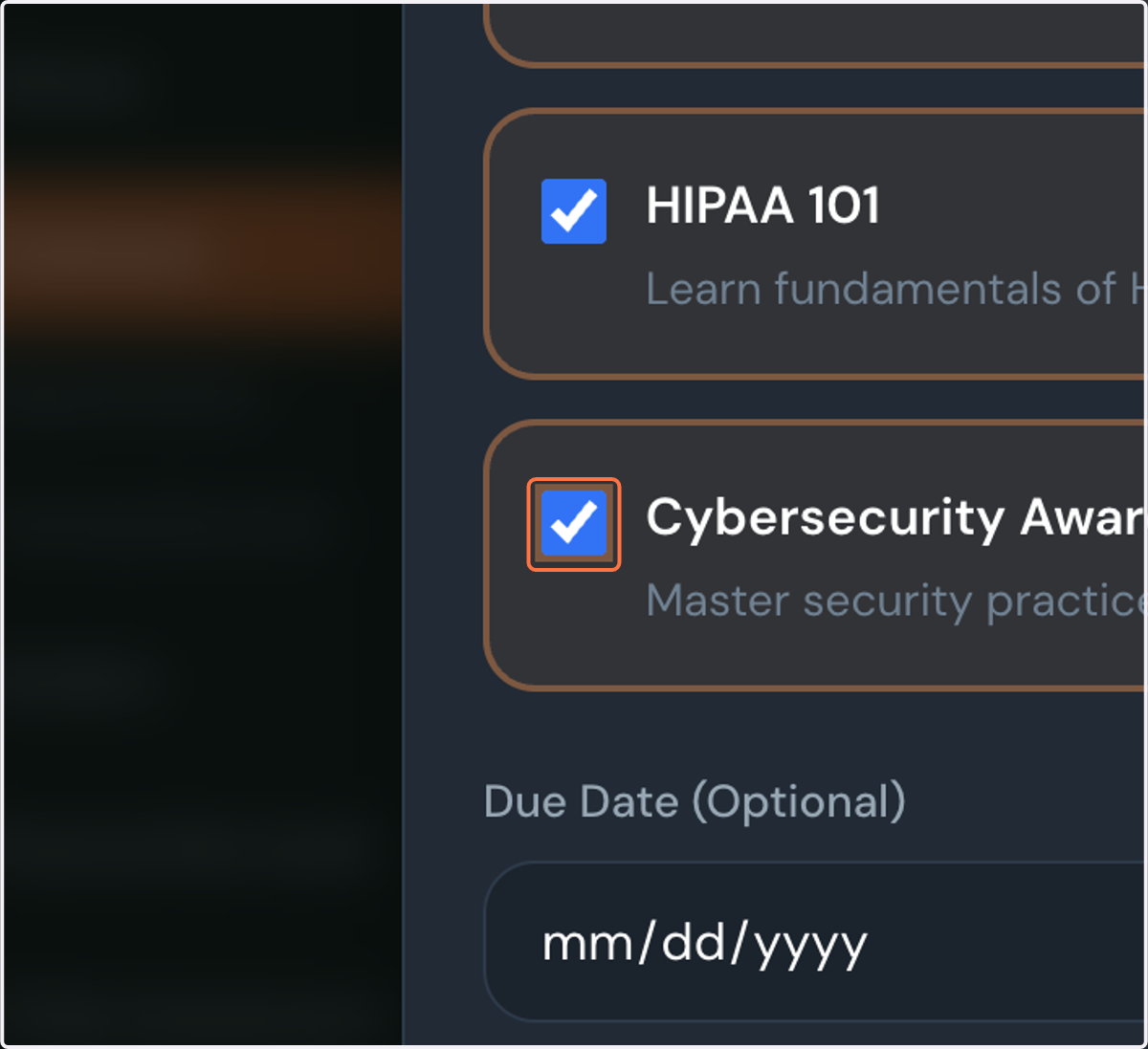
12. Click on Assign Training