YuJa Panorama Remediation Report
You can view the Mediation Report to see which content in your course is not accessible. The report also shows a history of content that has been fixed.
Please note: You cannot edit content directly from the report. To make changes, open each page in your course and edit it there.
Start on the Homepage of your course.
1. Click on Launch Remediation
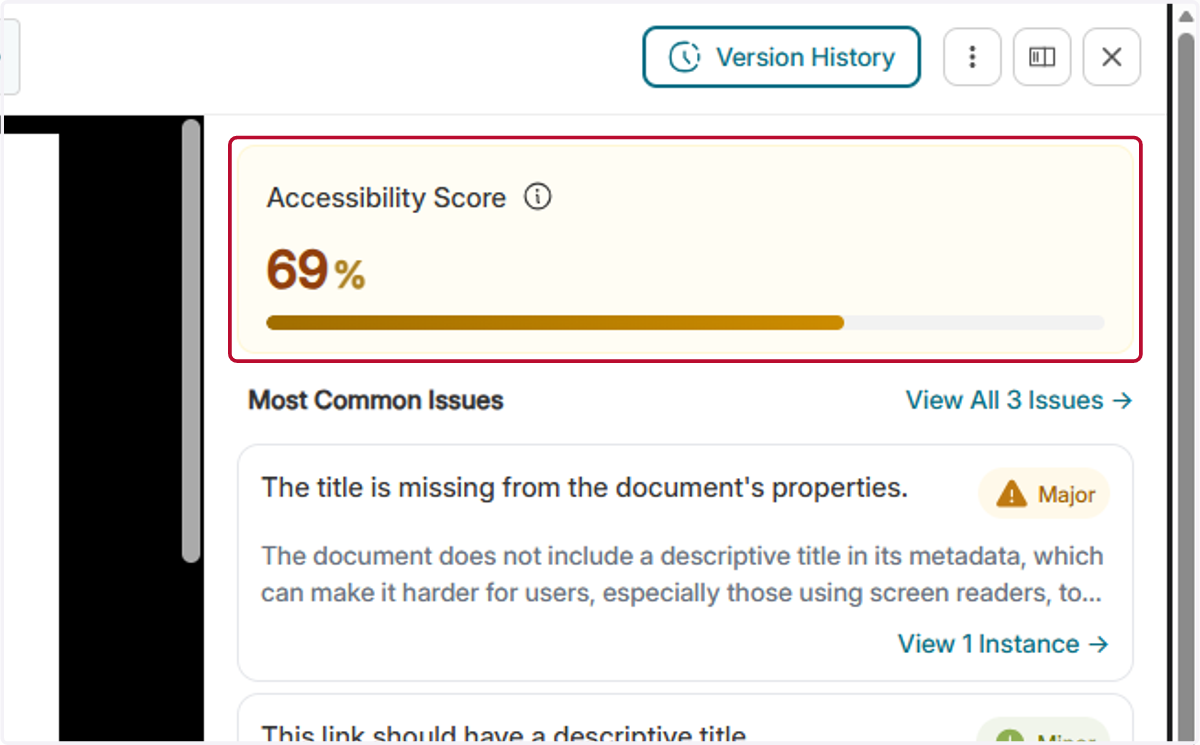
2. Click on Accessibility Score to see the accessibility score of a page.
3. Click on the > to review the next piece of content
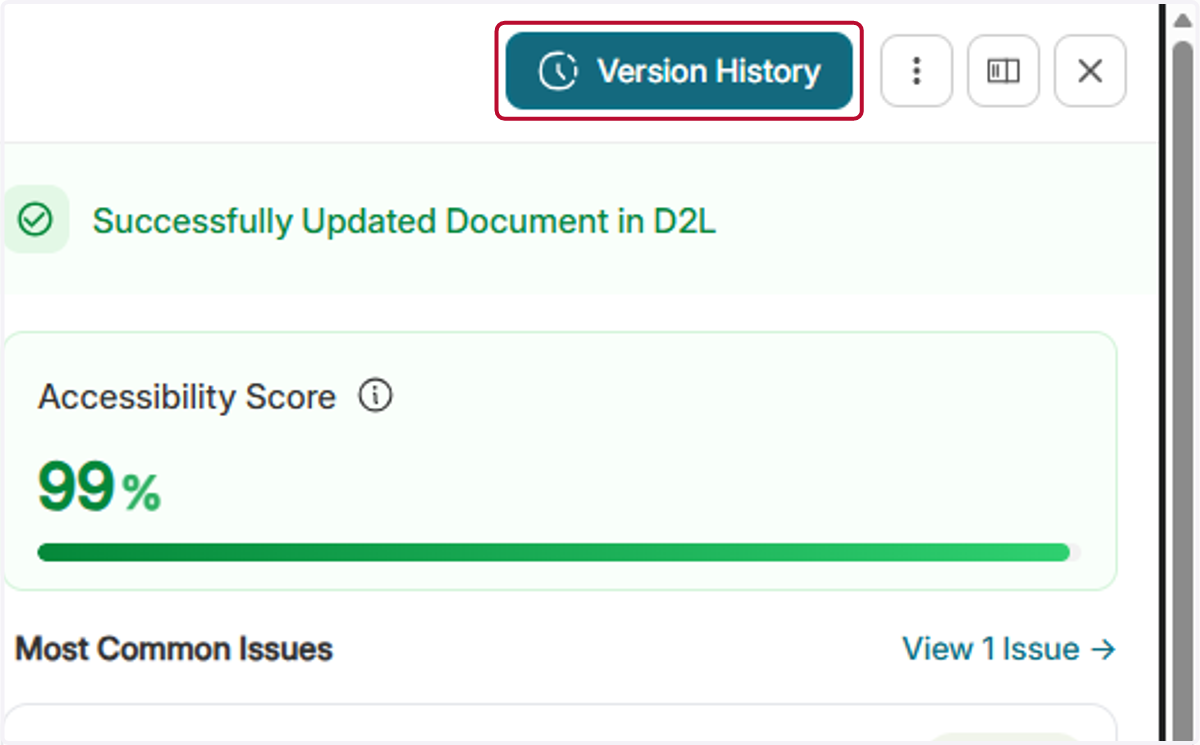
4. Click on Version History if you want to review edits made to content
5. Click on Close