Workflow with EyeMed
This is a super basic guide for searching patients with EyeMed benefits.
Eyemedvisioncare
1. https://youtu.be/jXr0bkOapHg
Eye Help you is a remote staffing agency that helps solve your staffing burdens remotely: https://www.eyehelpyou.co/

2. Go to https://claims.eyemedvisioncare.com/claims/membersearch.emvc?execution=e1s1
3. There's many ways to search for patients.
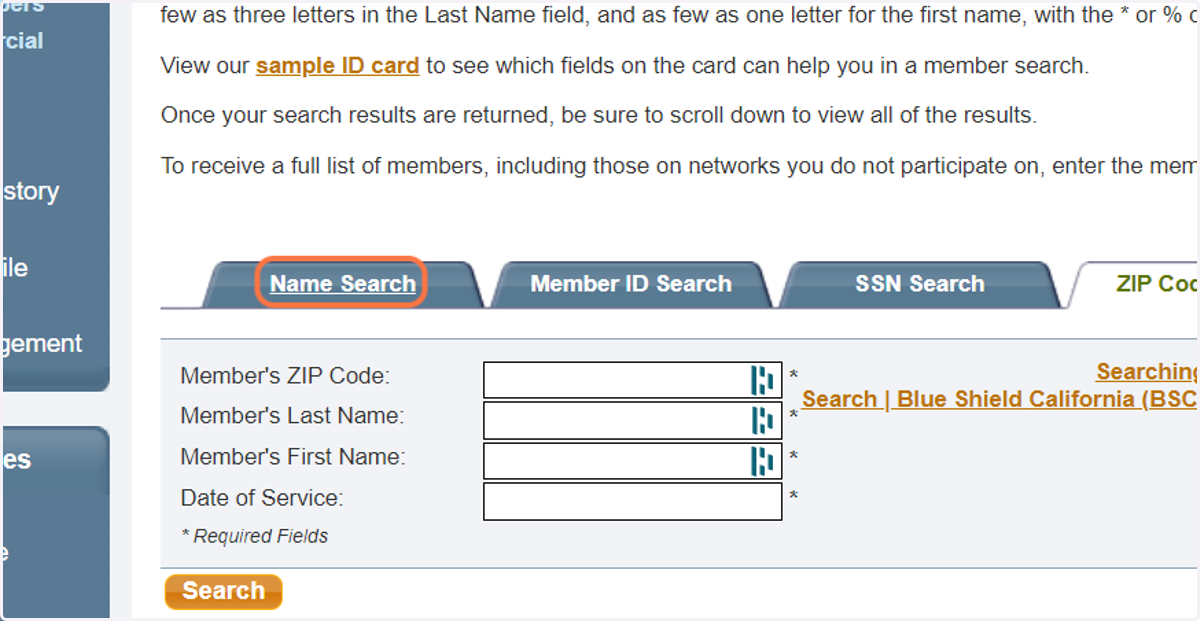
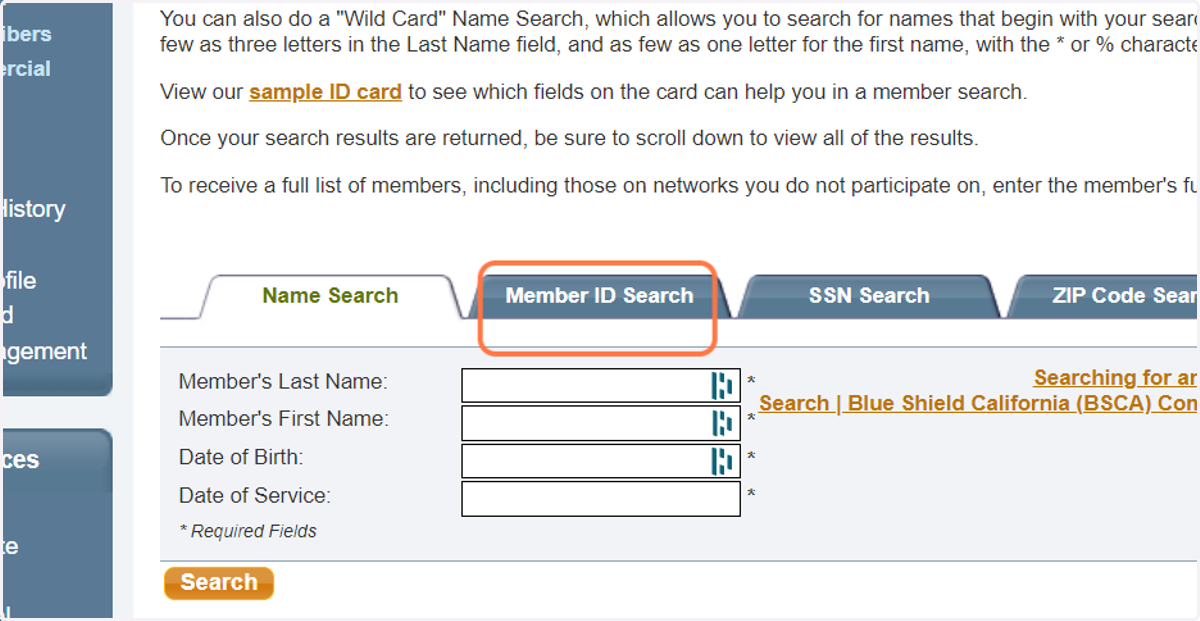
4. Click on Member ID Search
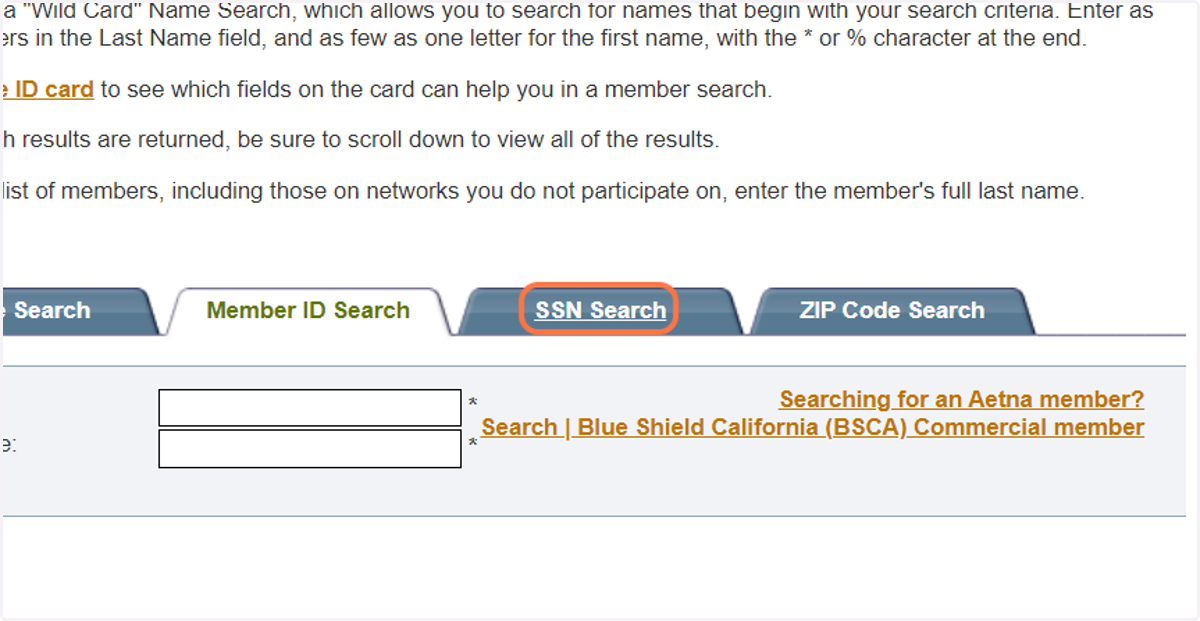
5. Click on SSN Search
6. Grab patient DOB from EHR
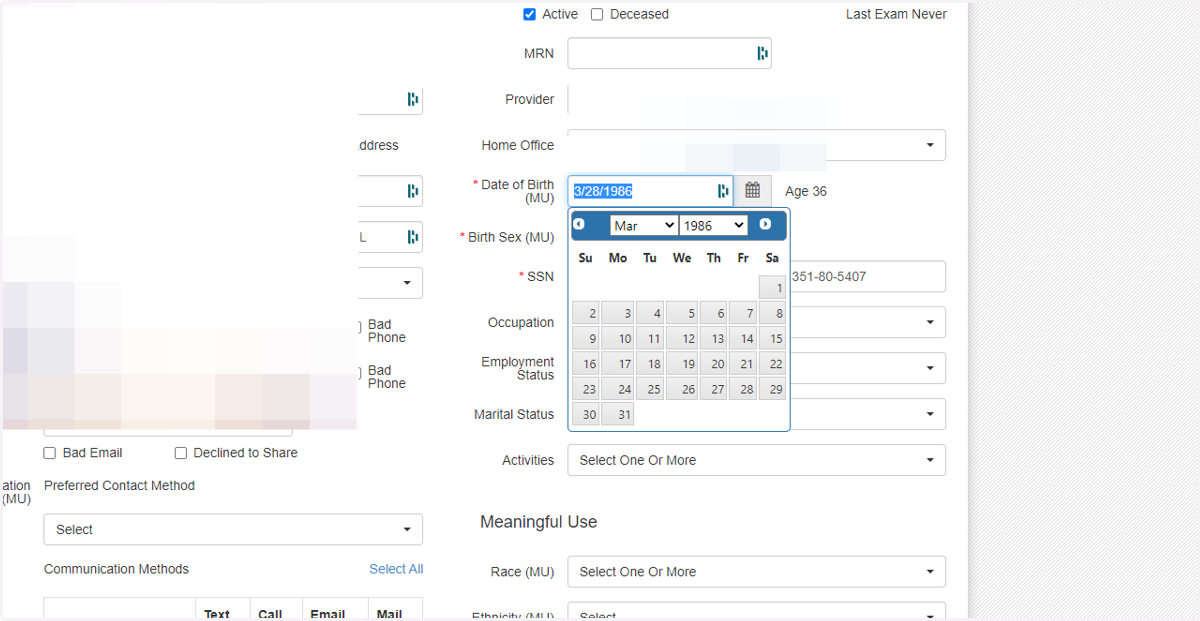
Type in patient info
7. Click on search
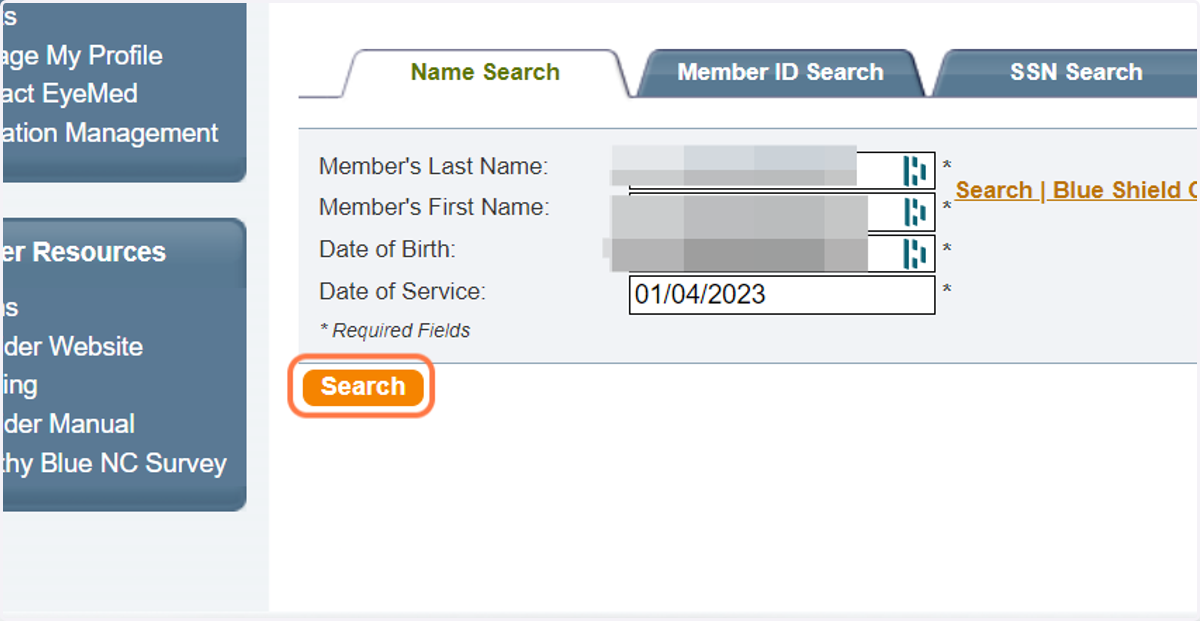
8. Click on patient name
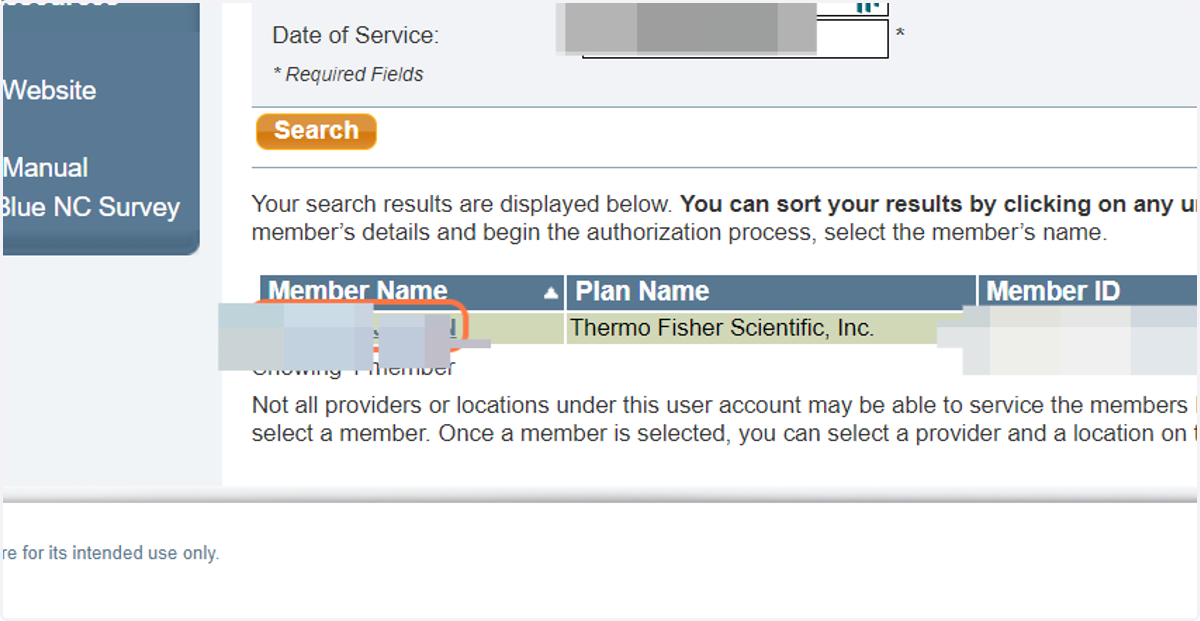
Eyemedvisioncare
9. Click on provider
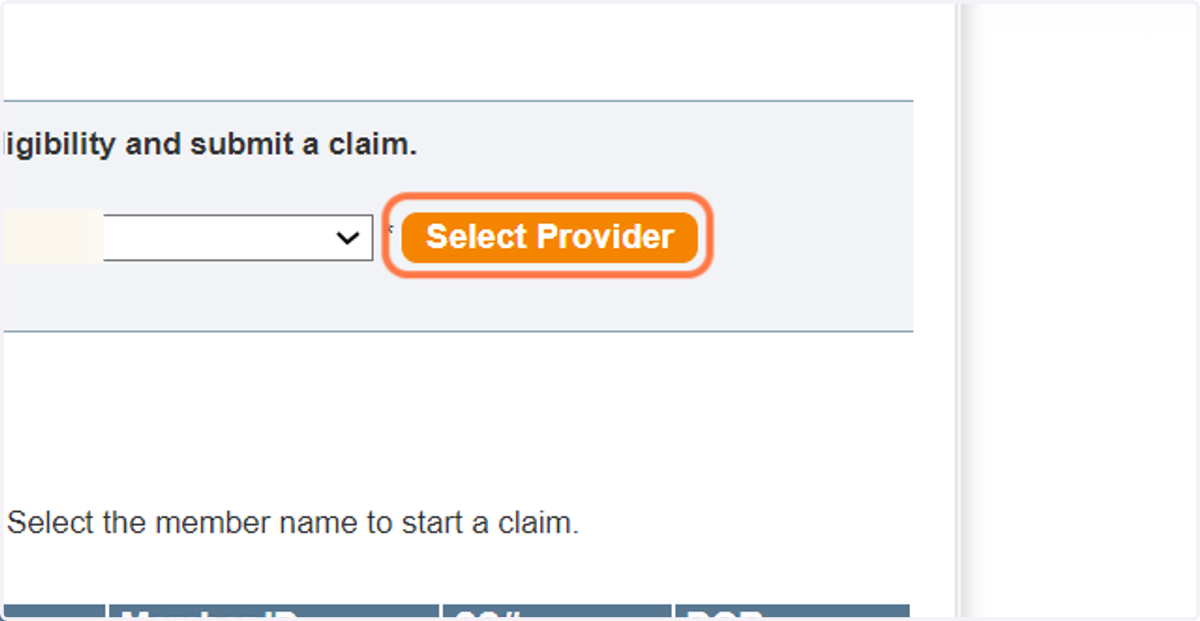
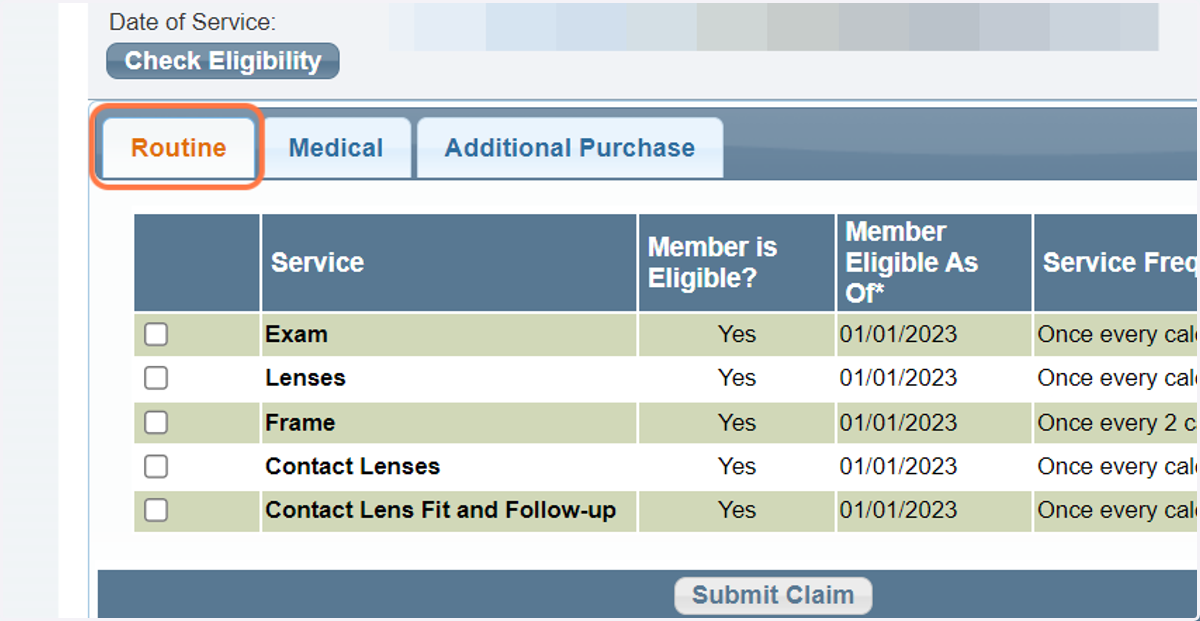
10. Click on Routine
Here, it clearly states what benefits a patient is eligible for. It will say "no" if a patient is not. Also note you can see the frequency of how often a patient receives certain benefits.
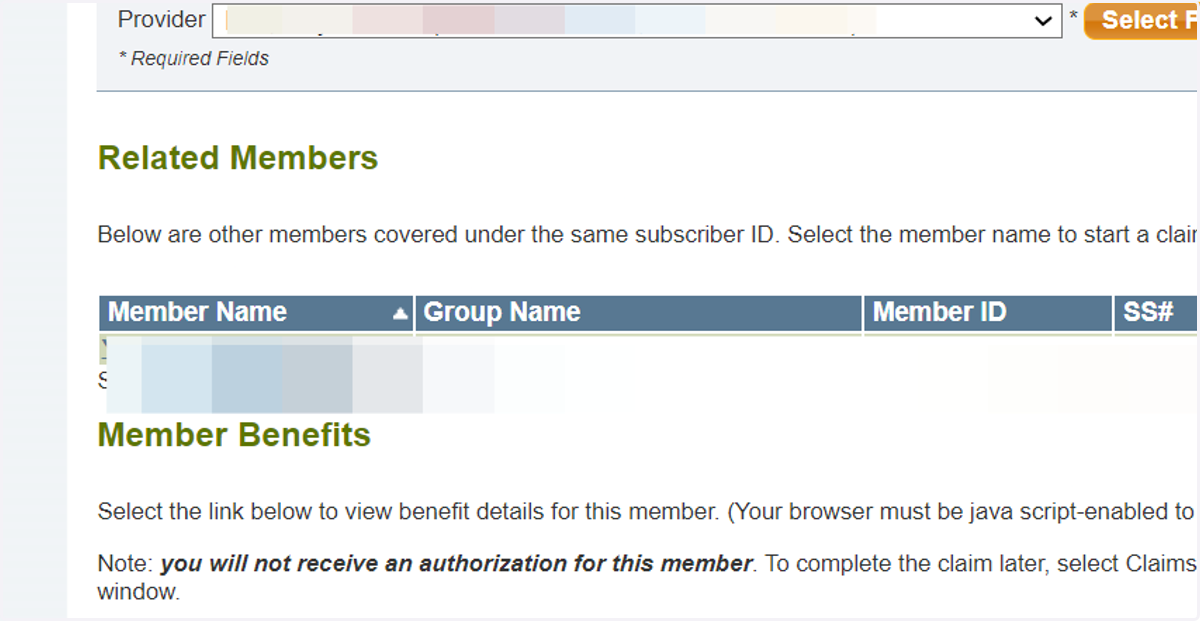
11. Click on Show Member Benefits
With EyeMed, you do not need to authorize a plan to see the benefits.
12. View benefits
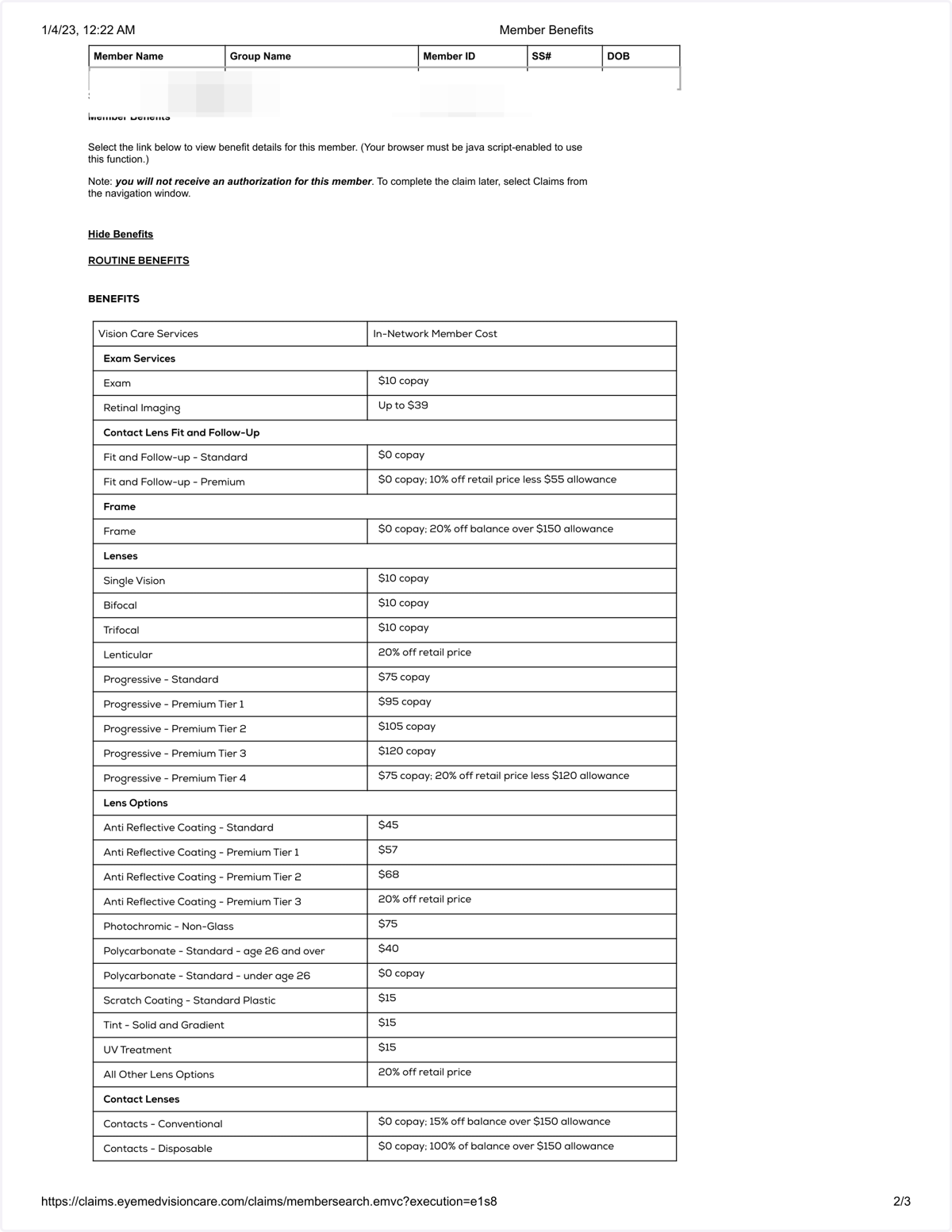
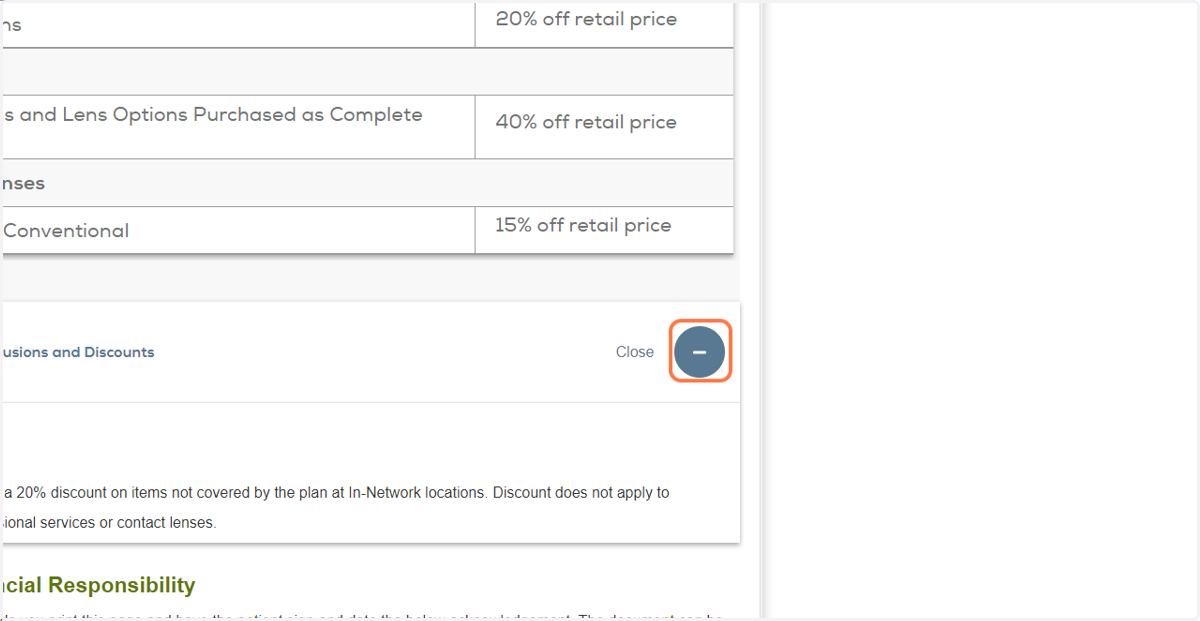
13. Additional discounts