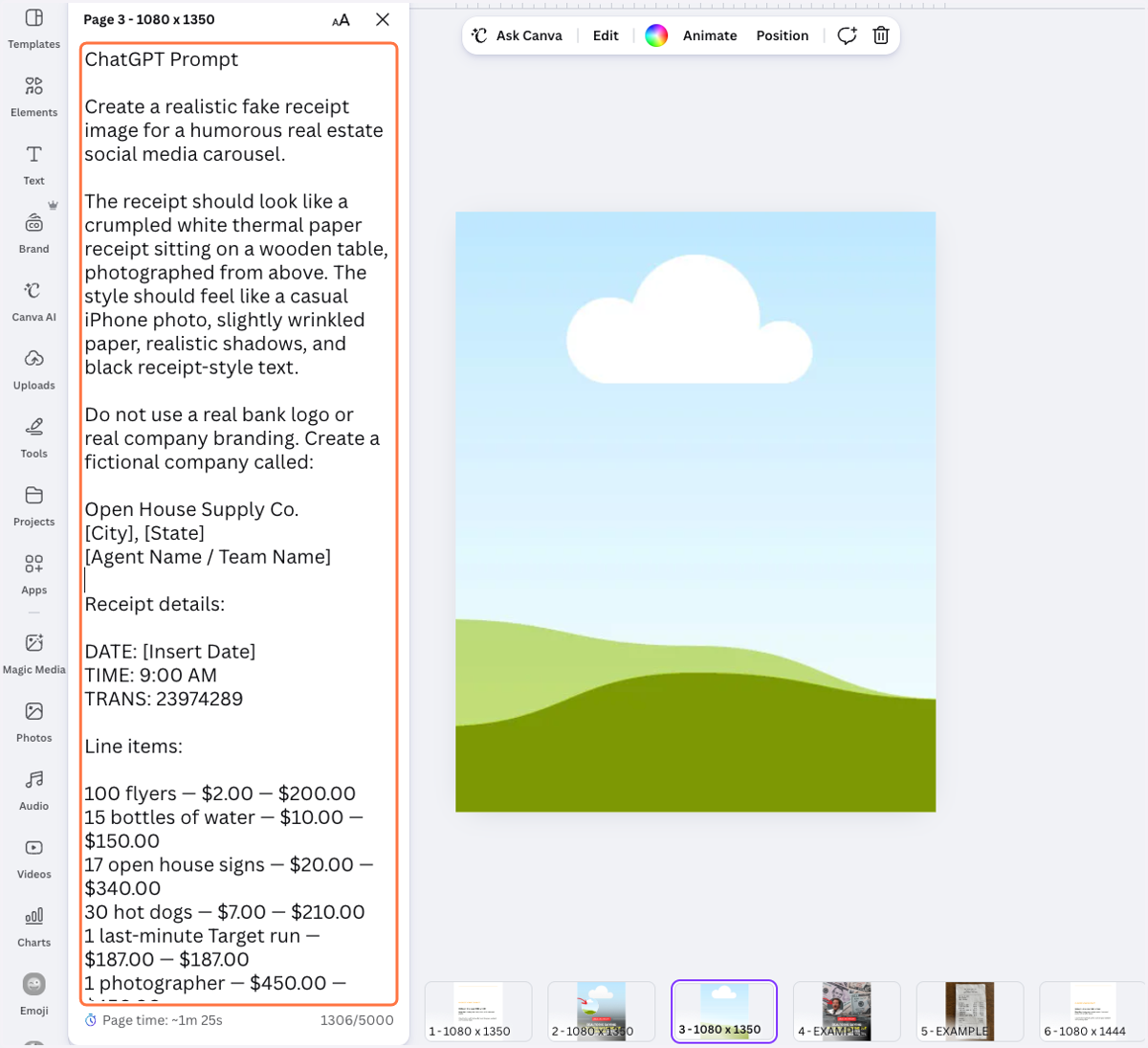
Where to Find the Prompts in Canva Notes section
Canva
1. Open the BAMx template that you want to edit.
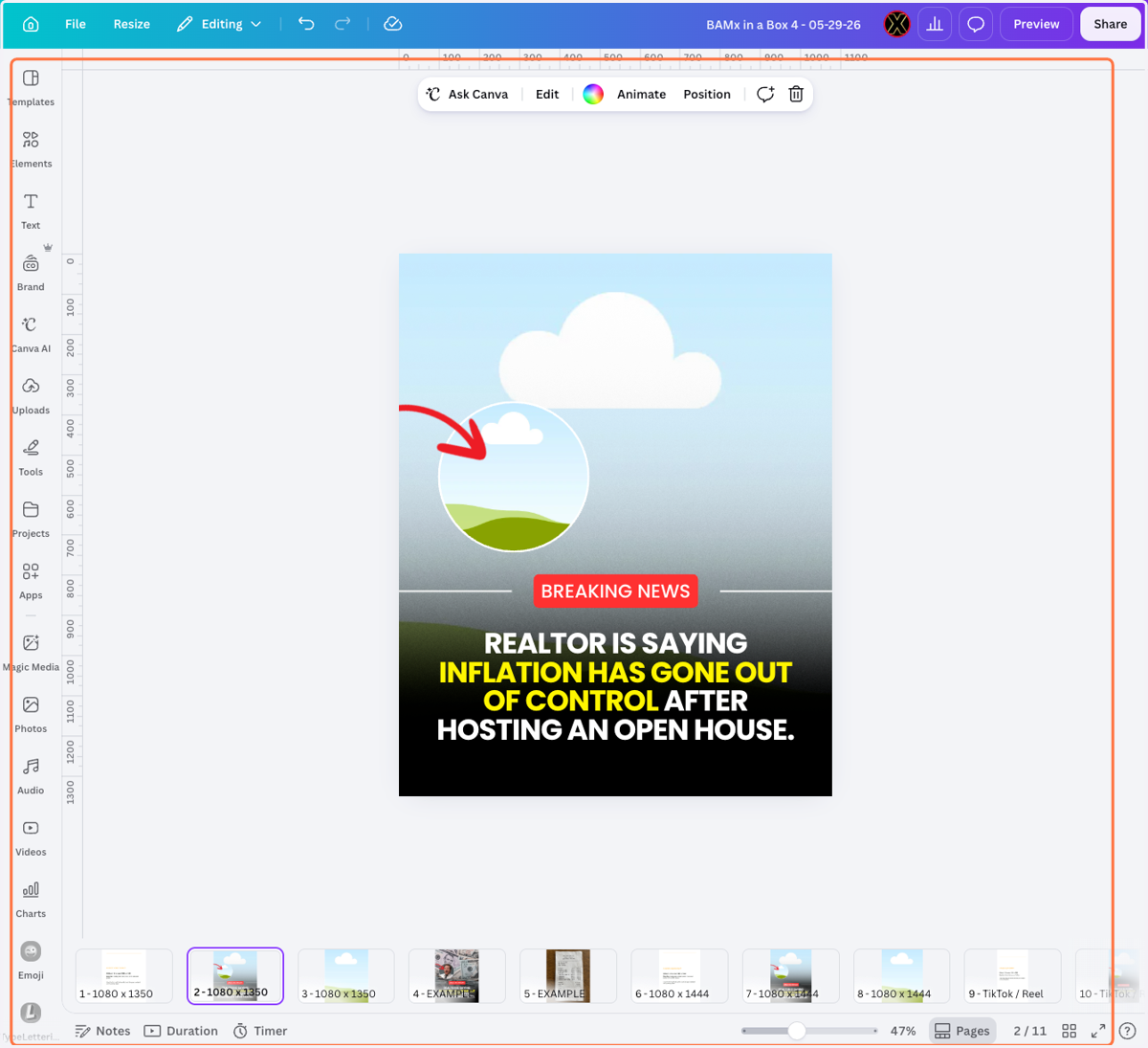
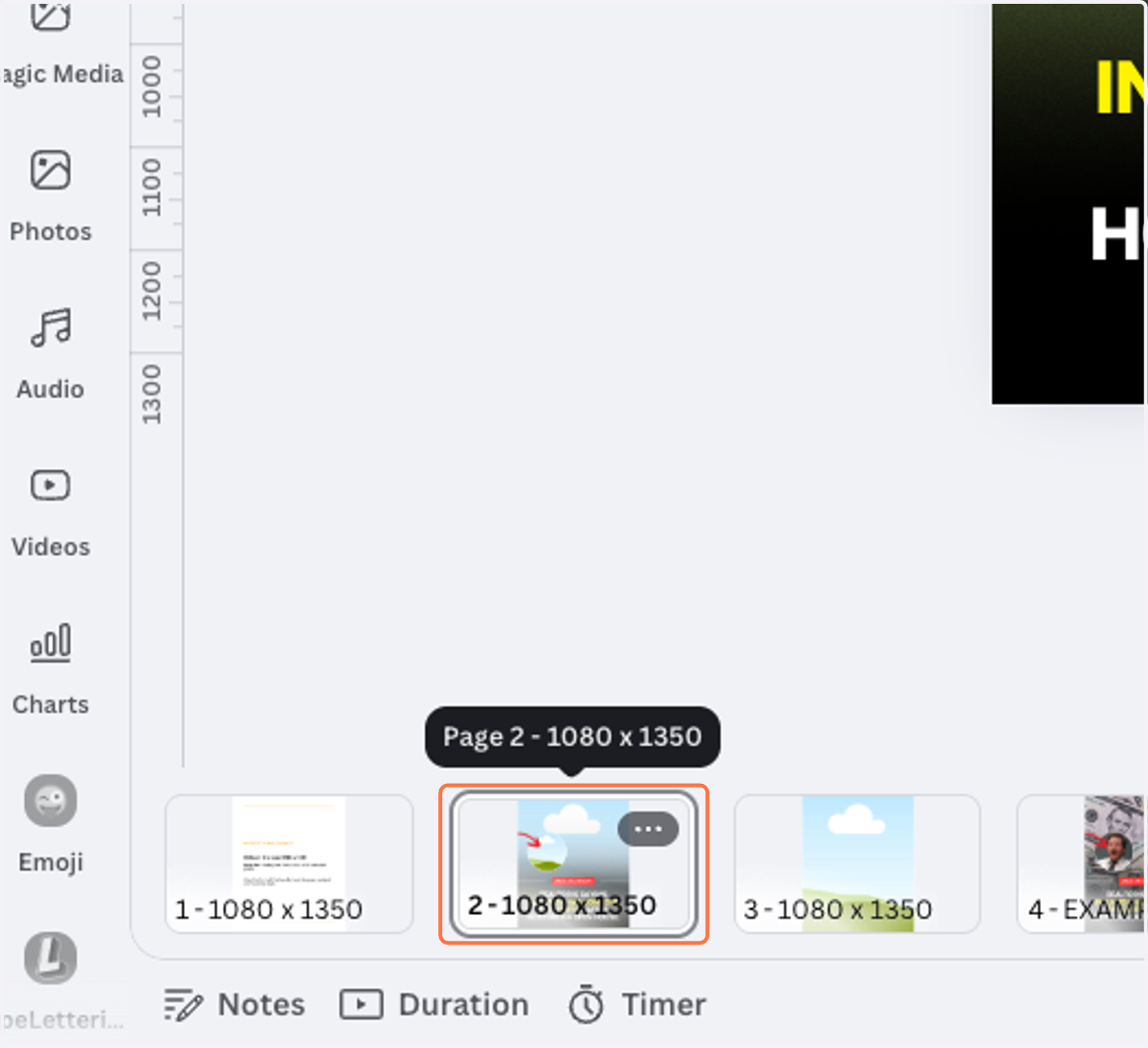
2. Click on the Slide that you want to edit.
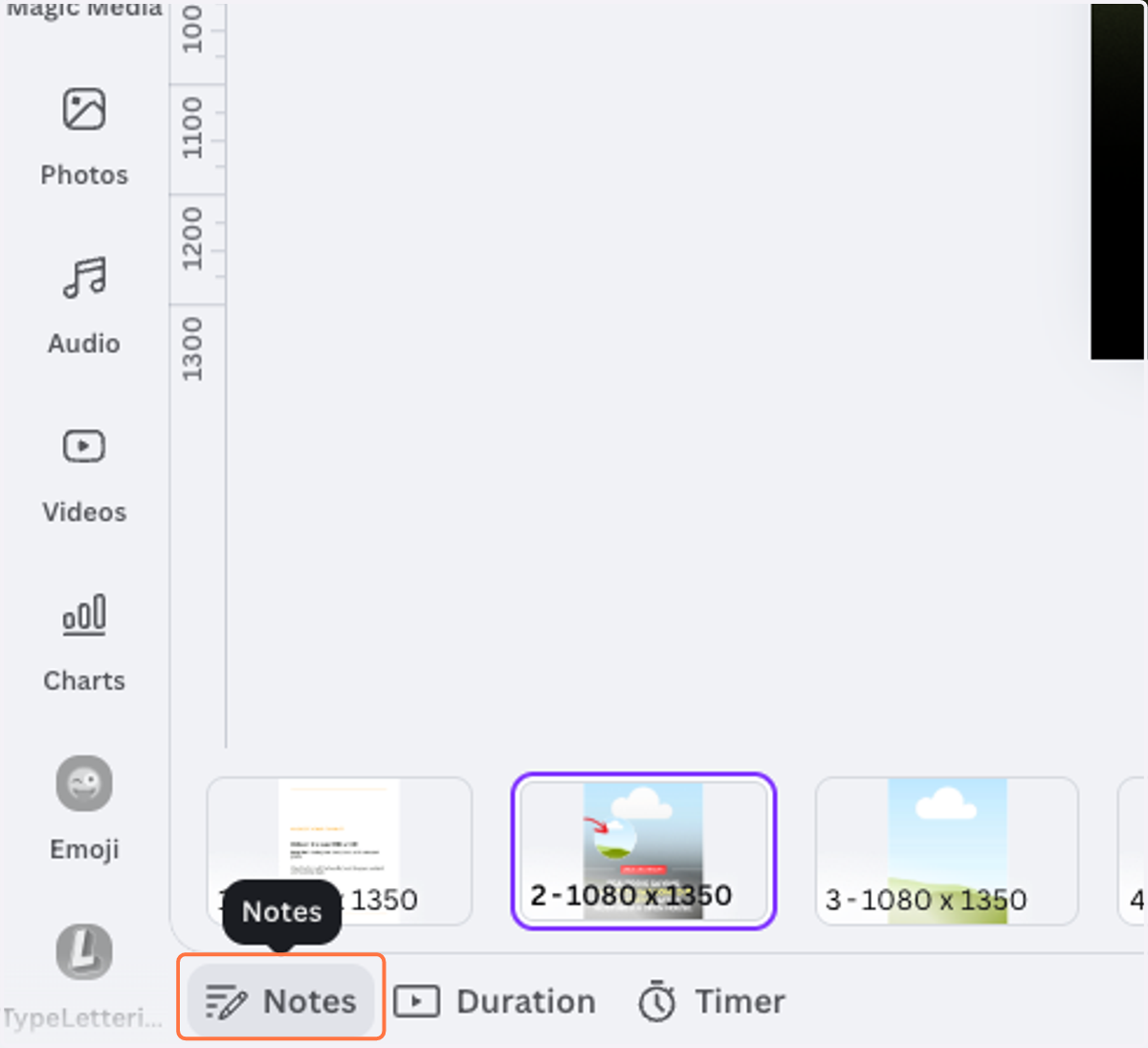
3. And Click on the Notes section/tab.
4. From here you will see the AI/ChatGPT Prompts that we prepared for you!
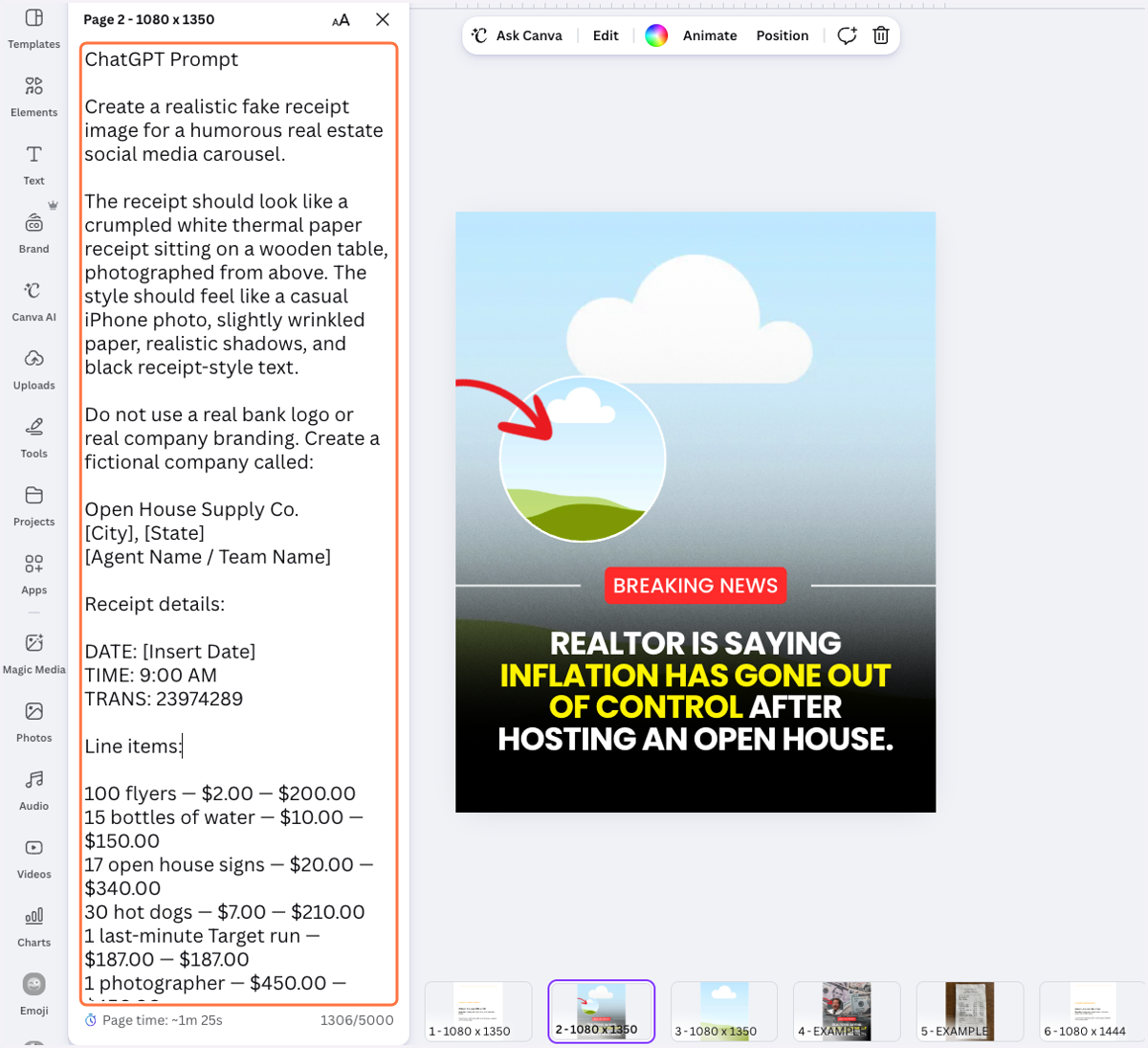
5. If you proceed on the other slides ...
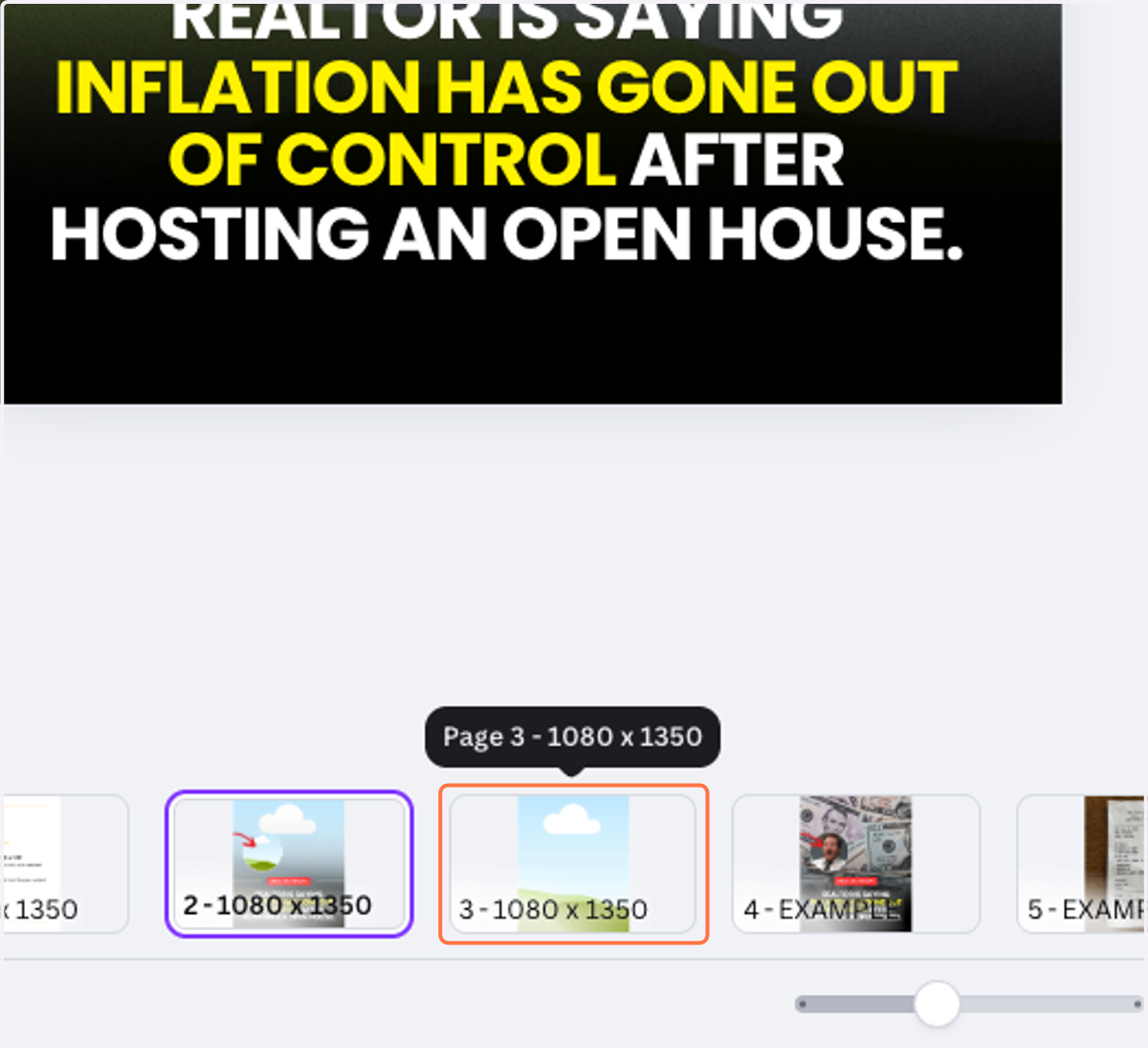
6. It will appear on it's own Note section too!