What is the purpose of Show Zero in inventory items?
The goal of the show zero function is to display inventory items with 0 stock. You can also filter for zero stocks in a branch or location by selecting a branch or location.
itemcount.io
1. Click on inventory items
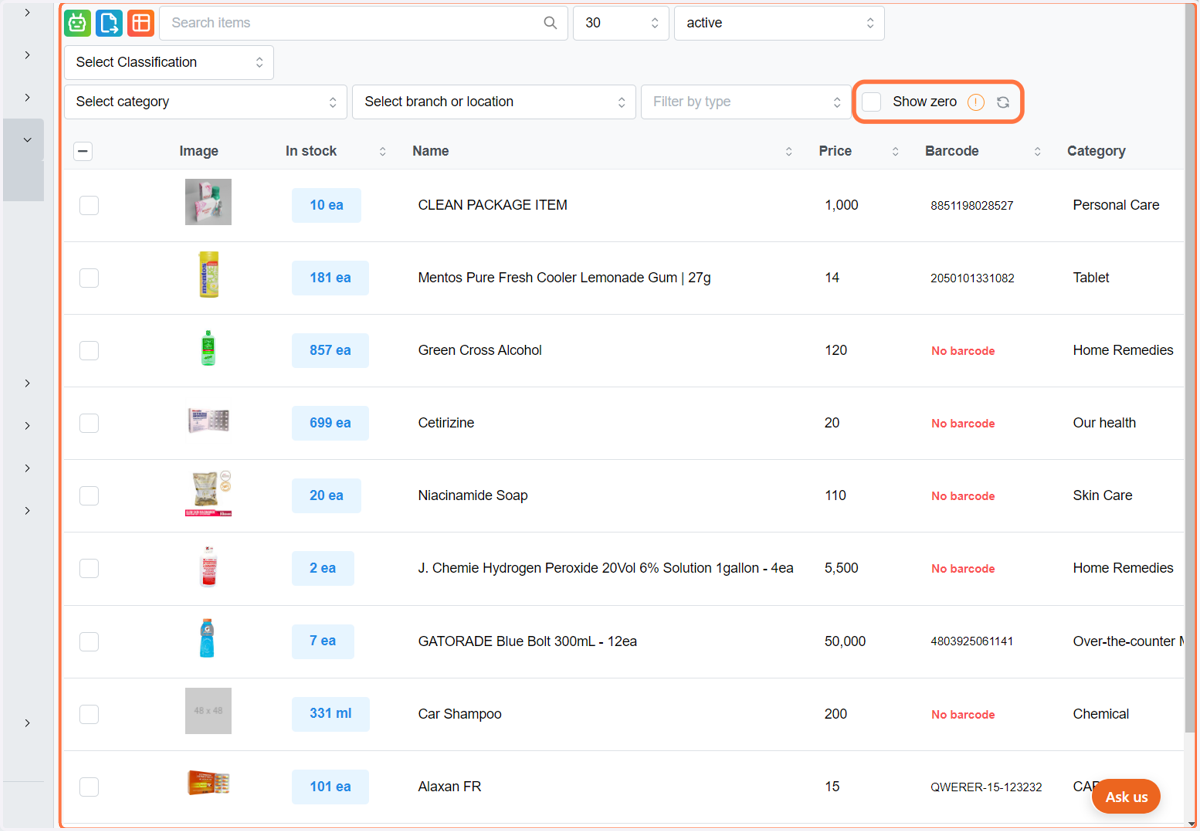
2. Check Show zero
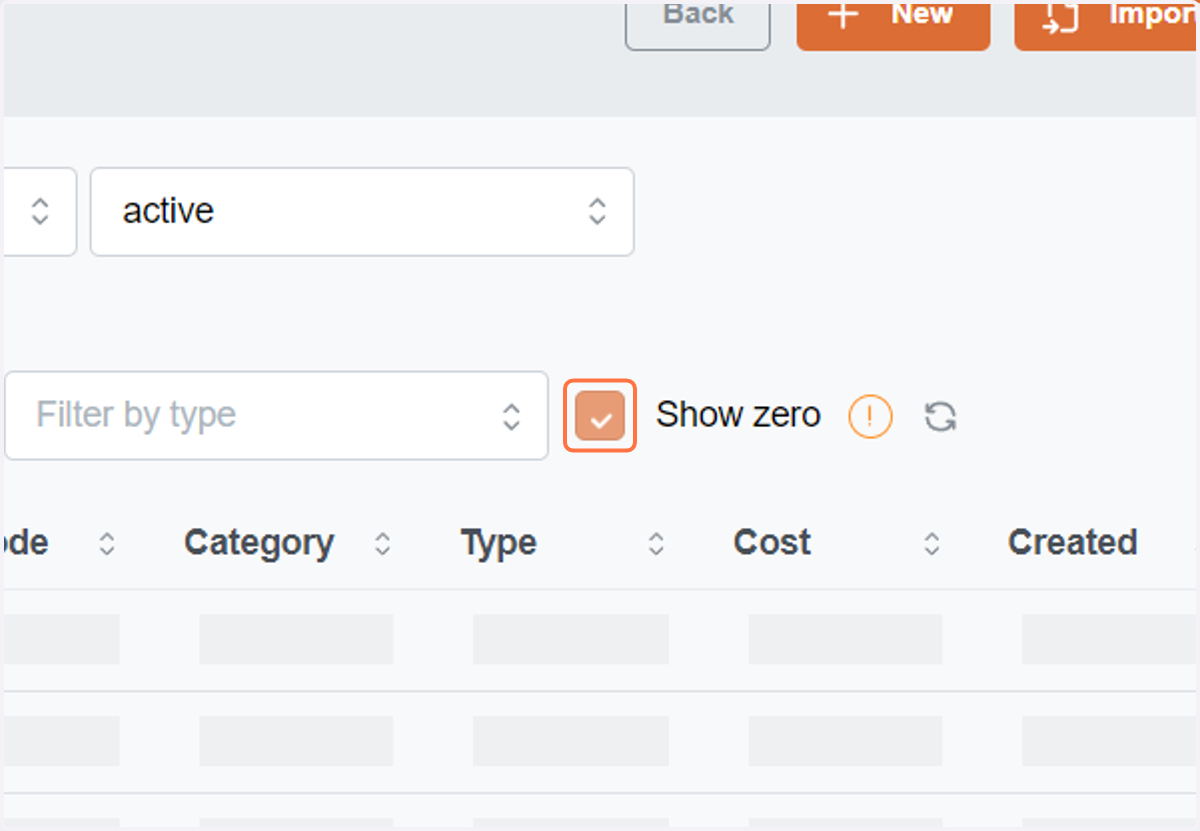
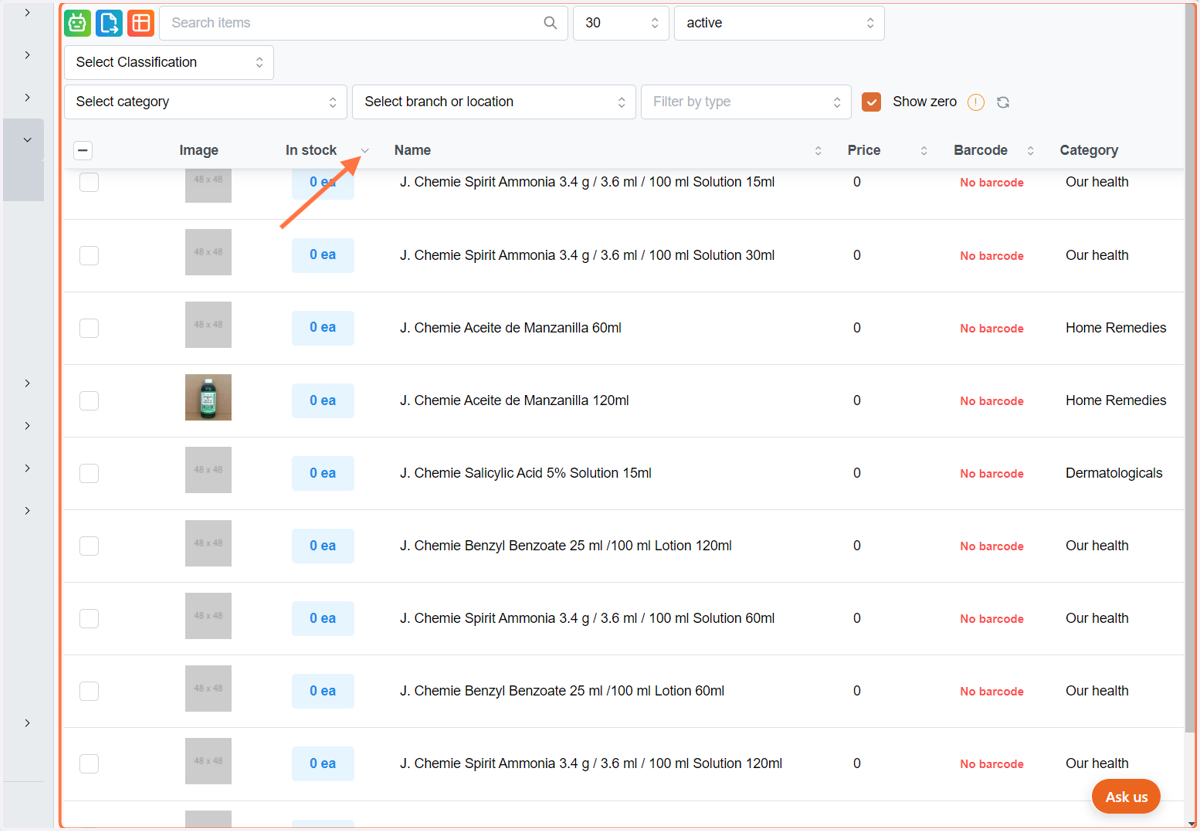
3. You can see items with 0 stocks by clicking show zero. By using the dropdown arrow, you may also arrange the items stocks in ascending and descending order.
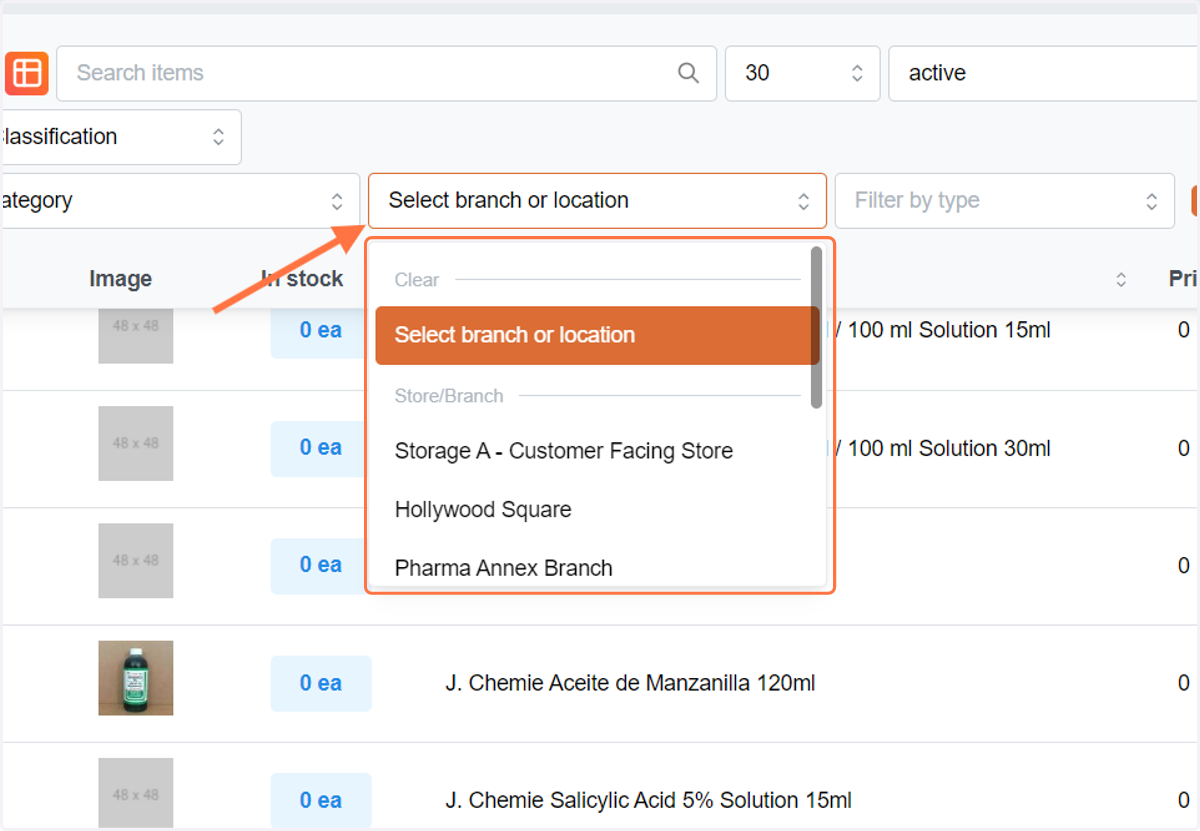
4. You can also filter items with 0 stock by location or branch.