Welcome to the 2027 ASEE Program Chair Orientation.
This tutorial will walk you through logging into your account, uploading call for papers, and setting paper guidelines.
American Society for Engineering Education
To begin, please log into your account at nemo.asee.org
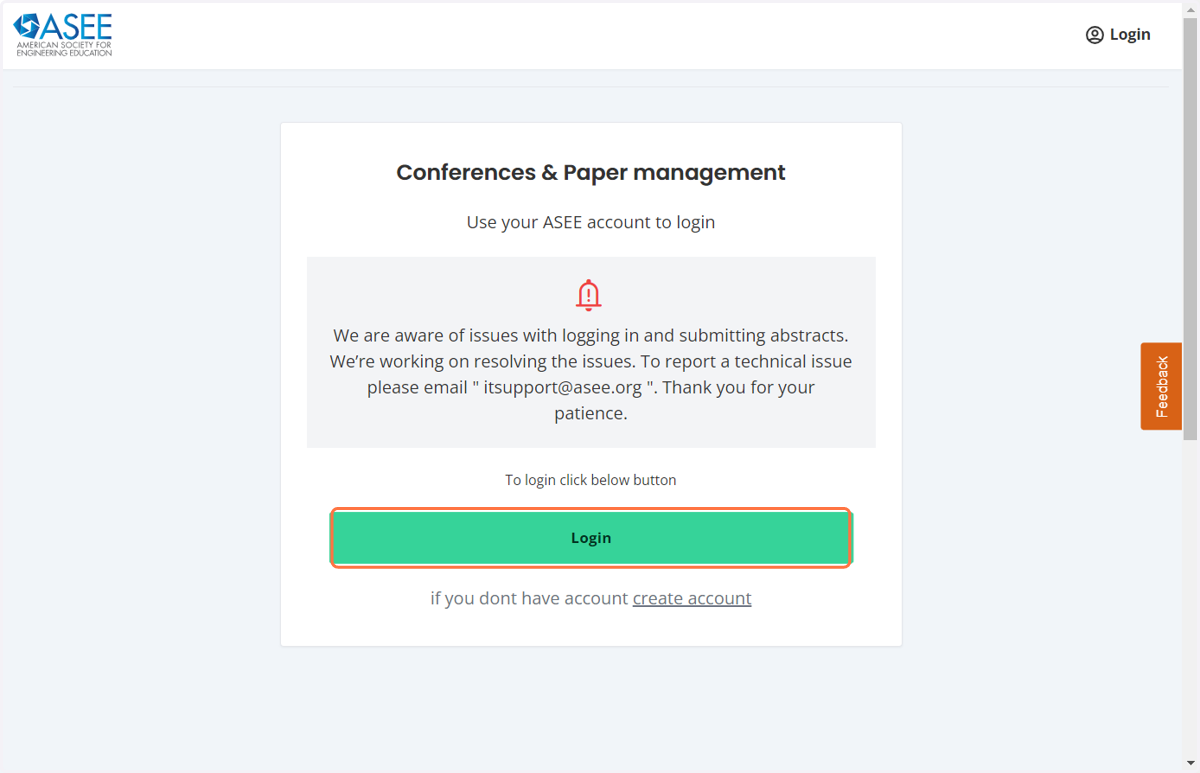
1. Click on Login
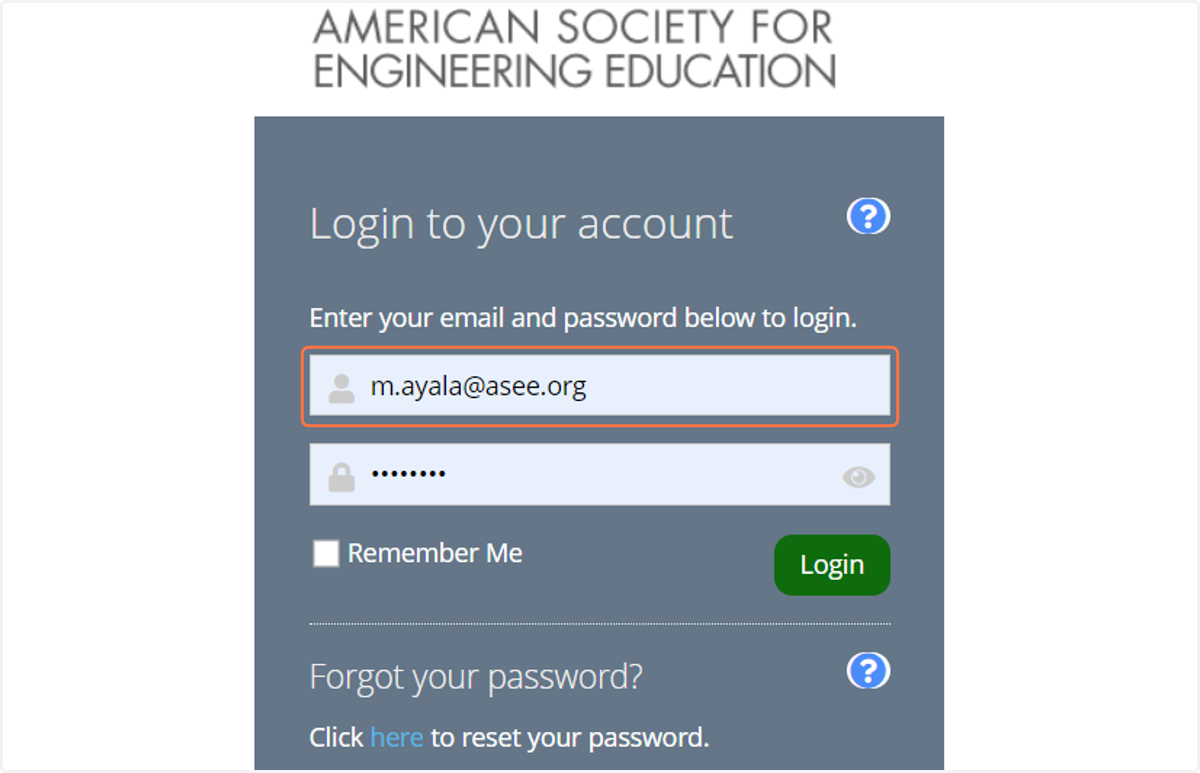
2. Please enter your login credentials and click on login.
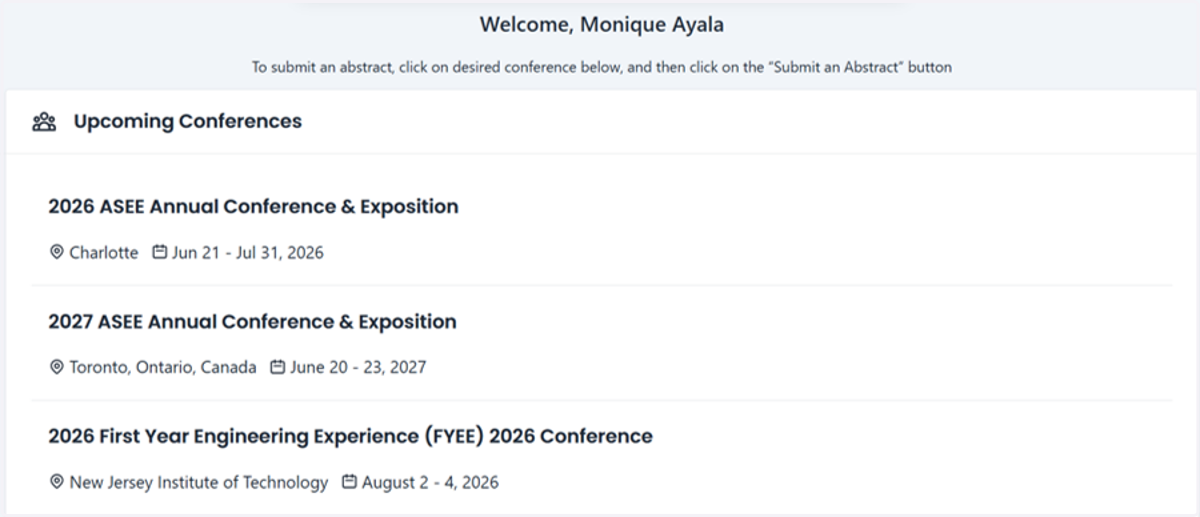
3. Click on 2027 ASEE Annual Conference & Exposition
You will land at the homepage for the upcoming ASEE Conferences
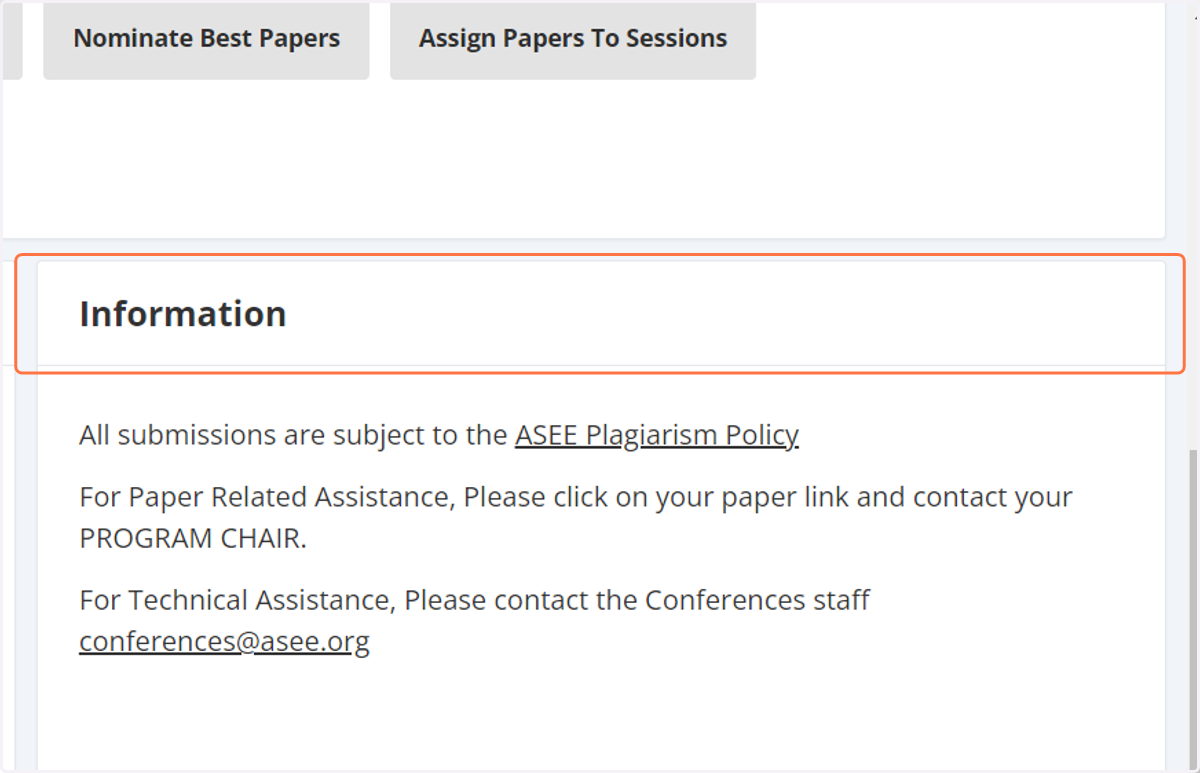
4. Scroll down and to Division Management
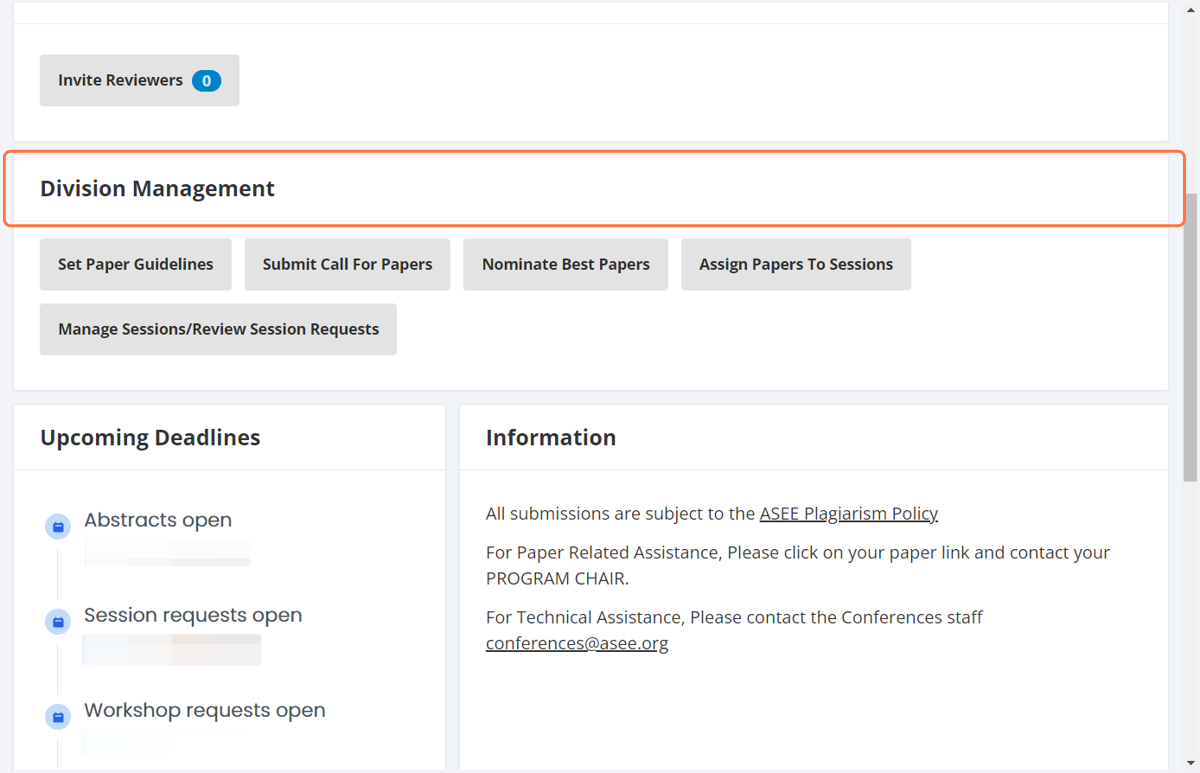
5. Set Paper Guidelines
Click the Set Paper Guidelines tab.
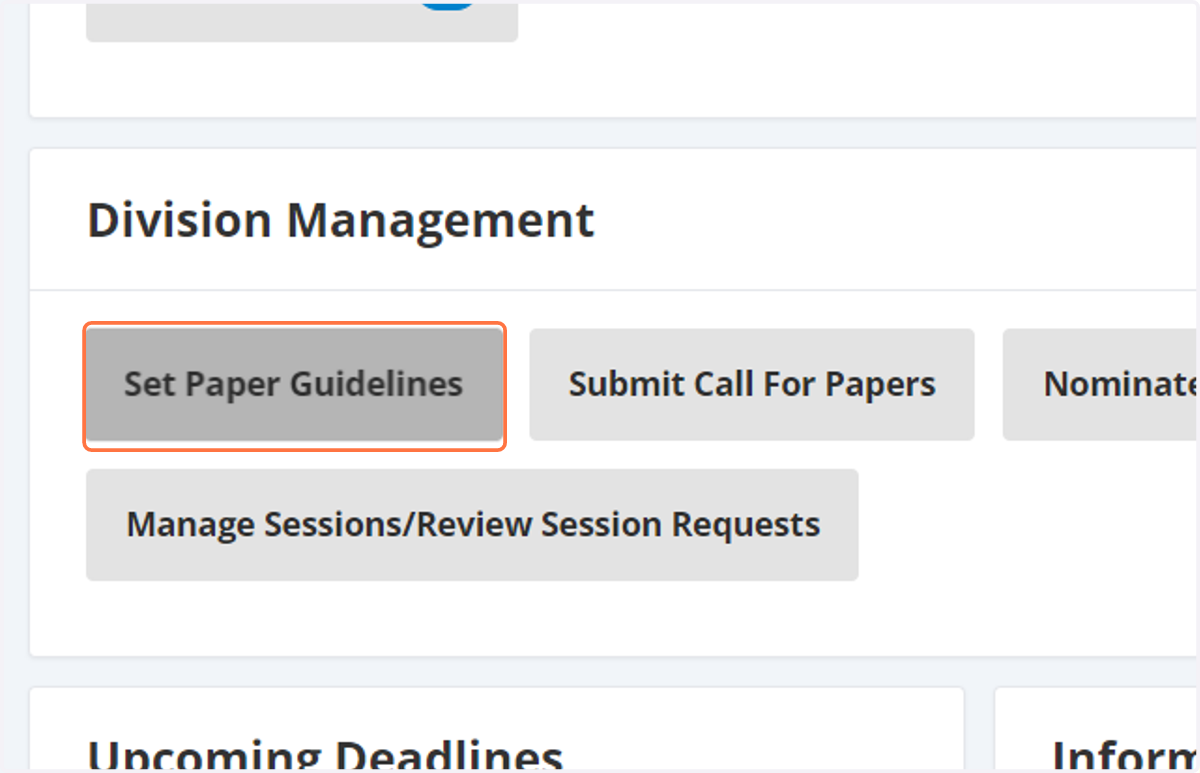
6. Click on See Paper Guidelines From Previous Year
From there you can select See Paper Guidelines from previous year. To view the previous year guidelines and use as a guide if you would like.
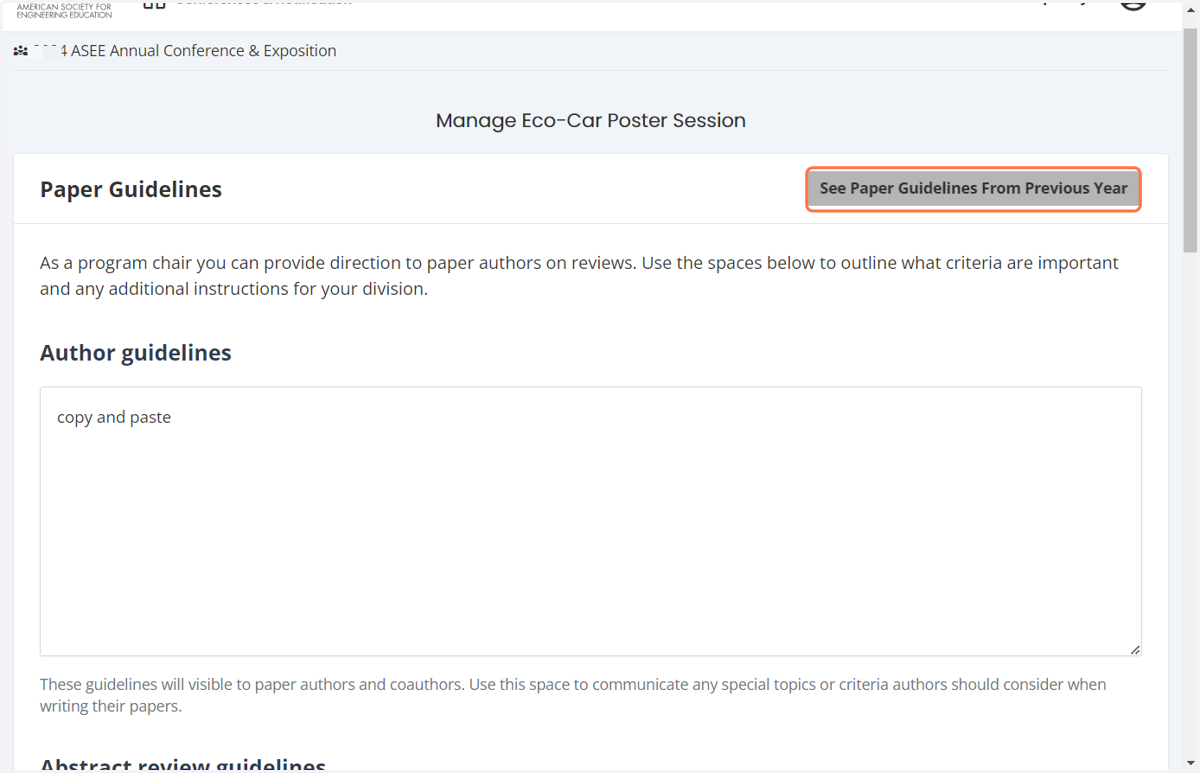
7. Setting Guidelines
You can use this as a reference to set your guidelines.
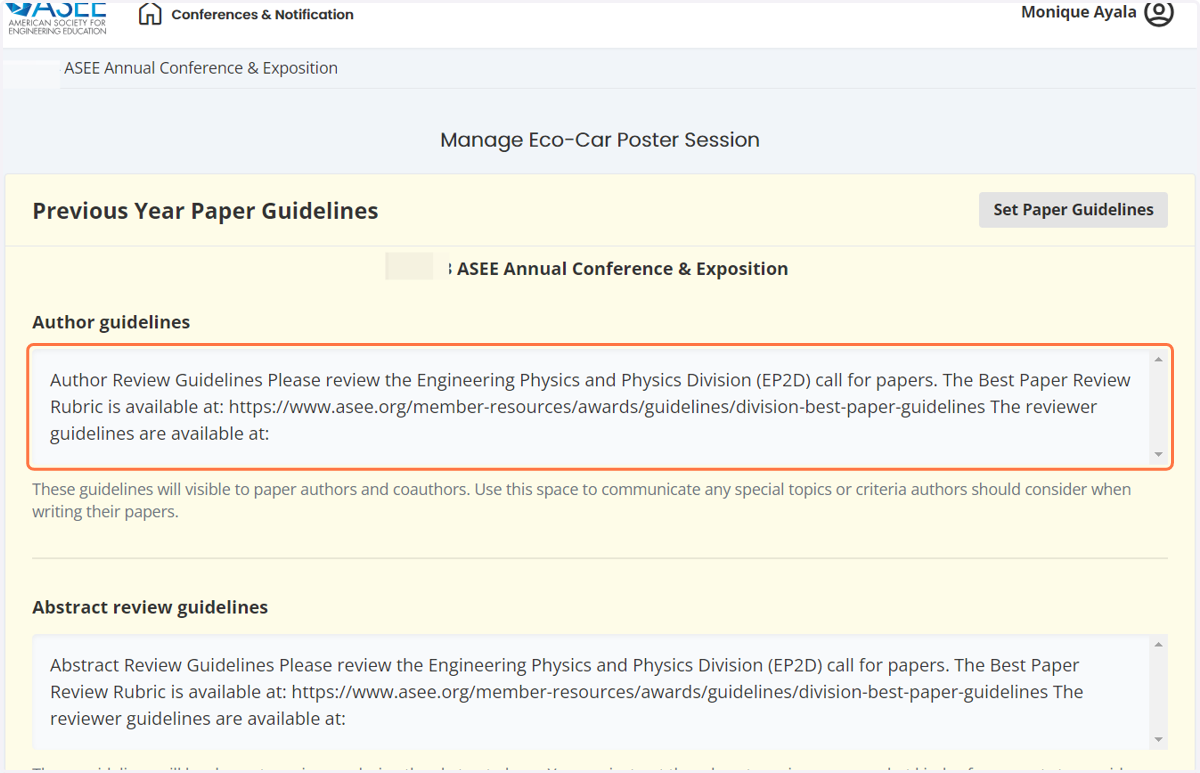
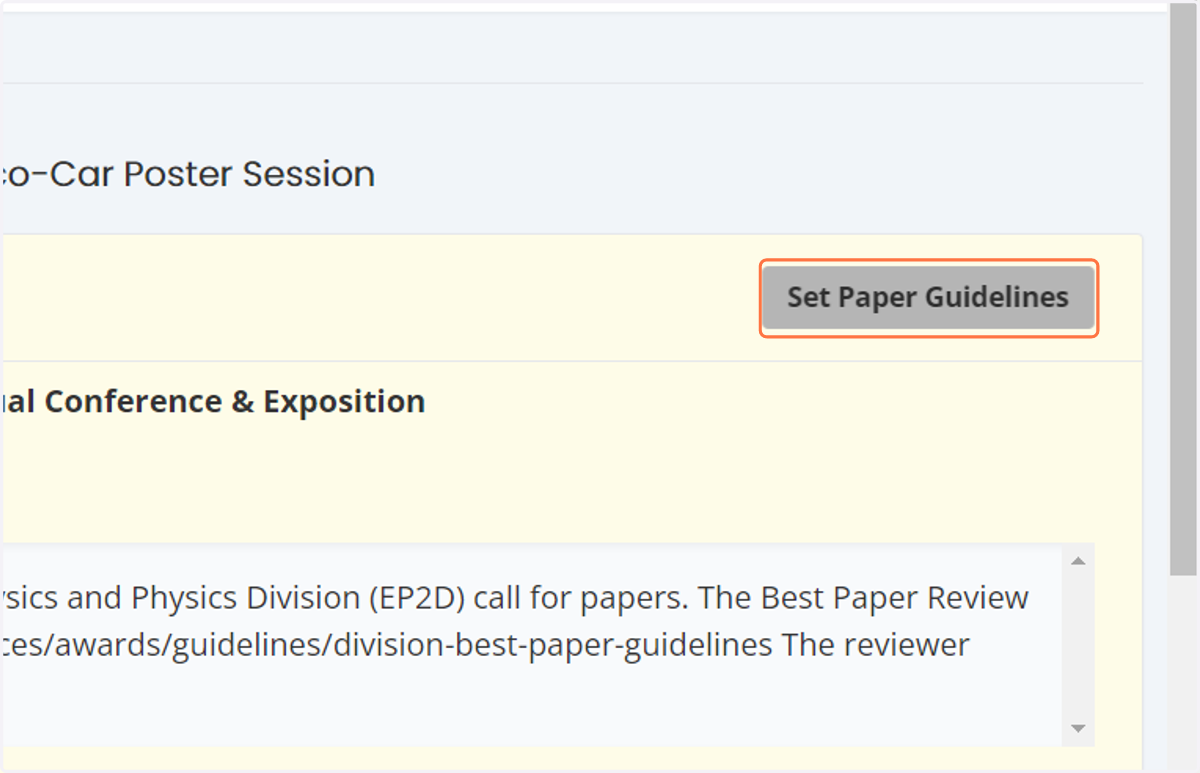
8. Click on Set Paper Guidelines
If you would like to use the previous year guidelines you must copy and paste them. To get back to th guideline screen please click on set paper guidelines.
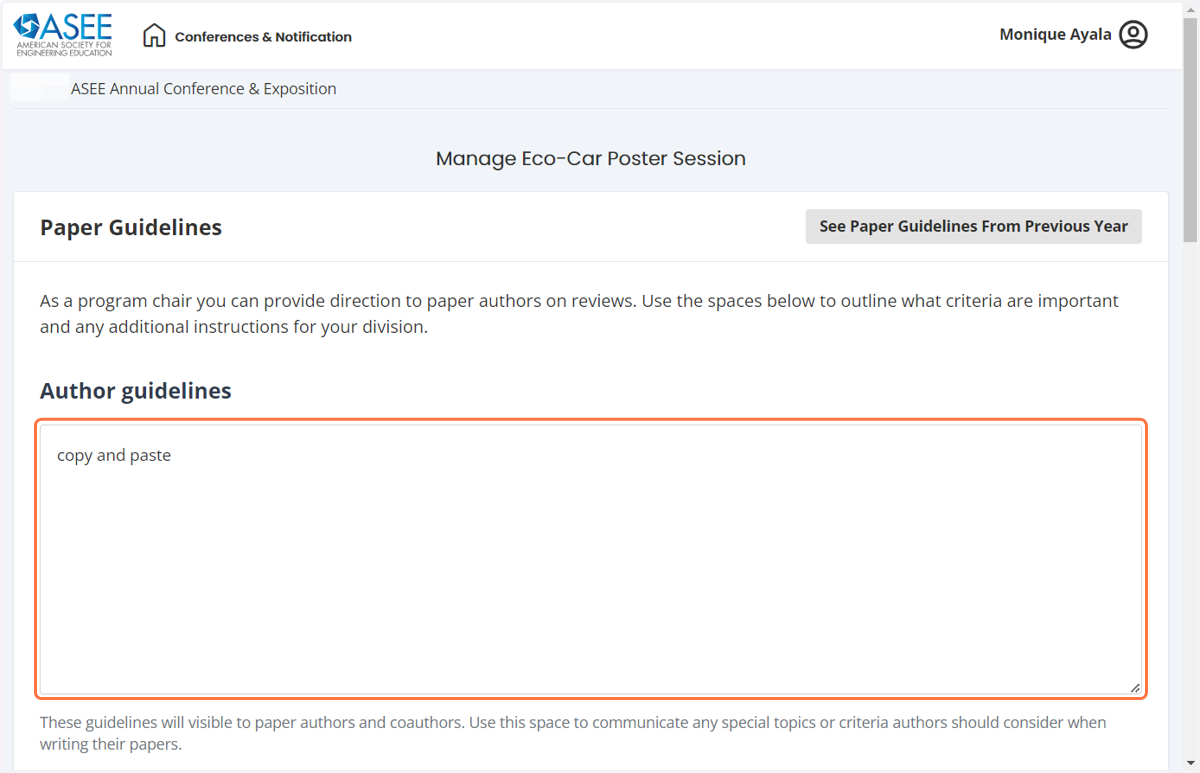
9. Set Guidelines
If you are using the previous year guidelines please copy and paste each on in each box. If you are using your own please enter the text in each box.
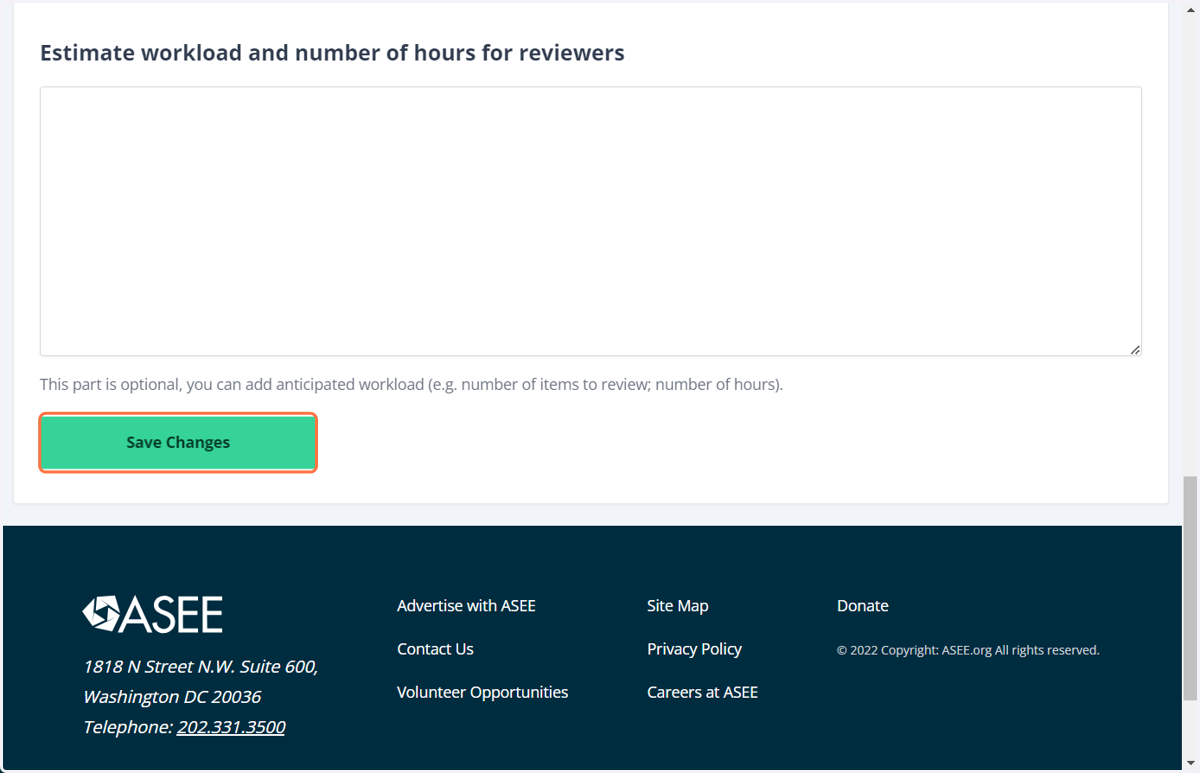
10. Save Changes
Be sure to click on save changes at the bottom of the screen.
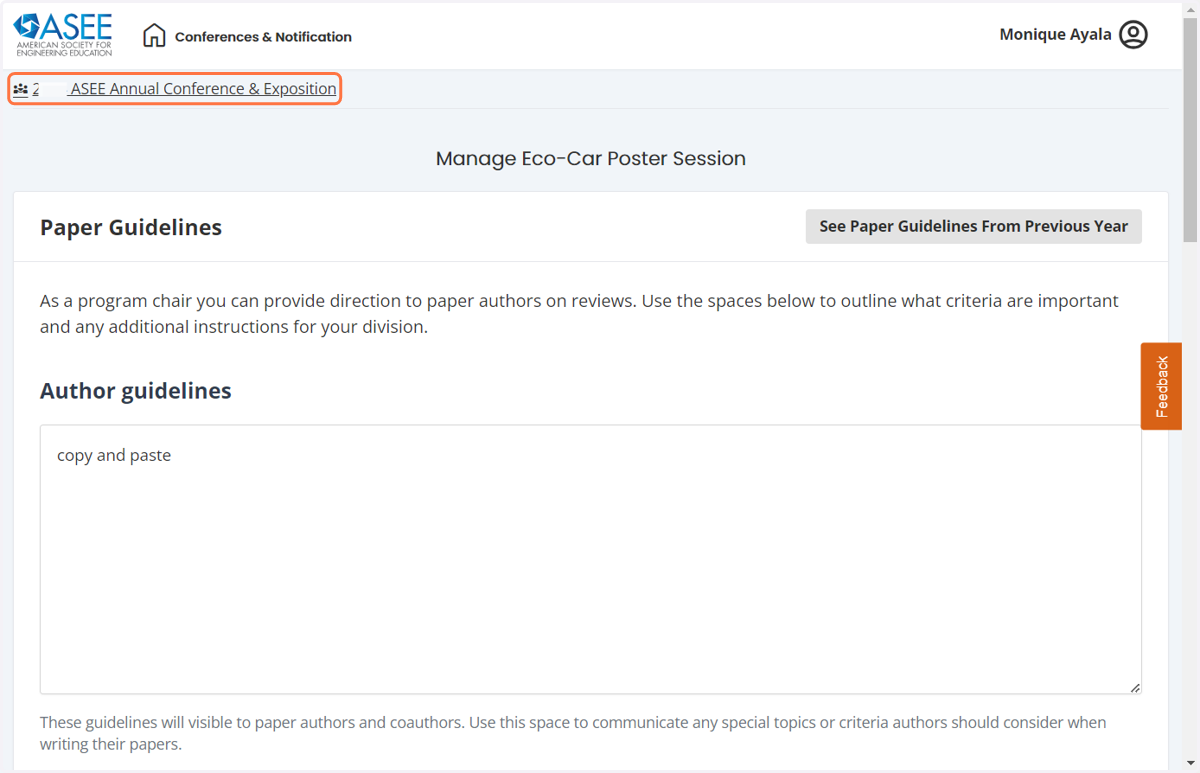
11. Get back to home screen
After your changes have been saved, please go to the top of the page and select 2025 ASEE Annual Conference and Exposition link in the top left hand corner. This will take you back to the first screen.
12. Next Steps
This is the screen you will see.
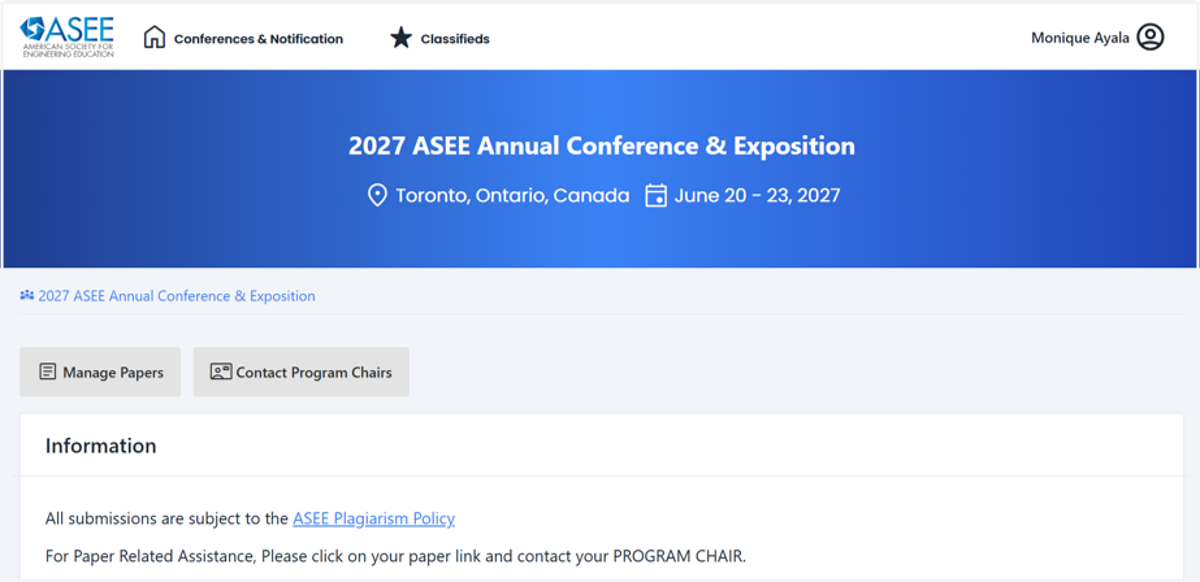
13. Submit Call for Papers
Scroll back down to Division Management
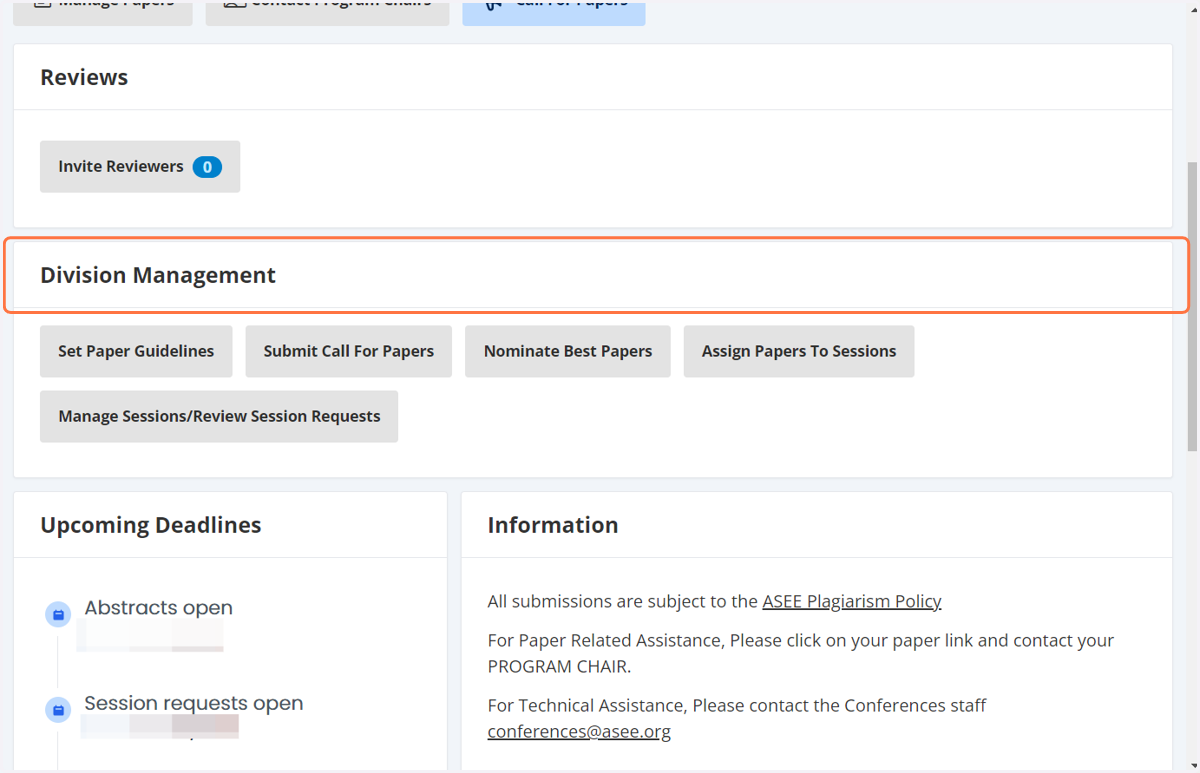
14. Click on Submit Call For Papers
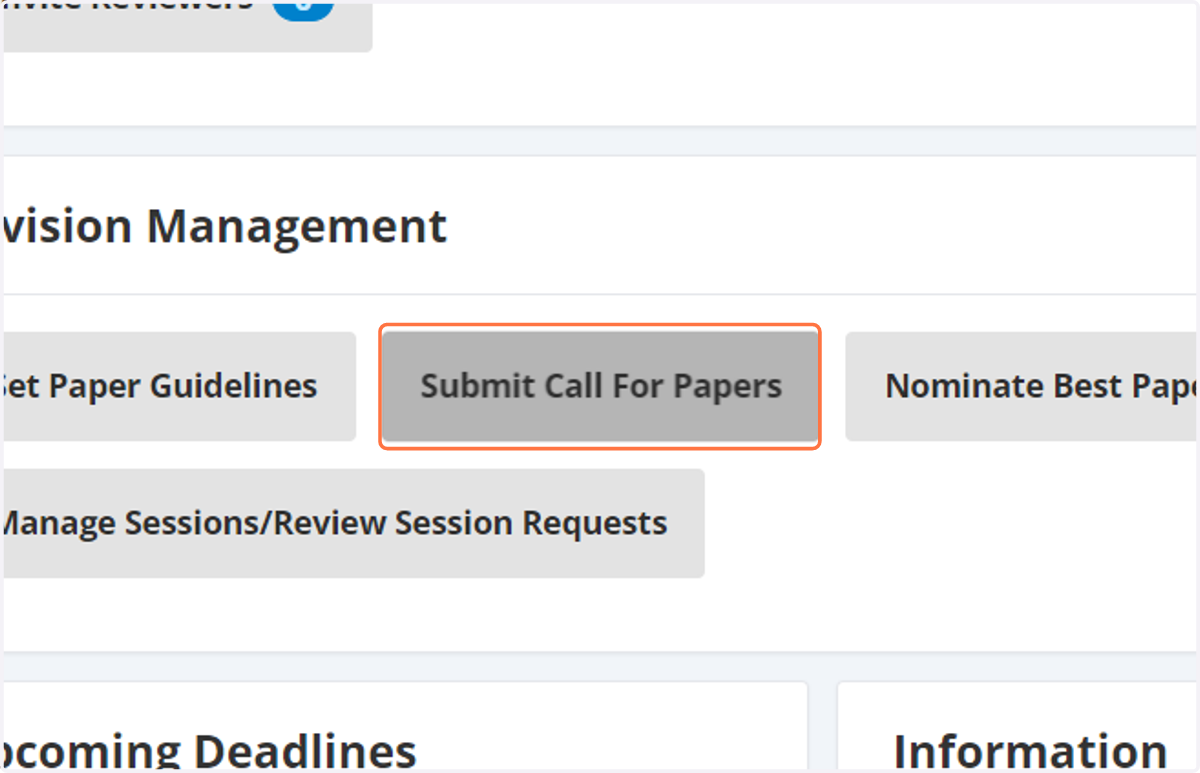
15. Submit Call for Papers
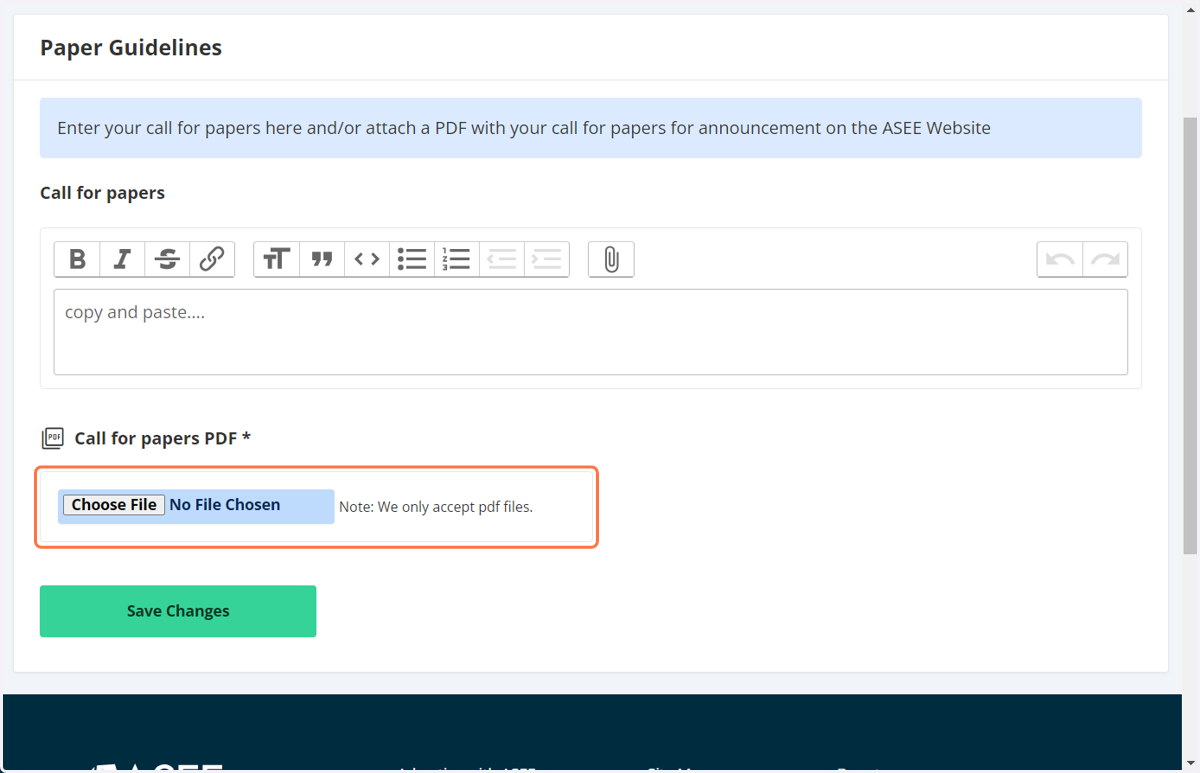
You can copy and paste your call for papers in the first box.
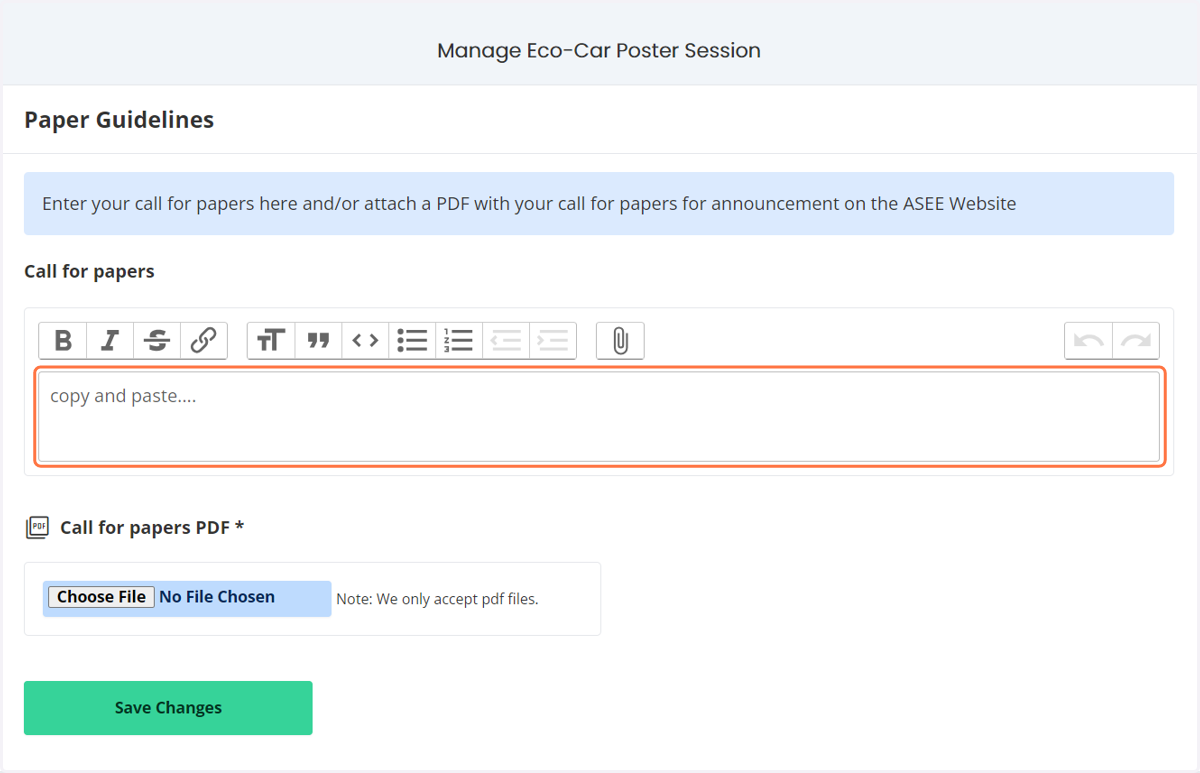
16. You can also upload a PDF copy of your call for papers.
17. Get back to home screen
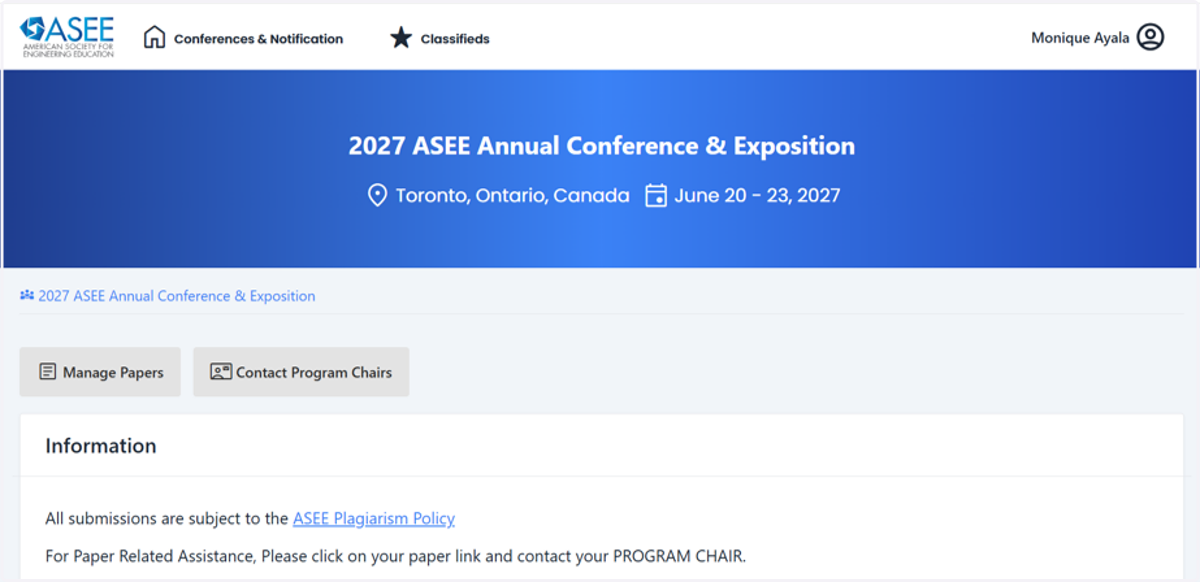
After your changes have been saved, please go to the top of the page and select 2027 ASEE Annual Conference and Exposition link in the top left hand corner. This will take you back to the first screen.
18. View Upcoming Deadlines
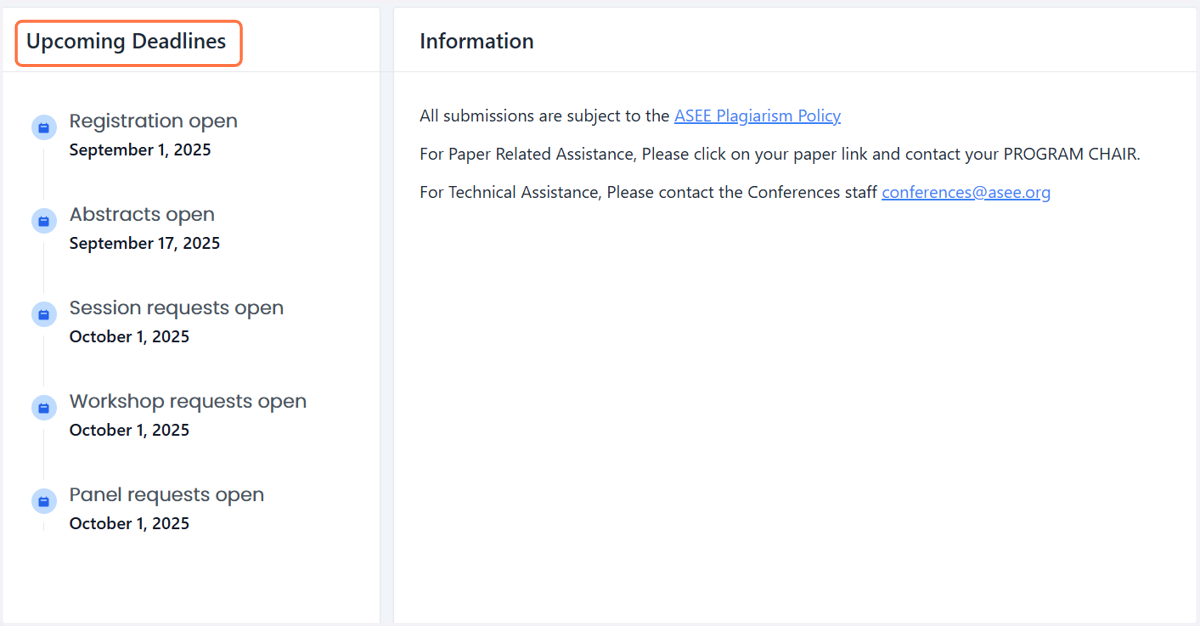
Please note all of the upcoming deadlines to the left.
19. Need to contact the conferences team?
If you have any questions, please contact someone from the Conferences department at conferences@asee.org. We look forward to working with you in this upcoming year.