Volume Purchasing Program (VPP) Token Renewal
Apple
1. Go to Apple School Manager
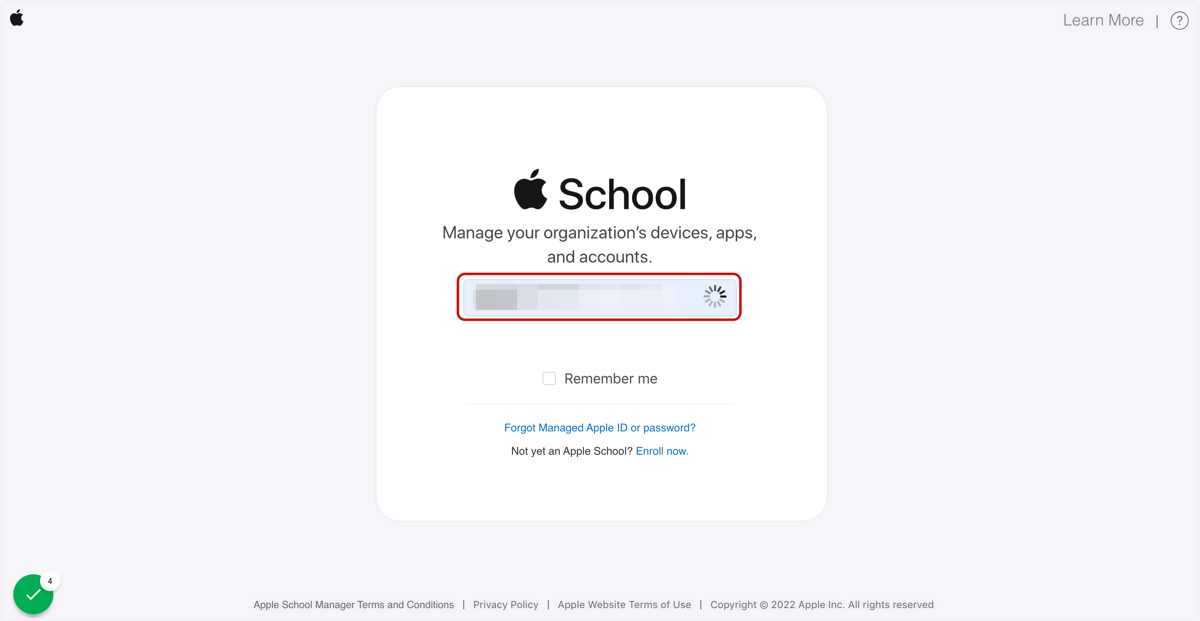
2. Login to Apple School Manager
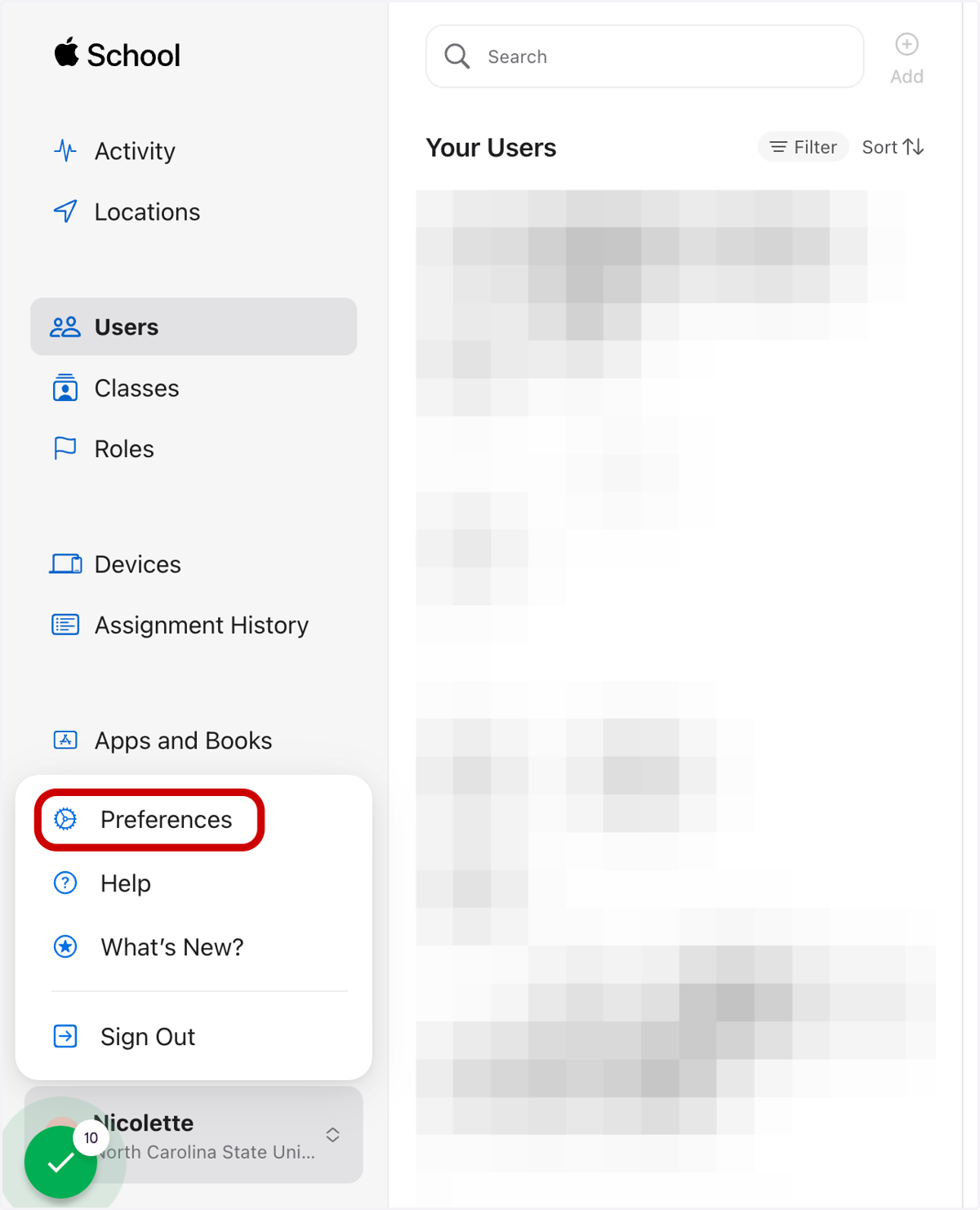
3. Click on your name to open the user menu and select Preferences
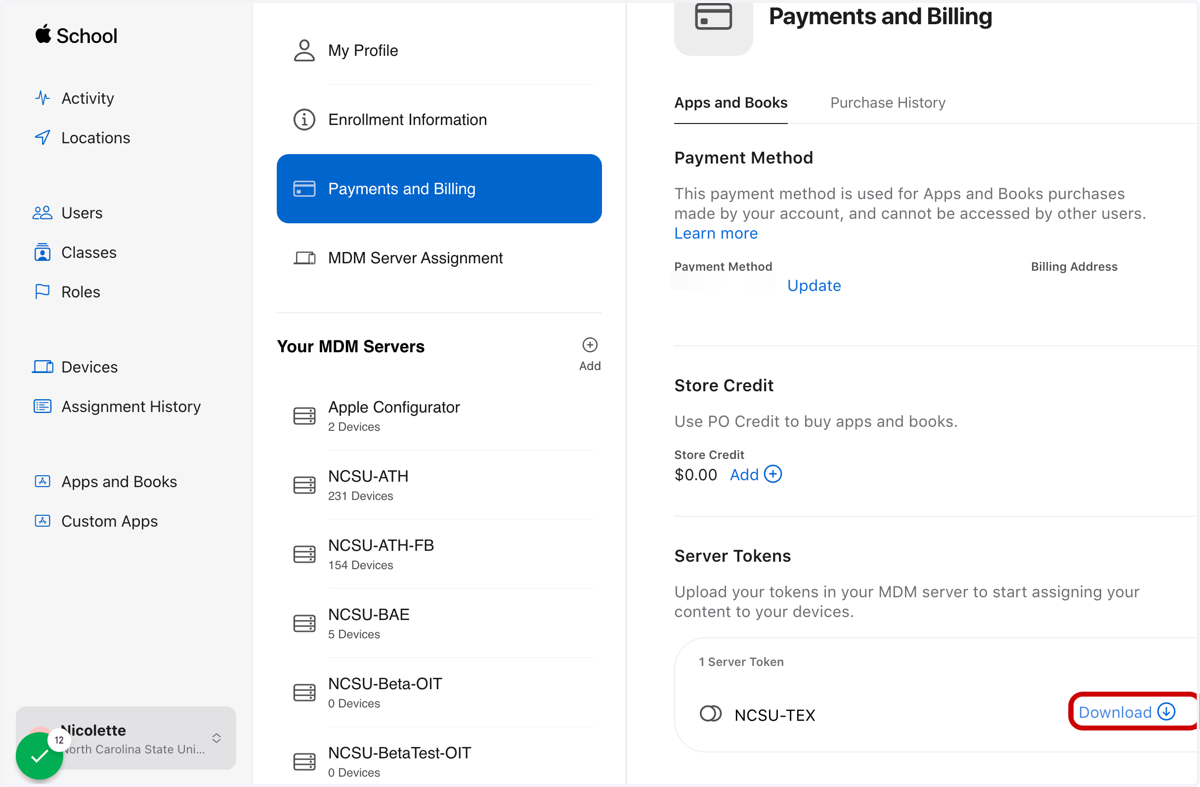
4. Click on Payments and Billing
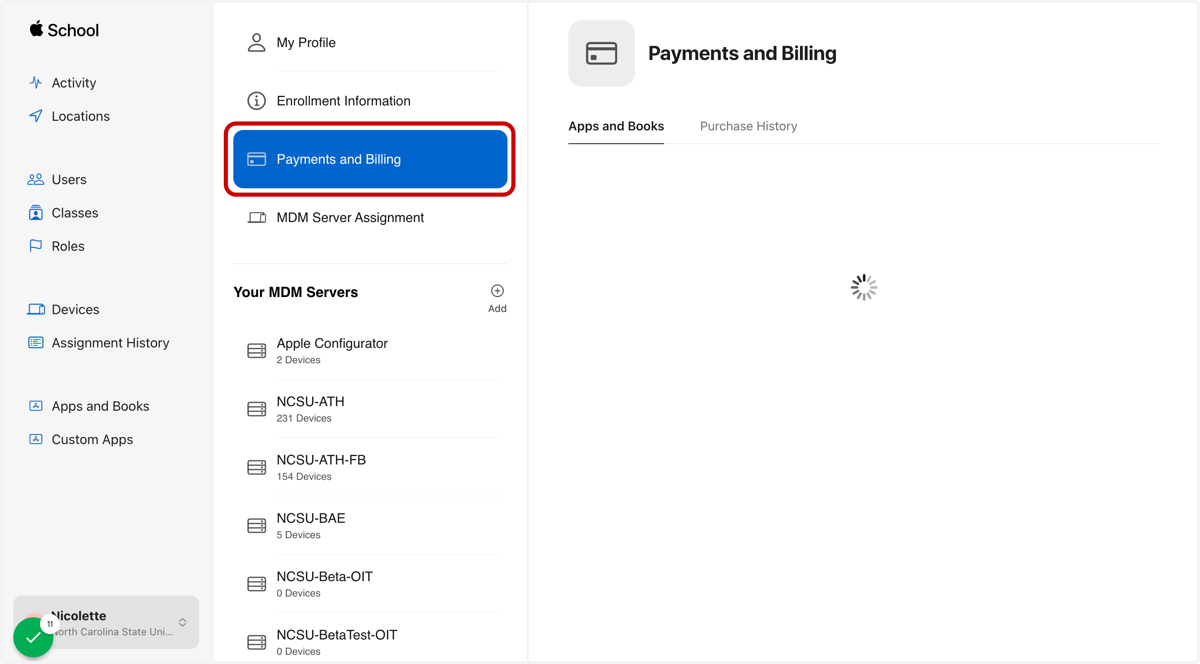
5. Under Content Tokens click on Download
A .vpptoken file will drop in your downloads folder
Jamfcloud
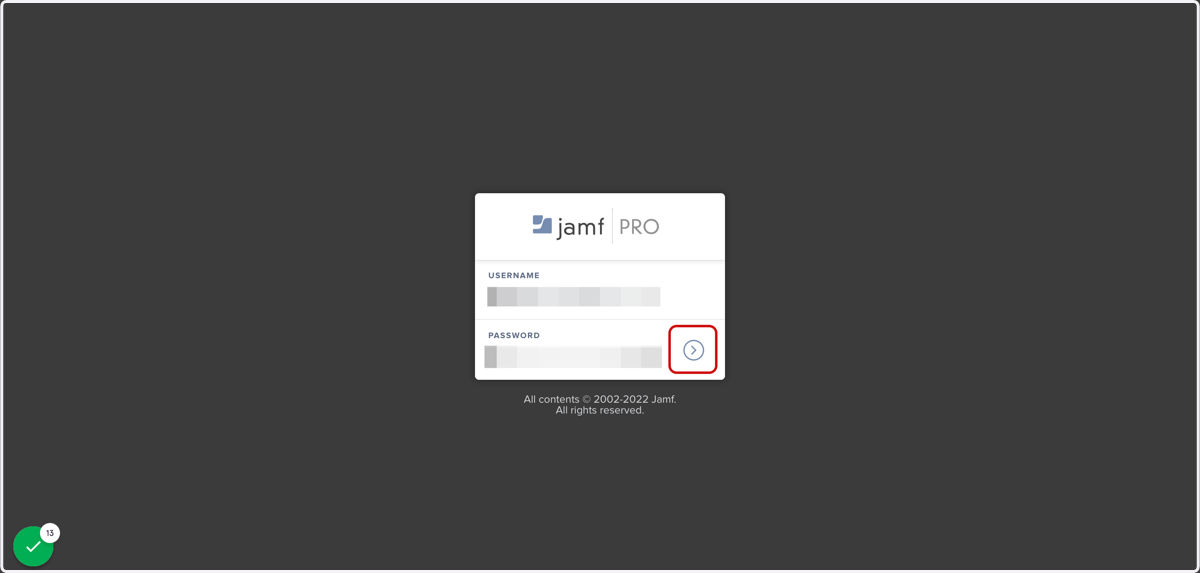
6. Login to Jamf Pro
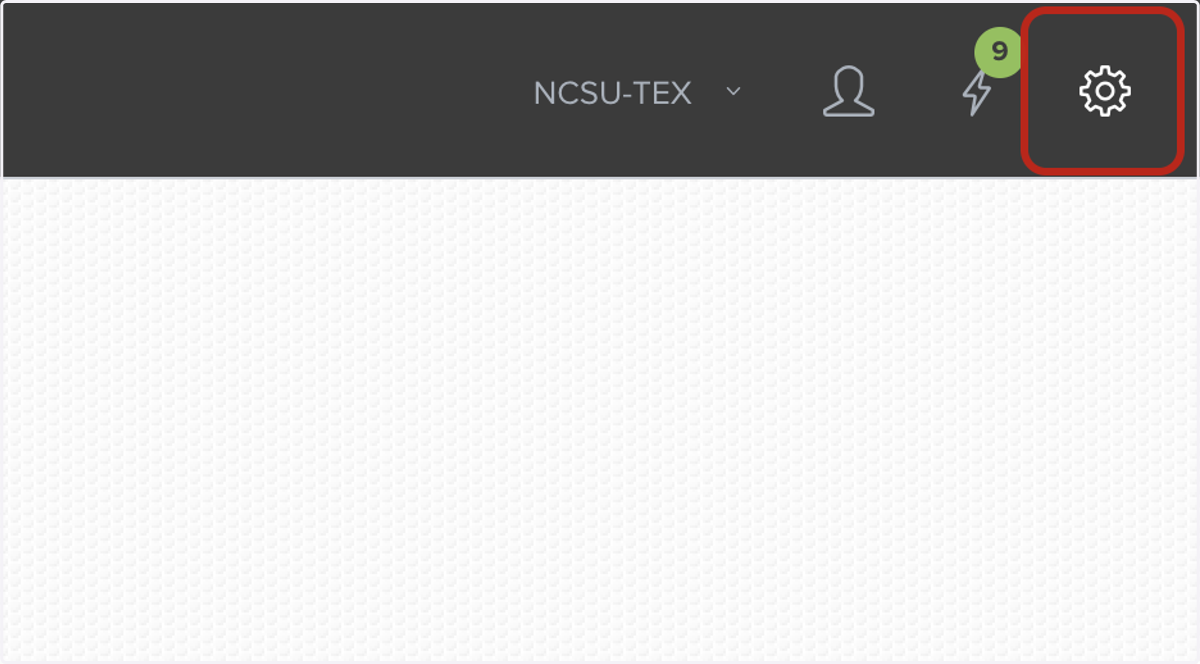
7. Click on Settings in the top right corner
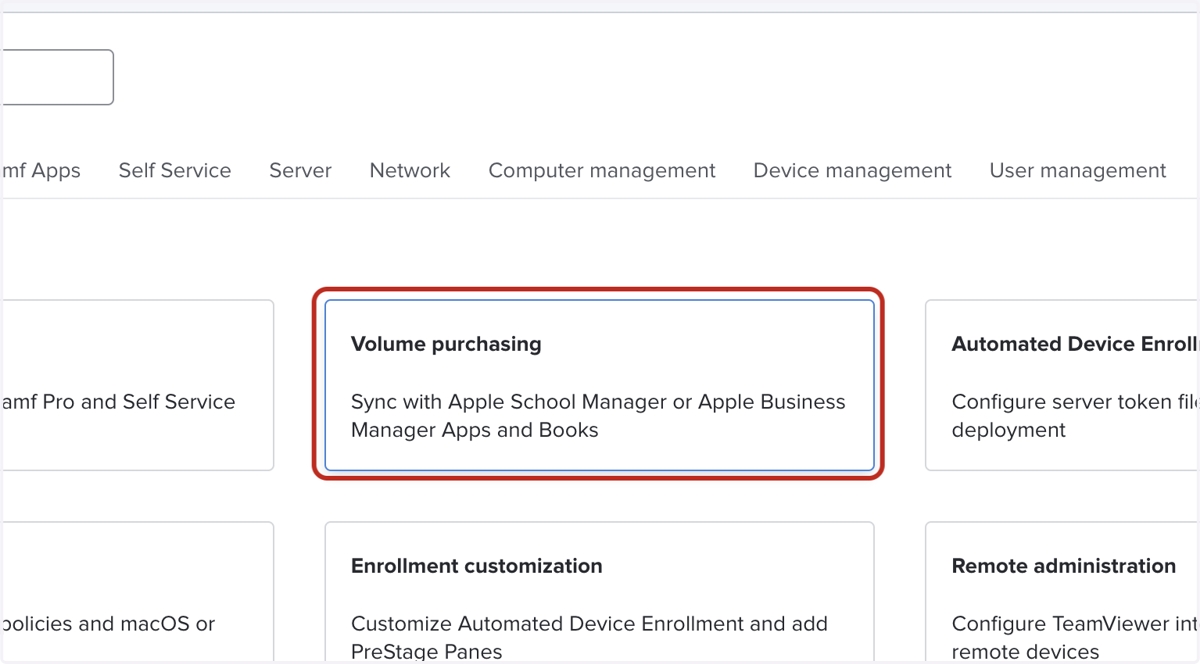
8. Click on Volume purchasing
Apple
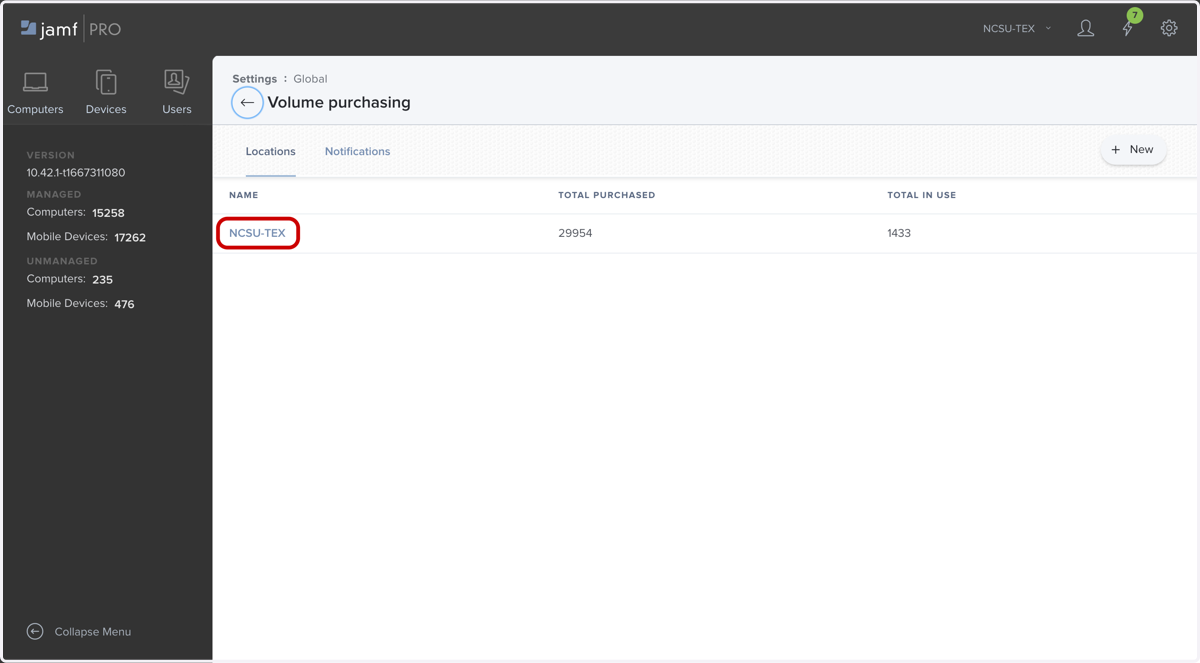
9. Click on NCSU-TEX
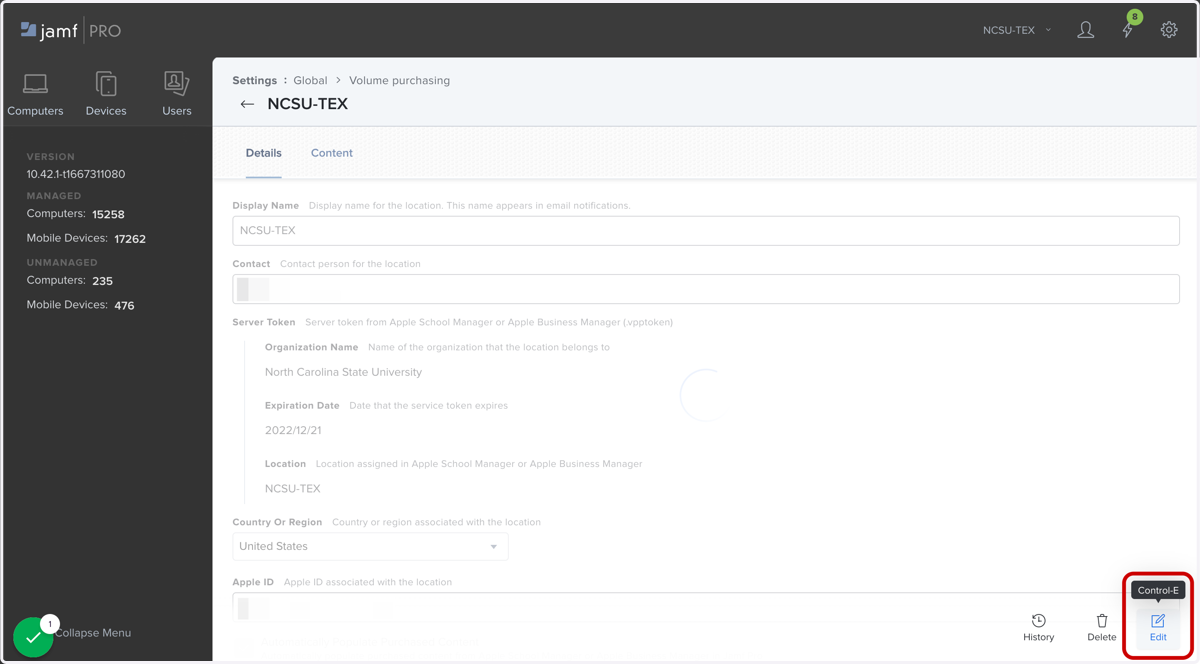
10. Click on Edit
Jamfcloud
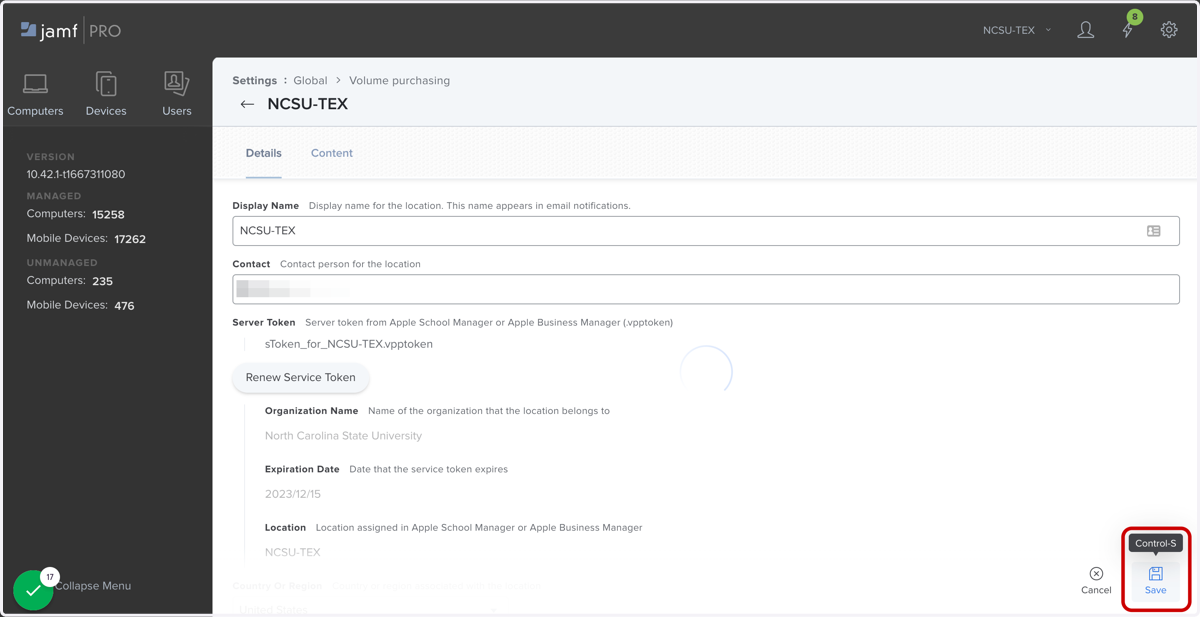
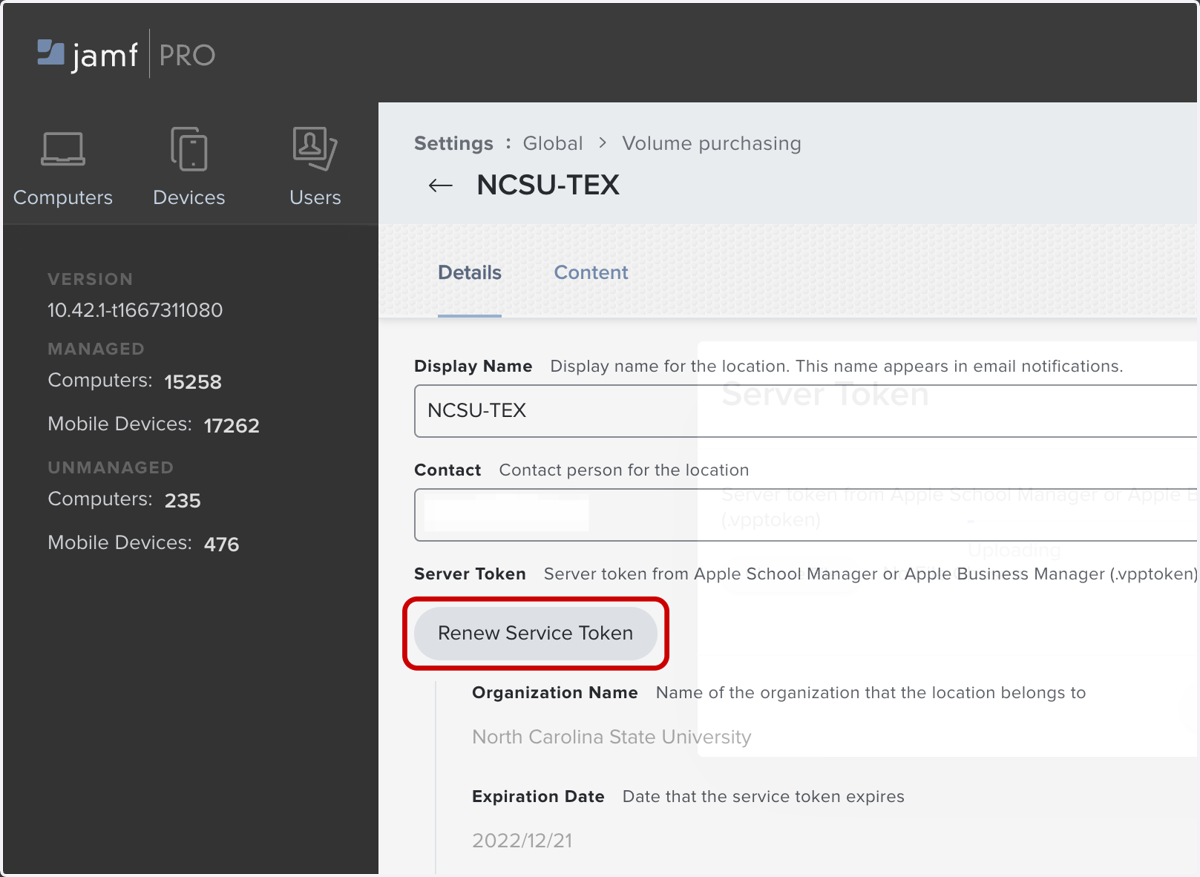
11. Click on Renew Service Token
12. Click Choose File
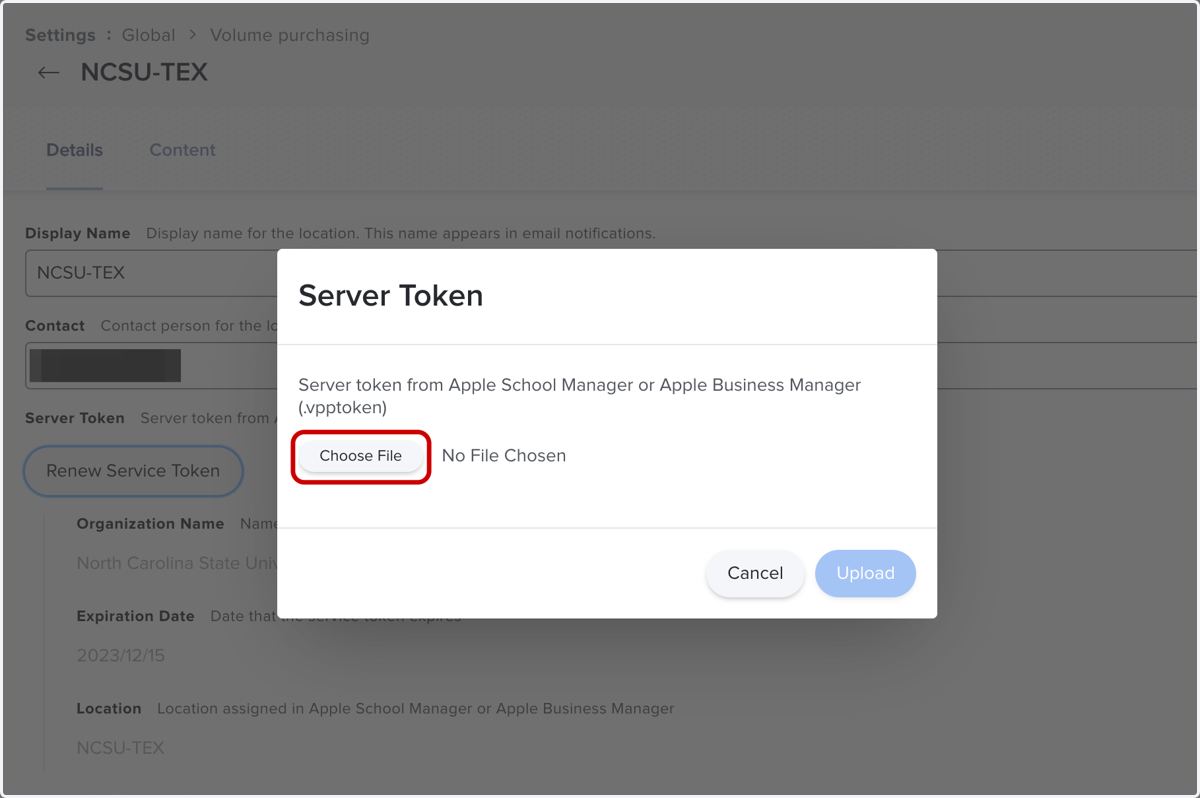
13. Select the .vpptoken file that was downloaded from ASM in Step 5
Apple
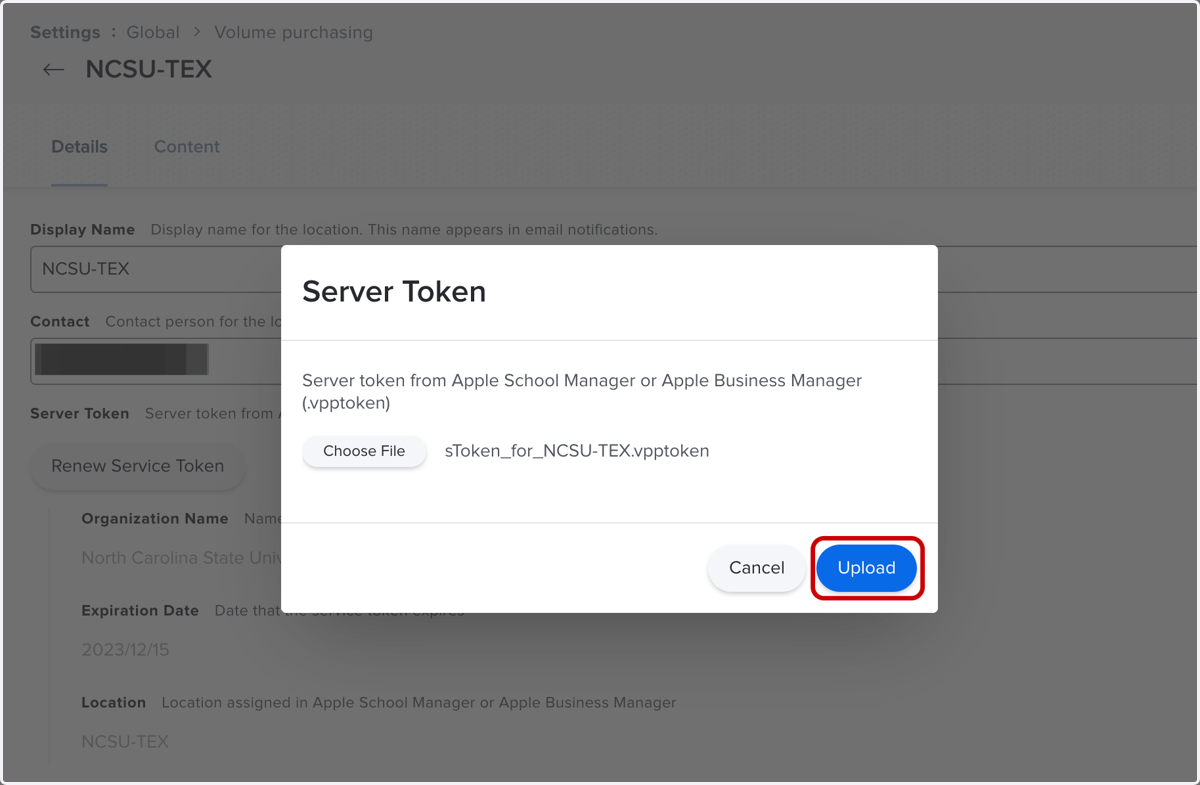
14. Click Upload
15. Click on Save