Viewing Test Results in the PowerSchool Portal
Use a web browser (not the PowerSchool app) to access the PowerSchool Portal
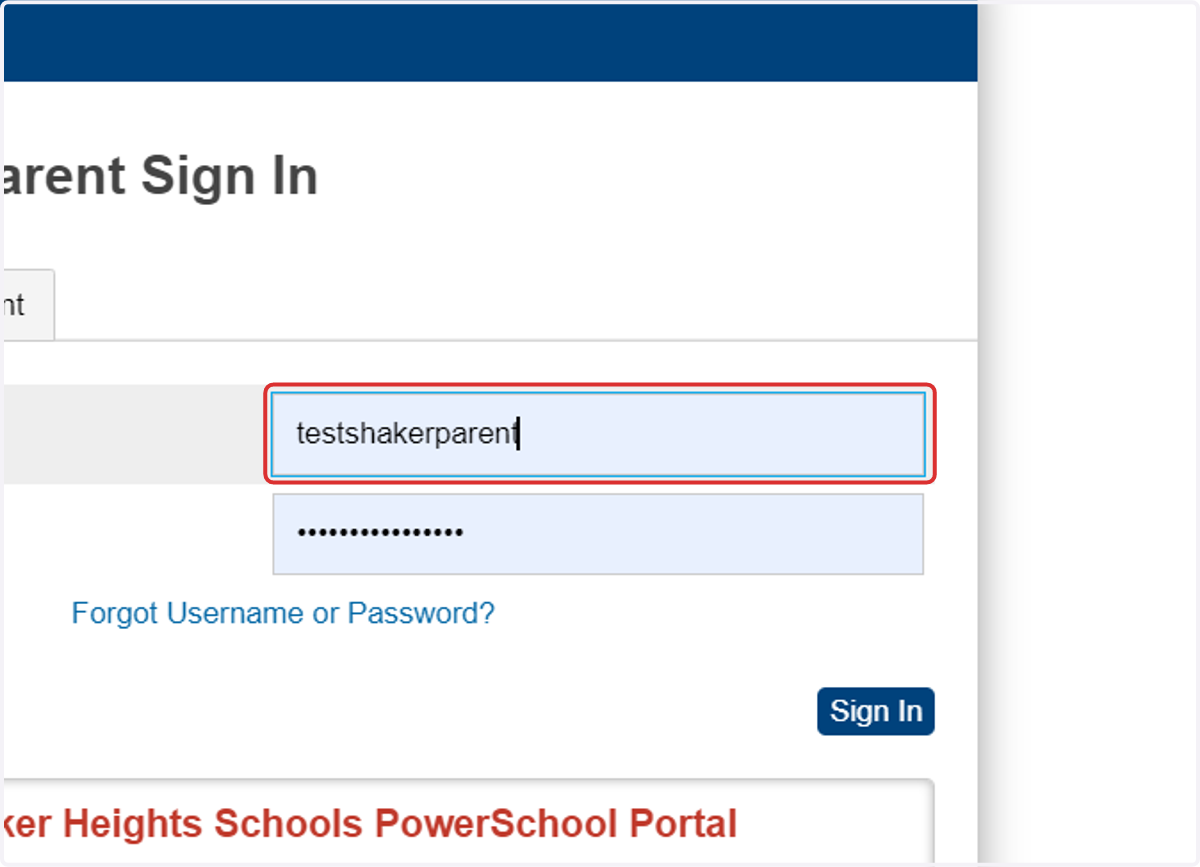
1. Login to the PowerSchool Portal
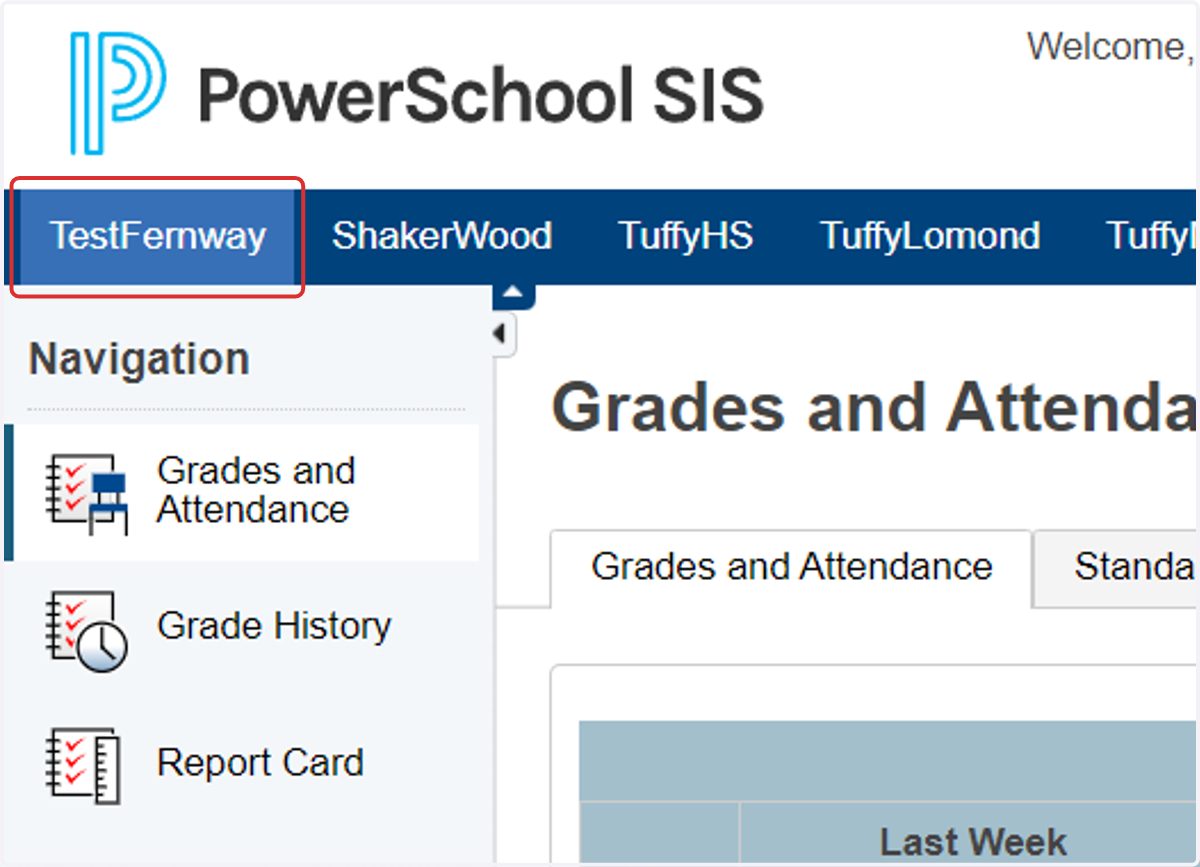
2. Click on the name of the student at the top of the PowerSchool Portal page
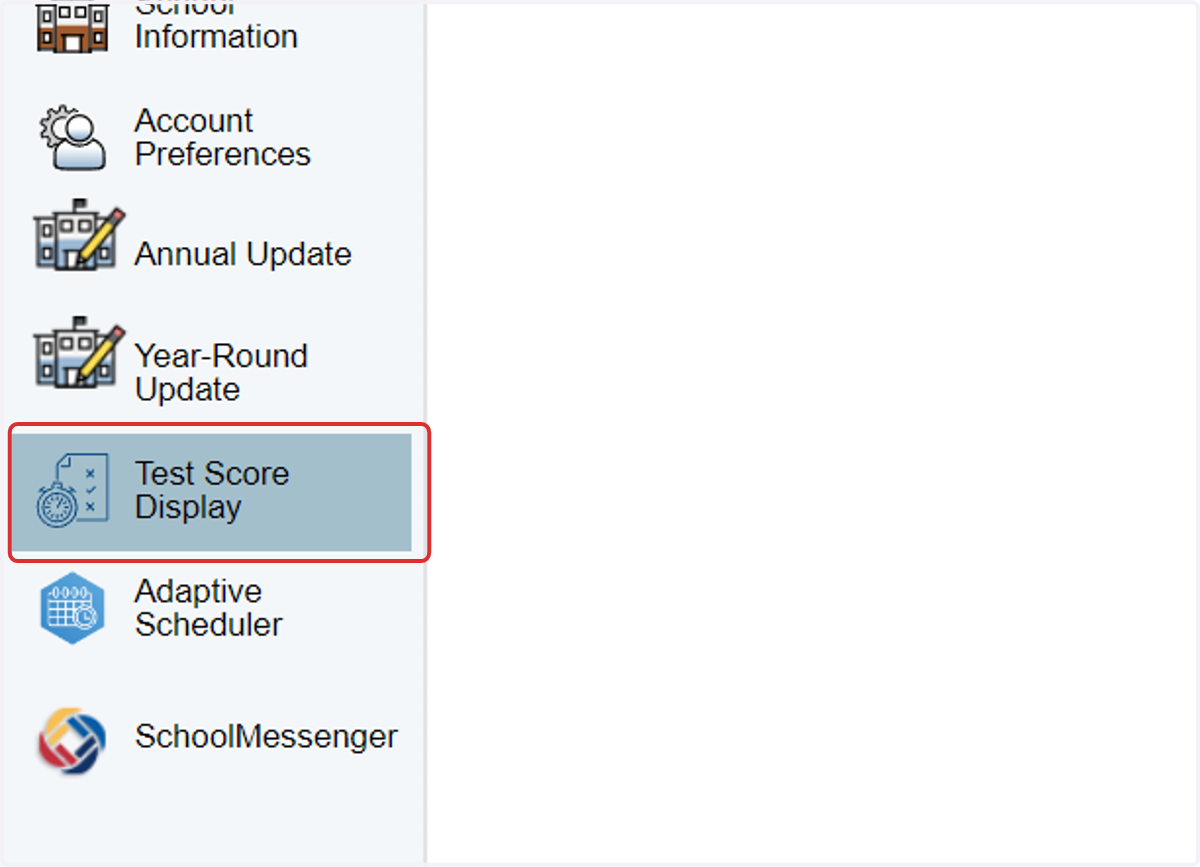
3. Scroll down on the left sidebar to click on Test Score Display
4. Review the data for past tests if available
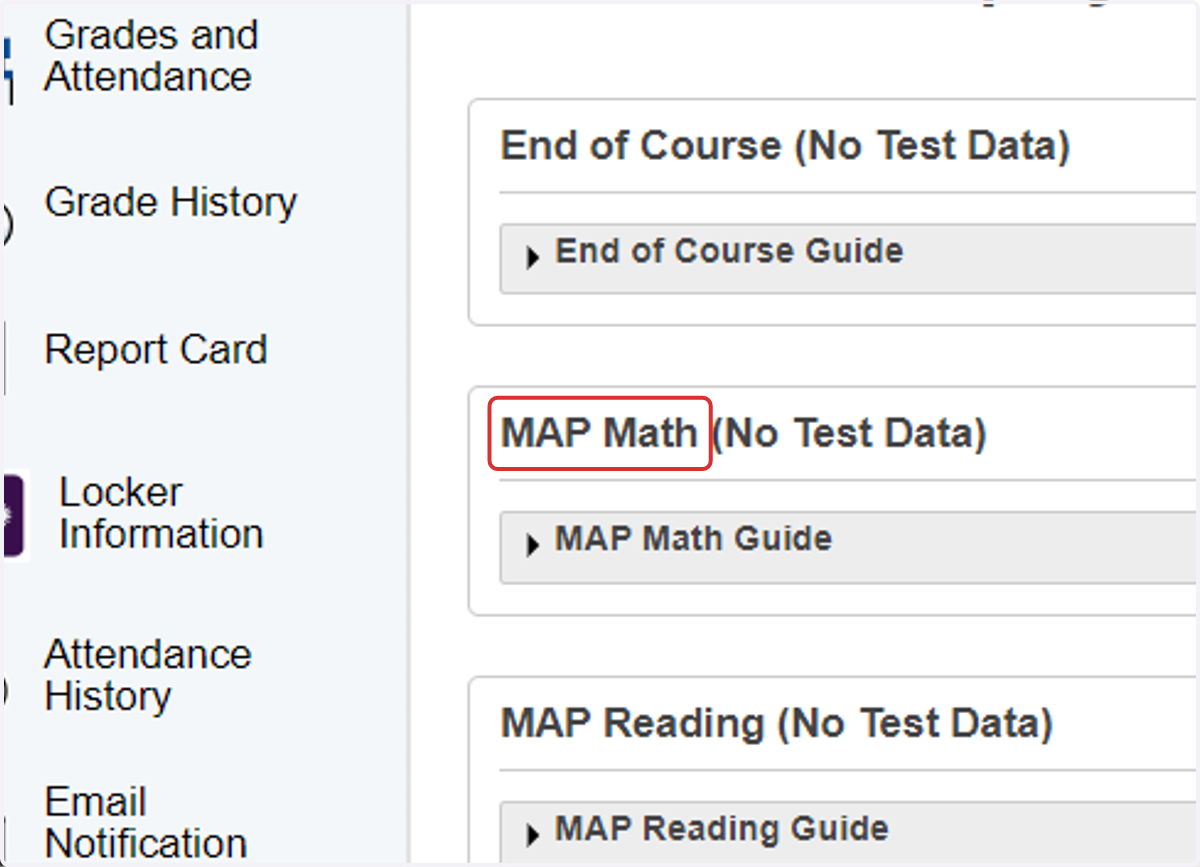
5. Click on the Guide links to learn more about what the test results mean
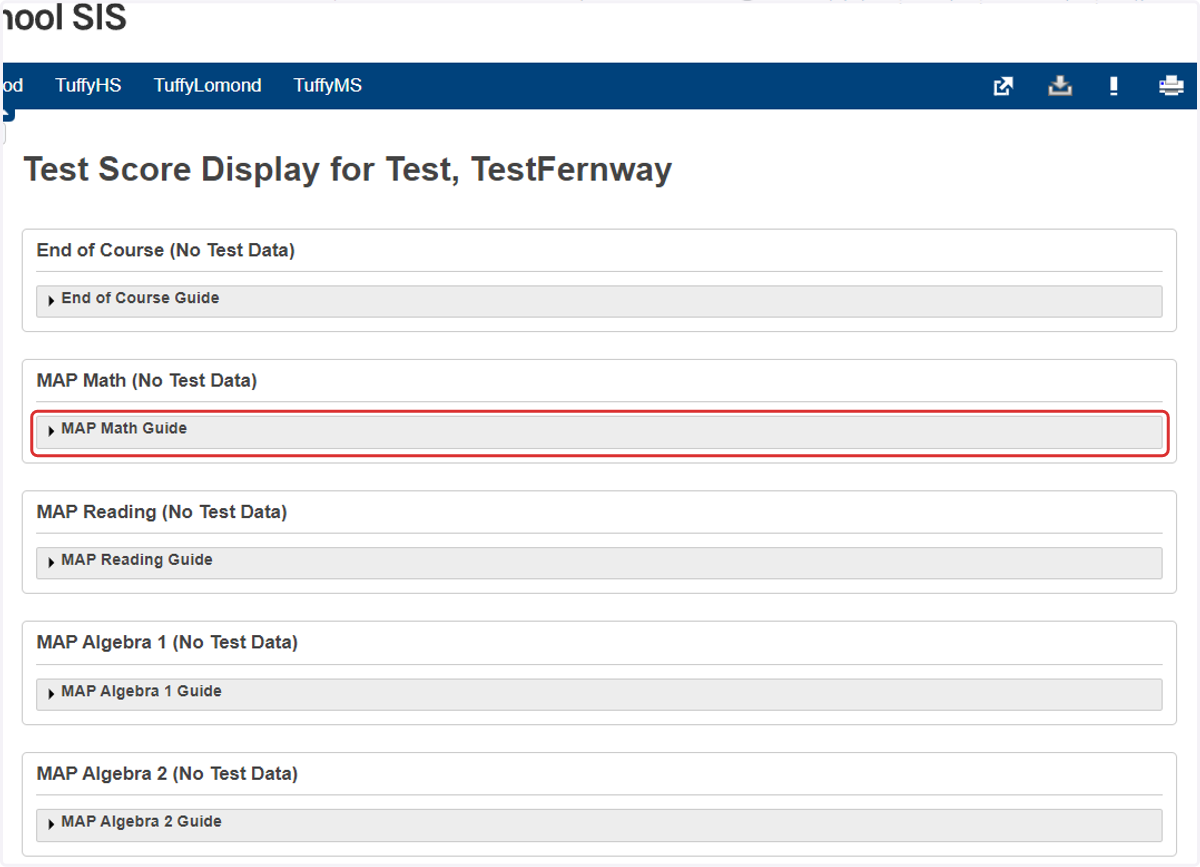
6. Scroll down the page to view other test scores
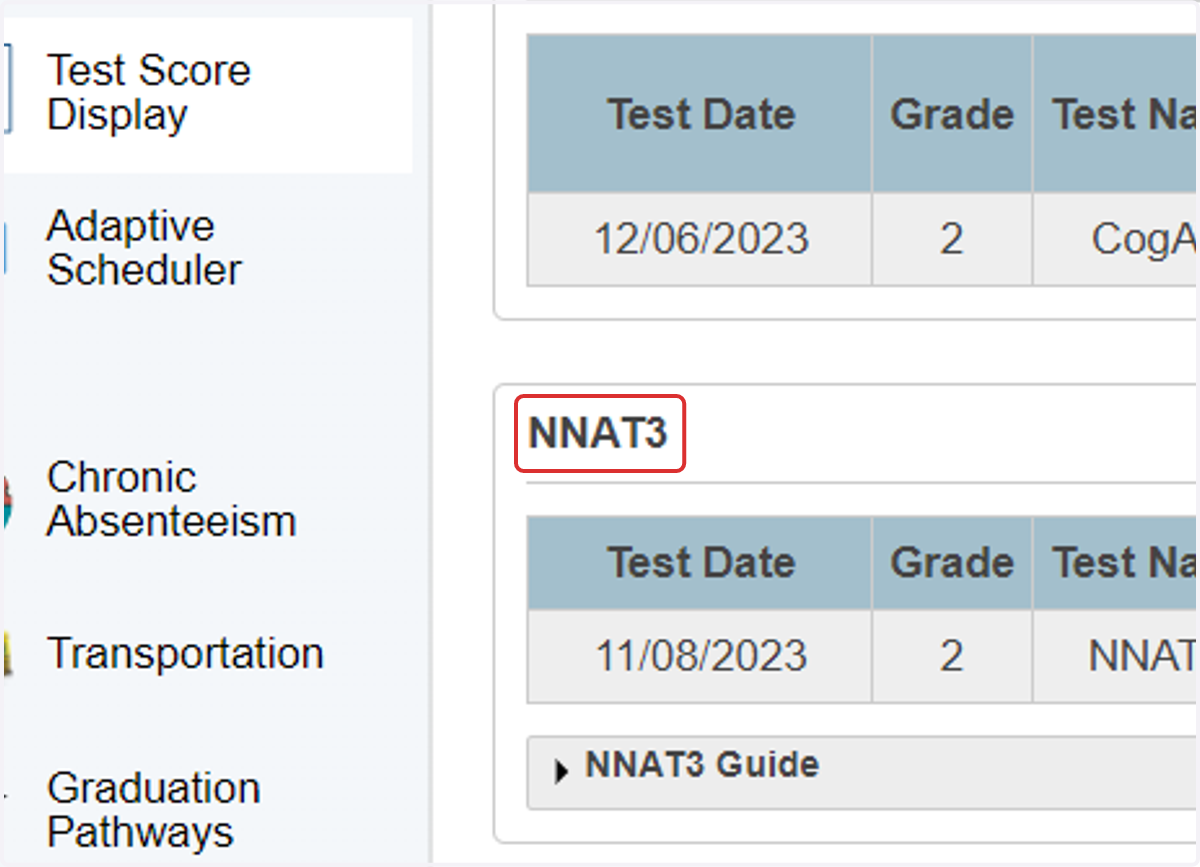
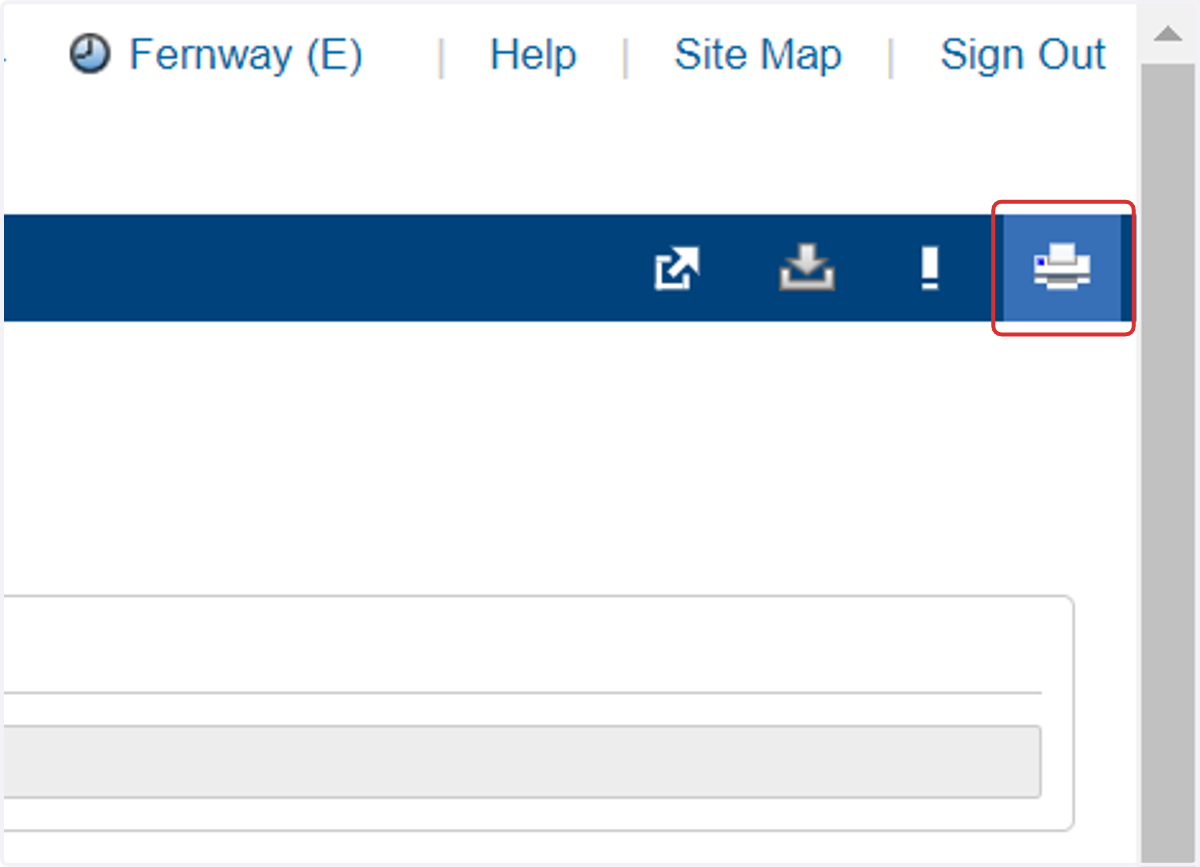
7. Click on the Print icon at the top of the page (optional)