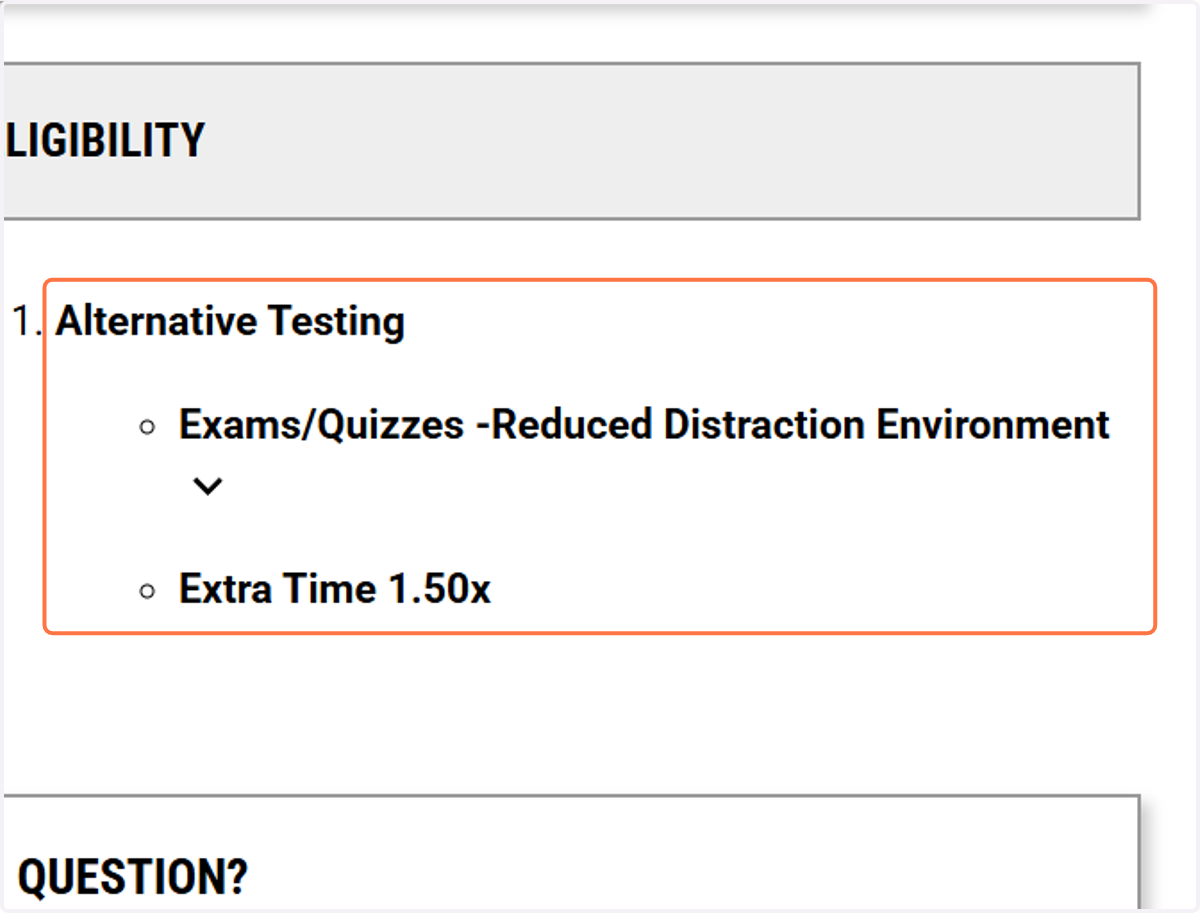
View Your Accommodation Requests in the AIM Portal
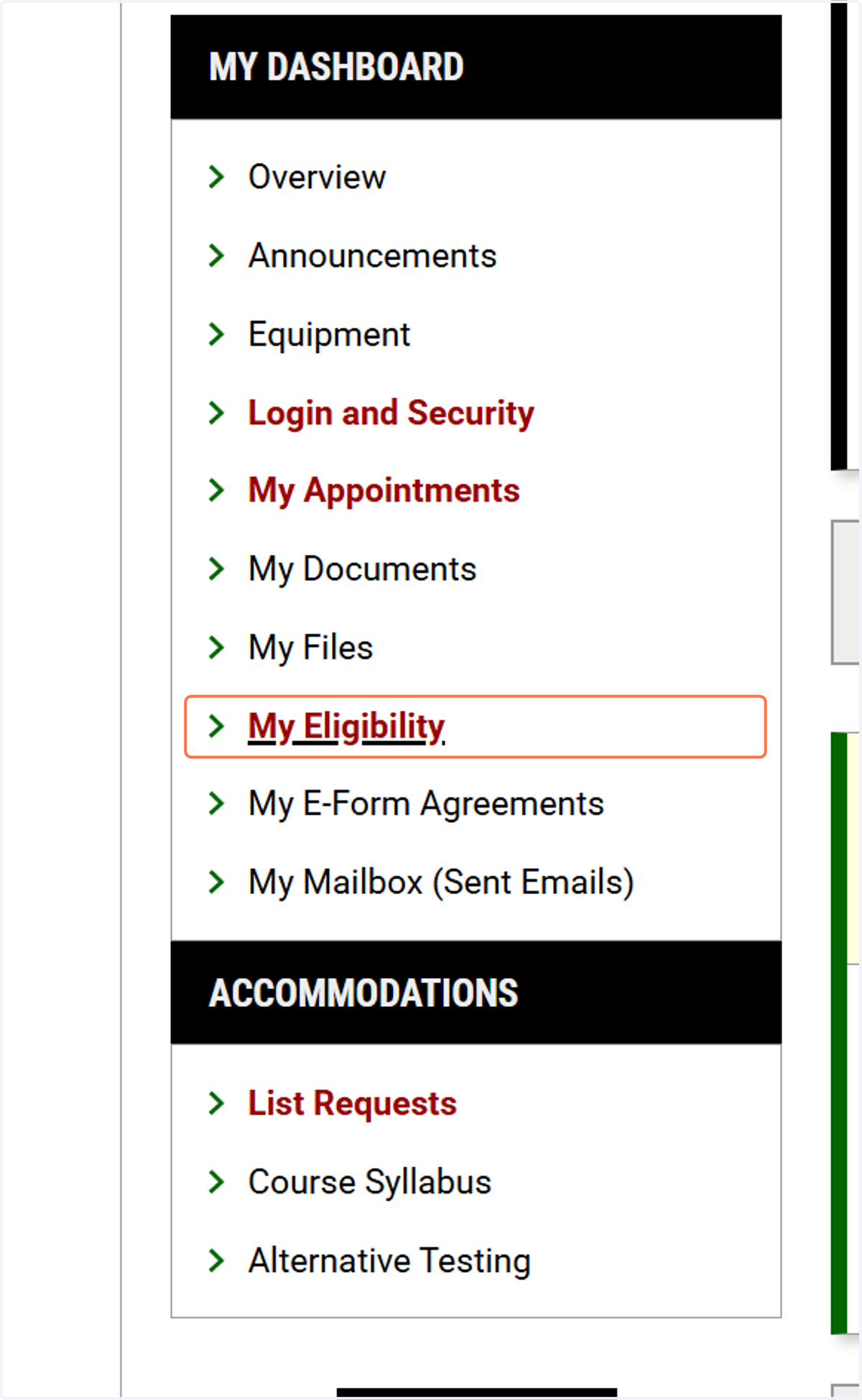
My Eligibility
1. On the left side menu on your homepage, click on "My Eligibility."
Please note that AIM refers to accommodations as "eligibilities."
2. Under ELIGIBILITY, you will see your approved accommodations.
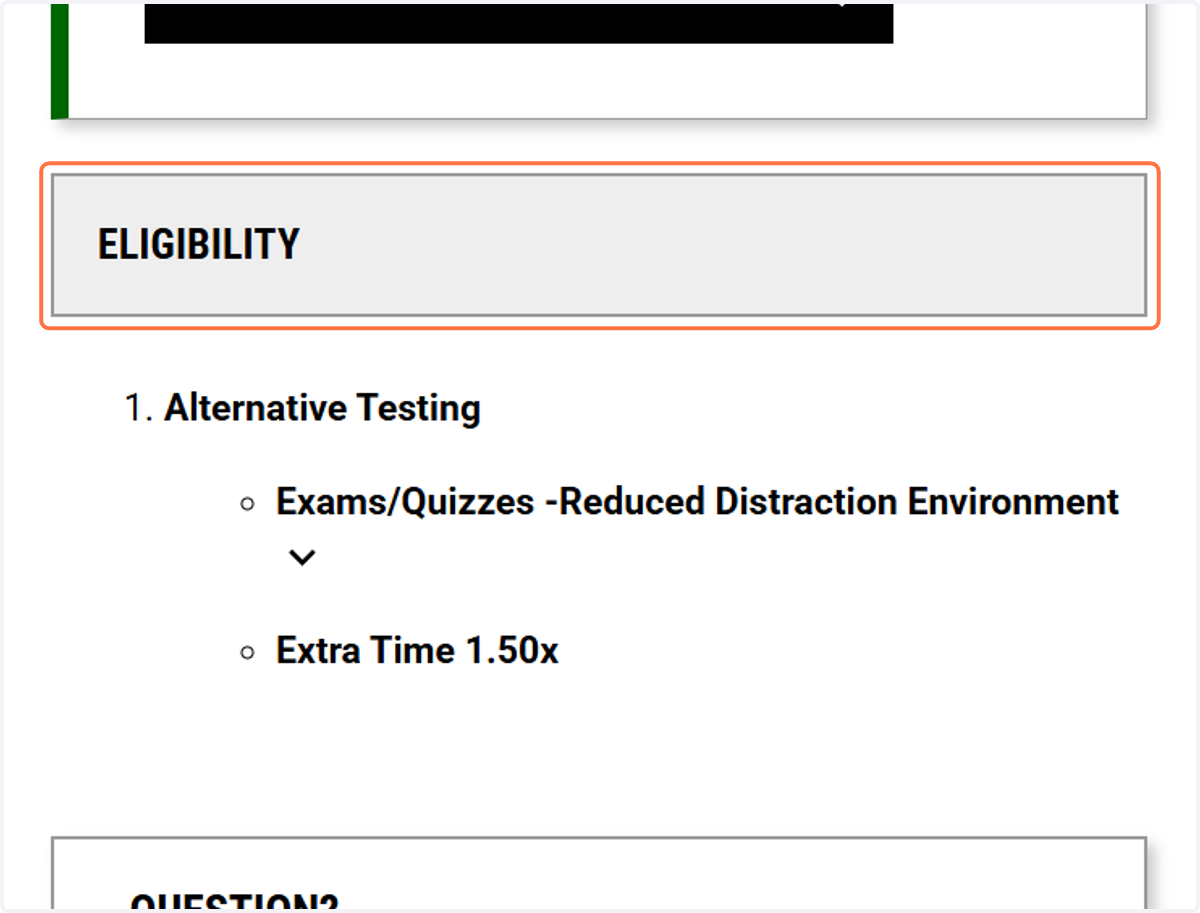
3. Your accommodations will be listed under categories.
The categories are: Alternative Format (for e-text), Alternative Testing, Classroom Access, Deaf and Hard of Hearing, Housing Accommodations, Video Captioning.