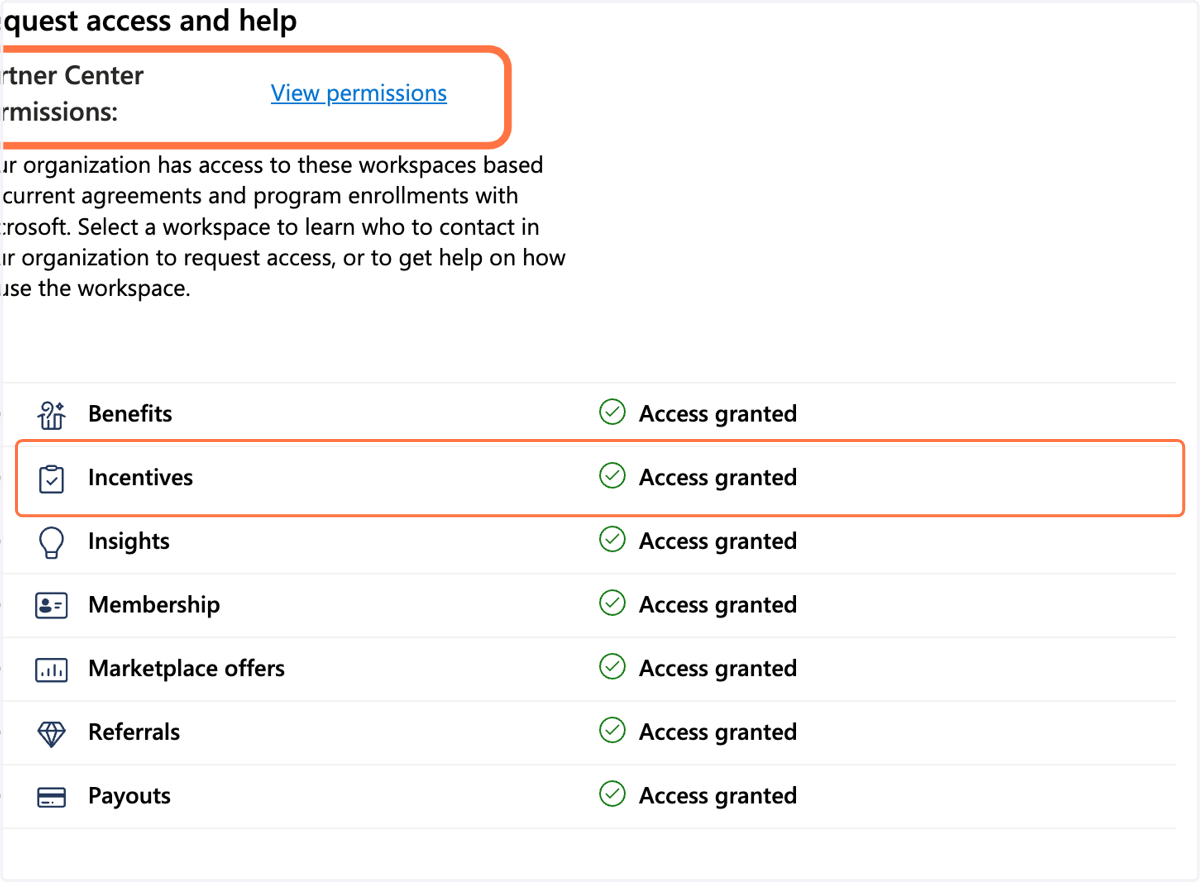
Verify level of rights
Microsoft
1. Go to partner.microsoft.com
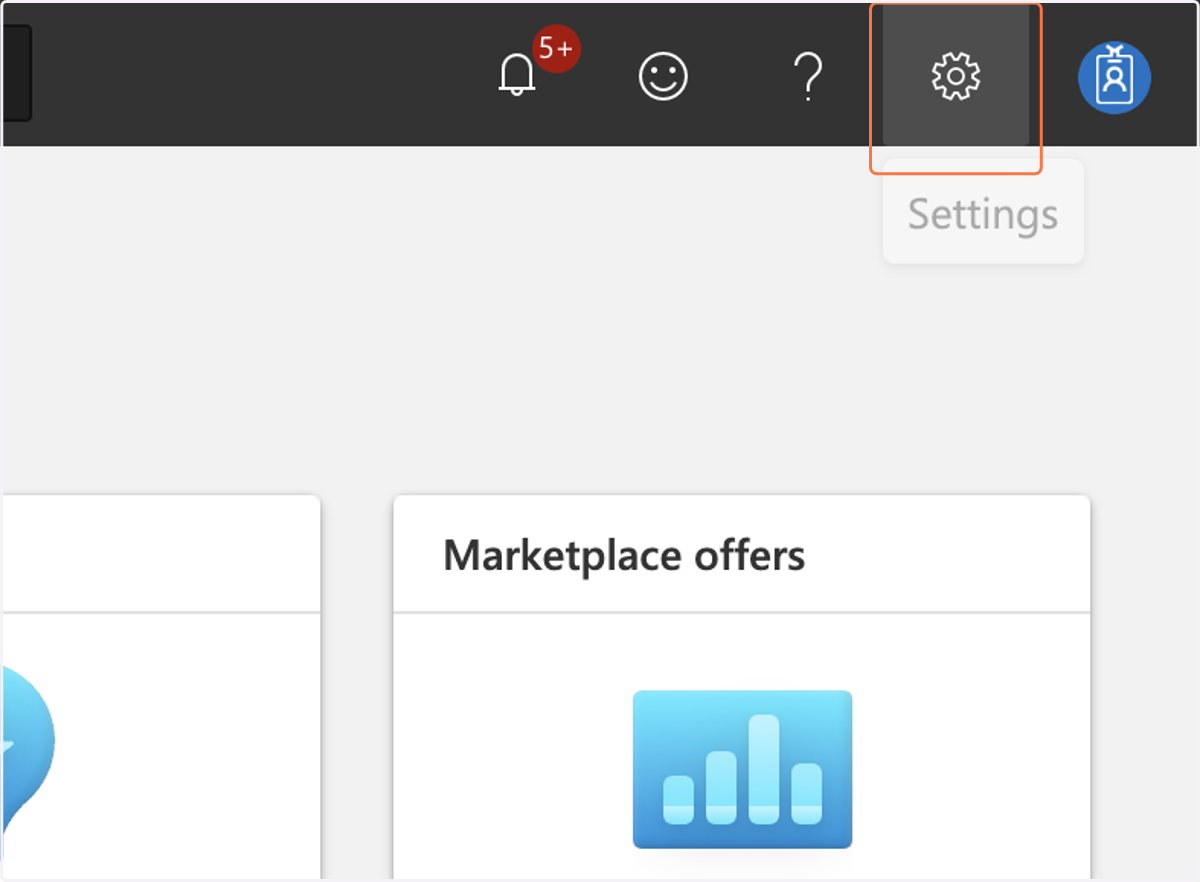
2. Click on Settings
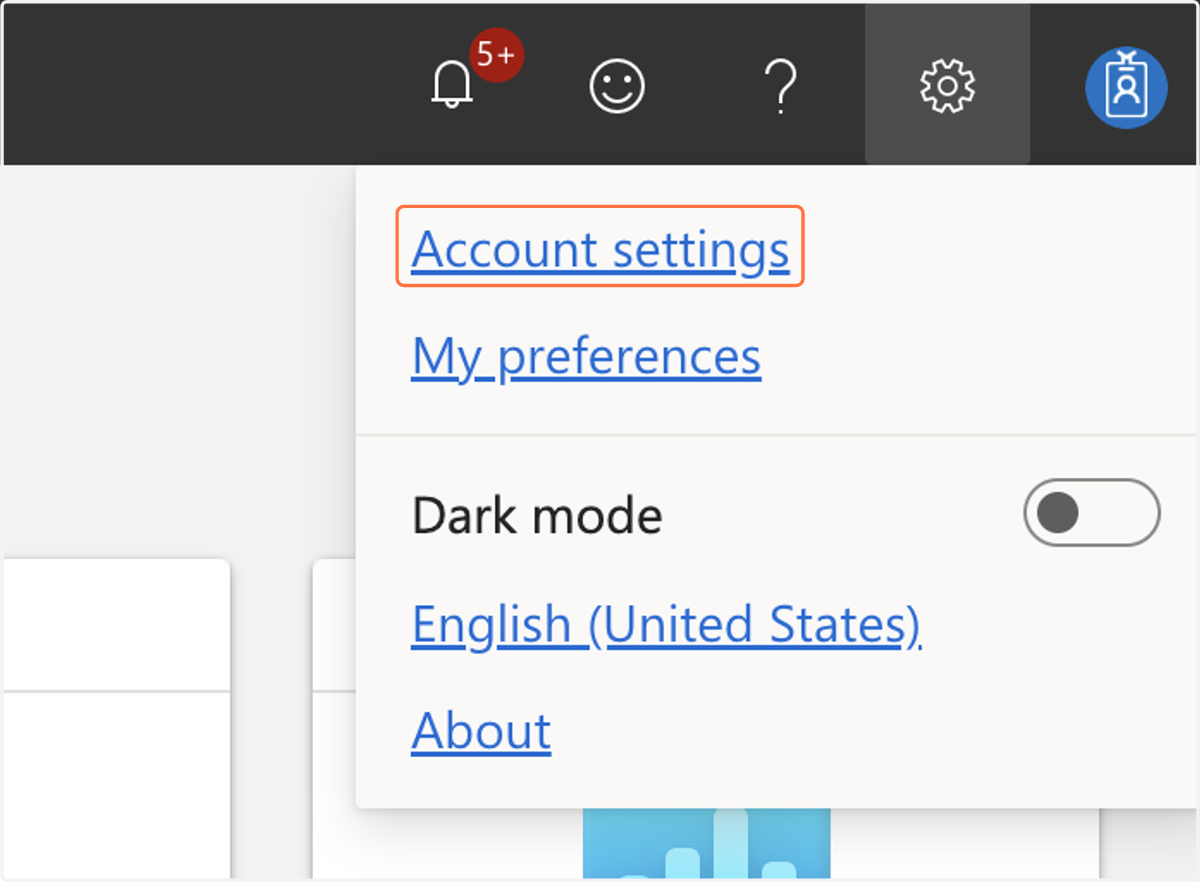
3. Click on Account settings
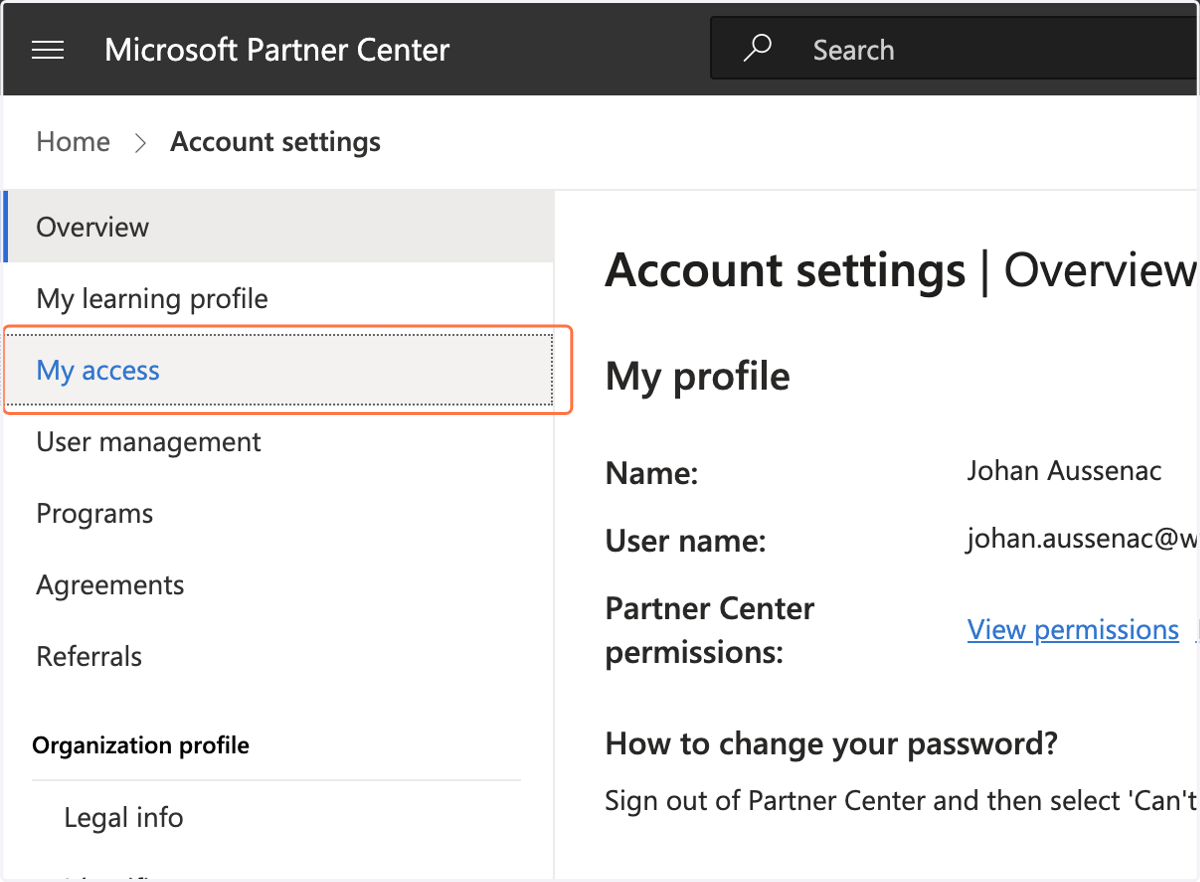
4. Click on My access
5. You see below the workspaces you have access to. Click on Partner Center Permissions to see what permissions you have (ex - are you an admin of one or several workspaces or not)