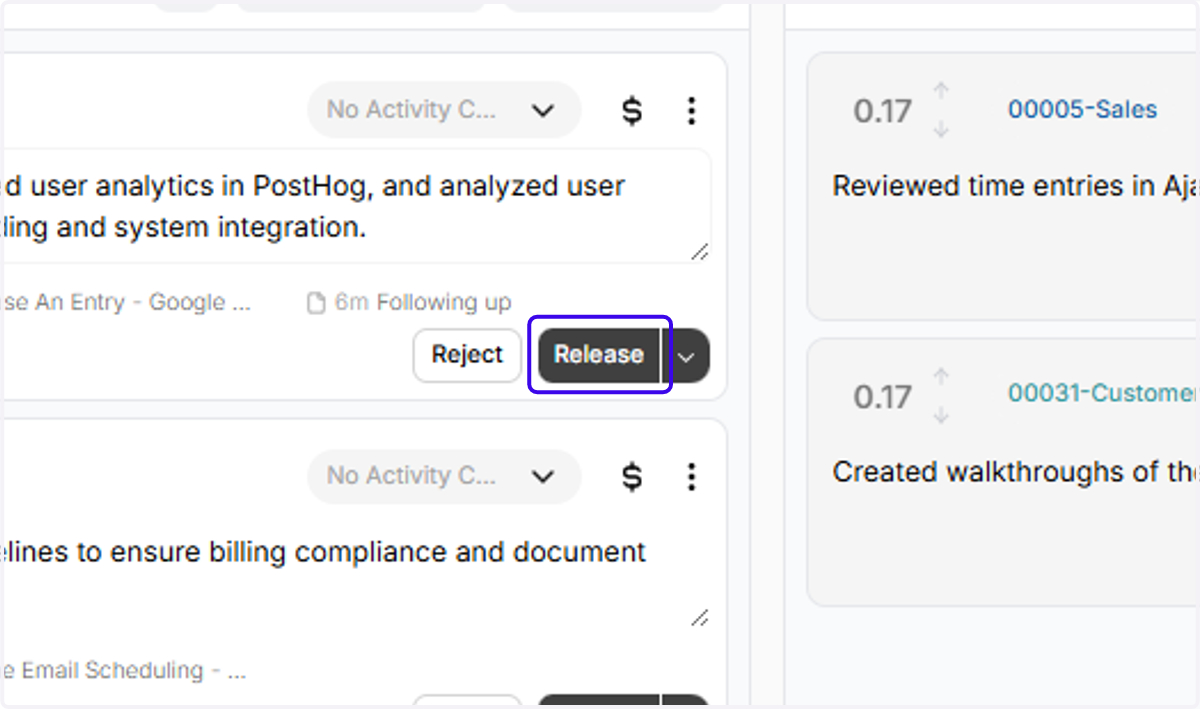
Using the ICYMI Filter to find Ajax entries to add to Clio
ICYMI stands for "In Case You Missed It."
The ICYMI filter is another way to use Ajax to help you capture extra hours that you might have missed.
If you're great at tracking your time in Clio, you can use ICYMI to review only entries for matters you haven't already billed for in Clio.
That way, you can find extra hours, without worrying about double-billing (or having to scroll through a million entries)!
Activities | Clio
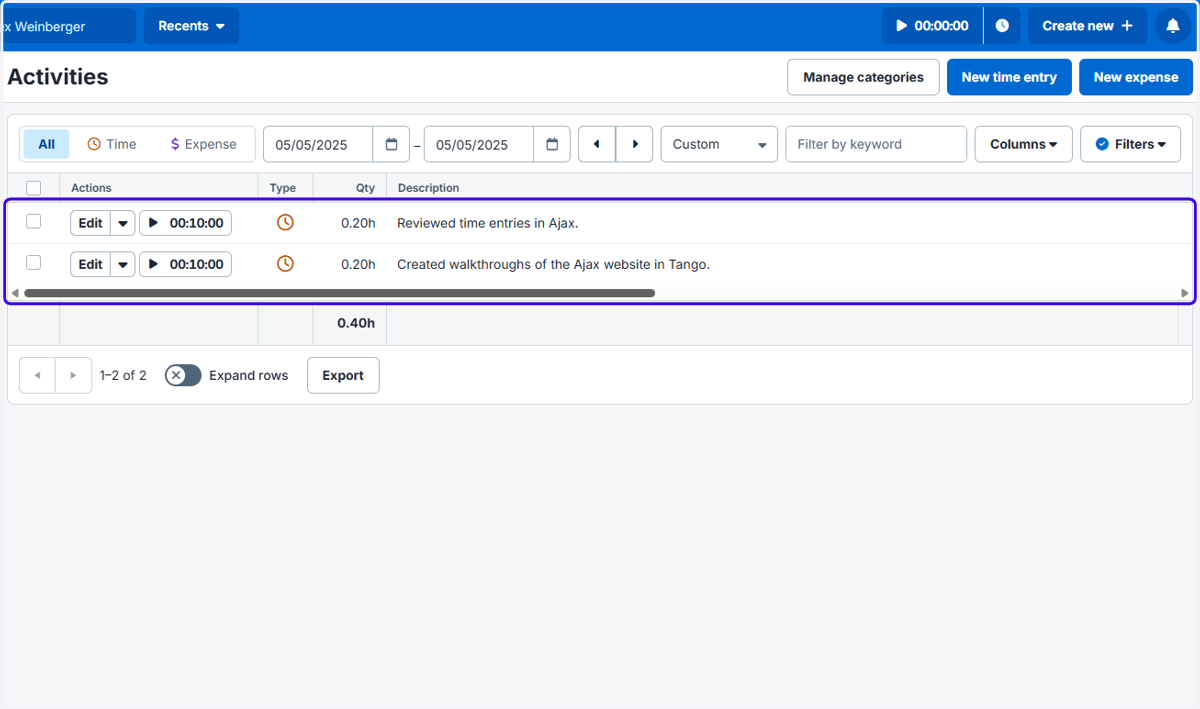
1. I've created two entries in Clio. One is for 00005-Sales and the other is for 00031-Customer Success.
2. Ajax has captured a few entries pending review for that same day, including two for the 00005-Sales matter and two for the 00031-Customer Success matter.
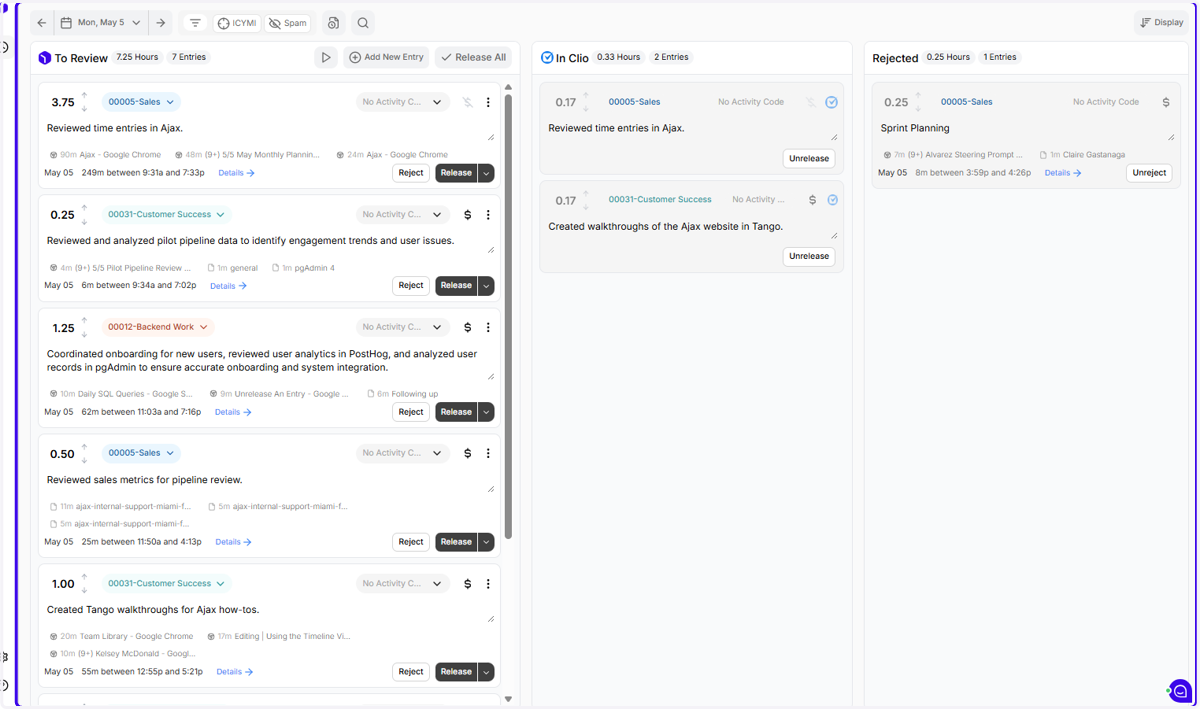
3. That's a little annoying! We want to just look at the entries that might be ADDITIVE to work we've already captured in Clio, not to review a bunch of potentially-duplicative entries. To fix this, click the "ICYMI" button.
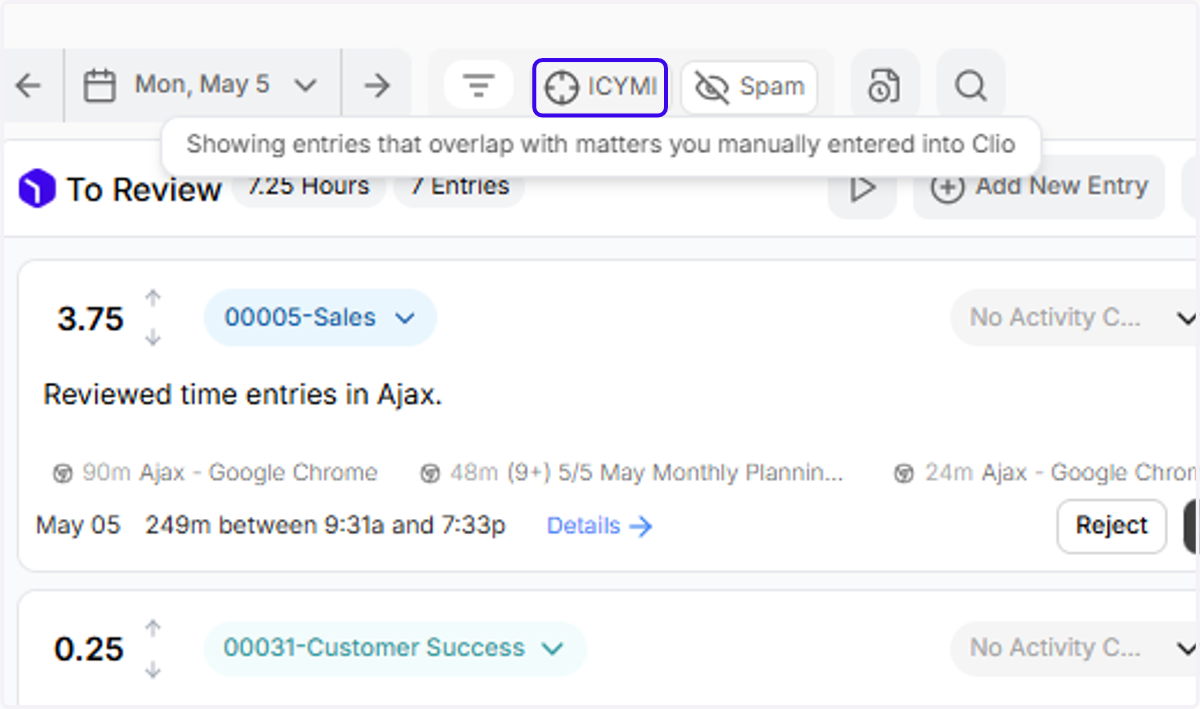
4. When ICYMI is enabled, it HIDES all entries that have an overlapping matter with an Activity you've already created in Clio.
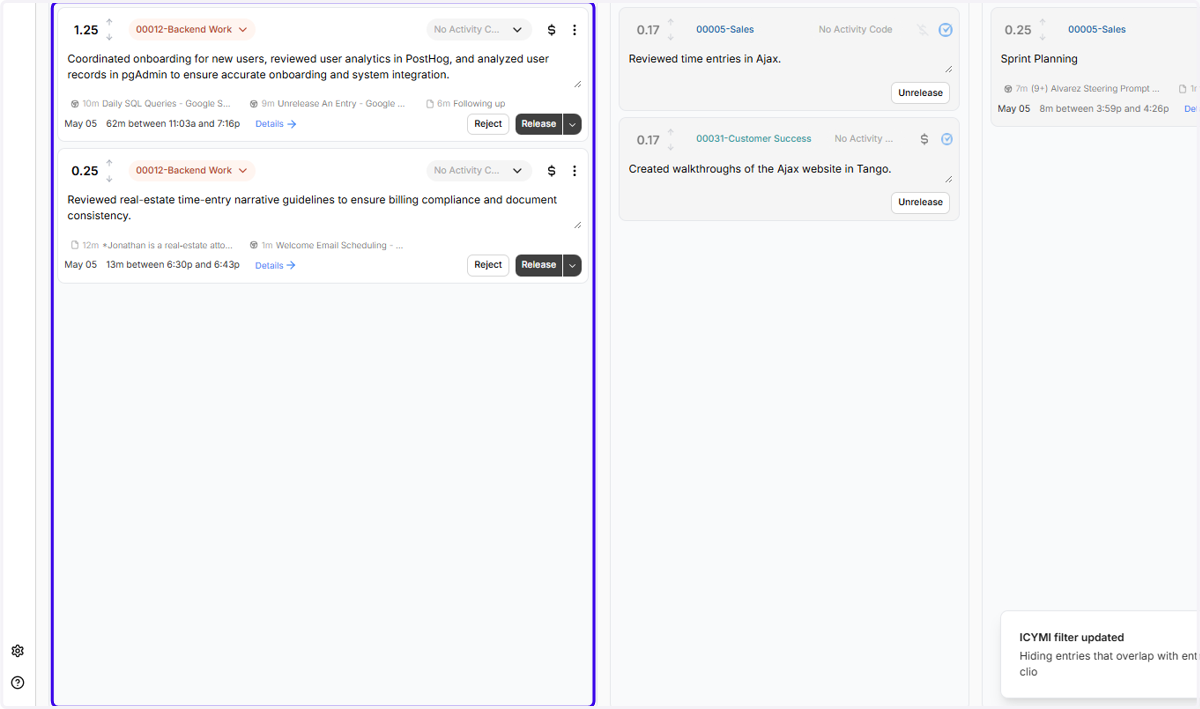
5. Now you can hit Release and capture an extra .1, without worrying that you're double-billing!