Using IHP Level Templates in Canva
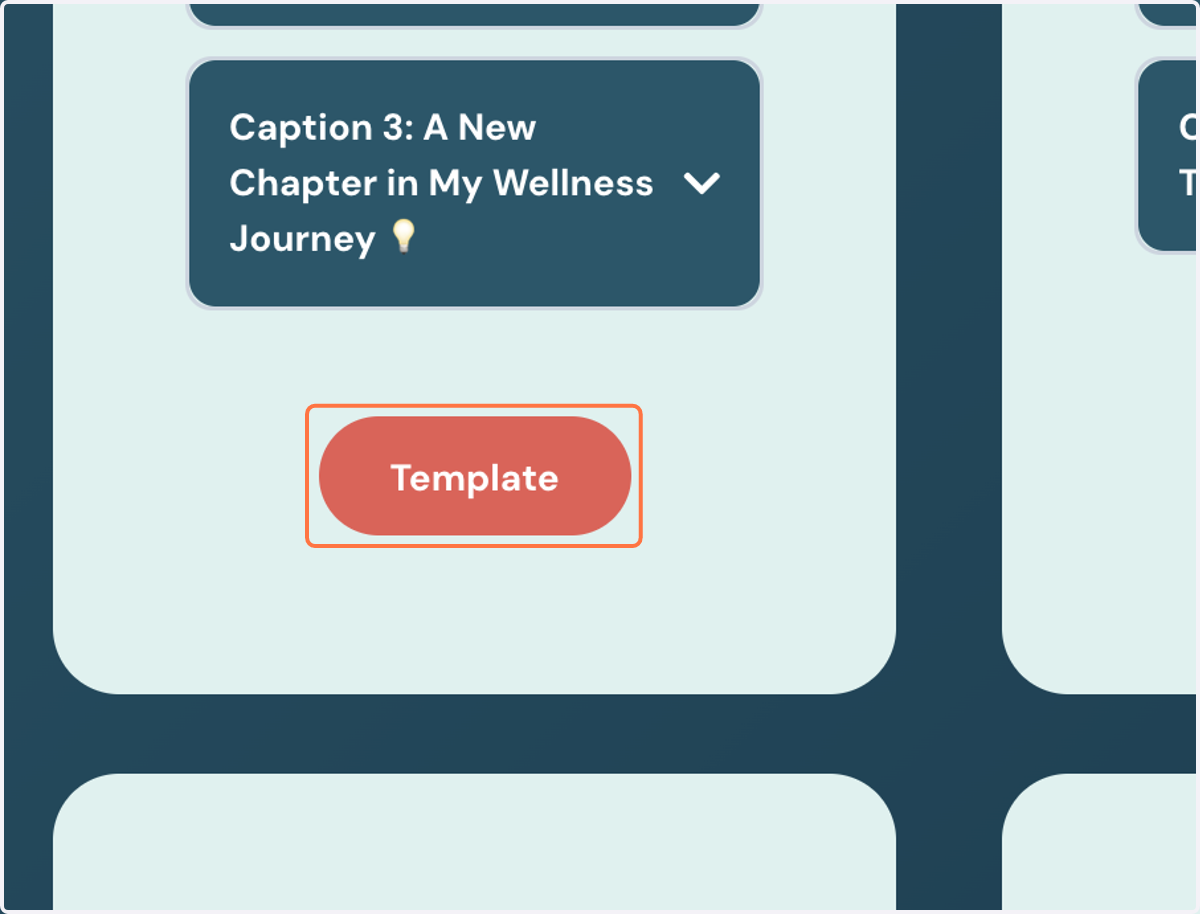
1. Click the button beneath the template you would like to use
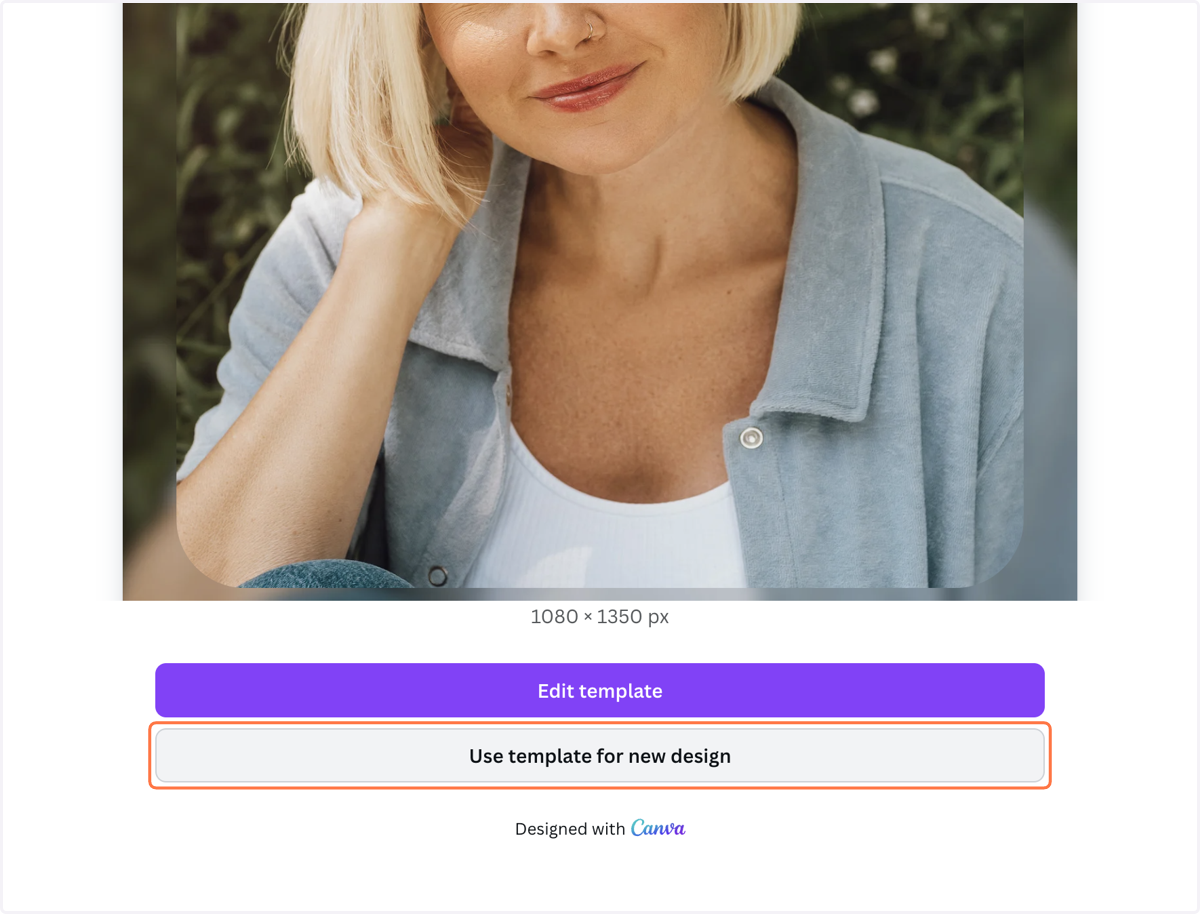
2. Click on "Use template for new design" to open in Canva
3. Select the layout you'd like to use

4. Click on "Upload files" and select the image you want to use

5. Drag your image into the frame

6. Add your handle or update any information necessary

7. To save, click on "Share"

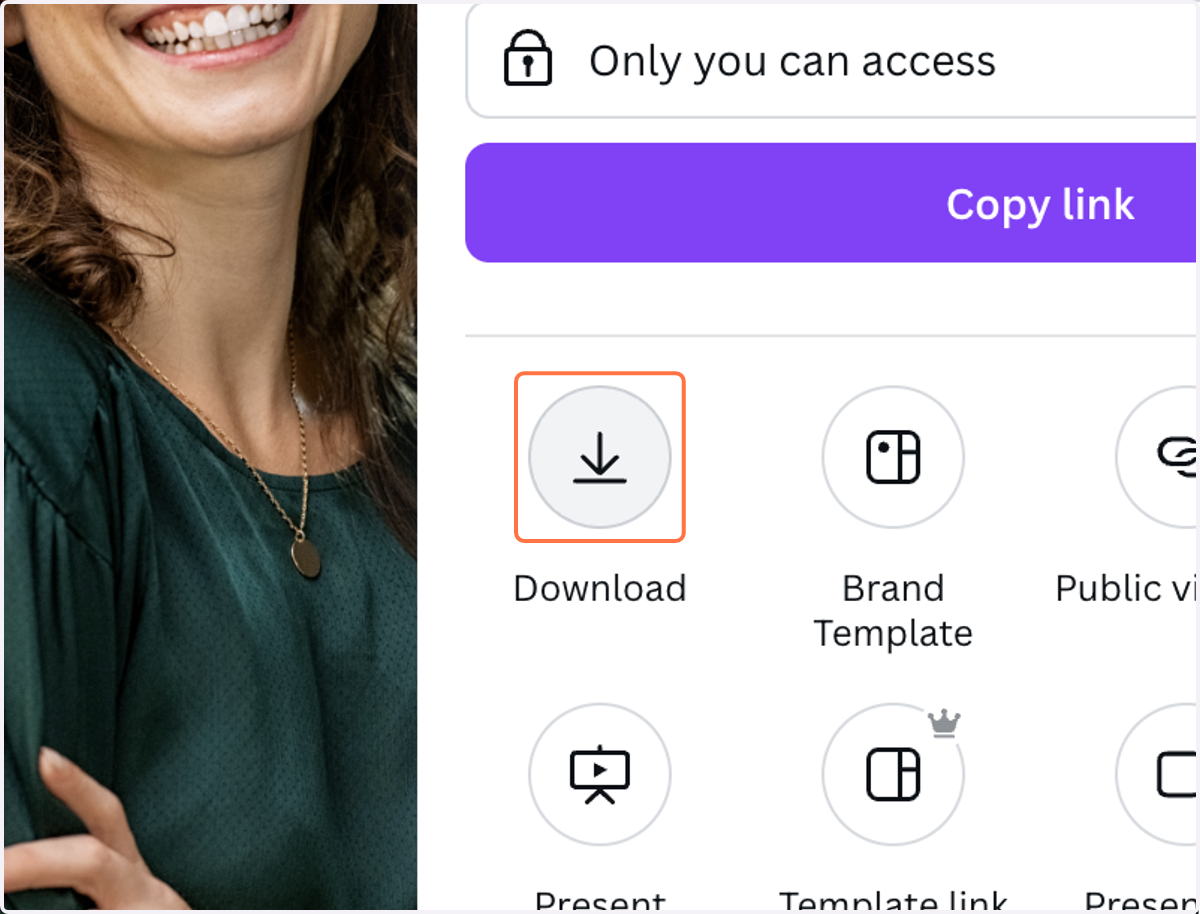
8. Click on "Download"
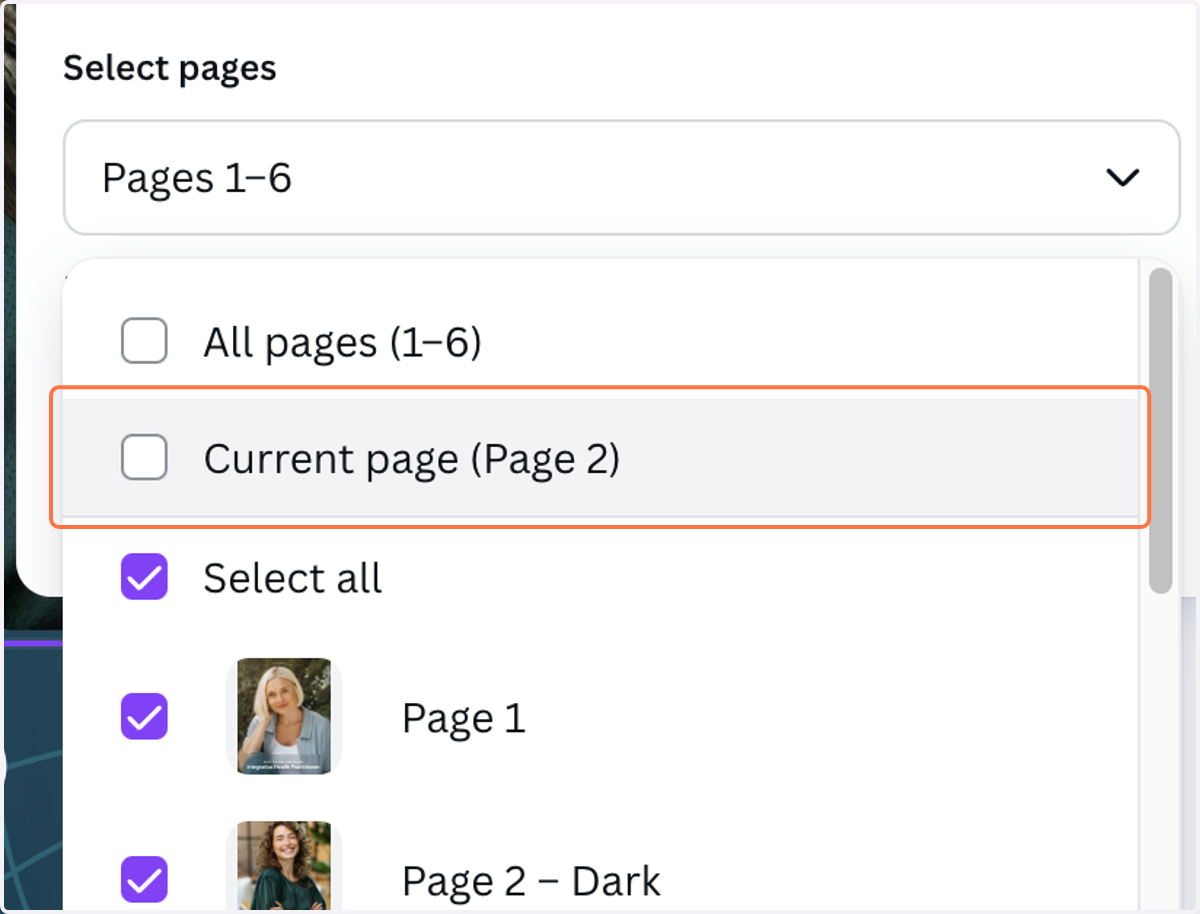
9. Click on "Select pages"
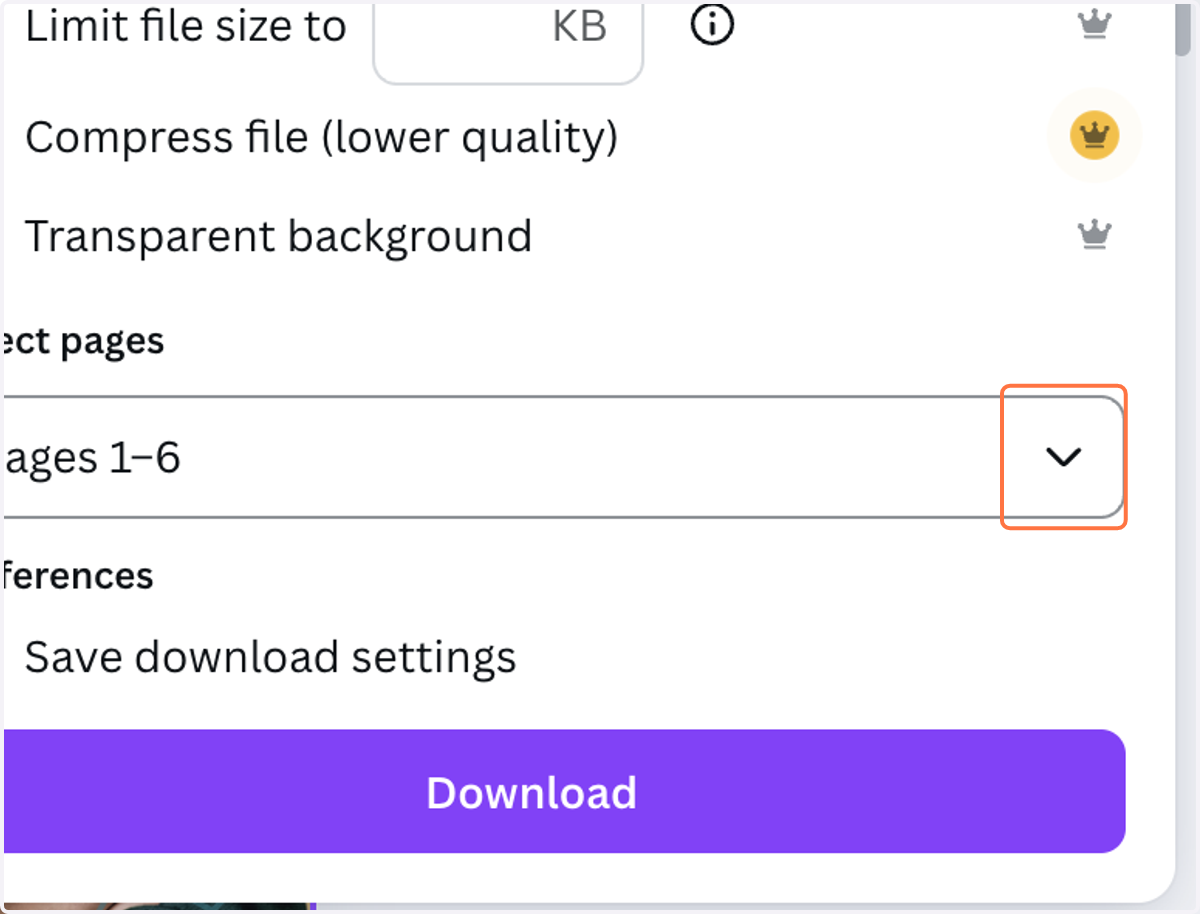
10. Click on "Current page"
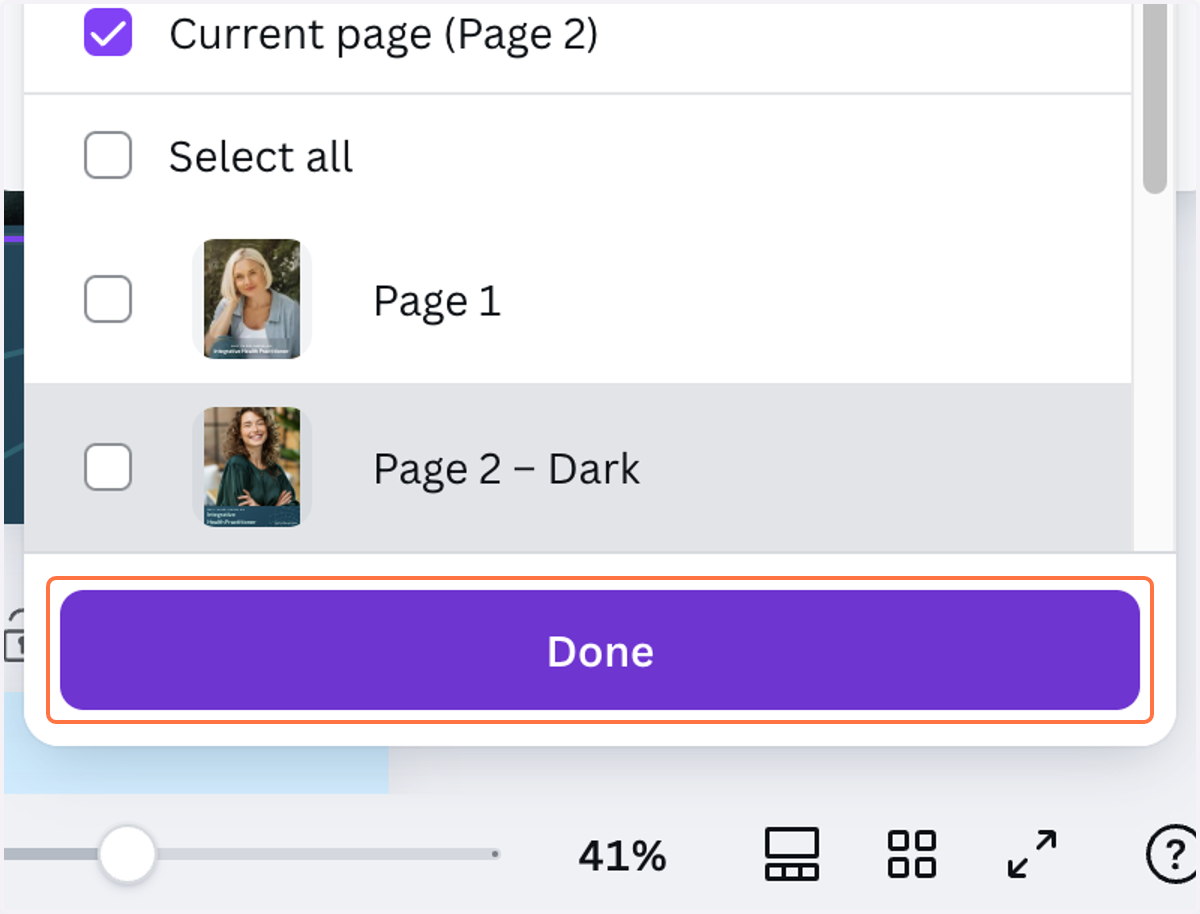
11. Click on "Done"
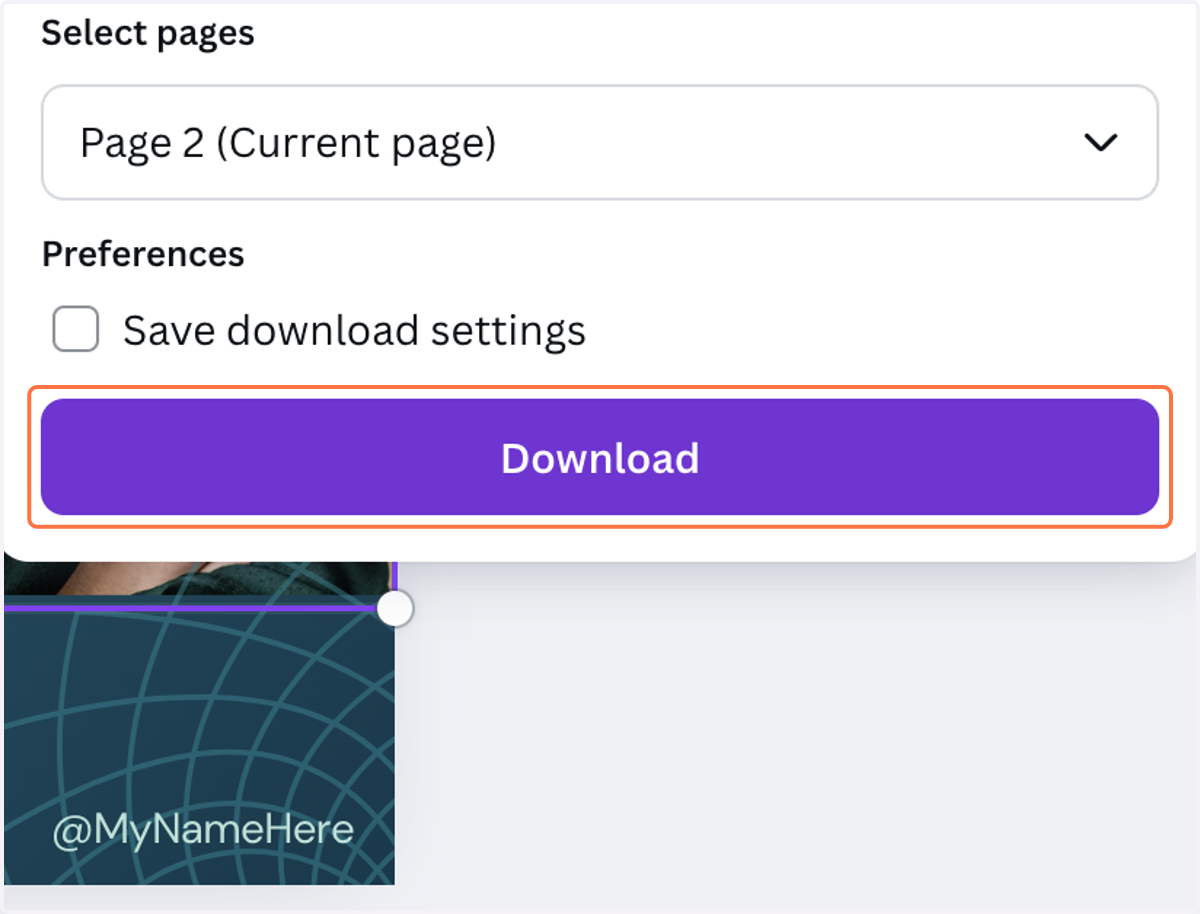
12. Click on "Download"
13. Your customized image will save to your computer. Post on Instagram and don't forget to tag us at @ihp_certification!