Using Goblin Tools to Break Down Tasks
Head on over to Goblin Tools
1. Type in the overall task you or your students need to complete.
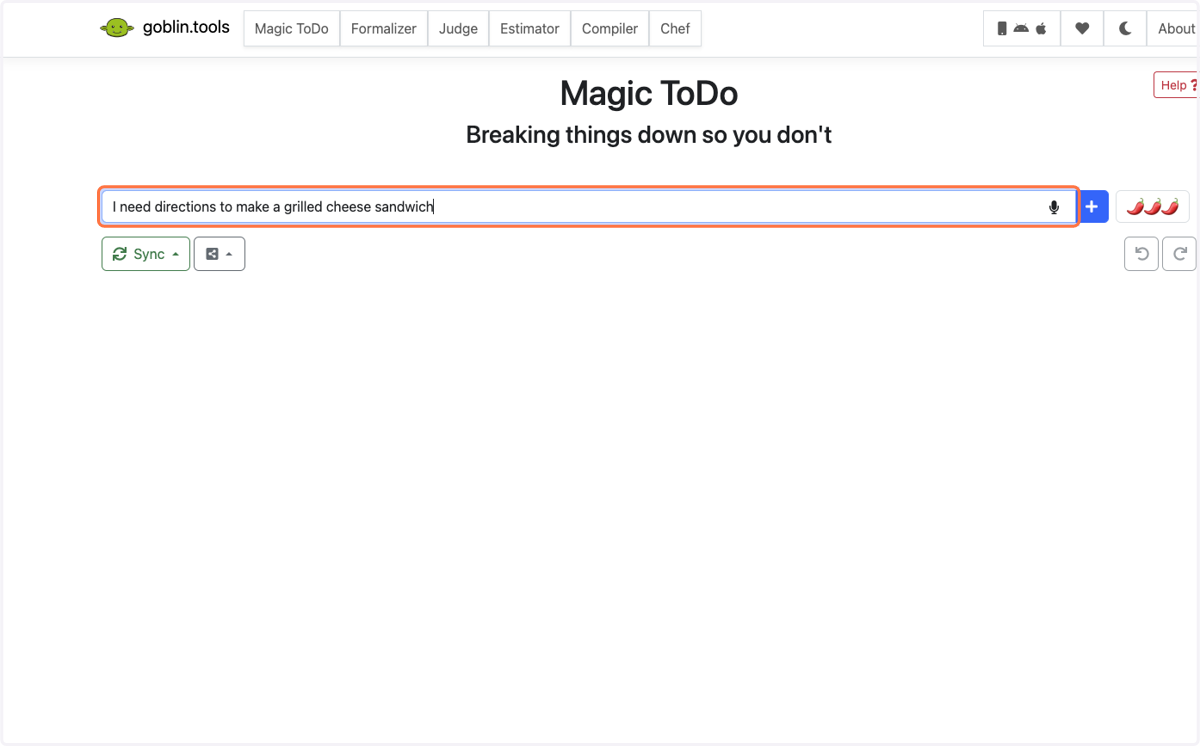
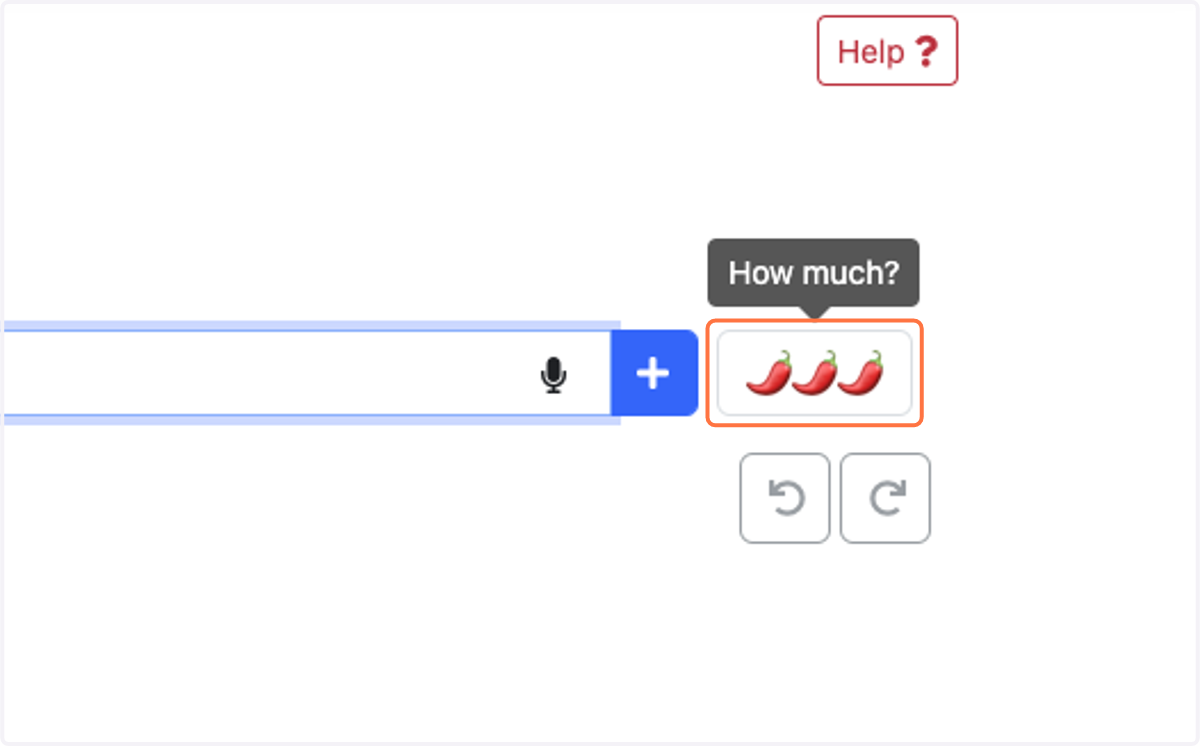
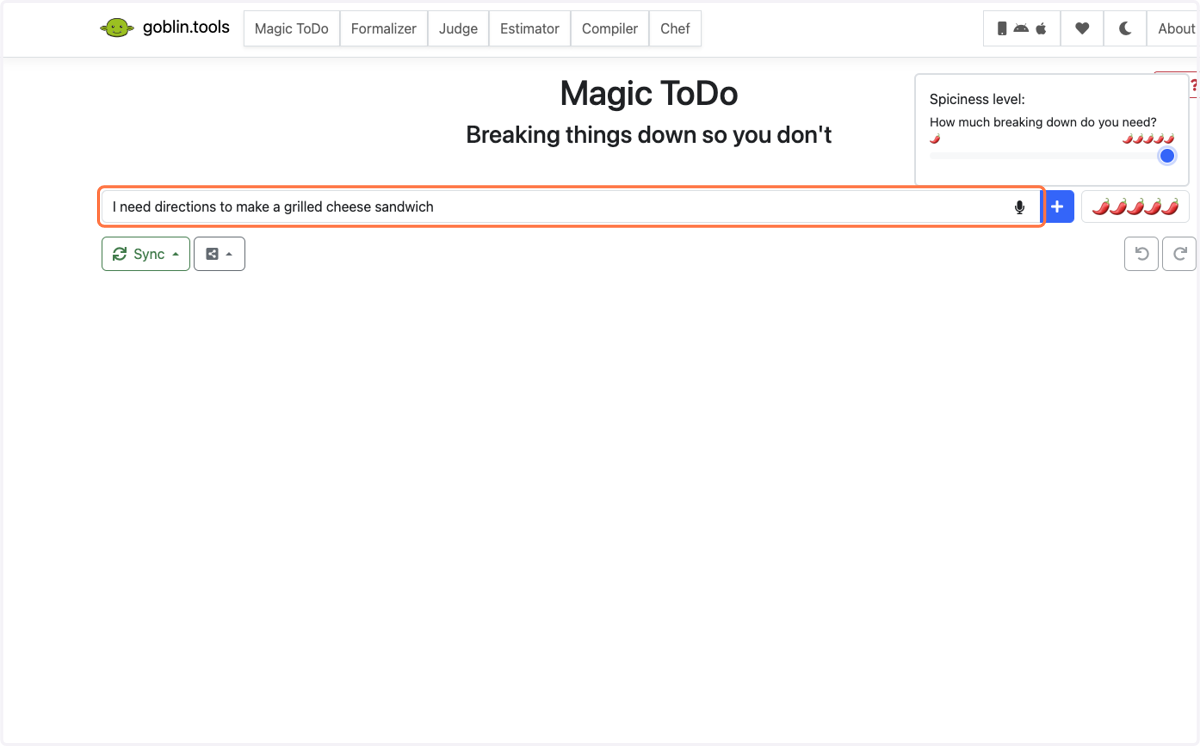
2. See the chili peppers? Select how much you need the task broken down using this level. The more peppers you choose, the more steps it adds.
3. Hit enter and let Goblin Tools work it's magic!
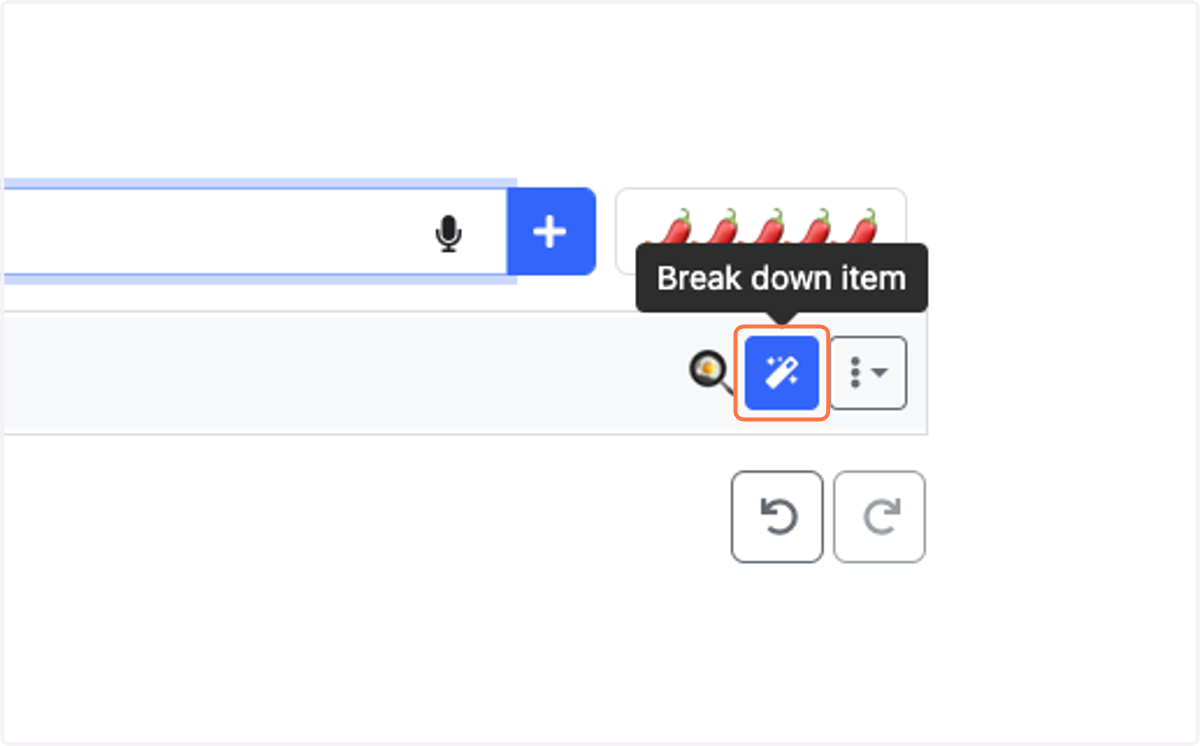
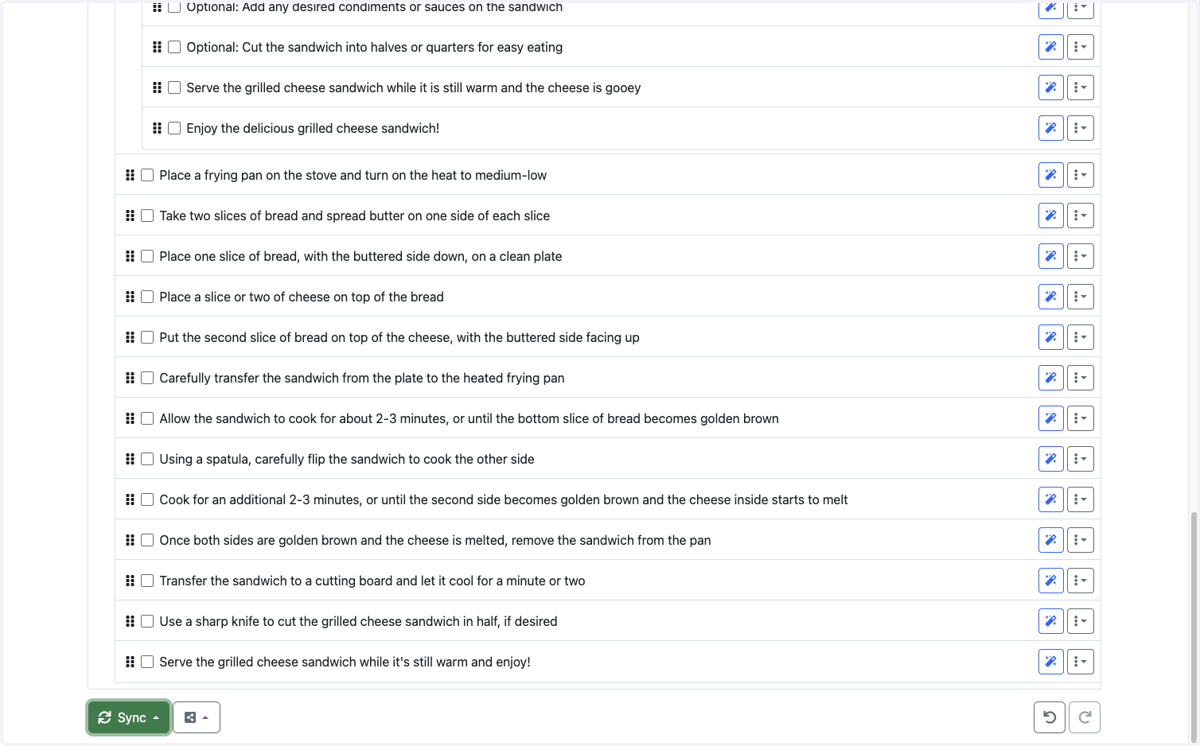
4. Need more help on one of the specific items? Click on the breakdown item to provide more direction!
5. Check out your list!
6. Check out the other tools available!
Goblin Tools also offers:
Formalizer - Take your text and make it more professional
Judge - Not sure if you are reading the correct tone of a message you received? Let Goblin Tools be the judge!
Estimator - Not sure how long something will take you to complete? The estimator will help you out.
Compiler - Do you have a million ideas running through your head? Do a brain dump into the compiler and it will break it down into tasks for you.
Chef - Let the chef tell you what to eat based on what ingredients you have and your dietary restrictions.