Use our Pre-Made Welcome Message
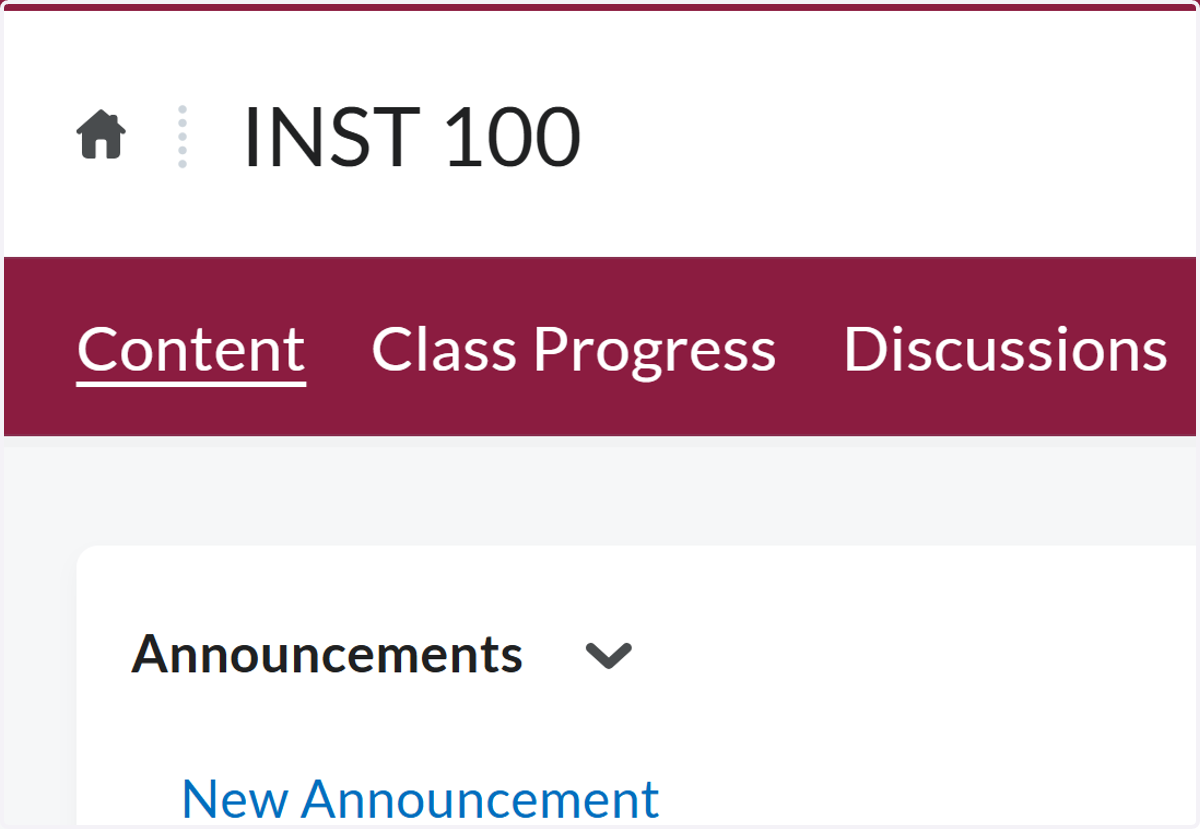
1. Open your class in Brightspace and click on Content
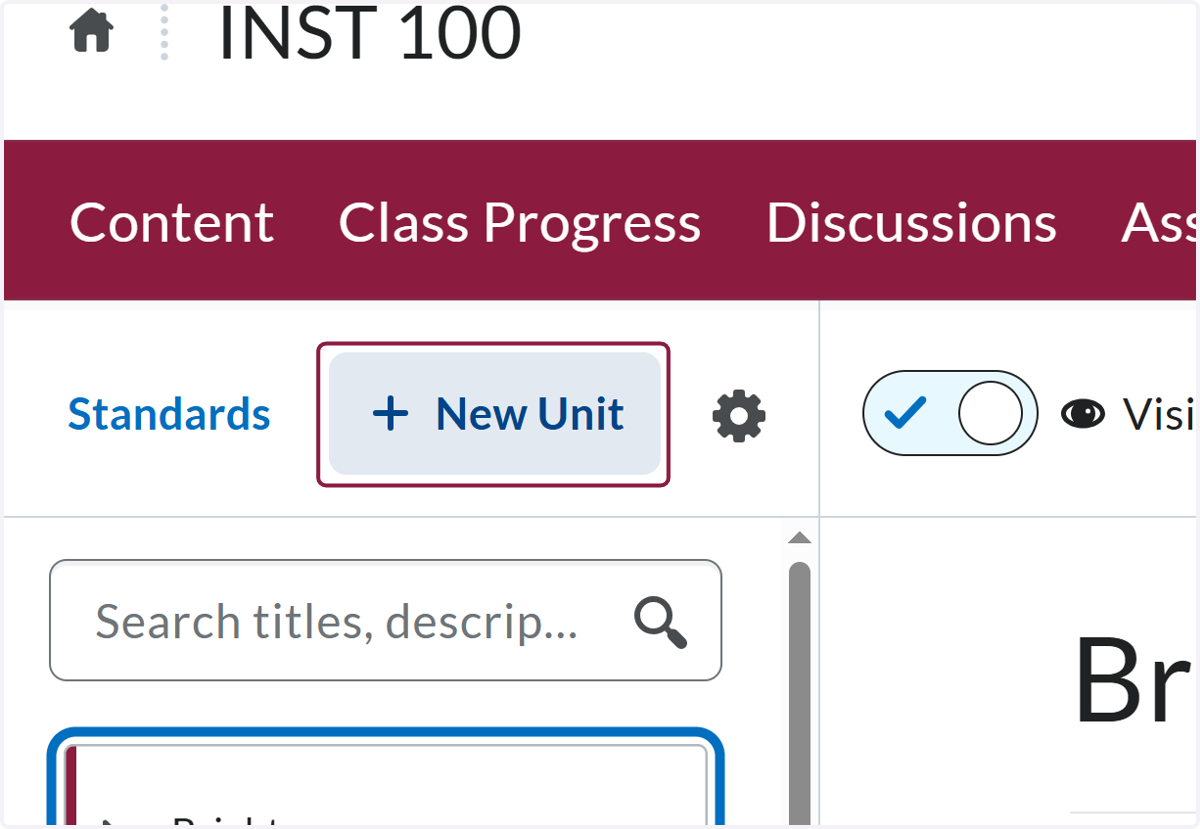
2. Click on New Unit
3. Name the unit "News"
This will link it to the pop-up welcome widget.
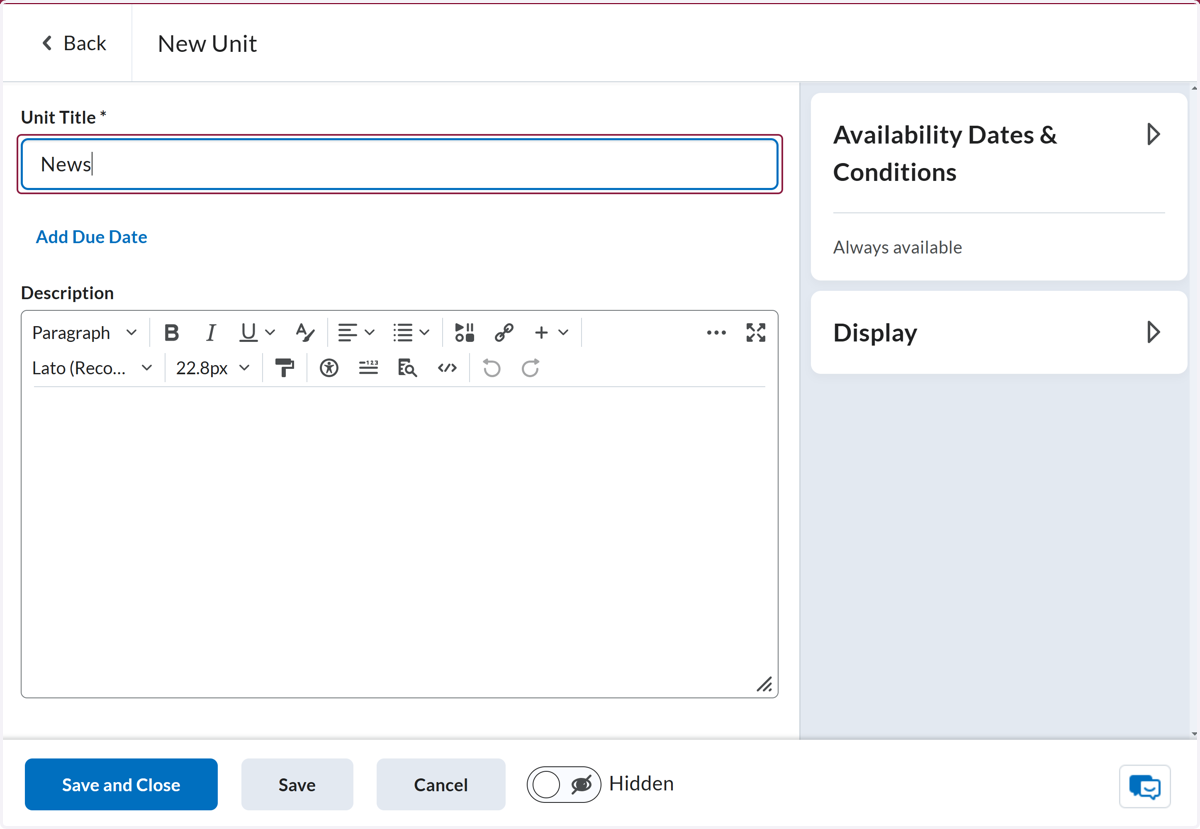
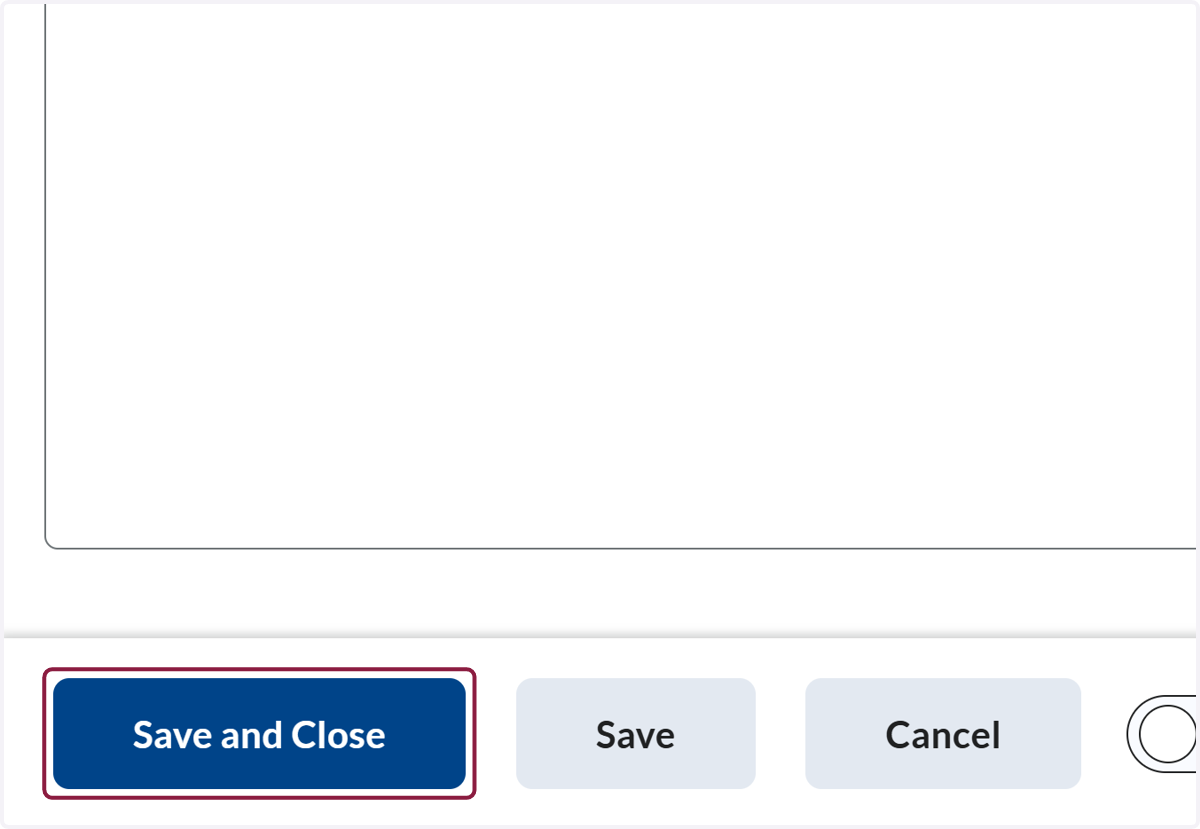
4. Click on Save and Close
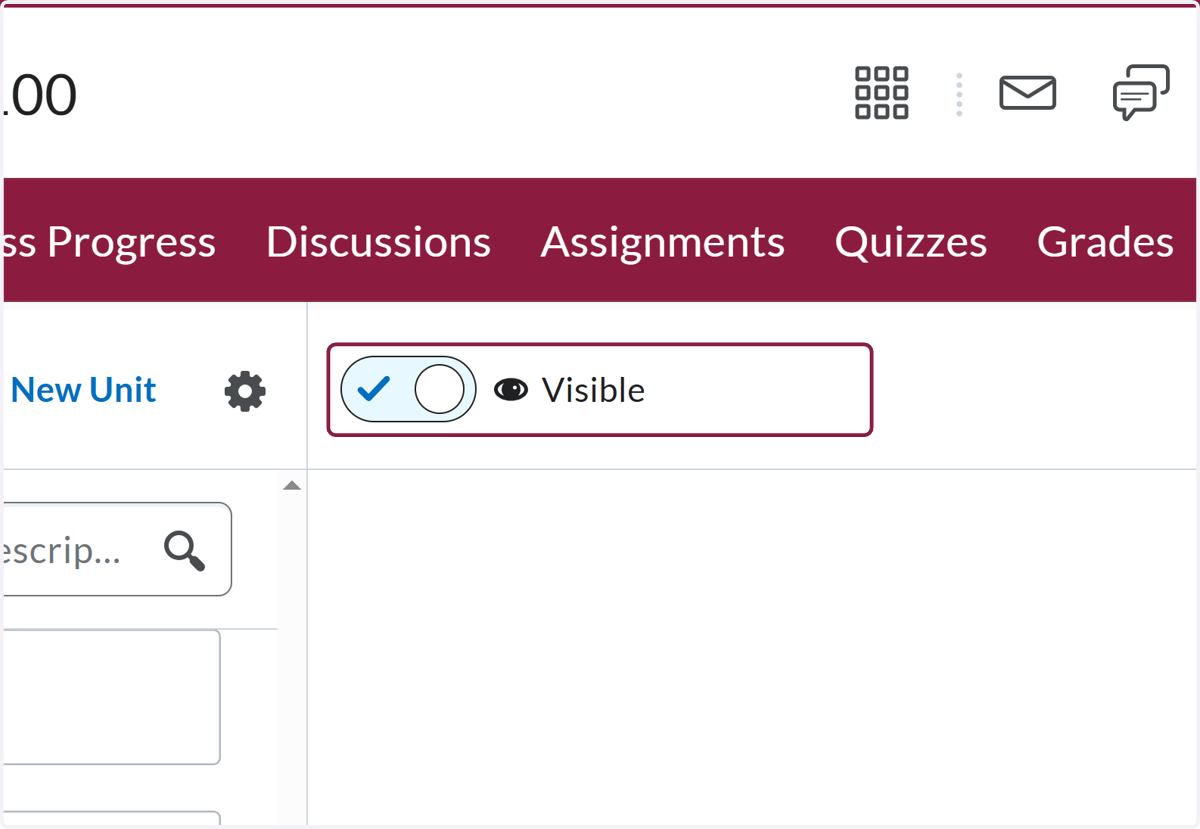
5. Make sure the unit is set to Visible
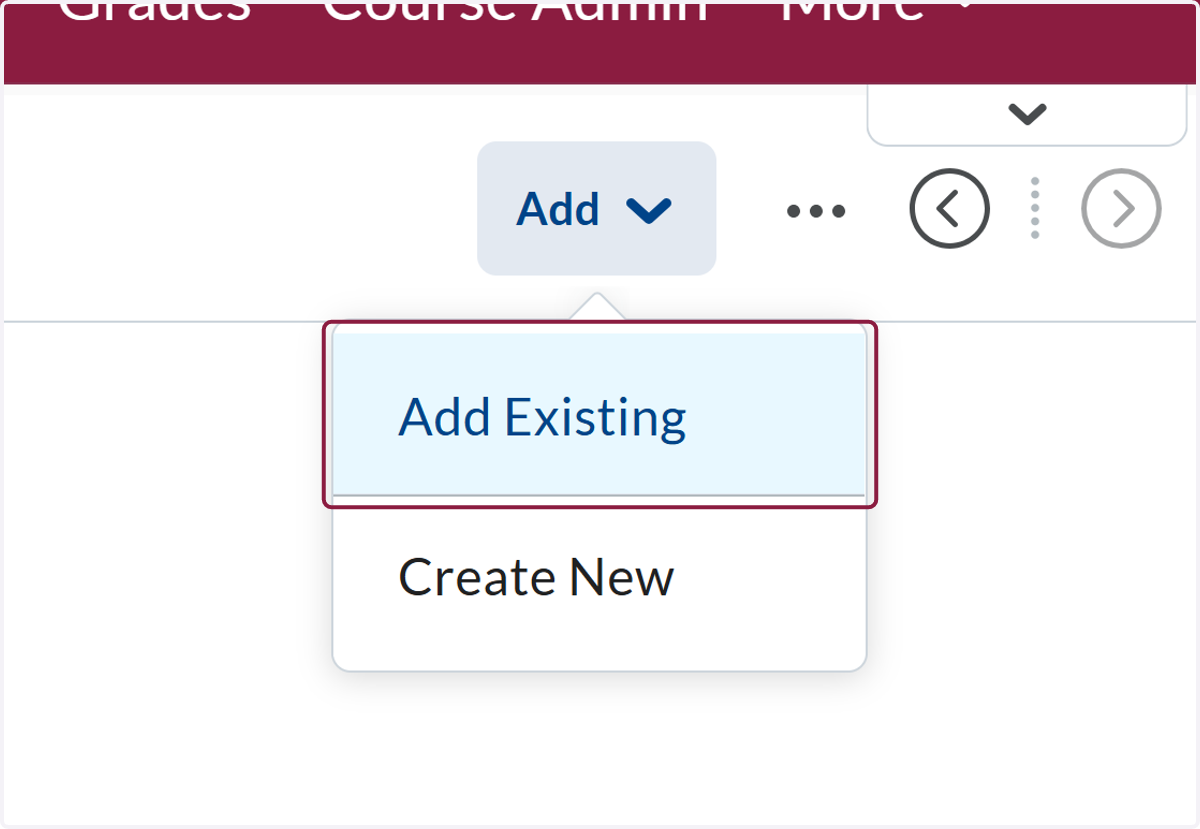
6. Click on Add Existing
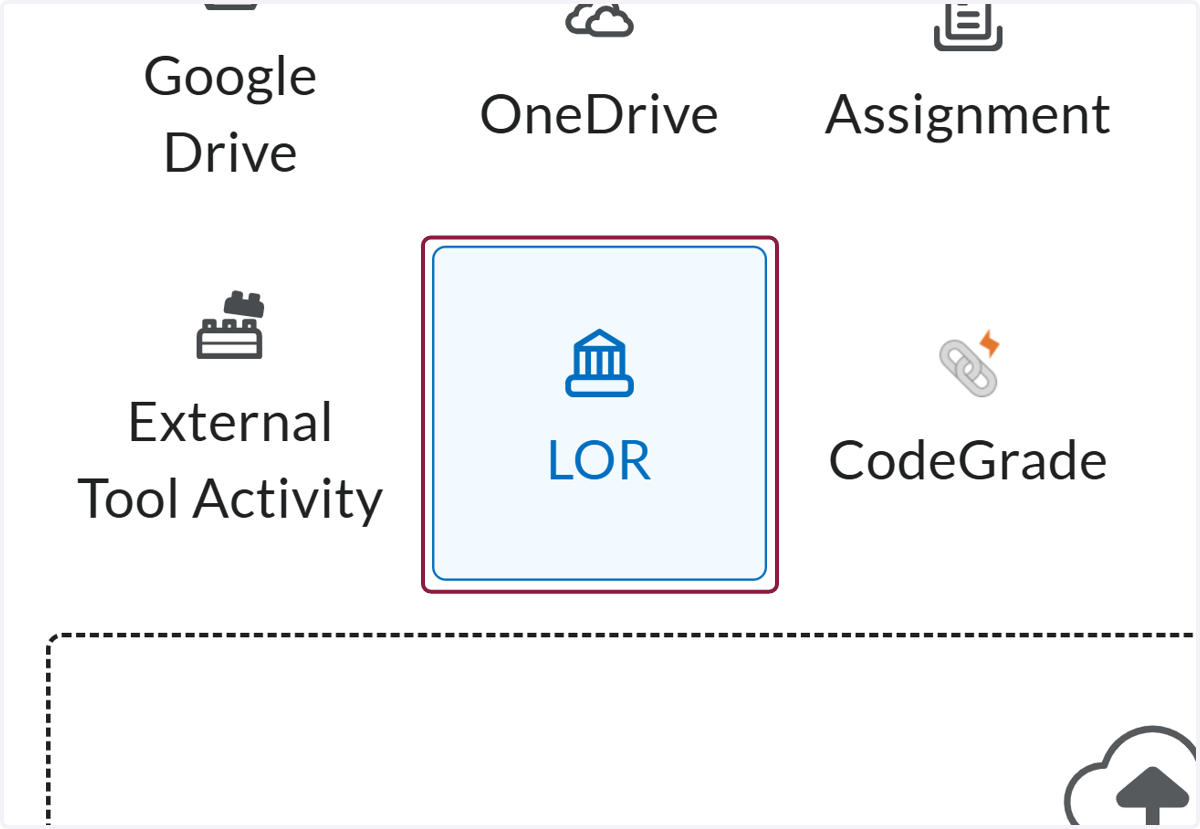
7. Click on LOR
8. Search for "Welcome Widget"
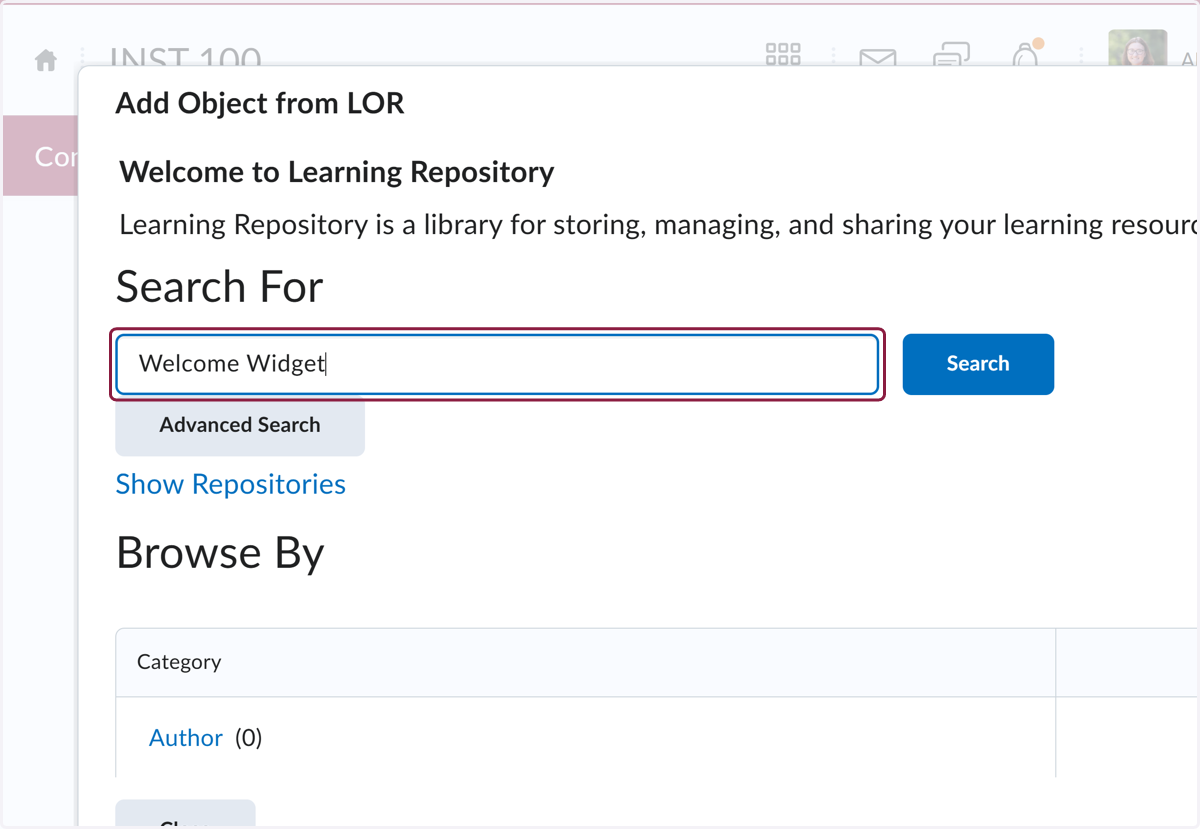
9. Make sure you are selecting the 👋 Welcome Widget made by the CTLT.
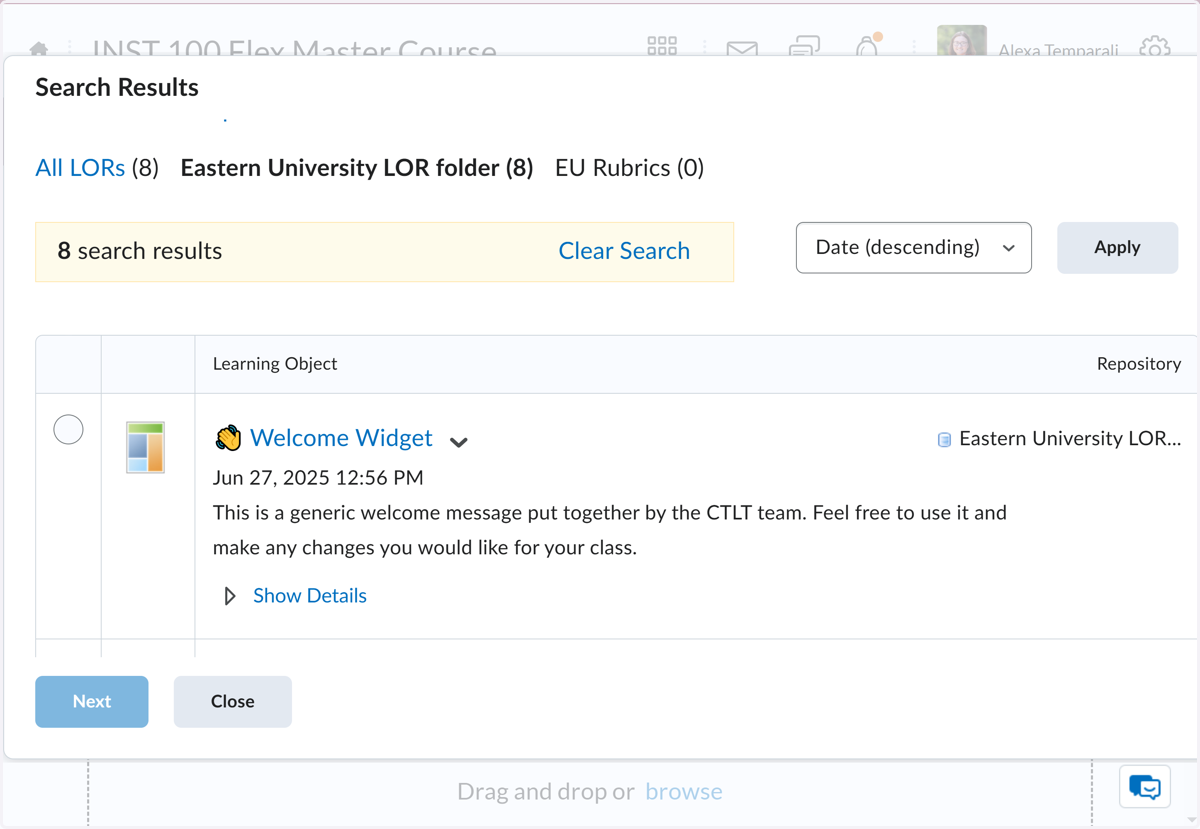
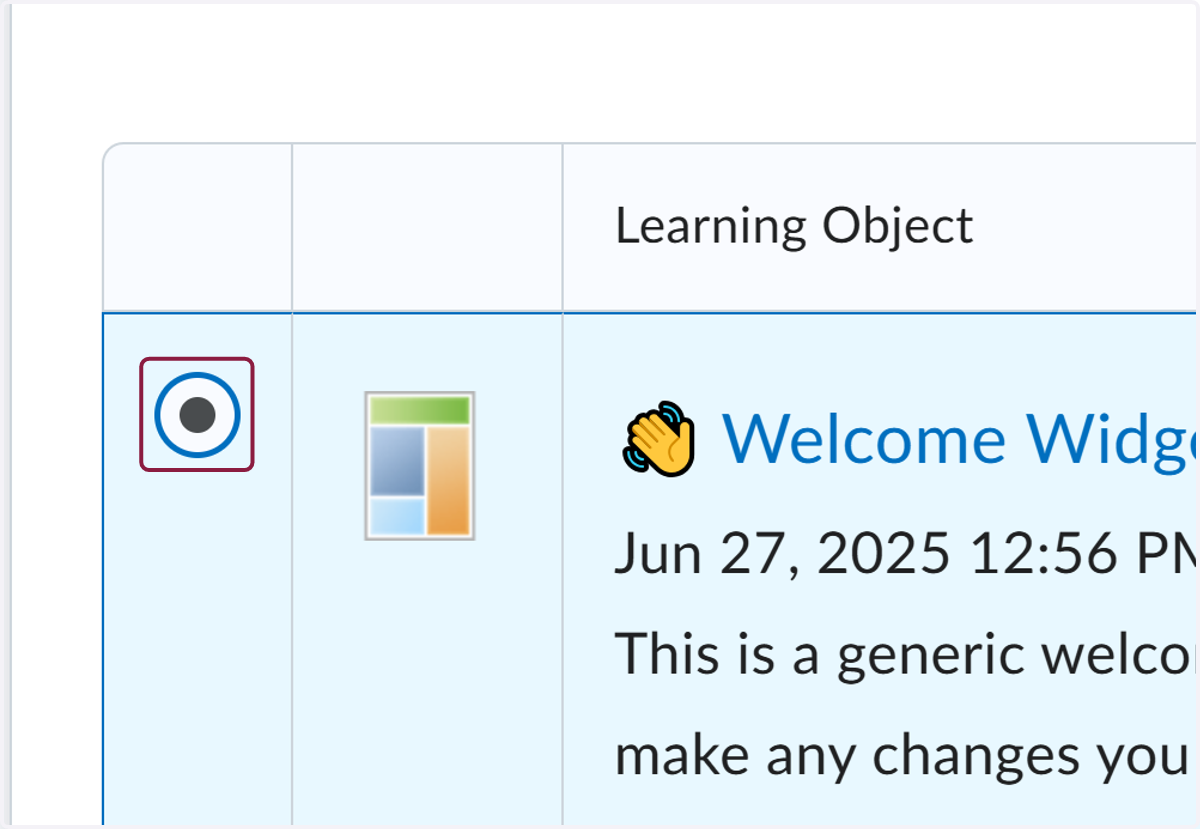
10. Select the 👋 Welcome Widget
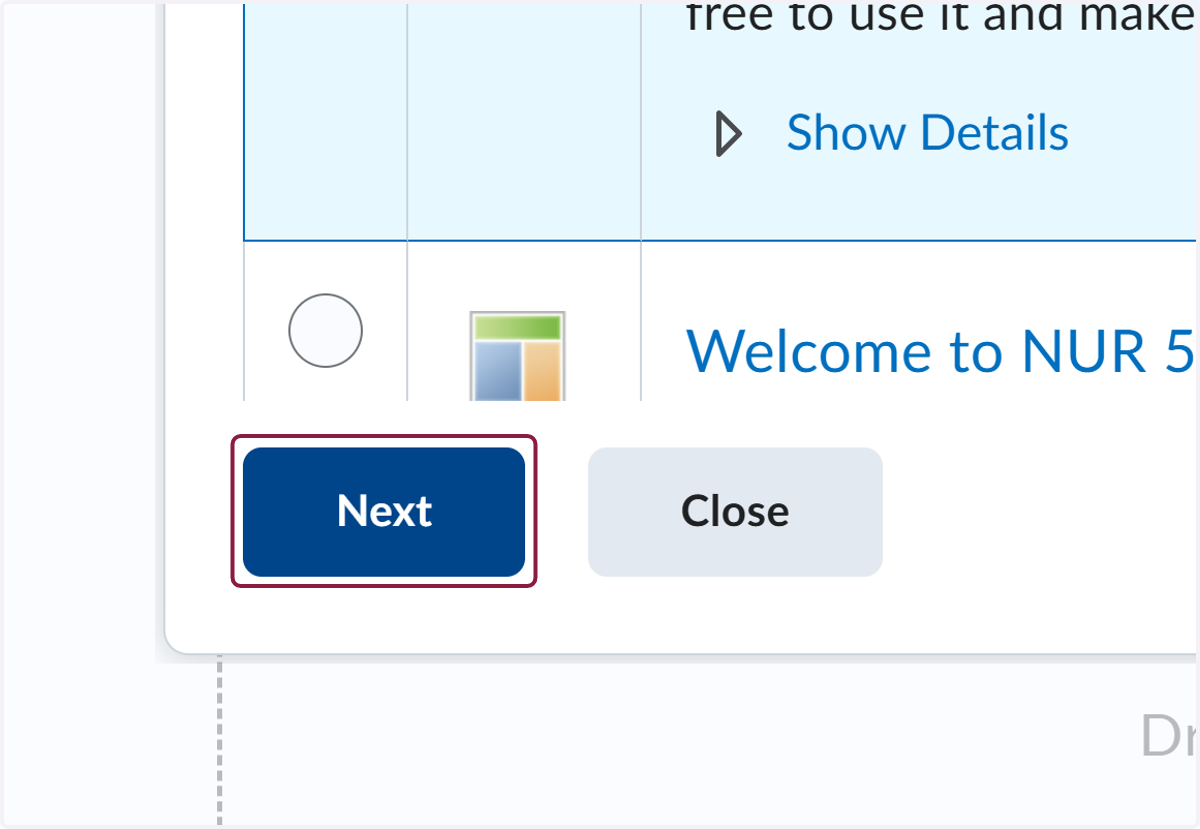
11. Click on Next
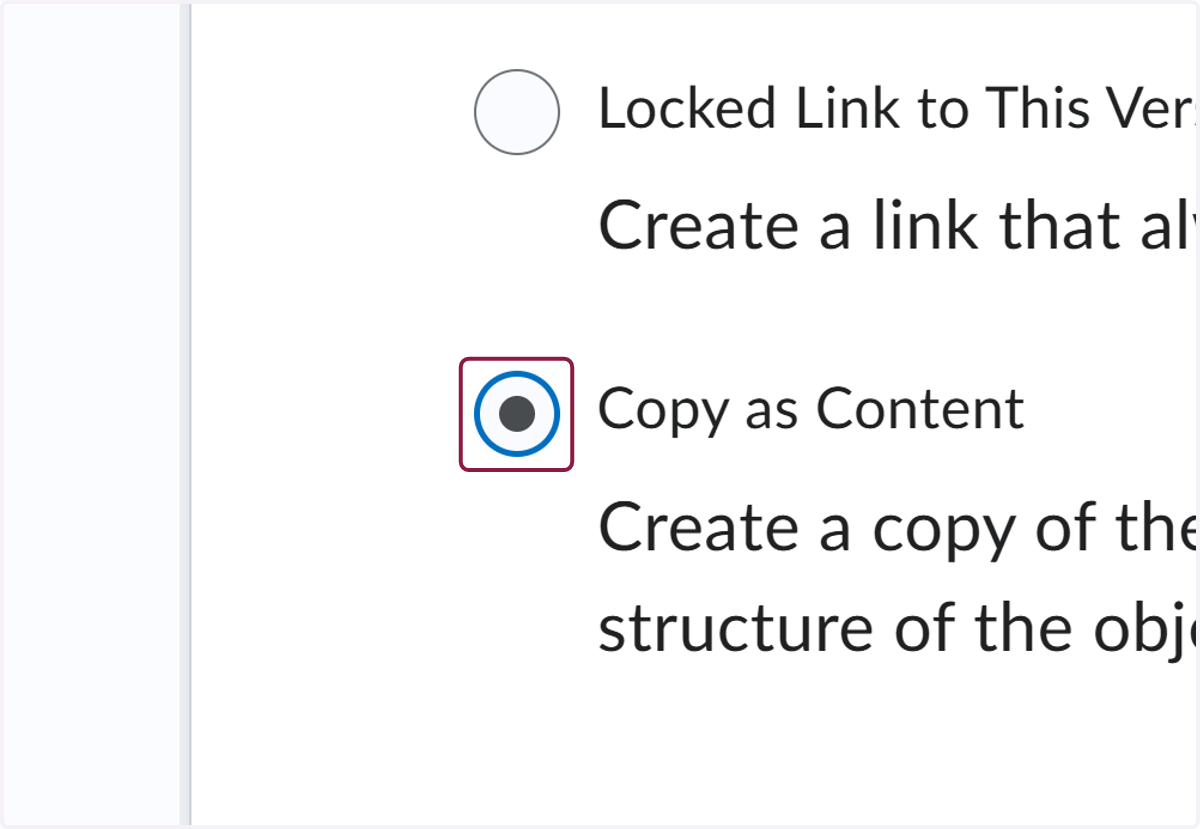
12. Select Copy as Content
13. Click on Next
14. Click on Copy
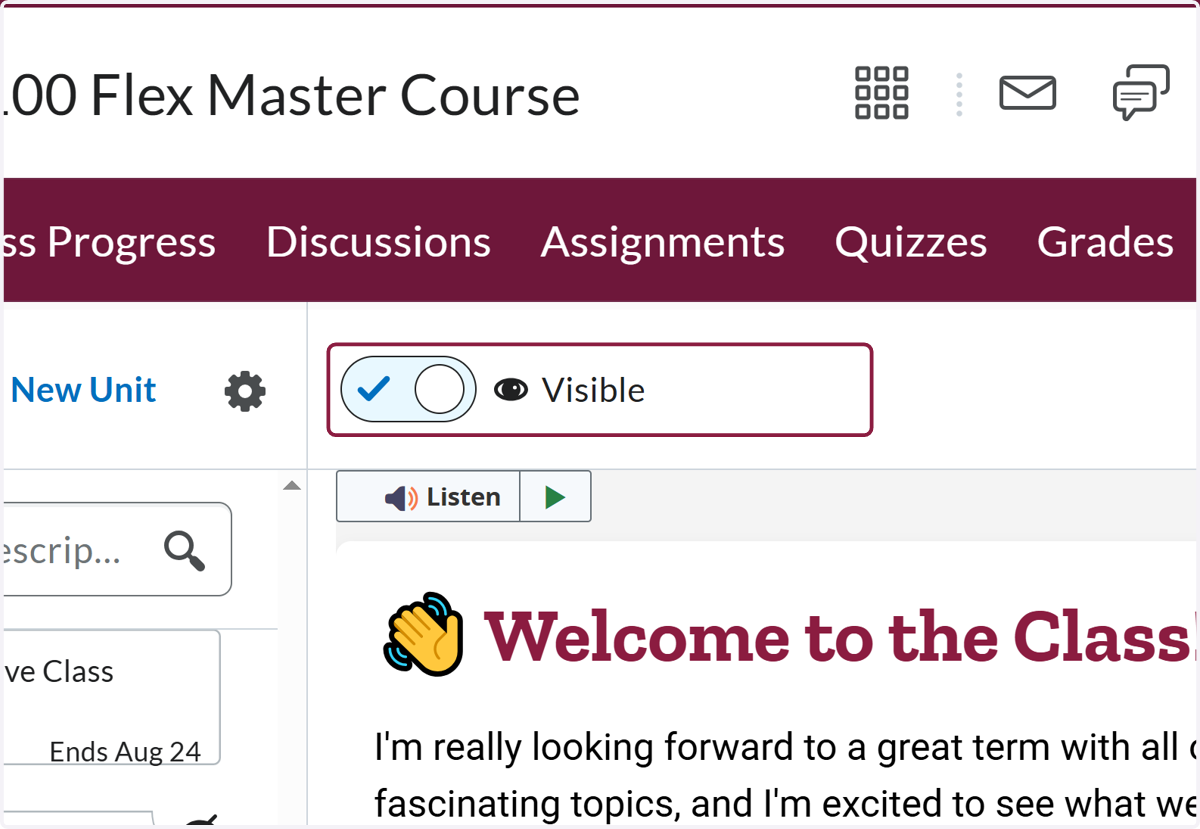
15. Make sure the page is set to Visible
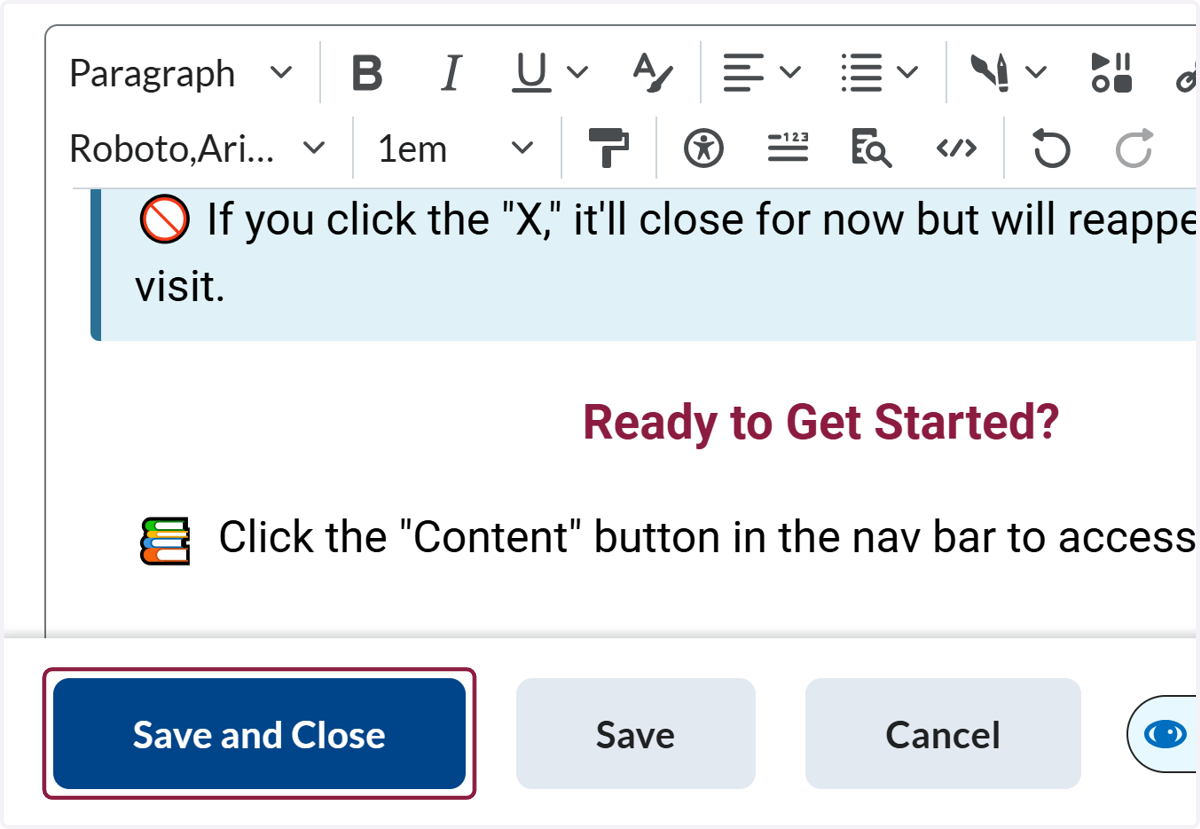
If you would like to personalize the message....
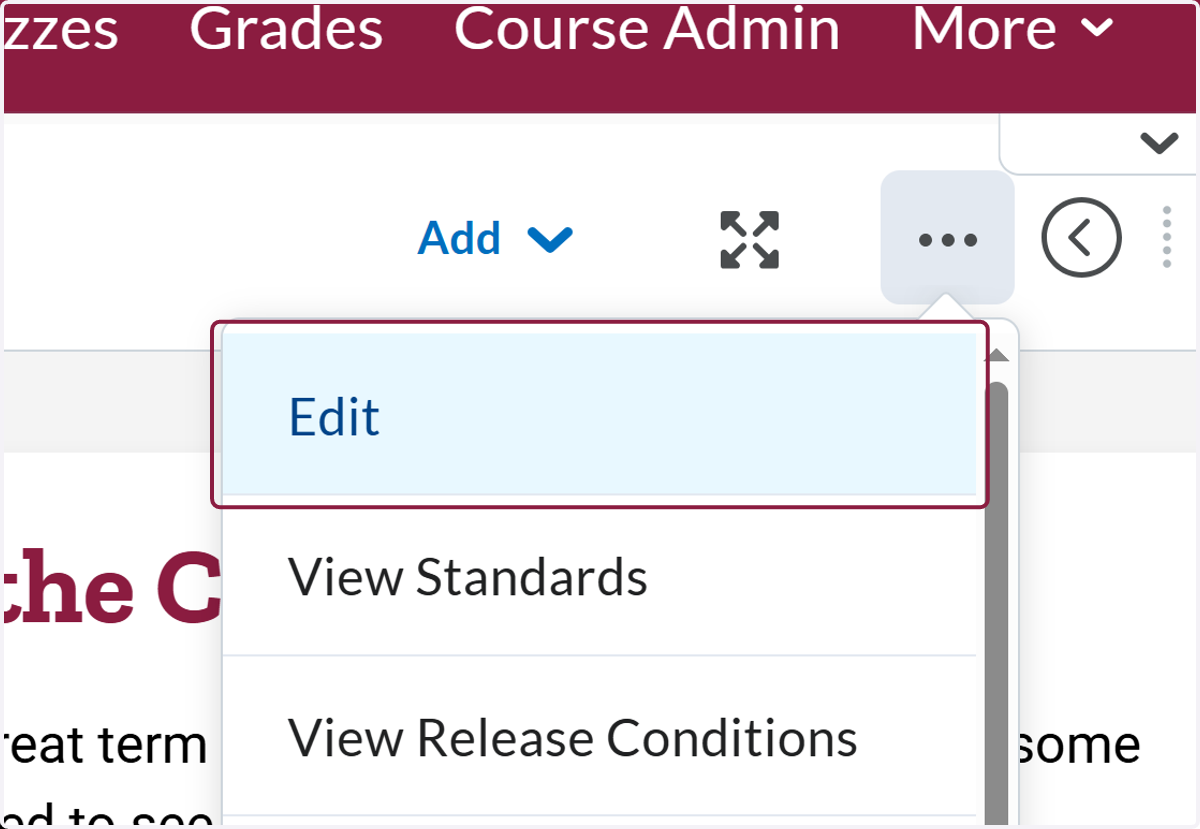
16. Click on Edit
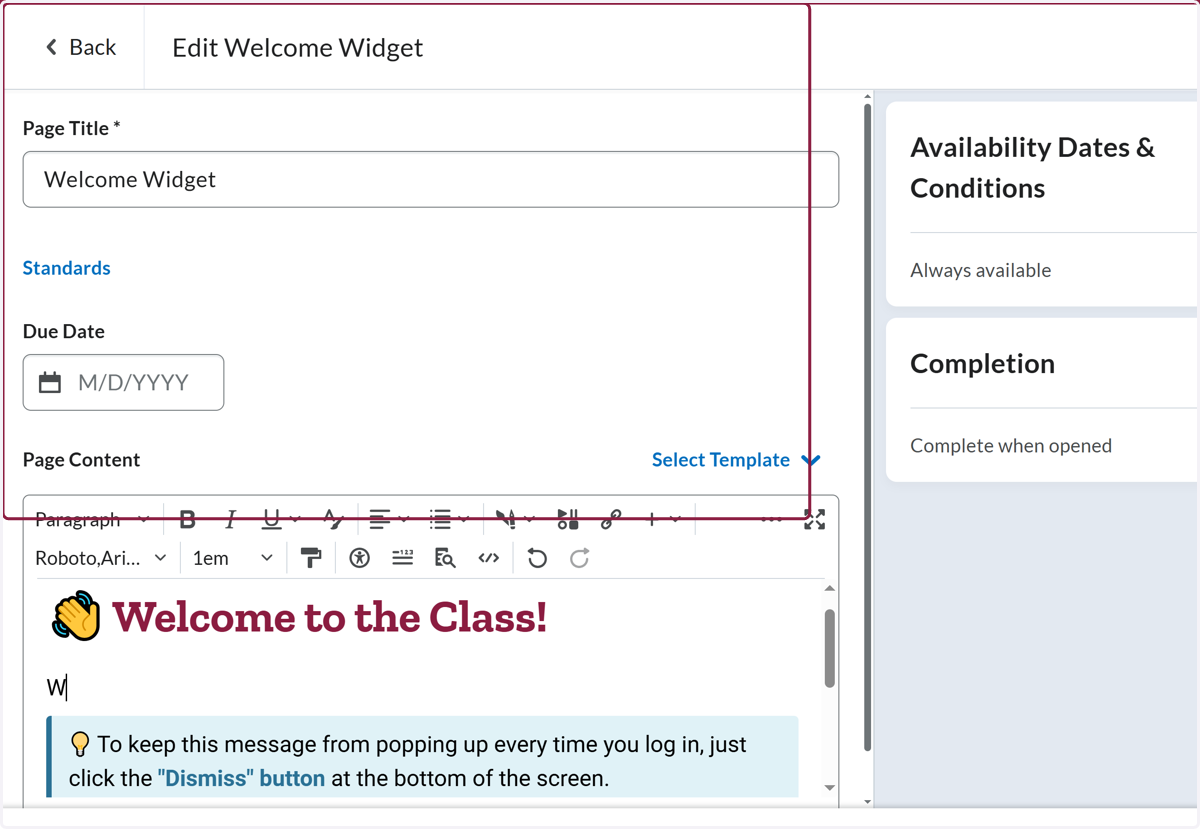
17. Change the page text as you see fit.
18. Click on highlight