Uploading Your Own Design
New Design | DirectMail Portal
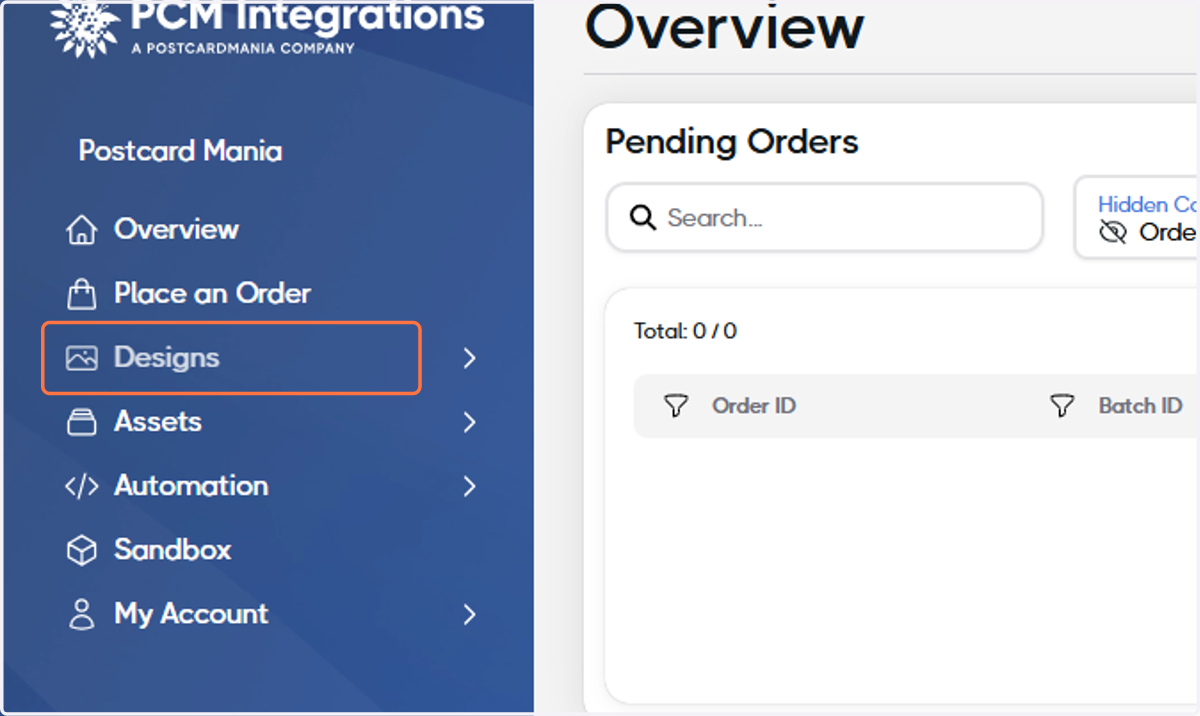
1. Click on Designs
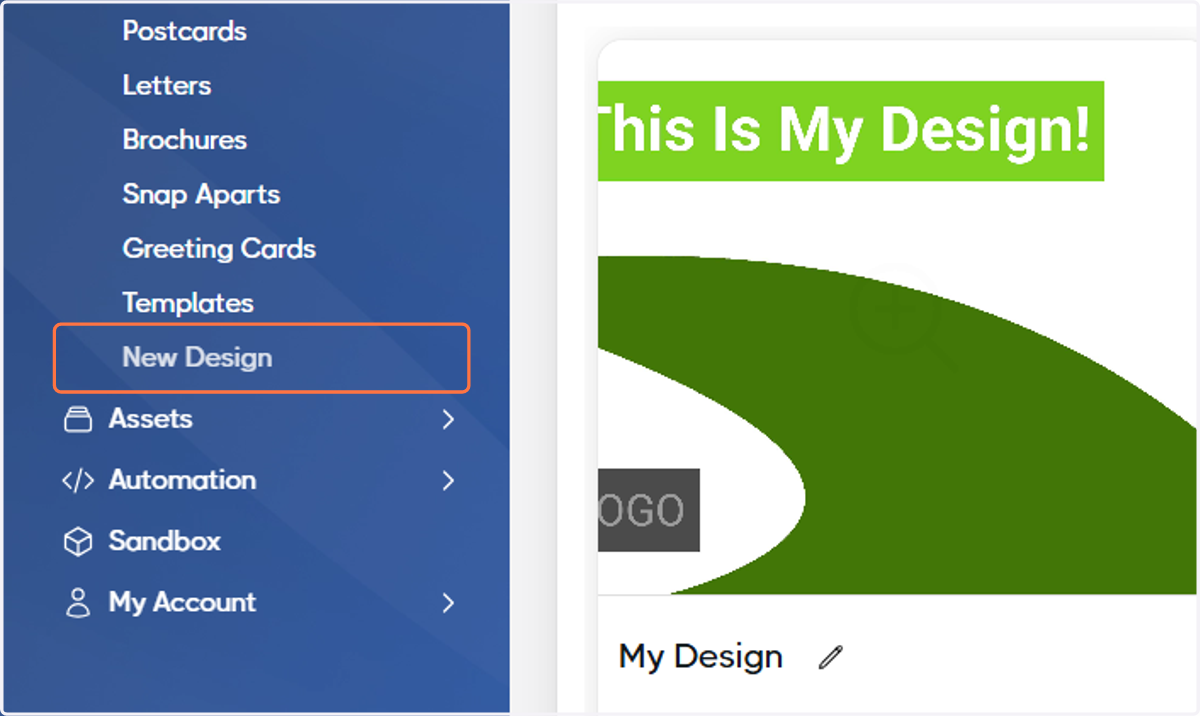
2. Click on New Design
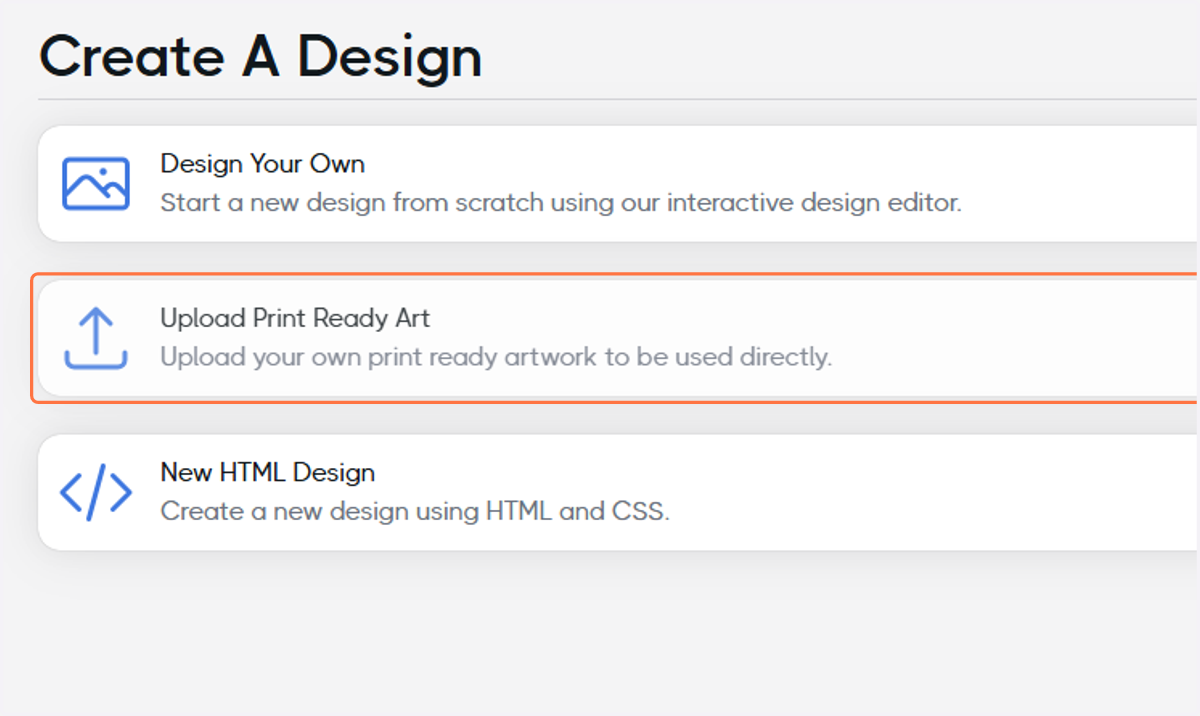
3. Click on Upload Print Ready Art
4. Name you Design
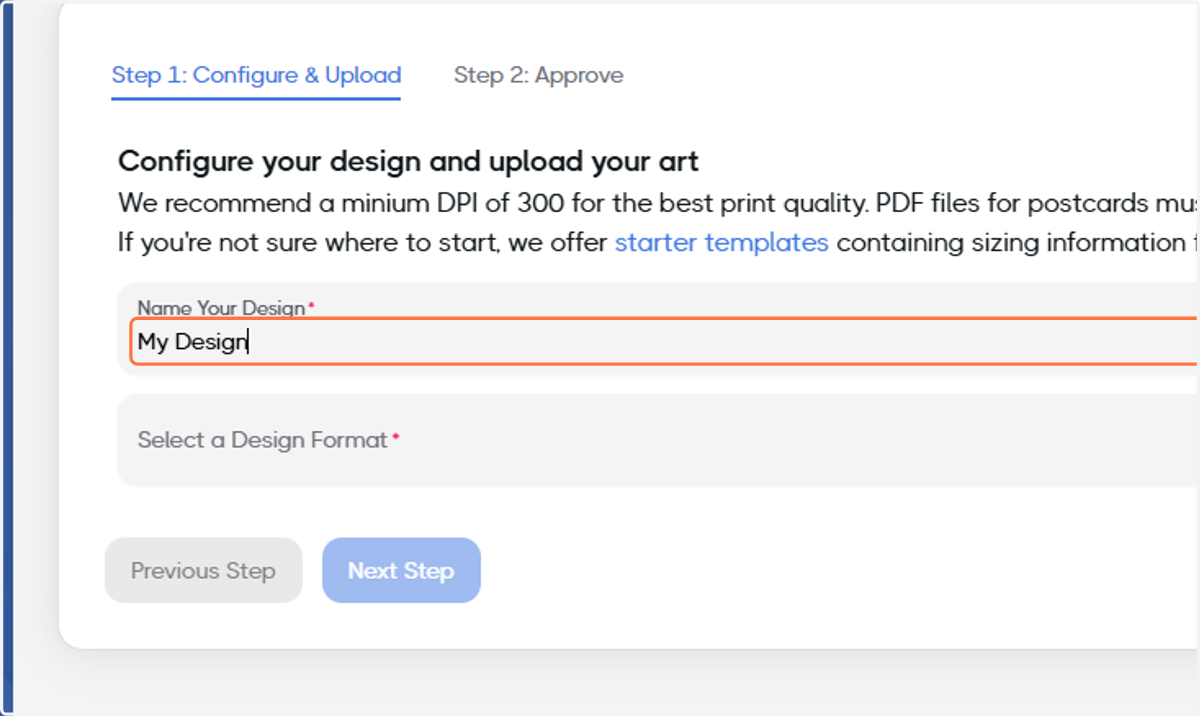
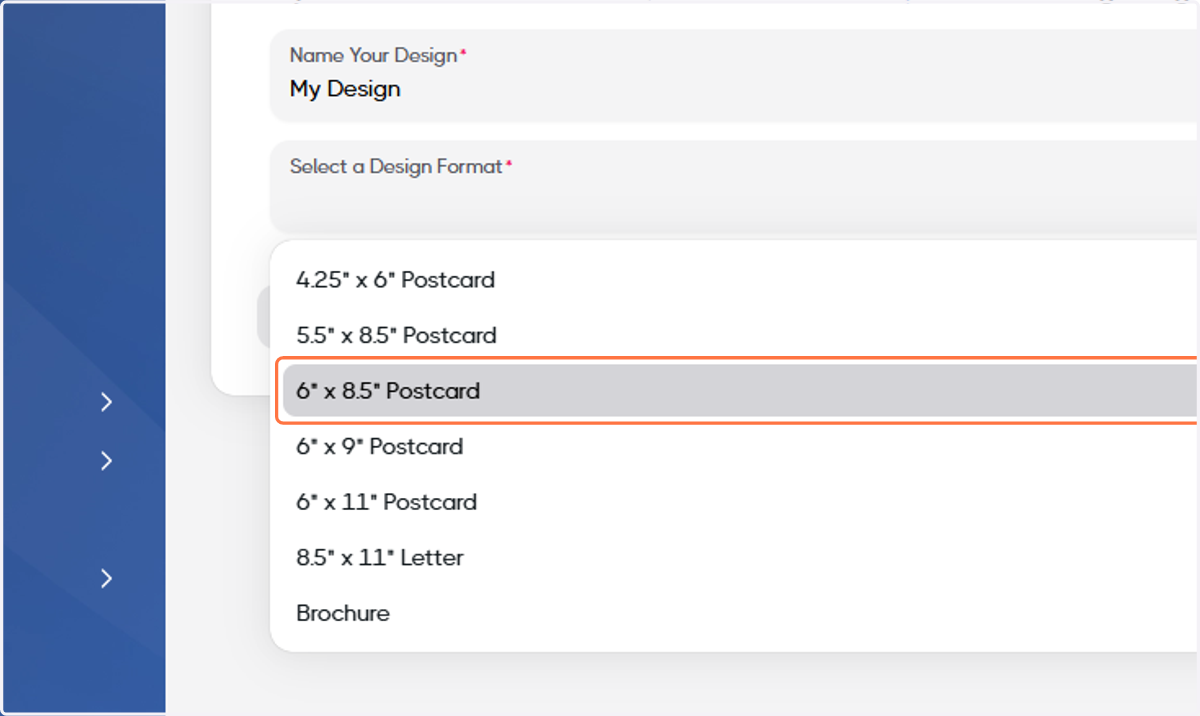
5. Select a Design format
For this example, we'll select 6" x 8.5" Postcard.
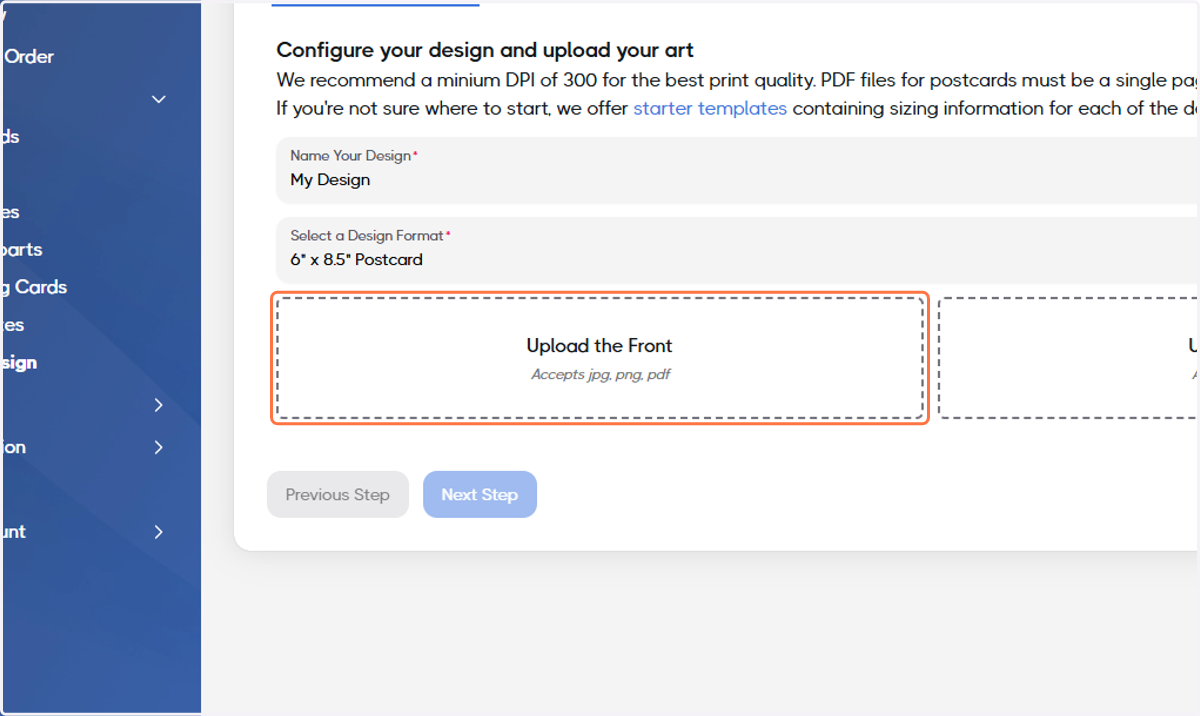
6. Click on Upload the Front and select the front of your Design
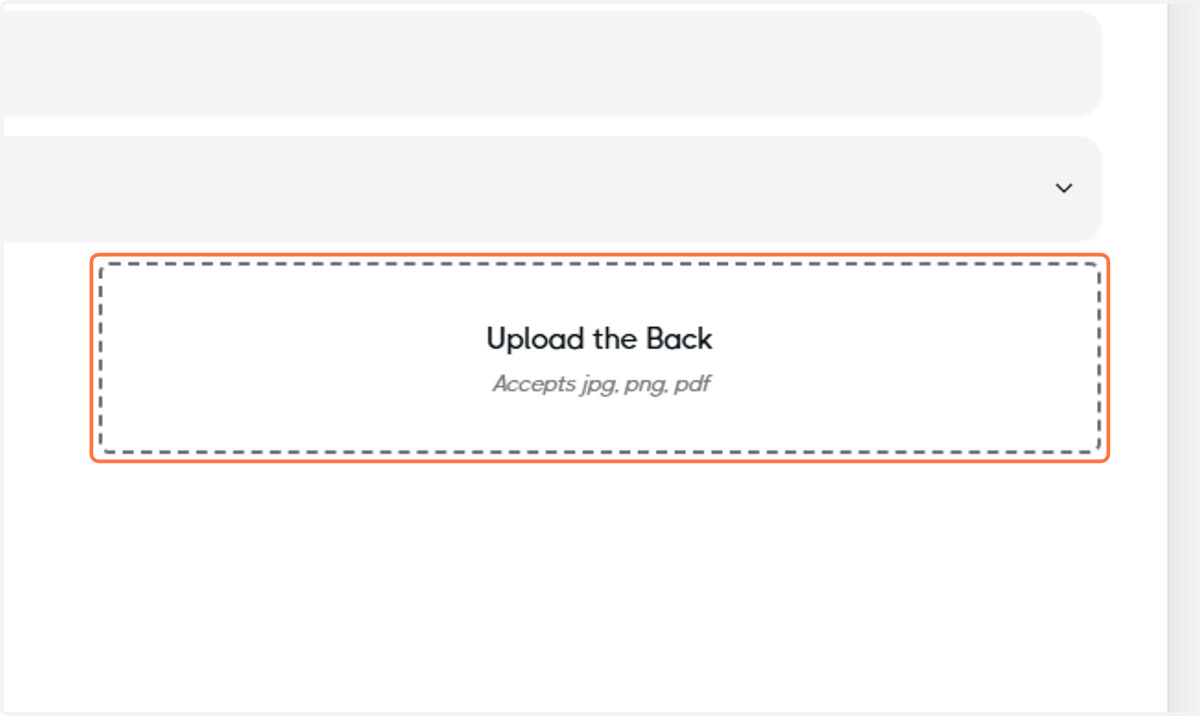
7. Click on Upload the Back and select the back of your Design
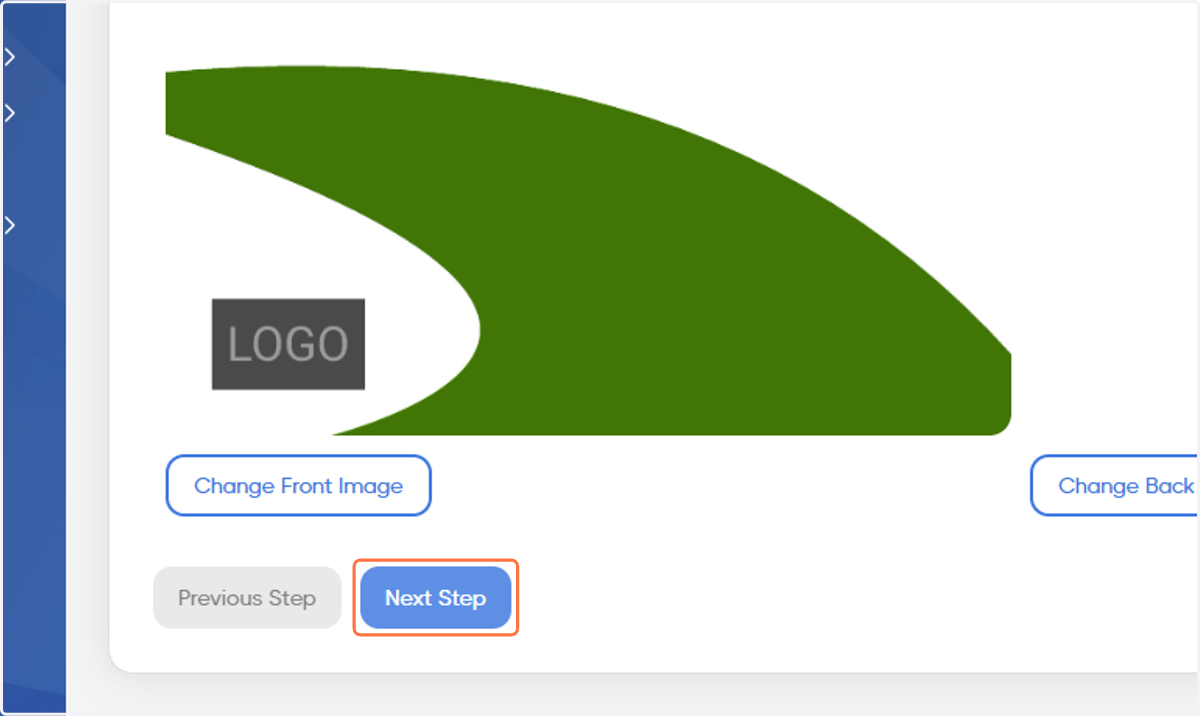
8. Click on Next Step
9. Check your Proof
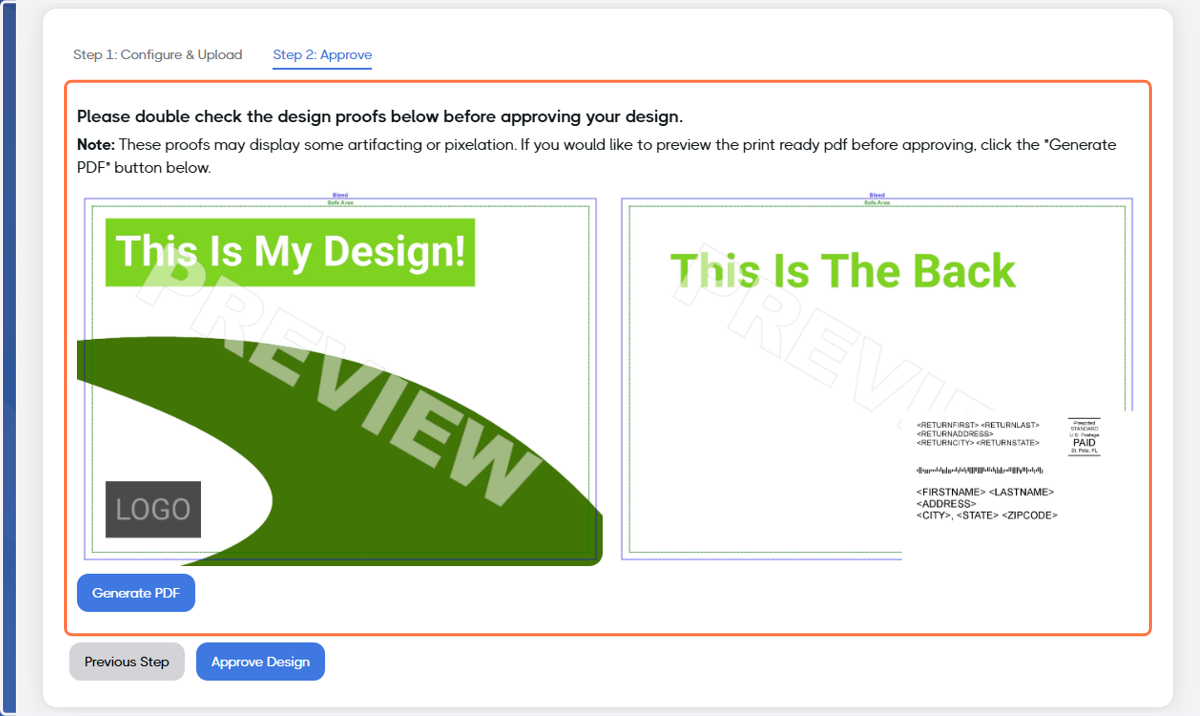
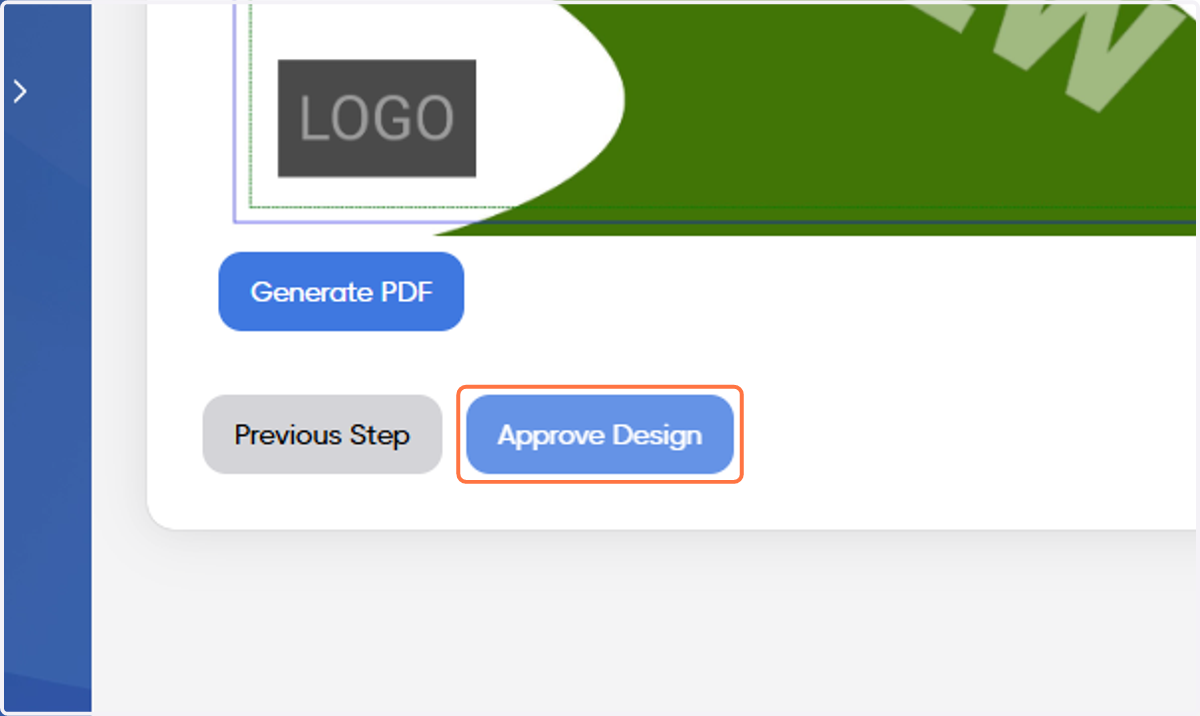
10. Once you're satisfied with the proof, click on Approve Design