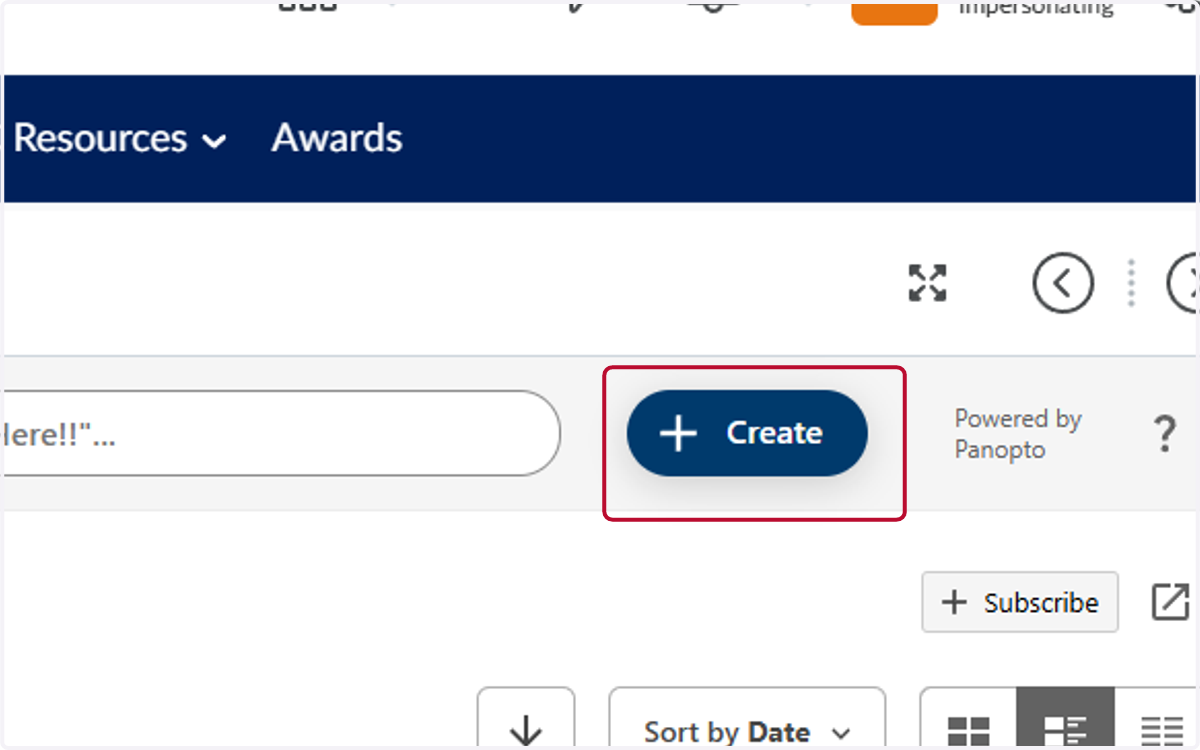
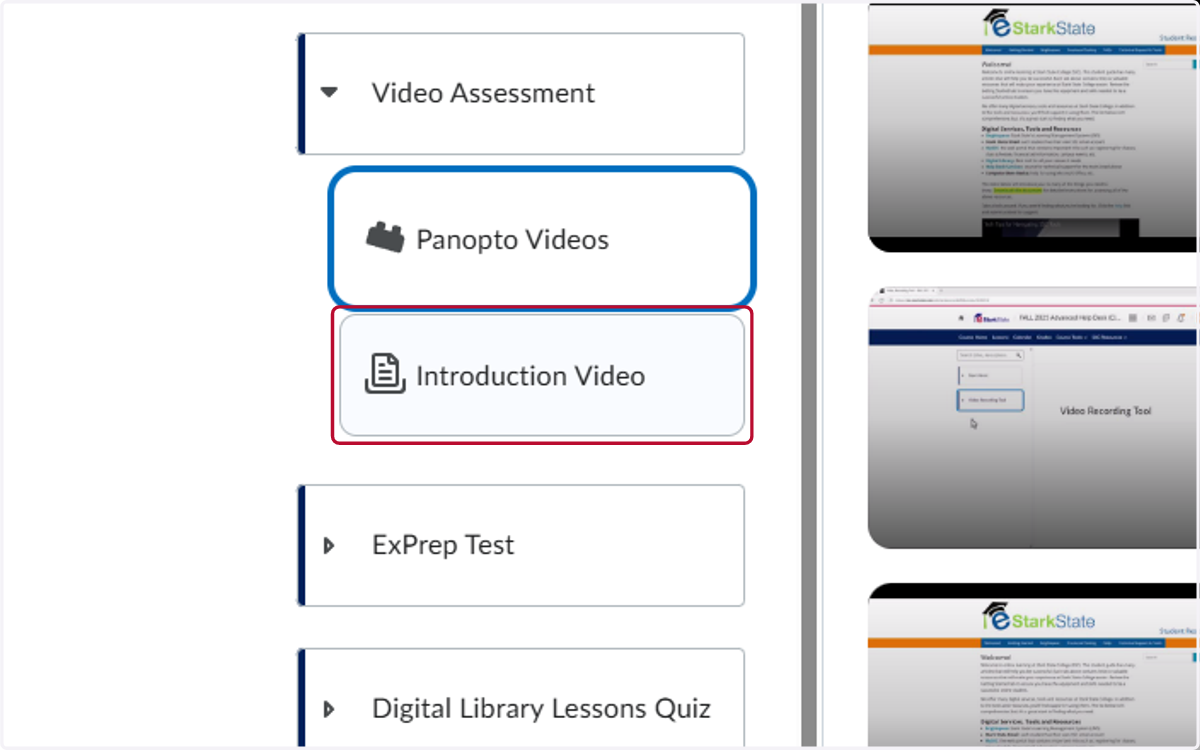
1. Open the Panopto link in your class and click on Create
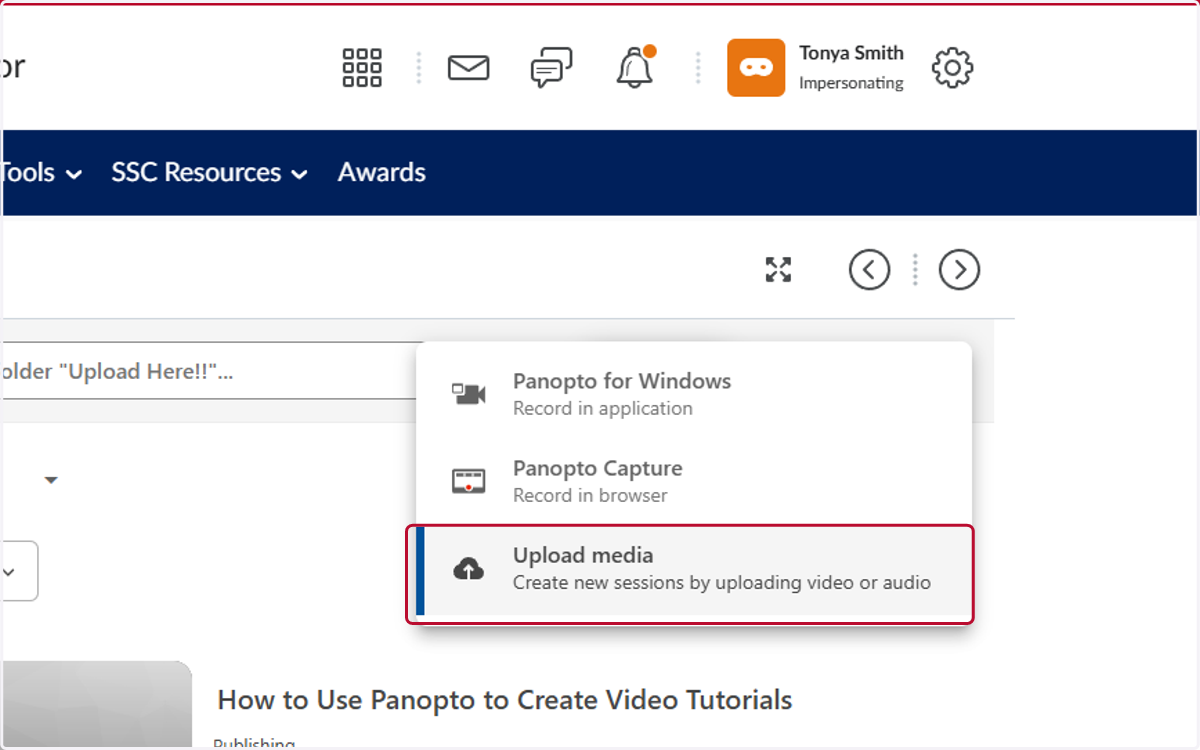
2. Click on Upload media
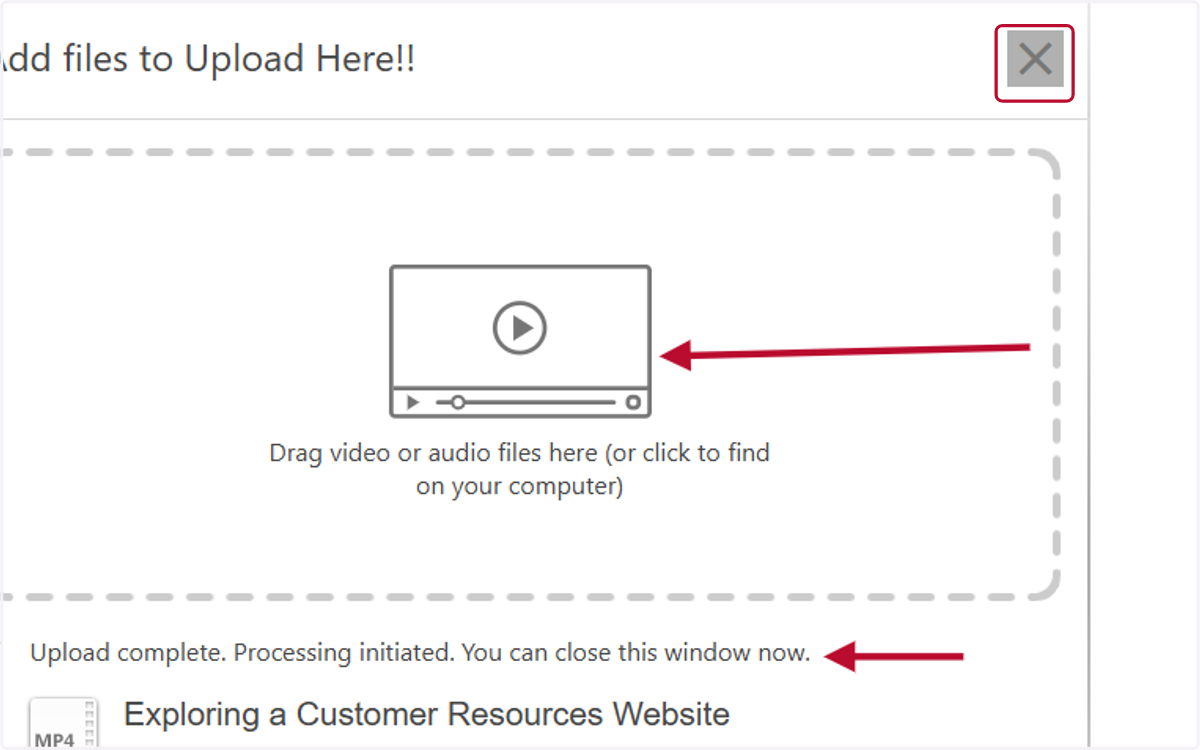
3. Drag your video into the upload window. Wait till you see the processing message and click on the X to close the window.
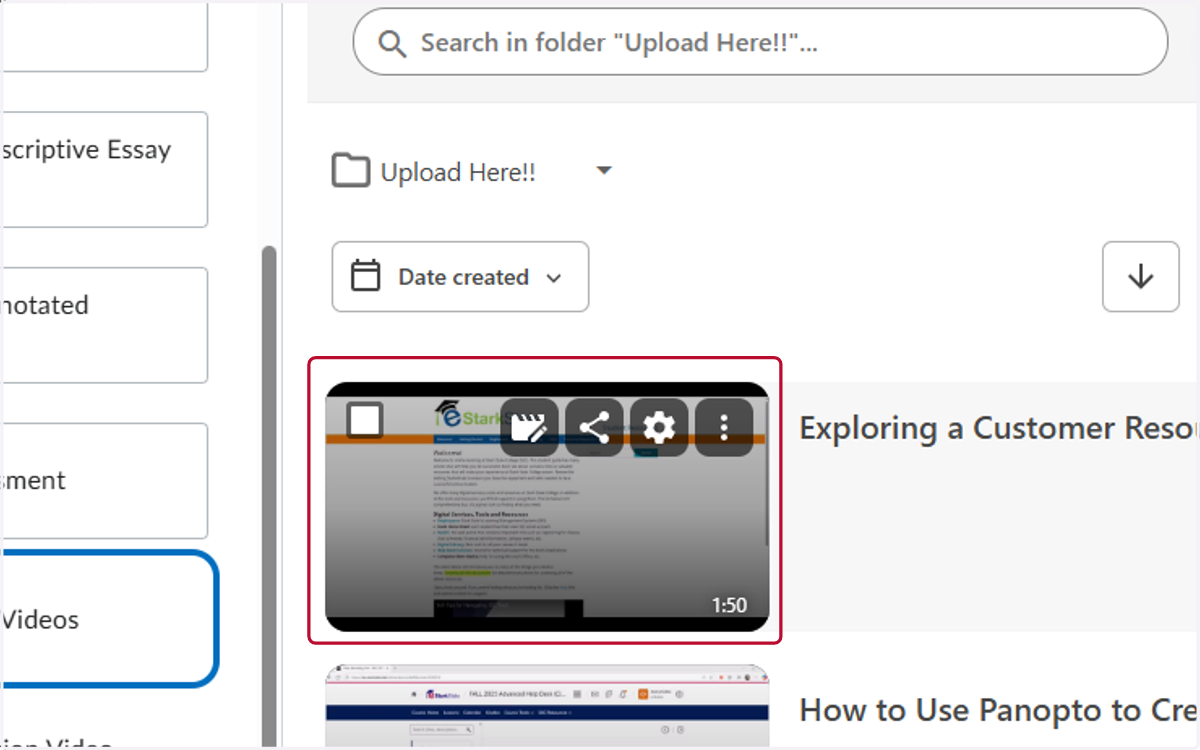
4. Click on the video, this will open it in a new tab on your browser.
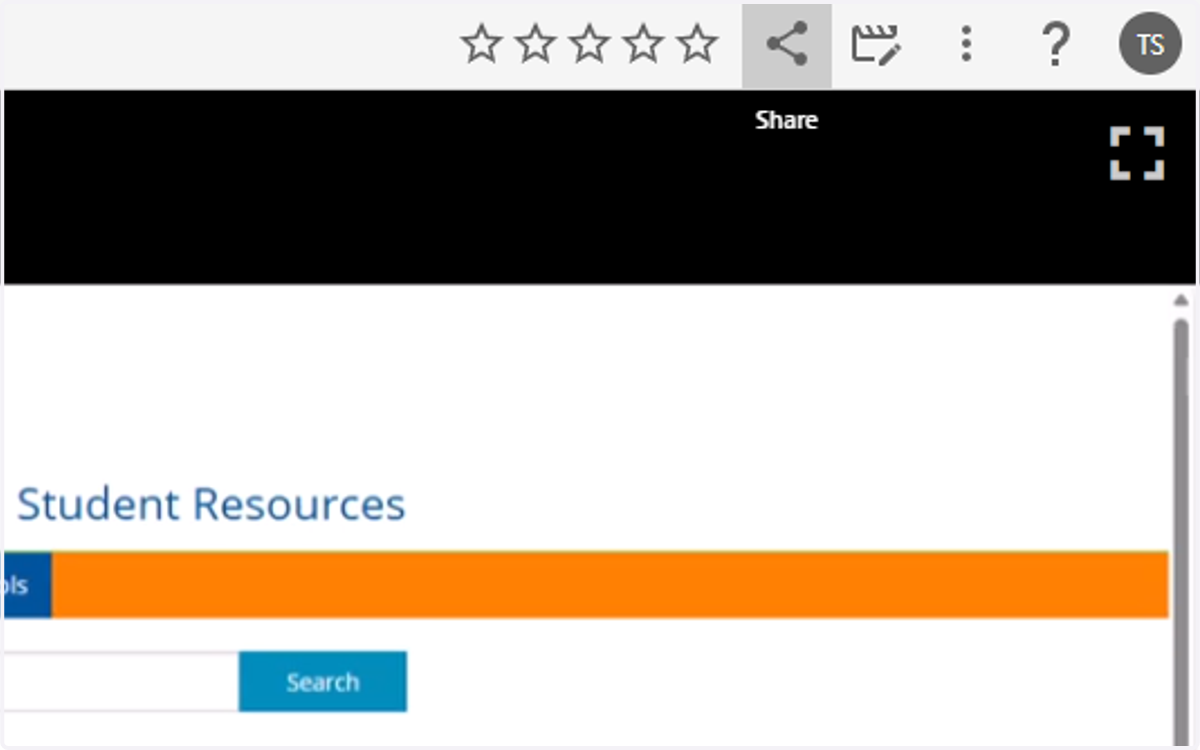
5. Click on Share
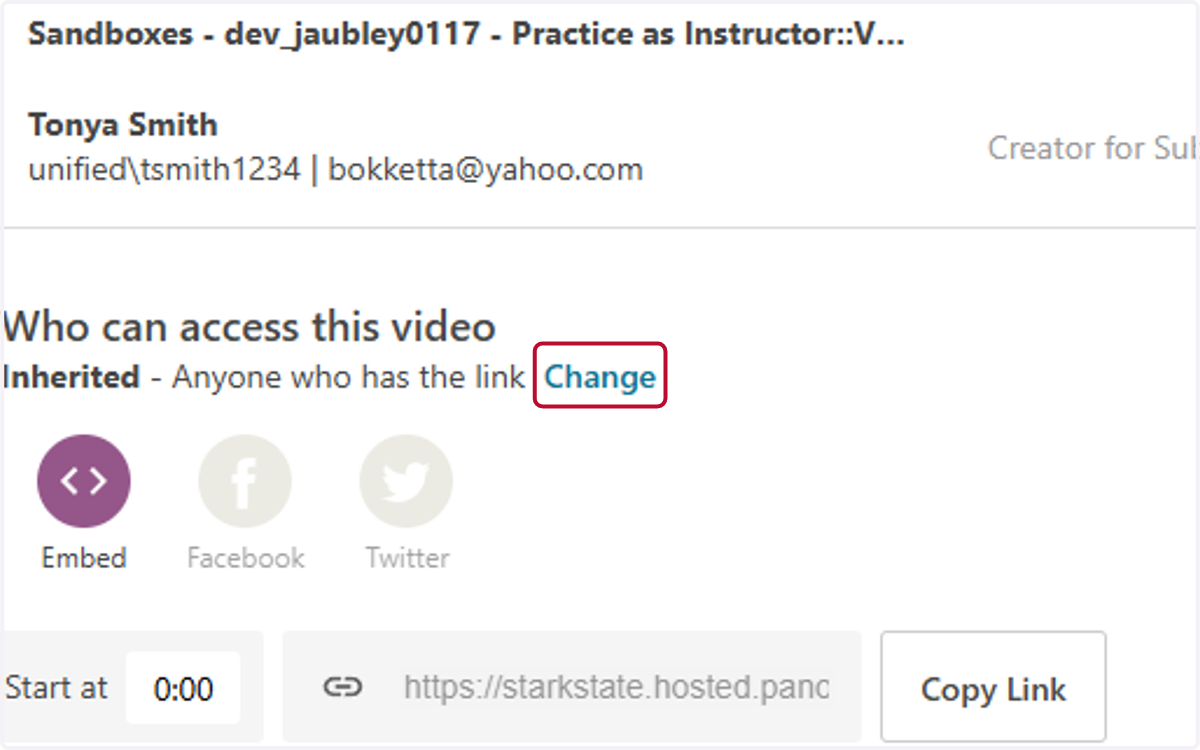
6. Click on Change
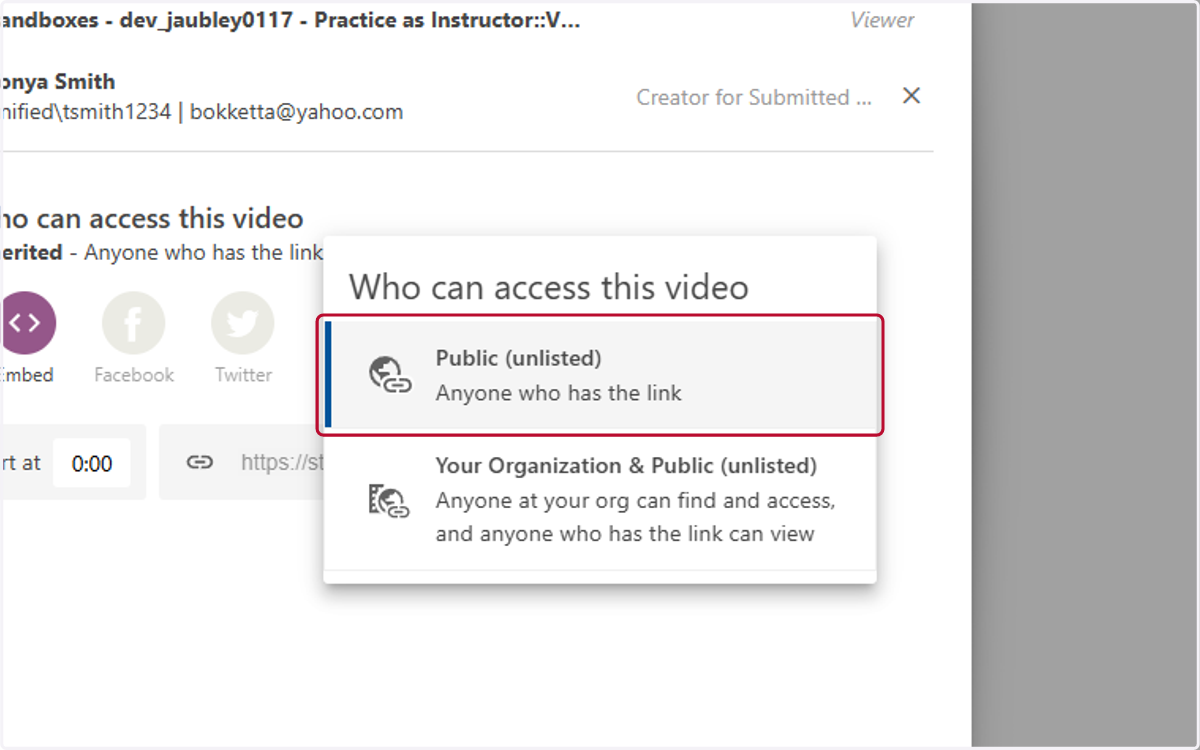
7. Click on Public (unliste)
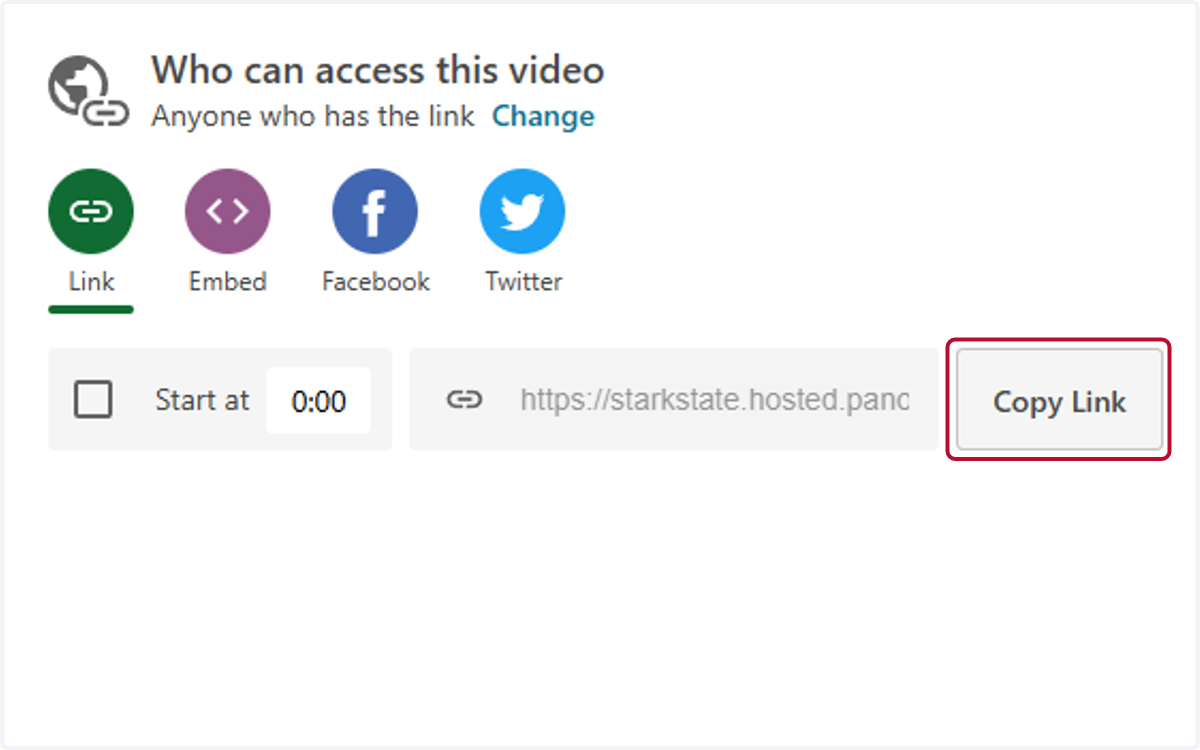
8. Click on Copy Link
9. Go back to your class and click on the assignment you need to submit the recording to.
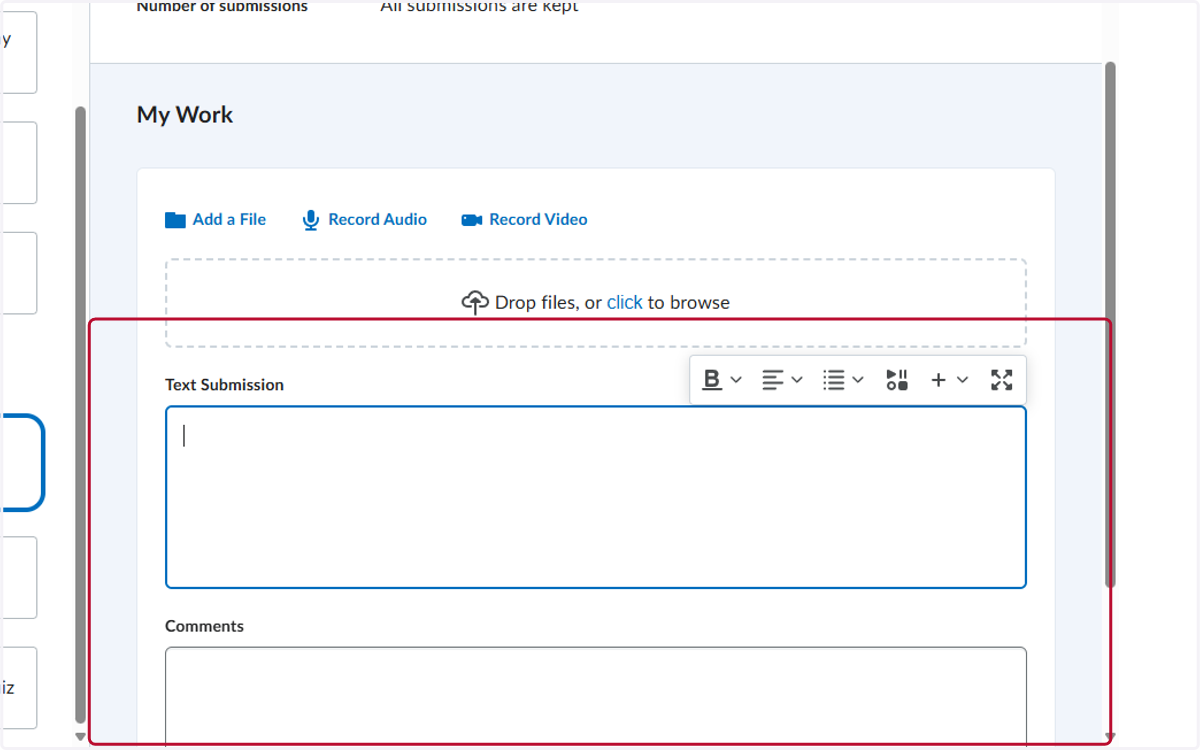
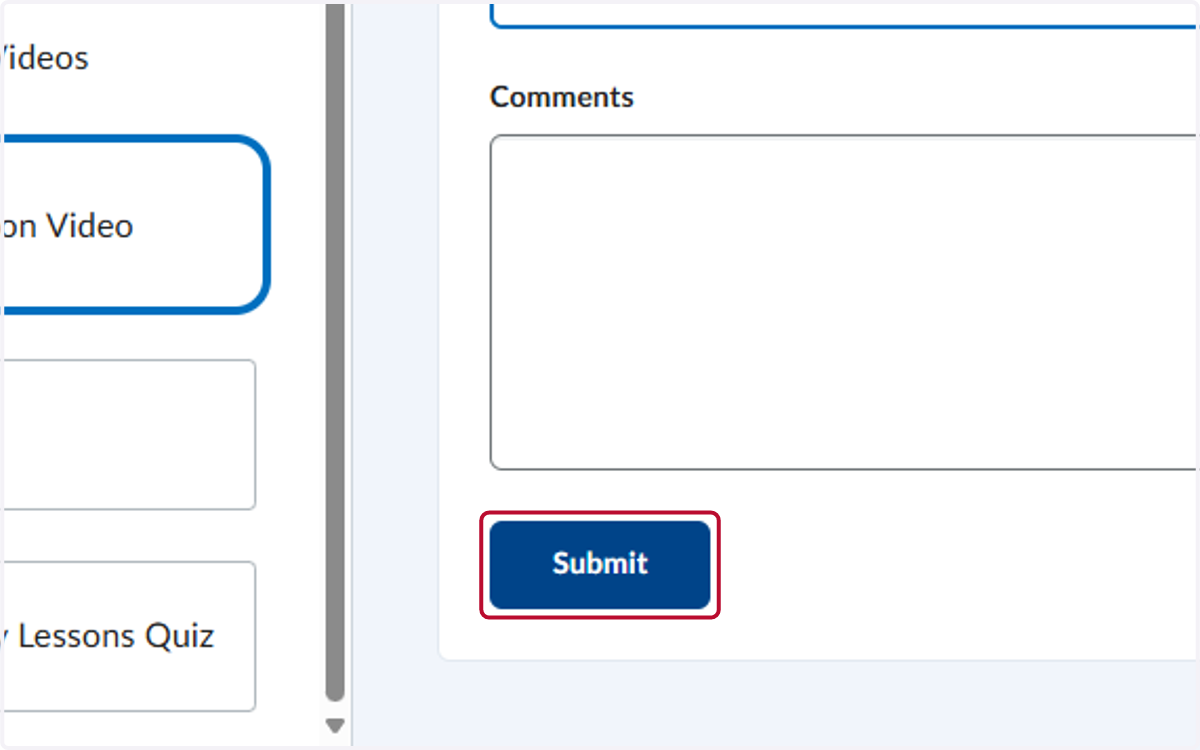
10. Paste the link in either the Text Submission or Comments area, make sure to review the instructions provided by your instructor to know where to paste this.