Updating Volunteer roles
This guide explains how to make updates to the official PMI Rochester Volunteer Roster.
1. Go to Board Admin | PMI Rochester
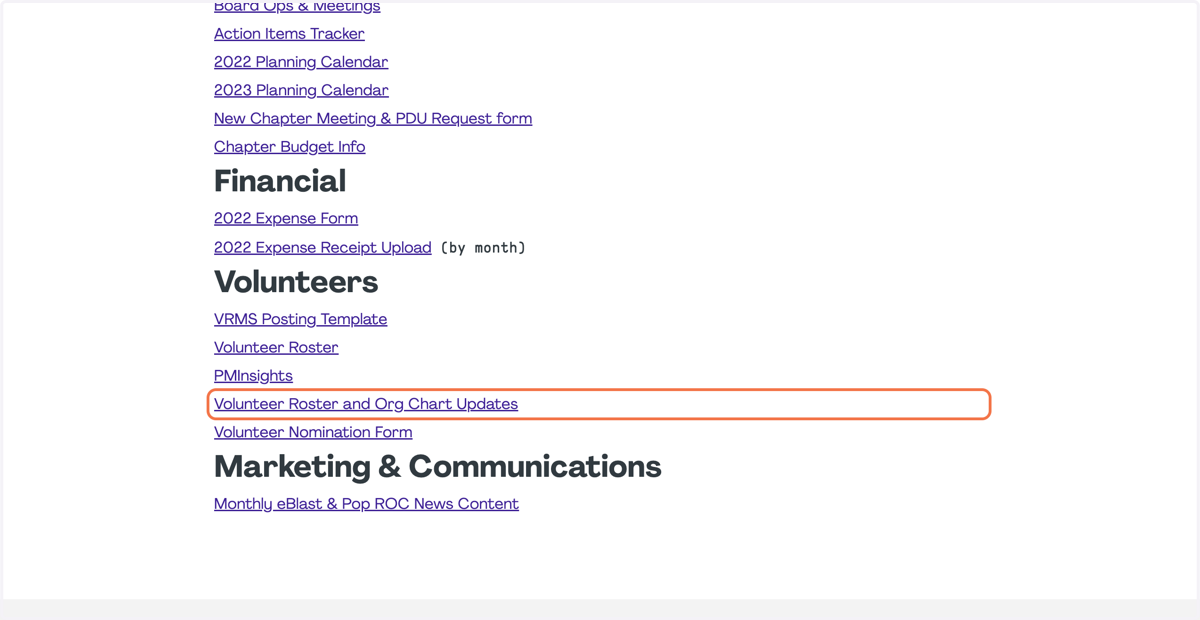
2. Click on Volunteer Roster and Org Chart Updates
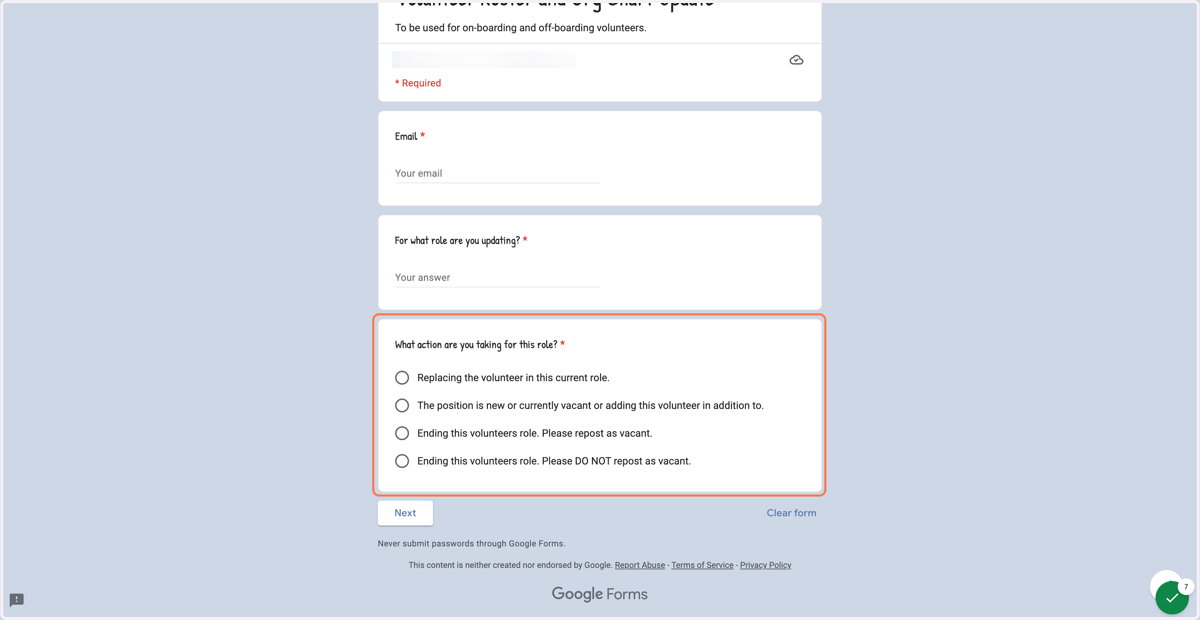
3. Fill out the form including, your email, what role this pertains to, and what action should be taken for this role.
4. If you have questions about this process, please contact the VP of Membership at membership@pmirochester.org