Updating Contact View in Hubspot
HubSpot
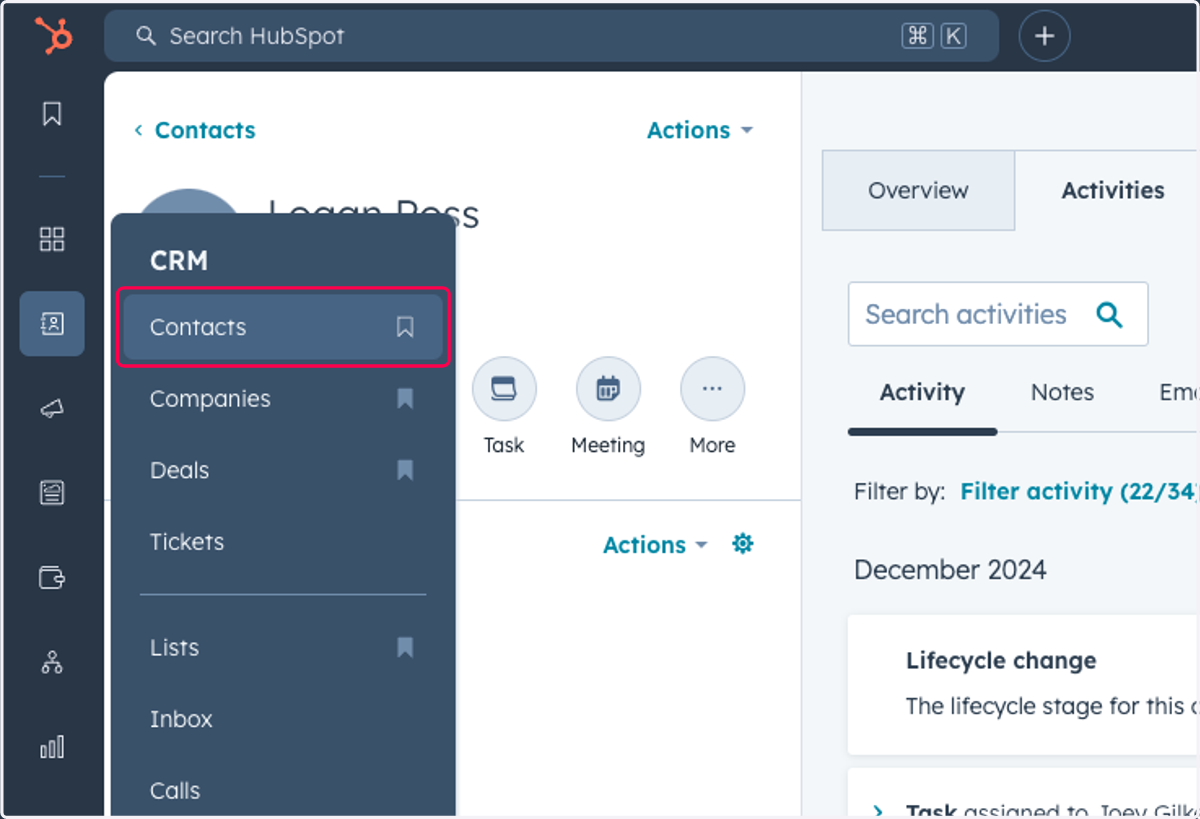
1. Click on Contacts
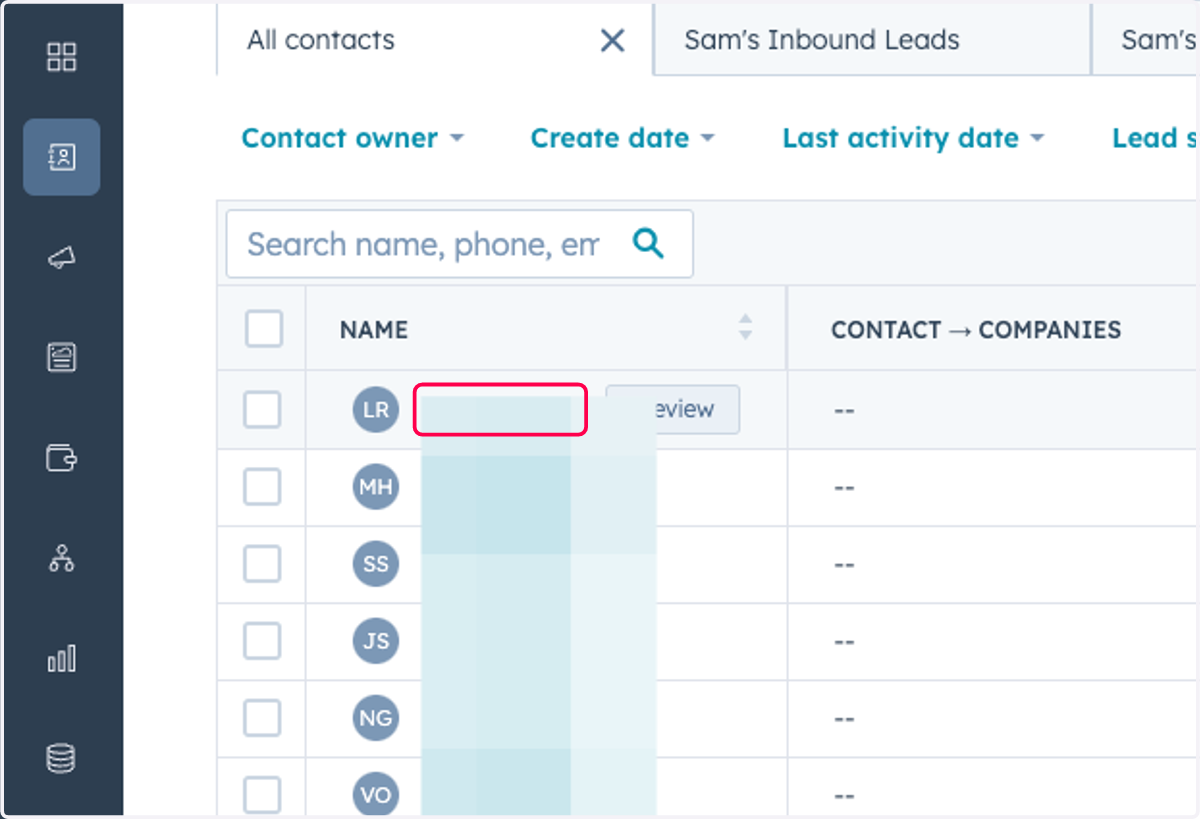
2. Click on any Contact
3. Click on Actions
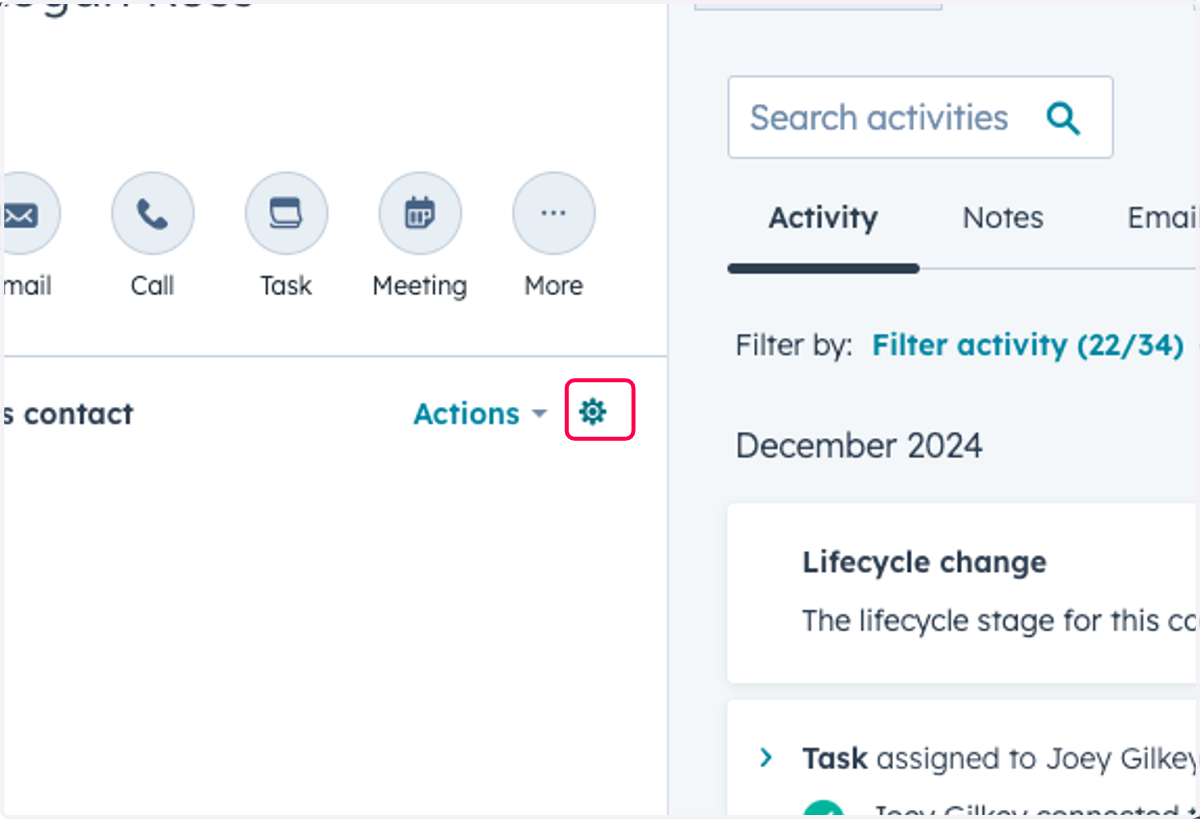
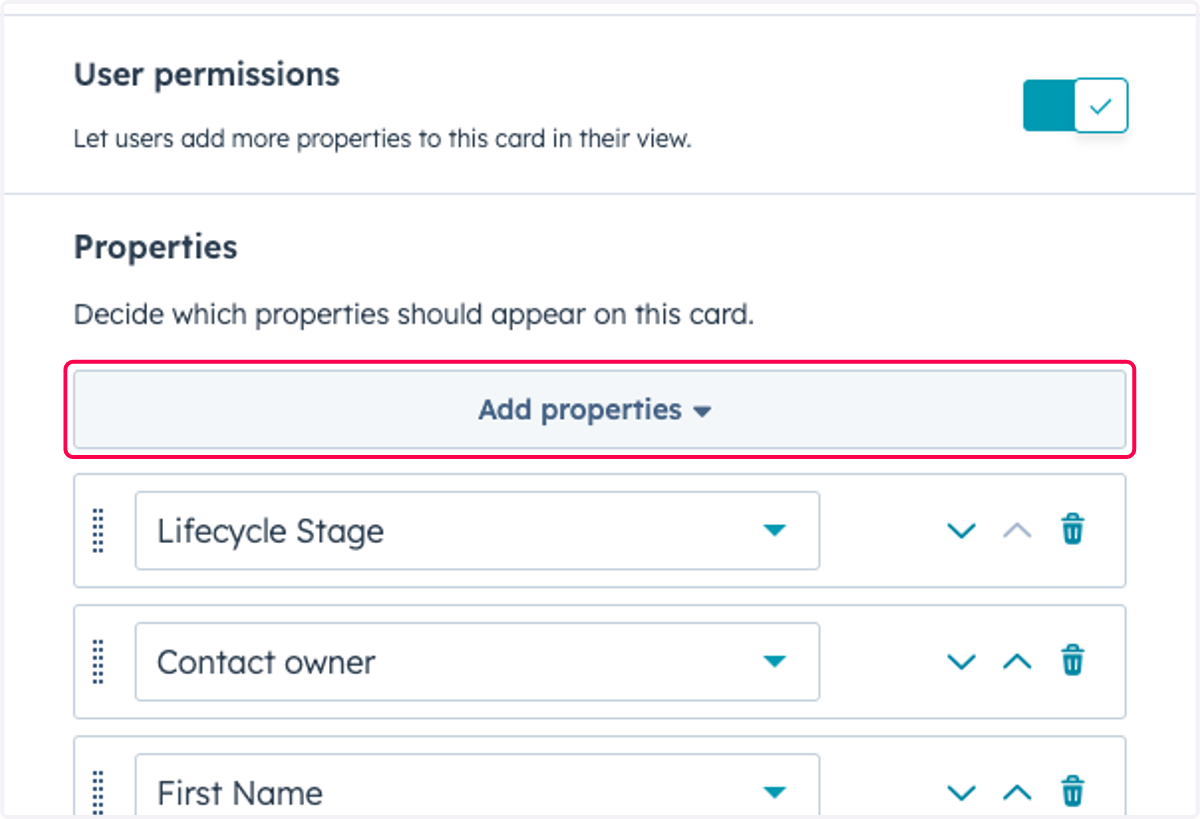
4. Click on Add properties
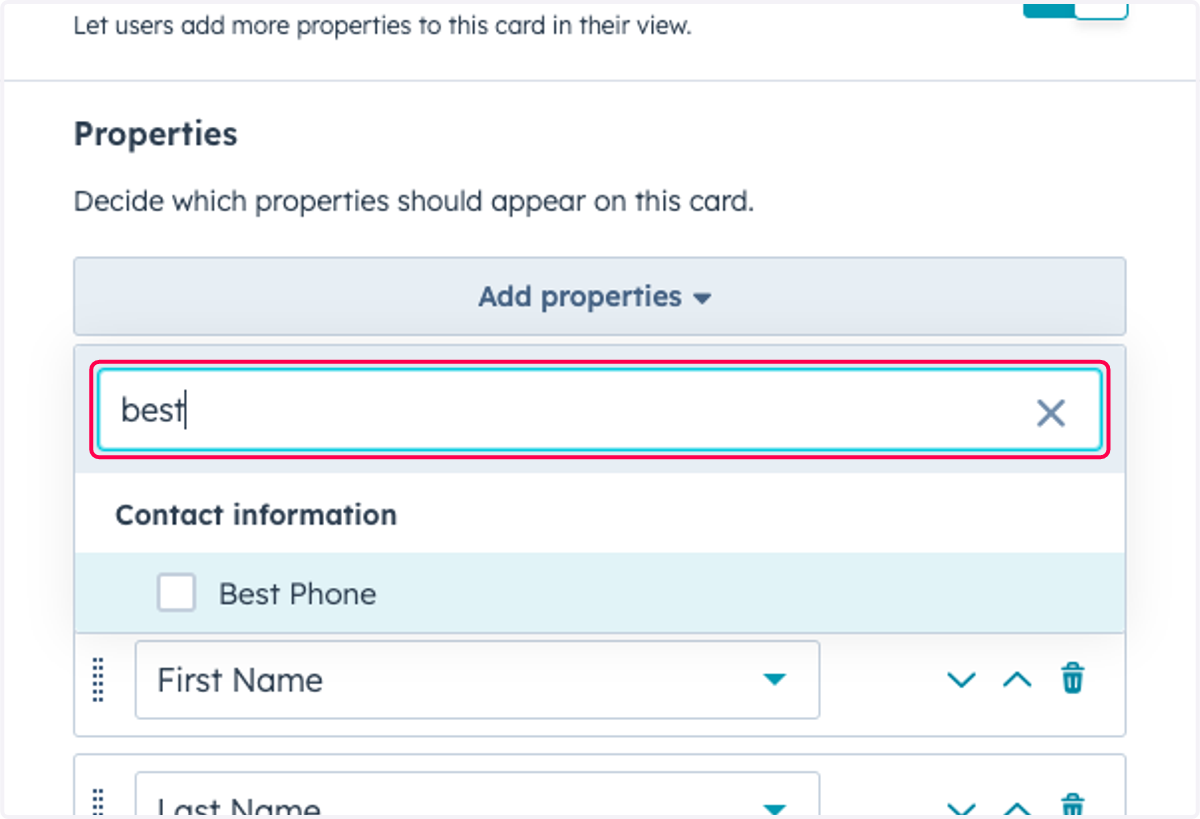
5. Type "best"
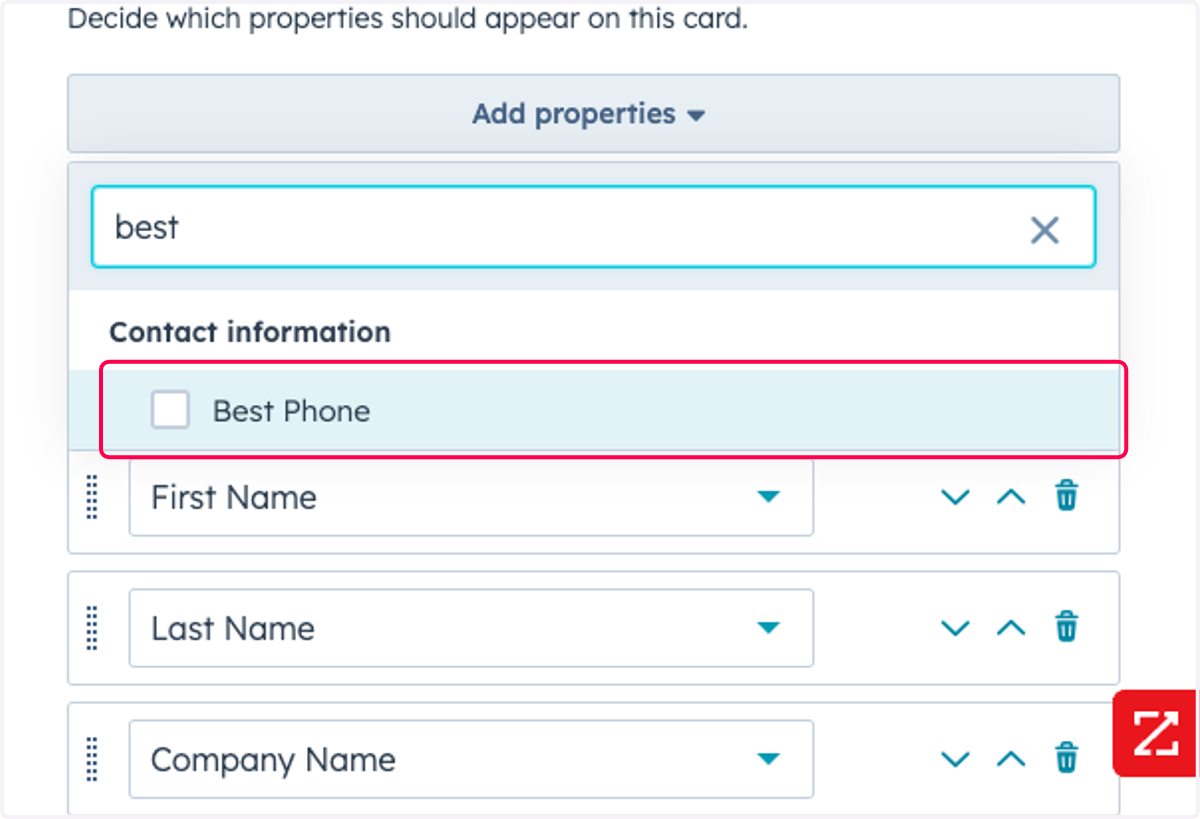
6. Click on Best Phone
7. Uncheck Best Phone
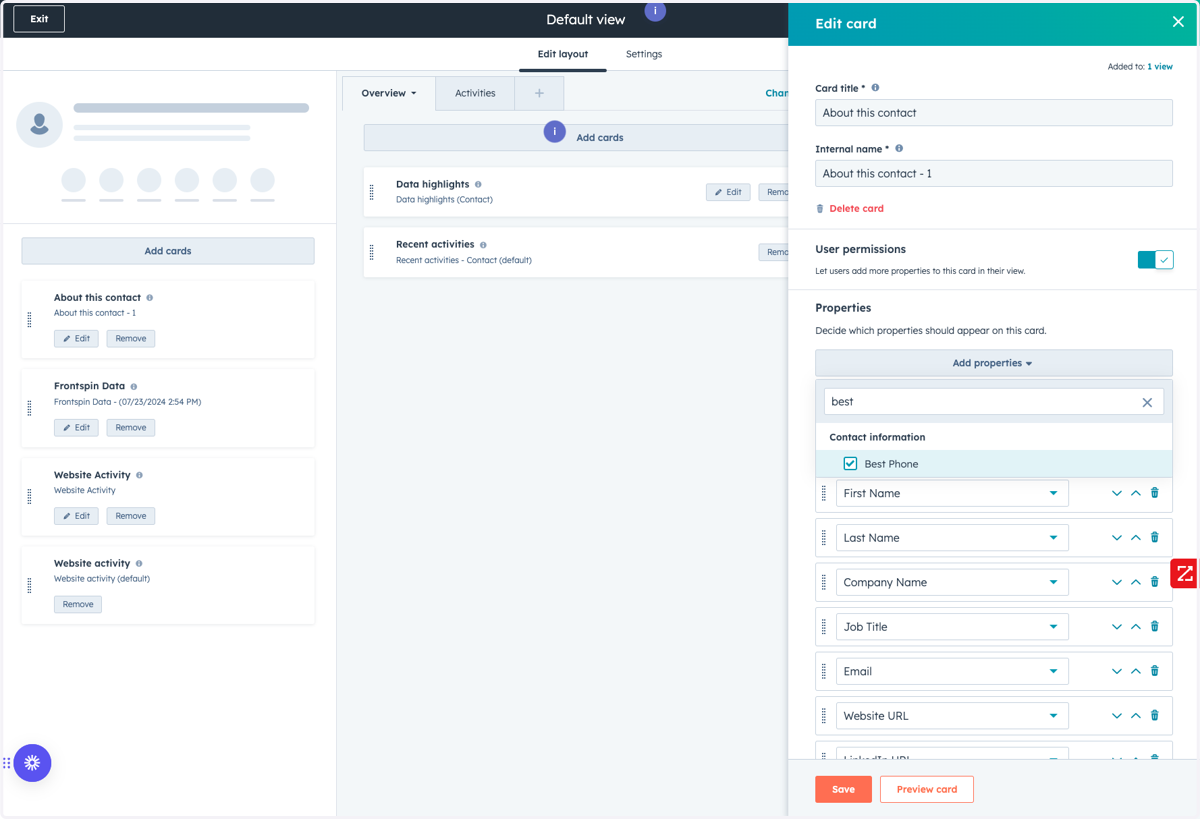
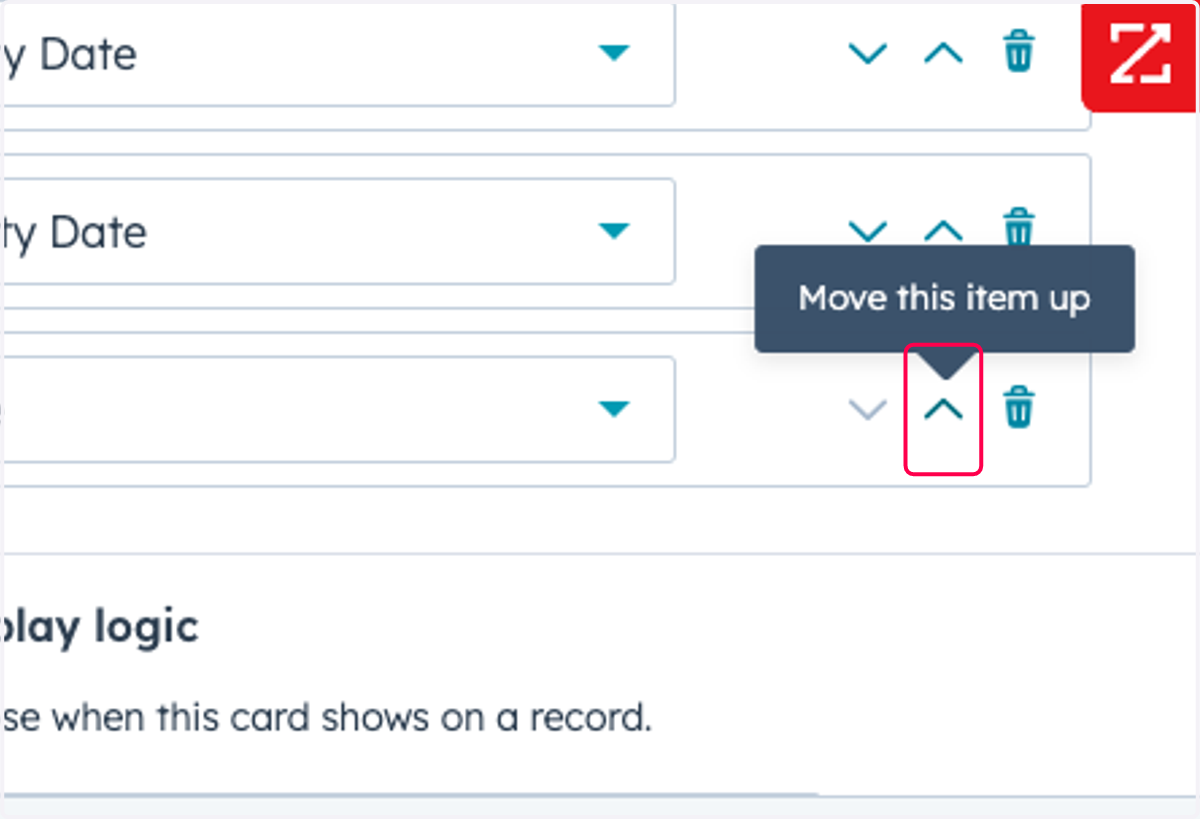
8. Click on Move this item up
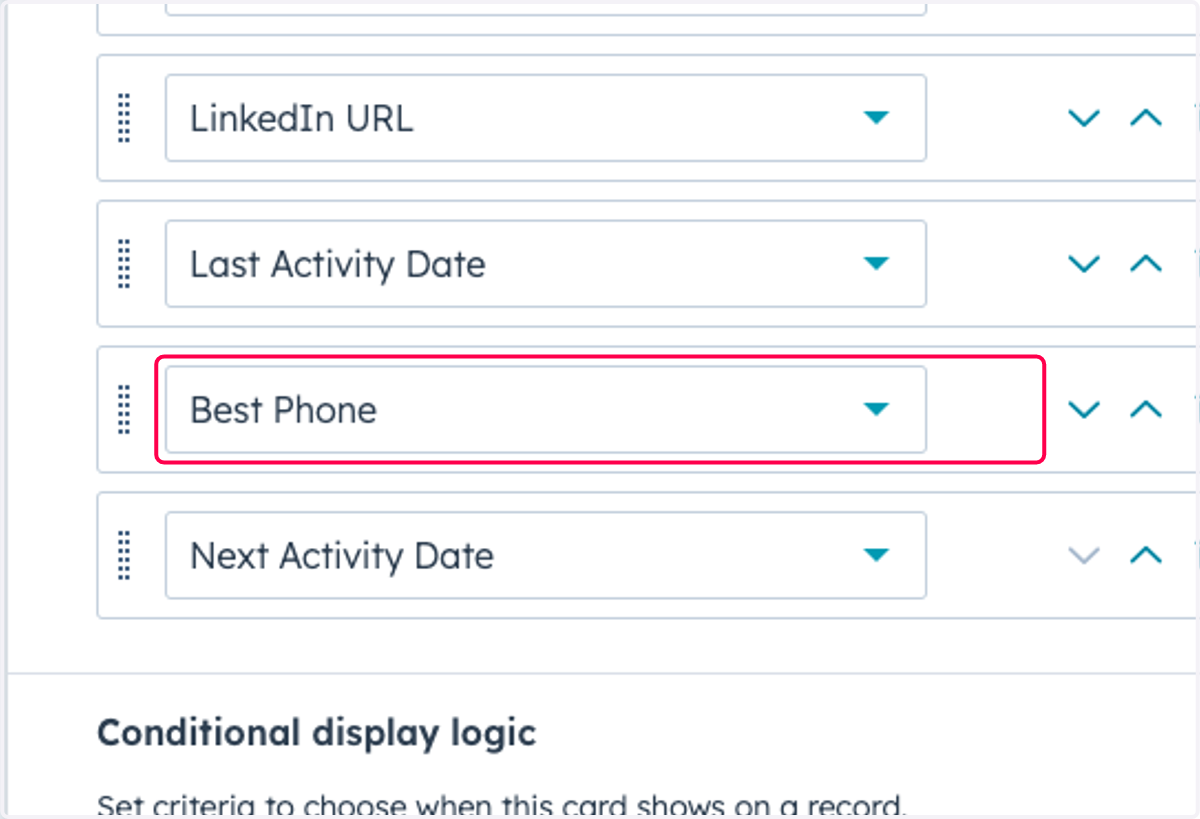
9. Drag highlighted element
10. Click on Save
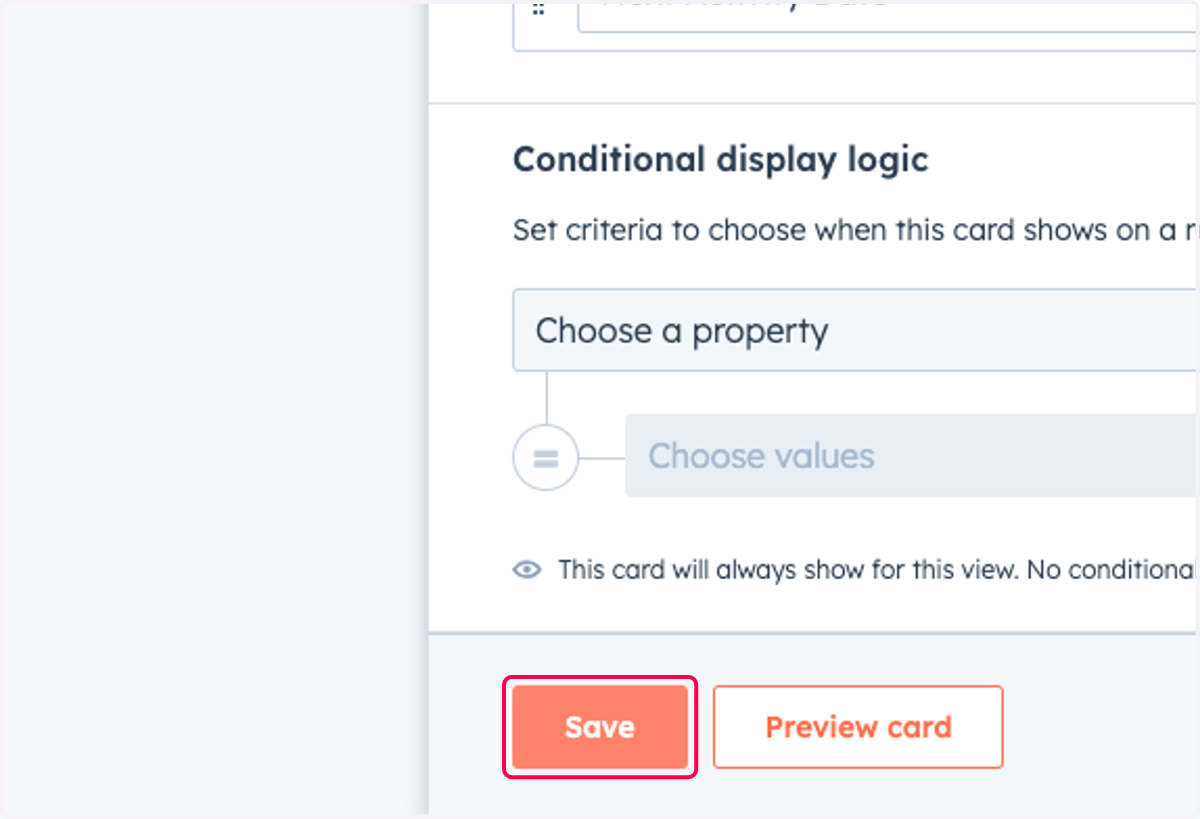
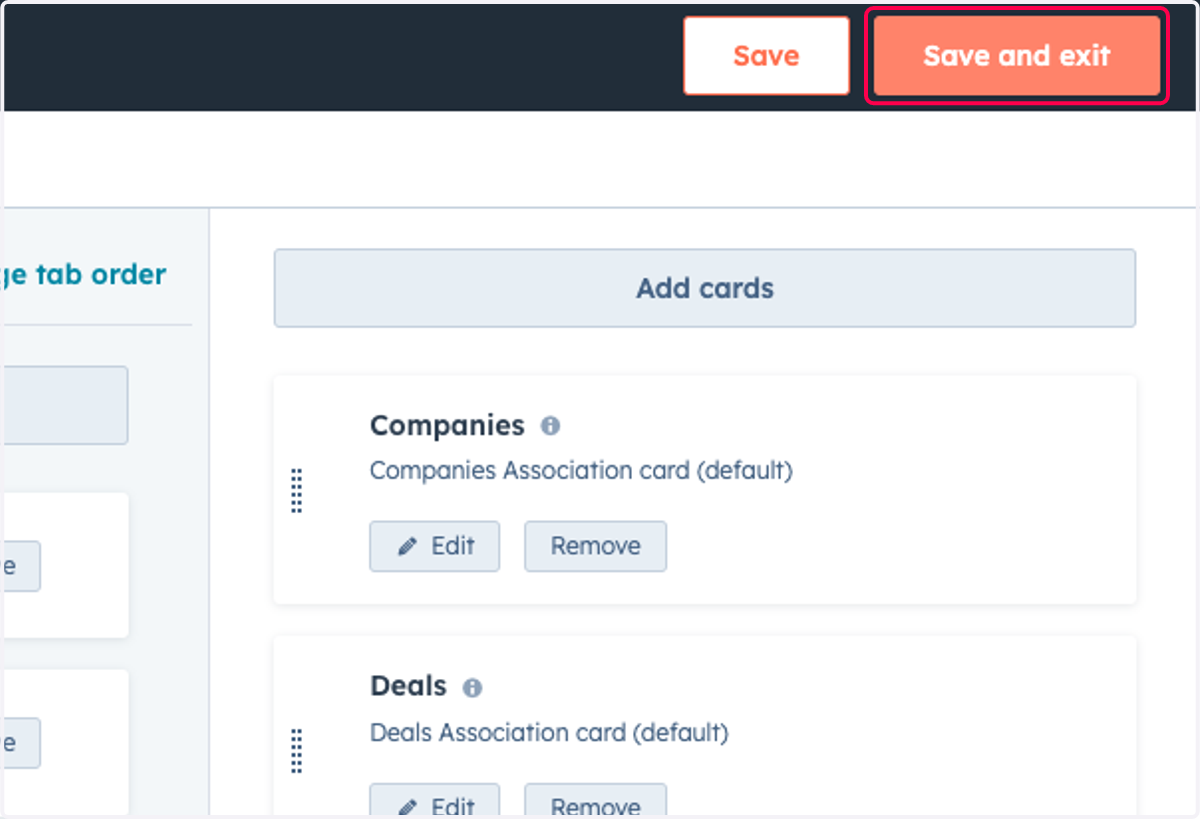
11. Click on Save and exit