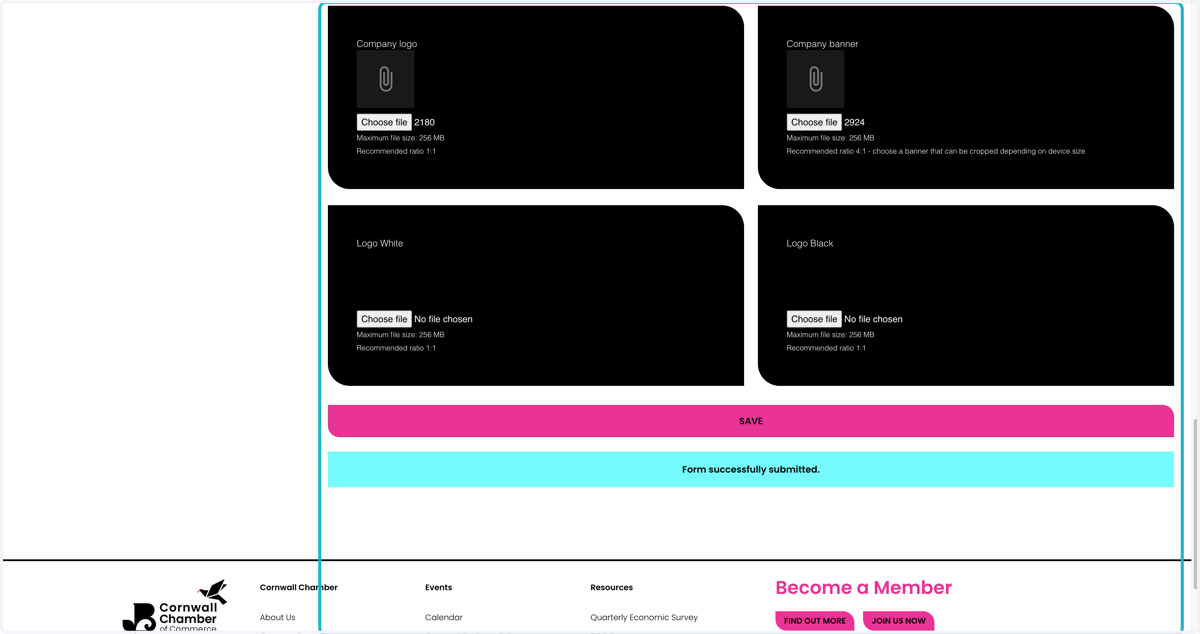
Update Your Profile on Cornwall Chamber of Commerce
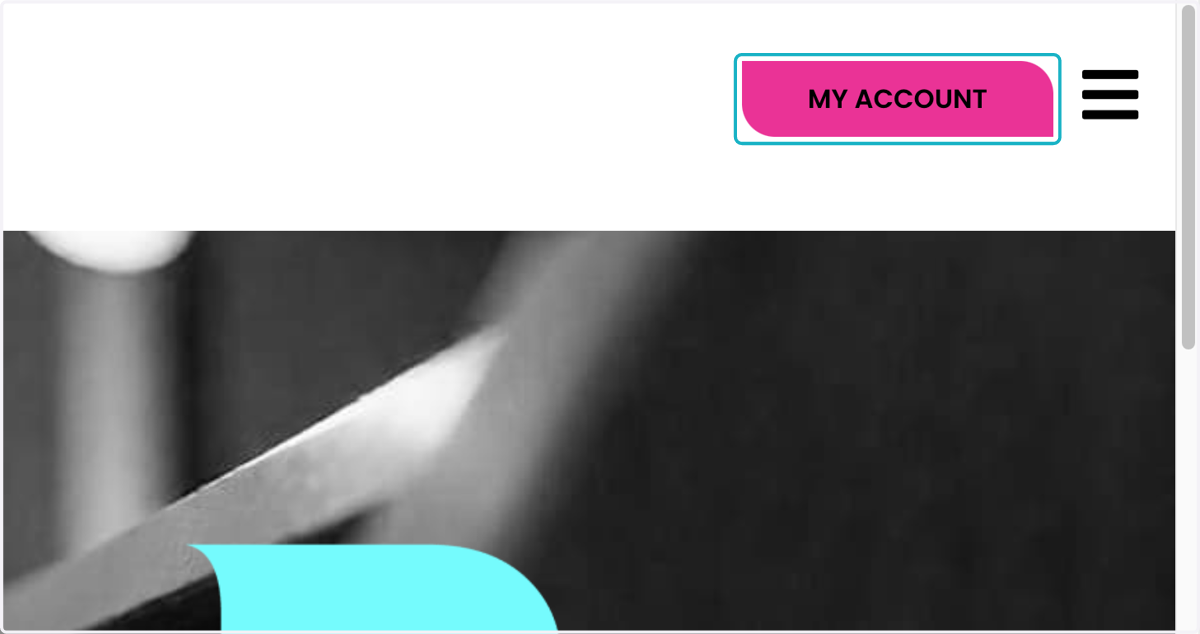
1. Click on "MY ACCOUNT"
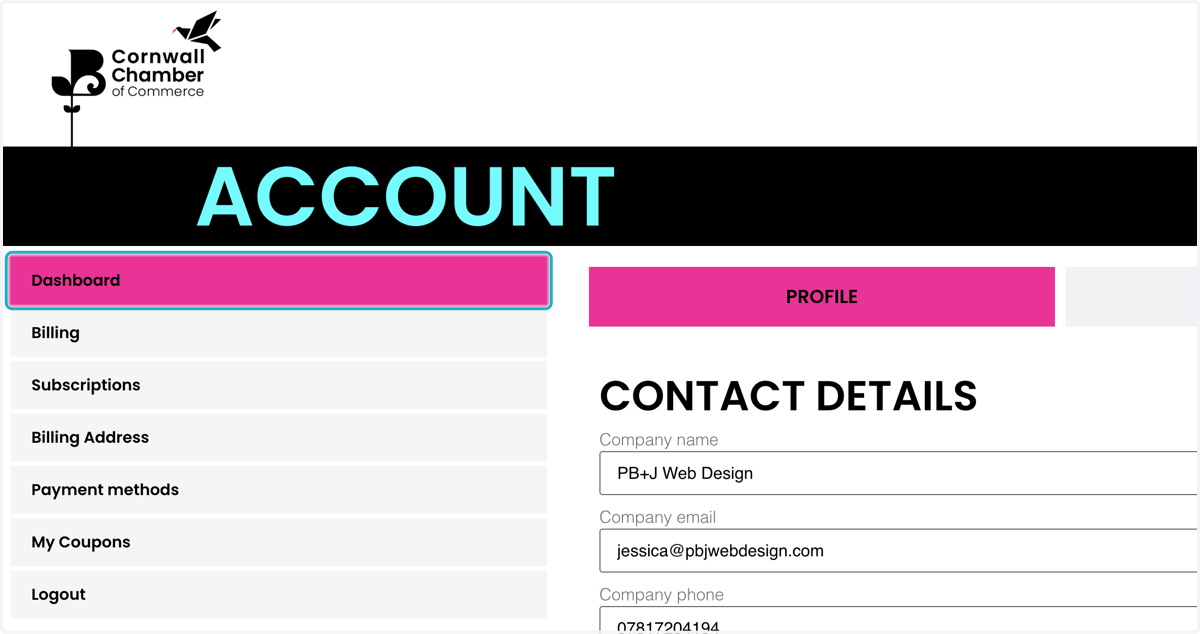
2. Click on Dashboard
3. Click on PROFILE
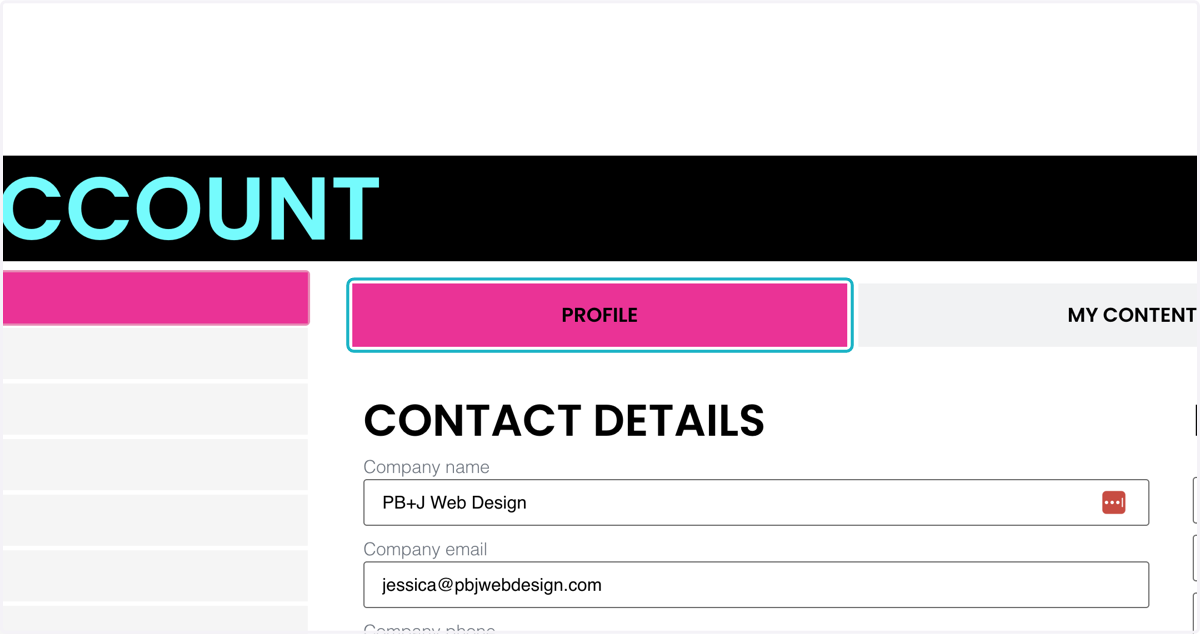
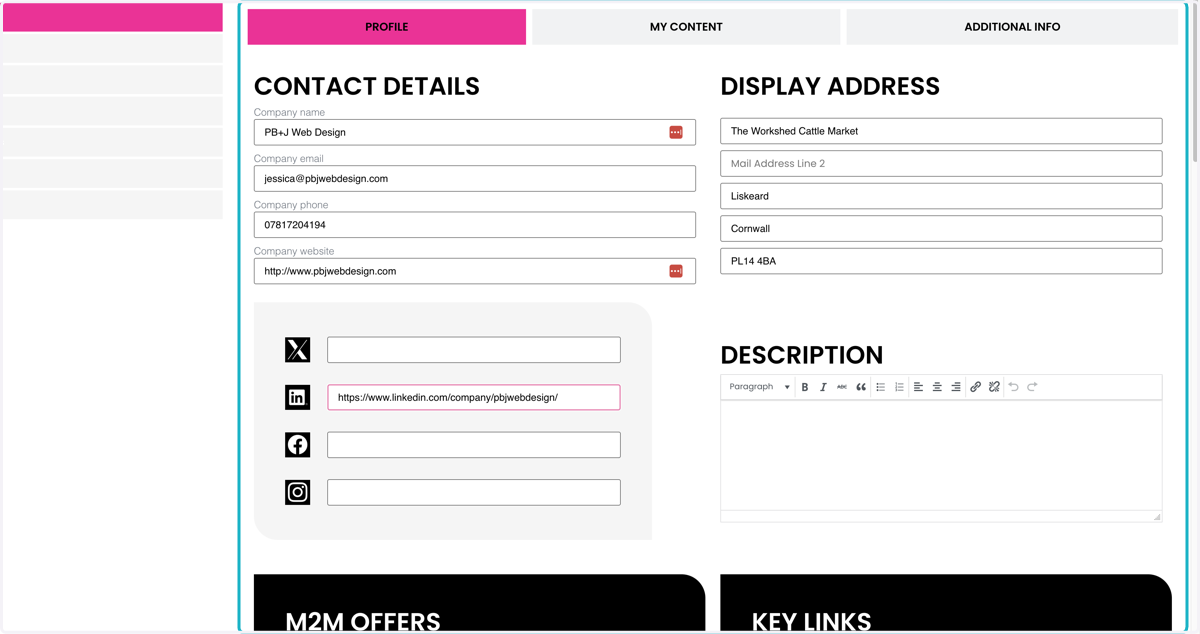
4. Fill in as many details as possible on the form
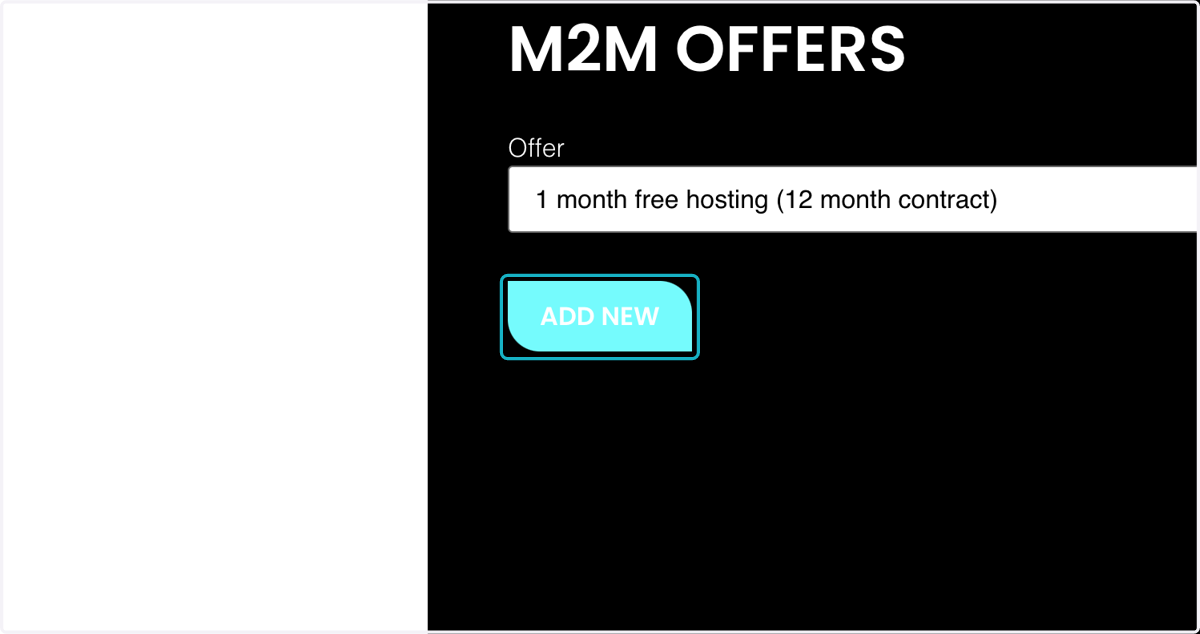
5. To add a new M2M offer, click "ADD NEW"
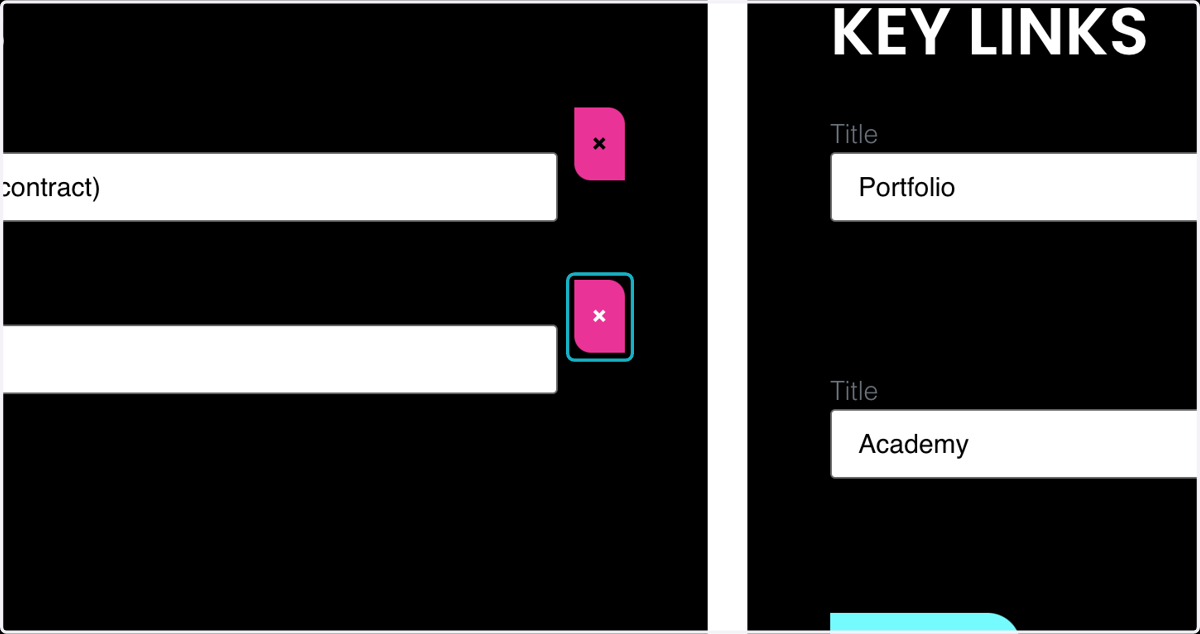
6. To delete an M2M offer, click the "x"
7. To add a new key link, click "ADD NEW"
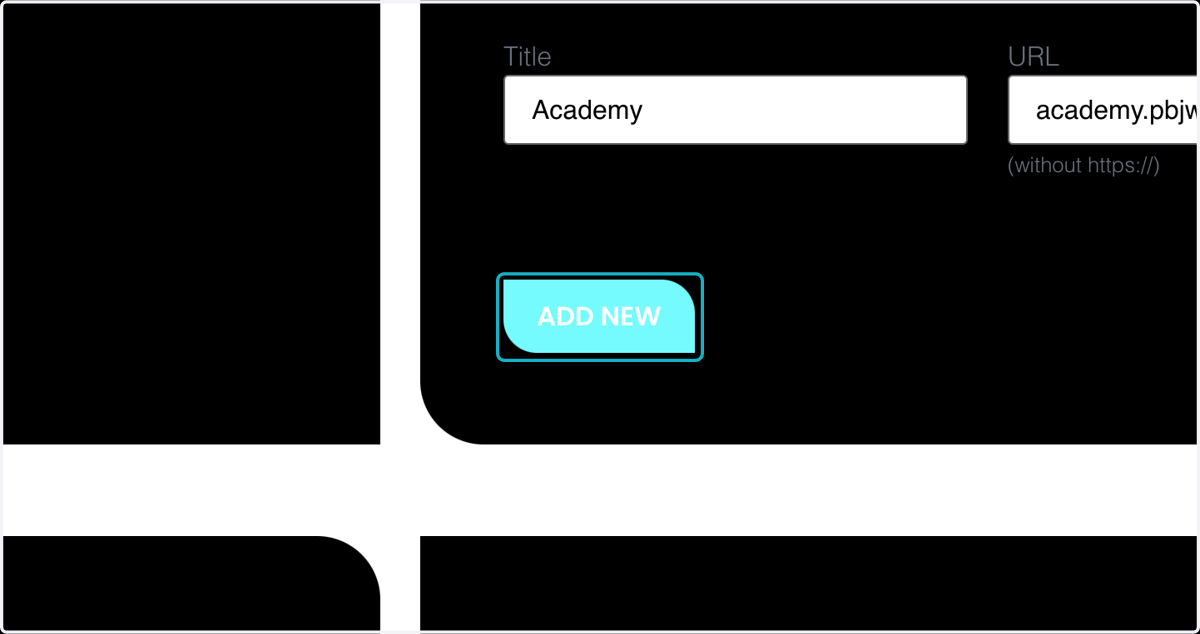
8. Add the key link title
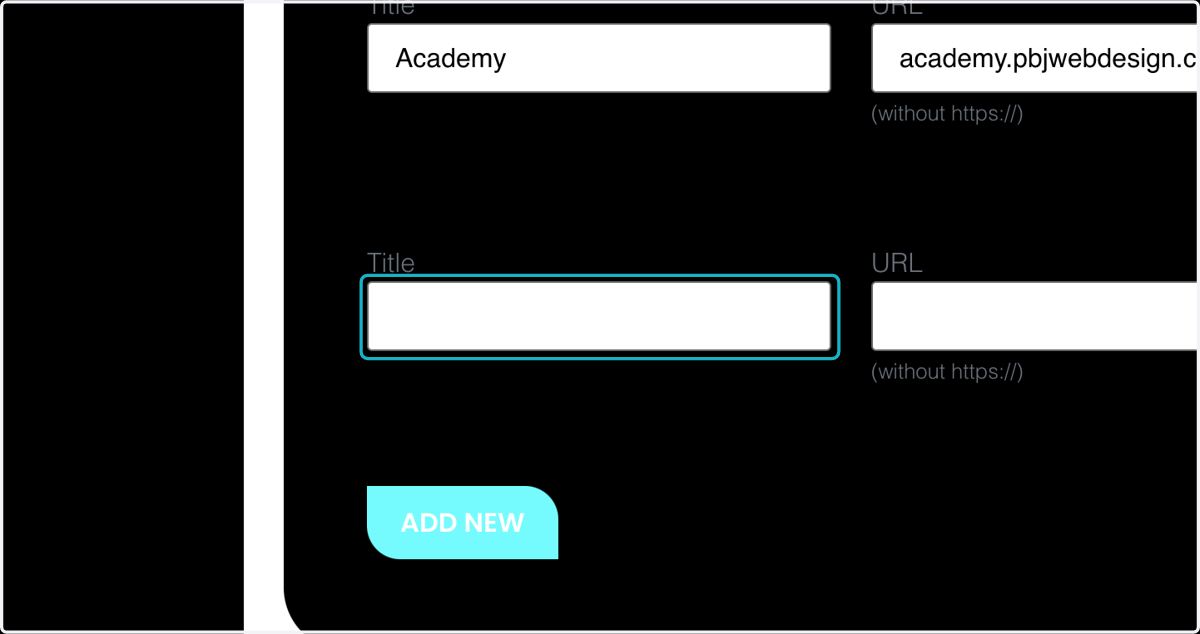
9. And add the url link address you would like it to go to
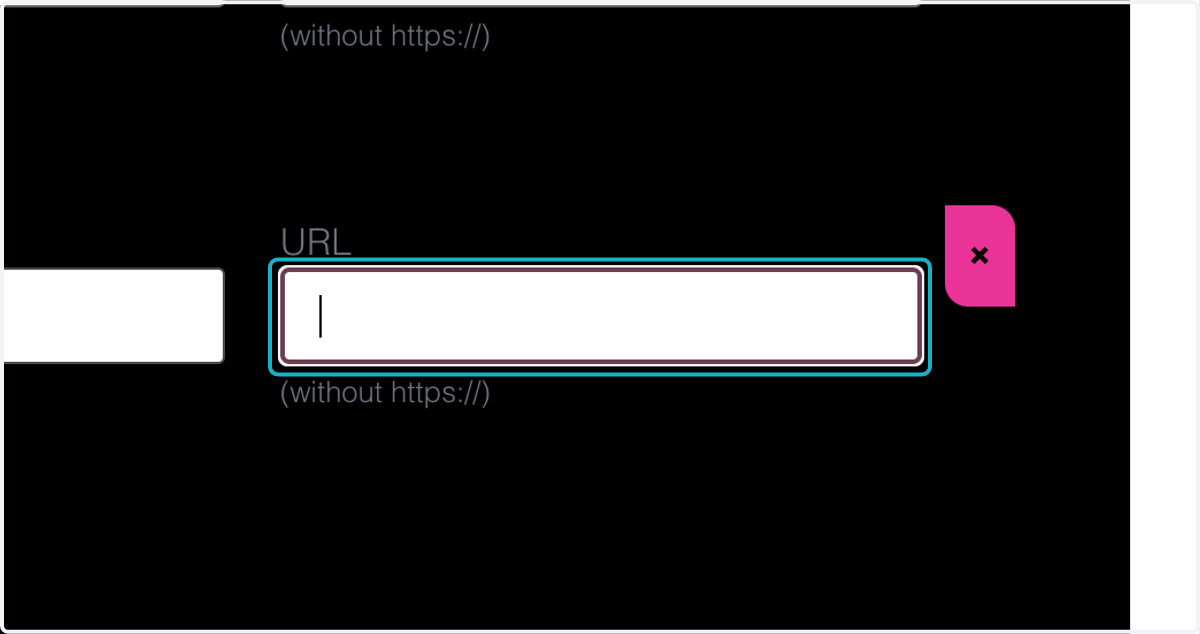
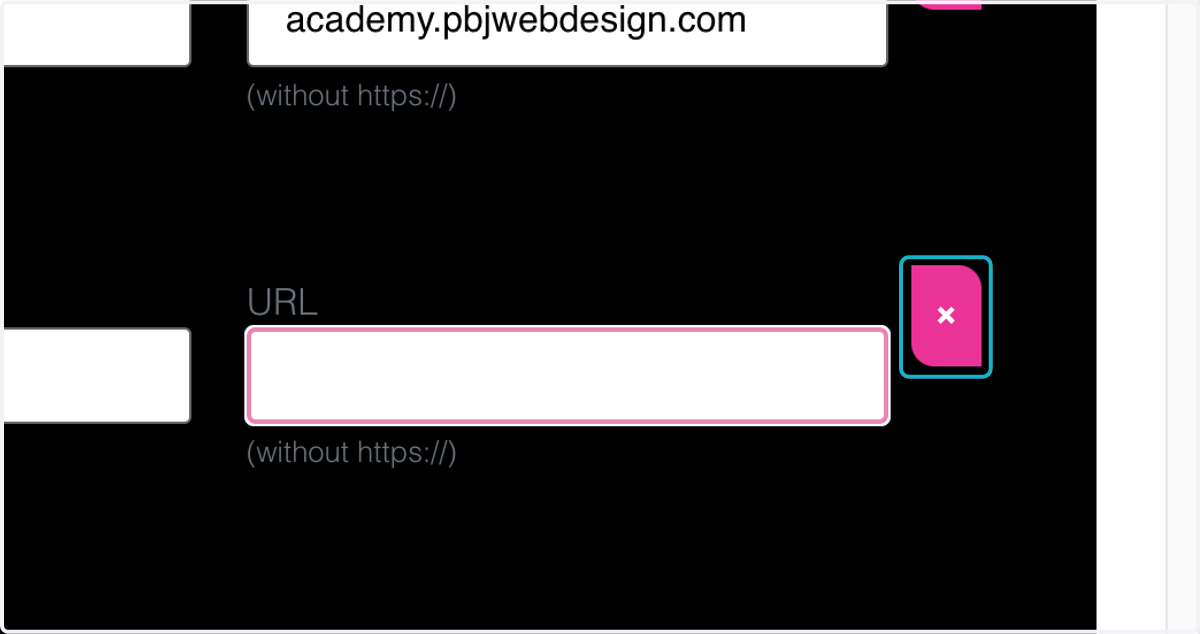
10. Do delete a key link, click on the "x"
11. You can also add image media and video media to be shown on your profile page.
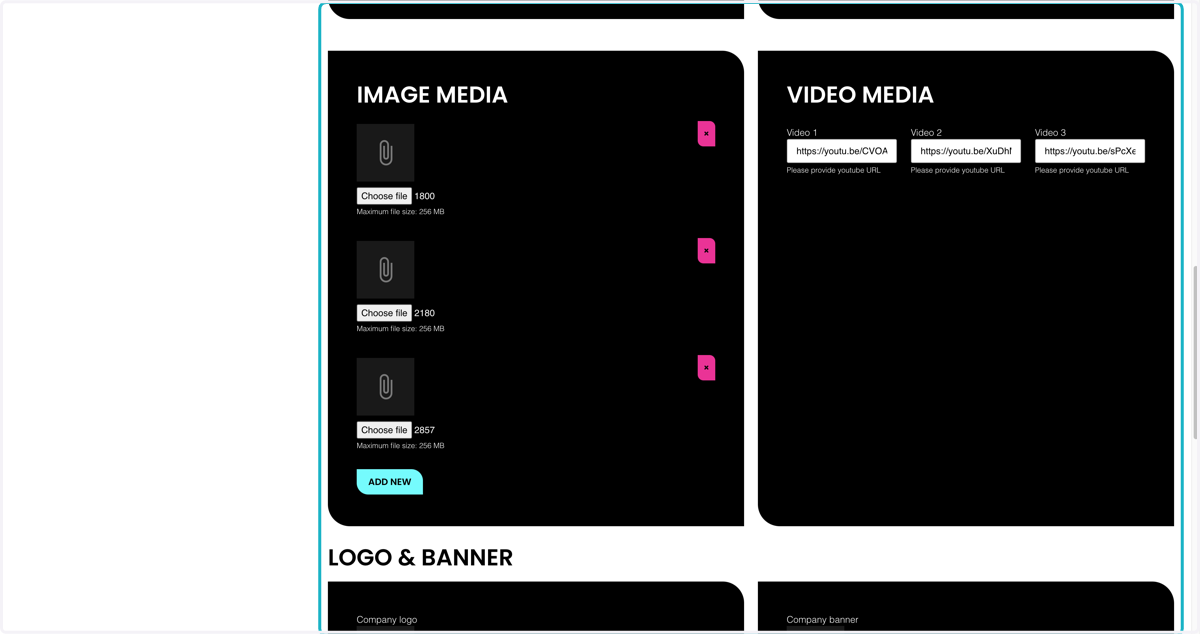
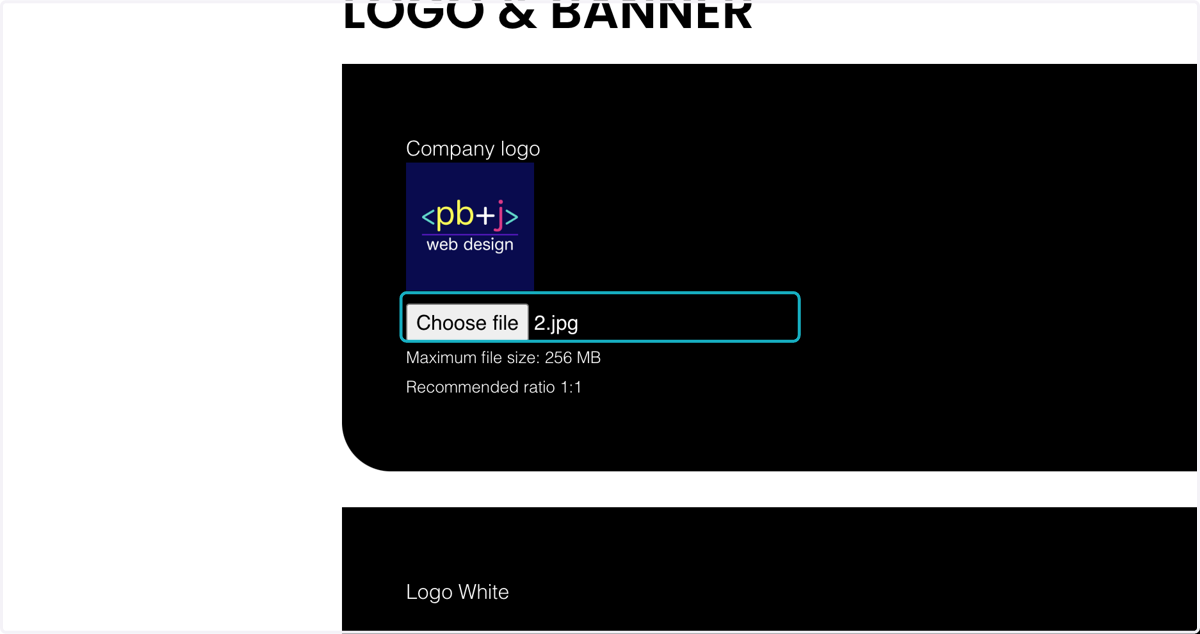
12. Make sure to add your logo
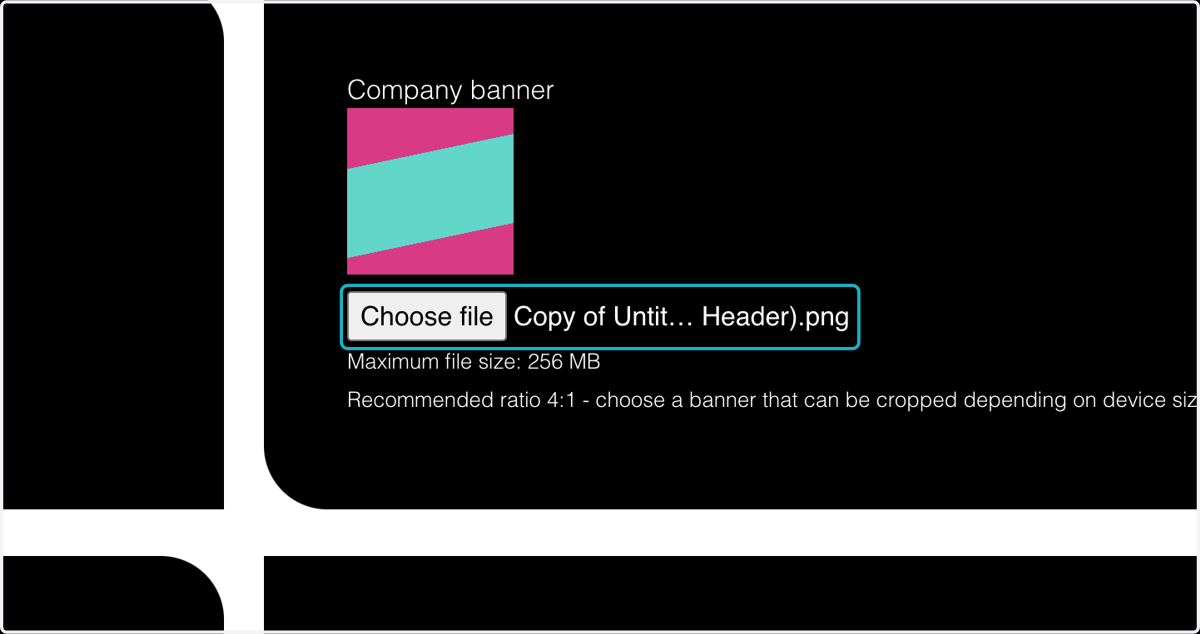
13. And also a banner for your profile page - keep this clear of any text, as this will be resized for different screen sizes.
14. Click on SAVE
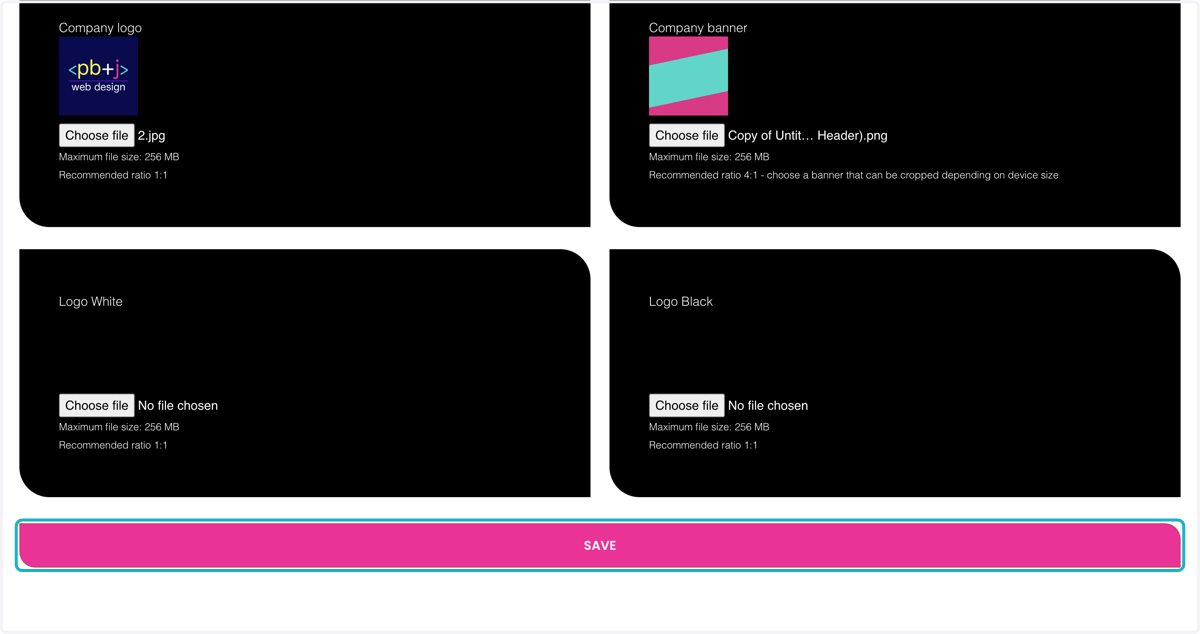
15. You will see a message to confirm that your form has been submitted correctly.