Update Wait Time in Kea/Stream View
Kea | Brand Portal
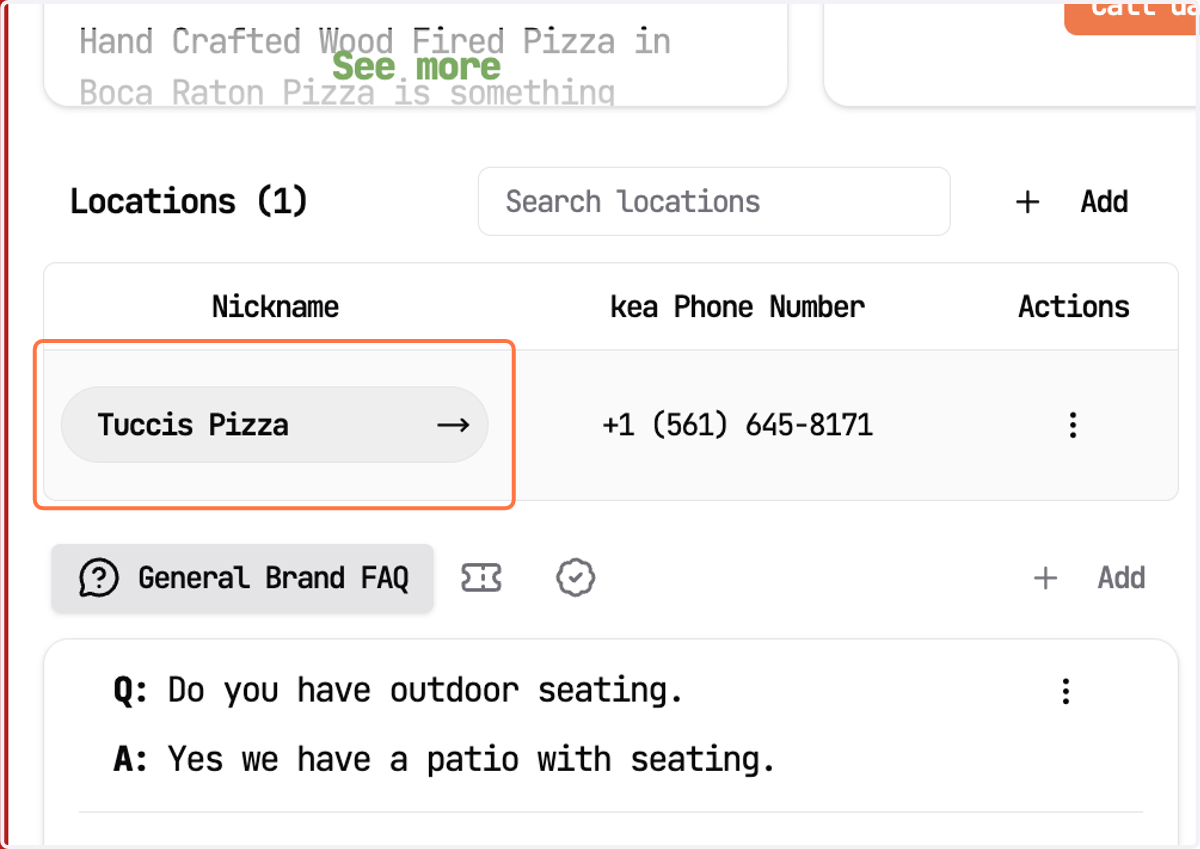
1. Click on the Location in your Kea Portal
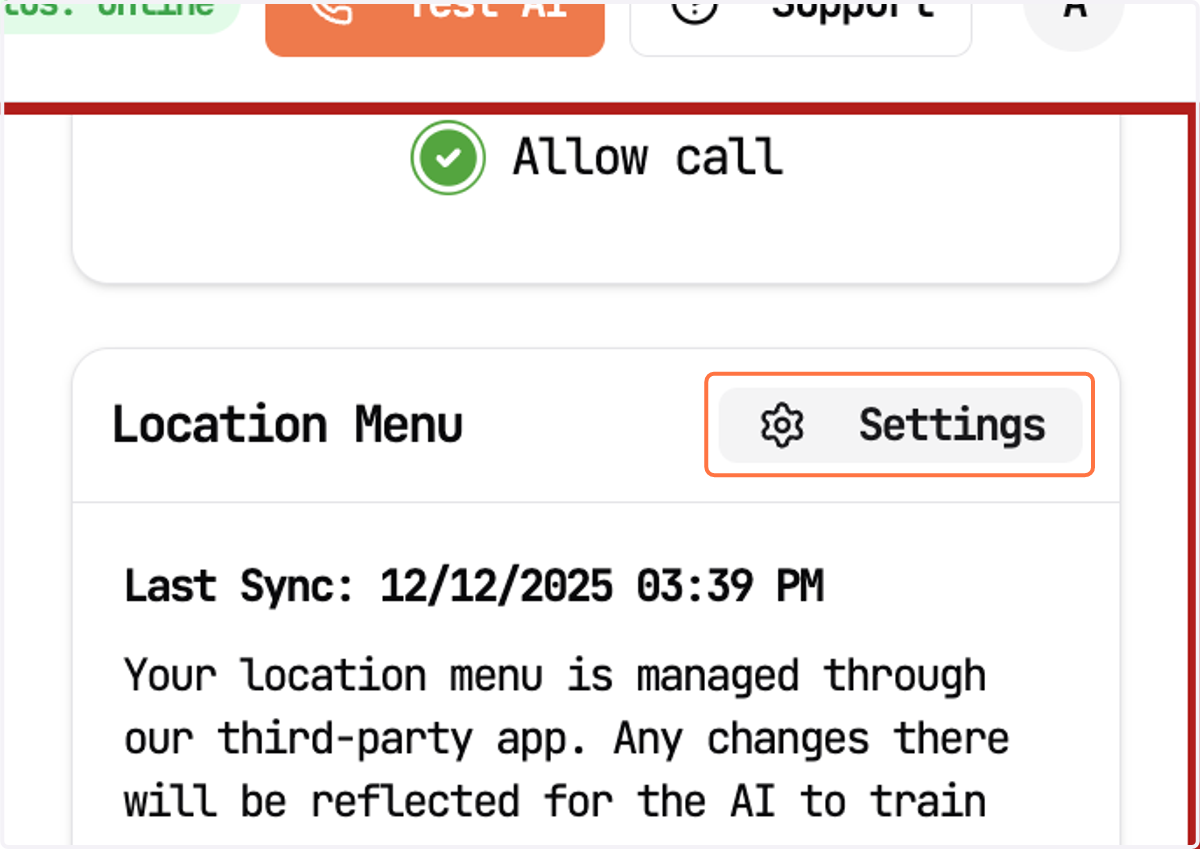
2. Click on Settings down in the bottom left for your Stream Menu
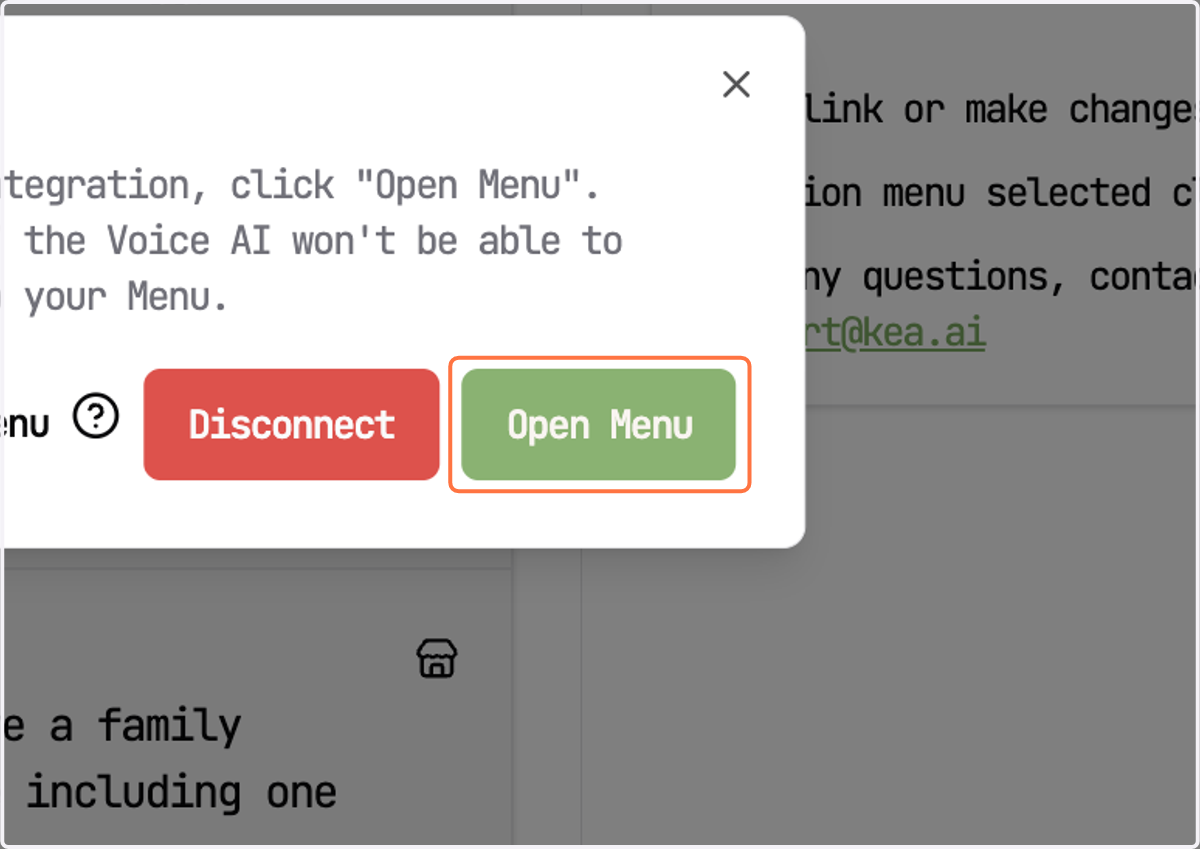
3. Click on Open Menu
Kea AI
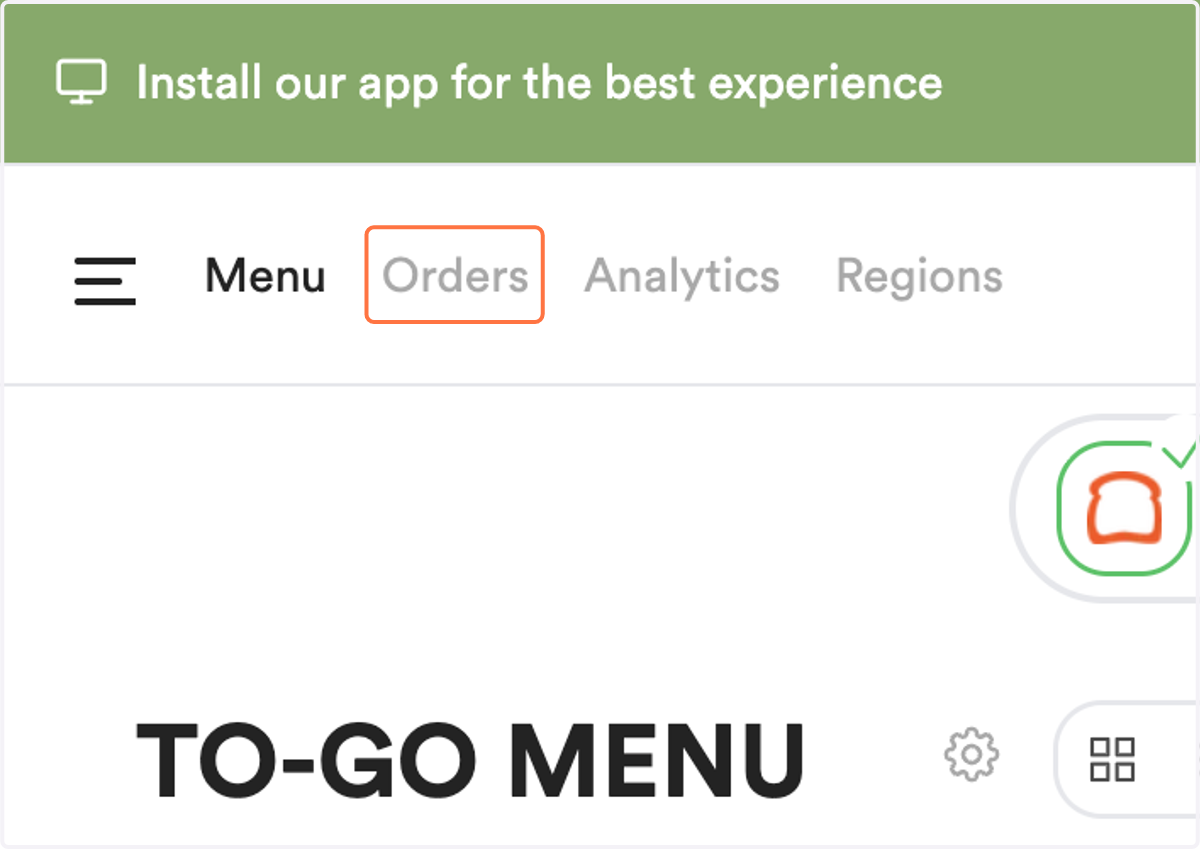
4. Click on Orders
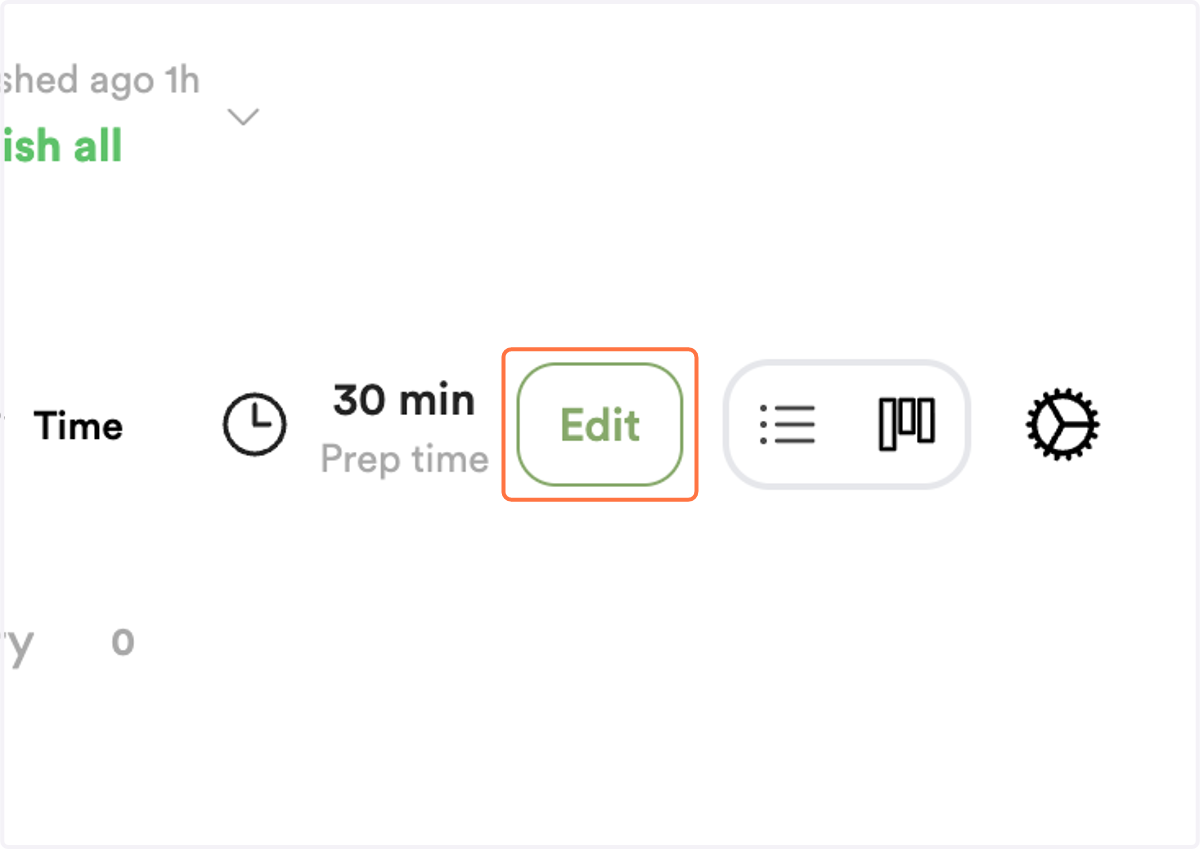
5. Click on Edit
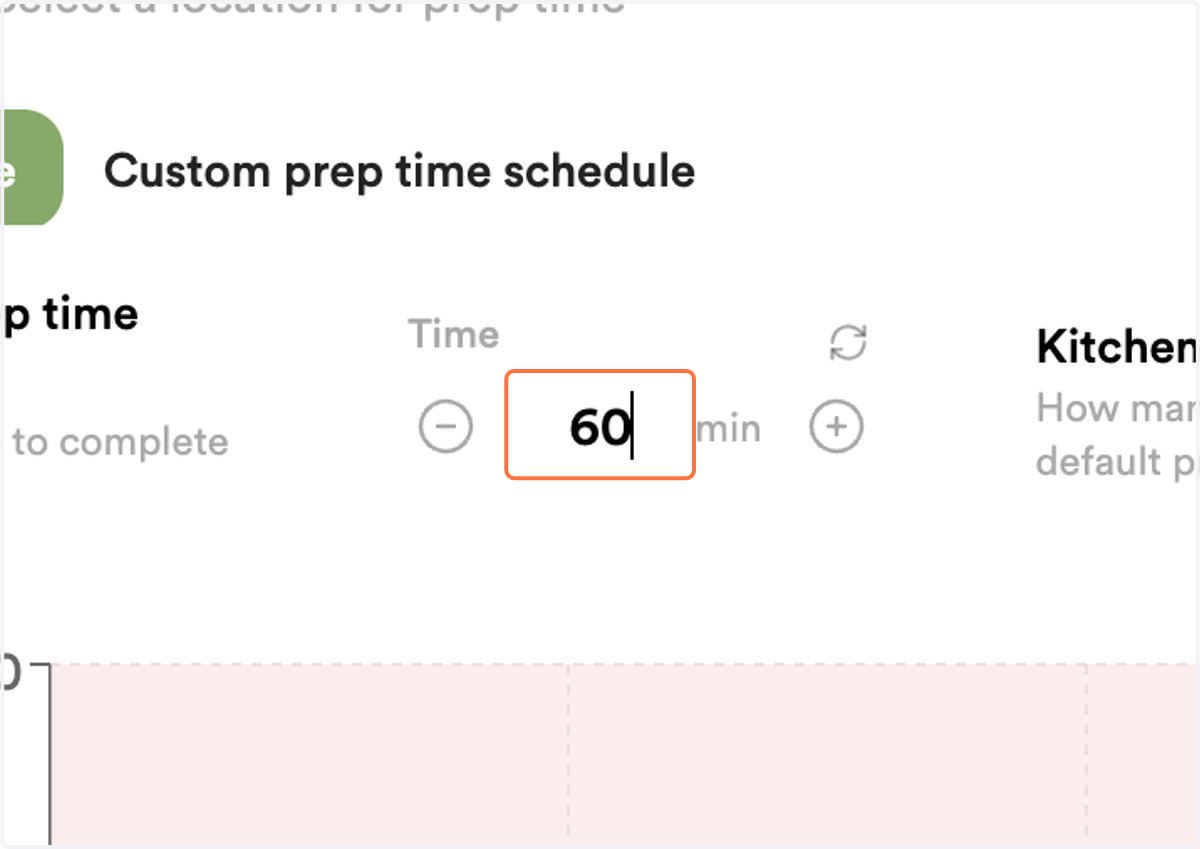
6. Type "60"
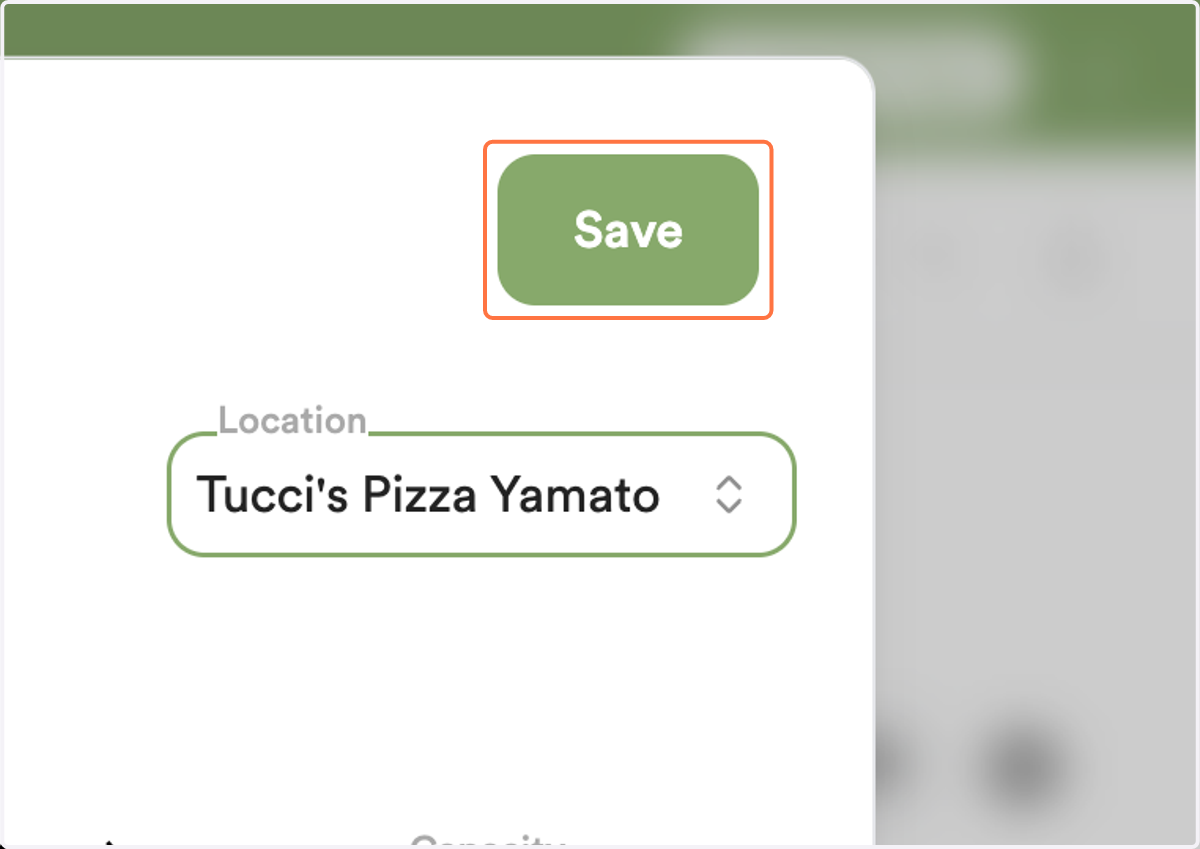
7. Click on Save
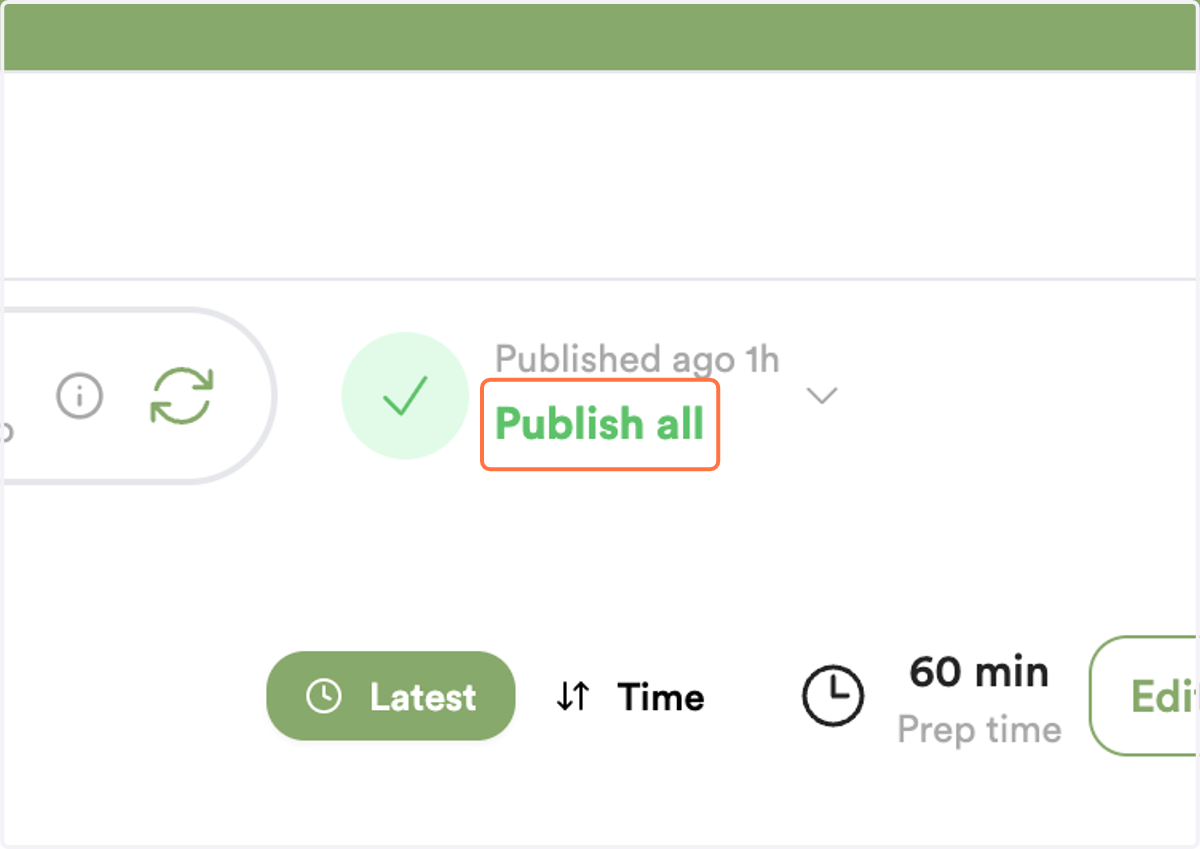
8. Click on Publish all