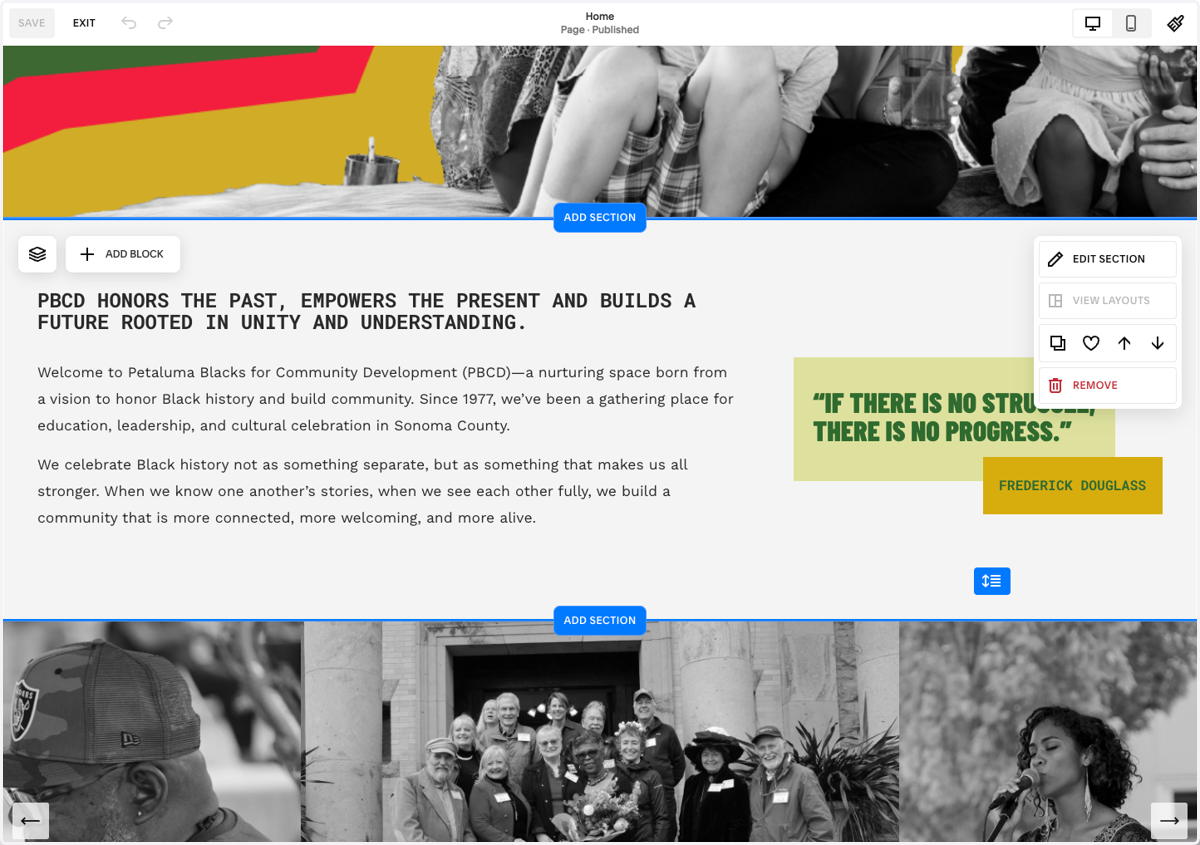
Update Text

  1. 1. Navigate to Pages

    Navigate to Pages
  2. 2. Click on the page you'd like to edit

    Click on the page you'd like to edit
  3. 3. Click on EDIT

    Click on EDIT
  4. 4. Scroll to the section you want to edit

    Scroll to the section you want to edit
  5. 5. Click into the text box you want to edit and make changes

    Click into the text box you want to edit and make changes
  6. 6. Click on SAVE

    Click on SAVE