Update Profile in Valley ROP
Valley ROP
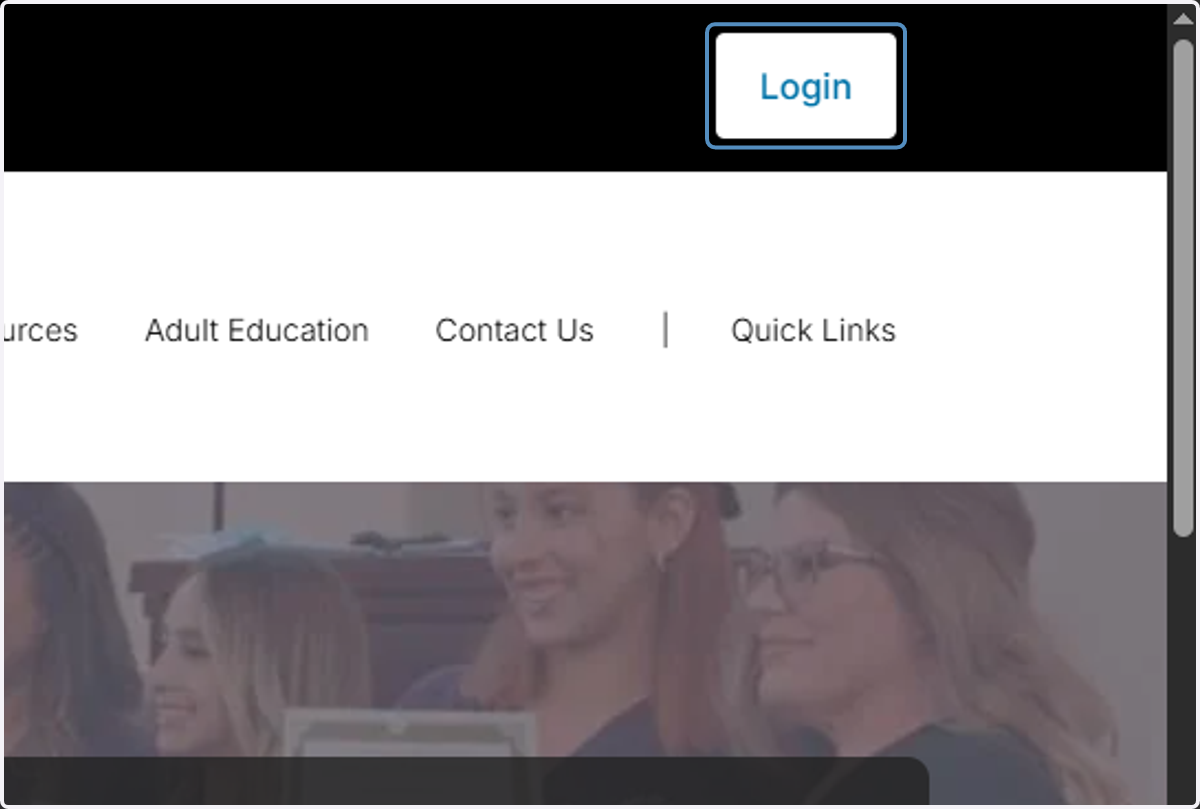
1. Click on Login
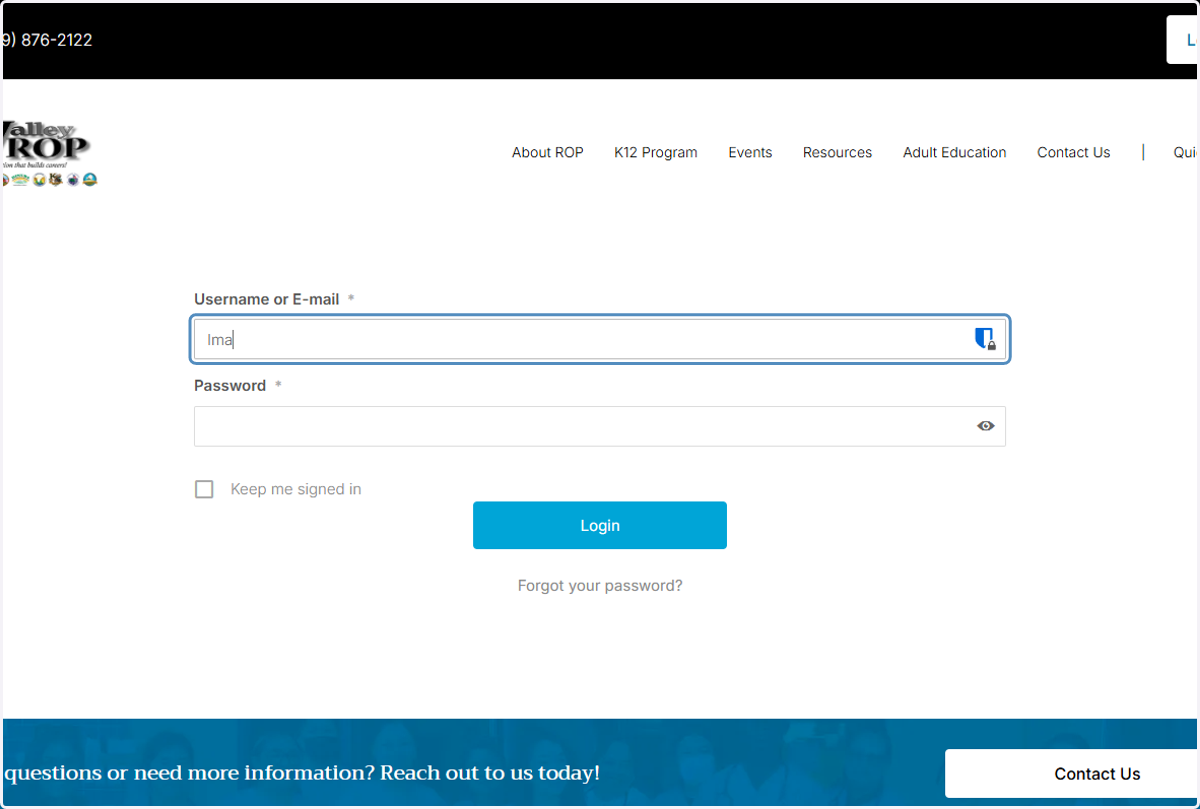
2. Type in your username
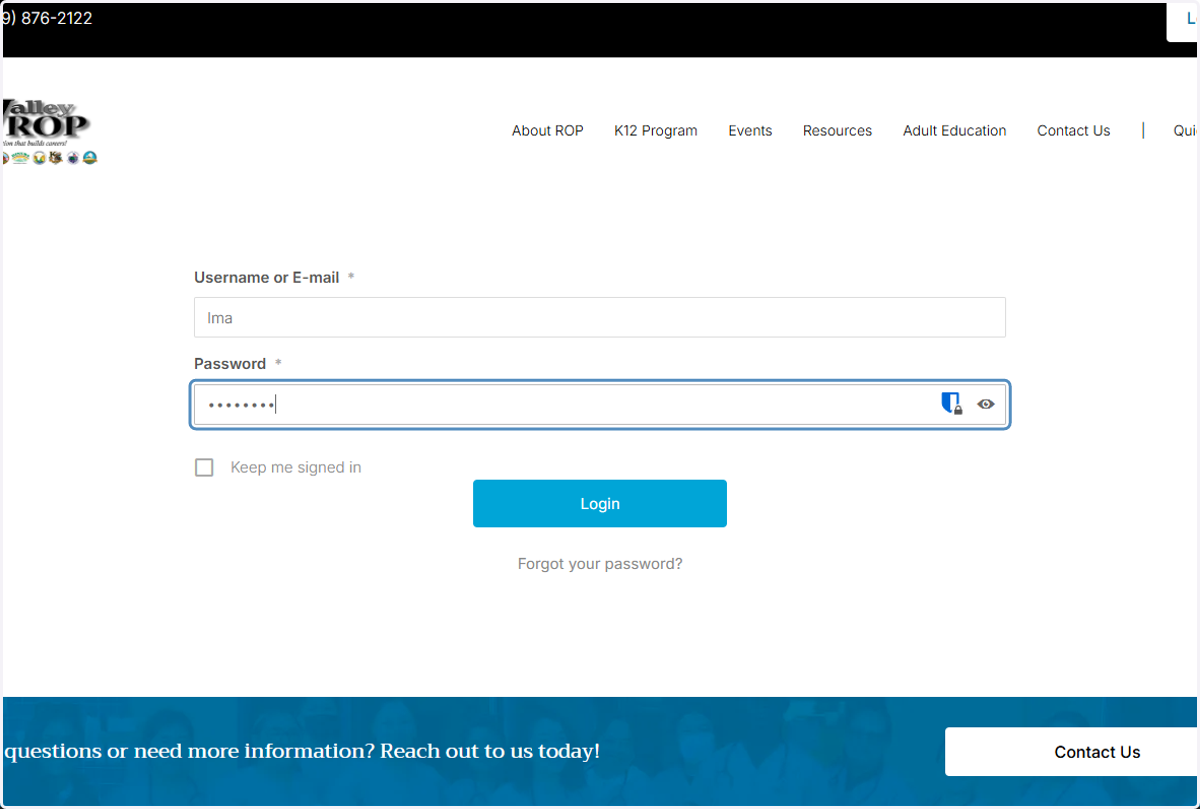
3. Type password
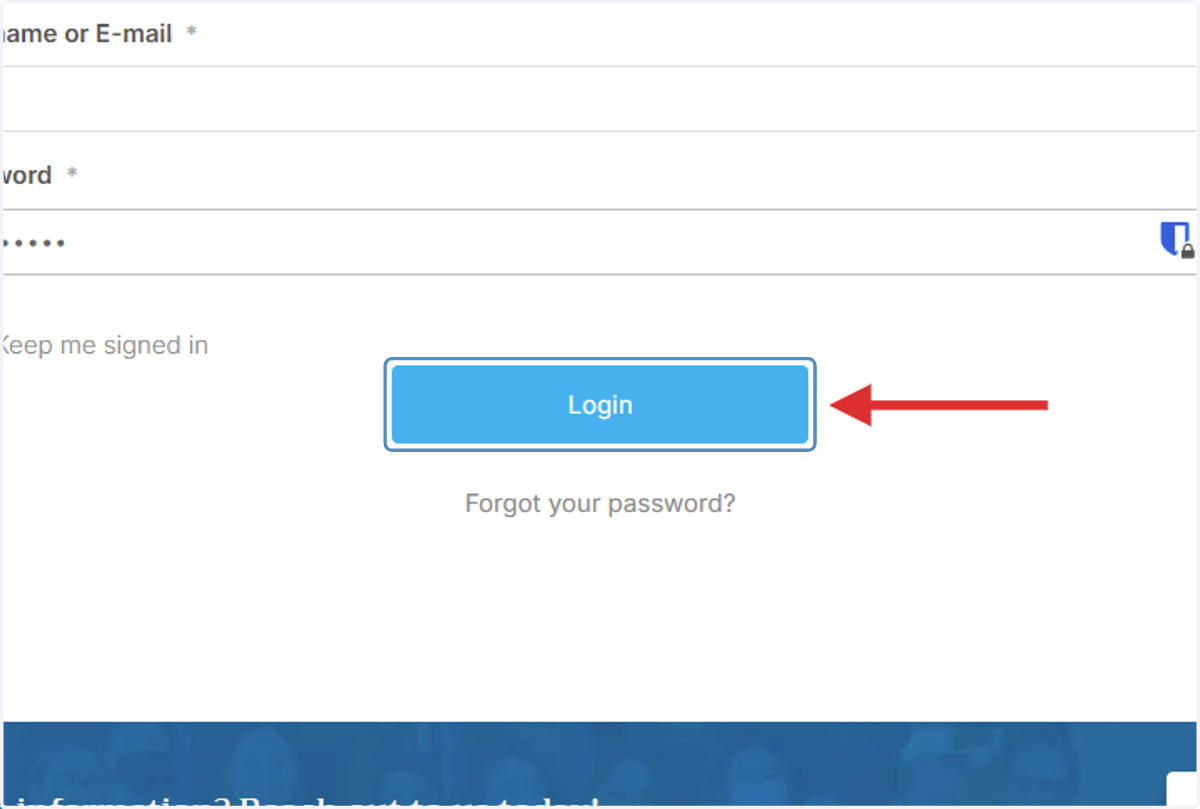
4. Click on Login
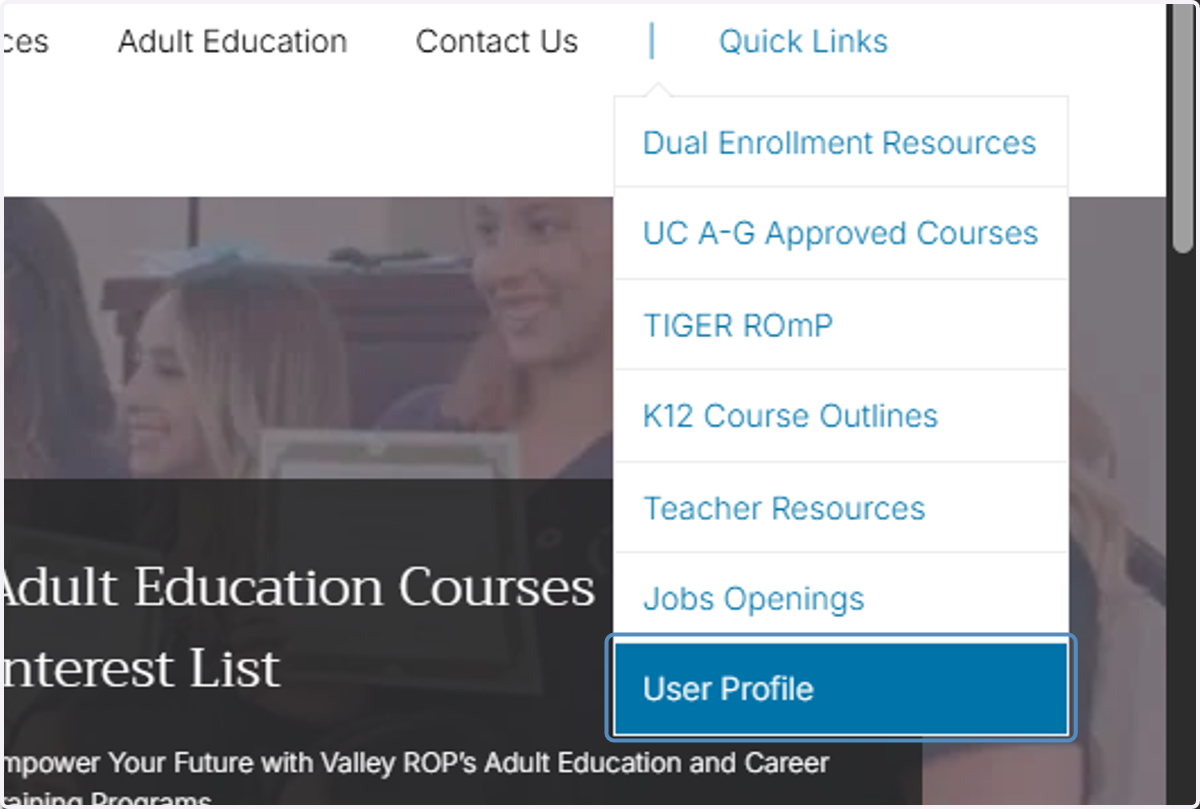
5. Click on User Profile under Quick Links
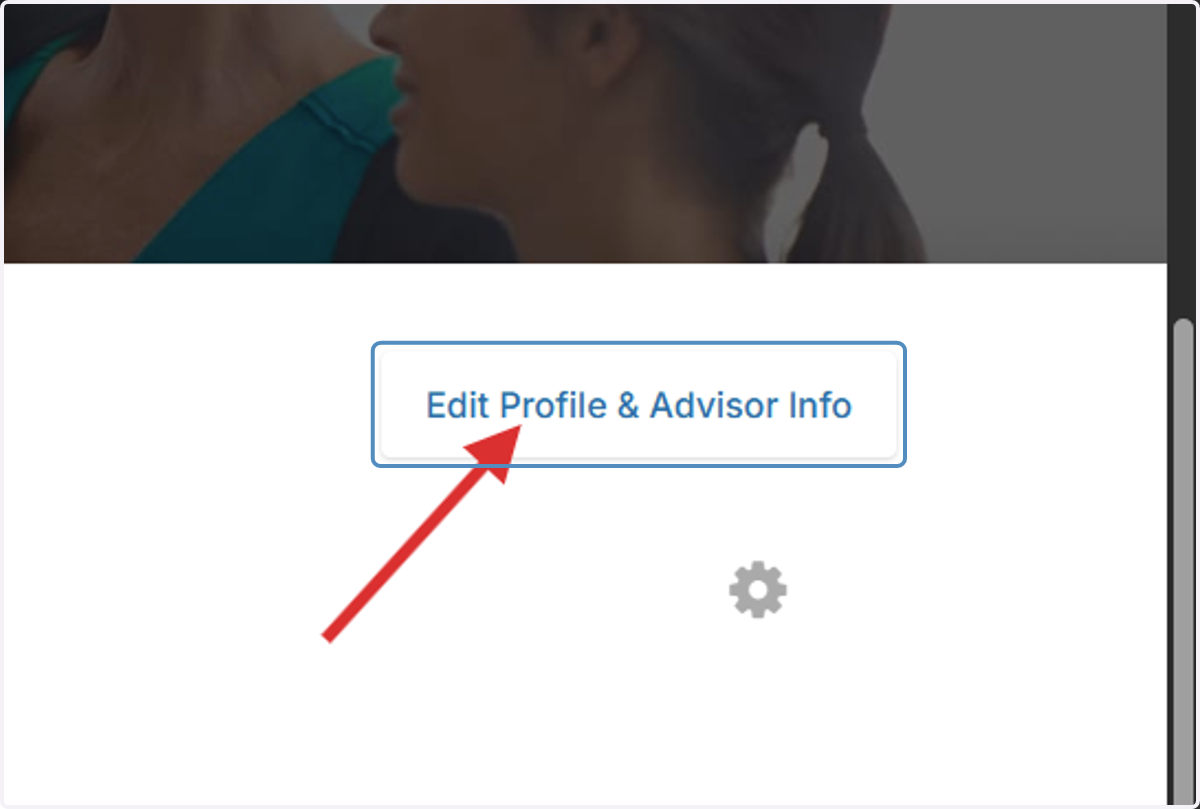
6. Click on Edit Profile & Advisor Info
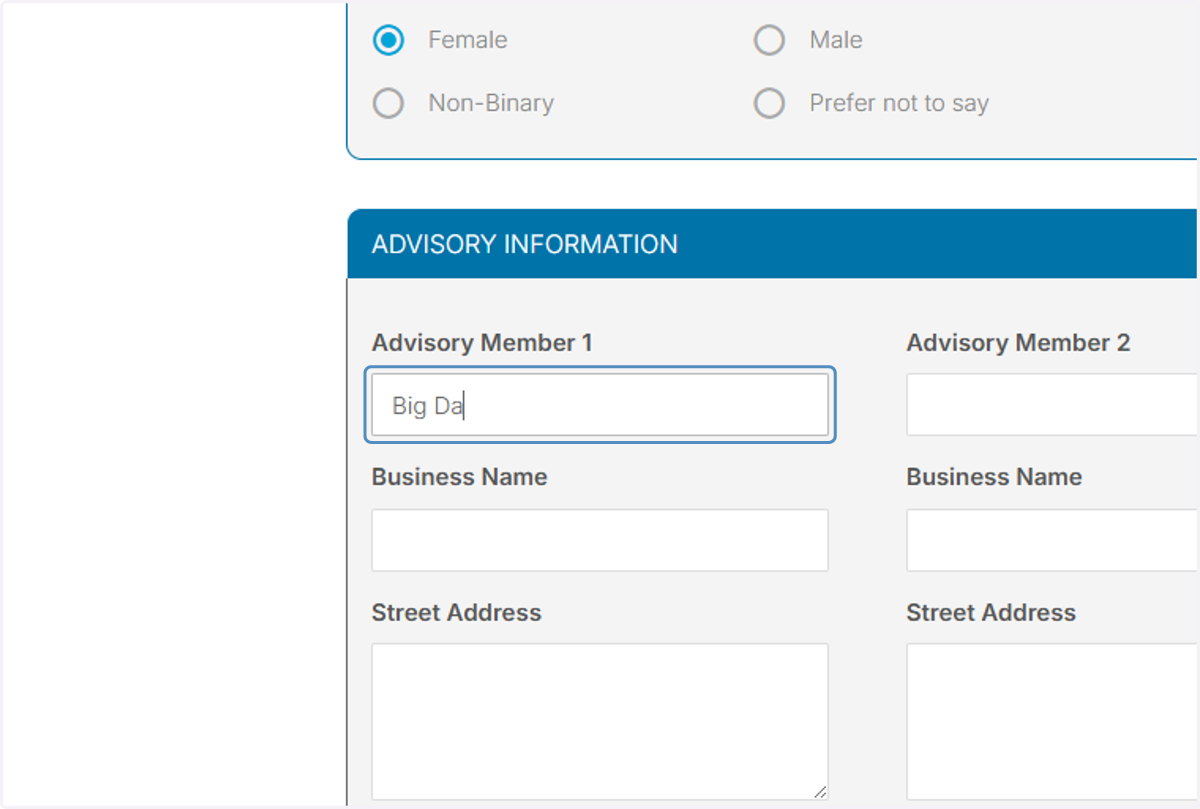
7. Type names of advisors
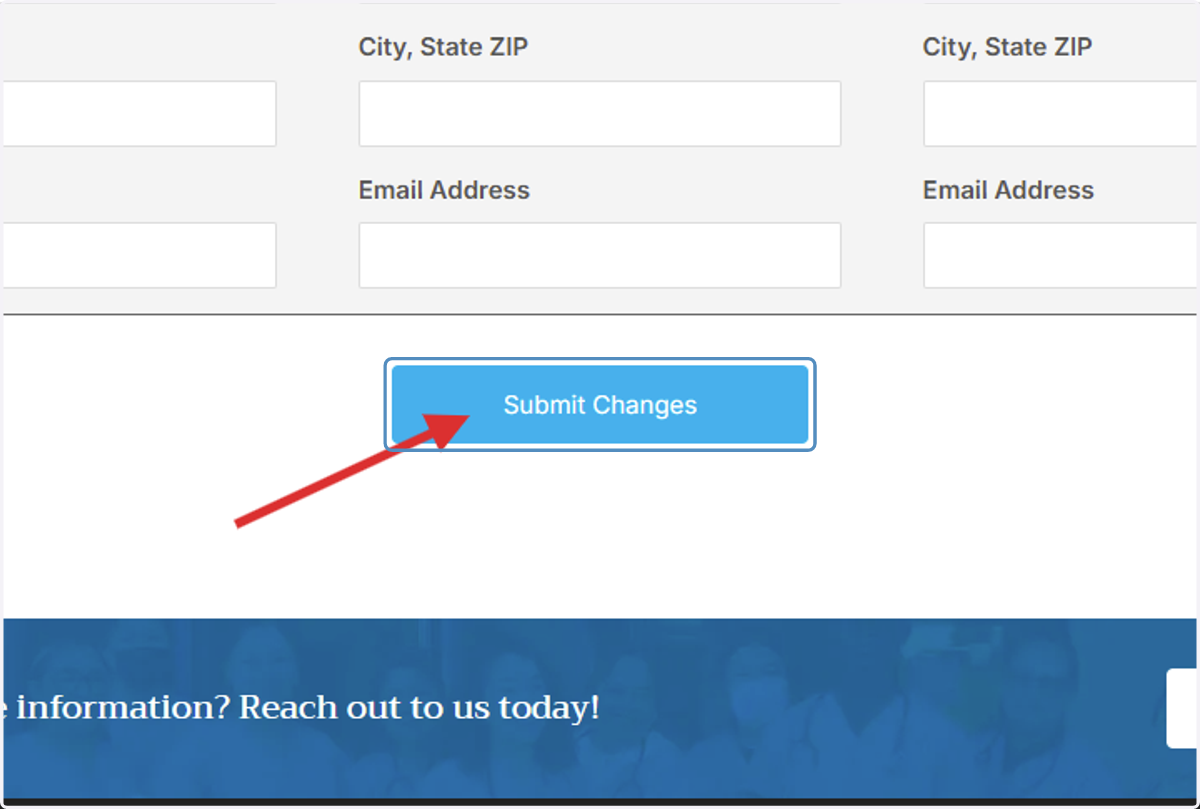
8. Click on Submit Changes
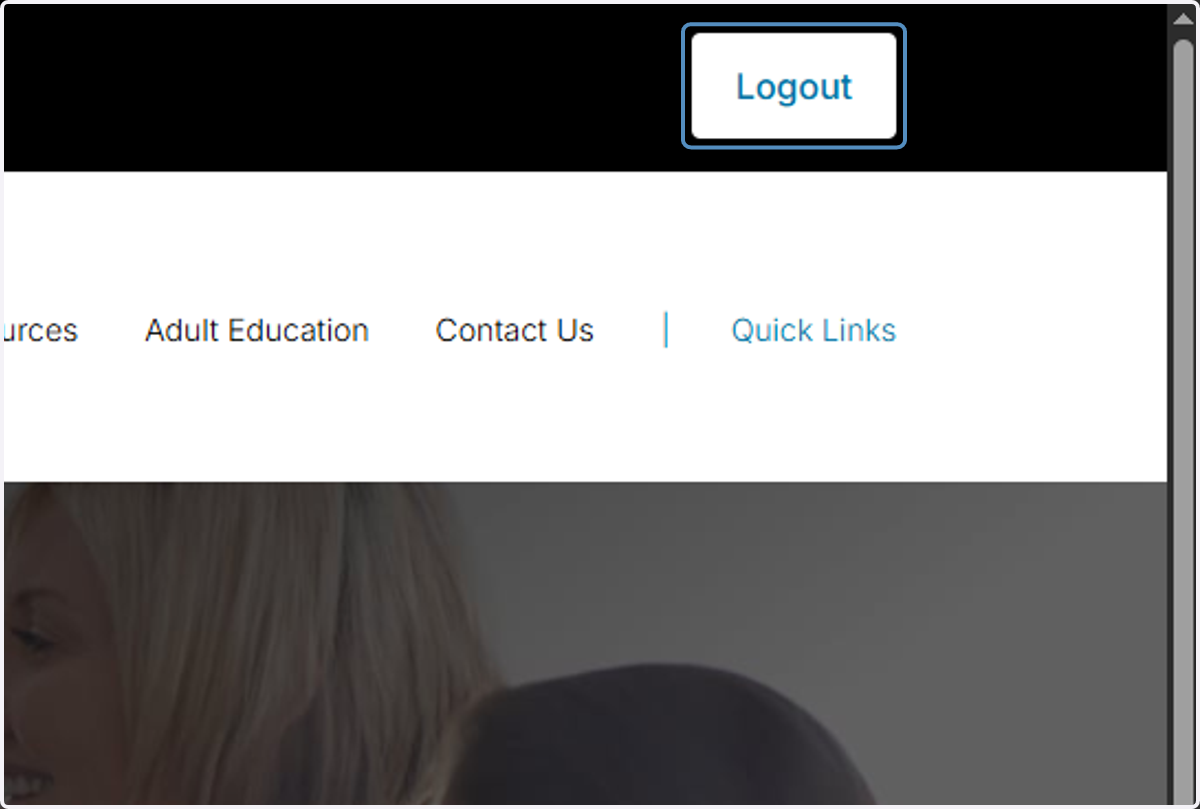
9. Click on Logout