Update Profile in Brightspace

  1. 1. Click on your profile picture in the upper right corner
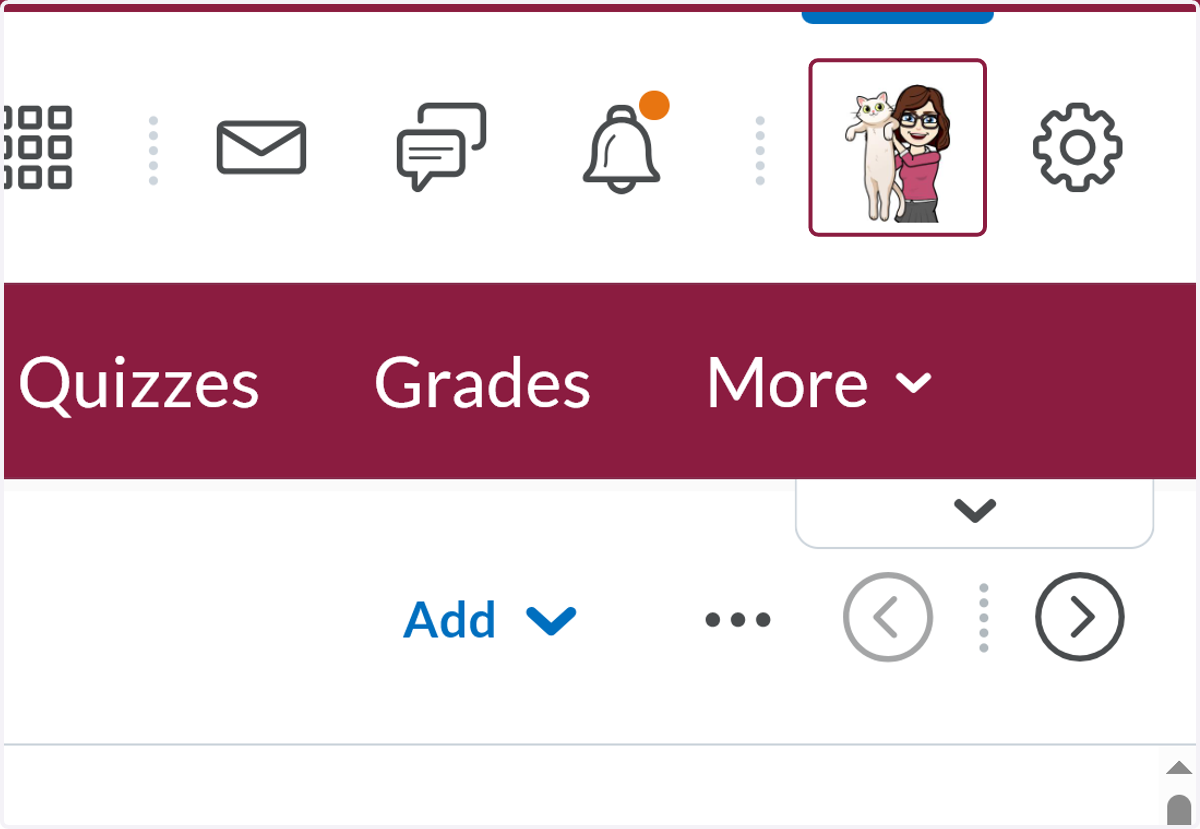
    Click on your profile picture in the upper right corner
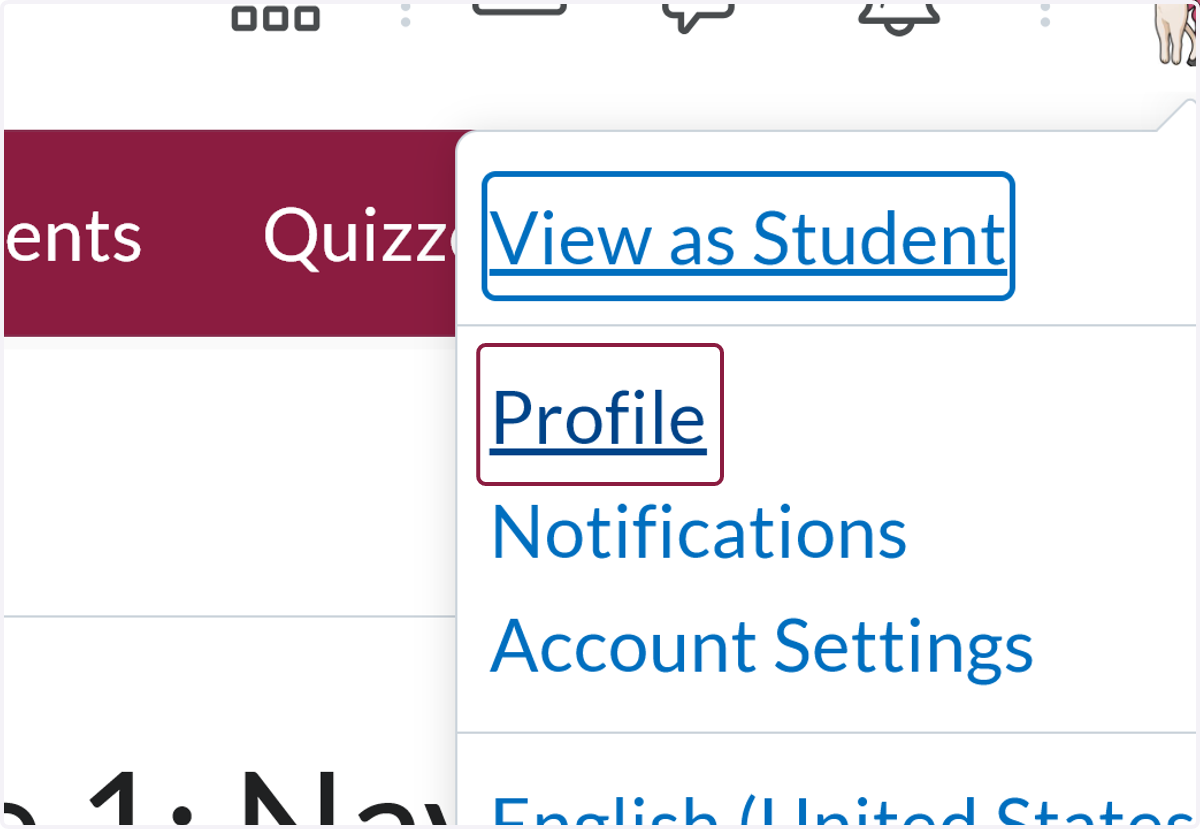
  2. 2. Click on Profile

    Click on Profile
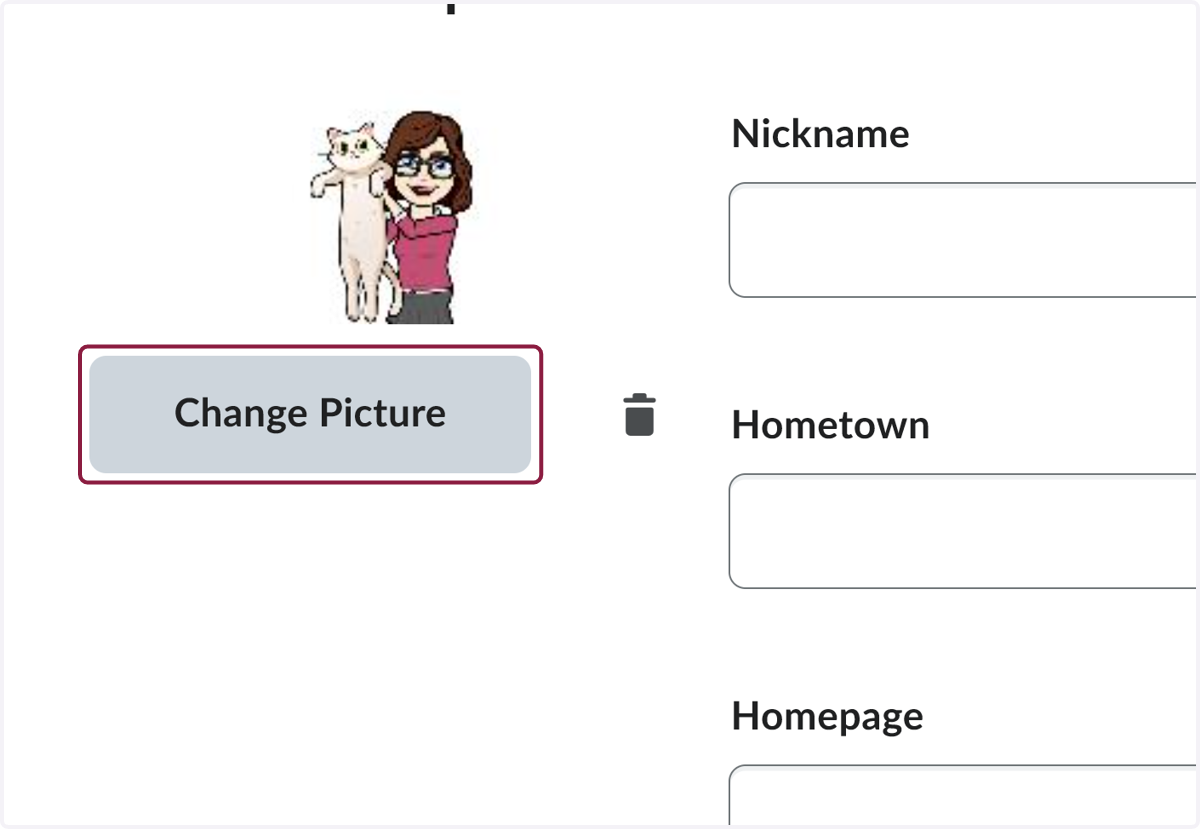
  3. 3. Click on Change Picture

    Click on Change Picture
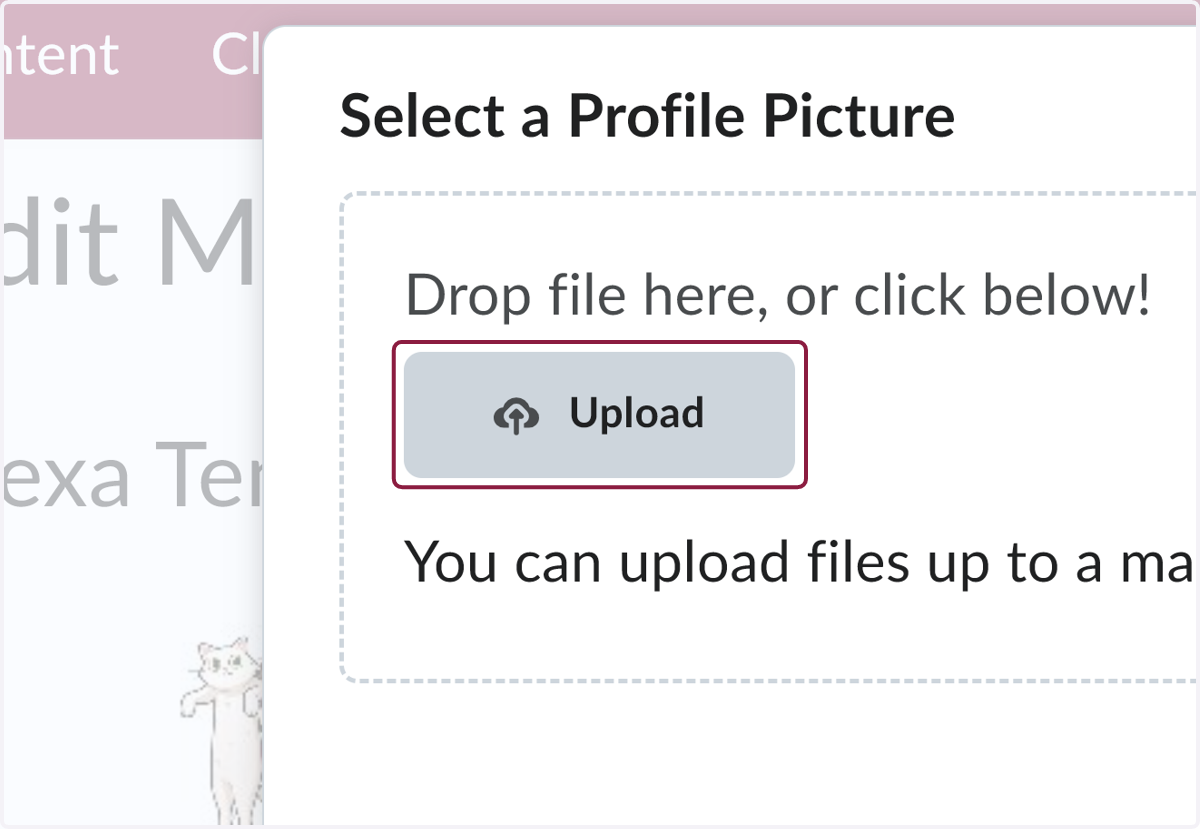
  4. 4. Click on Upload

    Click on Upload
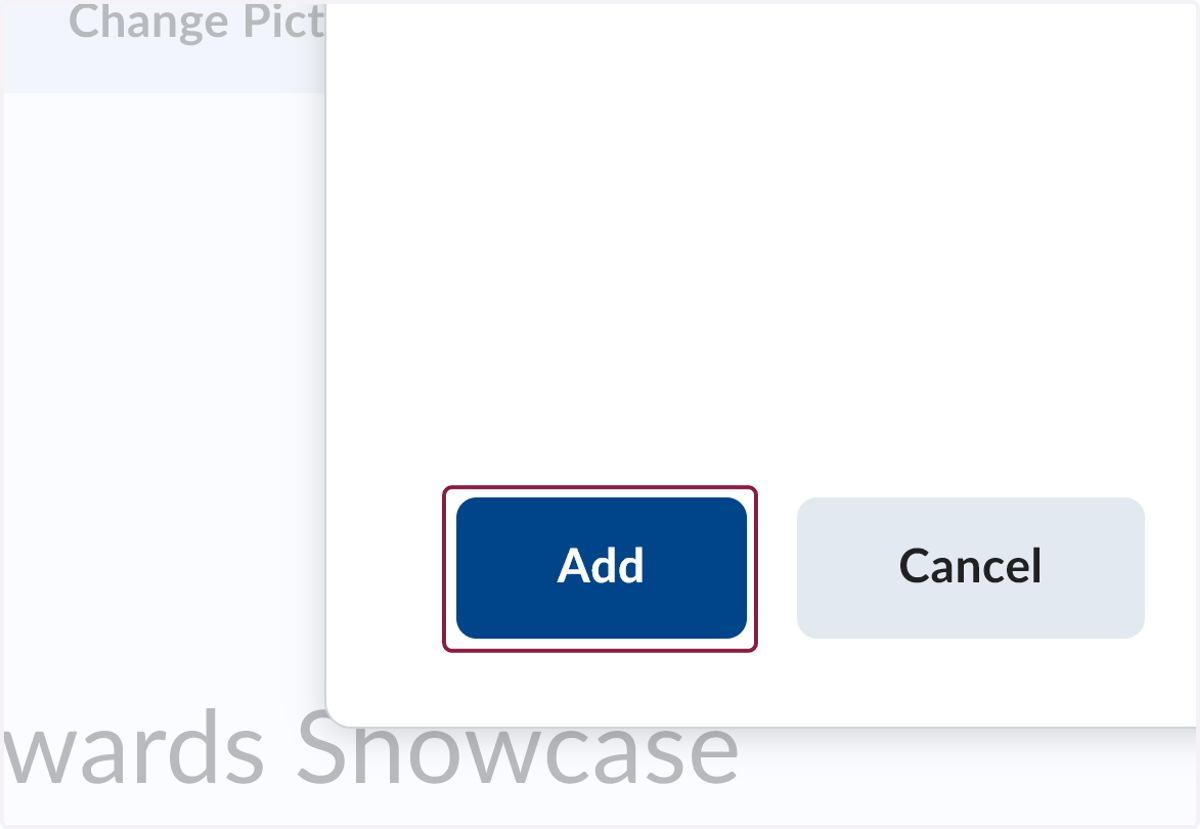
  5. 5. Click on Add

    Click on Add
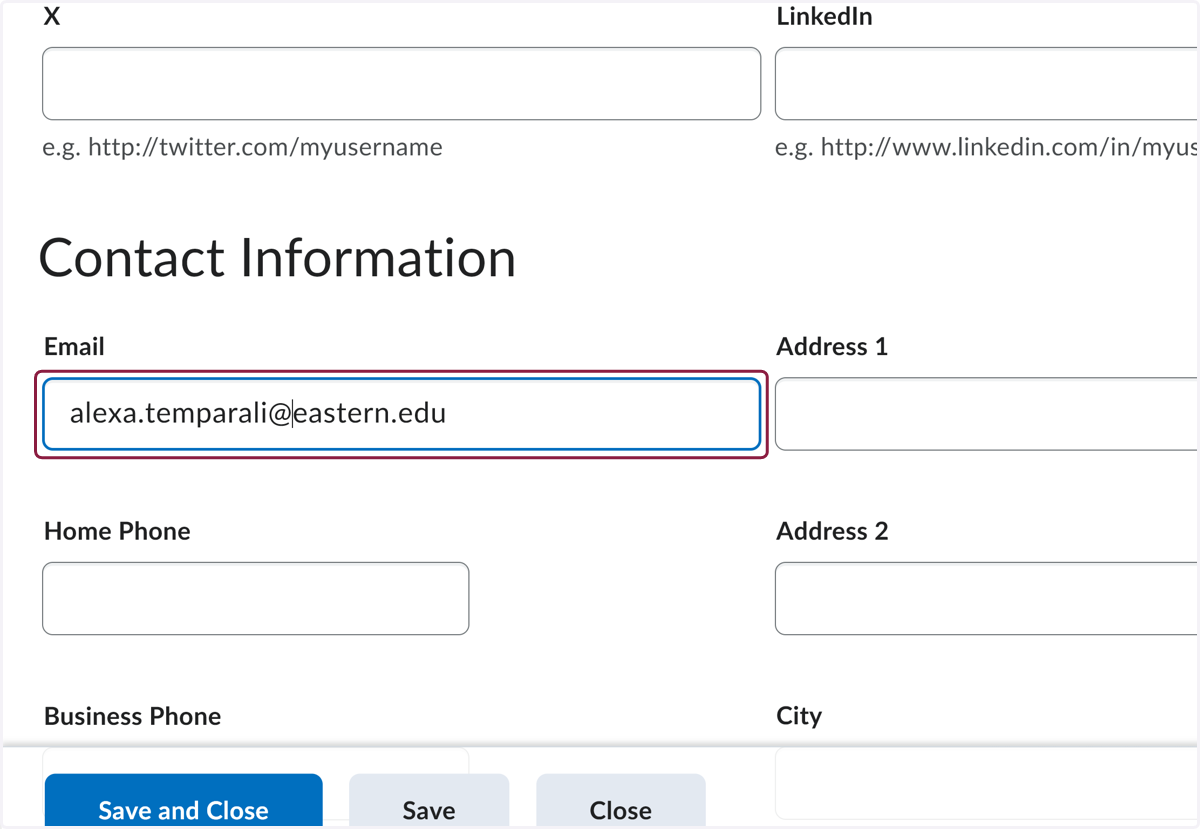
  6. 6. Fill in your email address

    Fill in your email address
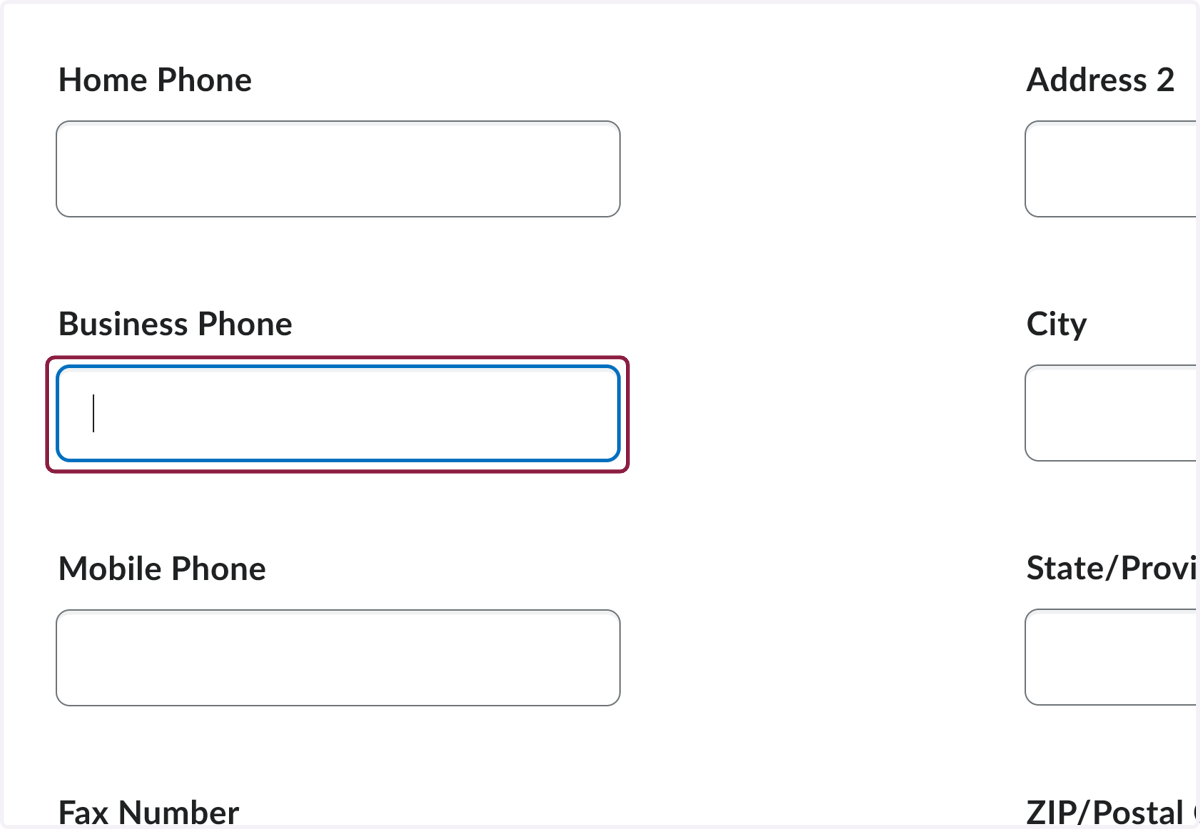
  7. 7. Fill in your Eastern phone number

    Fill in your Eastern phone number
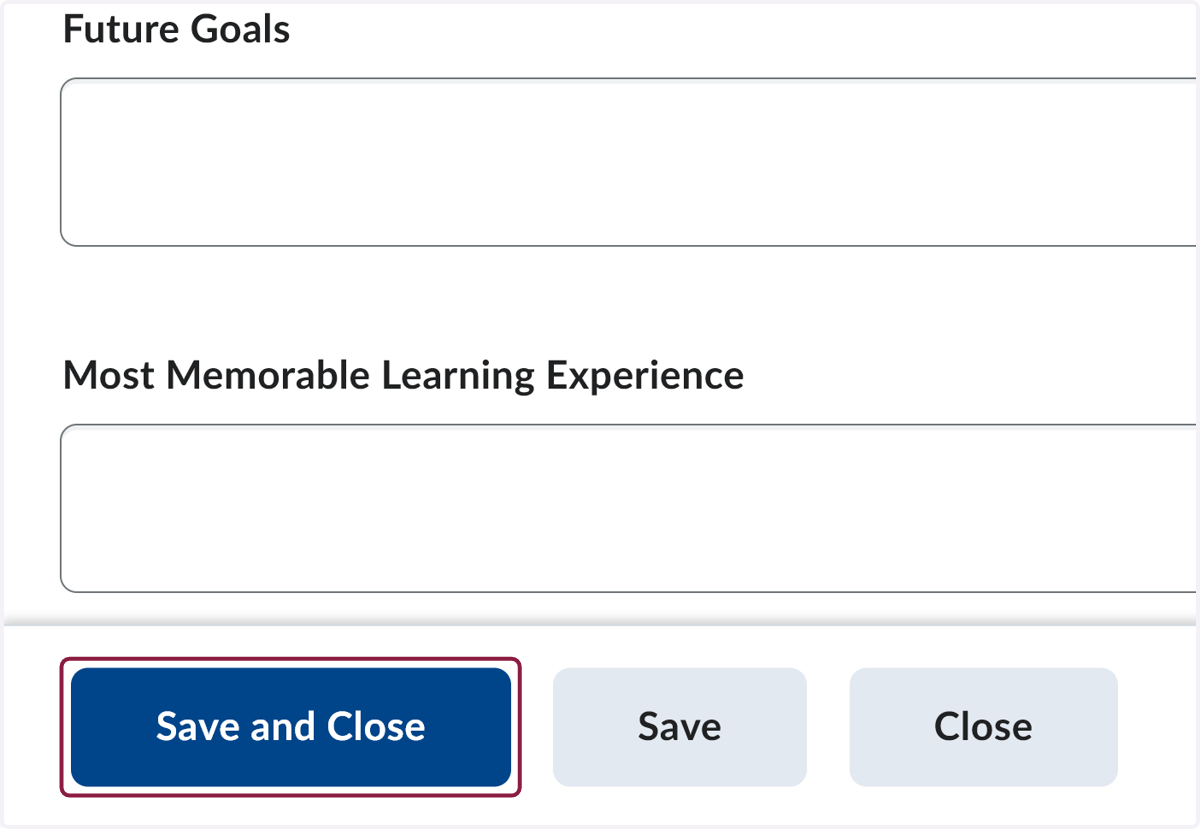
  8. 8. Click on Save and Close

    Click on Save and Close