Update Payment Method
Login to your Sport:80 account
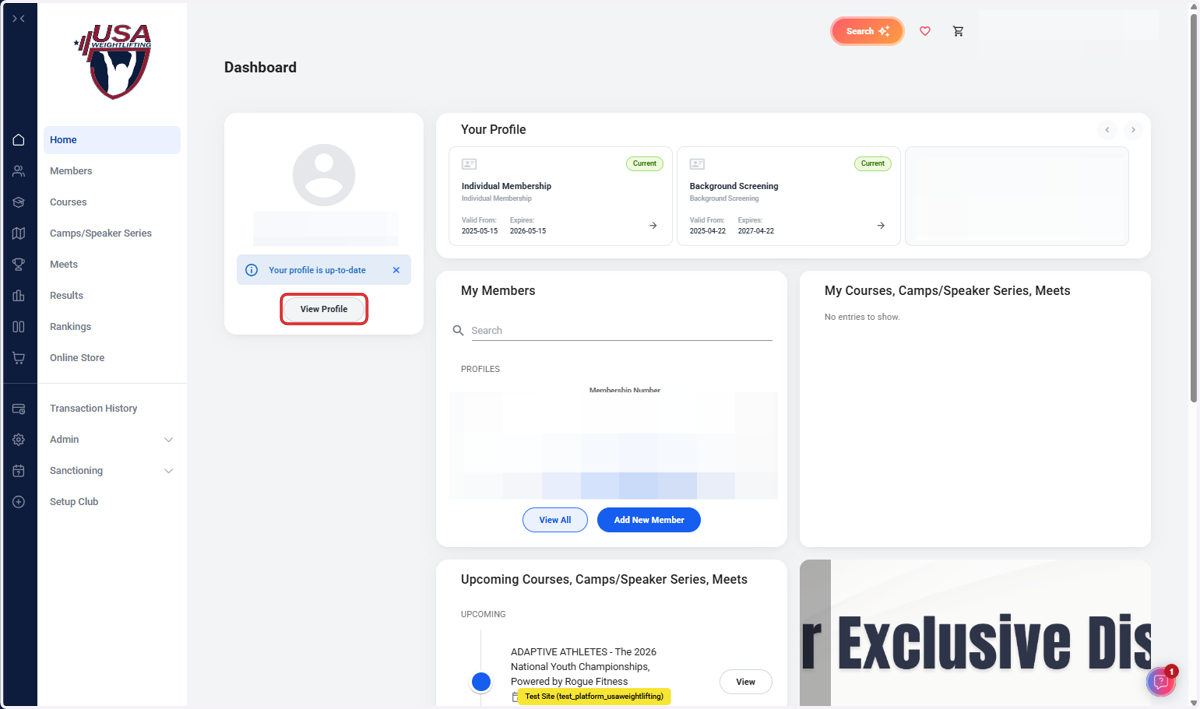
1. Click on View Profile
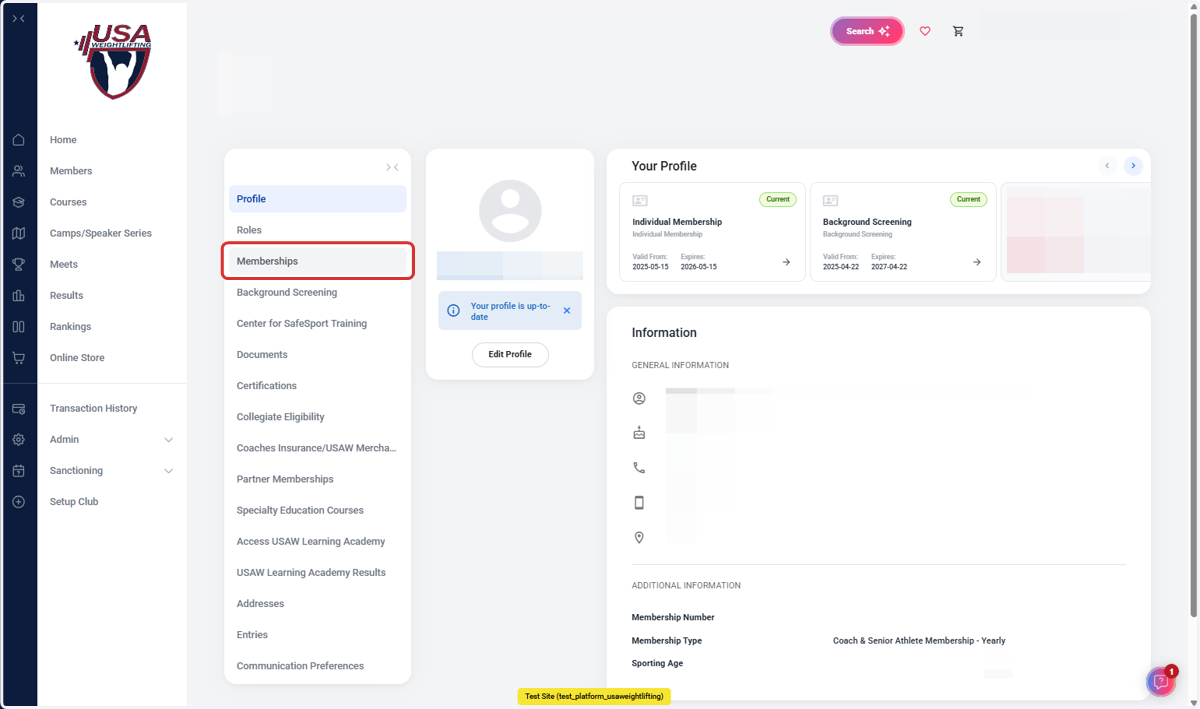
2. Click on Memberships
3. Click on
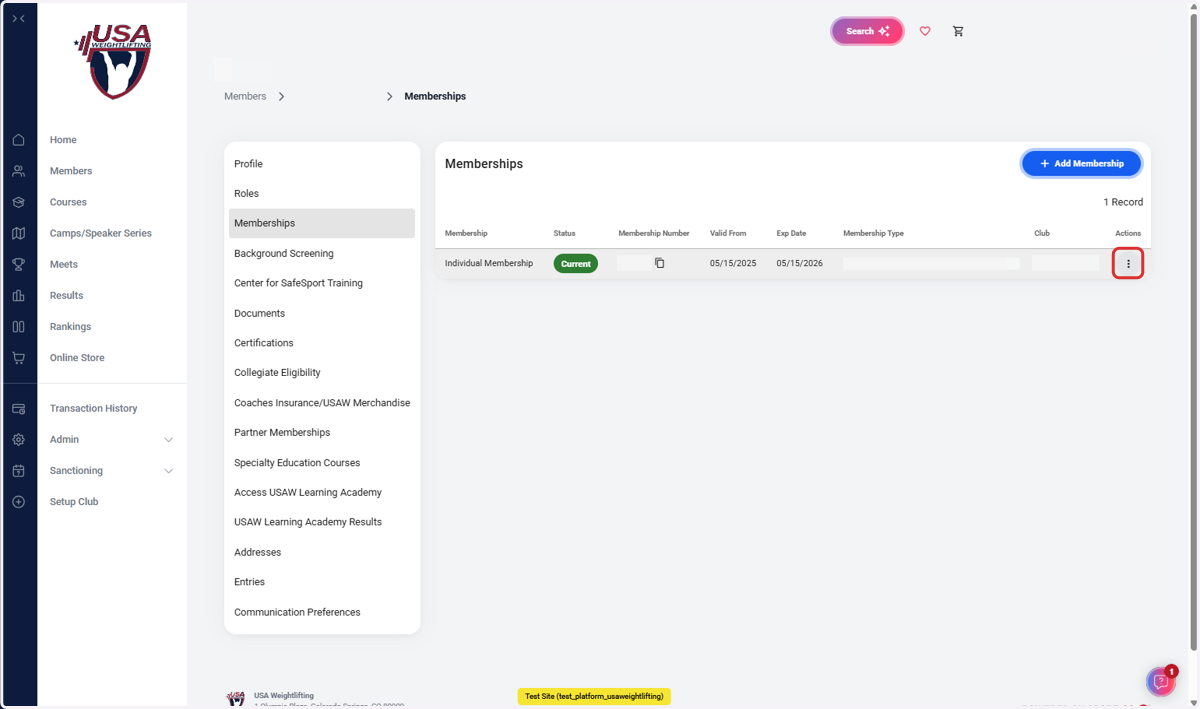
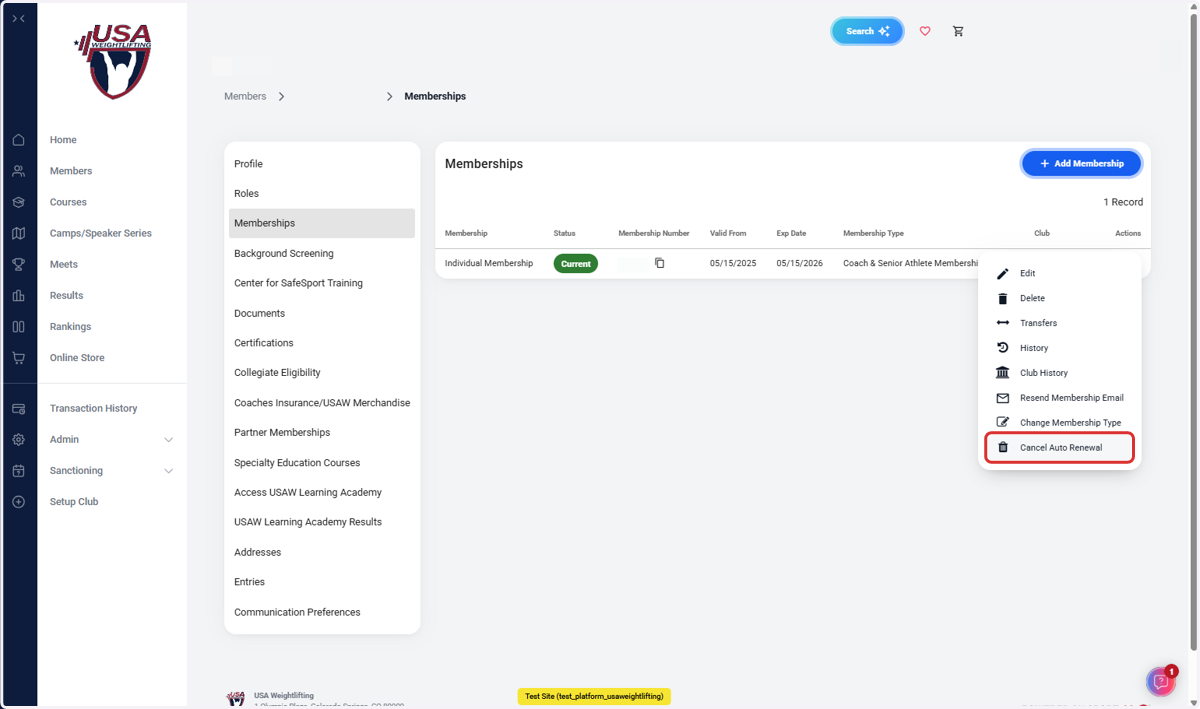
4. Click on Cancel Auto Renewal
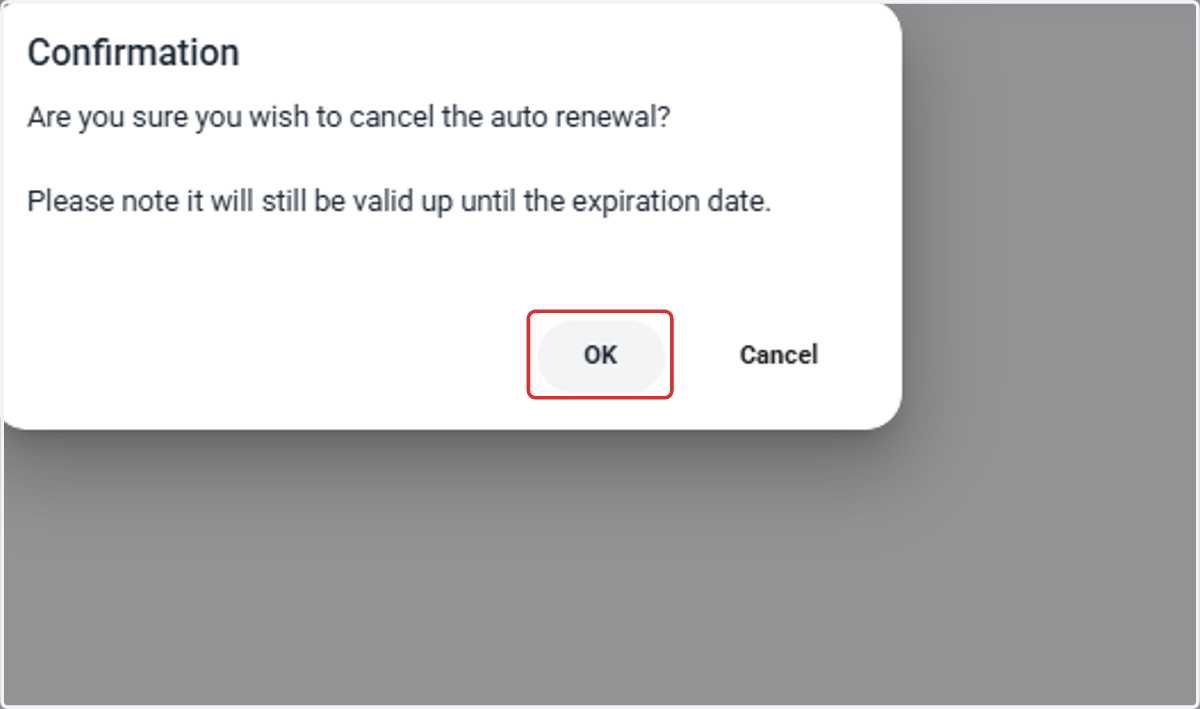
5. Click on OK to Cancel the Auto Renewal
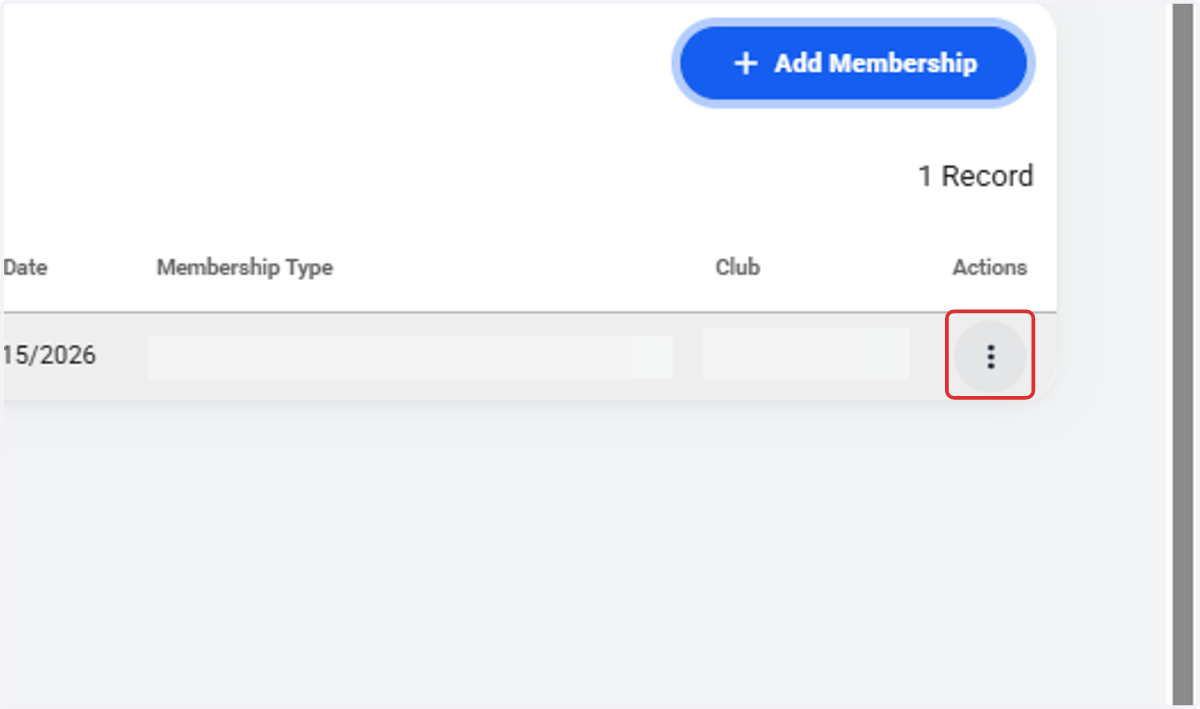
6. Click on
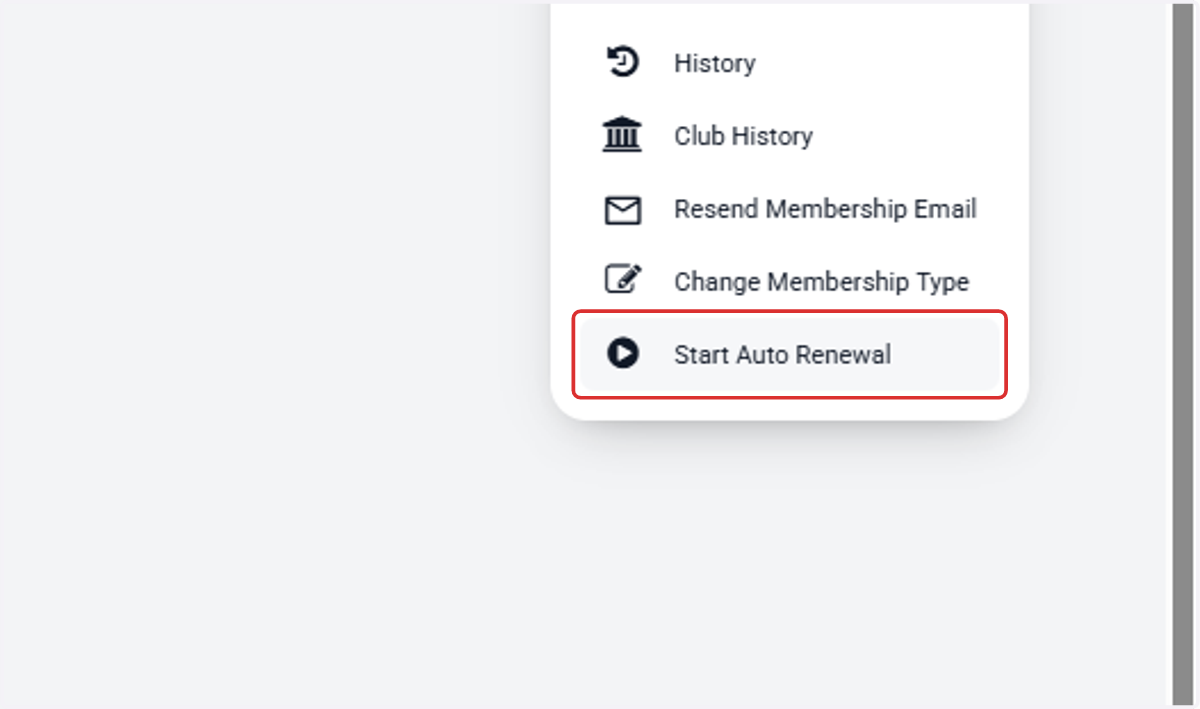
7. Click on Start Auto Renewal
8. Enter Updated Payment Information and Click Setup Auto Renewal