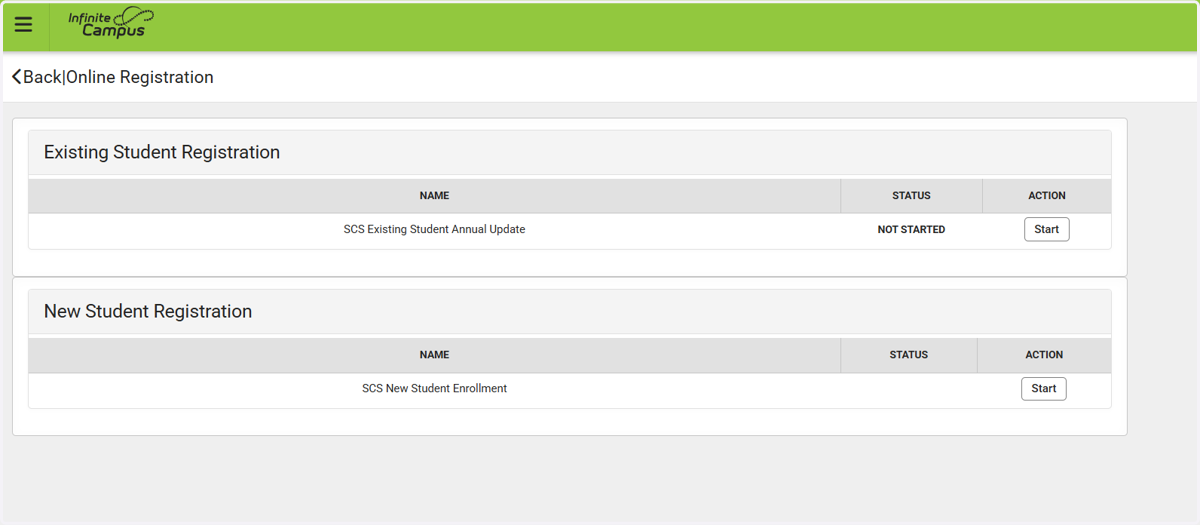
Update Online Registration in Campus Parent
Campus Parent
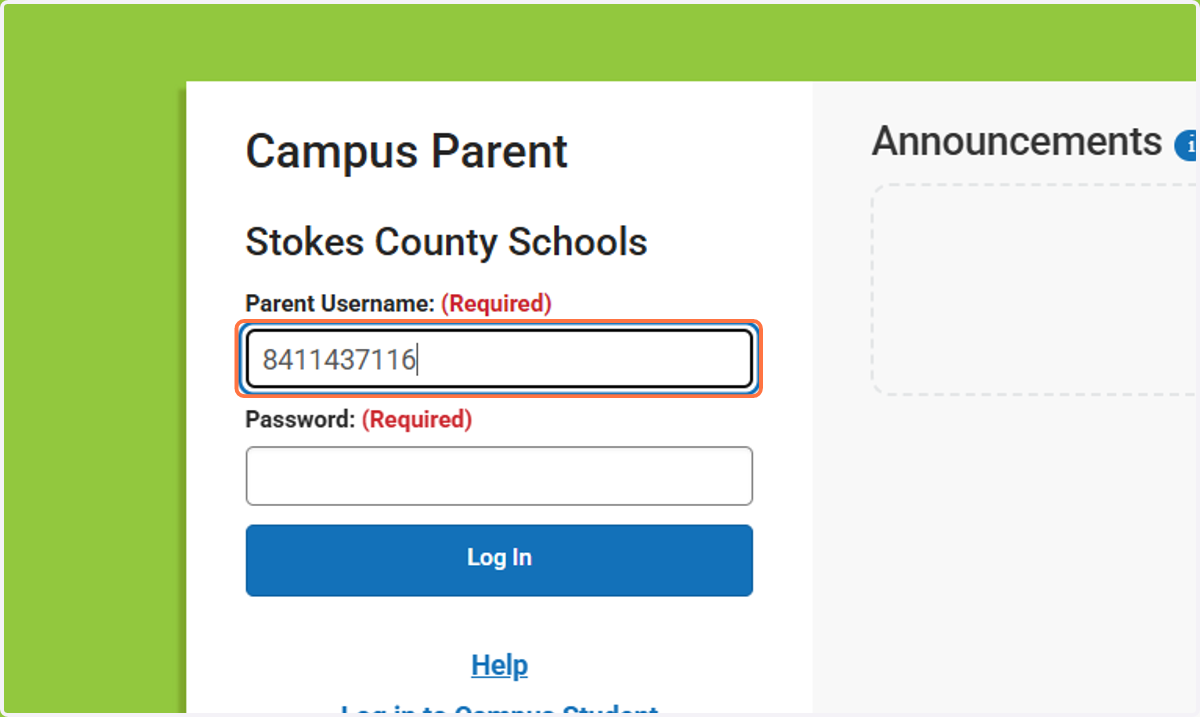
1. Type your parent username
Dojo or email Mrs. Stevens if you do not know your username (courtney.stevens@stokes.k12.nc.us)
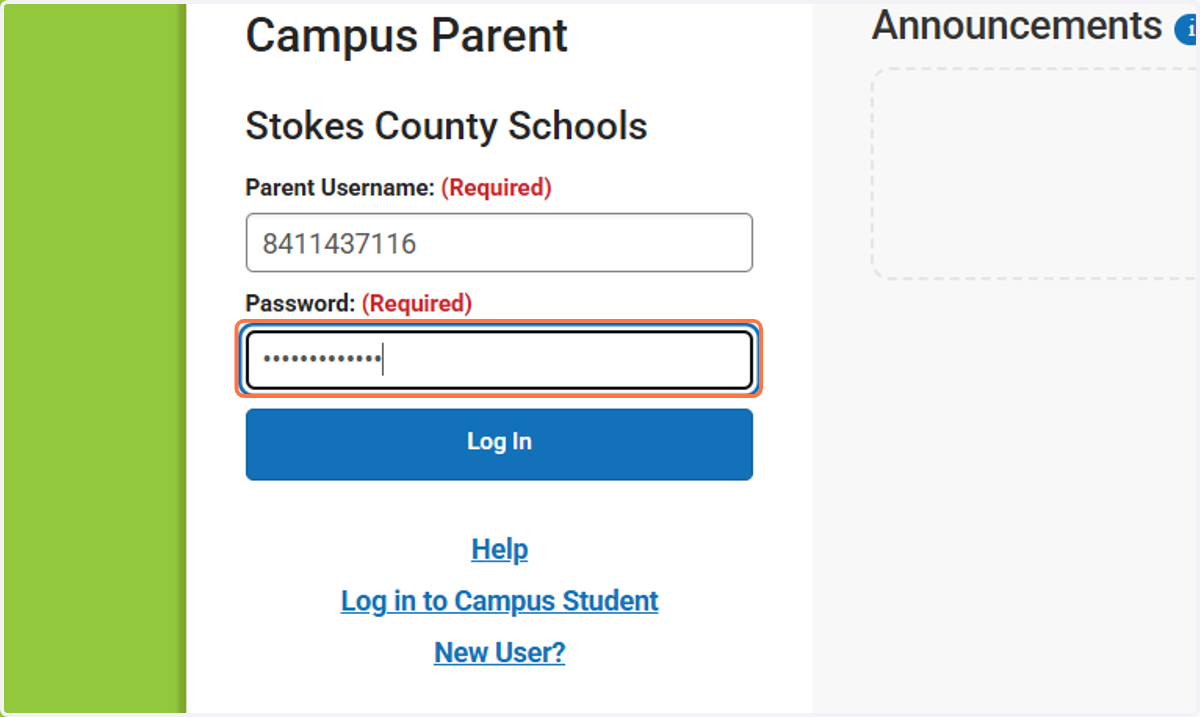
2. Type password
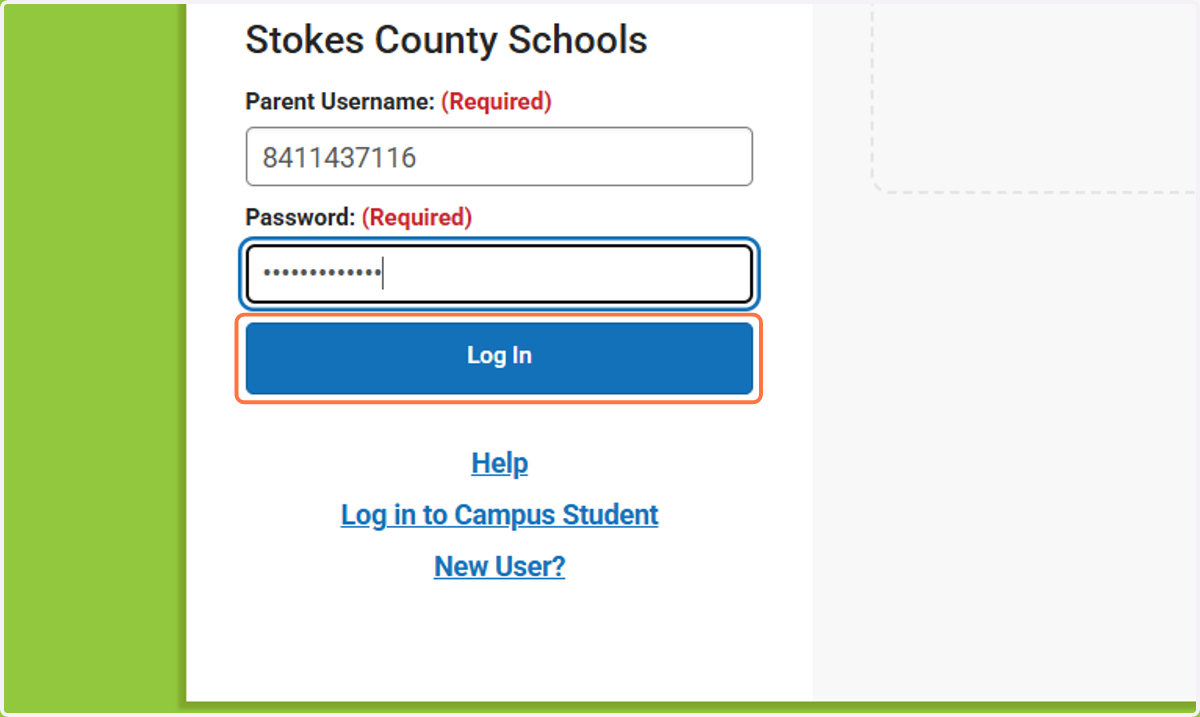
3. Click on Log In
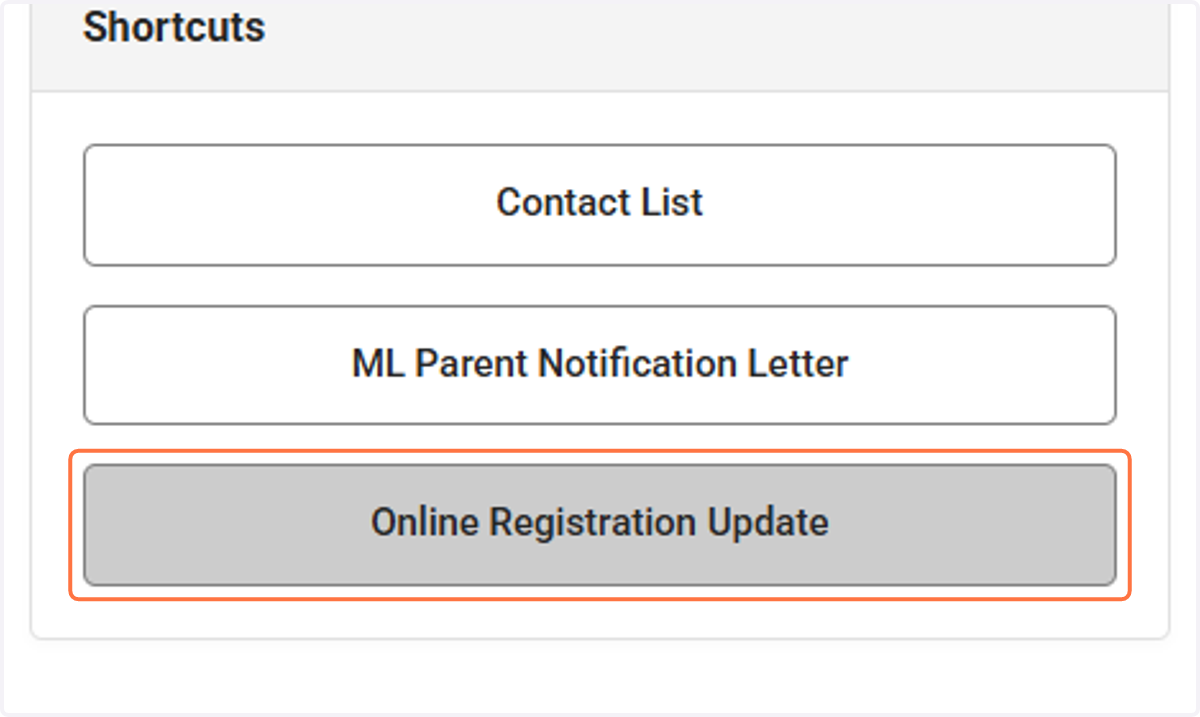
4. Click on Online Registration Update
Bottom right hand corner of the screen
5. Select your form
If your child is a current Stokes County student, choose "Existing Student Registration." If your child is a new Stokes County student, choose "New Student Registration."
You can also contact Mrs. Stevens if you need your child's ID number.