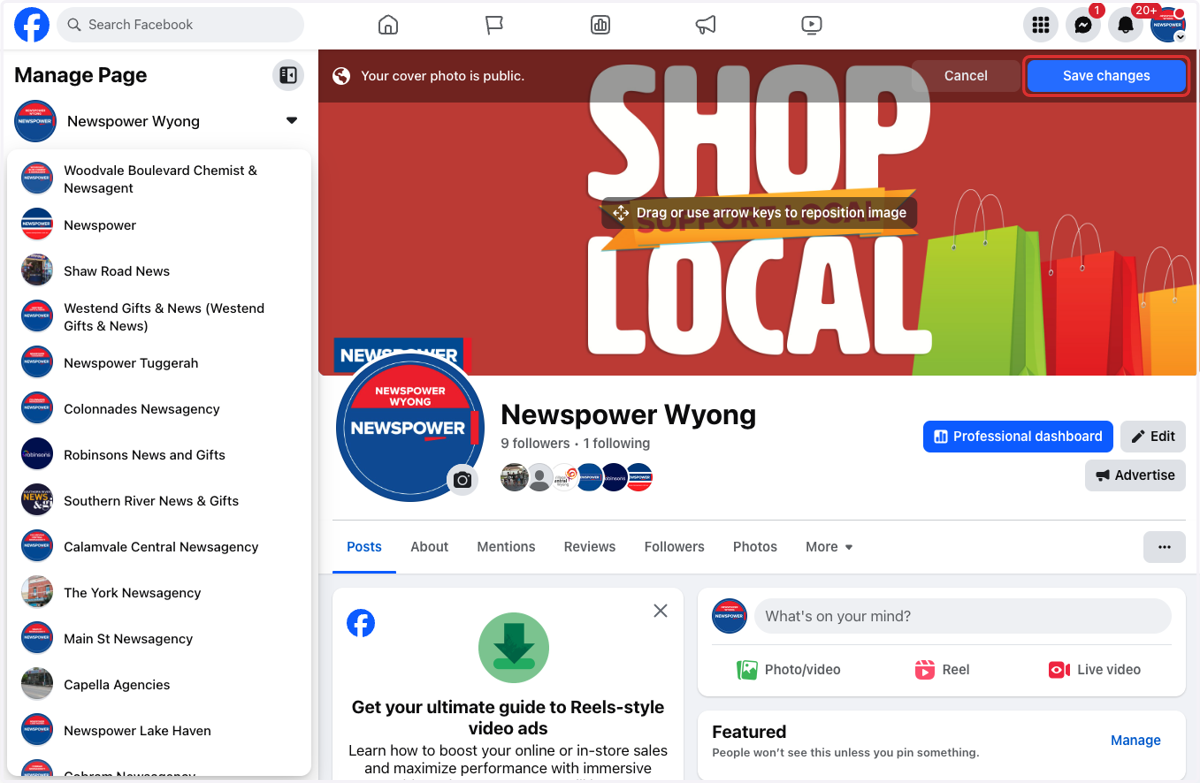
Update Facebook Banner
Your Facebook banner, also known as the cover photo, is one of the first things visitors see when they land on your business page. It’s a powerful visual space to showcase your brand, promote a product, announce an event, or simply make a strong first impression.
Whether you're refreshing your look for a new season, promoting a sale, or updating outdated visuals, changing your banner is quick and easy — and it can make a big difference in how professional and engaging your page appears.
💡 Why It Matters:
First Impressions Count: Your banner is prime real estate for capturing attention.
Stay Current: A fresh banner can show customers that your business is active and up to date.
Marketing Tool: Highlight your services, promote events, or reinforce brand identity with the right design.
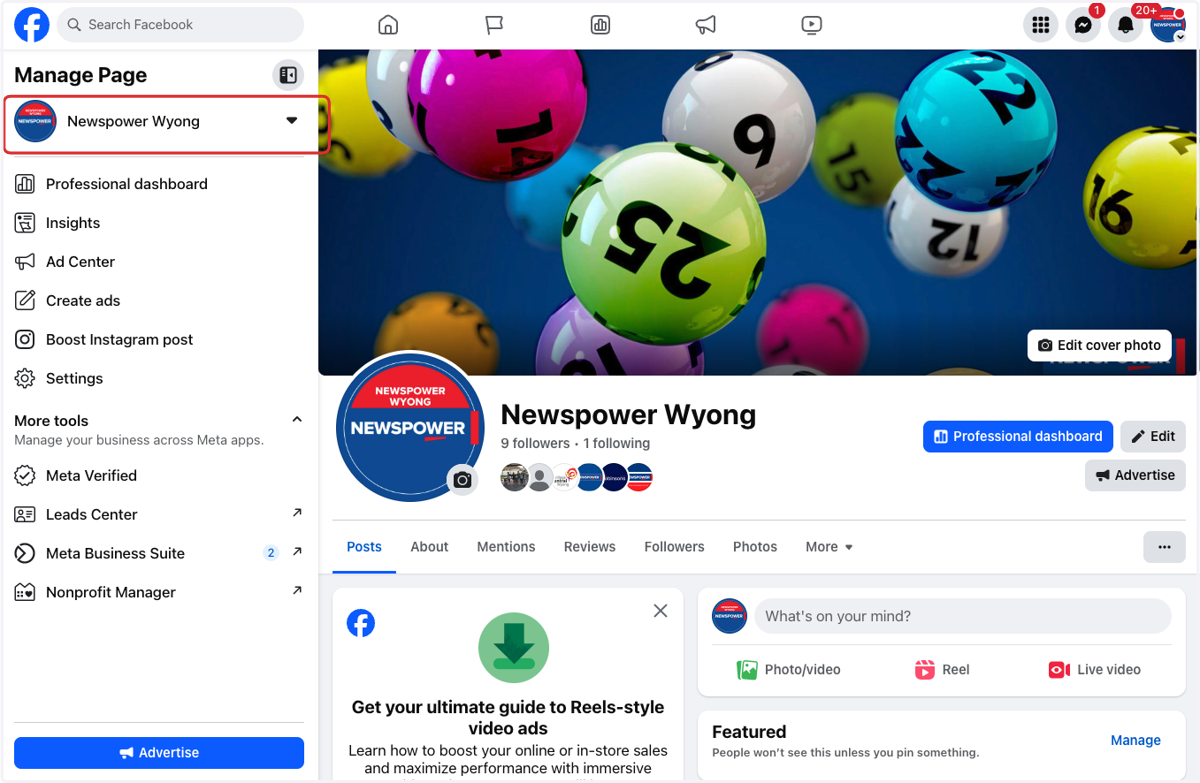
1. Go to your business page
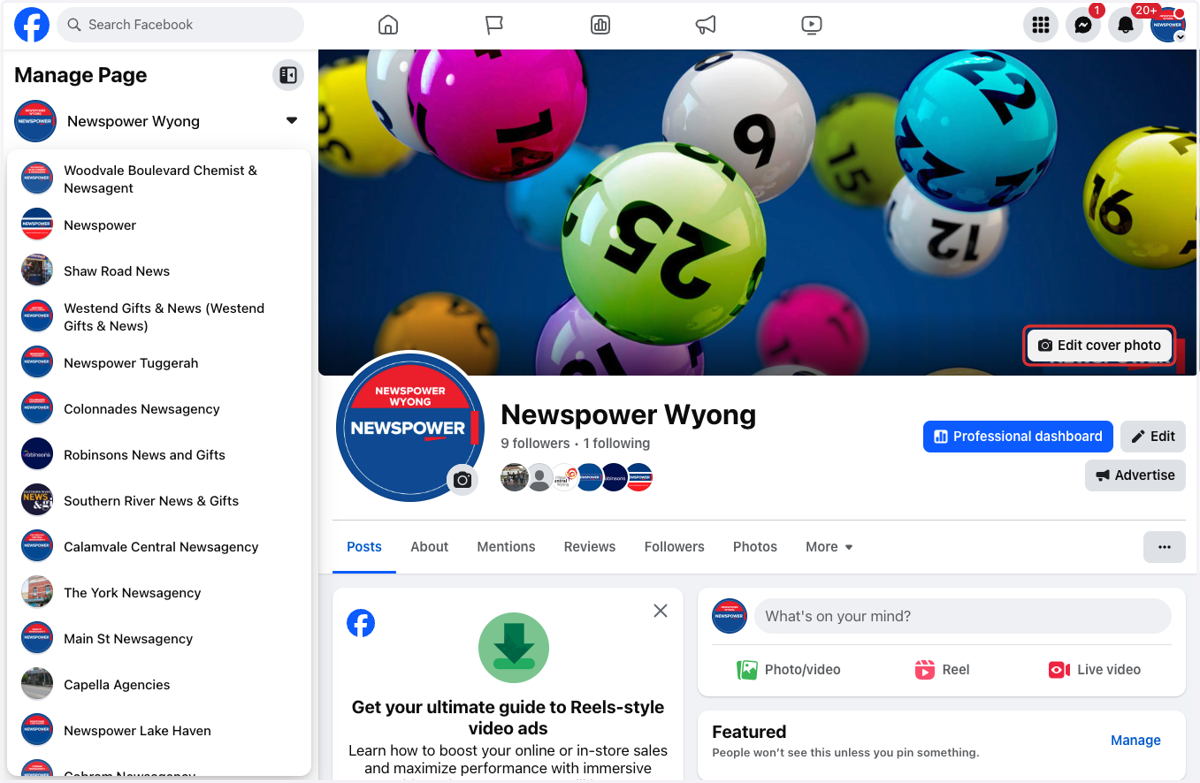
2. Click on Edit cover photo
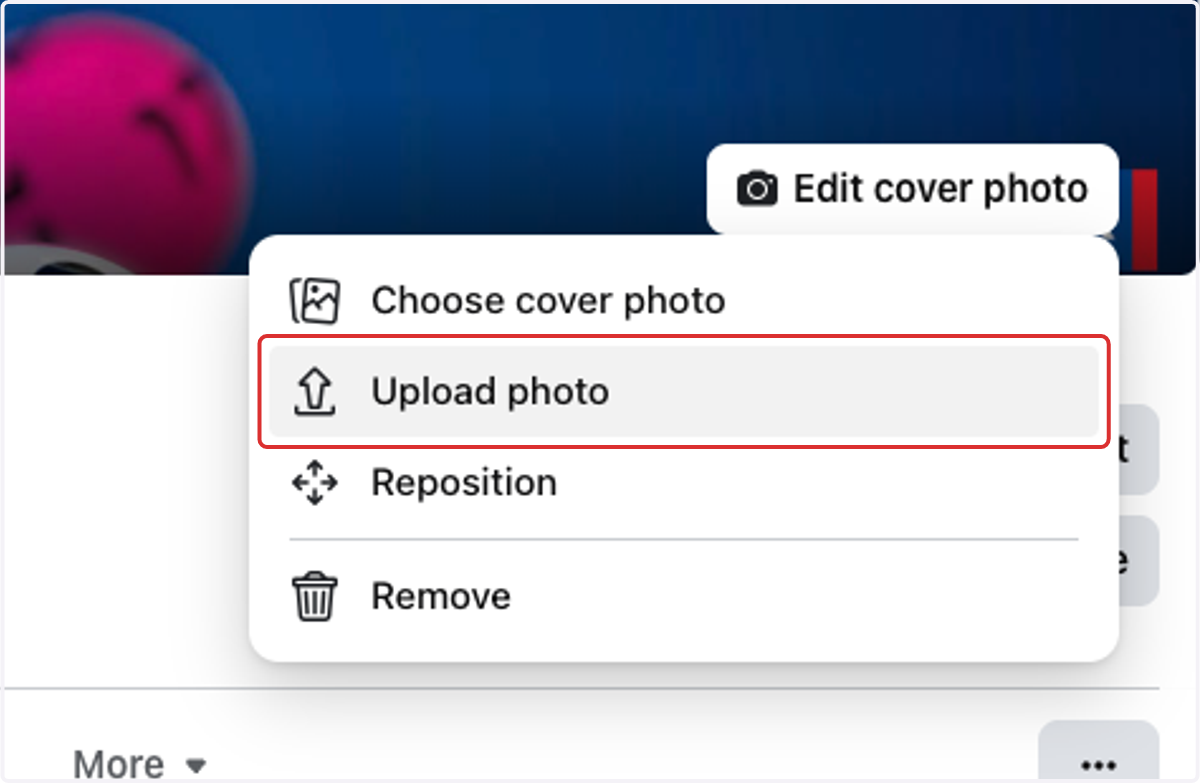
3. Click on Upload photo
4. Select the image you want to upload
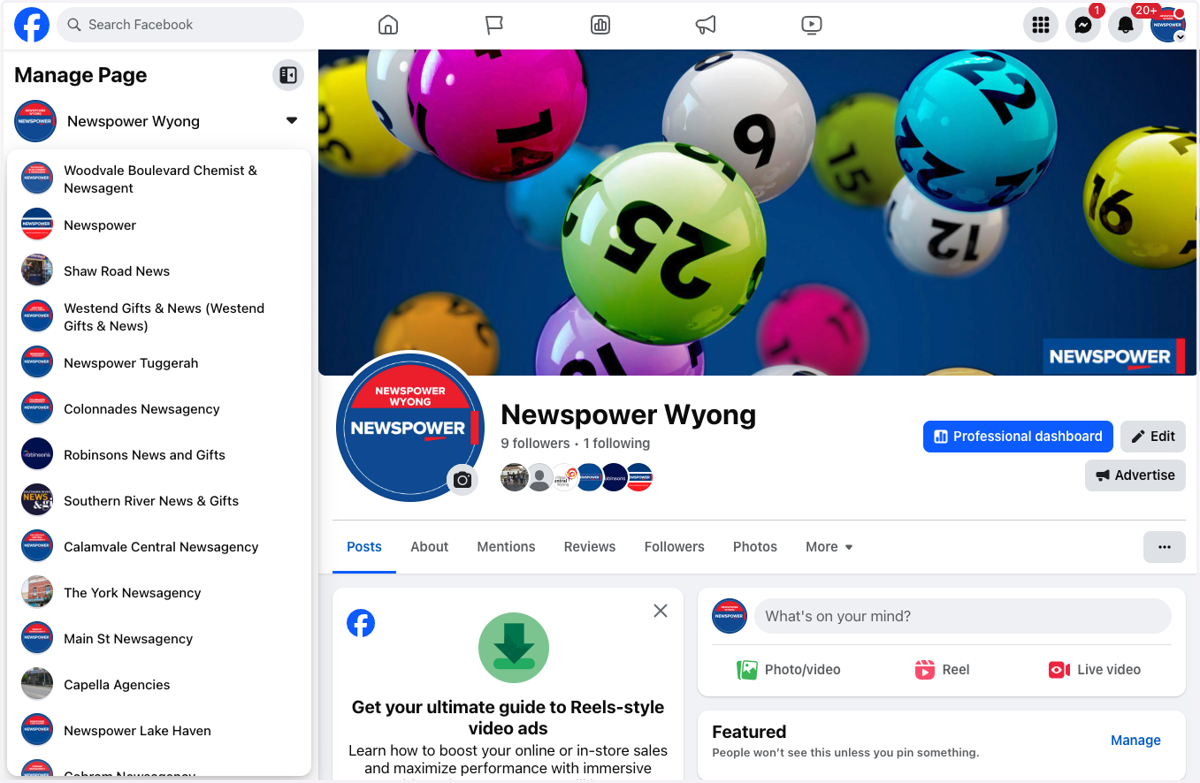
5. Drag image to reposition (optional)
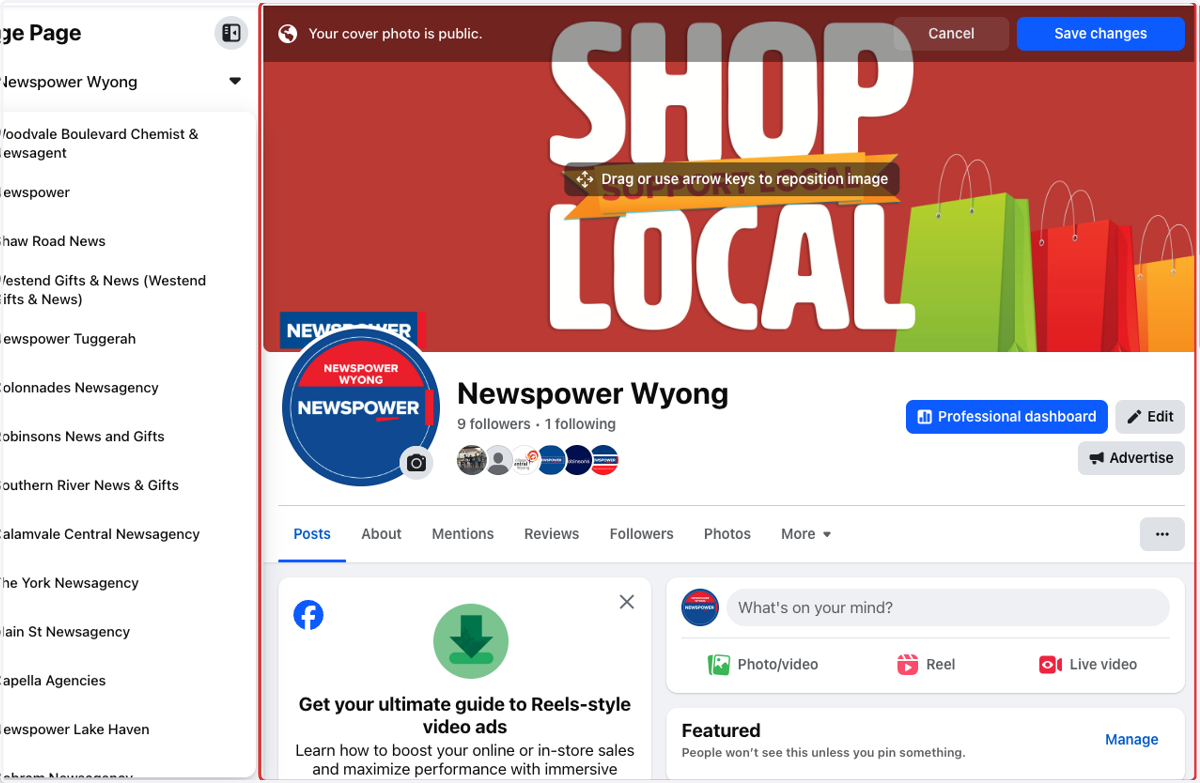
6. Click on Save changes