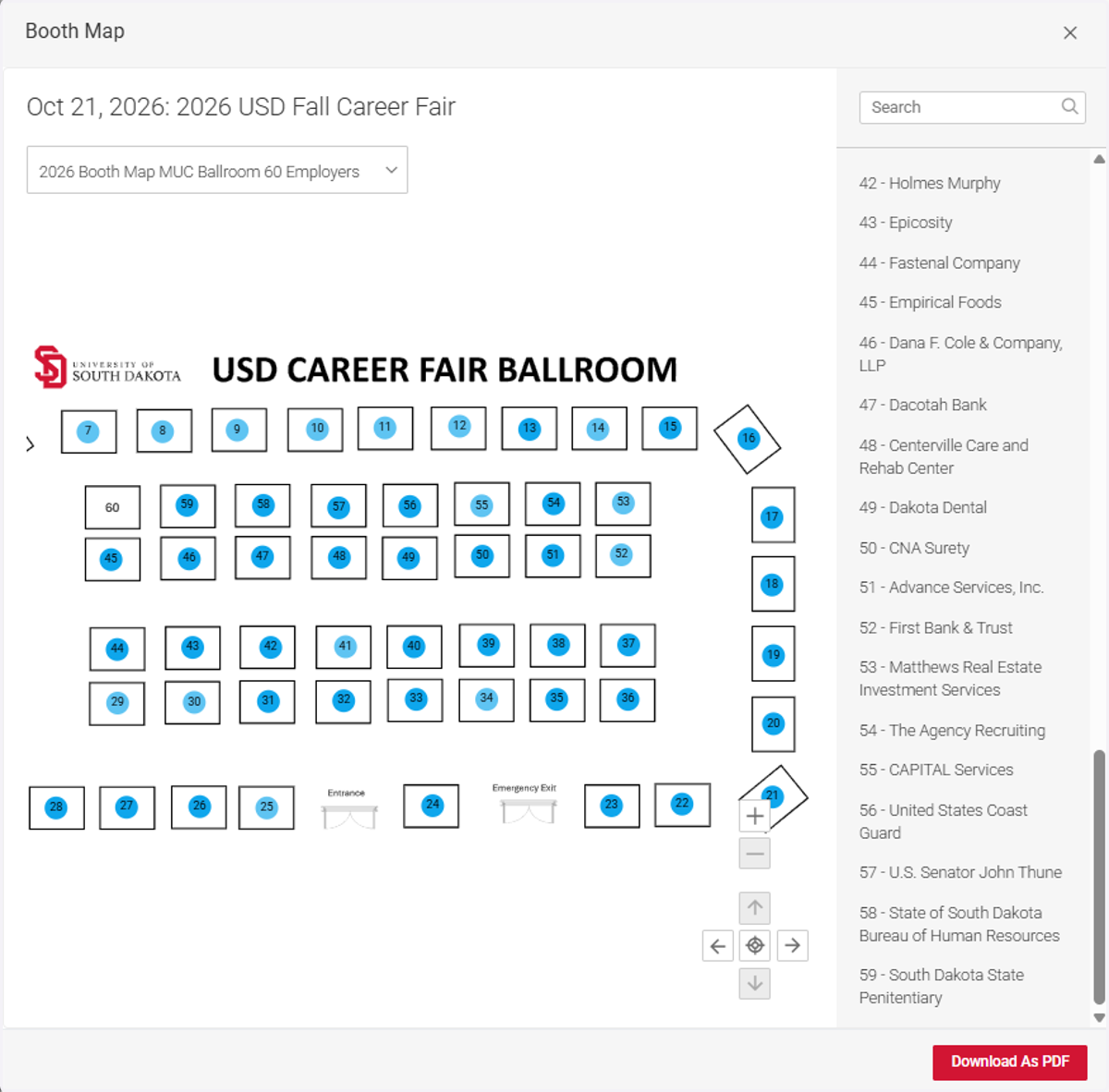
USD Career Fair - Review Booth Map
Log into Coyote Careers
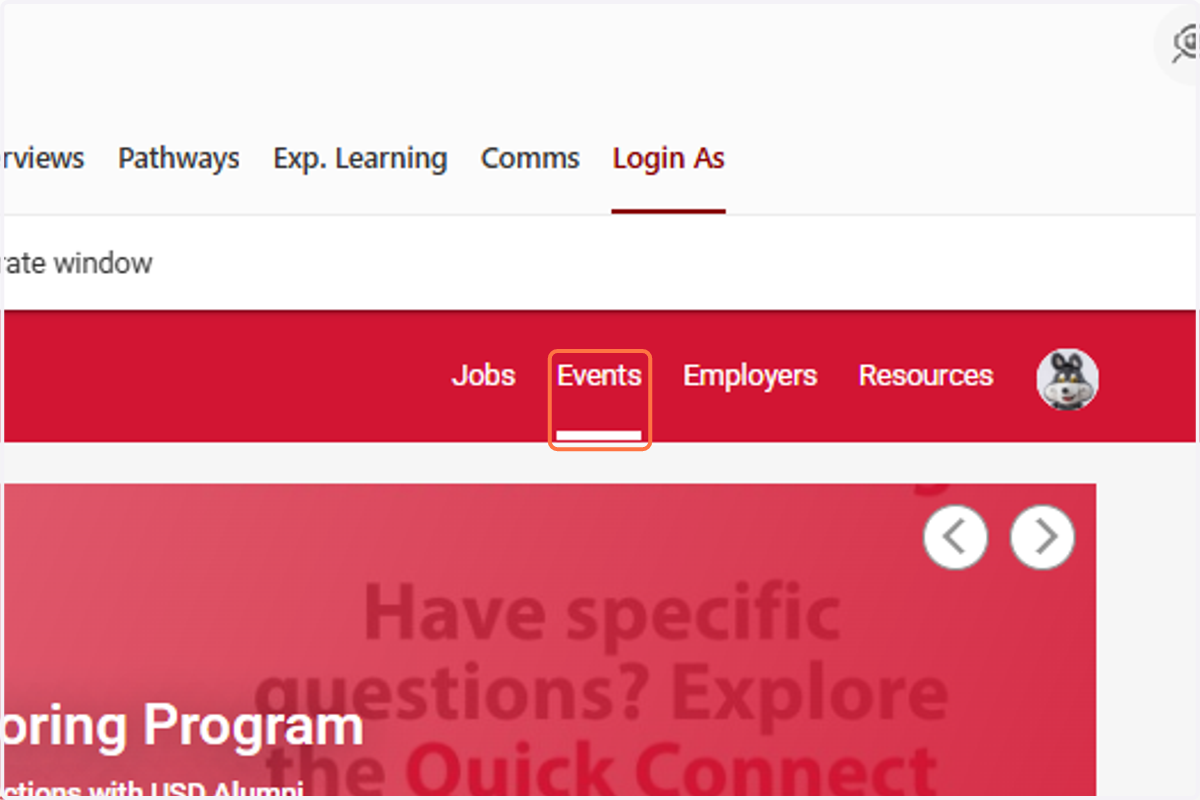
1. Click on Events
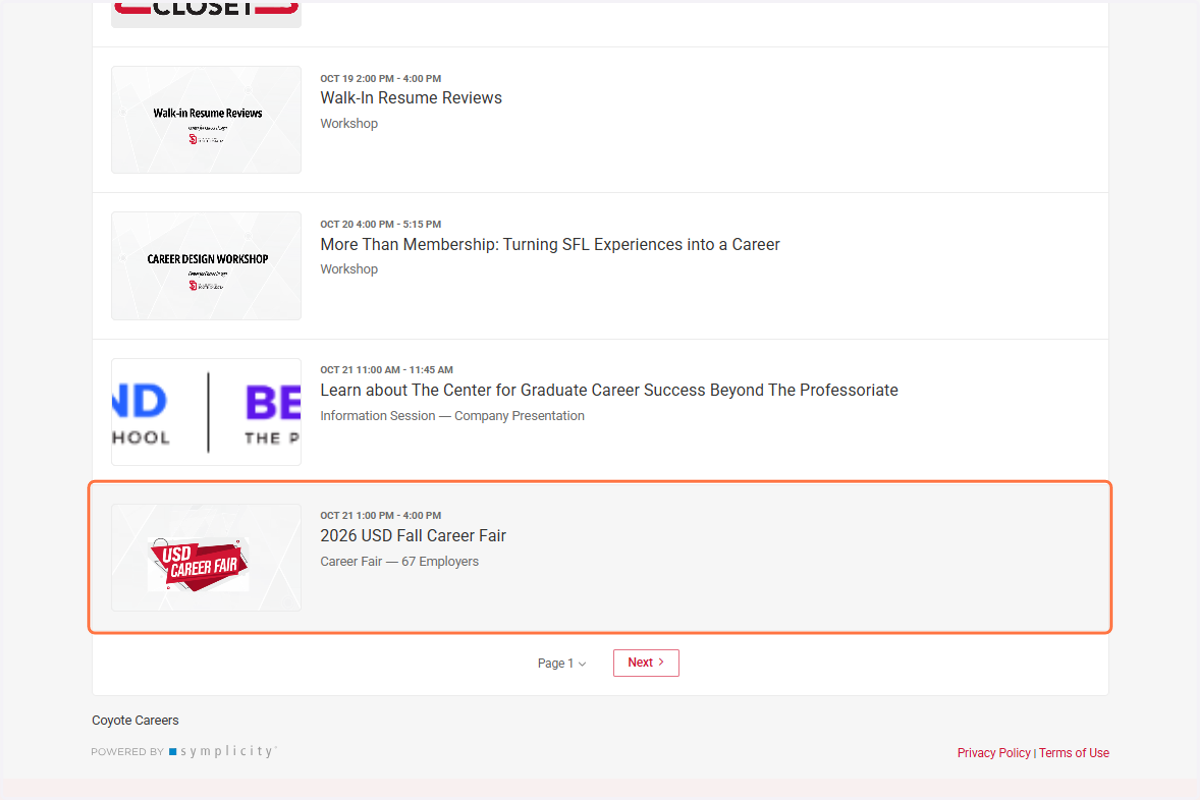
2. Scroll down and click on USD Career Fair
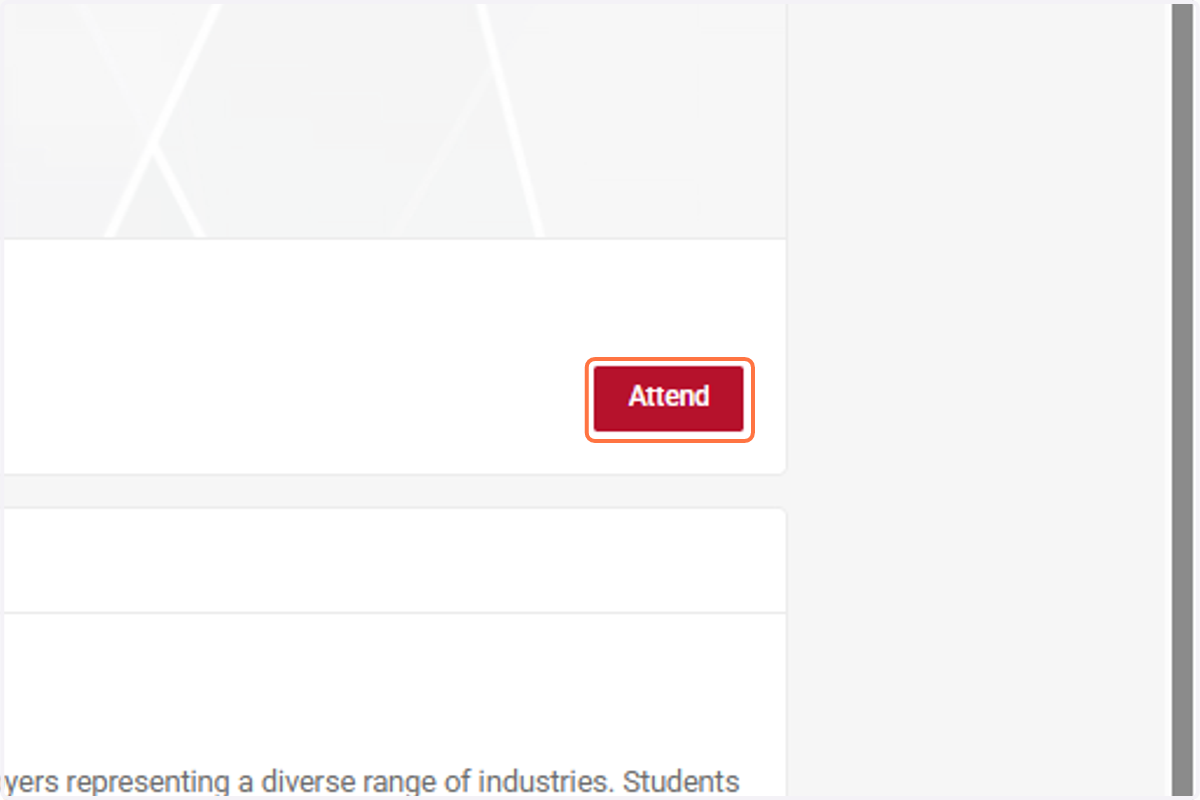
3. Click on Attend
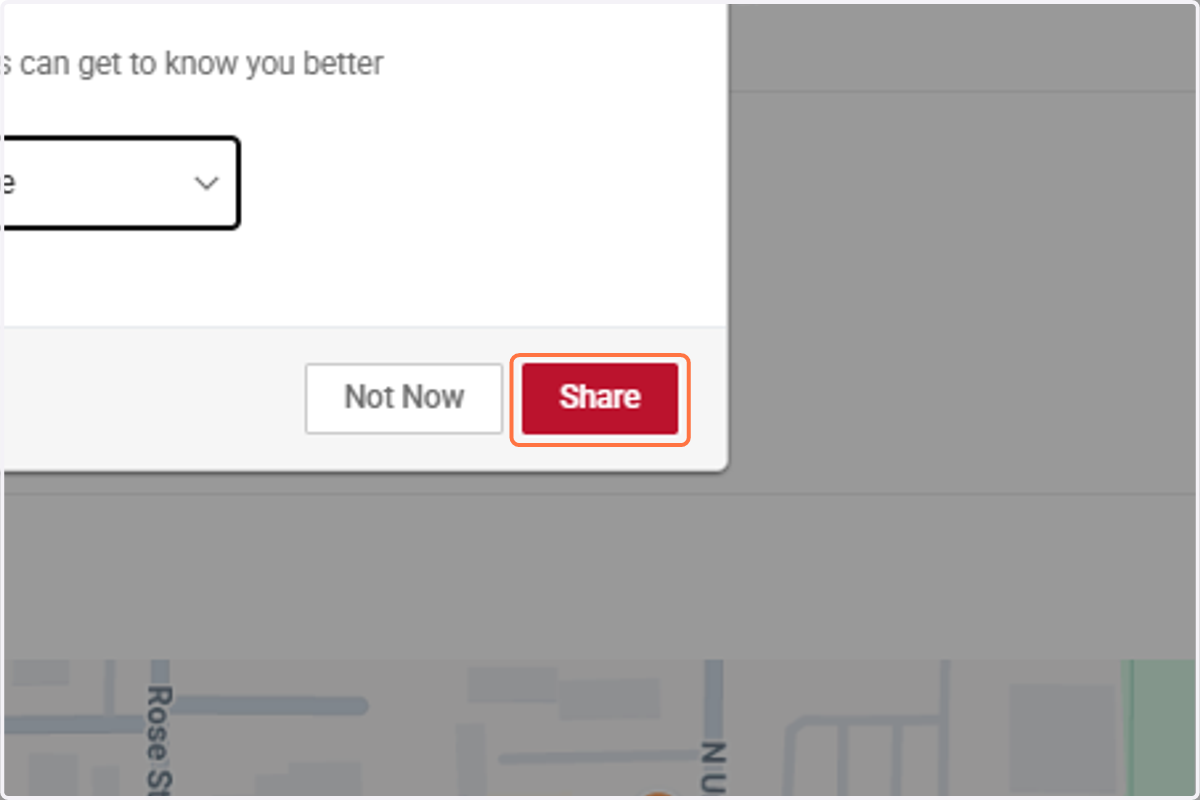
4. Add your most recent/updated Resume and Click on Share (This will be added to your Public Profile - Recommended if you are seriously job searching, but not required).
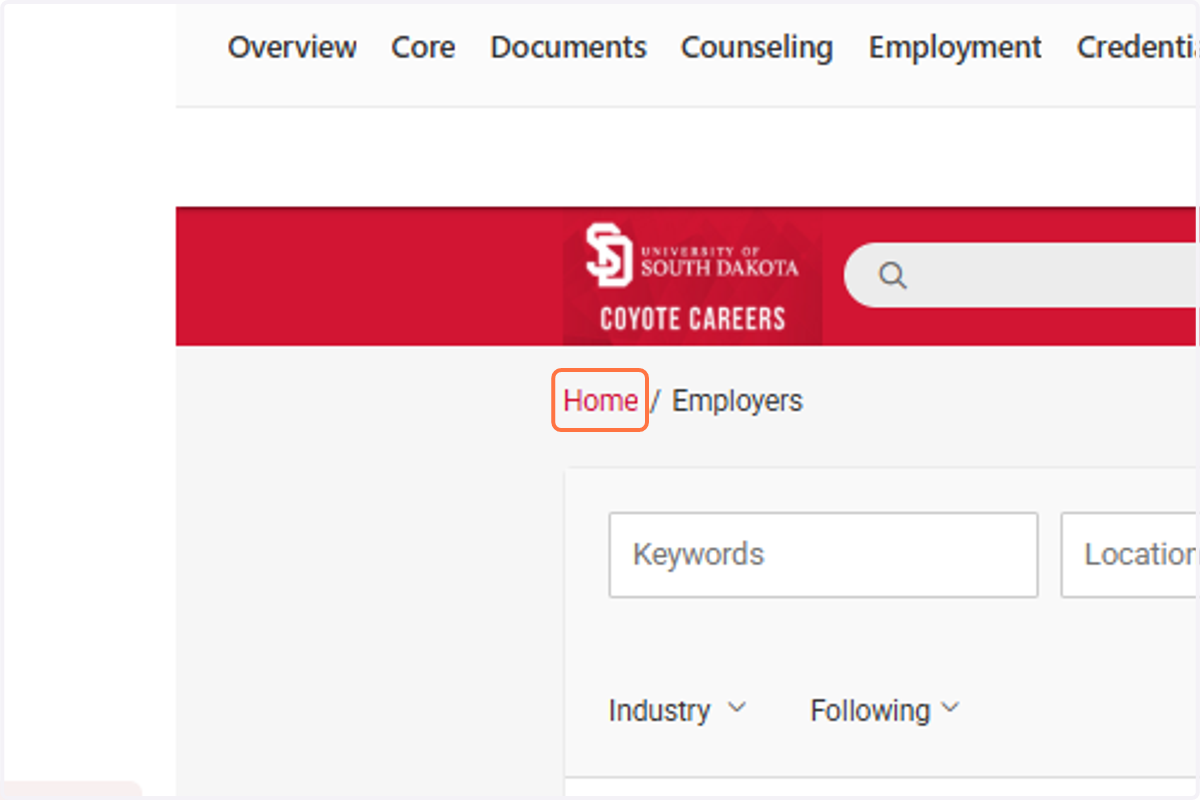
5. Click on Home
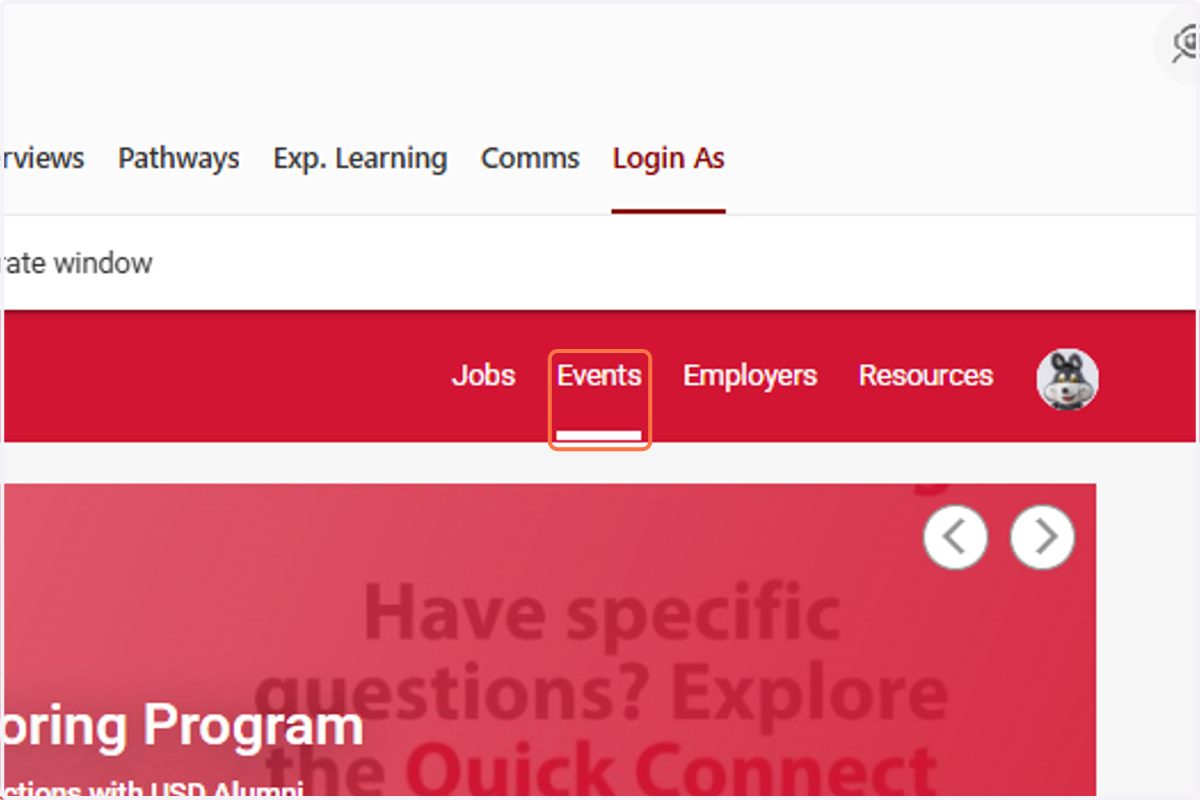
6. Click on Events
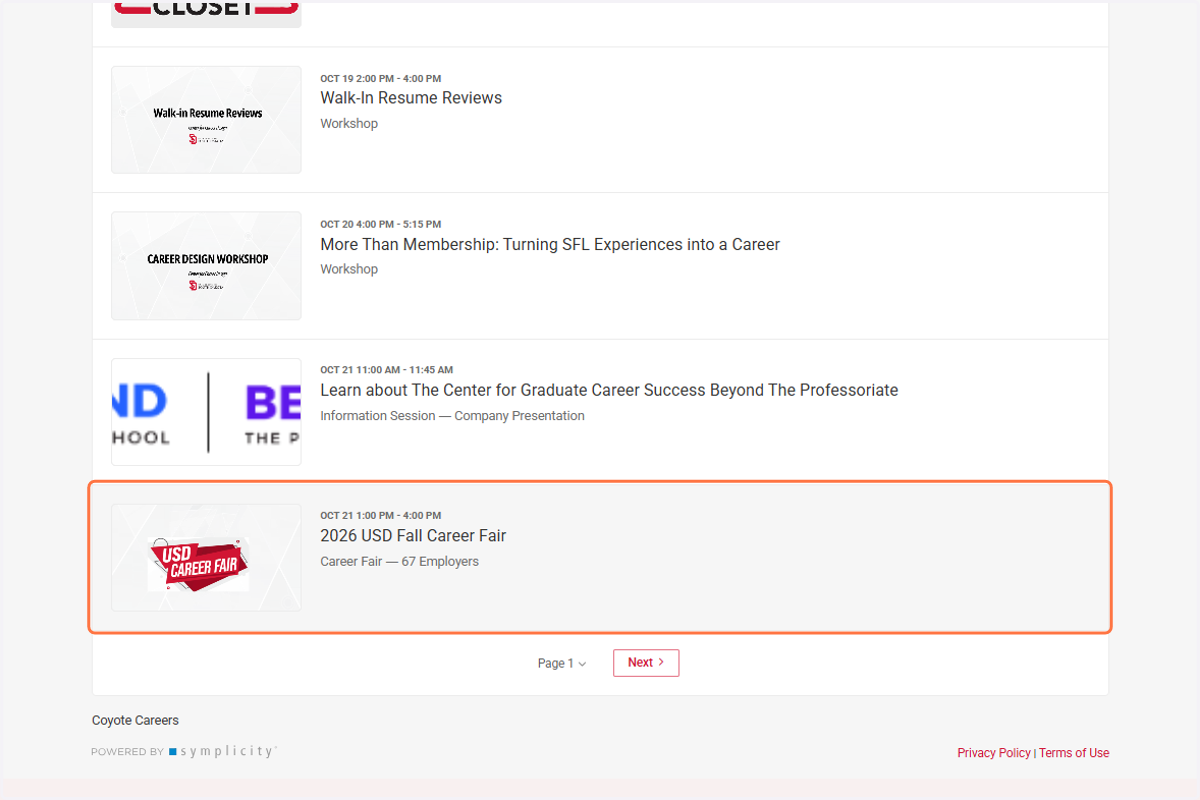
7. Scroll down and click on USD Career Fair
8. Click on View Booth Map
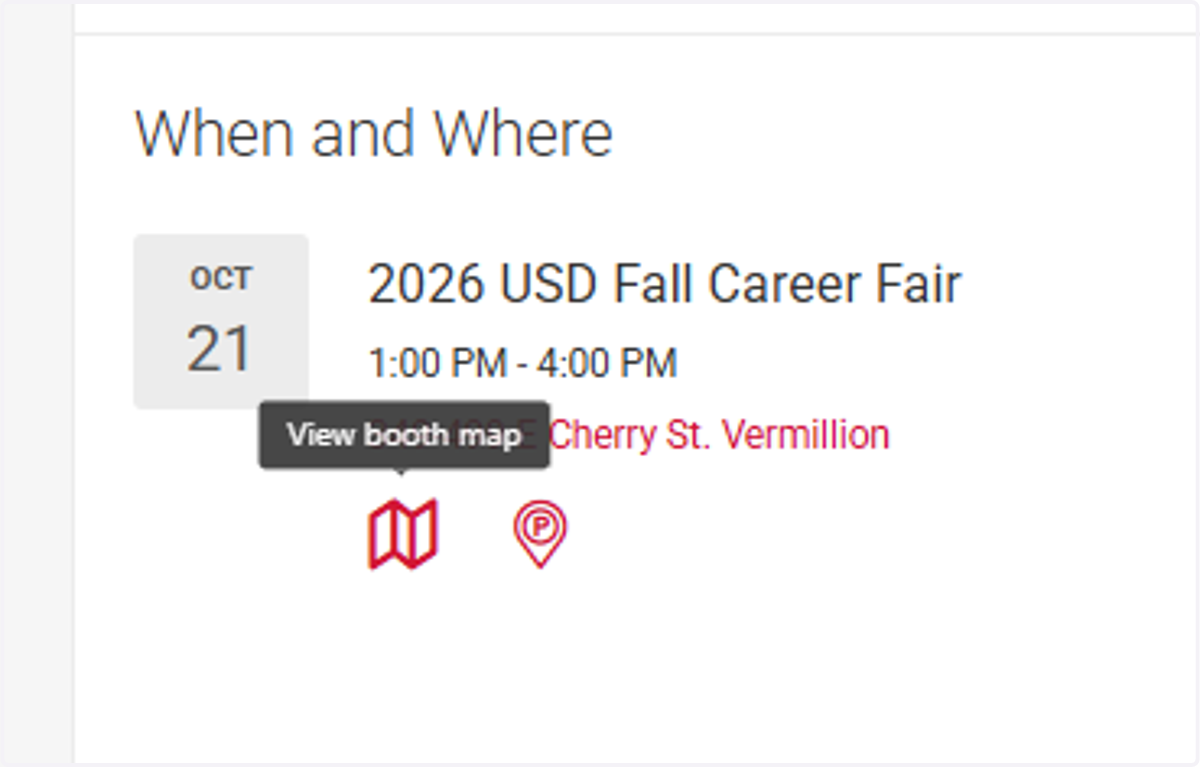
9. View where all Employers are located in the Ballroom/2nd floor MUC Hallway