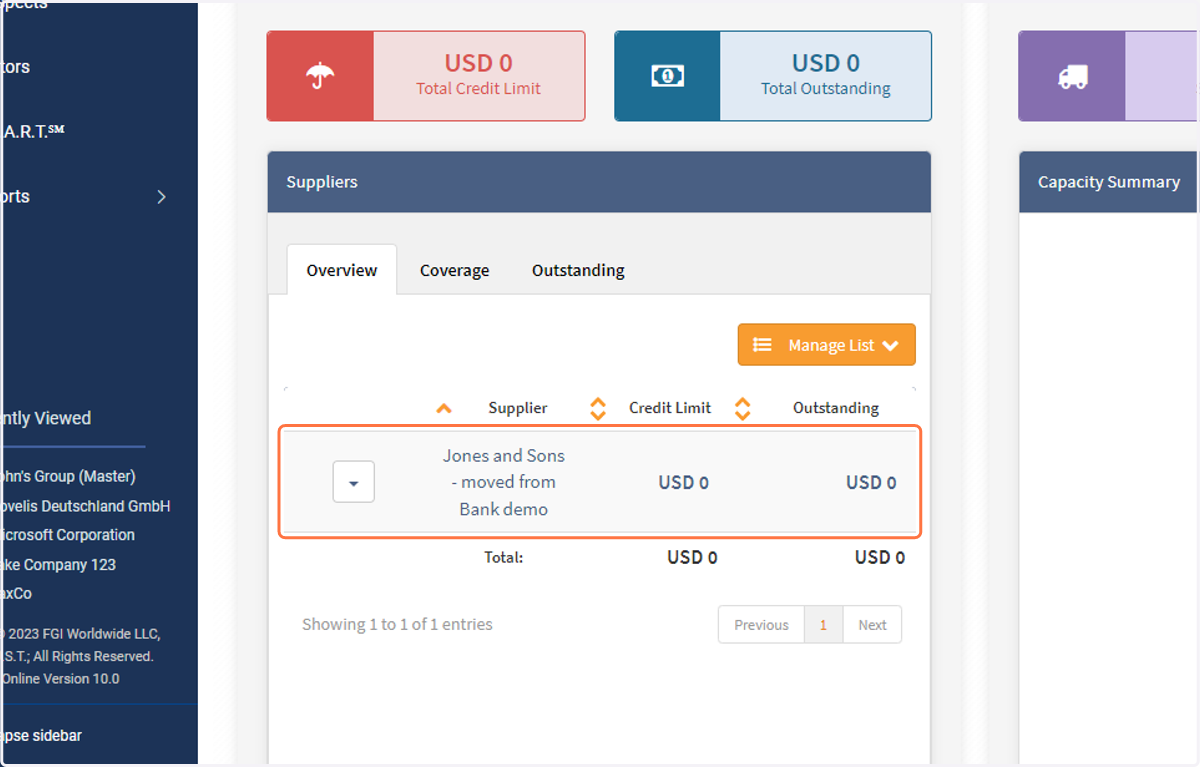
Transfer Coverage from a Master Policy
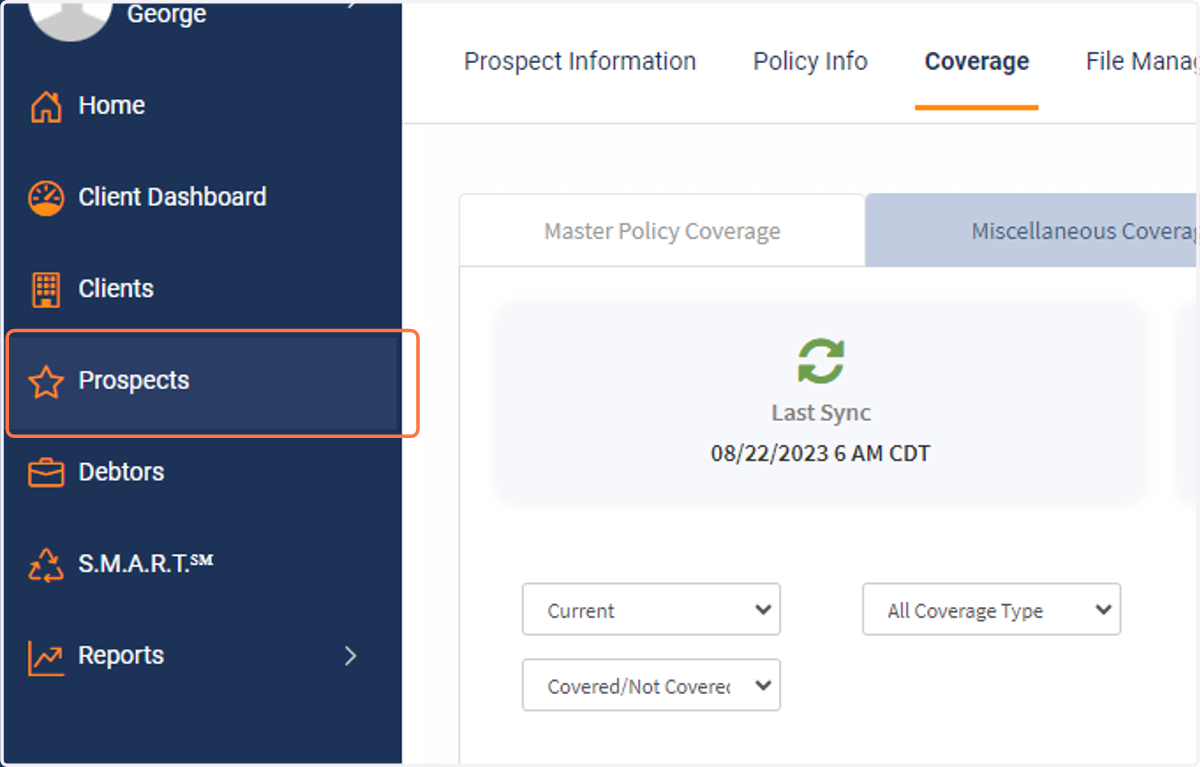
1. Click on Prospects (or the client profile)
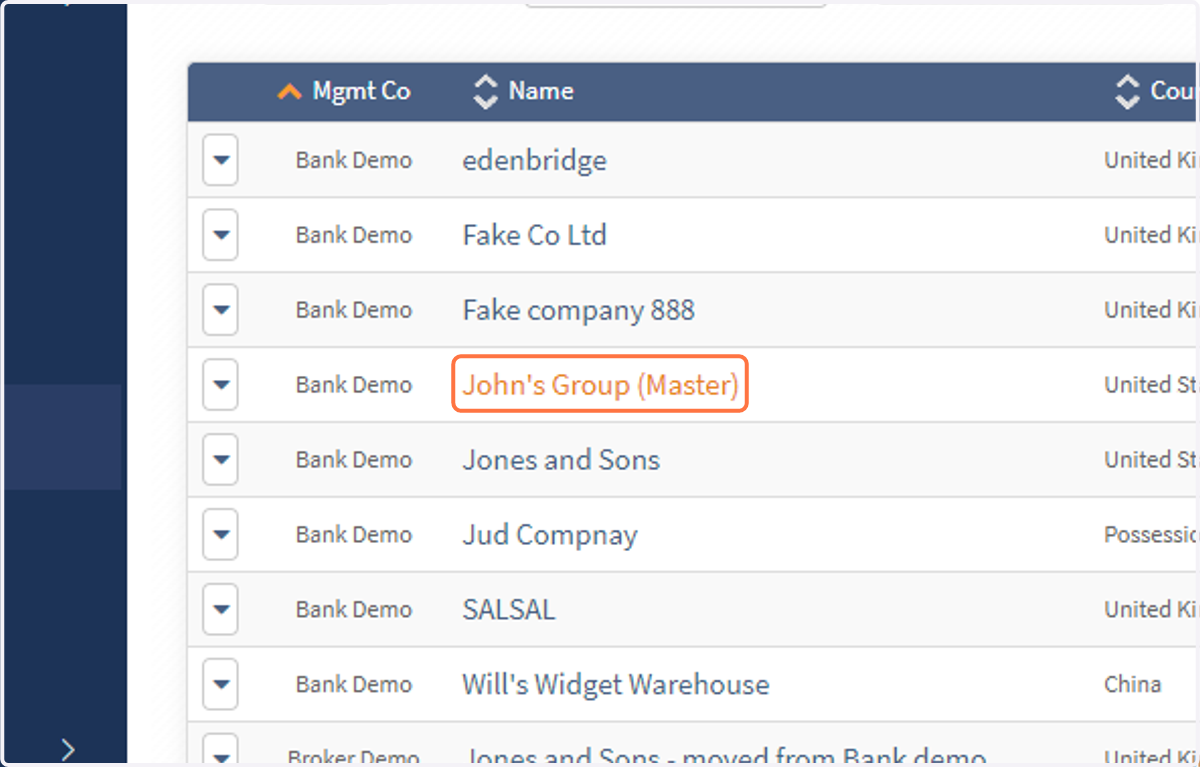
2. Click on the master policy or debtor profile you require
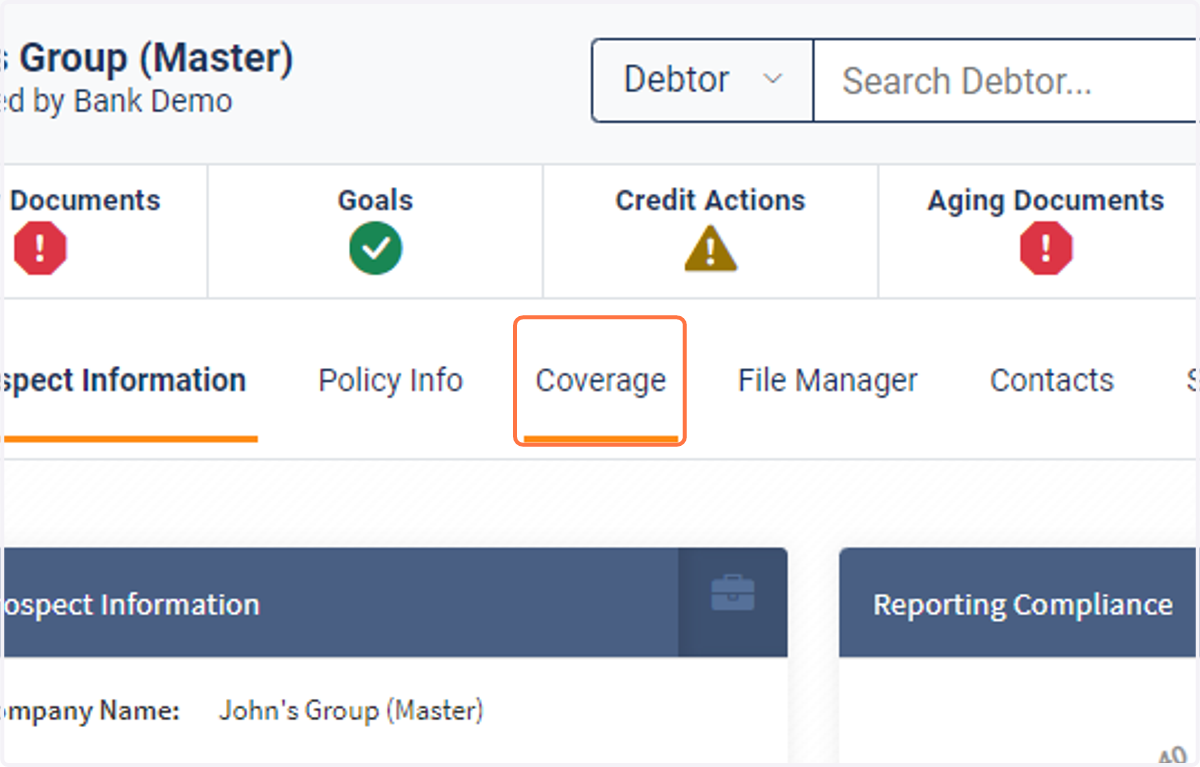
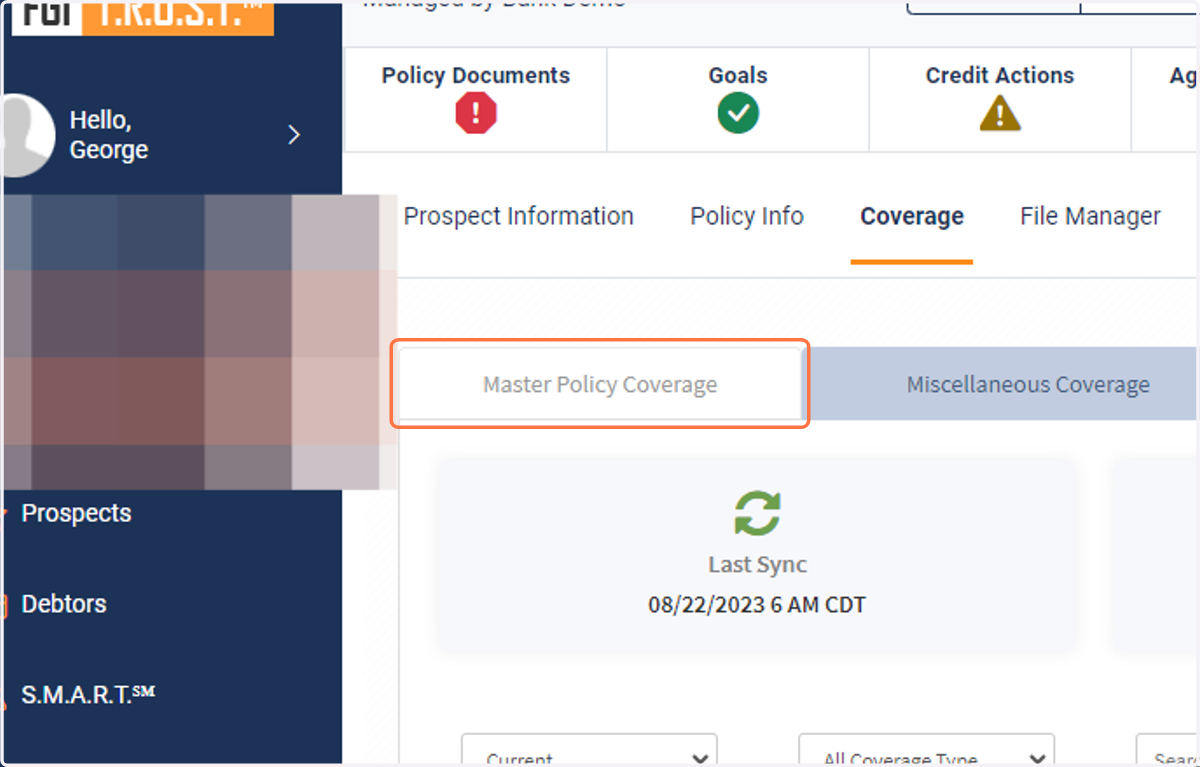
3. Click on Coverage
4. Click on Master Policy Coverage
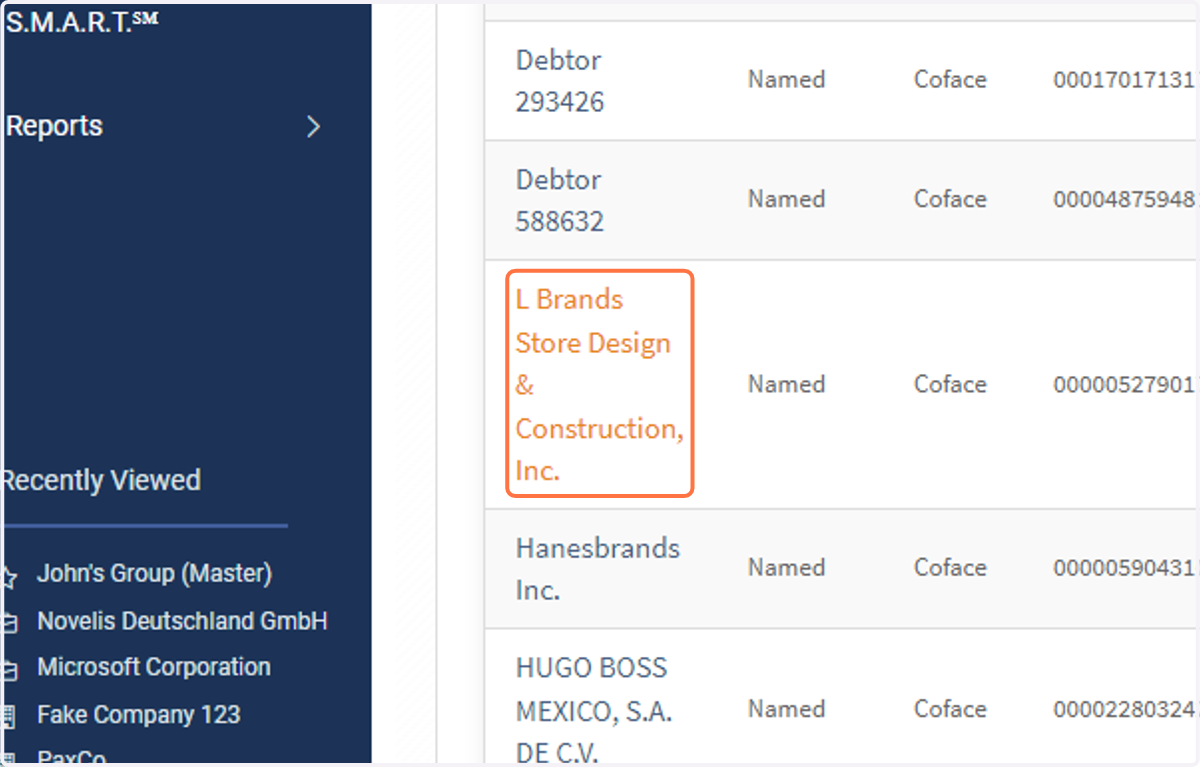
5. Click on the debtor you wish to transfer
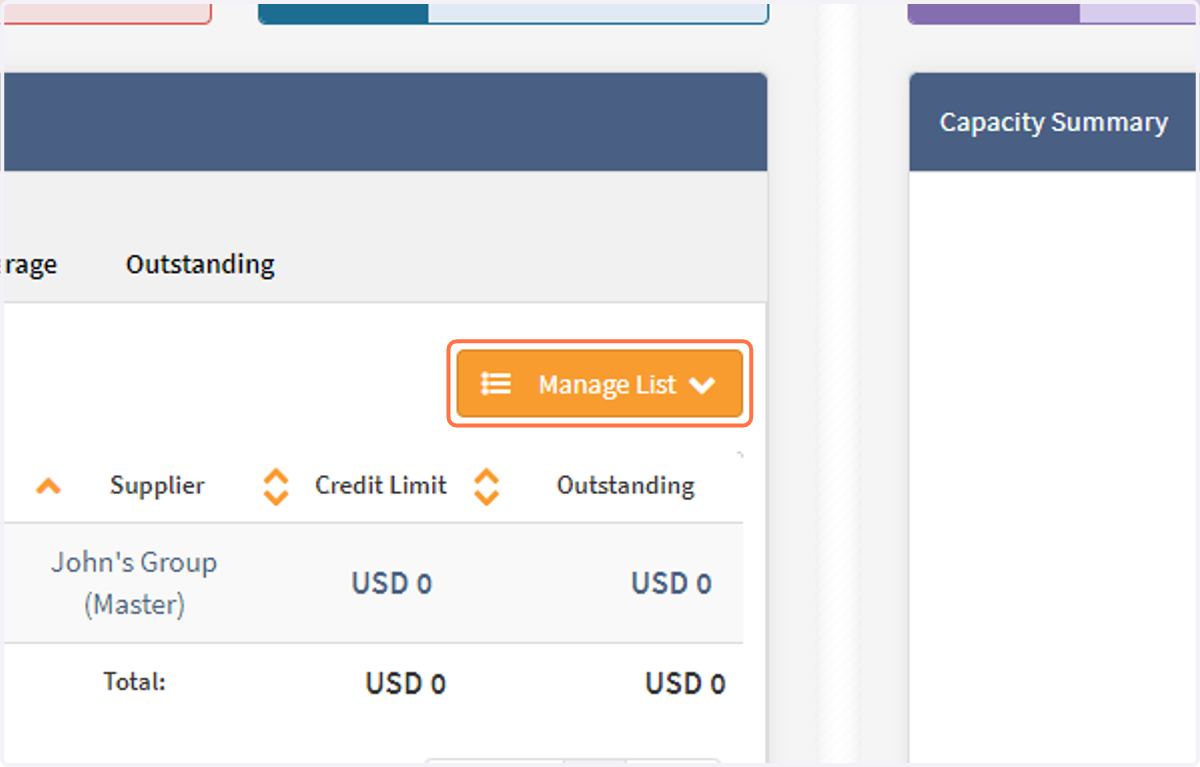
6. Click on Manage List
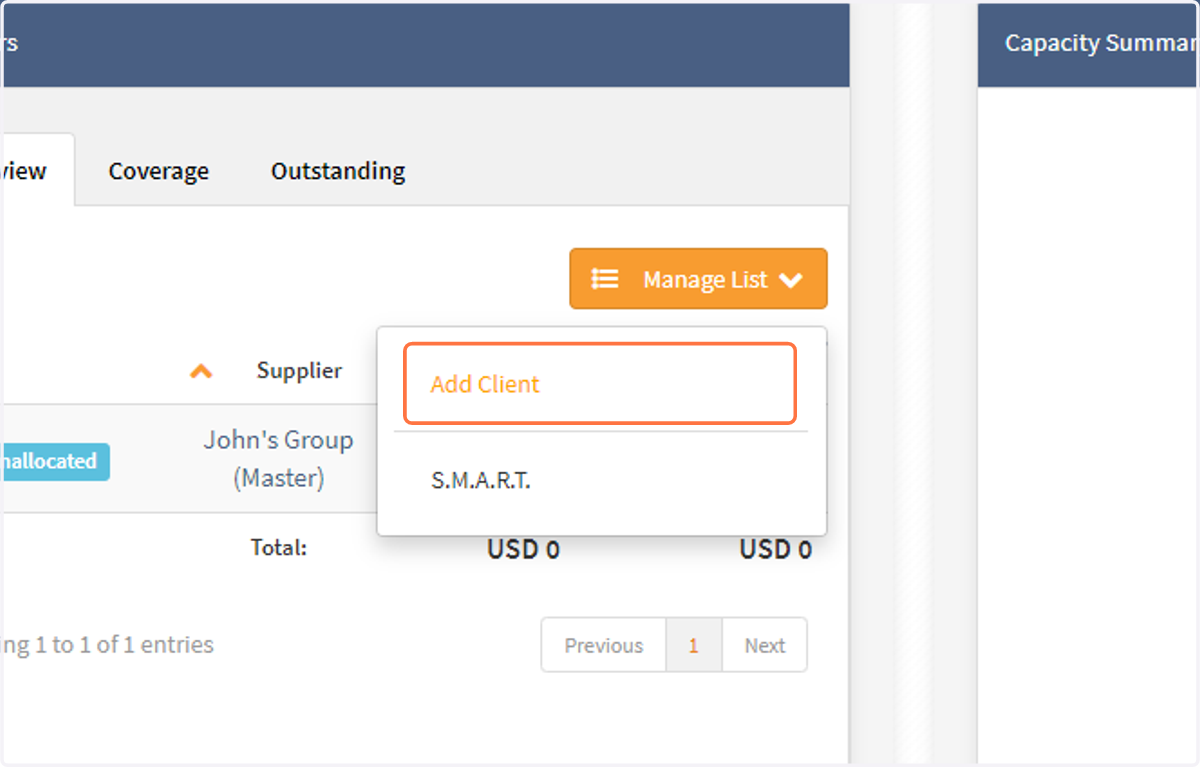
7. Click on Add Client
Only if this is unallocated, otherwise it will allow you to edit
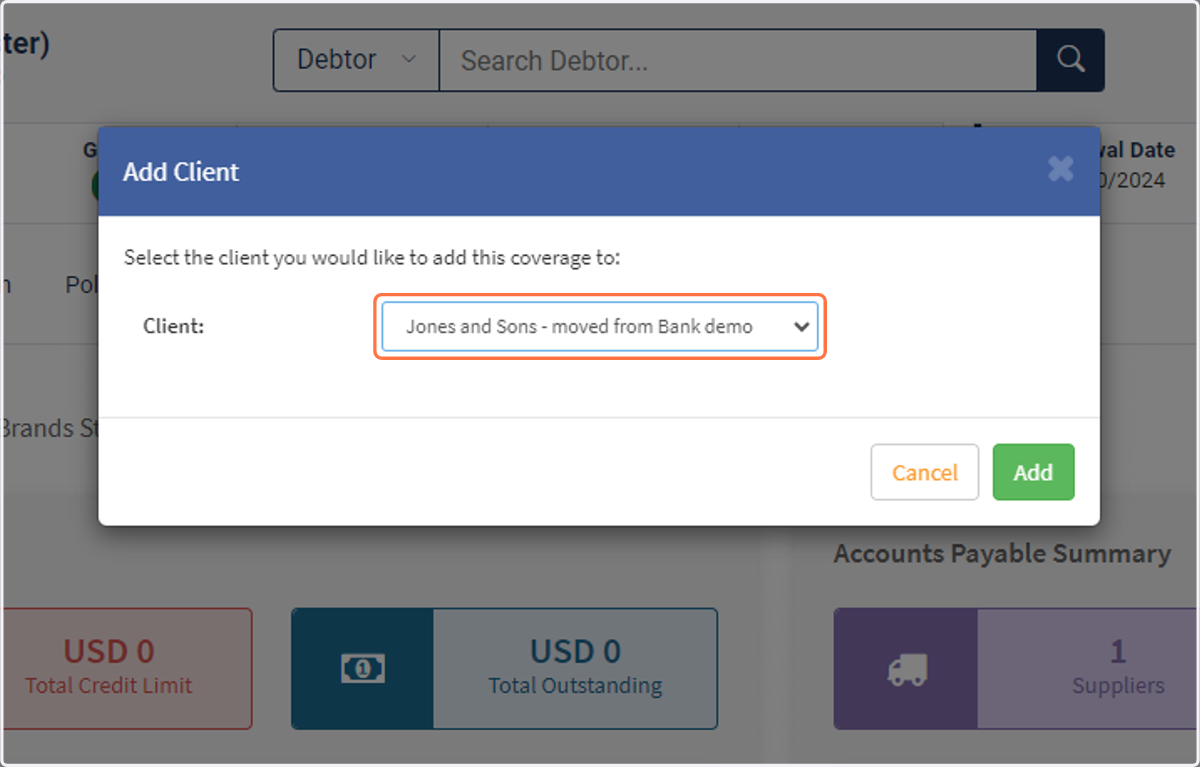
8. Chose the client you would like to add coverage to
9. Click on Add
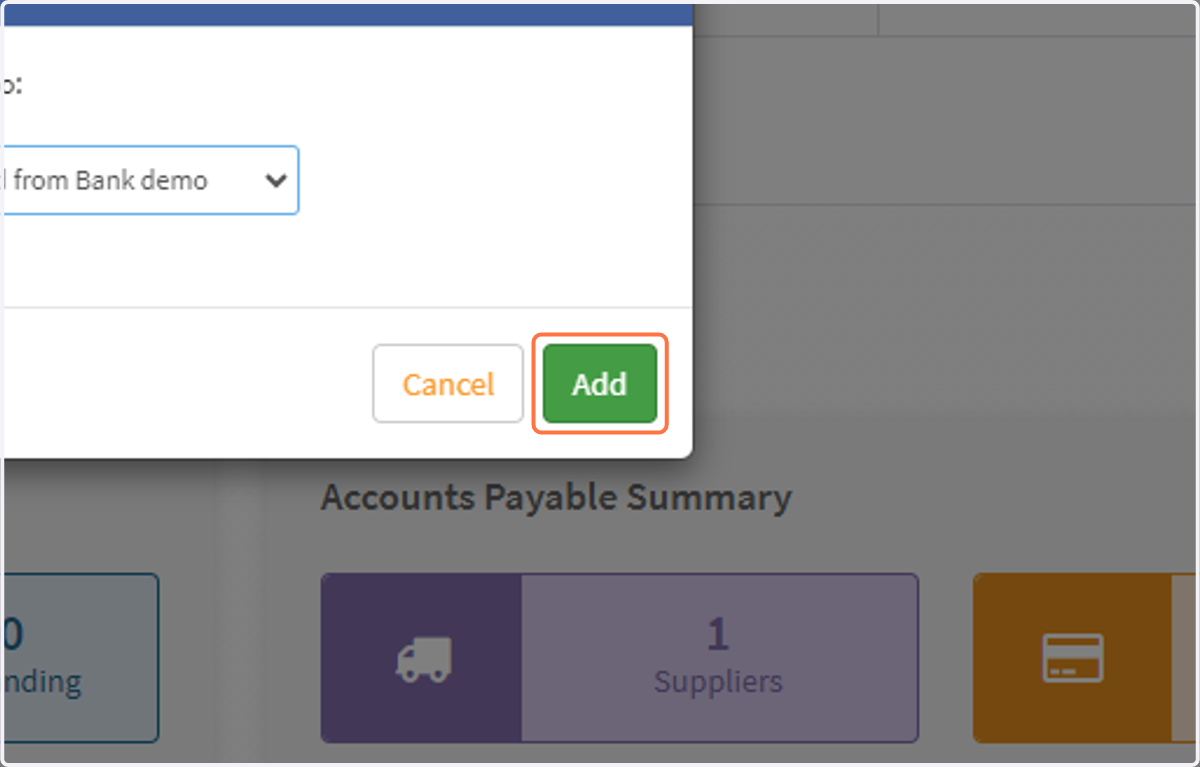
10. This is now transferred
Edit any outstanding coverage from here as well