Transfer Chase Ultimate Rewards to Hyatt
Transfer Chase Ultimate Rewards to Hyatt
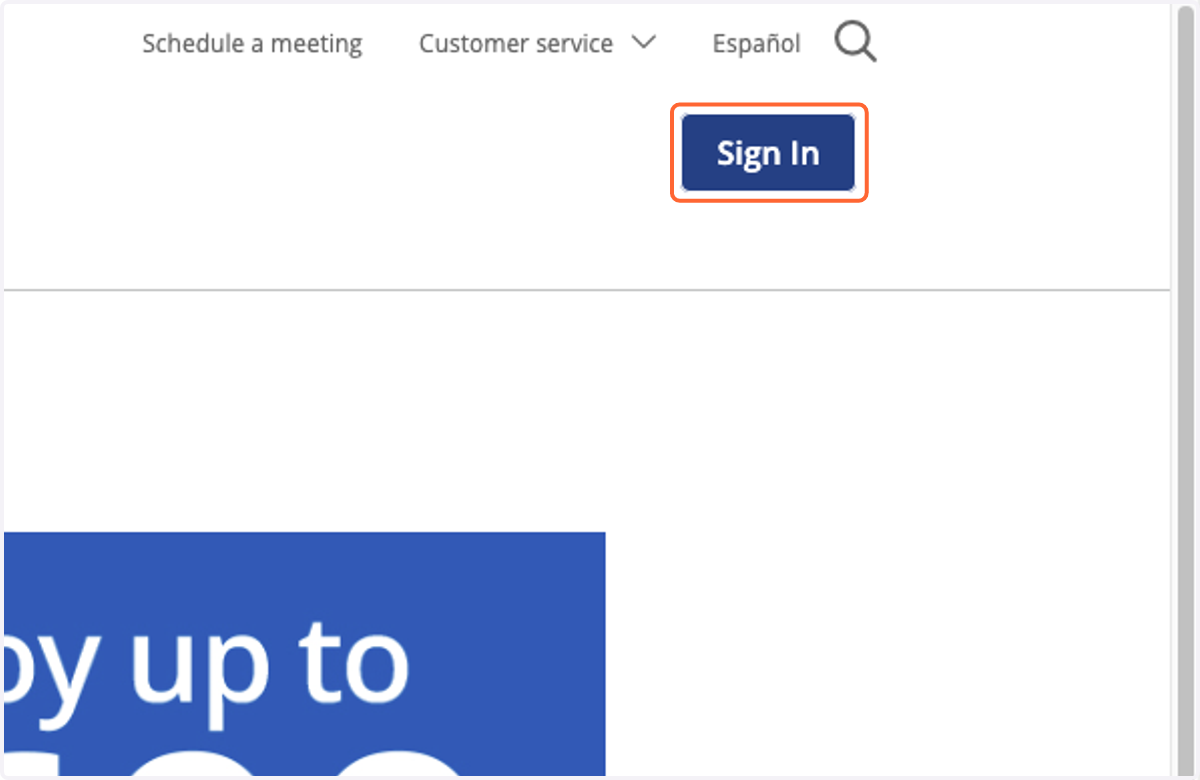
1. Navigate to chase.com and click "Sign In"
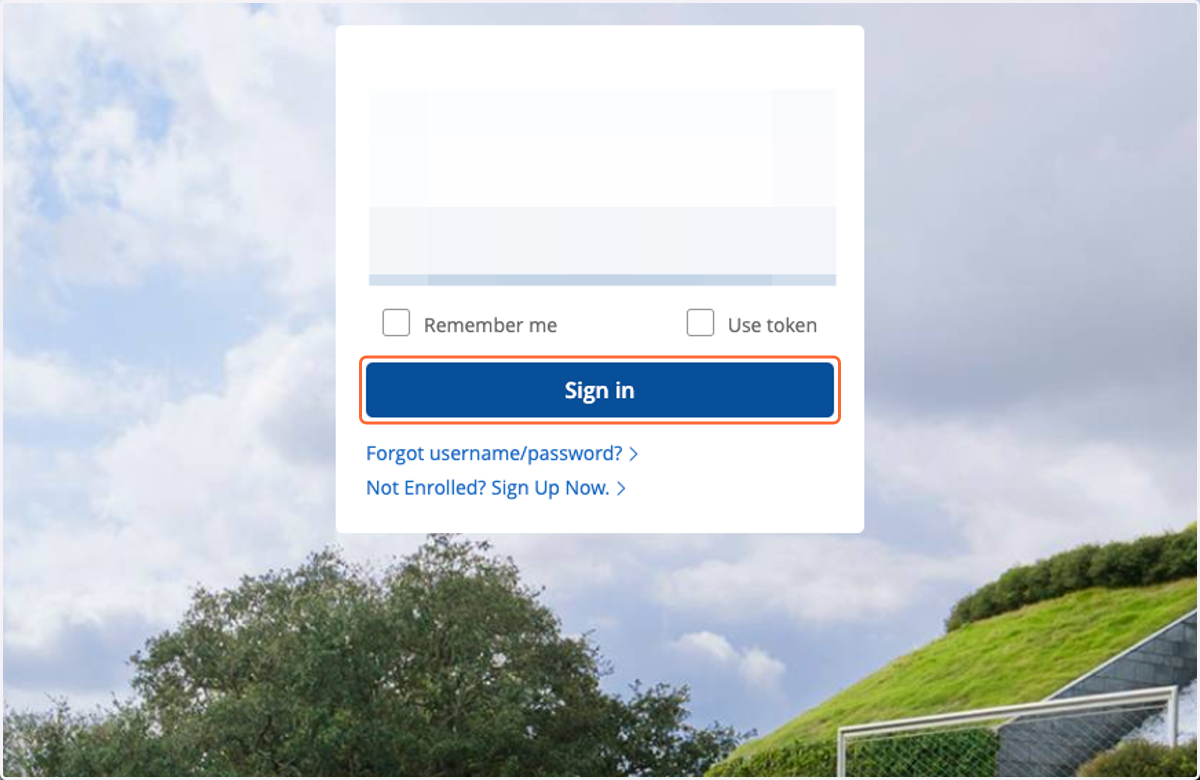
2. Enter your login details and click "Sign In"
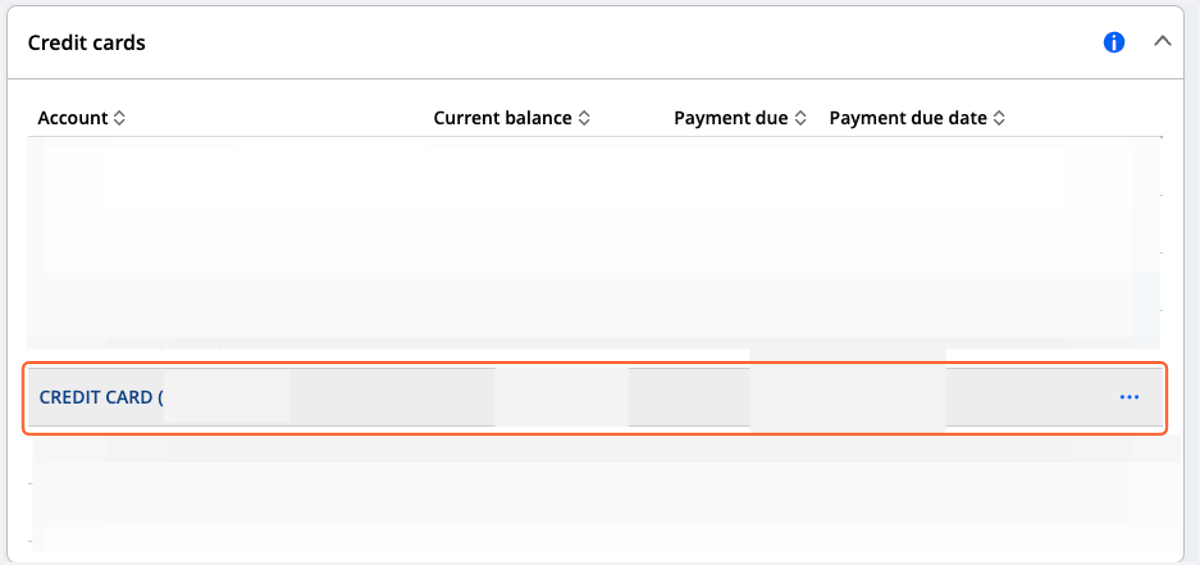
3. Find your relevant Ultimate Rewards earning credit card, and select it.
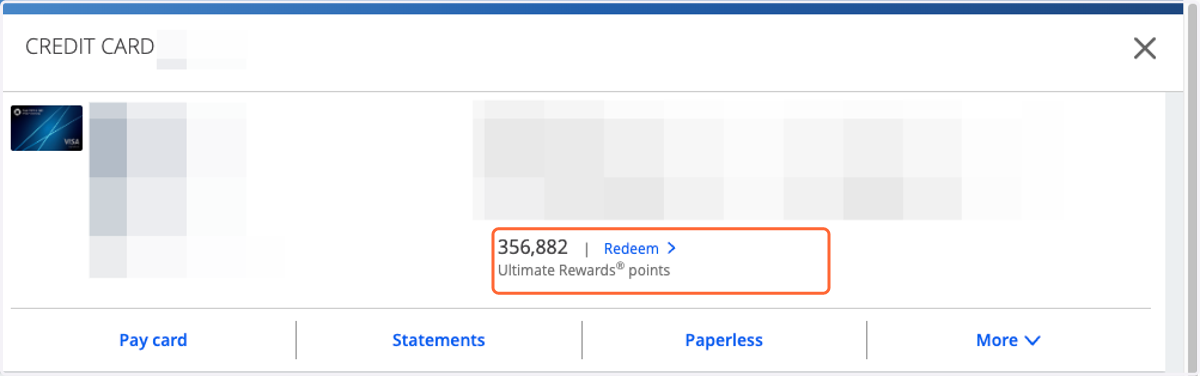
4. From the menu that opens, find where it says "Ultimate Rewards Points" and click "Redeem >"
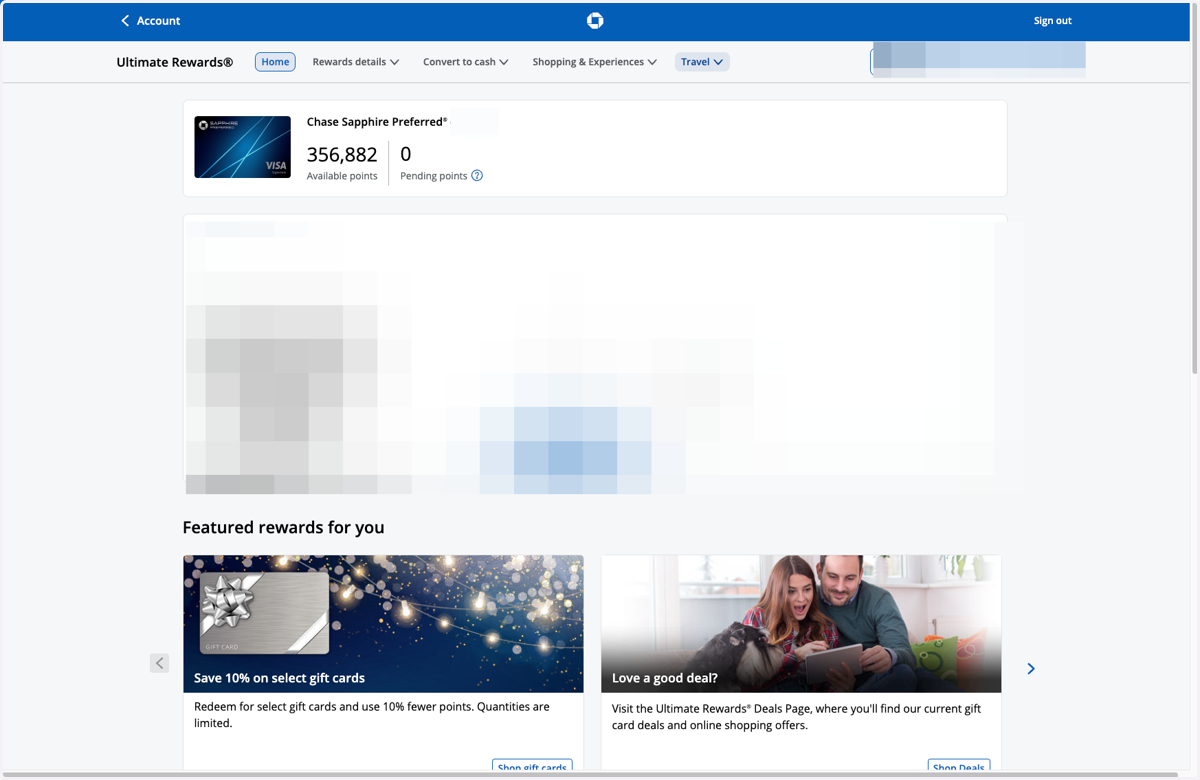
5. You'll be taken to your Ultimate Rewards portal
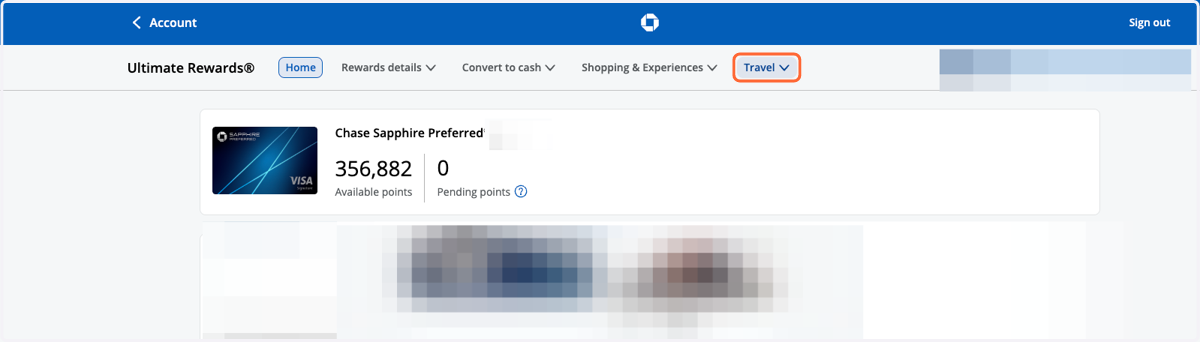
6. From the menu at the top, select "Travel"
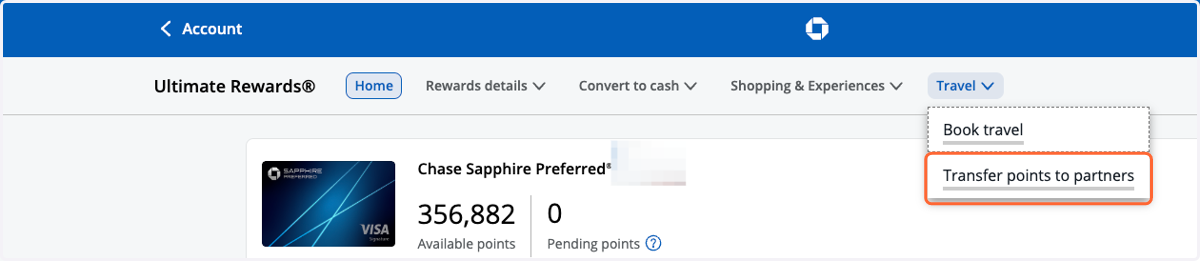
7. From the drop-down menu, select "Transfer points to partners"
8. Click on Hotels
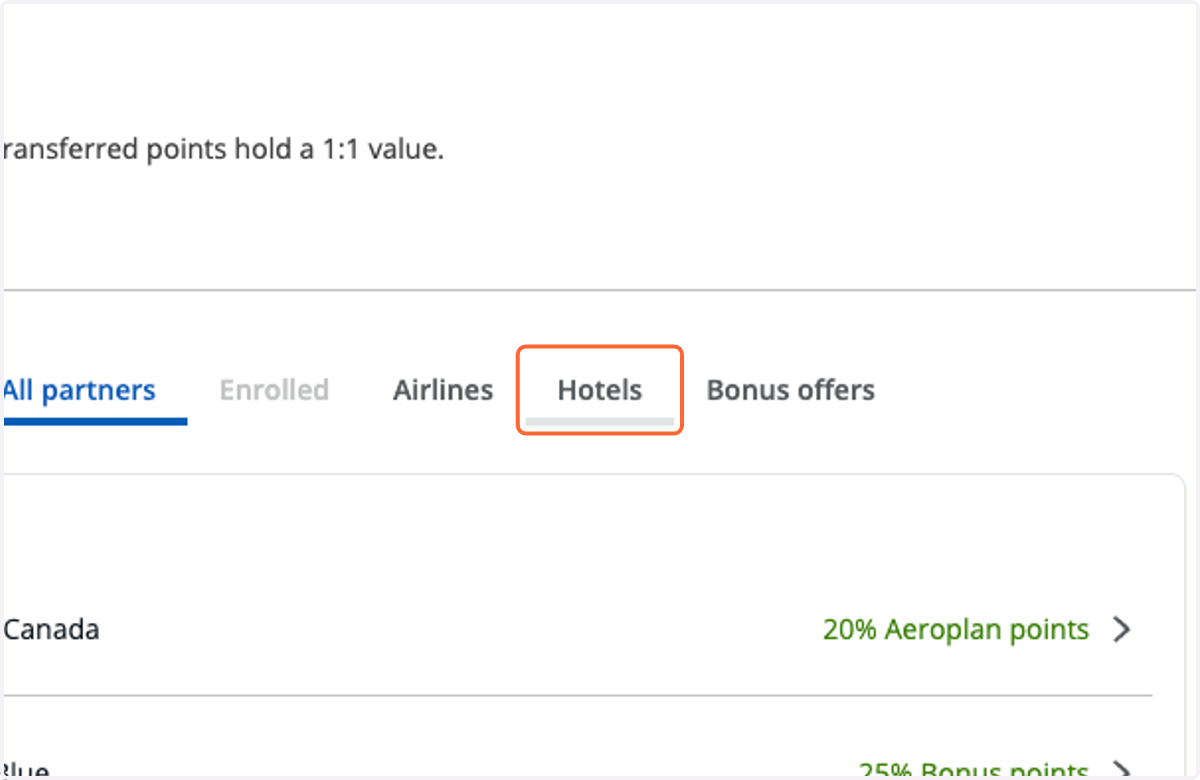
9. Click on World of Hyatt
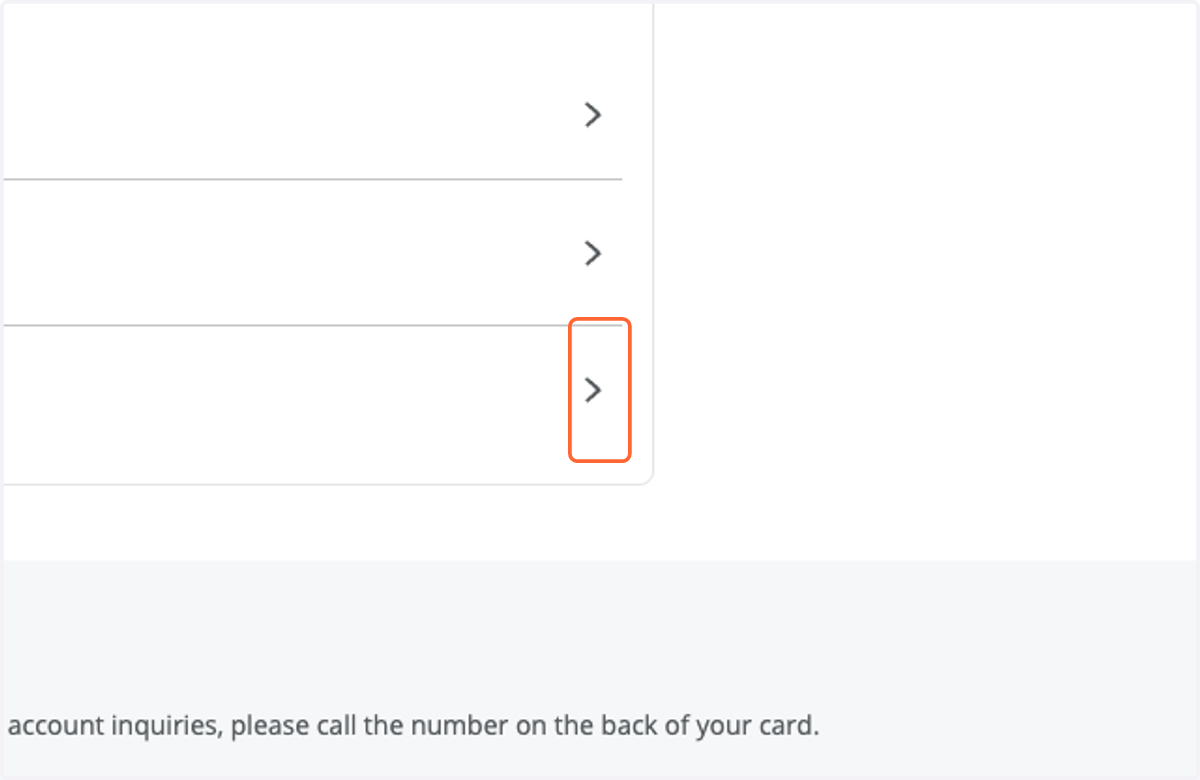
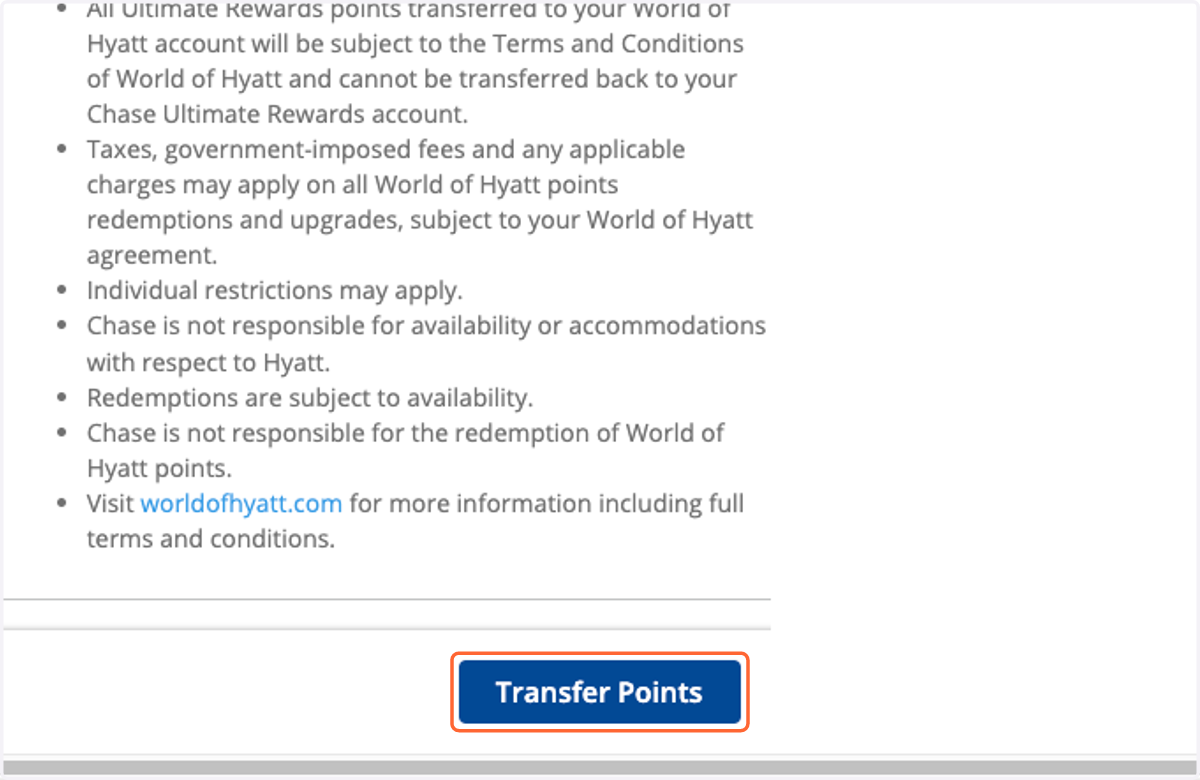
10. Click on Transfer Points
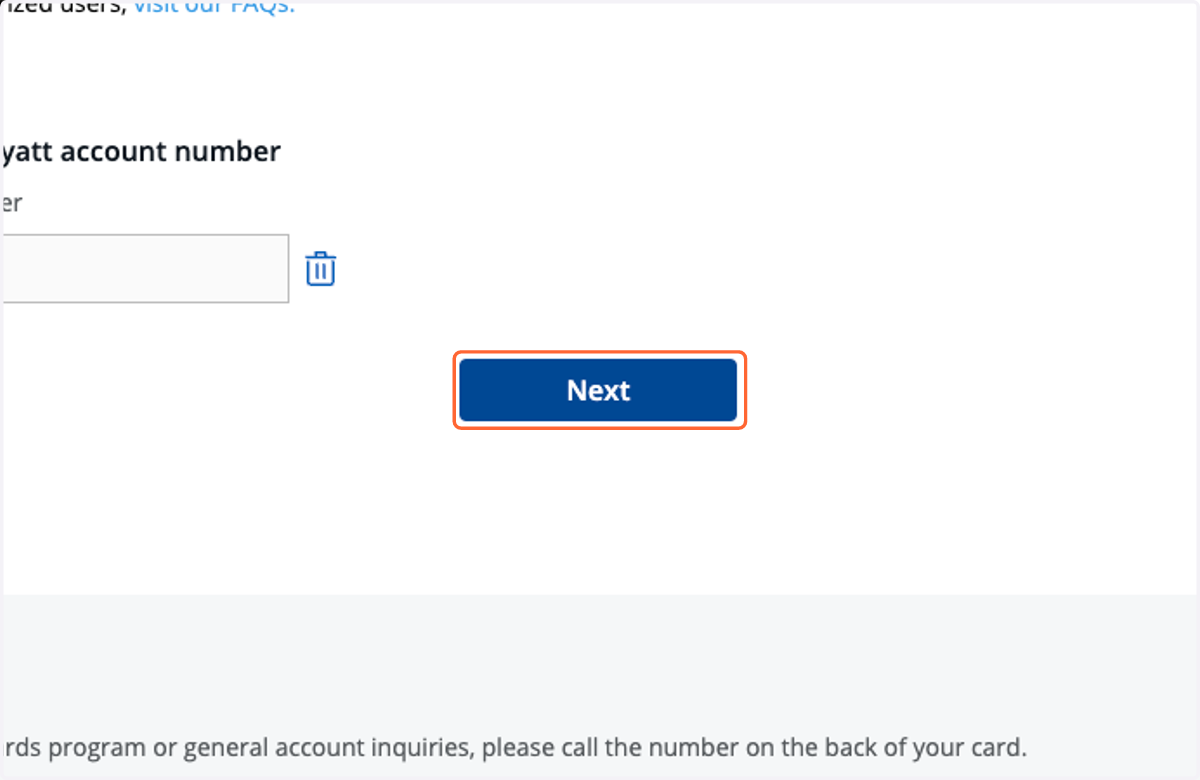
11. Confirm your account number and click Next
If you're transferring for the first time, you'll be prompted to enter your account number in duplicate.
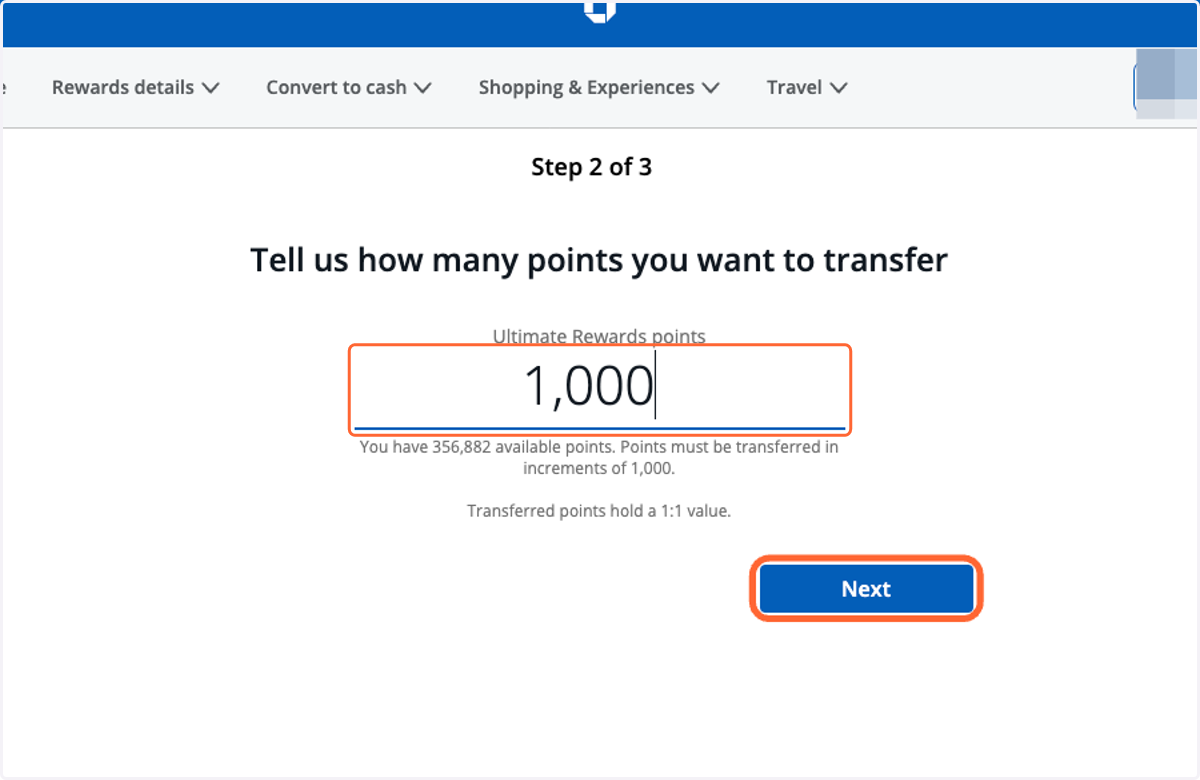
12. Enter the number of points you want to transfer and click "Next"
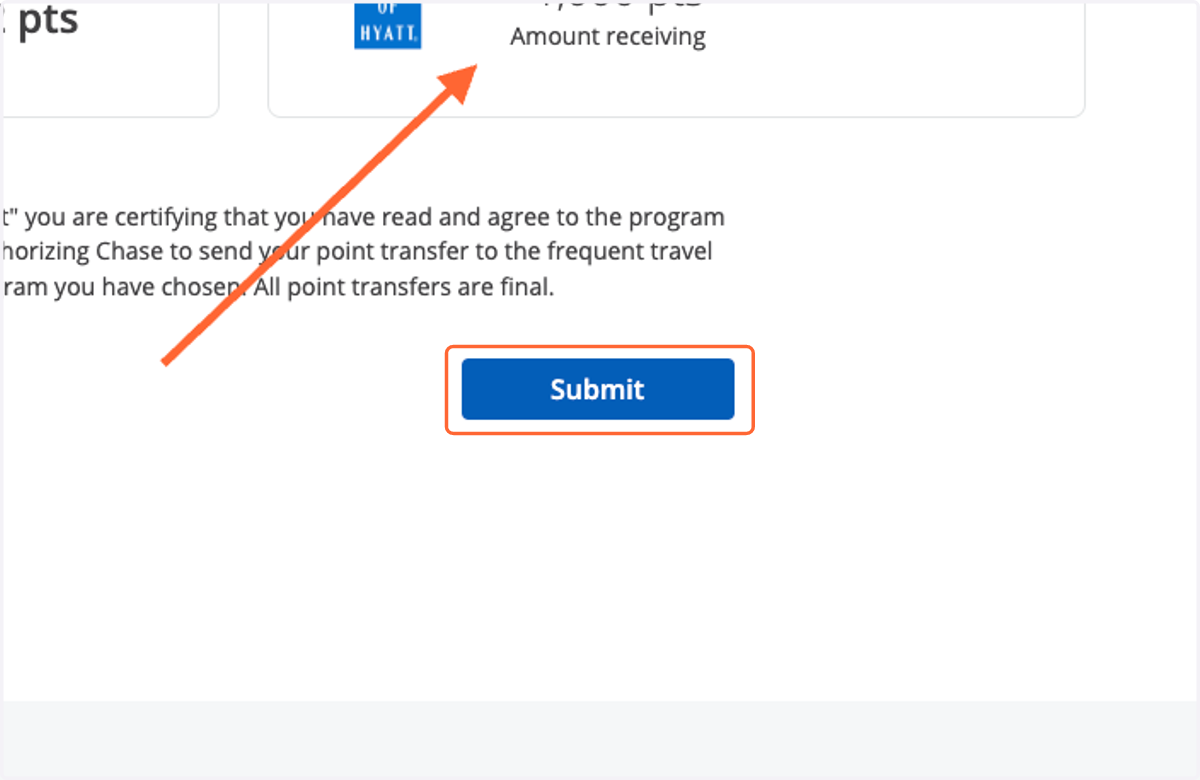
13. Verify the number of points you're transferring are correct and click submit