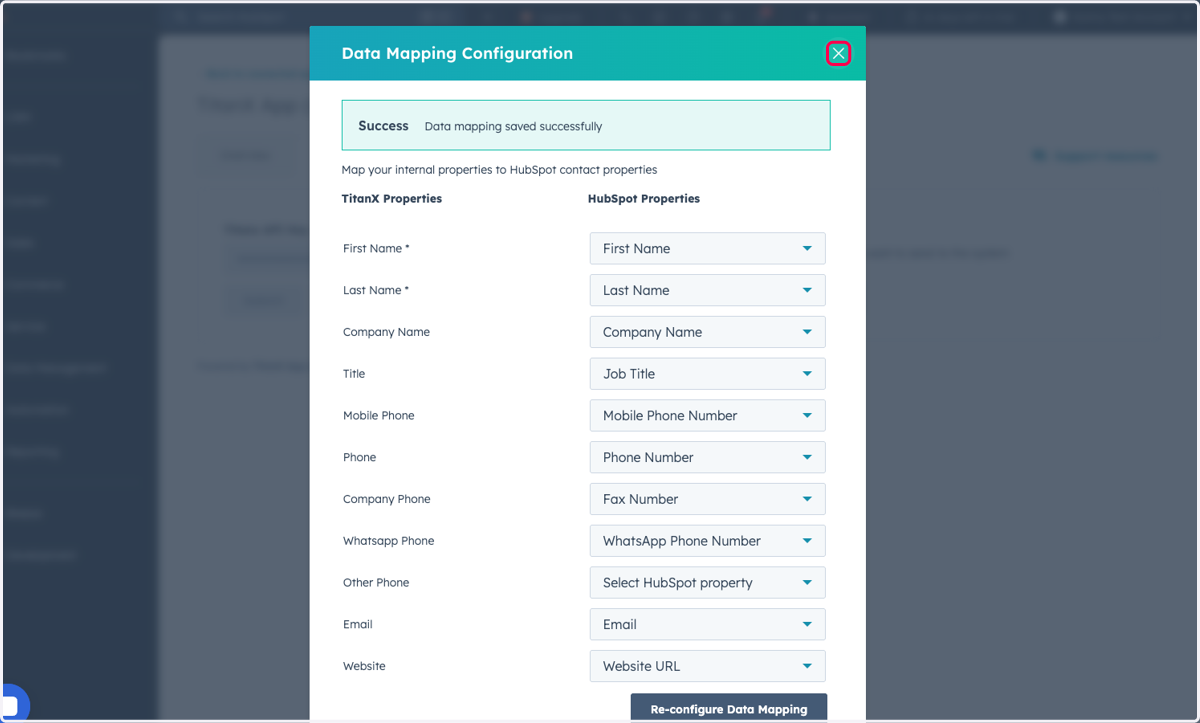
TitanX Update: New Intent Status Available
We've added a new "Pending" intent status, allowing you to filter contacts that have been submitted but not yet scored.
To receive this update, you'll need to delete the existing property and re-configure your data mapping, which will automatically re-add it with the new status included. Please follow the steps in the walkthrough guide linked below.
1. Click on Settings
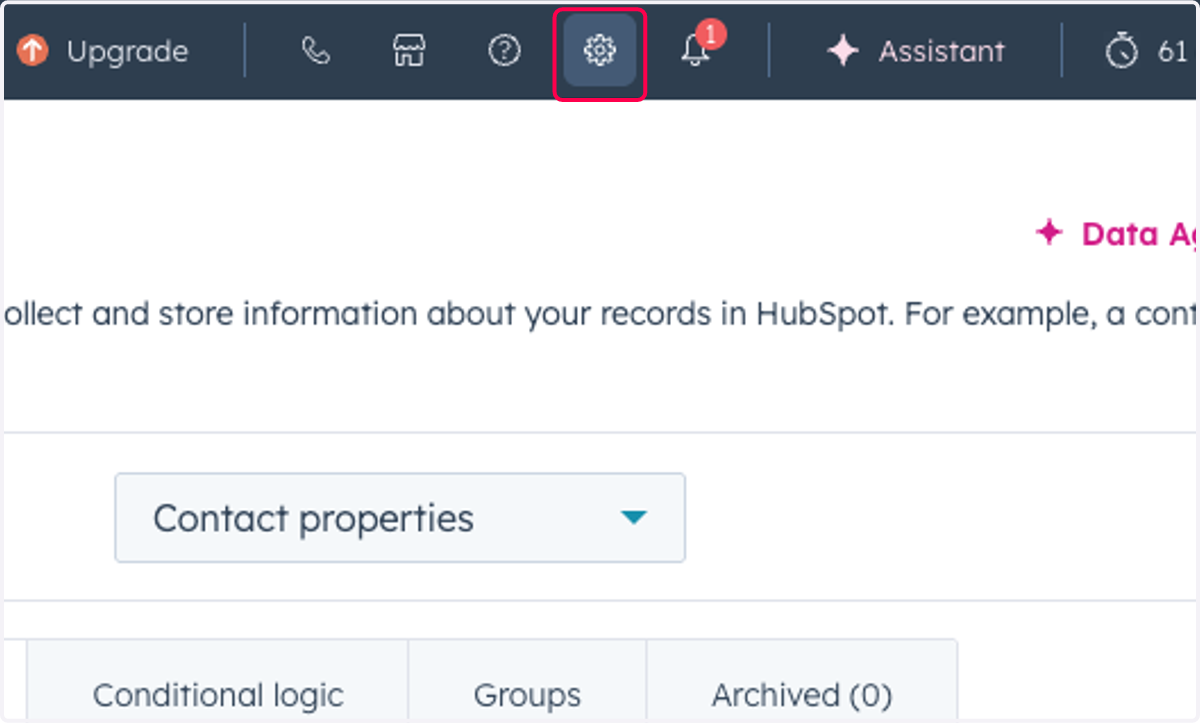
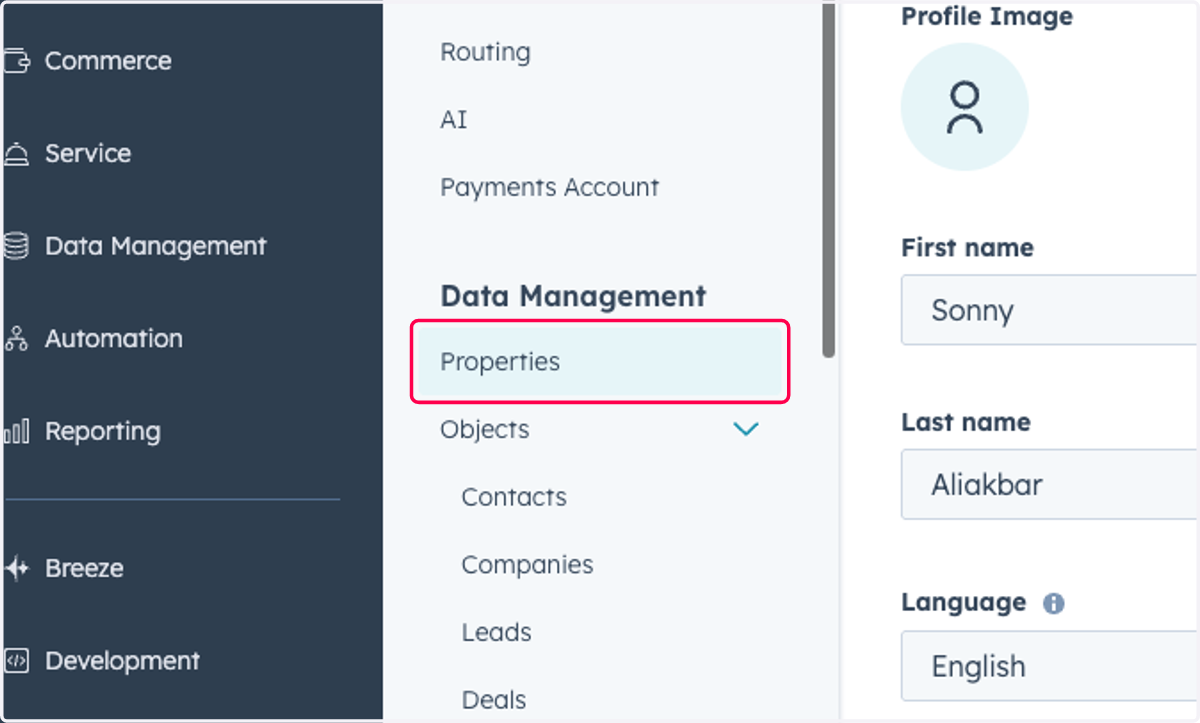
2. Click on Properties
3. Type "TitanX Intent"
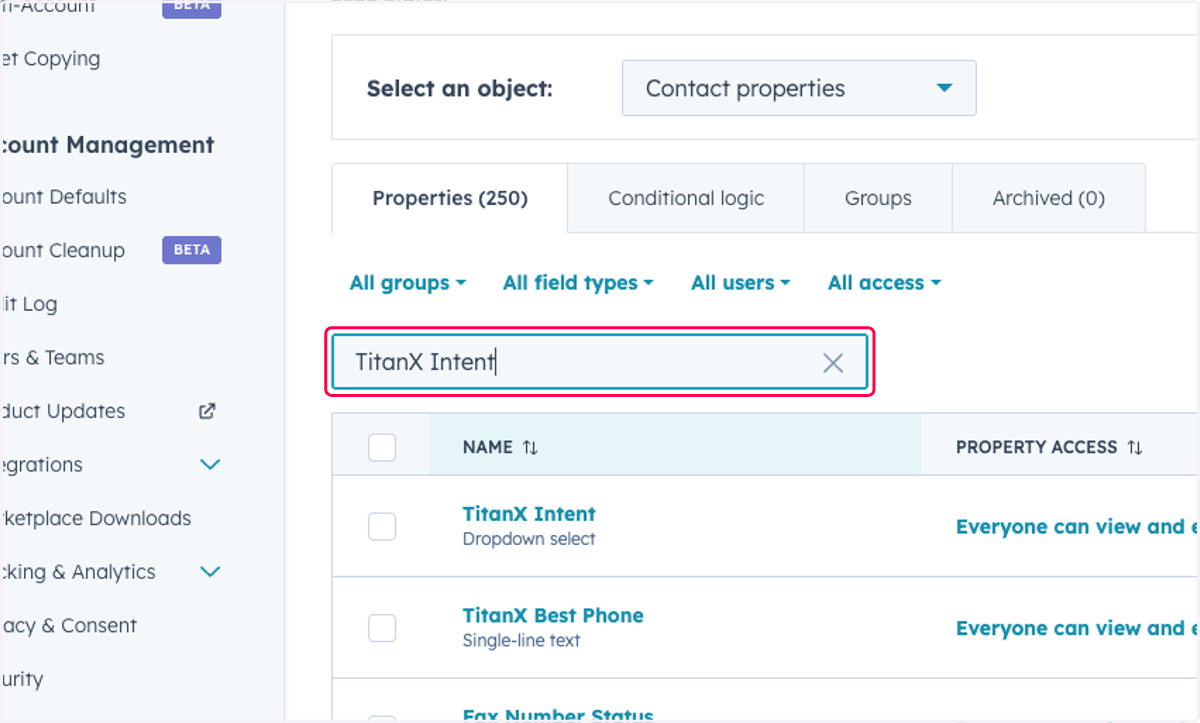
4. Click on TitanX Intent
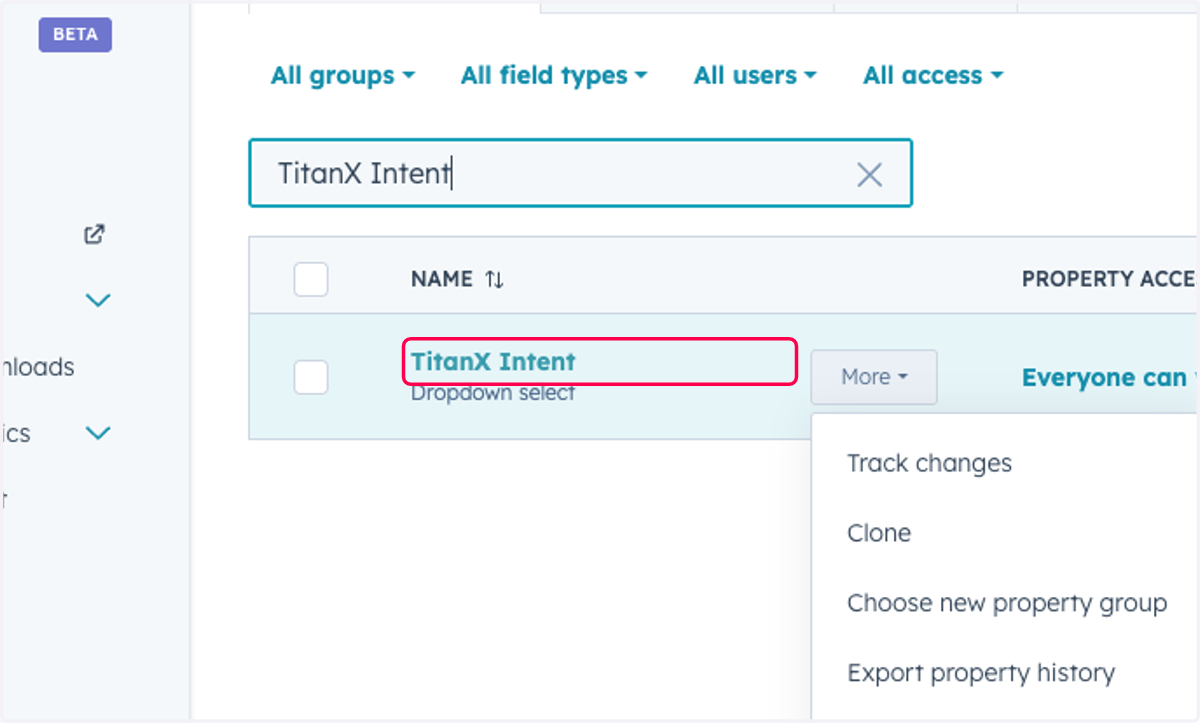
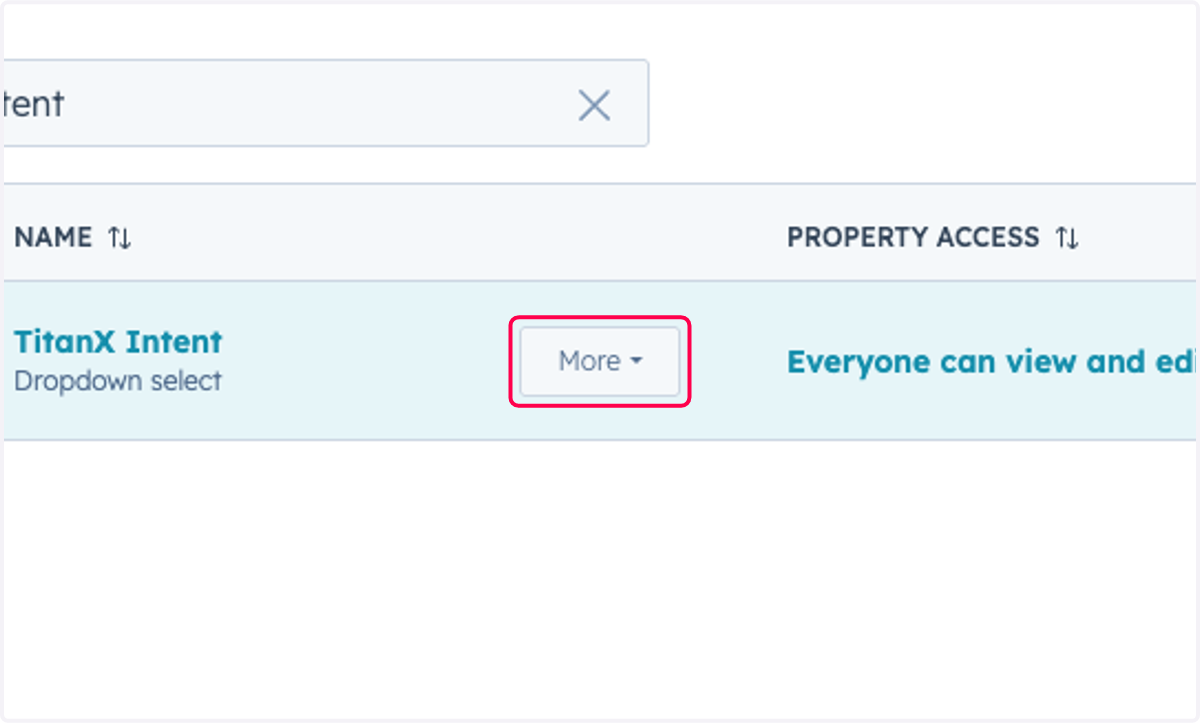
5. Click on More
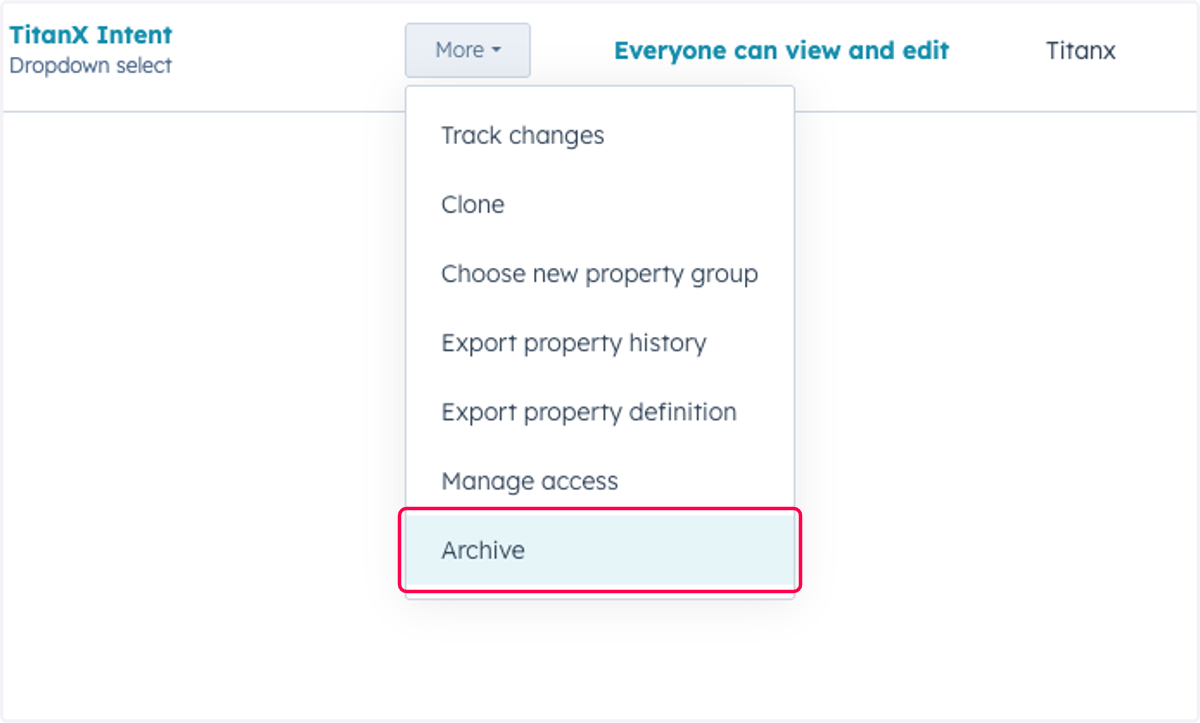
6. Click on Archive
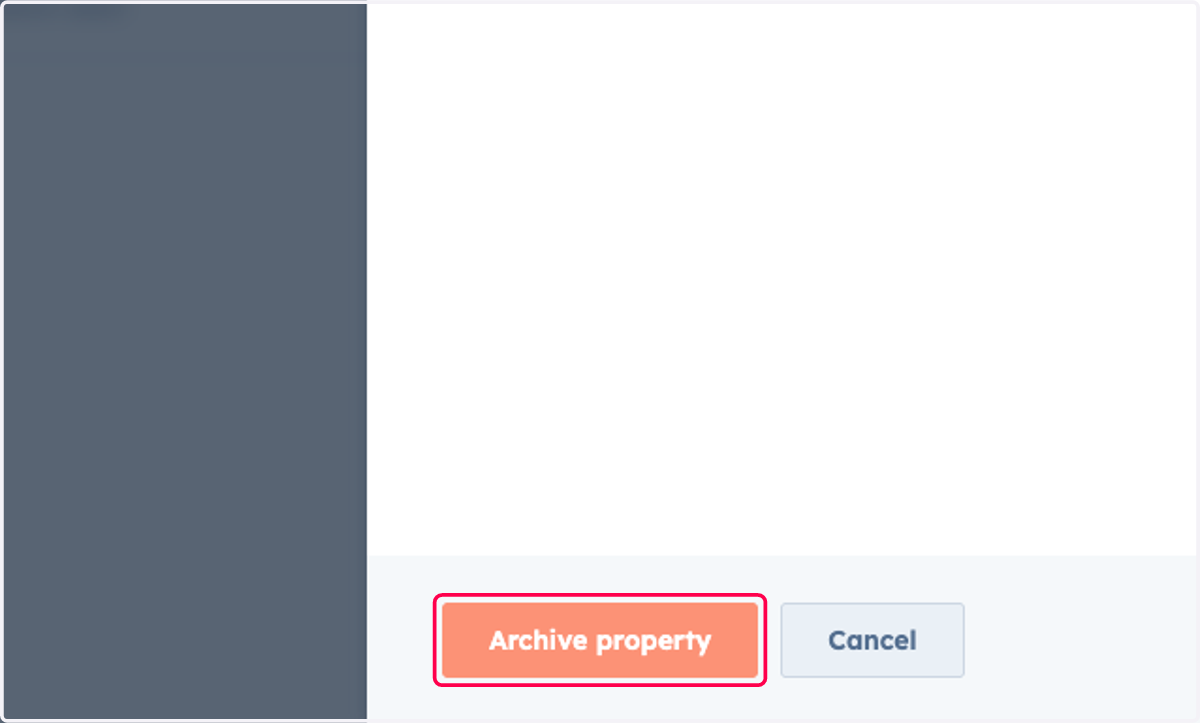
7. Click on Archive property
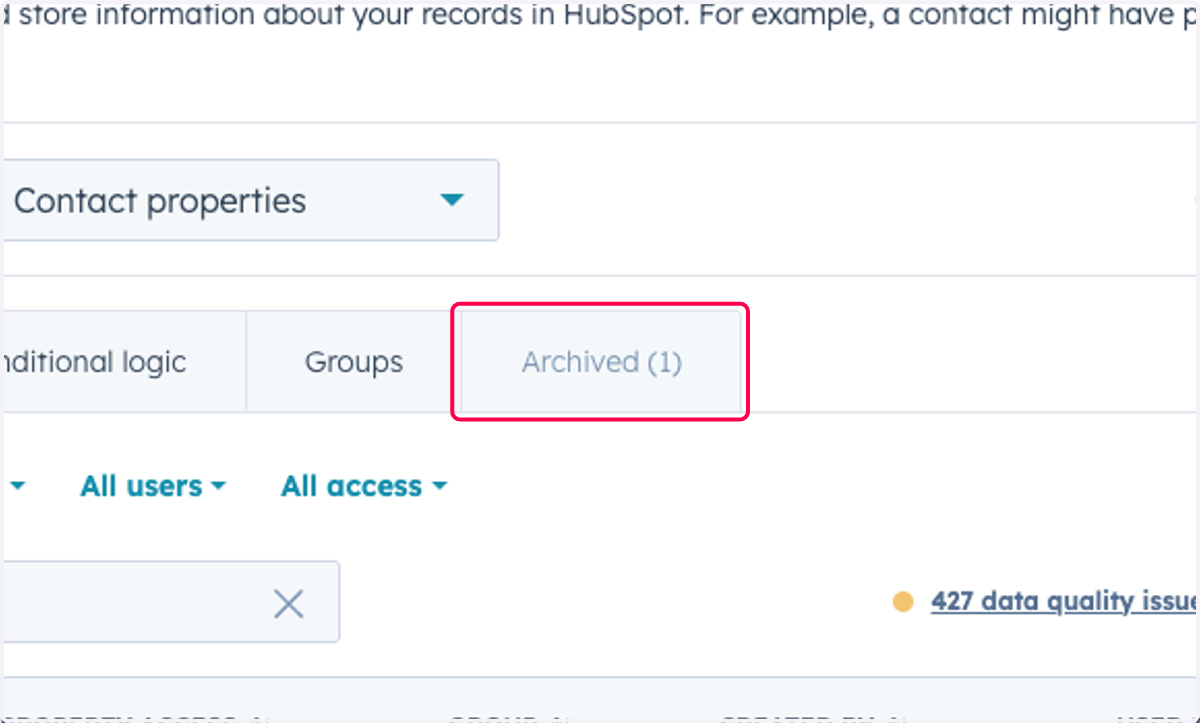
8. Click on Archived (1)
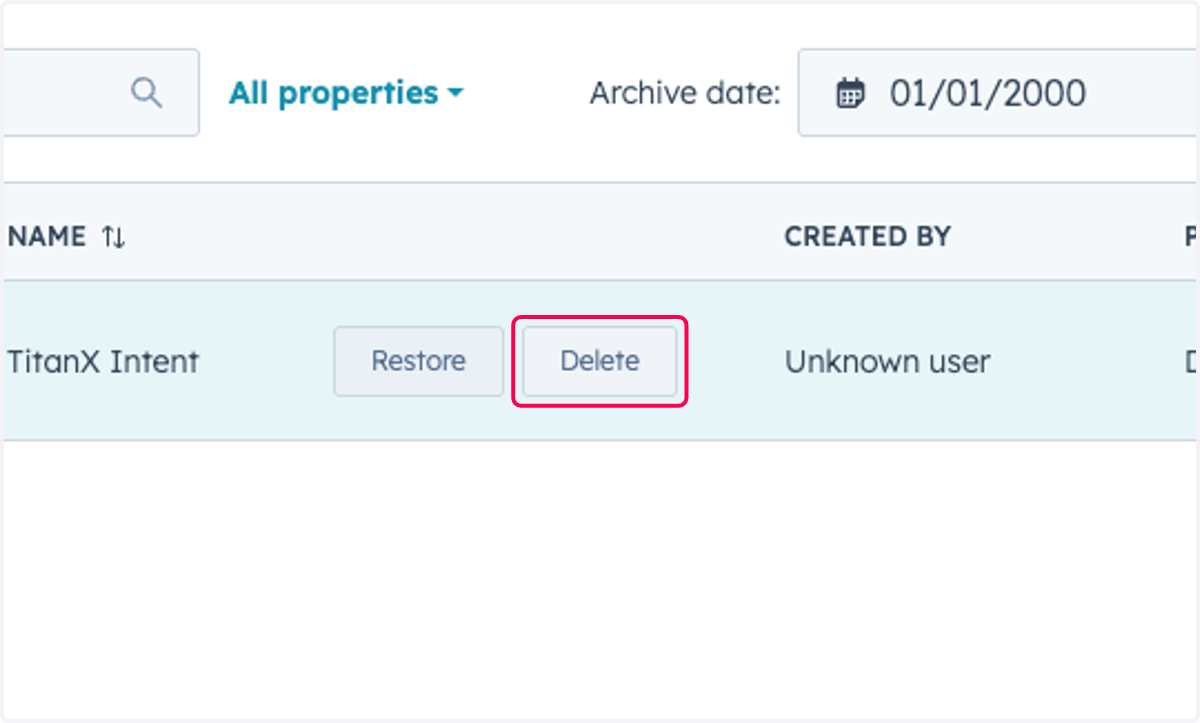
9. Click on Delete
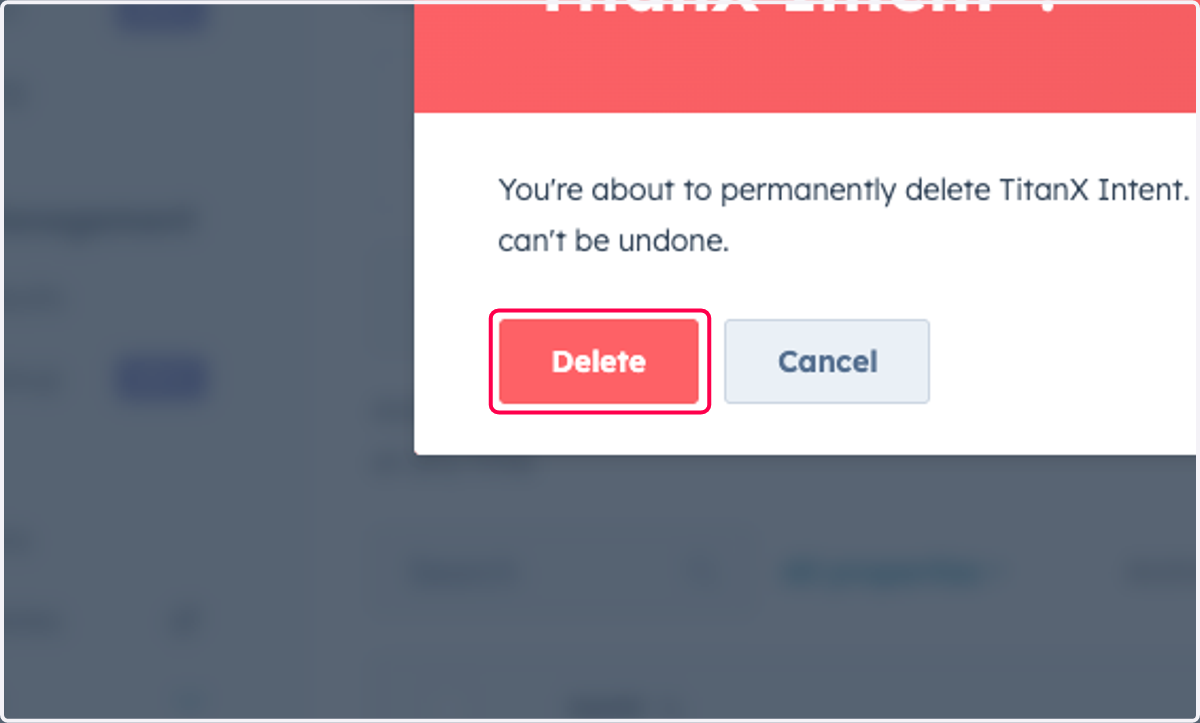
10. Click on Delete
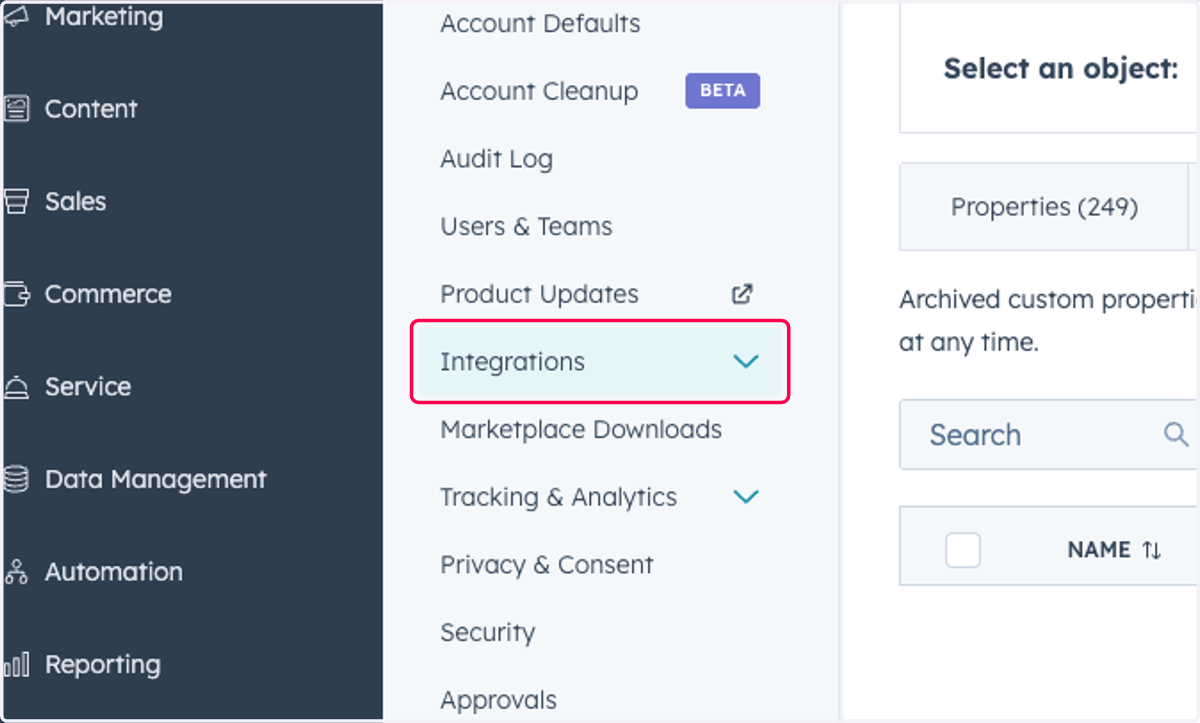
11. Click on Integrations
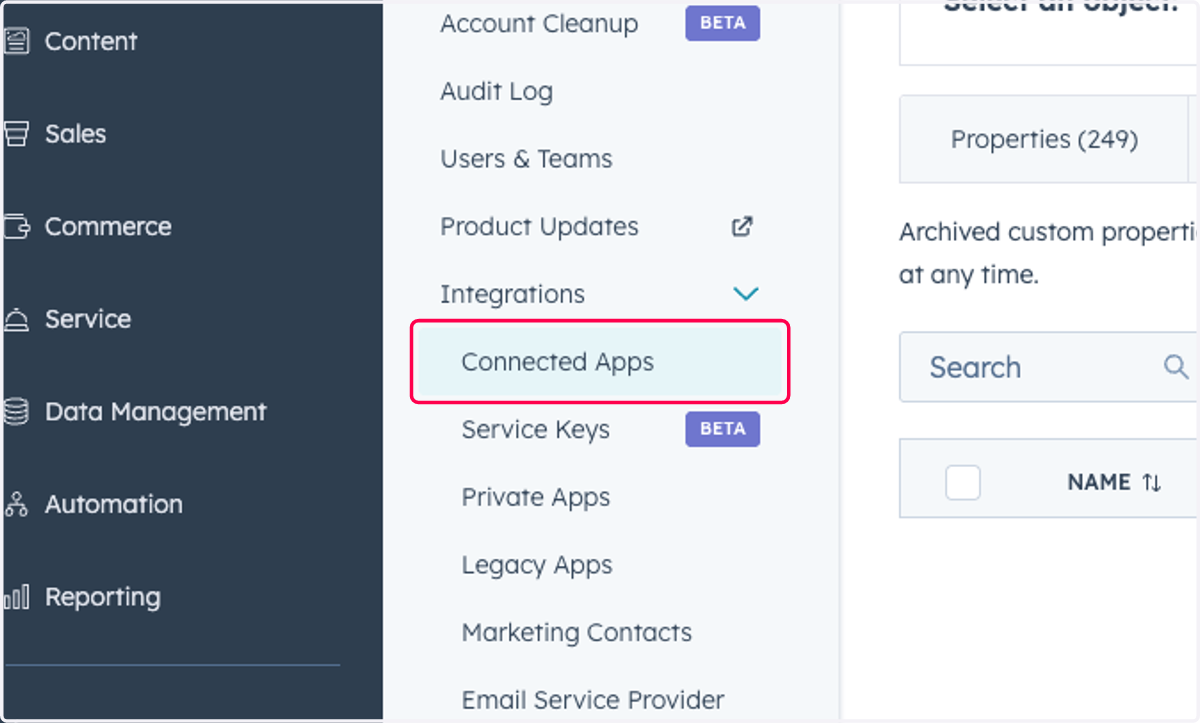
12. Click on Connected Apps
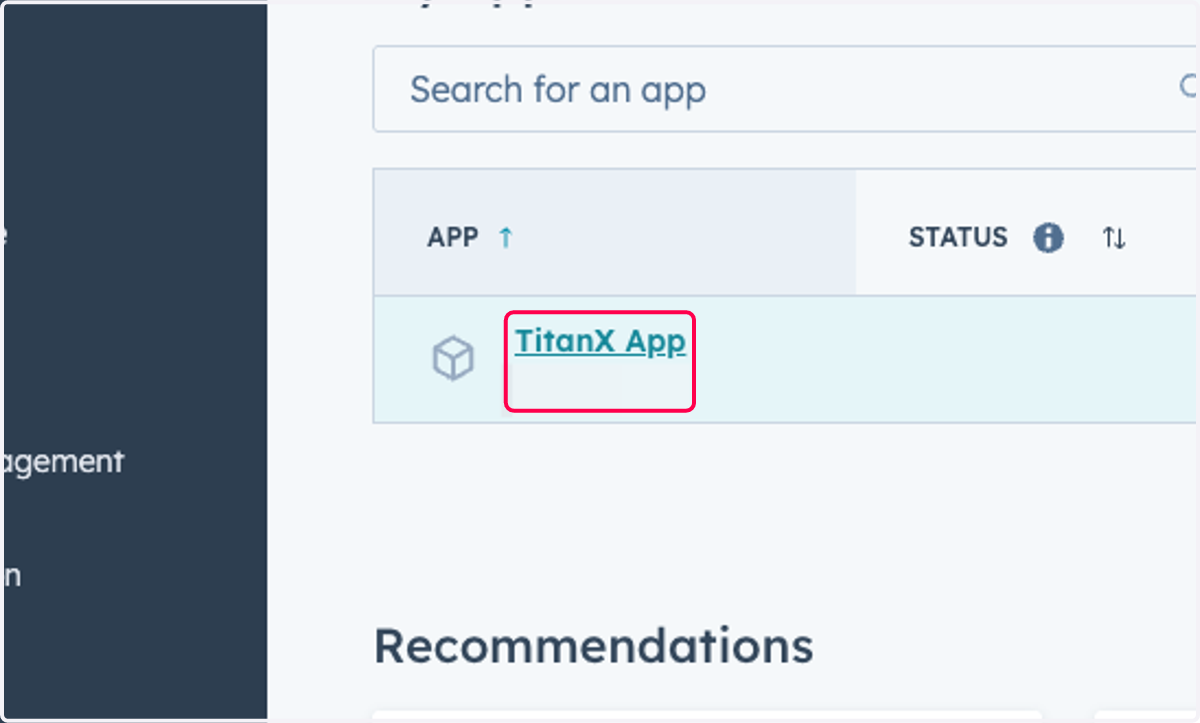
13. Click on TitanX App
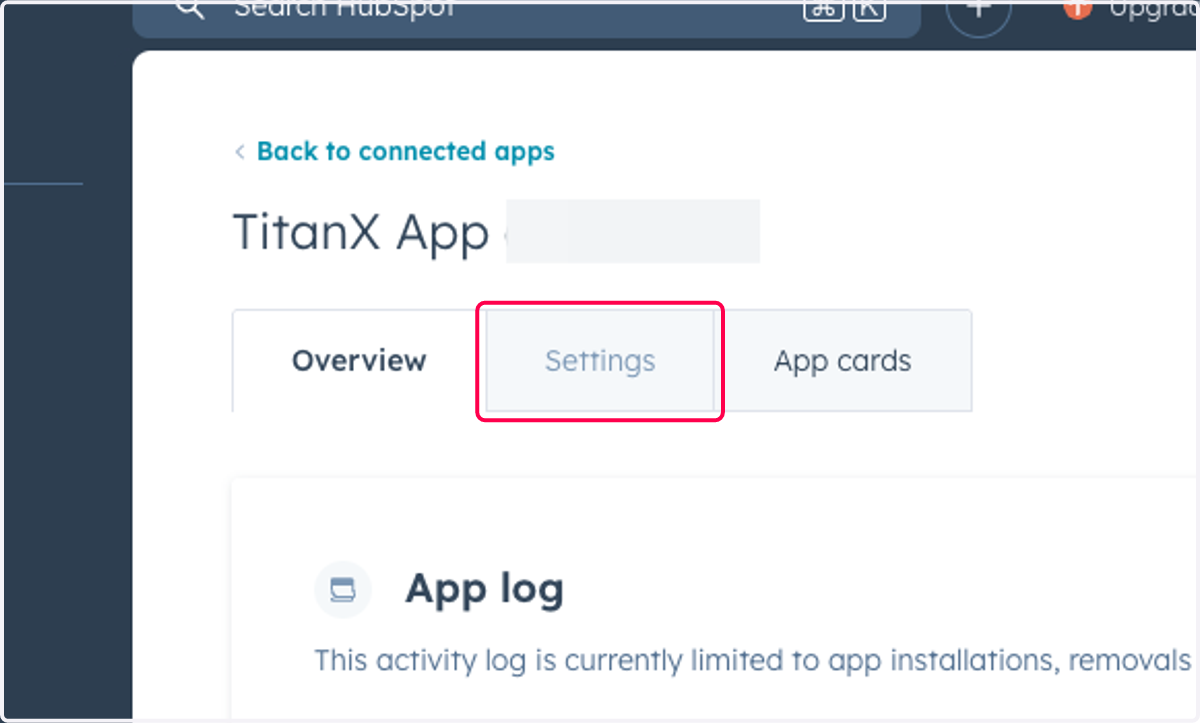
14. Click on Settings
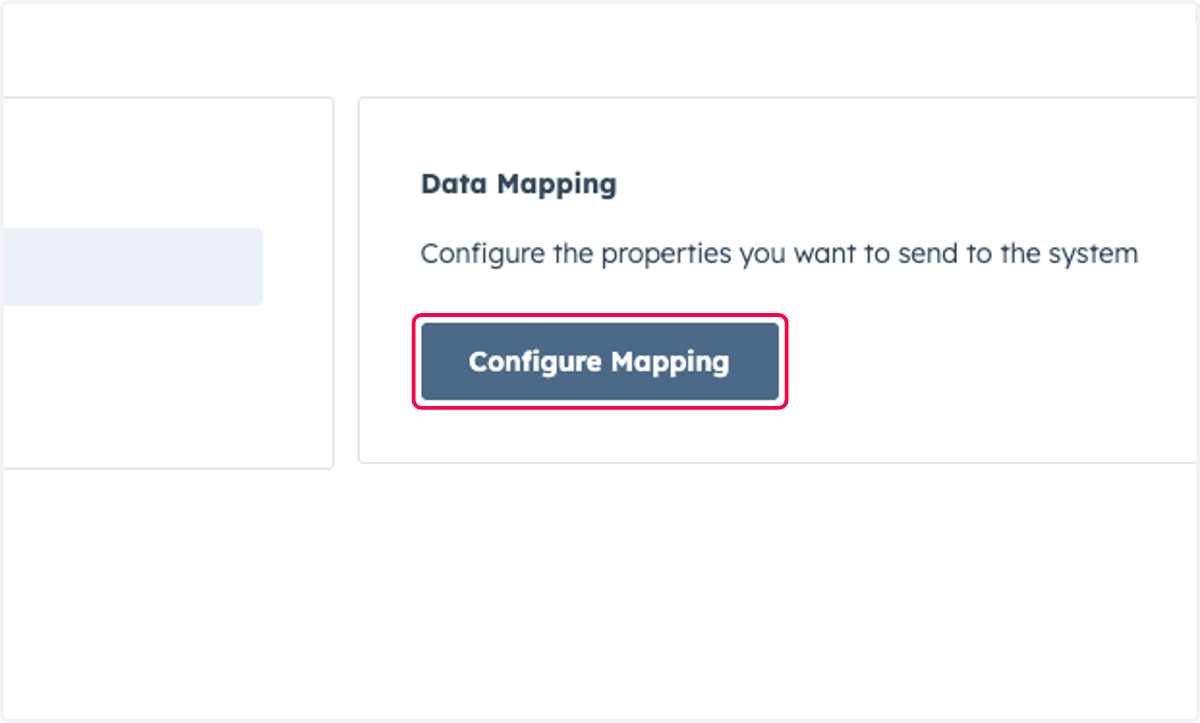
15. Click on Configure Mapping
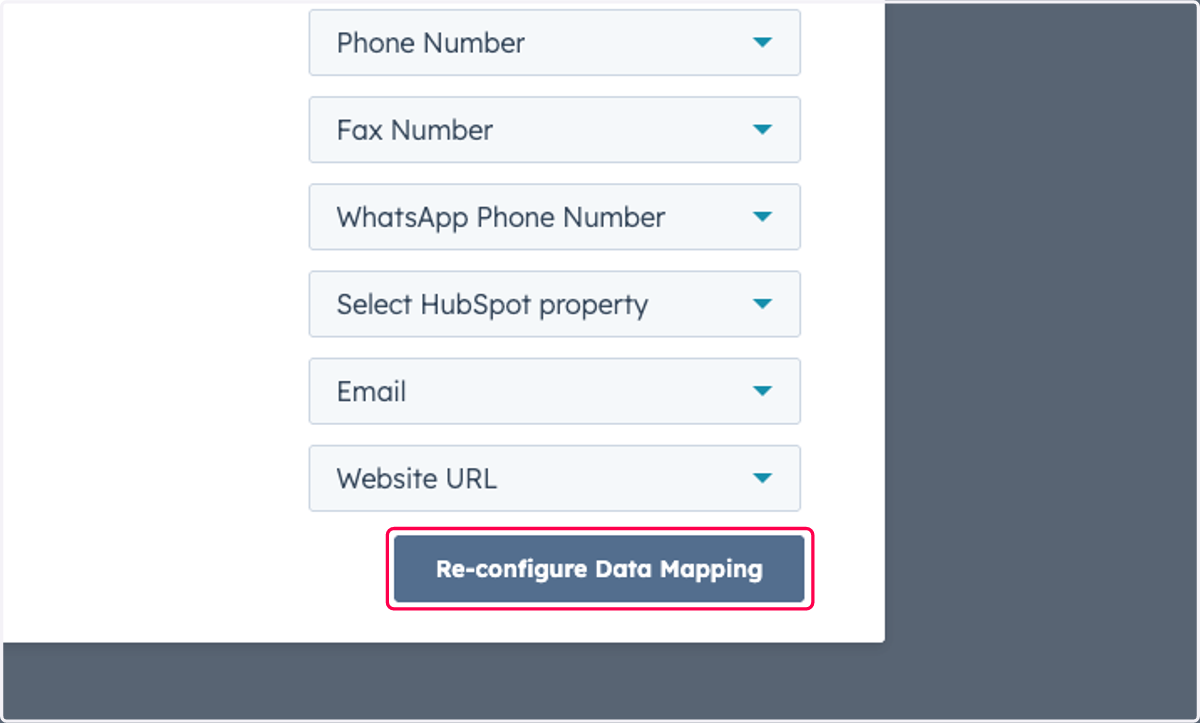
16. Click on Re-configure Data Mapping
You don't need to change any existing mappings, simply click on "Re-configure"
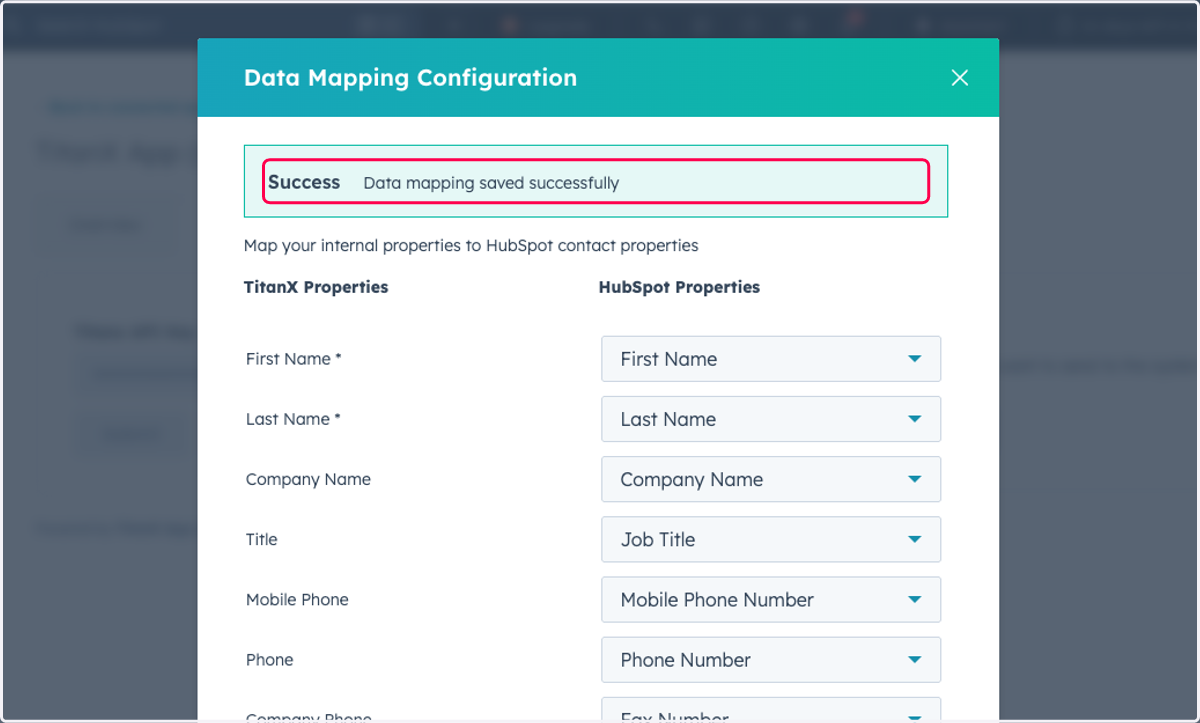
17. Click on Success…
18. Click on Close