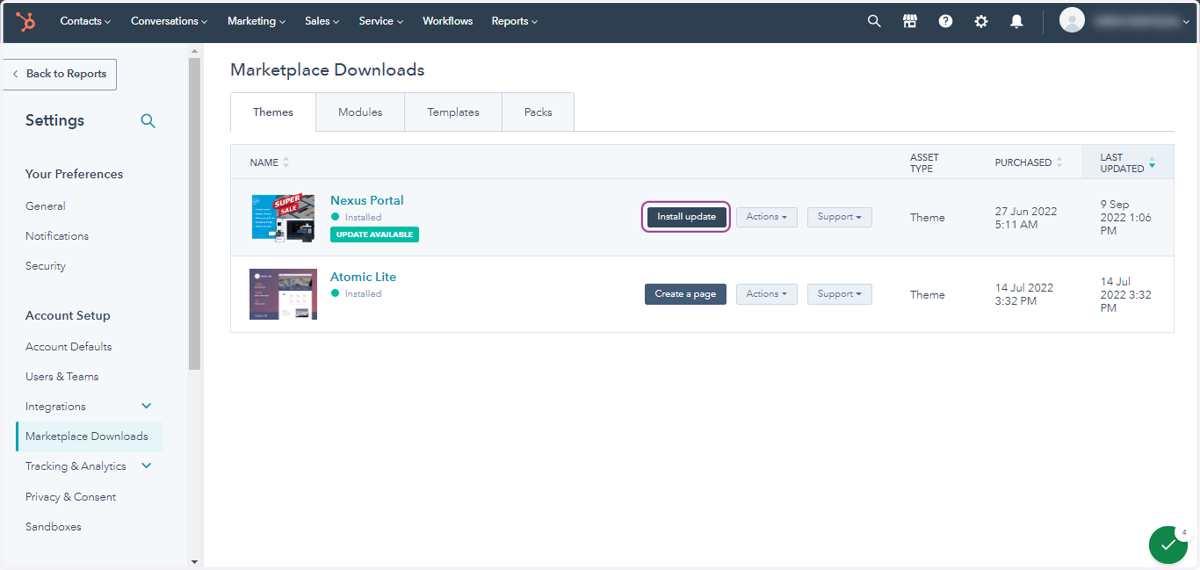
Theme Updates
When you update to the latest version of a template or module, a new version of the template or module will be created in your account. This ensures that any customizations that you've made to the template or module don't get overwritten automatically.
Hubspot
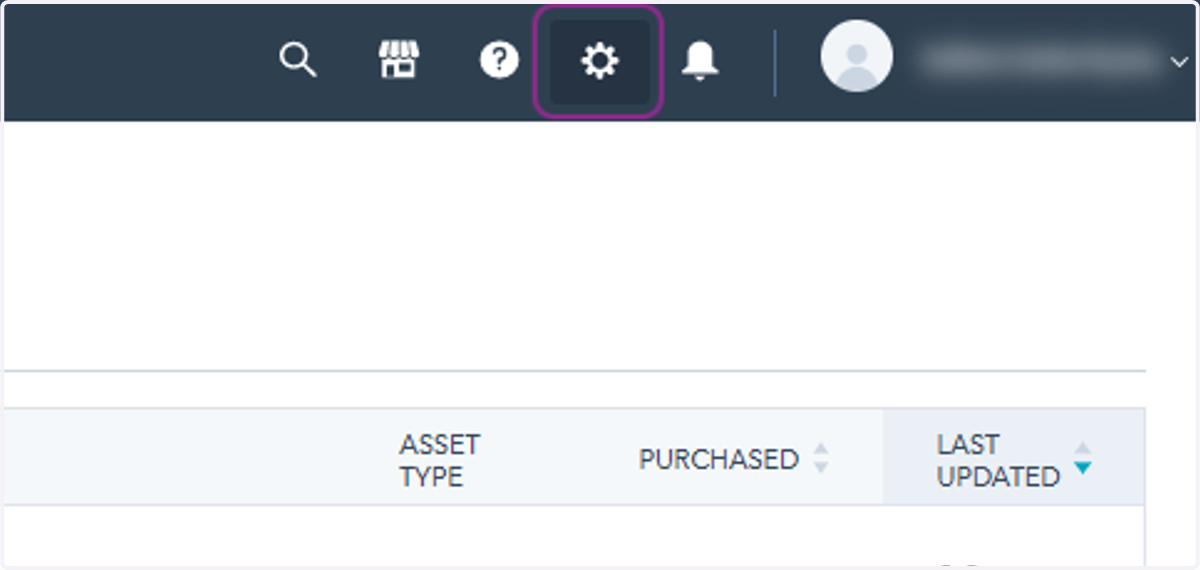
1. Click on HubSpot Settings
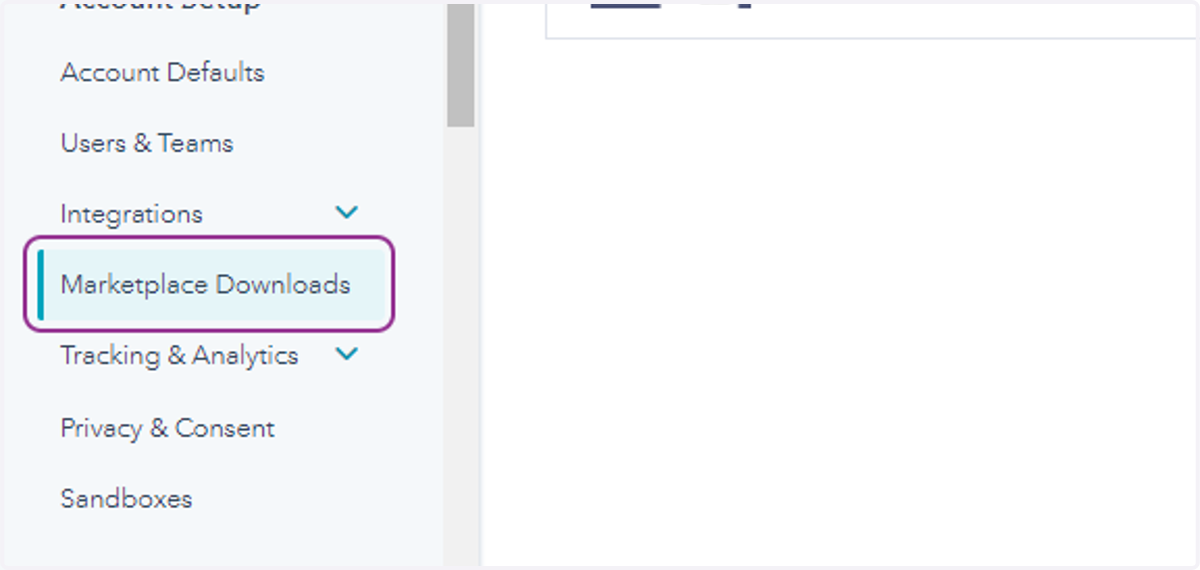
2. Click on Marketplace Downloads
3. Click on Install update