Tambah item Salah Laku
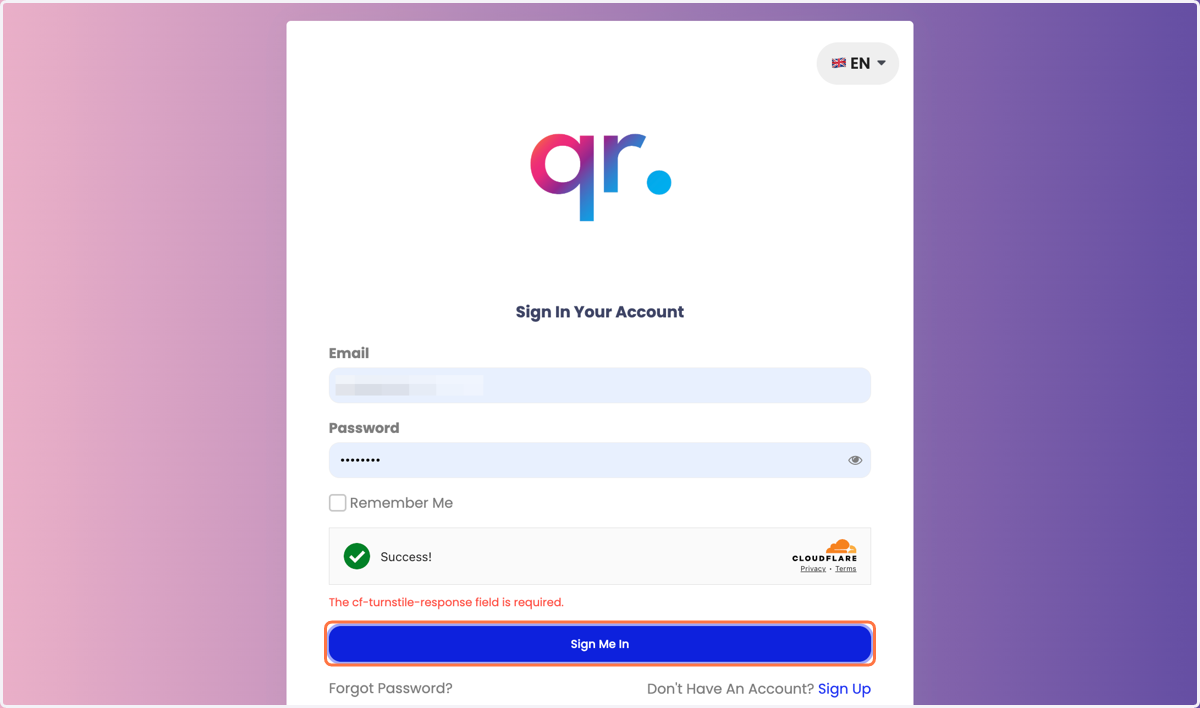
1. Log masuk ke admin.studentqr.com.
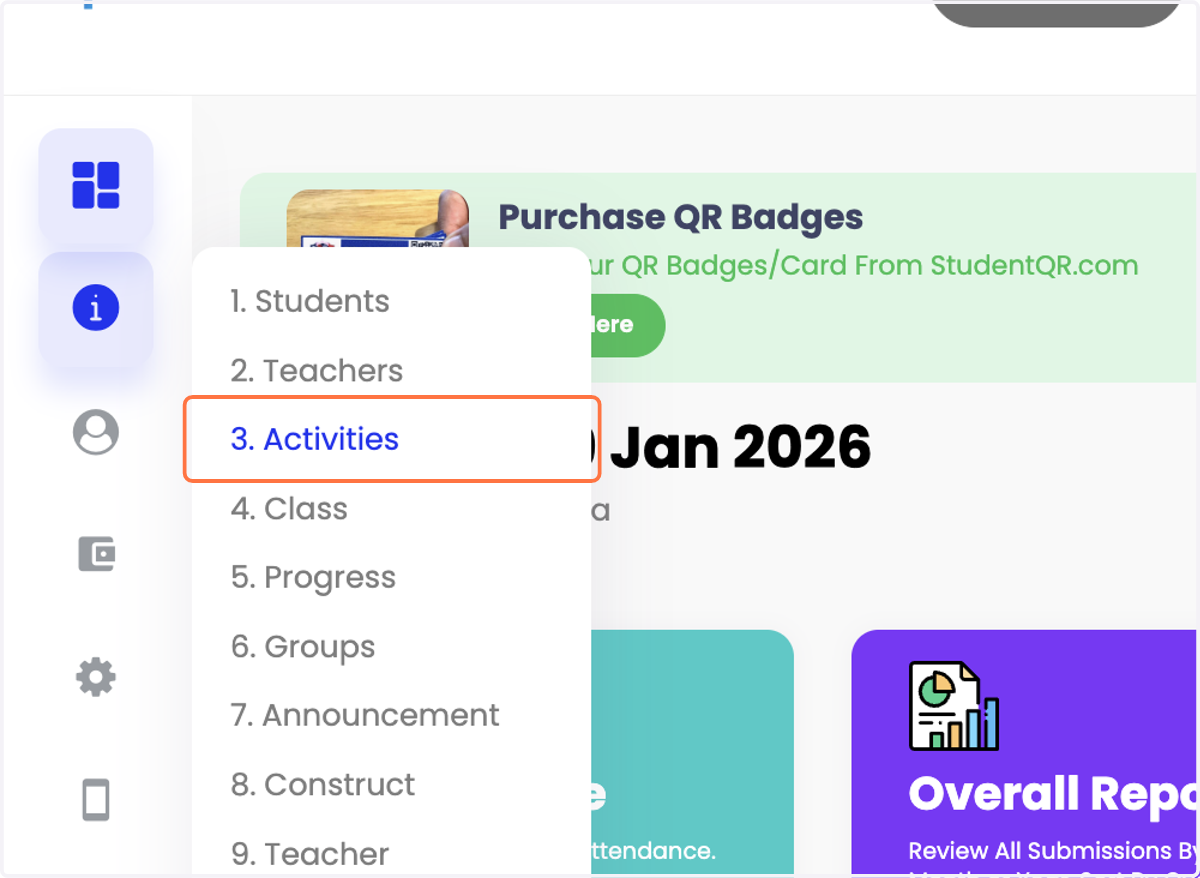
2. Klik Manage → Activities.
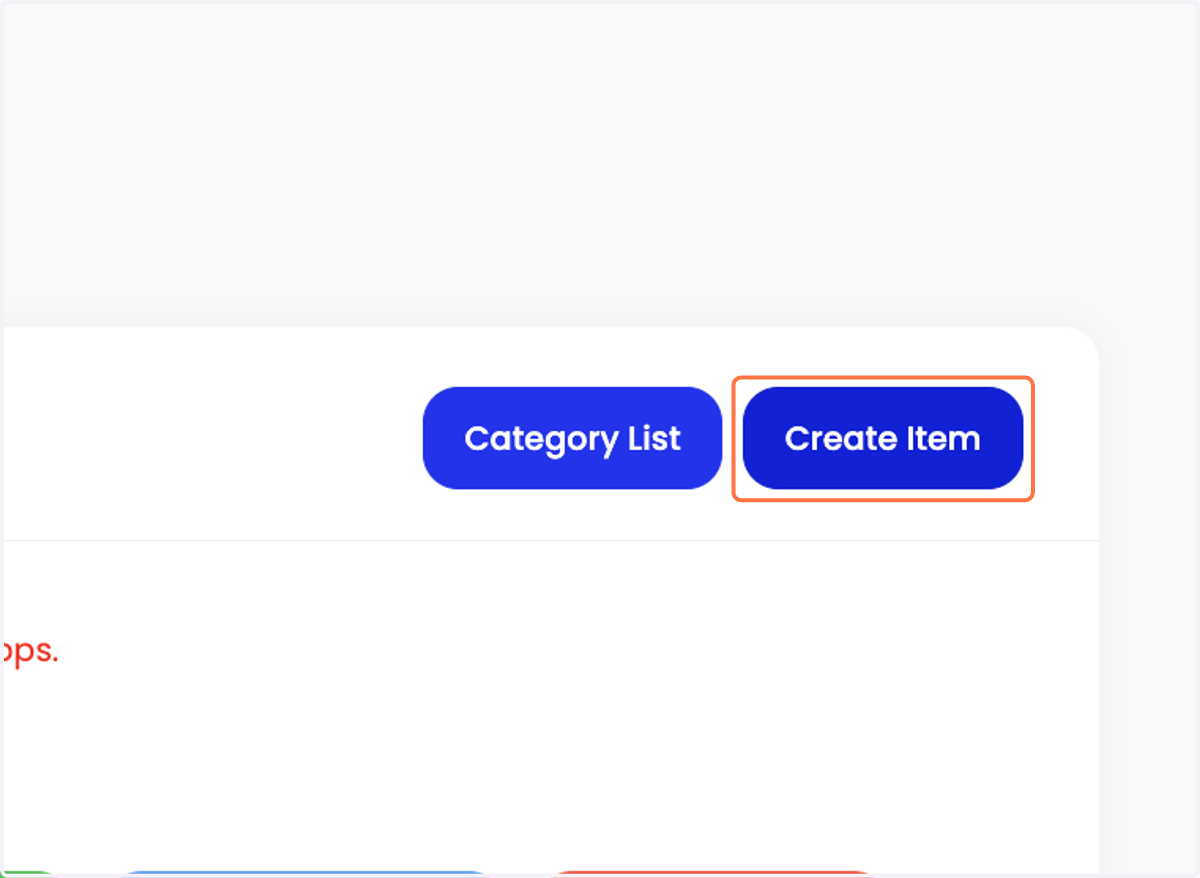
3. Klik "Create Item".
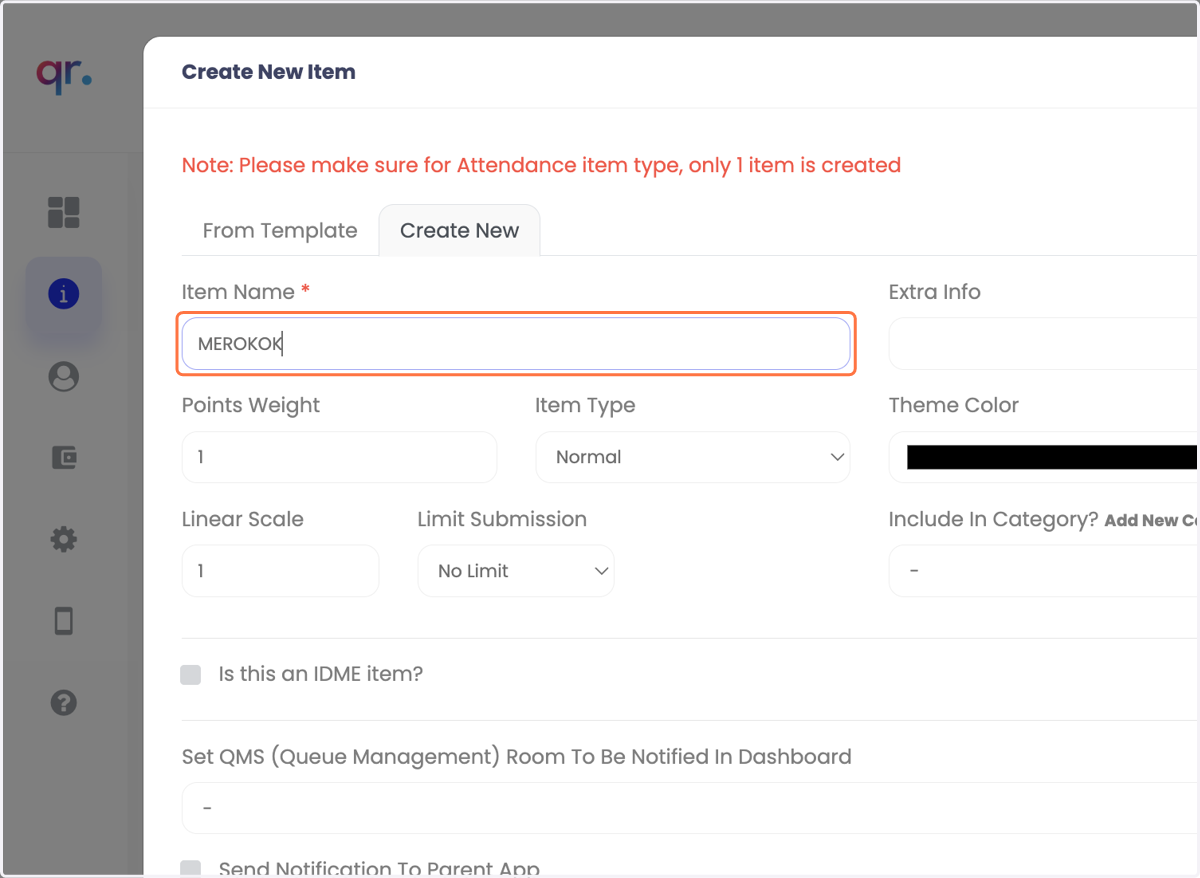
4. Masukkan nama item salah laku.
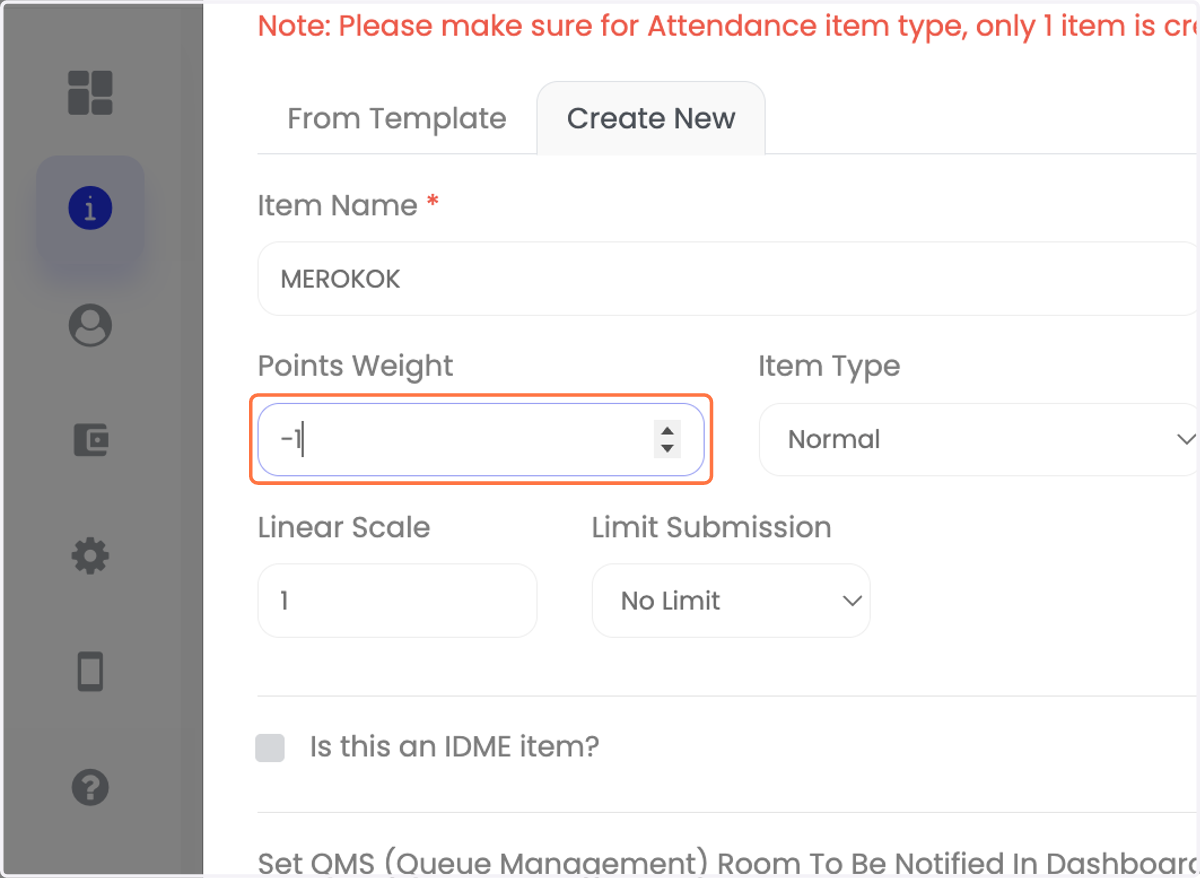
5. Masukkan Point Weight (nilai negatif).
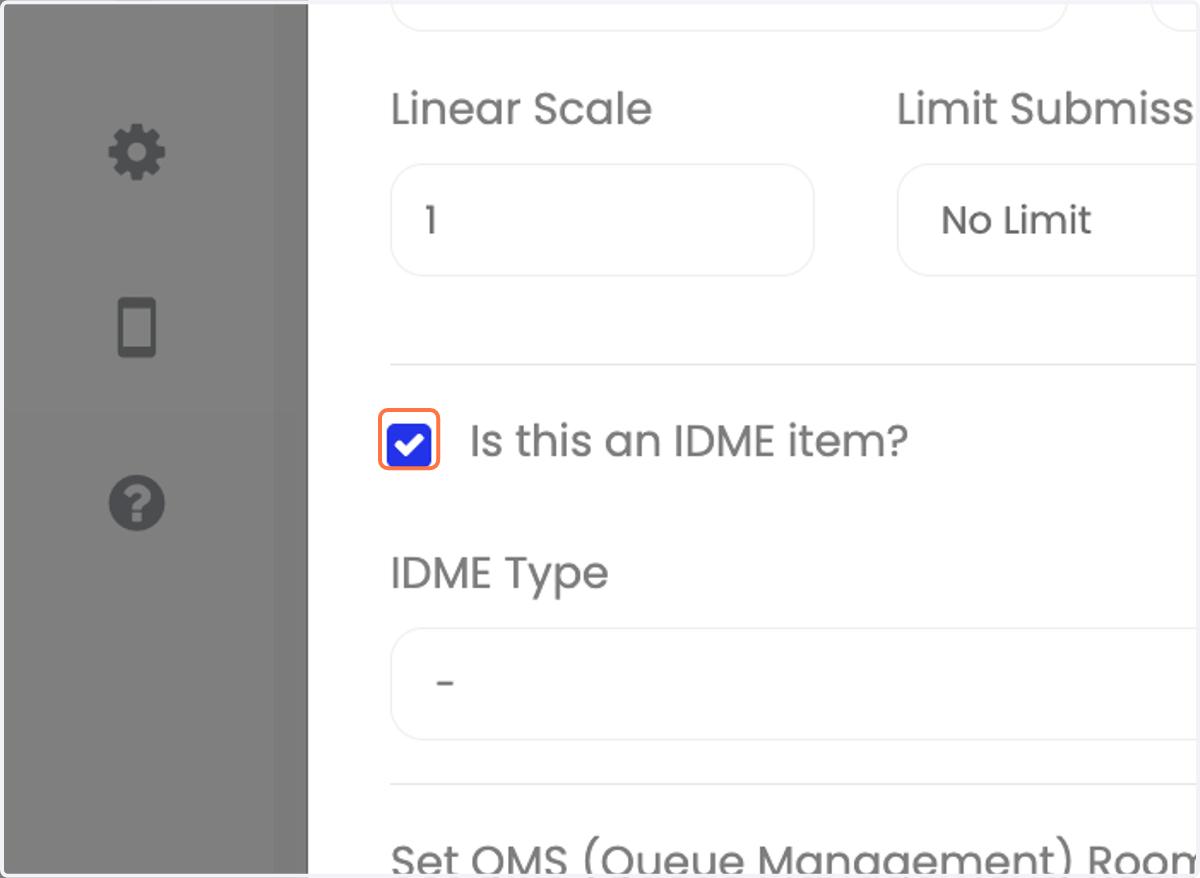
6. Tandakan "Is this an IDME item?"
7. Pilih IDME Type: Misconduct.
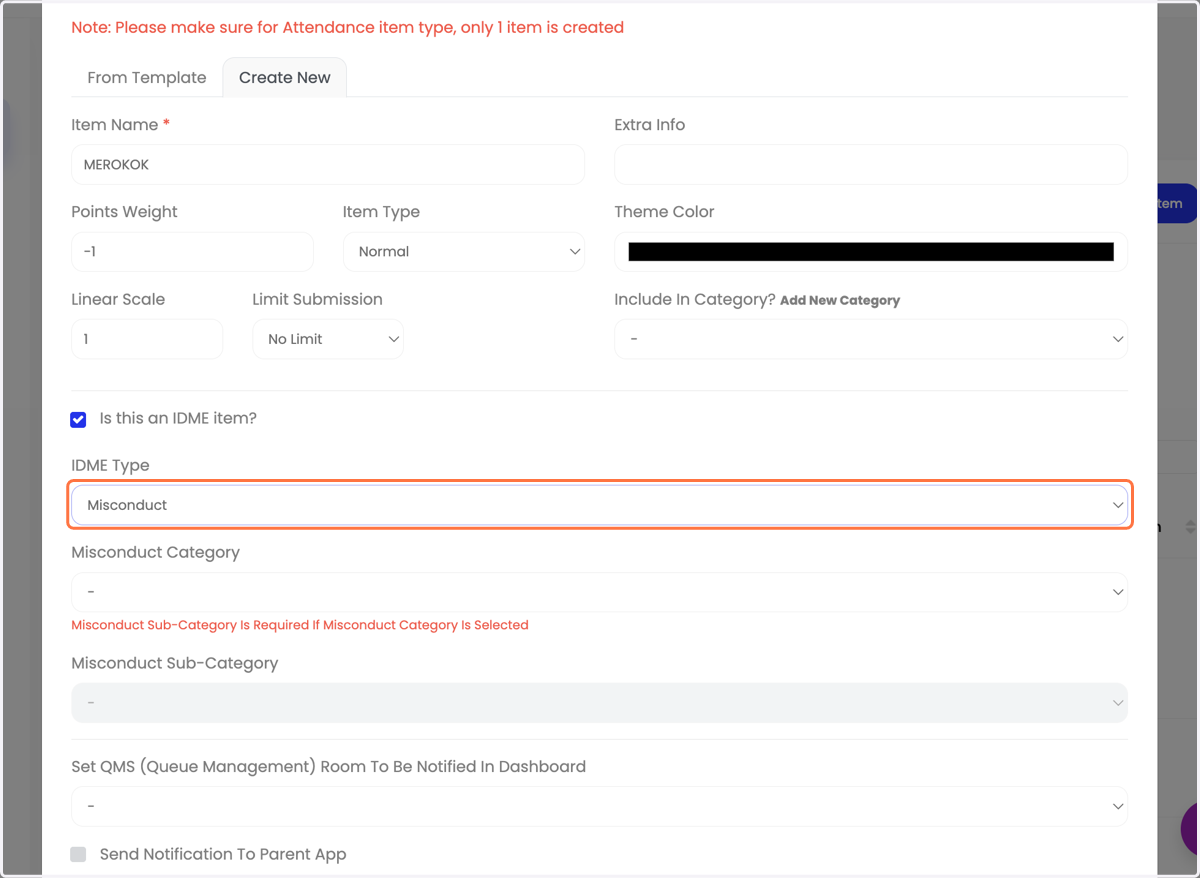
8. Pilih Misconduct Category.
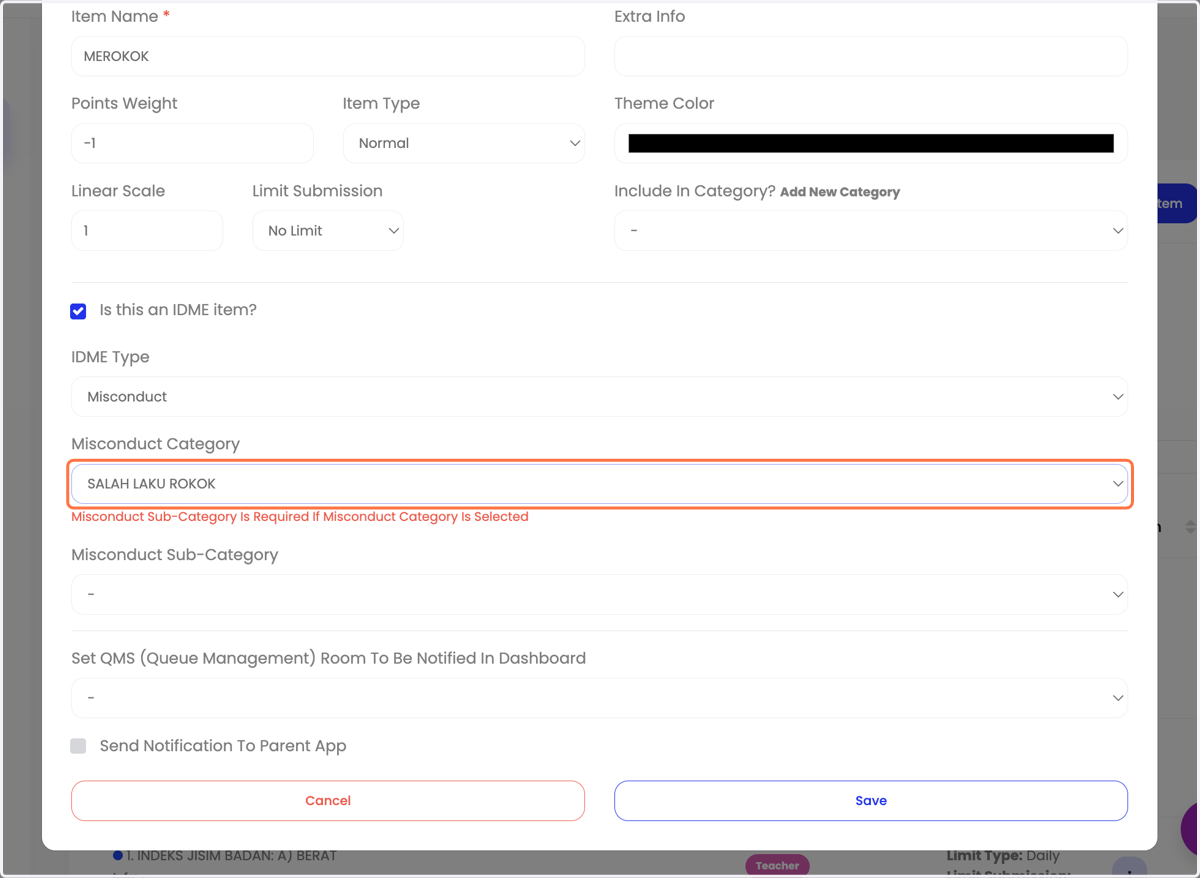
9. Pilih Misconduct Sub-Category.
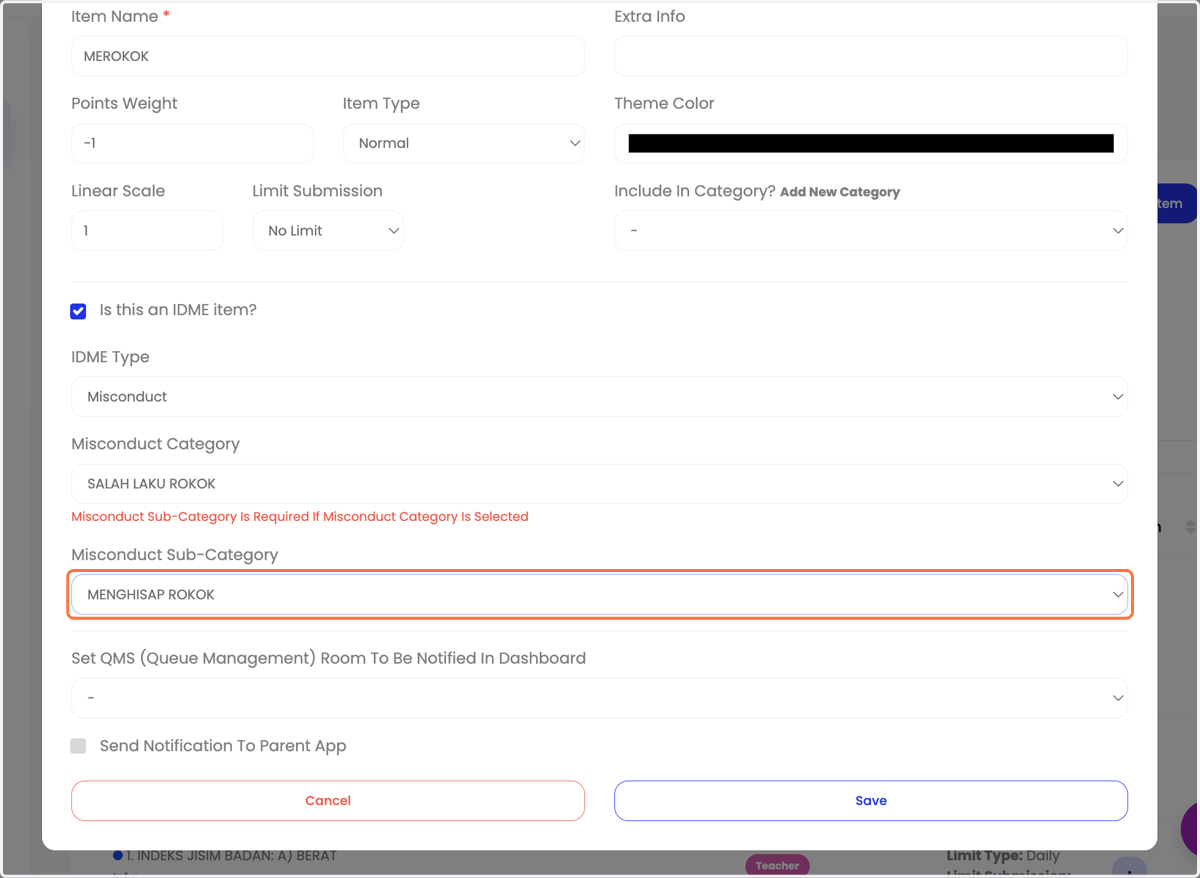
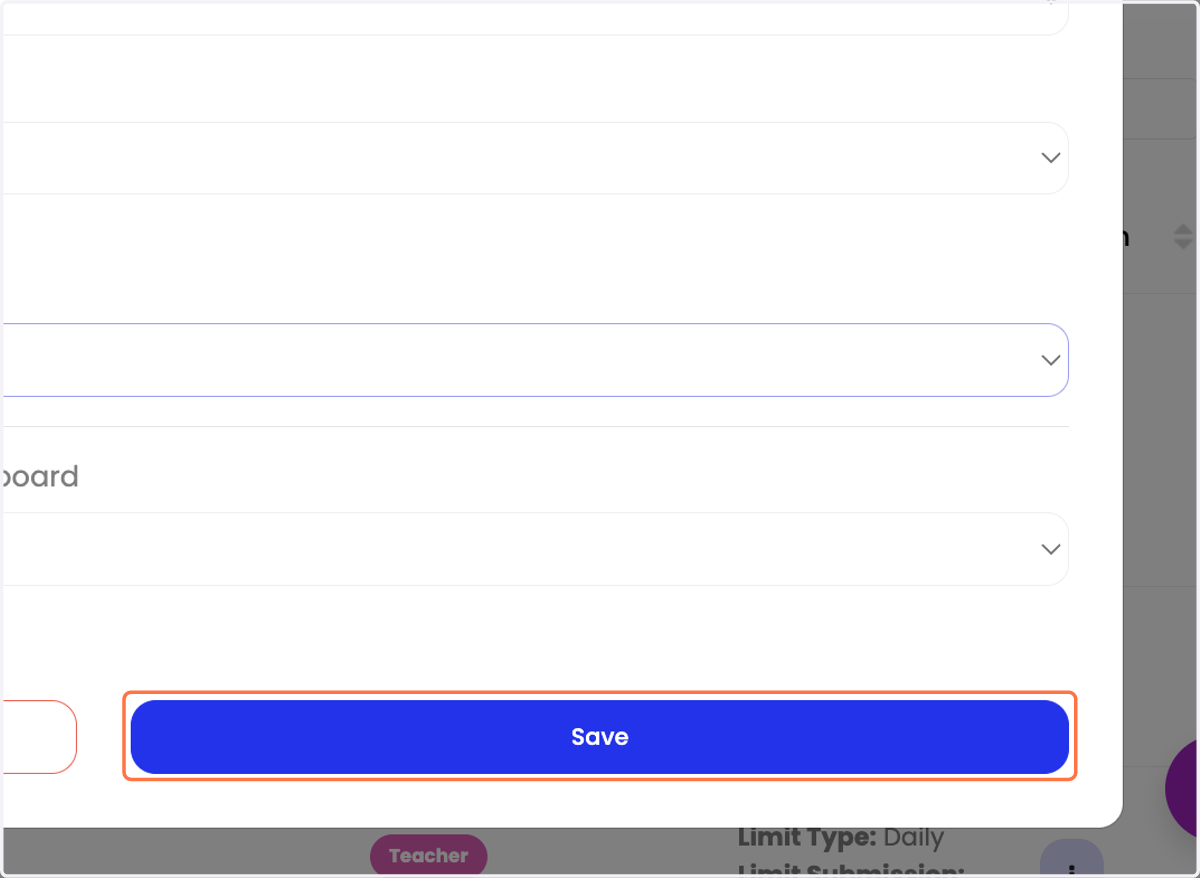
10. Klik "Save".