TNZ Coaching App: Emailing Attendees in a session.
If you need to send out an email to attendees in a session for any reminders or updates you can do so in the app.
1. Let's Go!
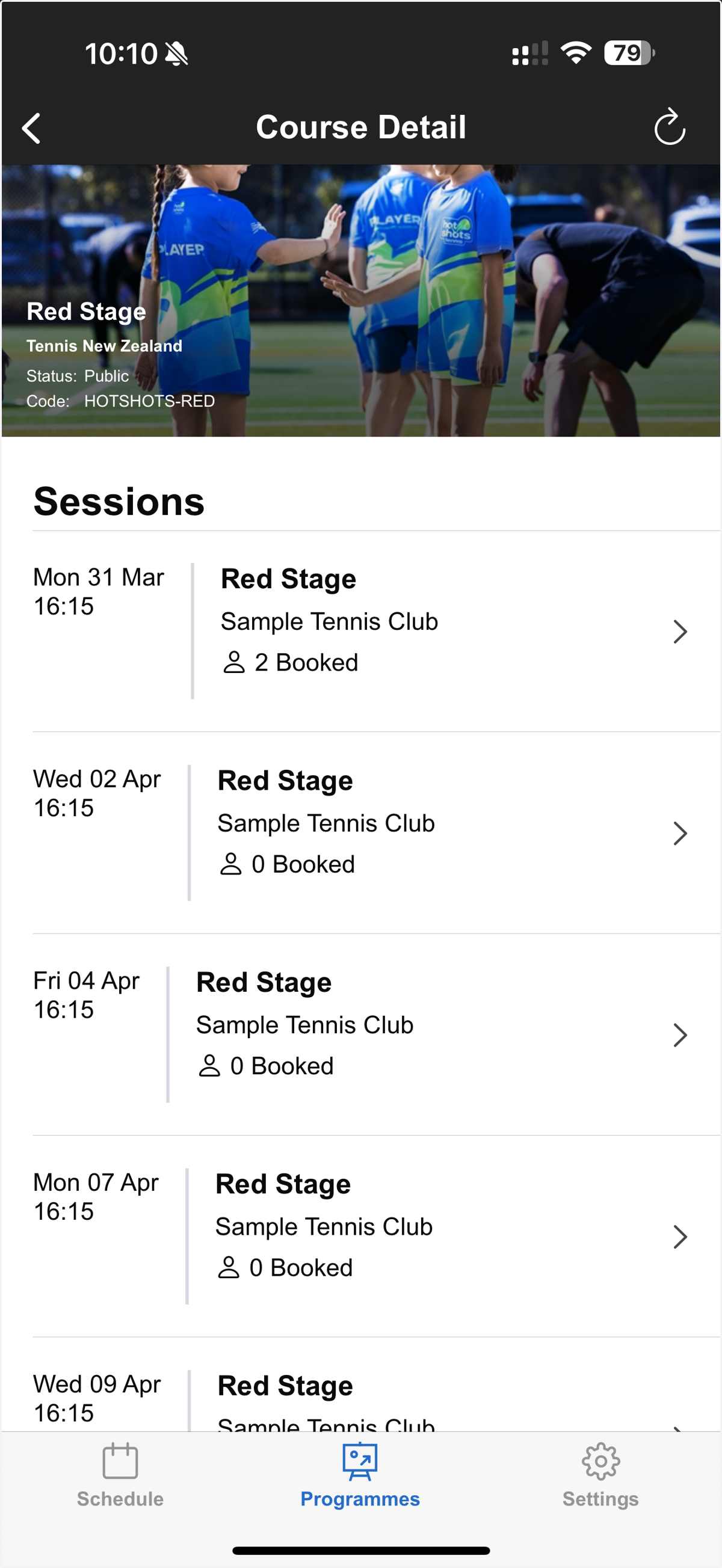
2. Open your session
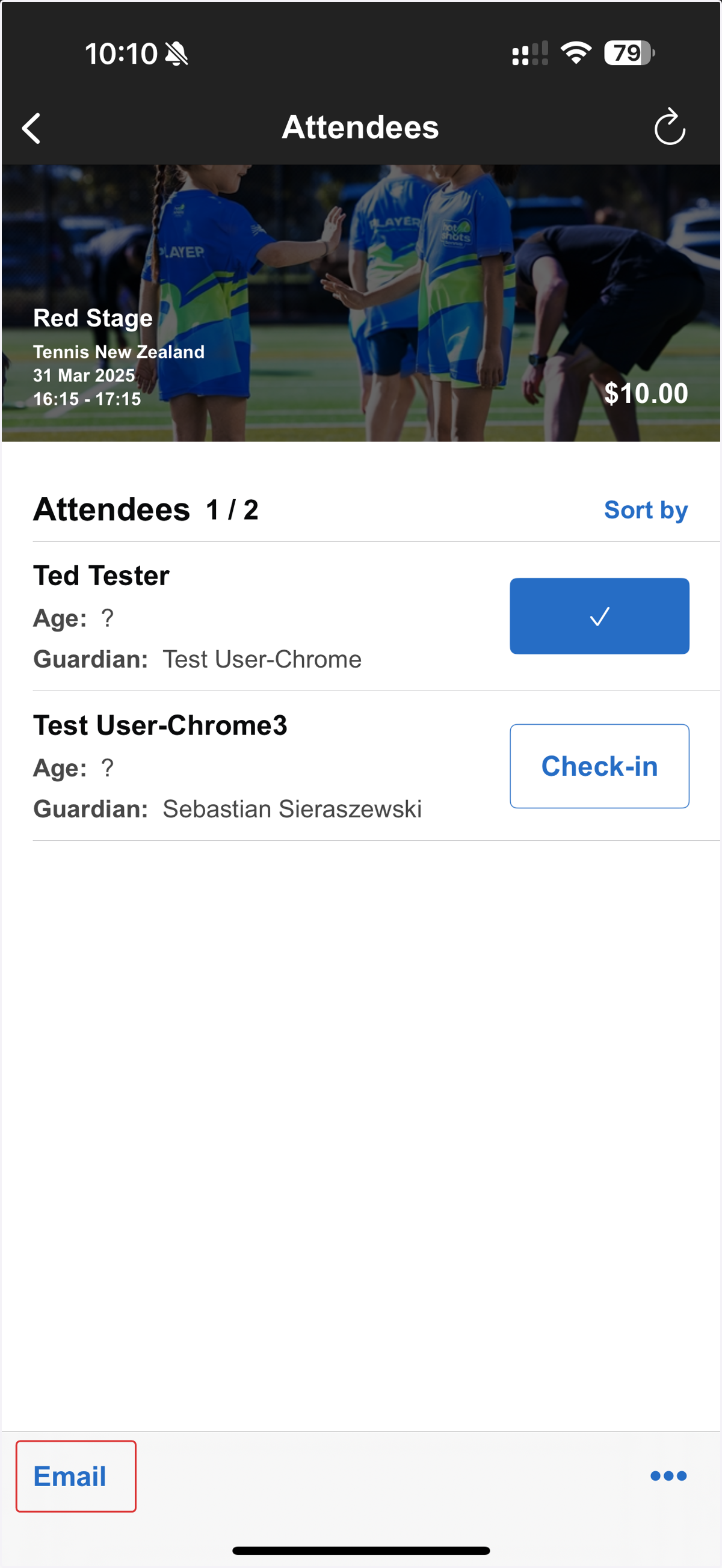
3. Tap Email on the bottom left.
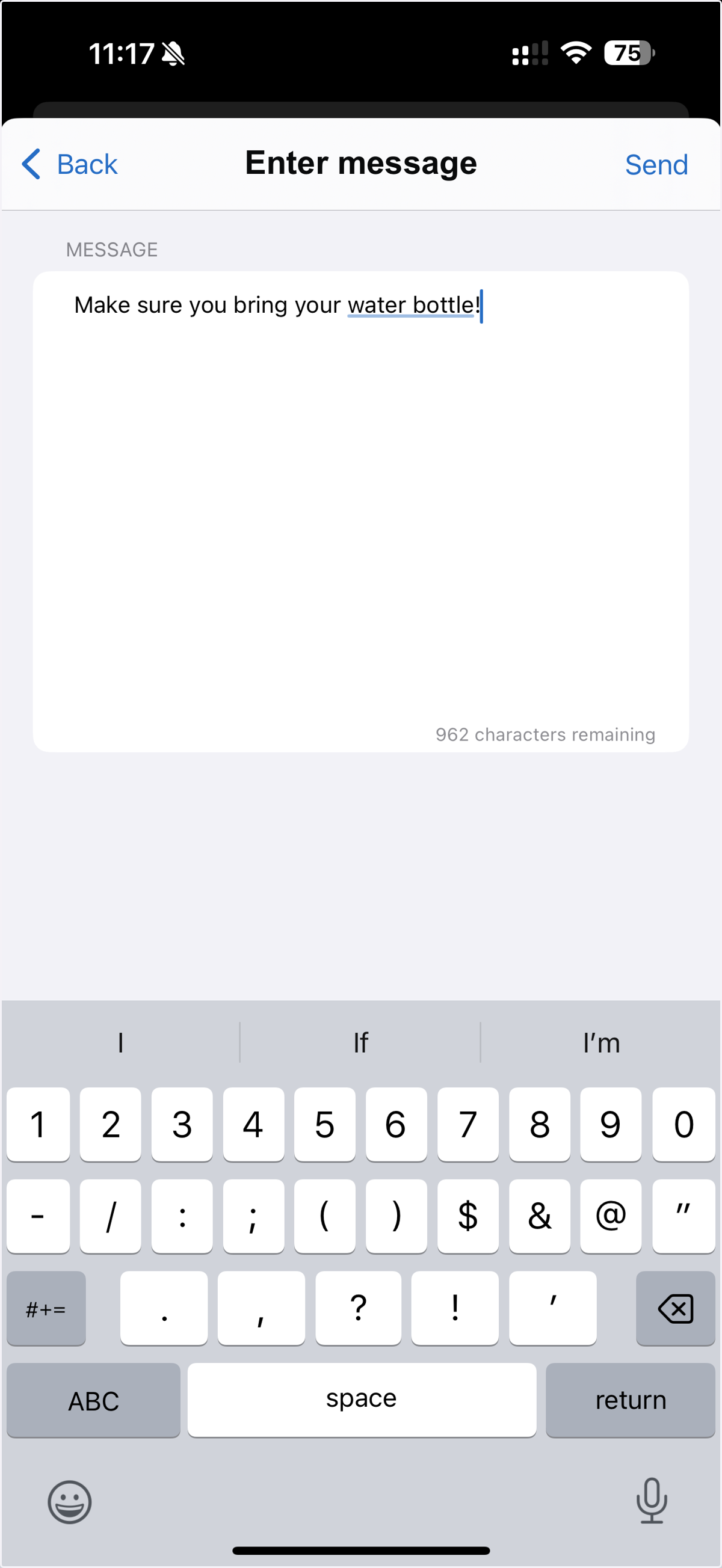
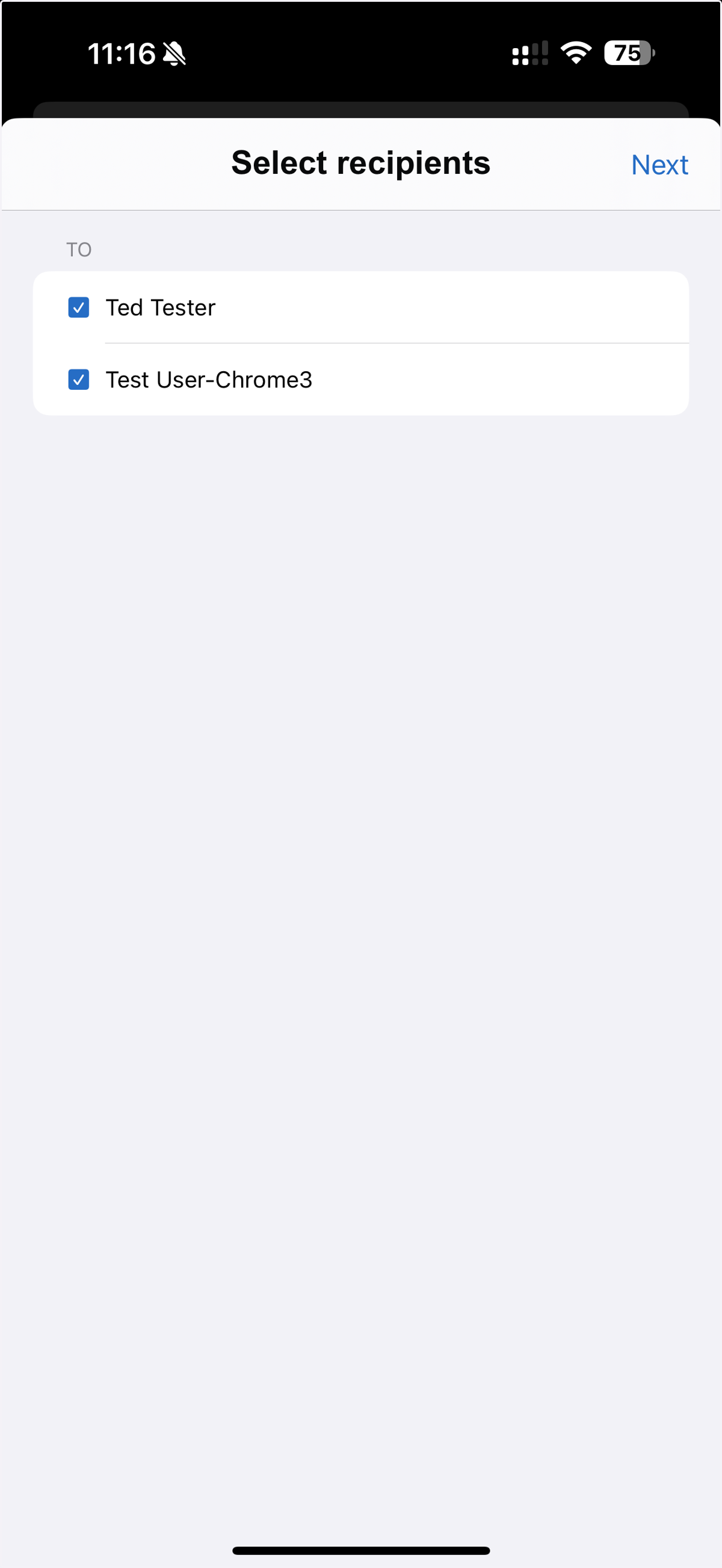
4. All recipients are selected by default, although you can untick if you would like to send to specific recipients
5. Enter message and tap send.
1,000 Characters Max